
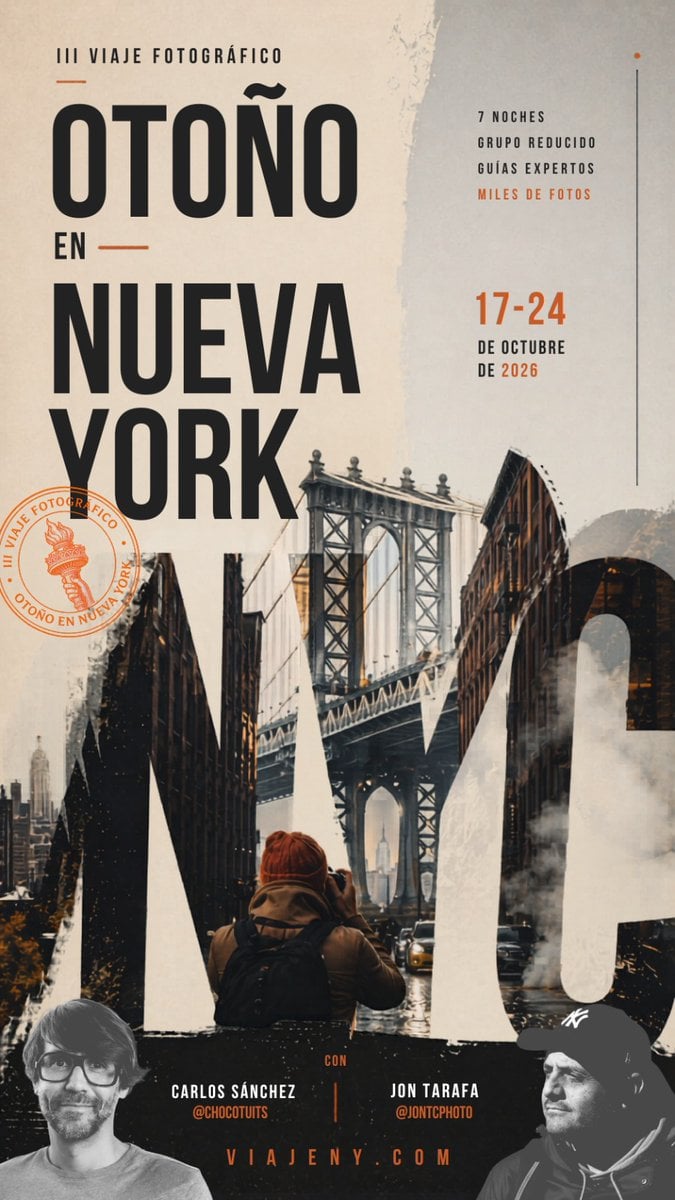
Autumn in New York Travel Poster
This prompt generates a dramatic vertical Spanish-language poster for a New York autumn photography trip, ideal for travel promotions, workshops, and social media ads.
- Prompt included
- Model and format preset
- Free template
The prompt behind this image
Copy the exact prompt behind Autumn in New York Travel Poster, or open it in the studio and make it yours.
A vertical editorial-style travel poster in Spanish for a {argument name="trip type" default="III viaje fotográfico"} titled “OTOÑO EN NUEVA YORK,” designed with a sophisticated urban autumn mood and a premium photography-workshop aesthetic. Use a tall mobile-friendly poster layout with a warm off-white, beige, charcoal, and burnt orange palette. The composition is dominated by oversized condensed black sans-serif typography on the left: small text at the top reading “III VIAJE FOTOGRÁFICO,” then the huge stacked headline “OTOÑO” on top, a smaller “EN” with short horizontal orange lines on both sides, and below it the huge stacked words “NUEVA YORK.” On the right side, place a narrow informational column with exactly 4 short benefit lines in uppercase: “7 NOCHES”, “GRUPO REDUCIDO”, “GUÍAS EXPERTOS”, and “MILES DE FOTOS” with the last line in orange. Below that, add the dates in large orange numbers “17-24” and beneath in black uppercase “DE OCTUBRE” and “DE 2026.” Add a thin vertical line near the far right edge and a tiny orange dot at the top. Integrate a moody New York street photo collage into the lower half and through the typography, centered on the Manhattan Bridge framed by dark brick buildings, wet streets, a few cars, steam rising from the roadway, and a lone photographer seen from behind in the foreground wearing a rust-orange beanie and a backpack, holding a camera toward the bridge. Let giant cropped letterforms from “NYC” or similarly bold graphic shapes blend with the city imagery across the bottom half, creating a layered double-exposure poster effect. Add distressed paper textures, rough torn-edge overlays, brushy white paint textures, and subtle grunge for a handcrafted editorial finish. On the left lower-mid area, place a circular orange stamp containing a small Statue of Liberty torch icon and the curved text “III VIAJE FOTOGRÁFICO · OTOÑO EN NUEVA YORK.” Along the bottom, create a dark band with 2 presenter credits, one left and one right, separated by a thin vertical orange line: left “CARLOS SÁNCHEZ” with “@CHOCUTUTS” in orange below, right “JON TARAFA” with “@JONTCPHOTO” in orange below. Centered at the very bottom, add the website “VIAJENY.COM” in spaced orange uppercase letters. Include 2 partially cropped grayscale portrait cutouts in the bottom corners, one on the left and one on the right, blending into the dark footer area. Overall style: cinematic travel advertisement, contemporary magazine poster, bold typographic hierarchy, layered collage, gritty New York autumn atmosphere, high contrast, elegant and dramatic.
How to use Autumn in New York Travel Poster in 3 steps
- 1Upload ImagePNG, JPG or paste
Add your photo
Upload the photo the template builds on. The prompt, model and format are already set.
- 2…a portrait of your subject in softgolden-hour light, 85mm…
Personalize
Edit the subject and creative details for your destination.
- 3Generate
Generate
Press Generate — your image is created in PicX Studio, so you can compare it with the original and refine one variable at a time.
More like this
Templates with the same subject, style or setup. Open one to see its prompt.

Japan Travel Brochure Poster

Clay Miniature Landmark Travel Diorama

Spider-Man Night Swing New York Cinematic

City Posters by Nano Banana Pro

Cartoon TV Show Poster Pack

Trendy Cafe Drink Promo Poster

Urban Fashion Editorial Collage Streetwear Poster

Premium Fashion Editorial Cover Layout System

Polo Ralph Lauren Luxury American Heritage Fashion Campaign

Monochrome Halftone Editorial Fashion Poster

Retro Mirror Luxury Fashion Campaign Poster

Luxury Fashion Campaign Typography Poster System
Make it yours
Autumn in New York Travel Poster works as-is. These are the safest ways to change it without losing the look.
Change one field
Copy a single group, rewrite it, and generate again so you can see what that field is doing.
Keep the frame, change the subject
Hold the composition and light of Autumn in New York Travel Poster, then swap wardrobe, props or the person for a new take.
| If the result… | Why | Fix |
|---|---|---|
| The result drifts from the preview | Too many fields changed at once. | Reuse Autumn in New York Travel Poster as-is first, then change one group — subject, light, or setting. |
| The model over-stylizes the scene | The prose prompt leaves finish and camera underspecified. | Add one camera or lighting sentence and stay on GPT Image 2. |
More GPT Image 2 templates
Other prompts made for GPT Image 2.

Six VTuber Japanese Logo Sheet

Realistic Portrait of Woman and Deer

The Vista Modular Condo Poster

AI Model Routing Comparison Infographic

2.5D Anime Art Board

Isometric Productivity Desk Scene

New York Double Exposure Poster

Four-Panel AI Landscape Comparison

Japanese Tatami Lifestyle Magazine Cover

NESCAFÉ Coffee Map Poster
More image prompts
Fresh picks from across the catalog.
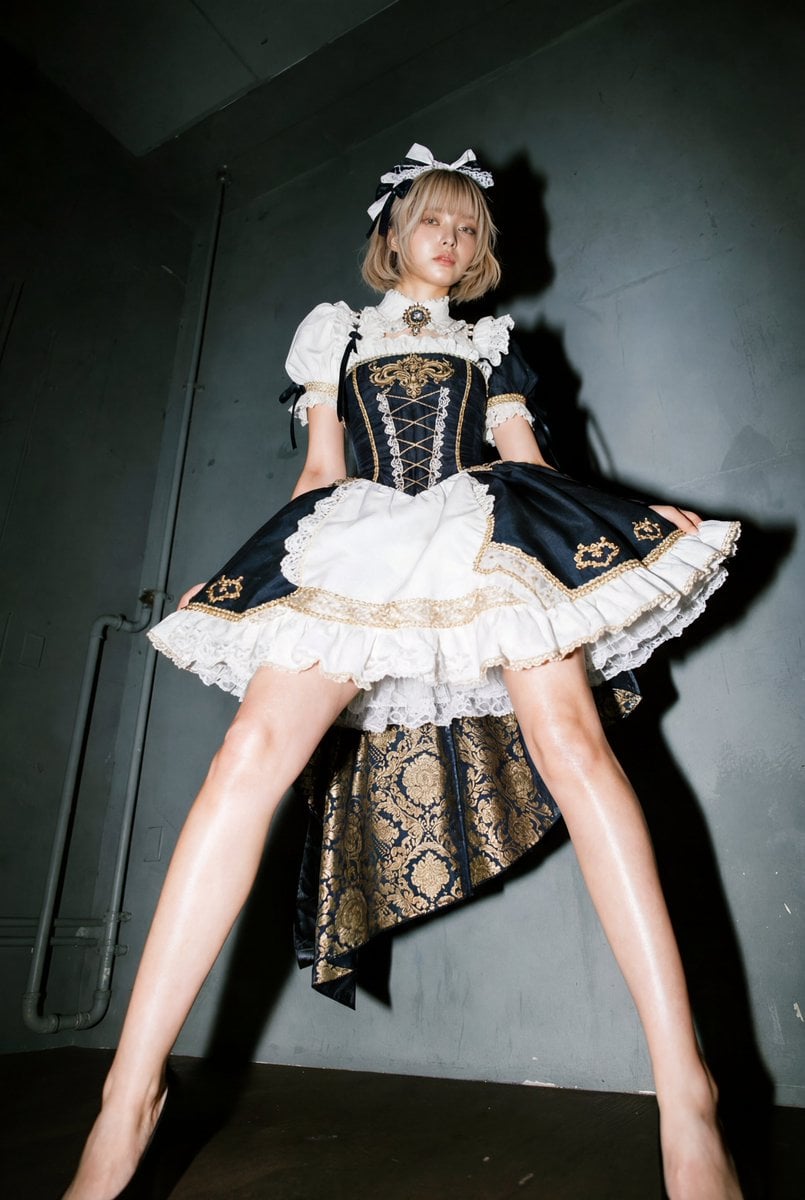
Exaggerated Long Legs Image Generation Prompt (Seedream 4.5)
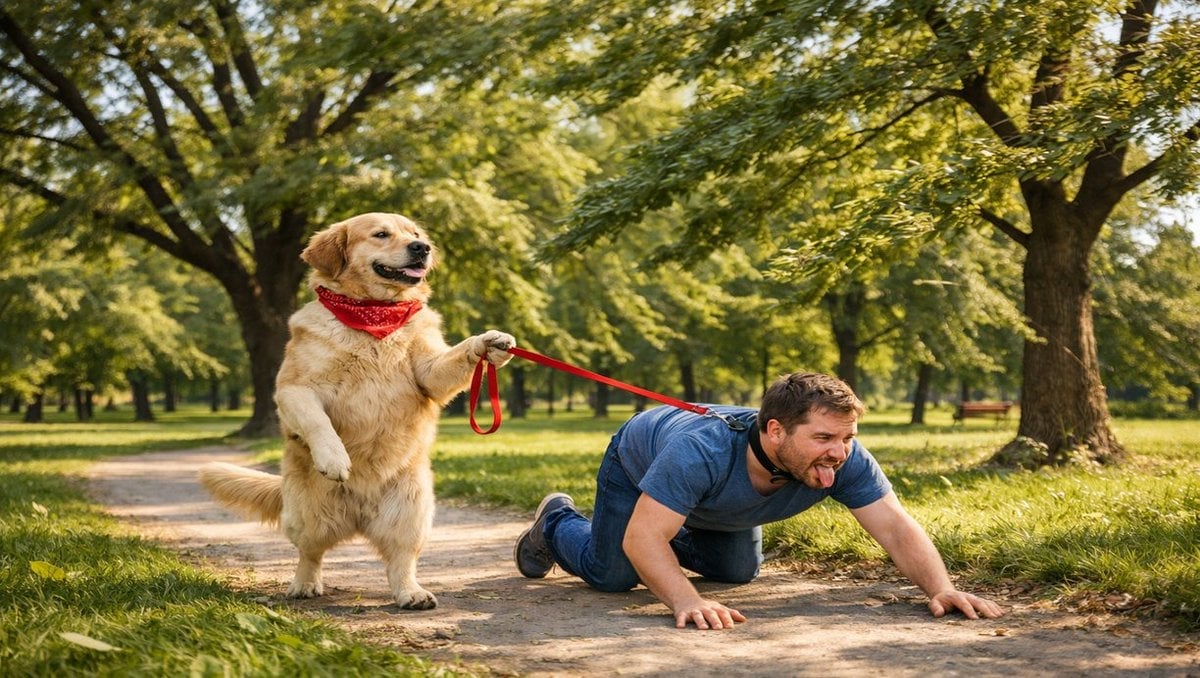
Opposite of Normal Relations: Dog Walking a Human

Soft 3D App Feature Icon Grid
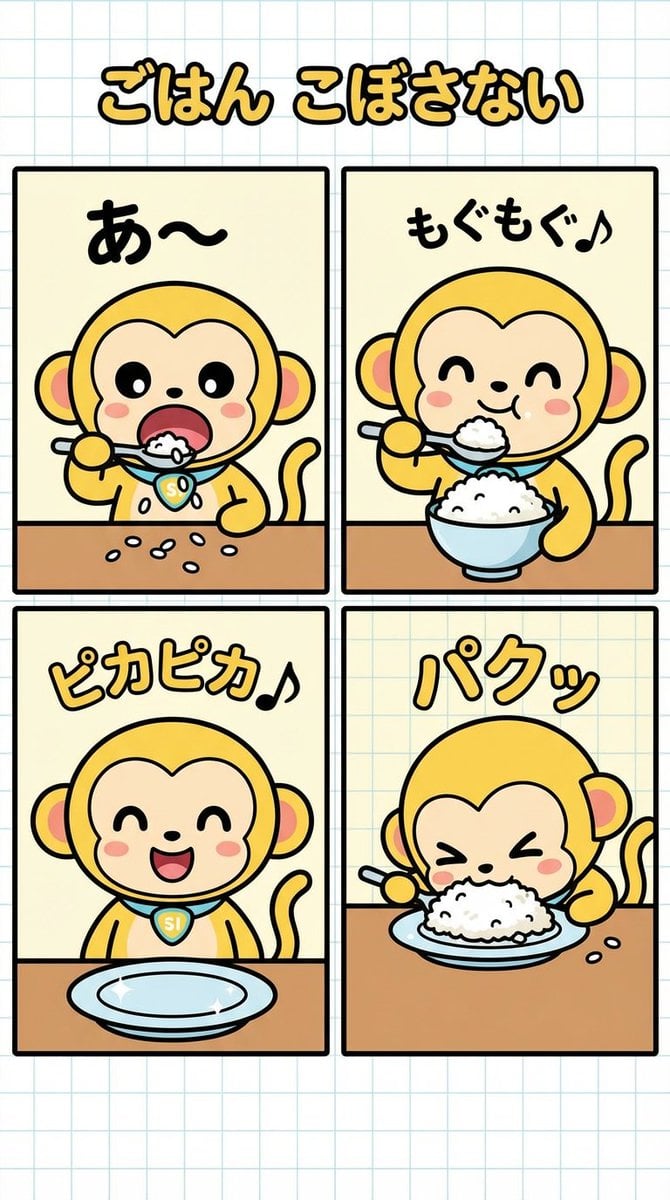
Four-Panel Manga Creation: Don't Spill Your Rice
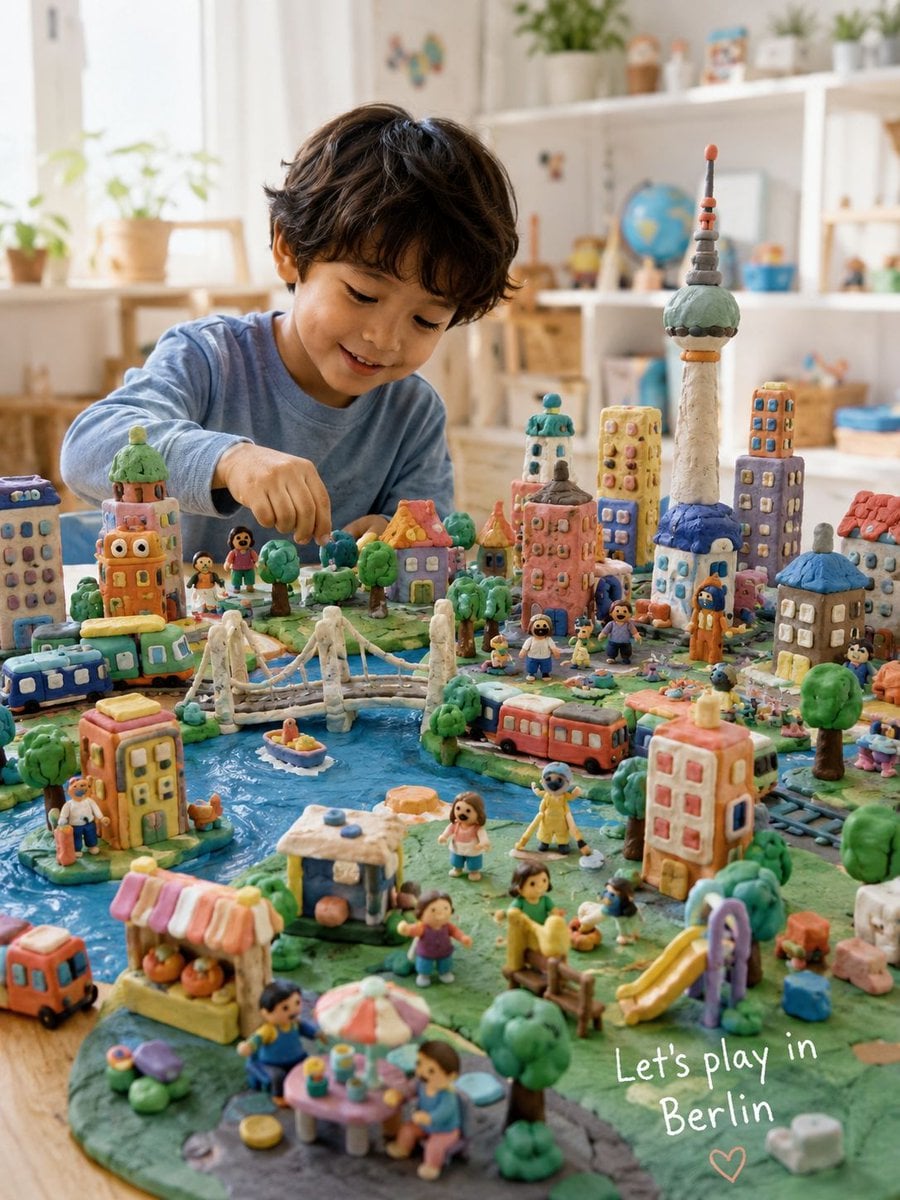
Handmade Play-Doh City Scene
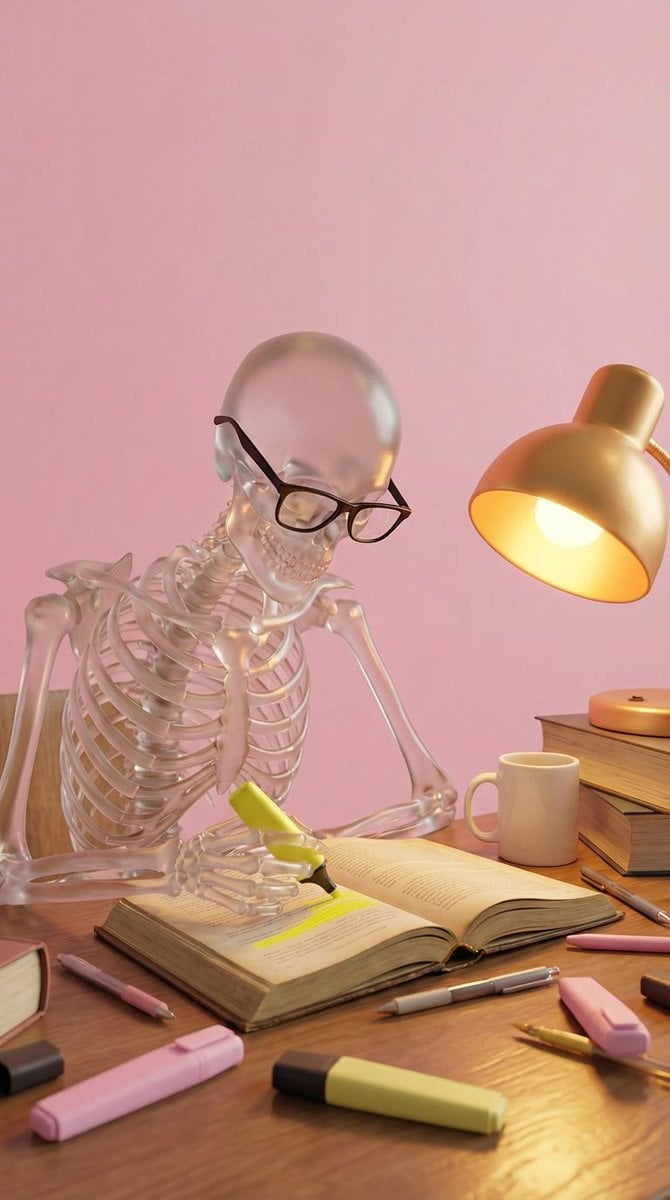
Glass Skeleton Study Aesthetic
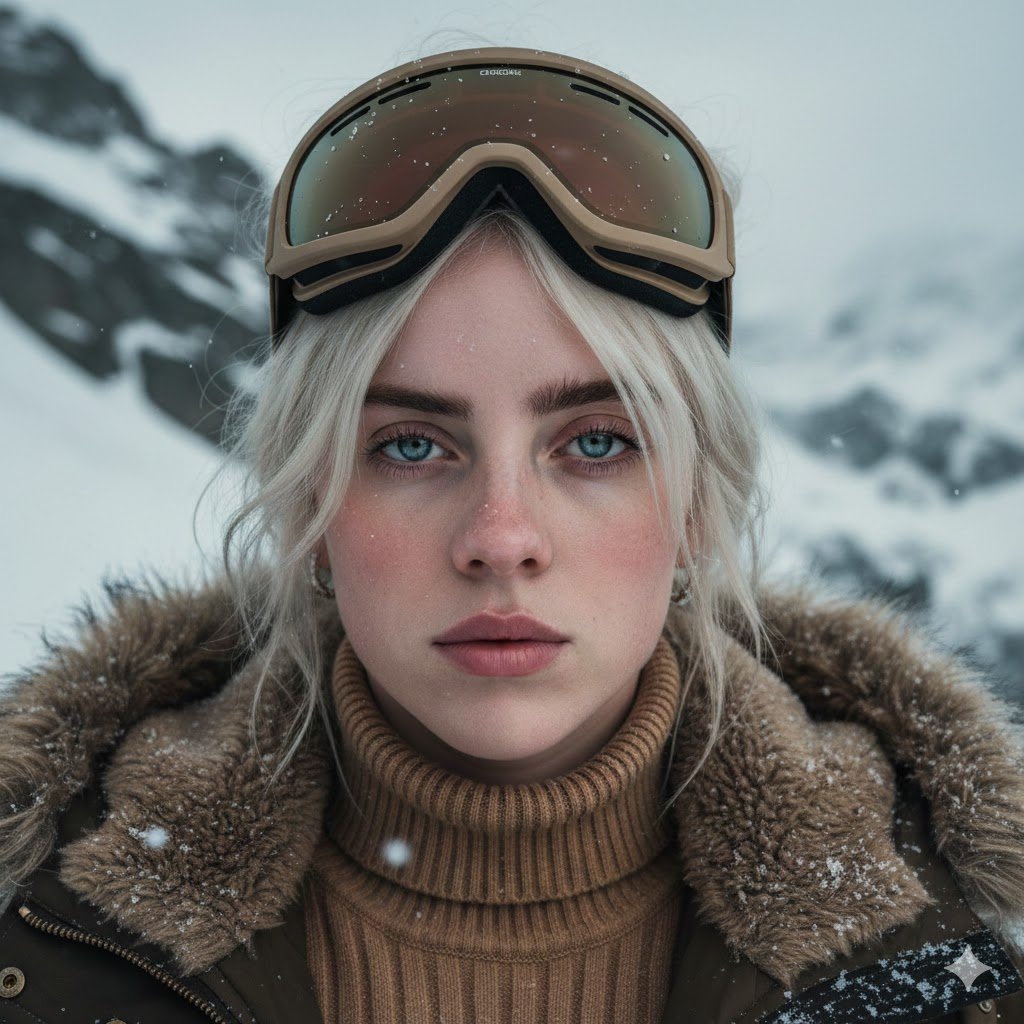
Cinematic Alpine Portrait (Duplicate)

Zero-Gravity Space Maid Cafe Portrait
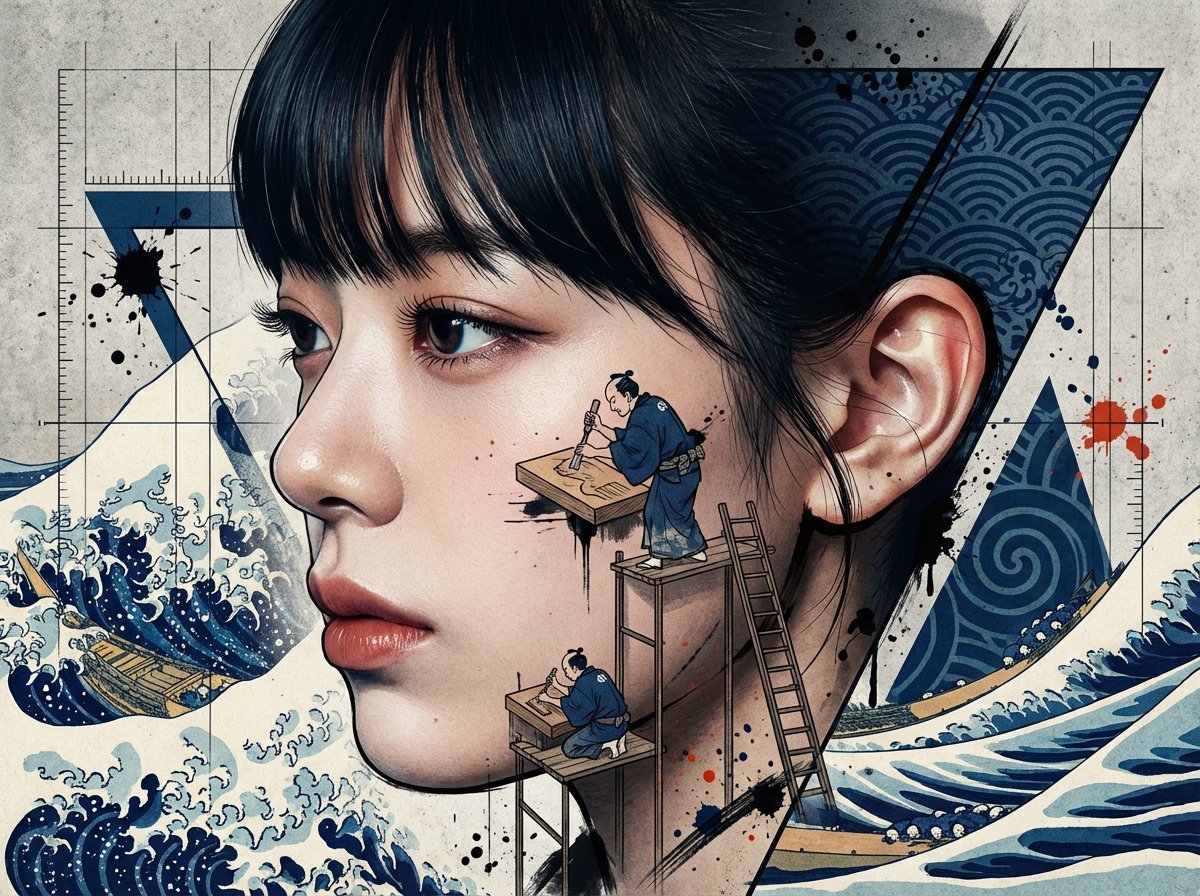
Photorealistic Portrait with Ukiyo-e and Industrial Fusion
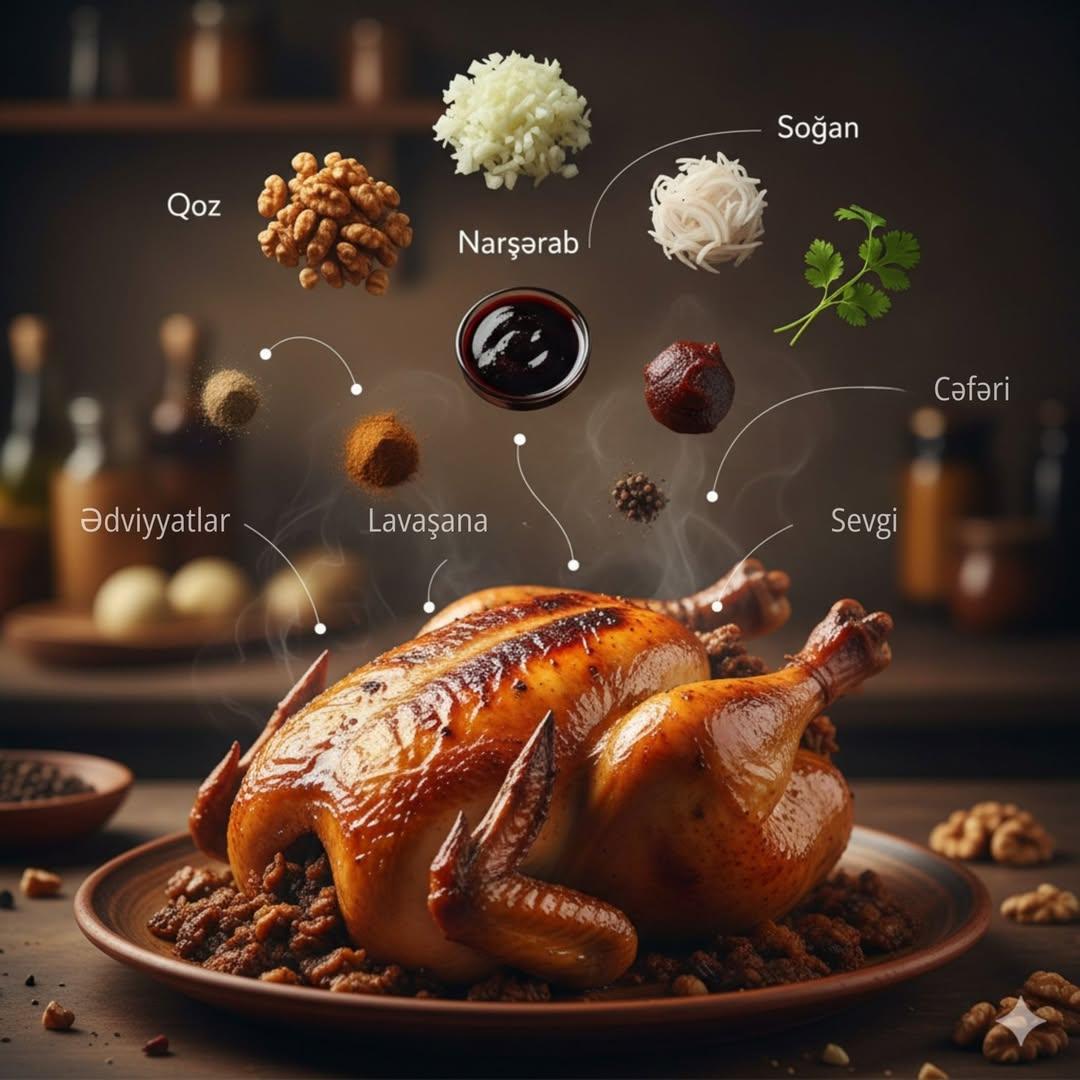
Cinematic Food Infographic of Levengi Chicken
Browse template categories
Autumn in New York Travel Poster questions
How do I use the Autumn in New York Travel Poster template?
Add your photo if the template asks for one, edit the prompt if you like — the template's model and format are already selected — and press Generate. Your version opens in PicX Studio.
Can I customize the Autumn in New York Travel Poster template?
Yes. You can change the subject, setting, lighting, mood, format, and available model controls before creating your image.
Is the Autumn in New York Travel Poster template free?
Opening and editing this template is free. Generating uses credits, shown on the Generate button when you are signed in.
Which AI model should I use?
Start with GPT Image 2, which is the model associated with this template. You can compare another compatible model for a different finish.
Looking for something else? Browse all templates.

Your photo, any look
Thousands of ready templates for every top image and video model, from one credit balance.