
Soft 3D App Feature Icon Grid
Generates a clean two-row grid of eight pastel neumorphic 3D app shortcut icons for mobile homepage feature areas.
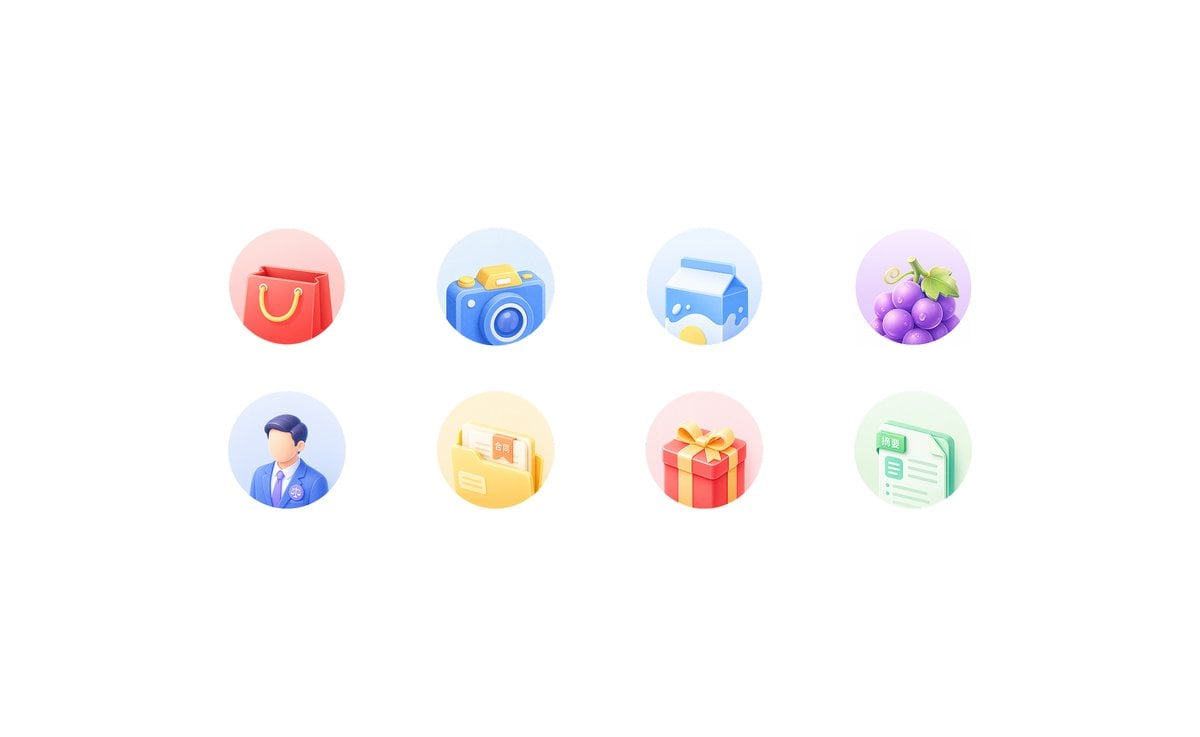
- Prompt included
- Model and format preset
- Free template
The prompt behind this image
Copy the exact prompt behind Soft 3D App Feature Icon Grid, or open it in the studio and make it yours.
Goal: Create a clean light-neumorphic app shortcut icon set on a white background, suitable for a mobile app feature grid or homepage “king kong area”. Canvas: Wide horizontal canvas, approximately 16:9, pure white background with generous empty margins. Center the icon group horizontally and vertically with lots of whitespace. Layout: Arrange exactly 8 circular feature icons in a 4-column by 2-row grid. Use even spacing, with each icon inside a soft pastel circular disc about the same size. No titles under the icons. Icon style: Soft 3D clay/neumorphic rendering, rounded edges, glossy highlights, subtle ambient occlusion, gentle shadows, pastel gradients, miniature toy-like objects, clean commercial UI style. Each circular background should be a faint pastel gradient matching the icon color. Use high-key lighting from the upper left, no harsh outlines, no dark background. Icon count and subjects, left to right: 1. Red shopping bag with yellow rope handles on a pale pink circle. 2. Blue camera with yellow shutter button and circular lens on a pale blue circle. 3. Blue-and-white milk carton with a yellow splash graphic on a pale blue circle. 4. Purple grapes with green leaves and tendril on a pale lavender circle. 5. Faceless male professional avatar wearing a blue suit, white shirt, purple tie, and small circular badge on a pale blue circle. 6. Yellow document folder containing papers, one paper visibly labeled 「合同」, on a pale yellow circle. 7. Red gift box with yellow ribbon and bow on a pale pink circle. 8. Mint-green document sheet with checklist lines, a tab visibly labeled 「摘要」, on a pale green circle. Customization: The icon set should represent {argument name="app category" default="general lifestyle and services"}; keep the visible Chinese labels exactly as {argument name="folder label" default="合同"} and {argument name="document label" default="摘要"} if text is included. Constraints: Generate only the 8 icons described above, no extra icons, no captions, no watermark, no frame, no mockup device, no people beyond the single faceless avatar icon, and preserve the airy white composition.
How to use Soft 3D App Feature Icon Grid in 3 steps
- 1Upload ImagePNG, JPG or paste
Add your photo
Upload the photo the template builds on. The prompt, model and format are already set.
- 2…a portrait of your subject in softgolden-hour light, 85mm…
Personalize
Edit the subject and creative details for your destination.
- 3Generate
Generate
Press Generate — your image is created in PicX Studio, so you can compare it with the original and refine one variable at a time.
More like this
Templates with the same subject, style or setup. Open one to see its prompt.

Cute 3D App Mascot Icon Grid
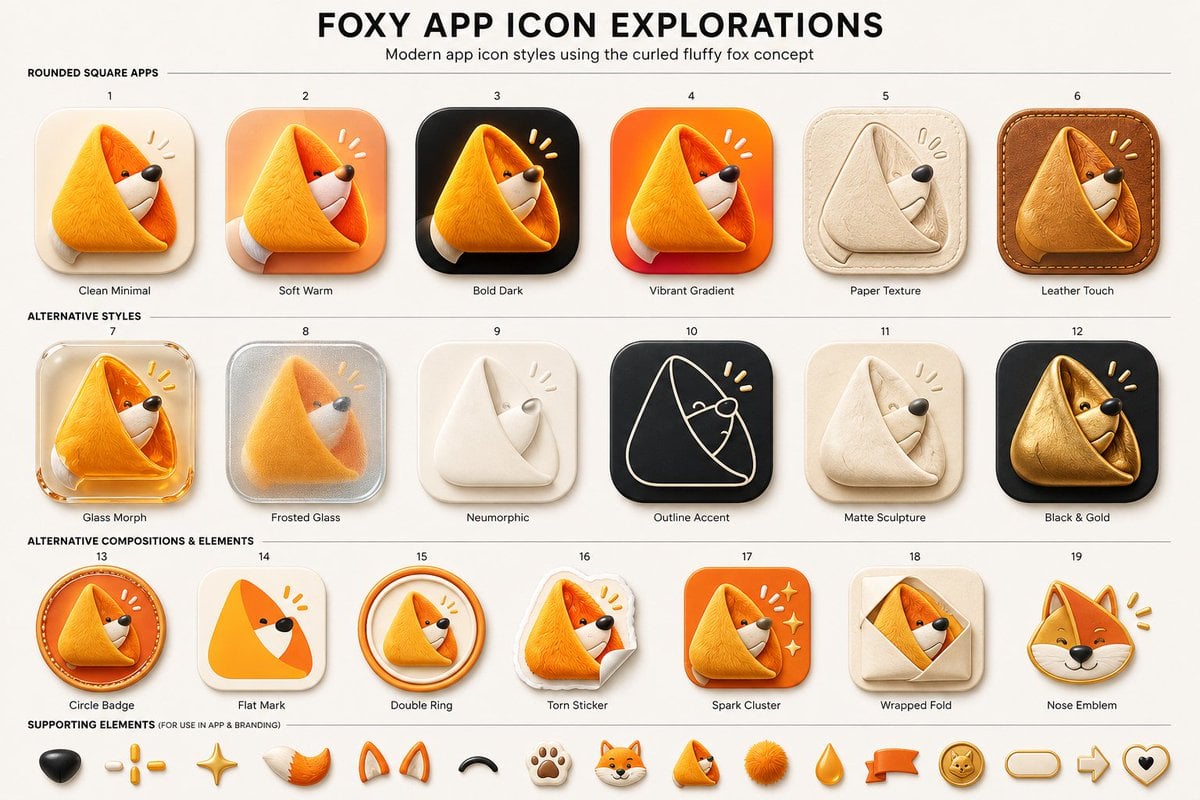
Foxy App Icon Exploration Board

A premium centered in the frame, iconic packaging partially unwrapped
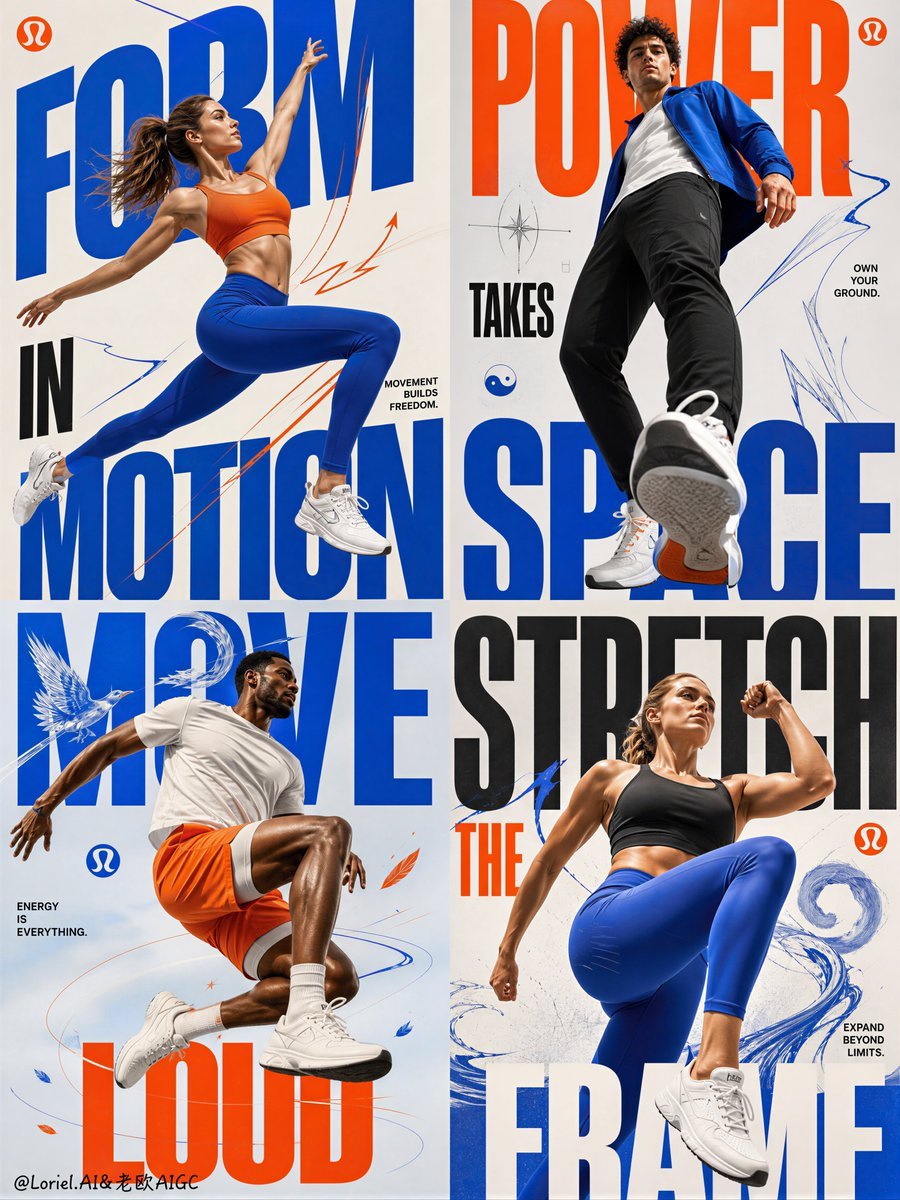
Fitness Apparel Grid Campaign Poster

Soft Handcrafted Paper-Cut Layered Illustration

Watercolor Anim Finale Fireworks

Watercolor Anim Garden Maze

Watercolor Anim Rooftop Concert

Watercolor Anim Bicycle Coast

Watercolor Anim Castle Gate

Watercolor Anim Kitchen Chaos

Watercolor Anim Carnival Ride
Make it yours
Soft 3D App Feature Icon Grid works as-is. These are the safest ways to change it without losing the look.
Change one field
Copy a single group, rewrite it, and generate again so you can see what that field is doing.
Keep the frame, change the subject
Hold the composition and light of Soft 3D App Feature Icon Grid, then swap wardrobe, props or the person for a new take.
| If the result… | Why | Fix |
|---|---|---|
| The result drifts from the preview | Too many fields changed at once. | Reuse Soft 3D App Feature Icon Grid as-is first, then change one group — subject, light, or setting. |
| The model over-stylizes the scene | The prose prompt leaves finish and camera underspecified. | Add one camera or lighting sentence and stay on GPT Image 2. |
More GPT Image 2 templates
Other prompts made for GPT Image 2.

Six VTuber Japanese Logo Sheet

Realistic Portrait of Woman and Deer

The Vista Modular Condo Poster

AI Model Routing Comparison Infographic

2.5D Anime Art Board

Isometric Productivity Desk Scene

New York Double Exposure Poster

Four-Panel AI Landscape Comparison

Japanese Tatami Lifestyle Magazine Cover

NESCAFÉ Coffee Map Poster
More image prompts
Fresh picks from across the catalog.

3x3 Grid Character Consistency Prompt
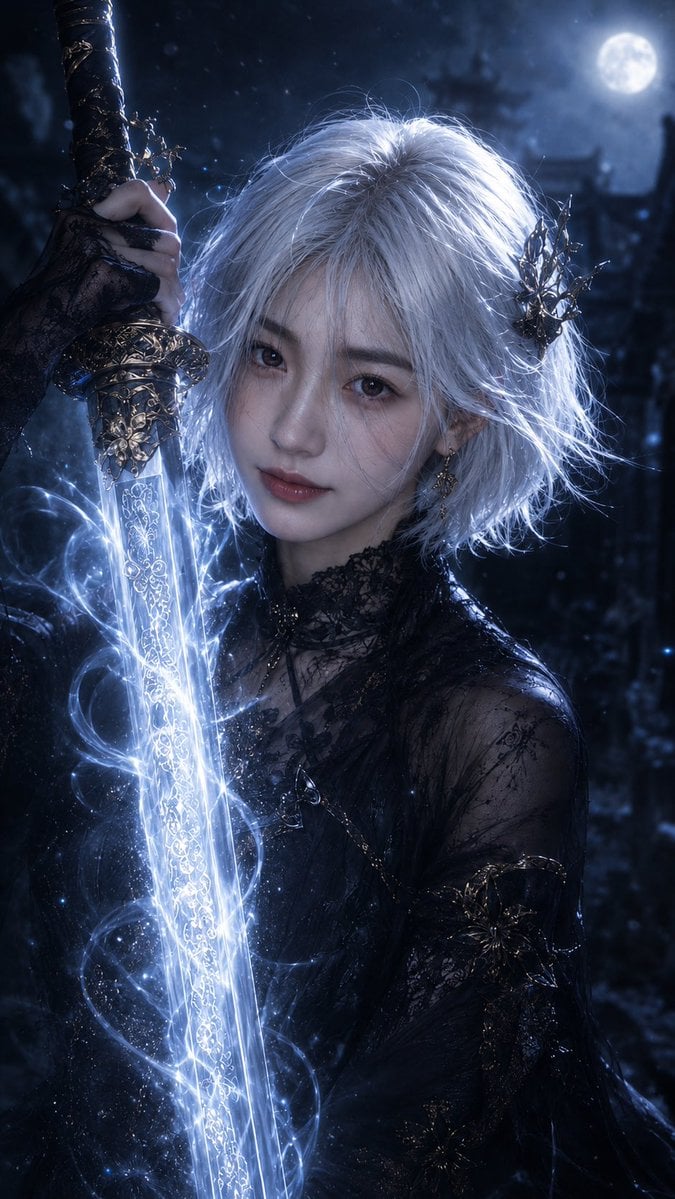
Moonlit Dark Fantasy Sword Maiden
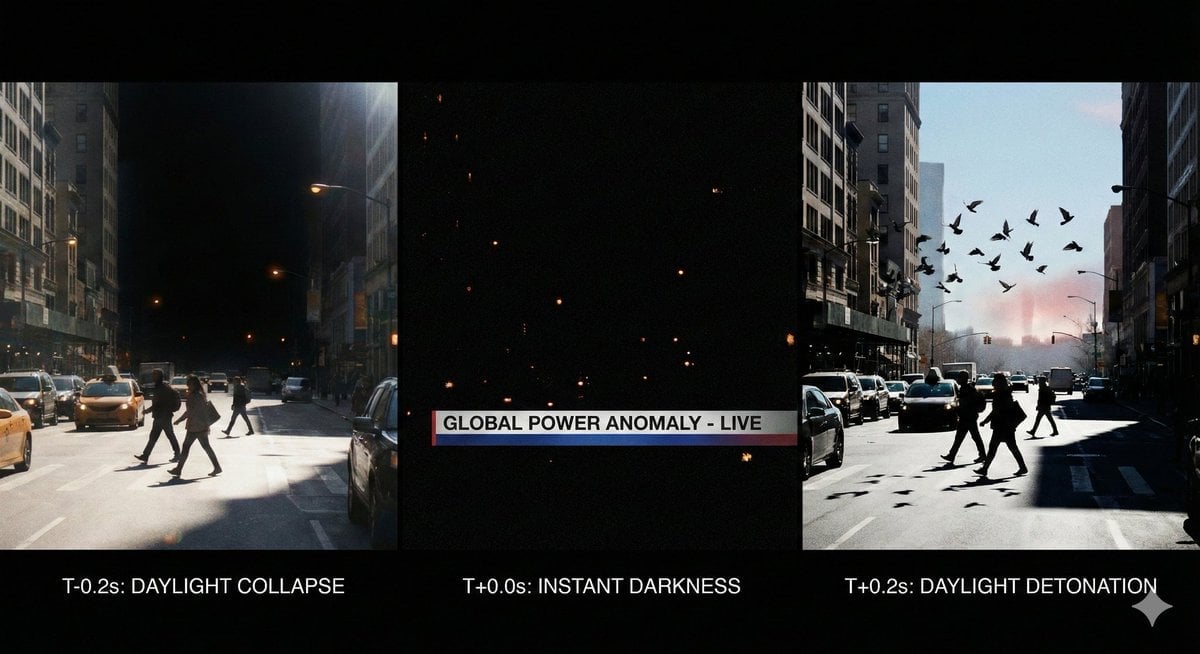
Hyper-Real 16K Documentary Shot: The Sun Flickers Off

JSON Prompt Generation for Hyper-Realistic AI Photos
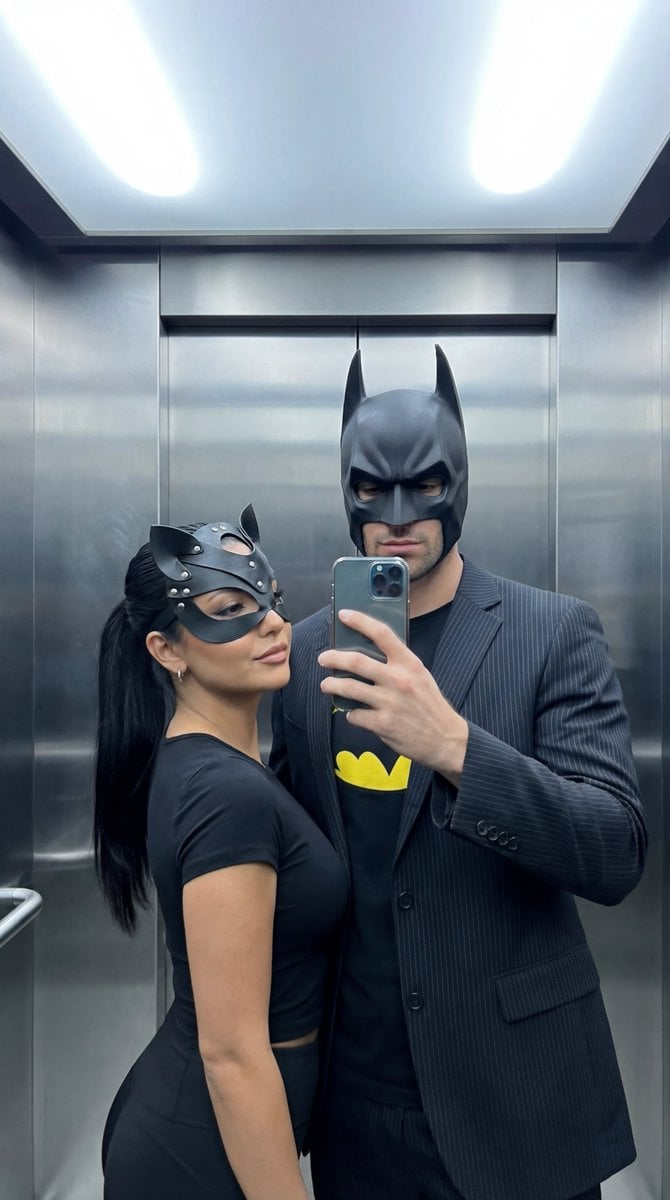
Cinematic Mirror Selfie: Batman and Catwoman Cosplay

Christmas Ornament Portrait Glossy Glass Resin Finish with Hand Painted Details Holiday Lighting
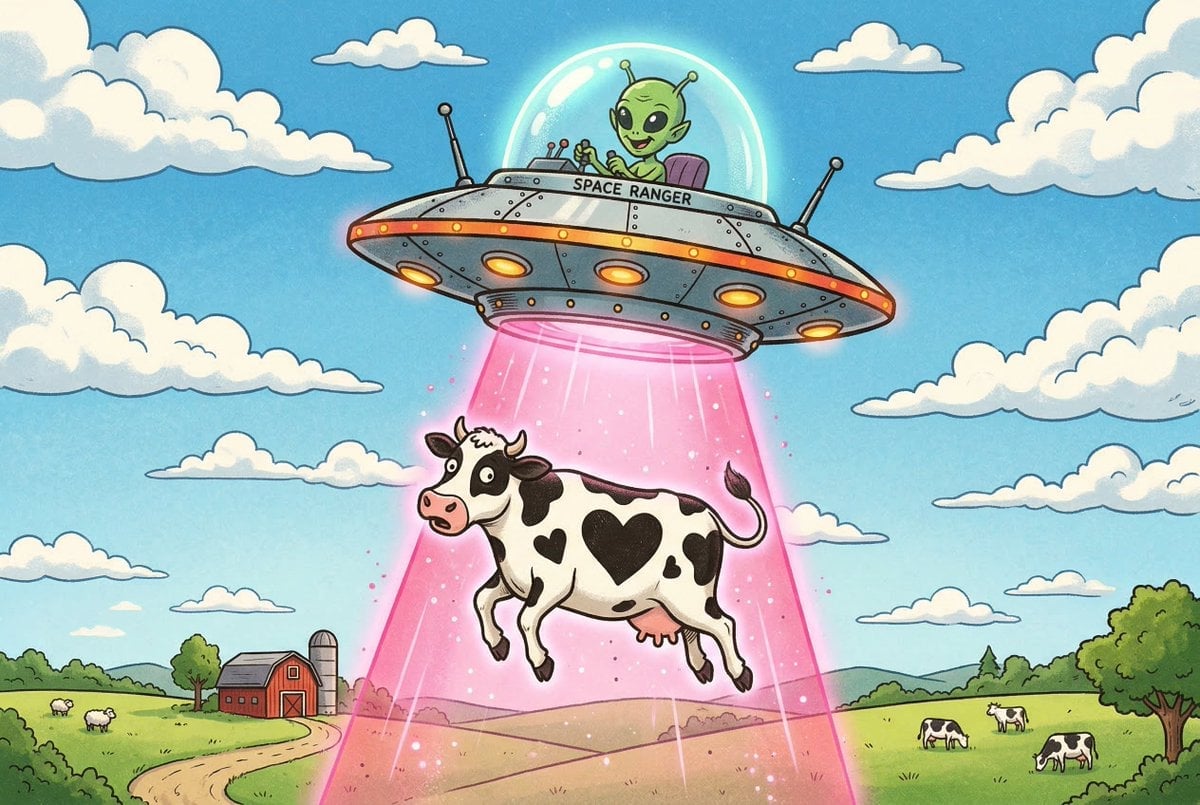
Black and White Cow Abduction by 1950s UFO
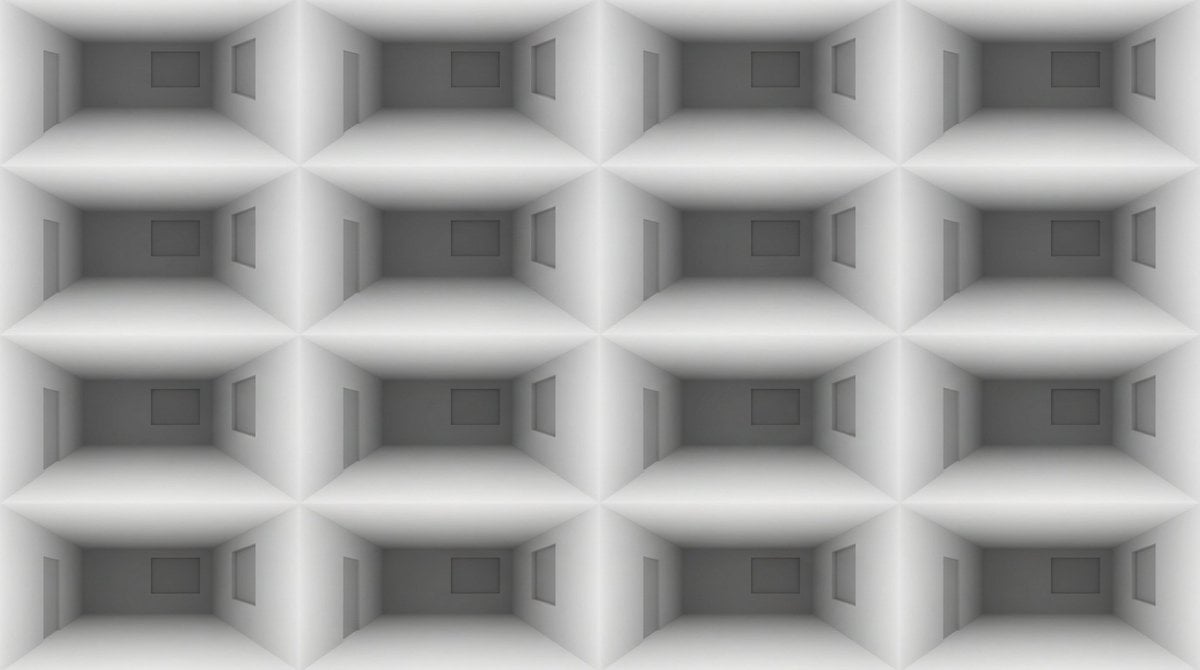
Architectural Interior Style Transformation with Depth Map Constraint
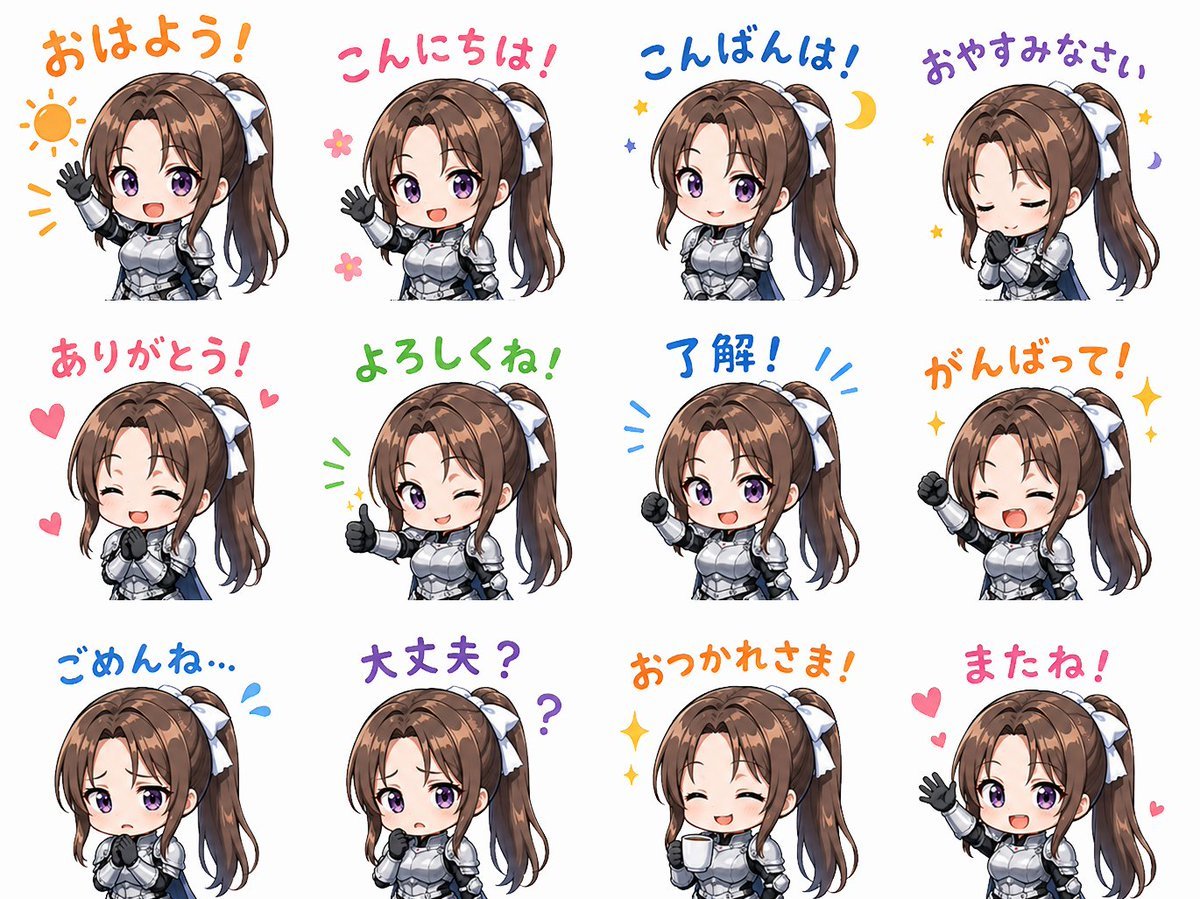
Chibi Knight Reaction Sticker Sheet
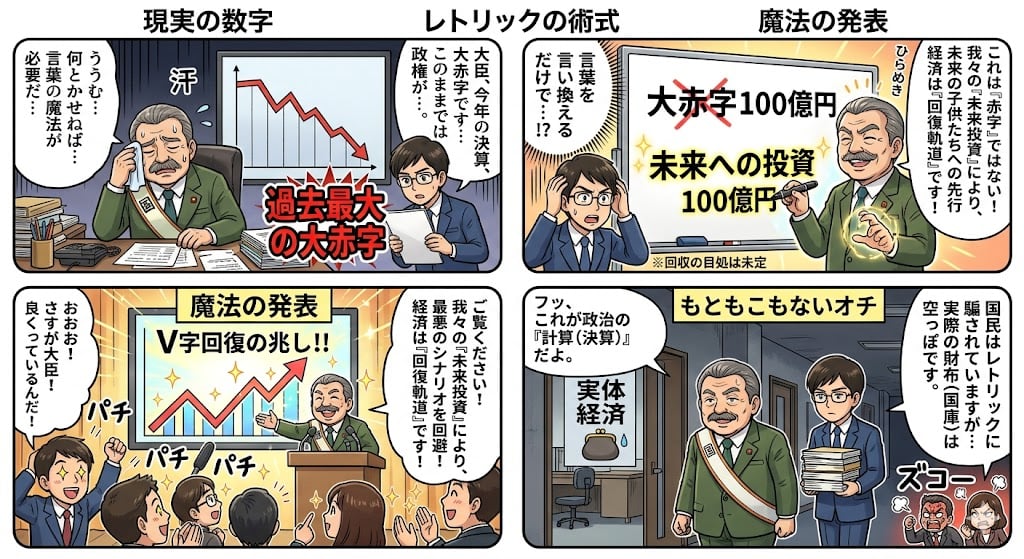
Four-Panel Manga: The Magic of Numbers
Browse template categories
Soft 3D App Feature Icon Grid questions
How do I use the Soft 3D App Feature Icon Grid template?
Add your photo if the template asks for one, edit the prompt if you like — the template's model and format are already selected — and press Generate. Your version opens in PicX Studio.
Can I customize the Soft 3D App Feature Icon Grid template?
Yes. You can change the subject, setting, lighting, mood, format, and available model controls before creating your image.
Is the Soft 3D App Feature Icon Grid template free?
Opening and editing this template is free. Generating uses credits, shown on the Generate button when you are signed in.
Which AI model should I use?
Start with GPT Image 2, which is the model associated with this template. You can compare another compatible model for a different finish.
Looking for something else? Browse all templates.

Your photo, any look
Thousands of ready templates for every top image and video model, from one credit balance.