
Moonlit Dark Fantasy Sword Maiden
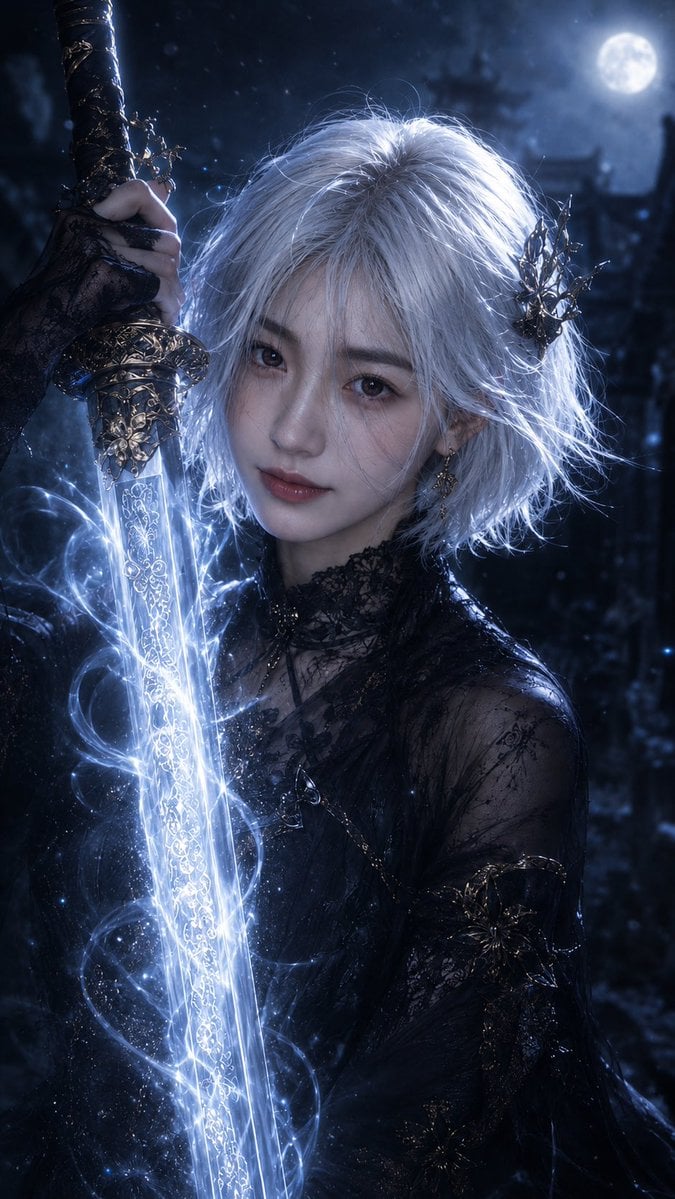
A cinematic vertical fantasy portrait of a white-haired gothic sword wielder with glowing blue magic, ideal for dark fantasy character art.
- Prompt included
- Model and format preset
- Free template
The prompt behind this image
Copy the exact prompt behind Moonlit Dark Fantasy Sword Maiden, or open it in the studio and make it yours.
Create a vertical cinematic dark fantasy portrait of {argument name="character name" default="a pale white-haired sword maiden"} standing in a moonlit gothic forest or ruined temple at night. The composition is a tight upper-body close-up: the character faces forward with her head slightly lowered, long messy silver-white hair glowing in cold moonlight, wearing an ornate black lace gothic outfit with sheer embroidered sleeves, dark metallic floral ornaments, a black lace choker, and a spiked black crown-like hair accessory on one side. Her face is intentionally hidden by one opaque muted gray square censor block centered over the eyes, nose, and mouth. She grips a vertical ornate longsword beside her face with one hand near the hilt at the upper left; the sword has a dark carved handle, an elaborate antique gold guard, and a luminous icy-blue blade covered in fine engraved filigree. Bright blue-white magical energy coils around the blade in swirling ribbons with sparks, particles, and mist. In the background, show exactly one full moon in the upper right, blurred dark trees and gothic silhouettes, drifting snow or dust motes, and deep blue-black atmospheric haze. Use high-detail photorealistic fantasy movie lighting, dramatic rim light on the hair, glowing sword illumination, shallow depth of field, high contrast, cold color grading, intricate textures, and no text or watermark. Aspect ratio 9:16.
How to use Moonlit Dark Fantasy Sword Maiden in 3 steps
- 1Upload ImagePNG, JPG or paste
Add your photo
Upload the photo the template builds on. The prompt, model and format are already set.
- 2…a portrait of your subject in softgolden-hour light, 85mm…
Personalize
Edit the subject and creative details for your destination.
- 3Generate
Generate
Press Generate — your image is created in PicX Studio, so you can compare it with the original and refine one variable at a time.
More like this
Templates with the same subject, style or setup. Open one to see its prompt.
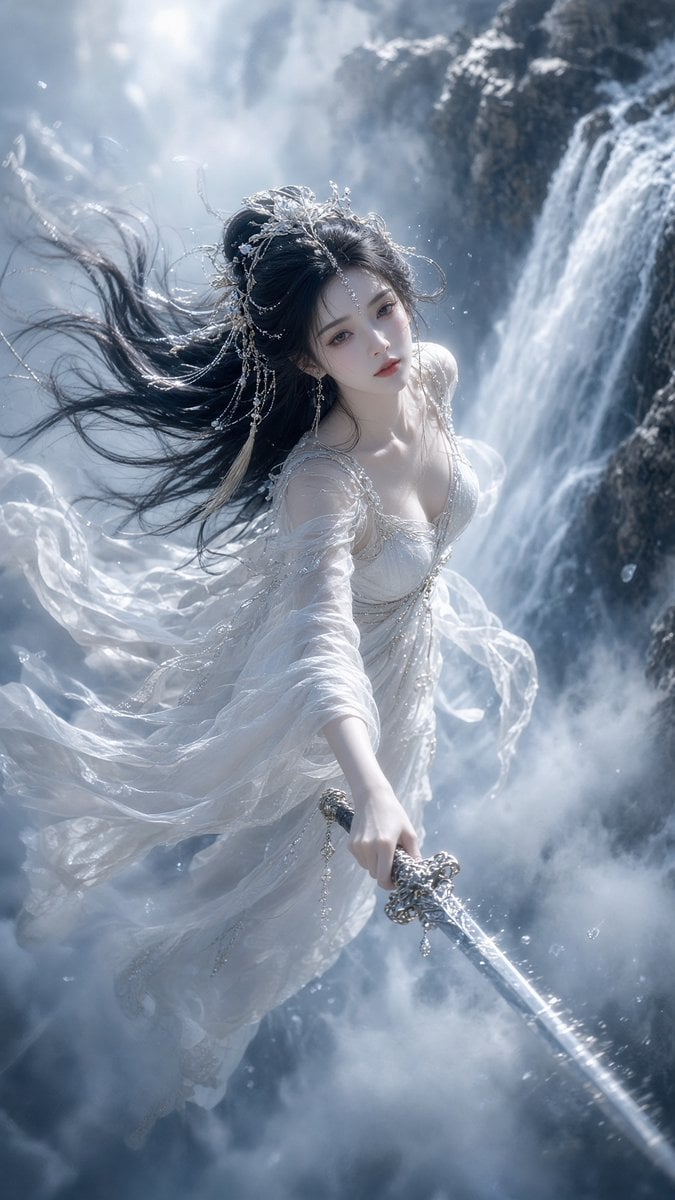
Ethereal Xianxia Sword Maiden
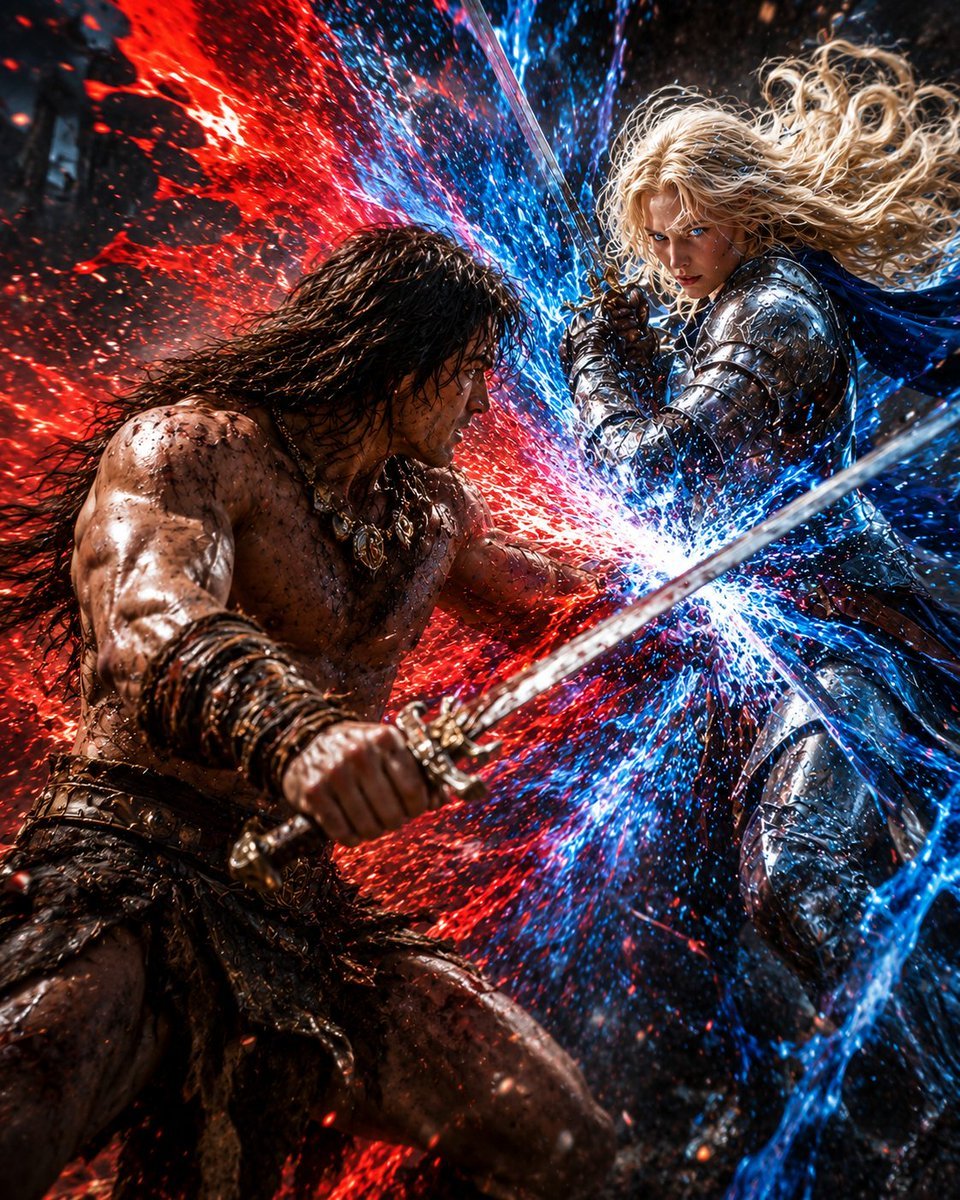
Red and Blue Fantasy Sword Clash
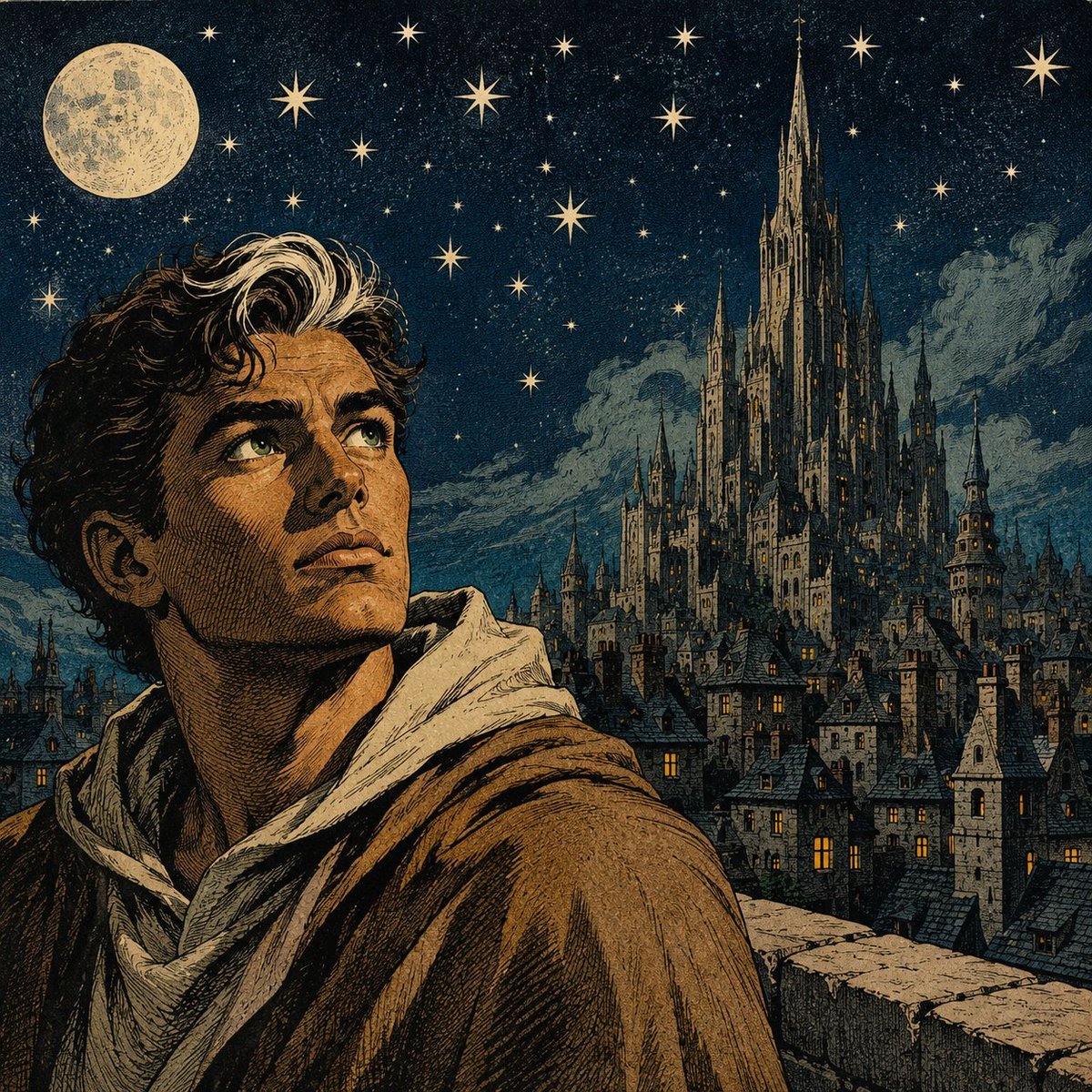
Moonlit Gothic Fantasy Traveler
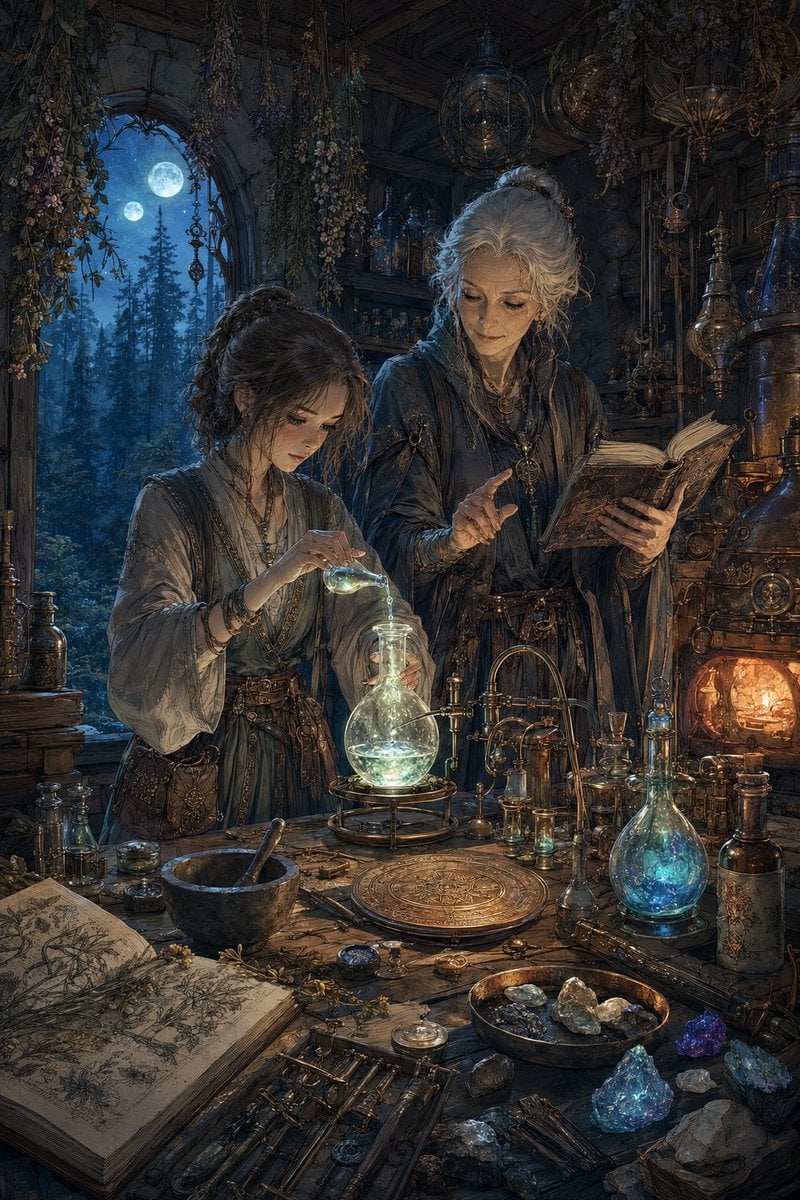
Moonlit Fantasy Alchemy Workshop
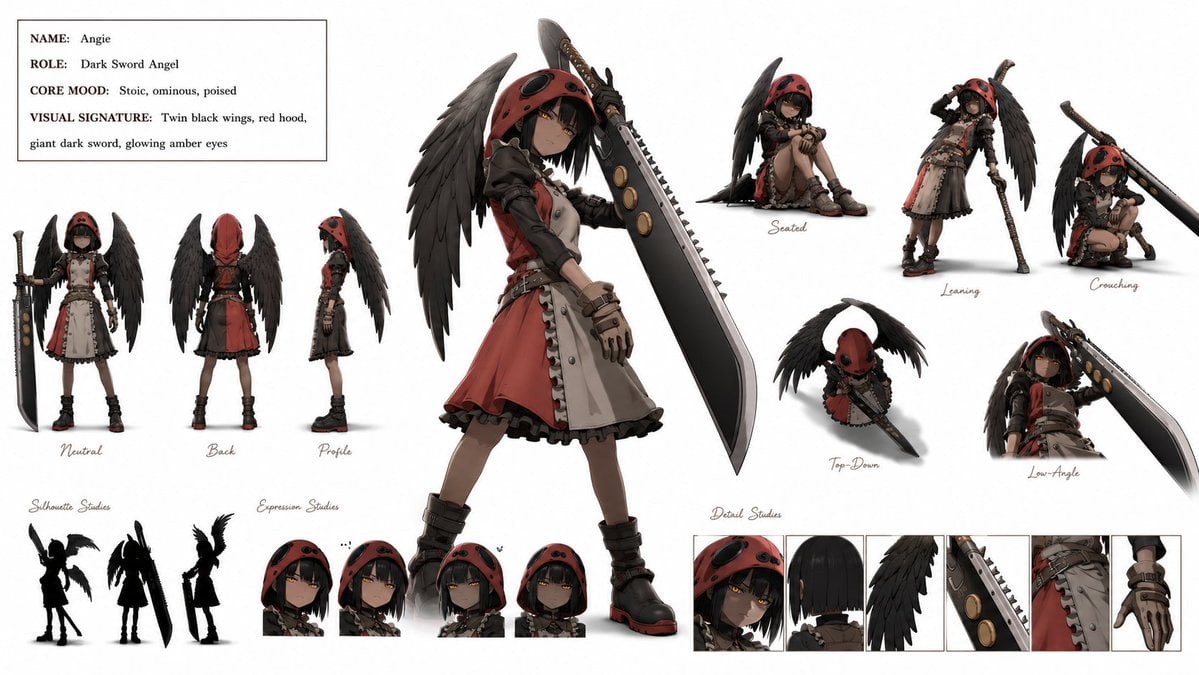
Dark Sword Angel Character Sheet

Dark Fantasy Sorceress Storyboard

Dark Fantasy Smoke Monster Transformation

Anime Fantasy Celestial Movie Poster
Anime Fantasy Celestial Movie Poster

Selective Color Monochrome Football Poster

Minecraft Fantasy Kingdom Voxel Landscape

Unfinished Sketch Comes Alive Portrait
Make it yours
Moonlit Dark Fantasy Sword Maiden works as-is. These are the safest ways to change it without losing the look.
Change one field
Copy a single group, rewrite it, and generate again so you can see what that field is doing.
Keep the frame, change the subject
Hold the composition and light of Moonlit Dark Fantasy Sword Maiden, then swap wardrobe, props or the person for a new take.
| If the result… | Why | Fix |
|---|---|---|
| The result drifts from the preview | Too many fields changed at once. | Reuse Moonlit Dark Fantasy Sword Maiden as-is first, then change one group — subject, light, or setting. |
| The model over-stylizes the scene | The prose prompt leaves finish and camera underspecified. | Add one camera or lighting sentence and stay on GPT Image 2. |
More GPT Image 2 templates
Other prompts made for GPT Image 2.

Six VTuber Japanese Logo Sheet

Realistic Portrait of Woman and Deer

The Vista Modular Condo Poster

AI Model Routing Comparison Infographic

2.5D Anime Art Board

Isometric Productivity Desk Scene

New York Double Exposure Poster

Four-Panel AI Landscape Comparison

Japanese Tatami Lifestyle Magazine Cover

NESCAFÉ Coffee Map Poster
More image prompts
Fresh picks from across the catalog.
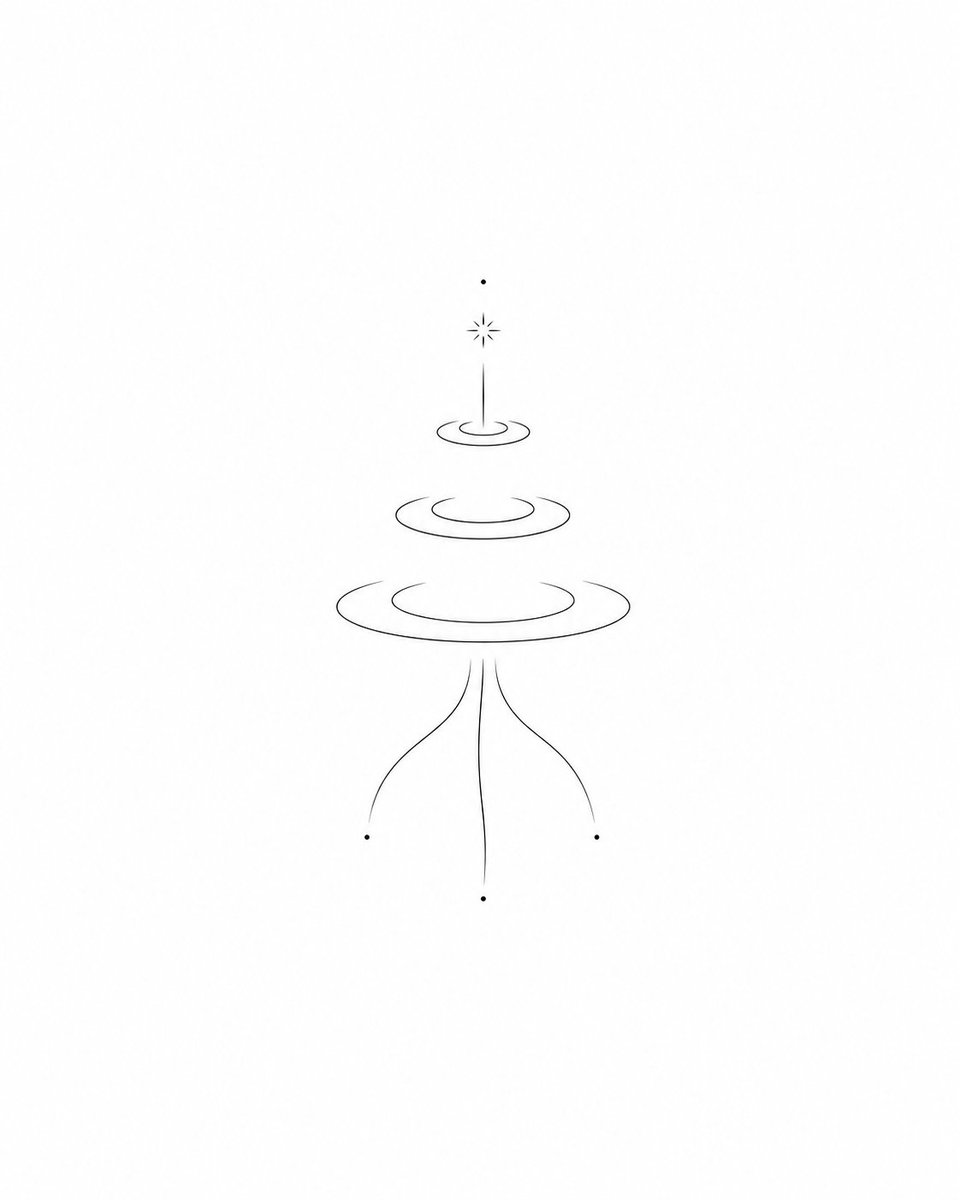
Minimalist Symbolic Tattoo Design
X Sumiturkude007 Image Description Subject

Arpeggio Bass Humanization Sheet

Pixar-Style Miniature Interaction Studio Portrait
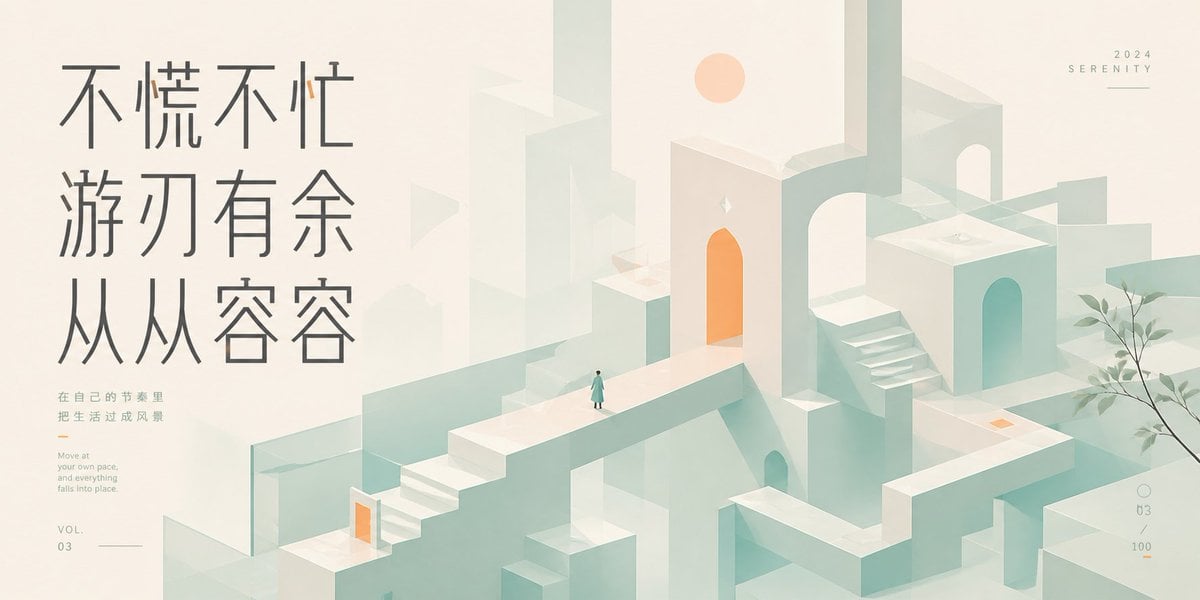
Serene Monument Valley Poster
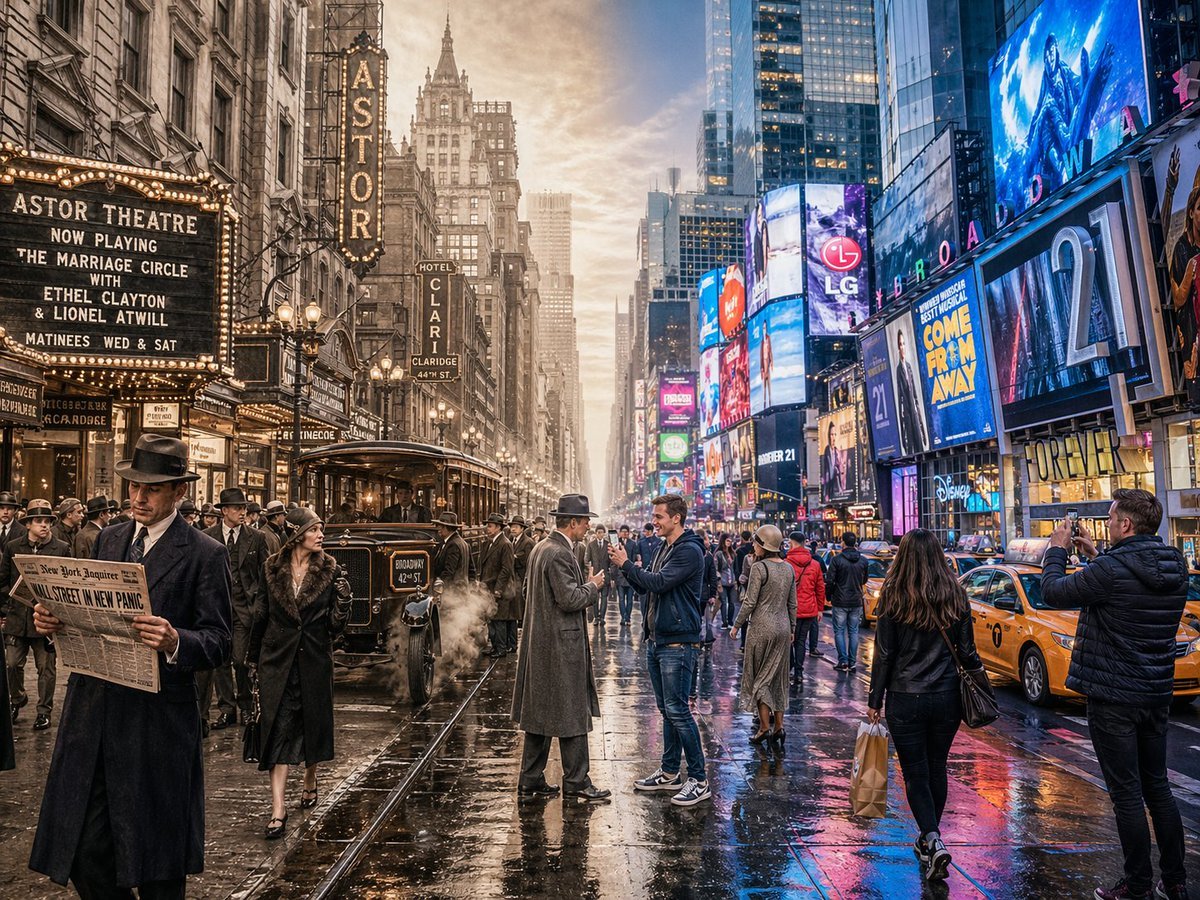
Split-Screen Time Travel Scene
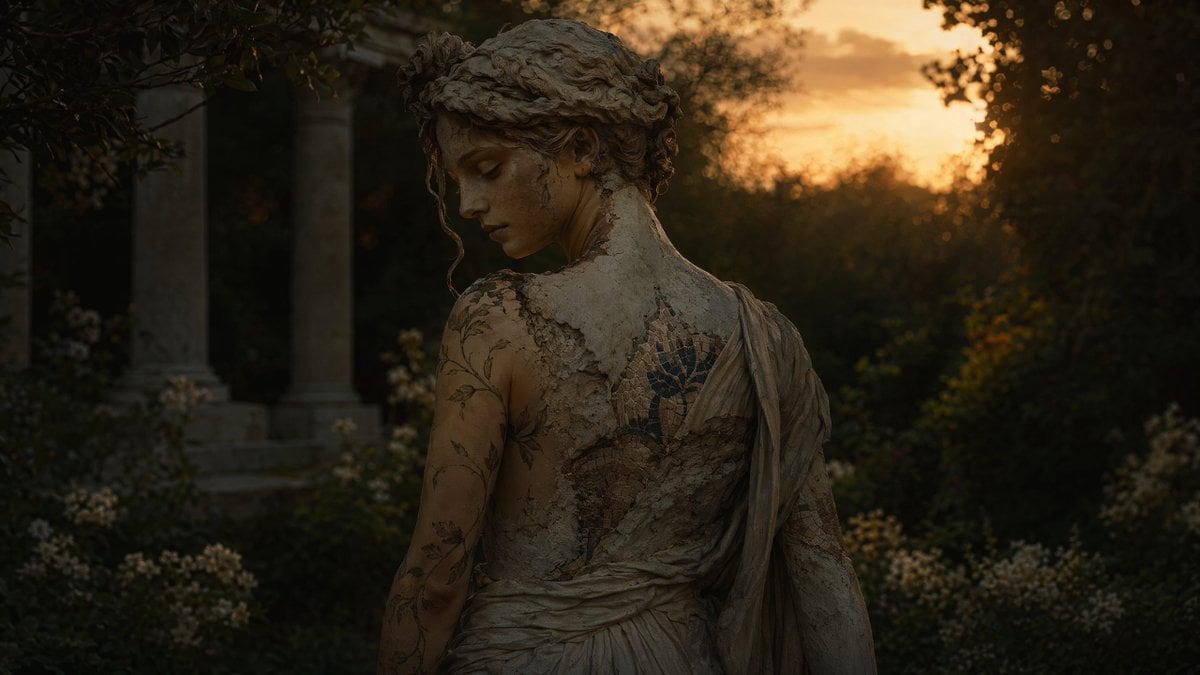
Haunting Statue Woman at Sunset
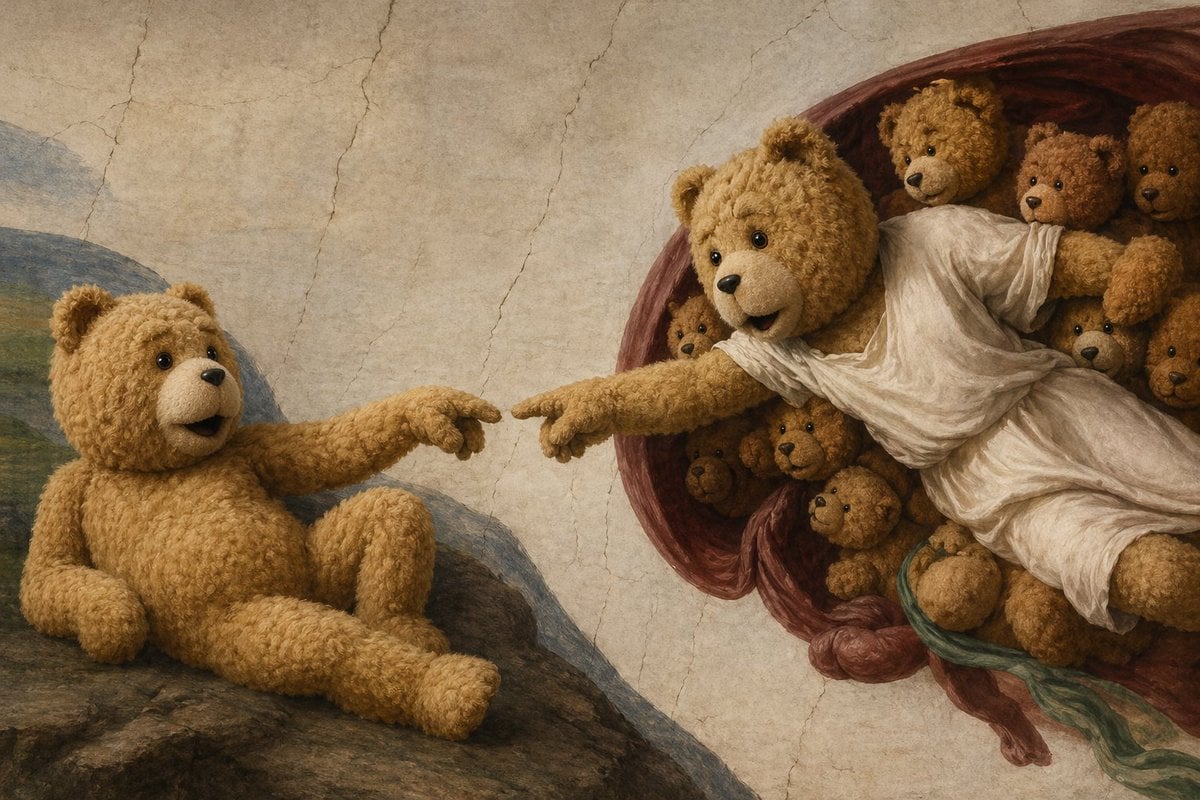
Teddy Bear Creation Fresco
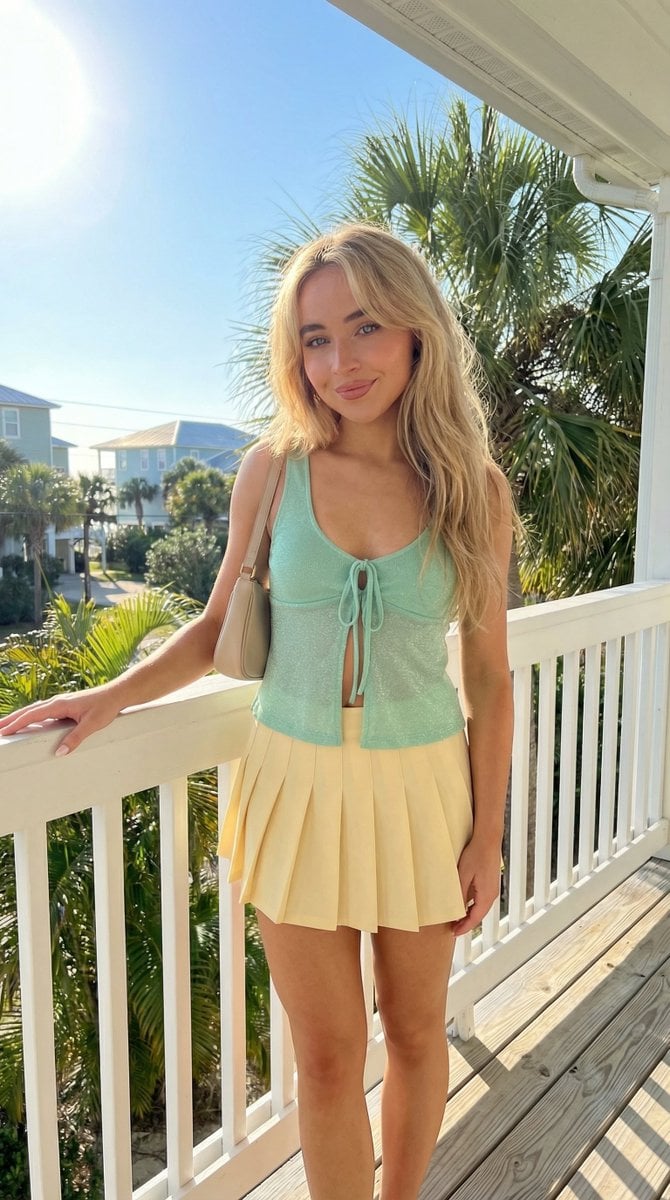
Tropical Balcony Full Body Shot Prompt

Burj Khalifa Epic Infographic Poster
Browse template categories
Moonlit Dark Fantasy Sword Maiden questions
How do I use the Moonlit Dark Fantasy Sword Maiden template?
Add your photo if the template asks for one, edit the prompt if you like — the template's model and format are already selected — and press Generate. Your version opens in PicX Studio.
Can I customize the Moonlit Dark Fantasy Sword Maiden template?
Yes. You can change the subject, setting, lighting, mood, format, and available model controls before creating your image.
Is the Moonlit Dark Fantasy Sword Maiden template free?
Opening and editing this template is free. Generating uses credits, shown on the Generate button when you are signed in.
Which AI model should I use?
Start with GPT Image 2, which is the model associated with this template. You can compare another compatible model for a different finish.
Looking for something else? Browse all templates.

Your photo, any look
Thousands of ready templates for every top image and video model, from one credit balance.