
Ethereal Xianxia Sword Maiden
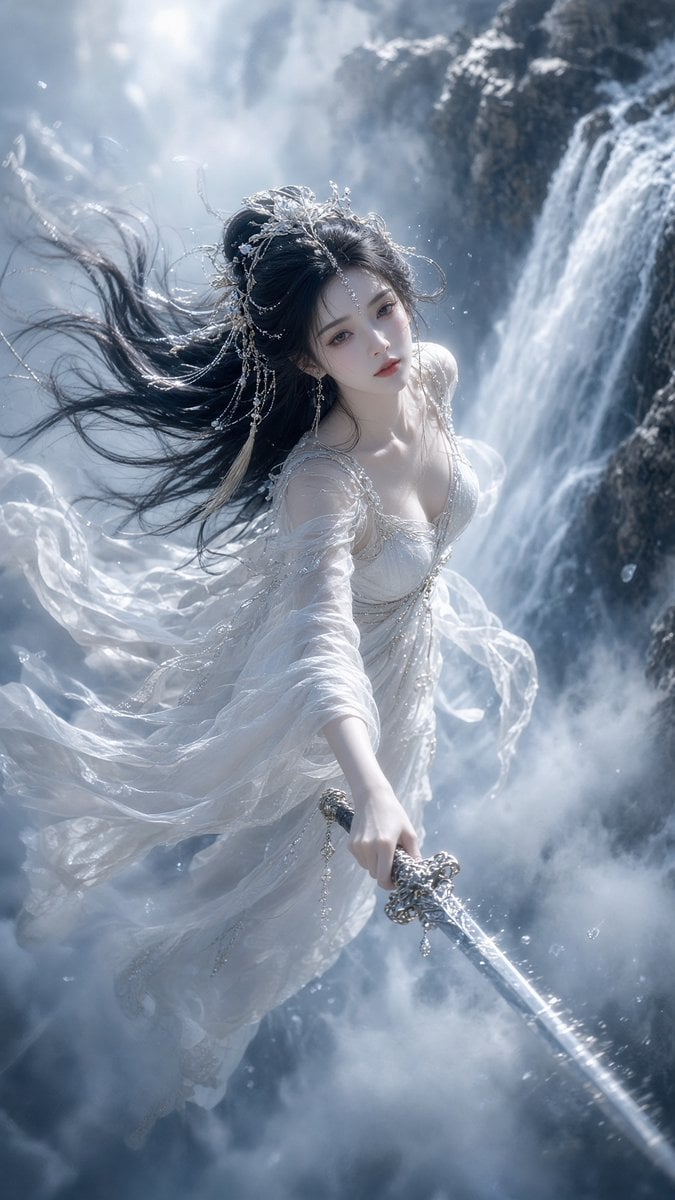
Generates a cinematic vertical fantasy portrait of a flowing white-robed sword heroine flying through mist beside a waterfall.
- Prompt included
- Model and format preset
- Free template
The prompt behind this image
Copy the exact prompt behind Ethereal Xianxia Sword Maiden, or open it in the studio and make it yours.
Create a vertical cinematic fantasy portrait of {argument name="character name" default="an ethereal xianxia sword maiden"} flying through mist beside a towering waterfall in a cold blue-gray mountain gorge. She is a beautiful young woman with porcelain skin, delicate features, soft red lips, and a calm melancholic gaze looking directly at the viewer. Her {argument name="hair color" default="long black hair"} streams dramatically to the left as if caught by strong wind and waterfall spray, decorated with an intricate silver crystal headpiece, dangling chains, pearls, and a pale tassel. She wears a flowing translucent {argument name="dress color" default="white"} layered gauze gown with shimmering silver embroidery, beaded straps, sheer sleeves, and long ribbons billowing around her body like clouds. Her right arm reaches downward toward the viewer holding an ornate silver sword; the blade extends diagonally from the lower center toward the bottom right foreground with sparkling water droplets along it. Compose the scene from a high dynamic angle, full body mostly visible, her figure centered slightly left, waterfall roaring down the right side, dark wet cliffs in the background, dense mist and spray filling the lower half, tiny droplets and ice-like particles suspended in the air. Use ultra-detailed fantasy realism, Chinese immortal heroine aesthetic, soft luminous skin, dramatic backlight from the upper left, volumetric fog, cool desaturated palette, high contrast between white fabric and dark rocks, shallow depth of field, elegant motion blur in hair and fabric, 9:16 mobile wallpaper composition, no text, no watermark.
How to use Ethereal Xianxia Sword Maiden in 3 steps
- 1Upload ImagePNG, JPG or paste
Add your photo
Upload the photo the template builds on. The prompt, model and format are already set.
- 2…a portrait of your subject in softgolden-hour light, 85mm…
Personalize
Edit the subject and creative details for your destination.
- 3Generate
Generate
Press Generate — your image is created in PicX Studio, so you can compare it with the original and refine one variable at a time.
More like this
Templates with the same subject, style or setup. Open one to see its prompt.
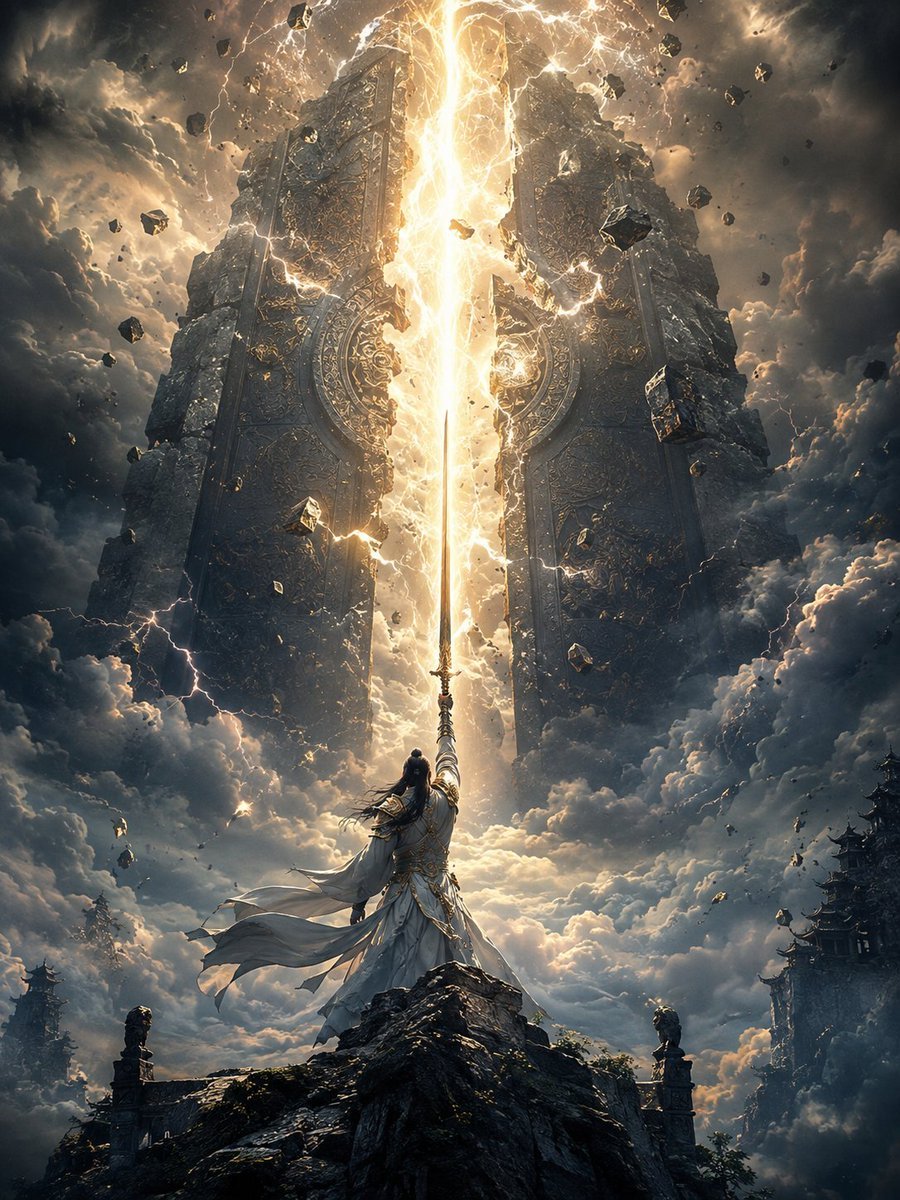
Heaven-Splitting Xianxia Swordsman
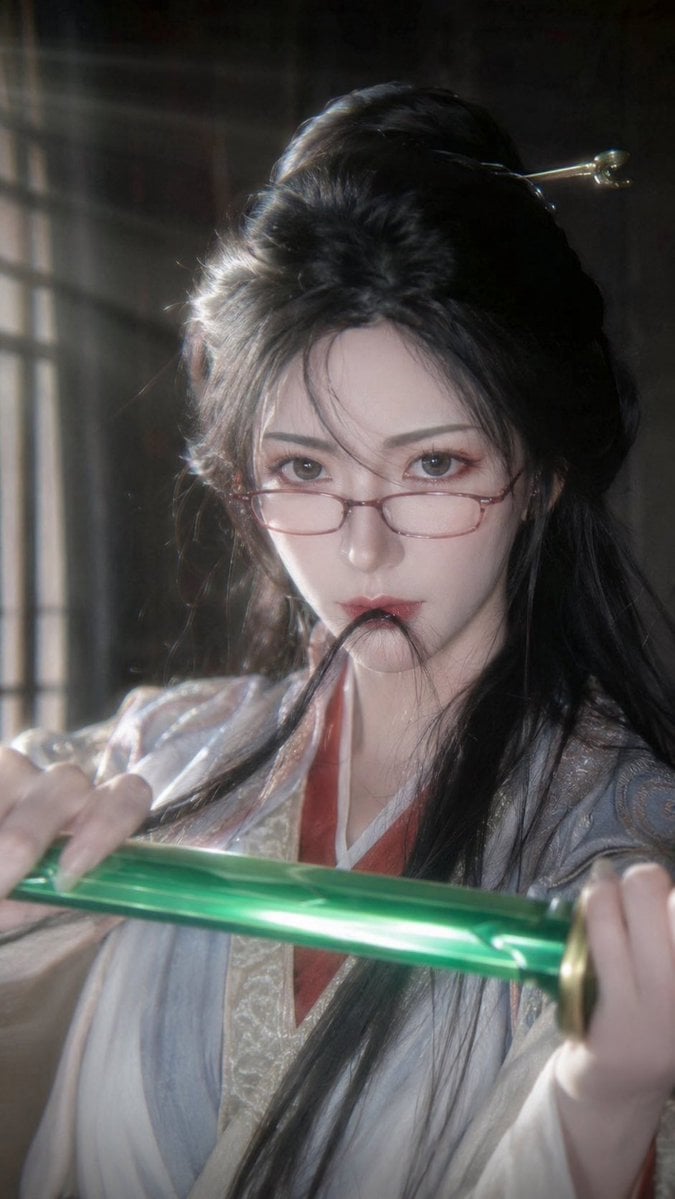
Cinematic Xianxia Swordswoman Portrait
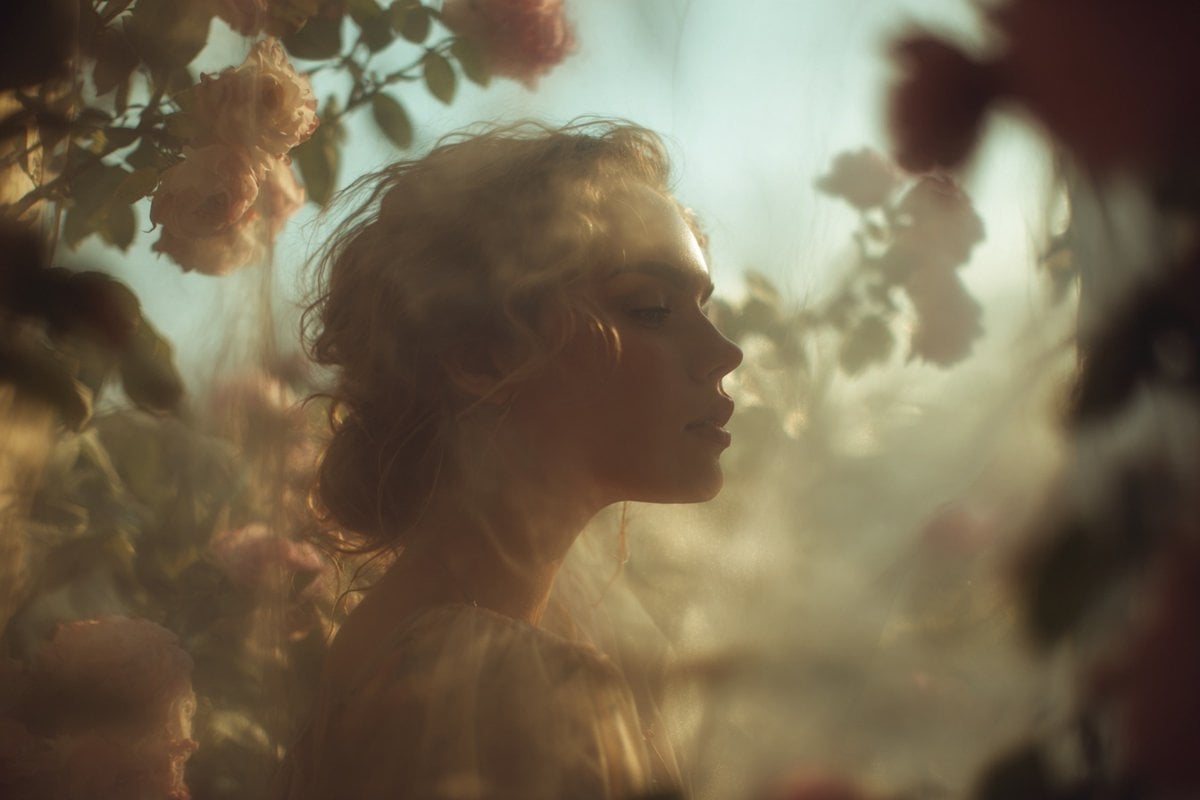
Ethereal Dream Editorial Through Fabric Portrait
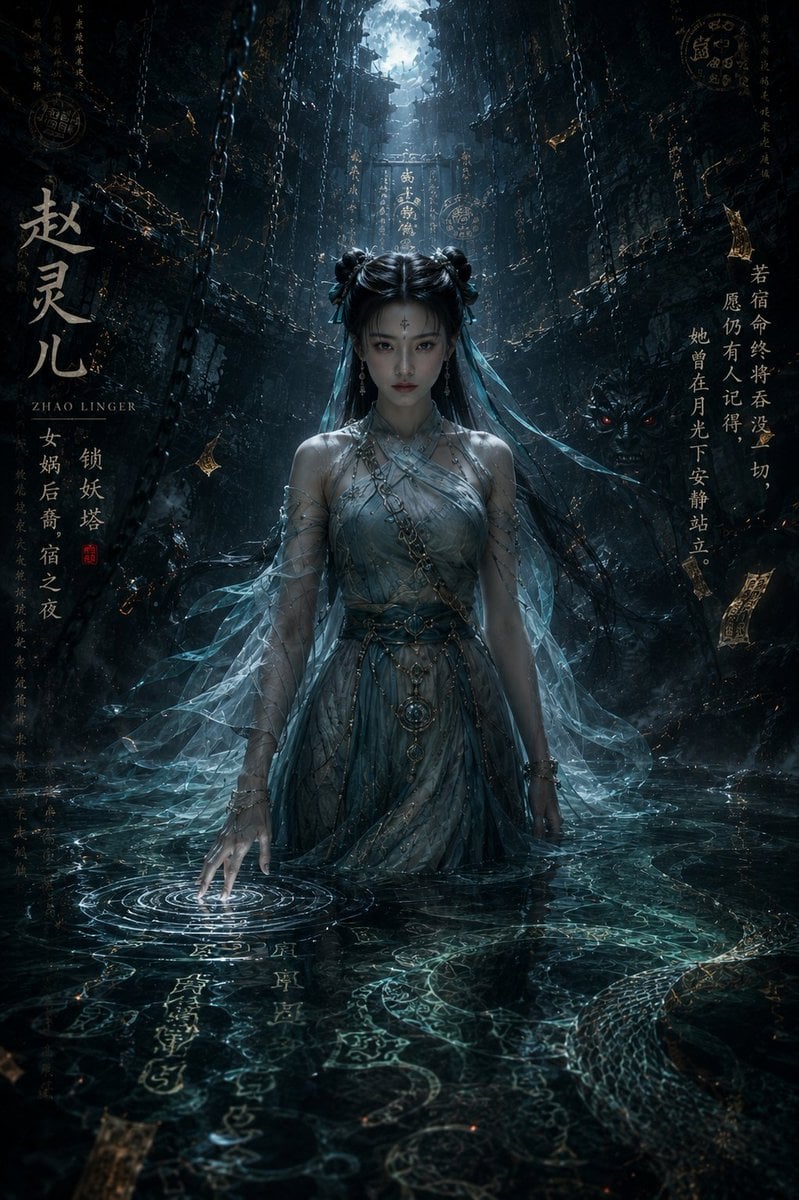
Zhao Linger Ethereal Xianxia Poster
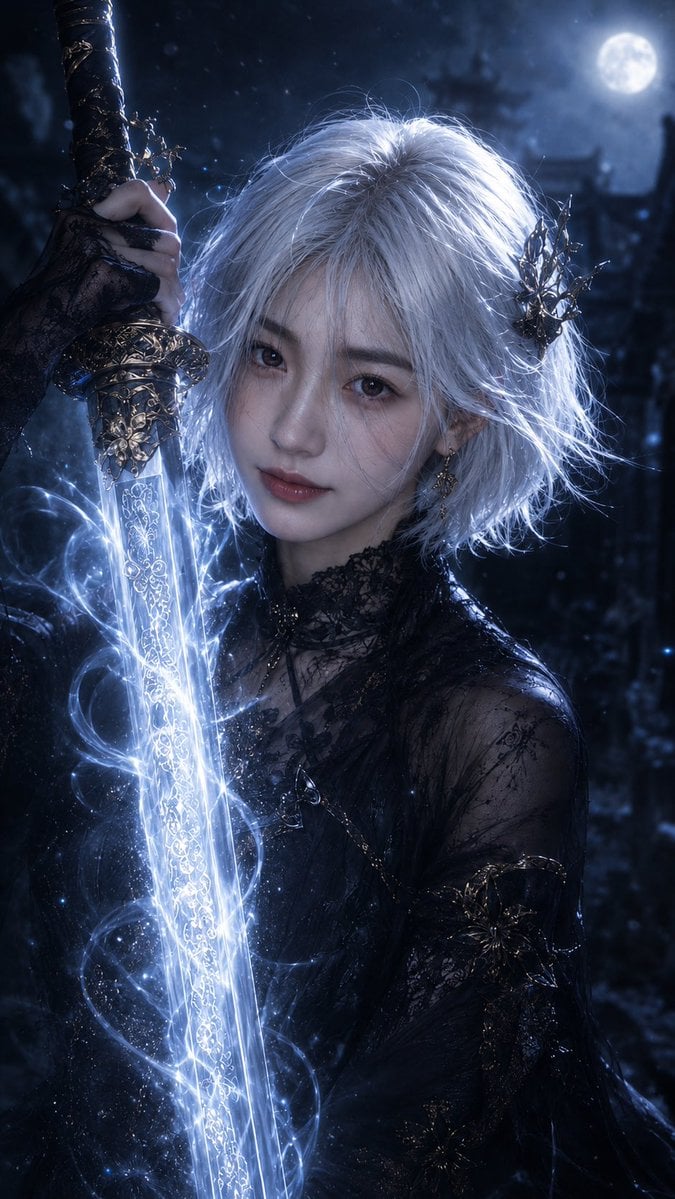
Moonlit Dark Fantasy Sword Maiden
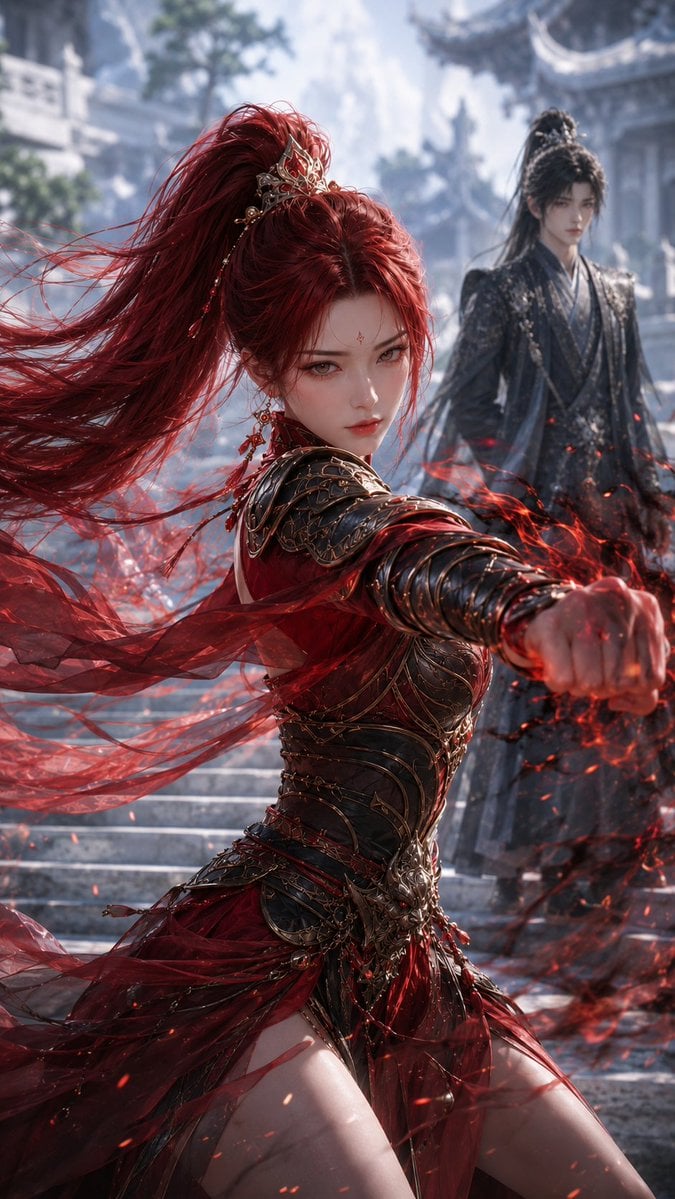
Crimson Xianxia Martial Training
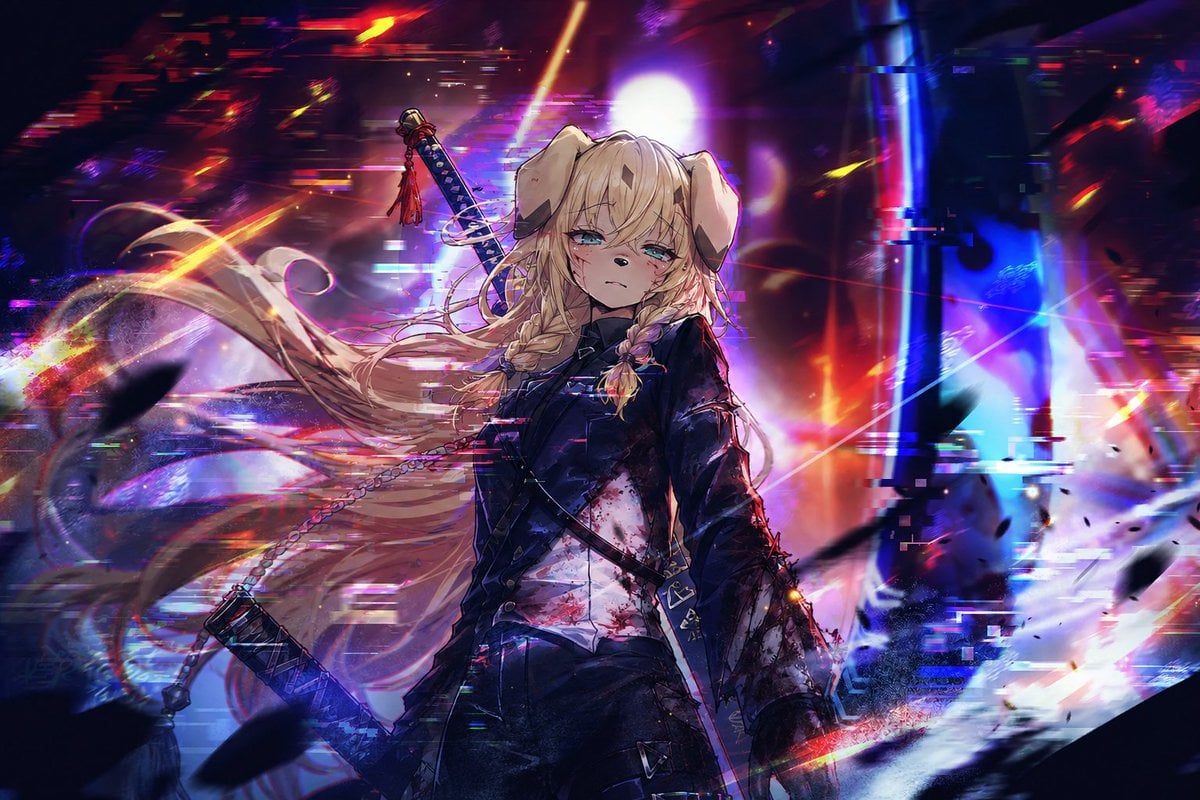
Cyberpunk Dog-Eared Swordswoman
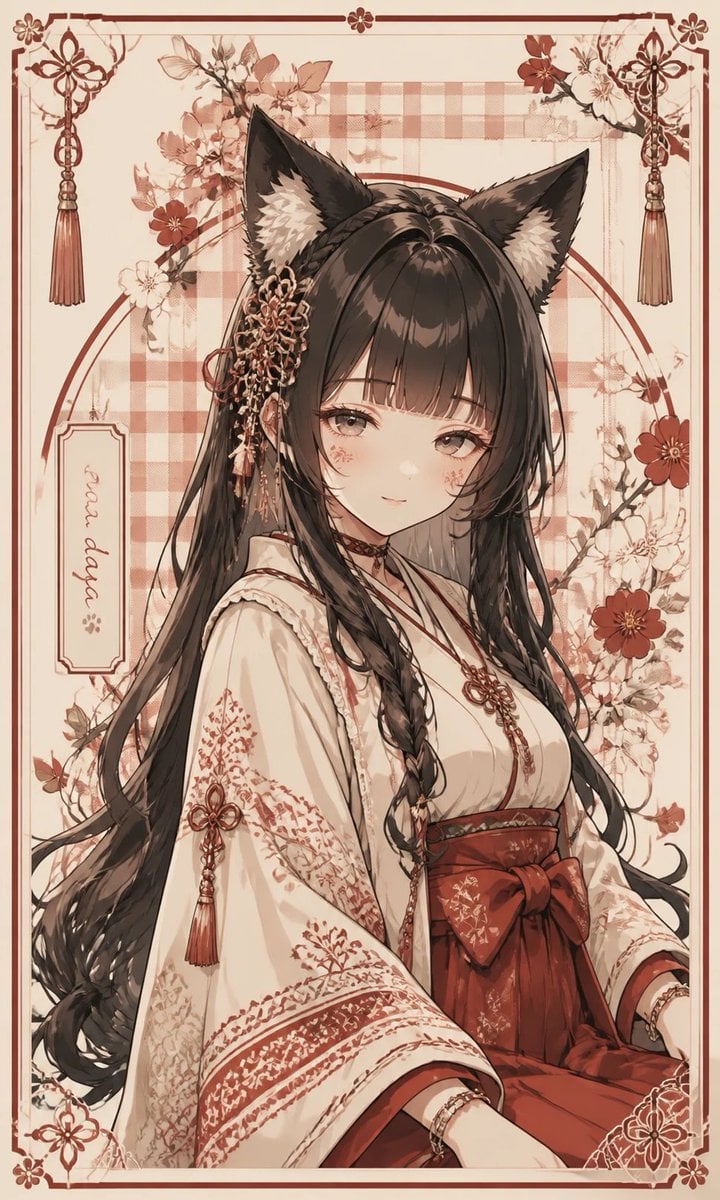
Fox Shrine Maiden Postcard
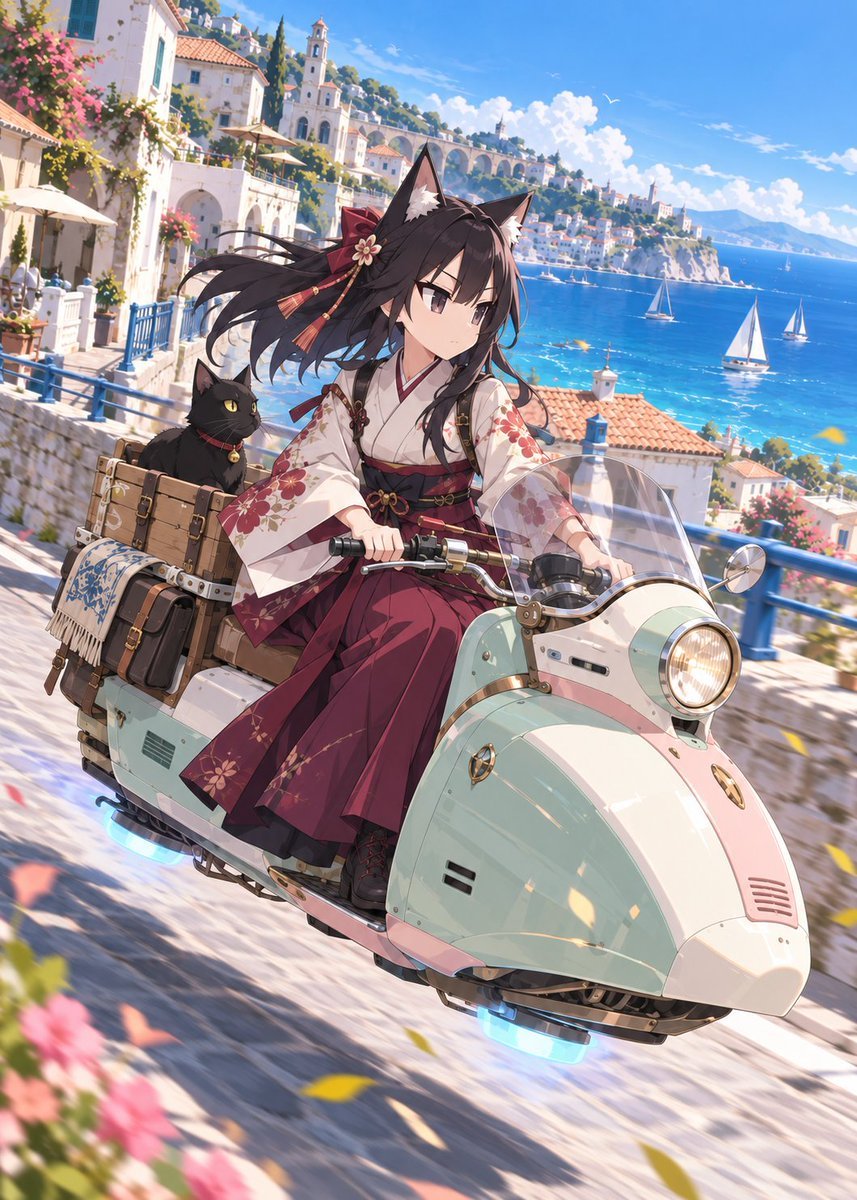
Fox Shrine Maiden on Hover Scooter
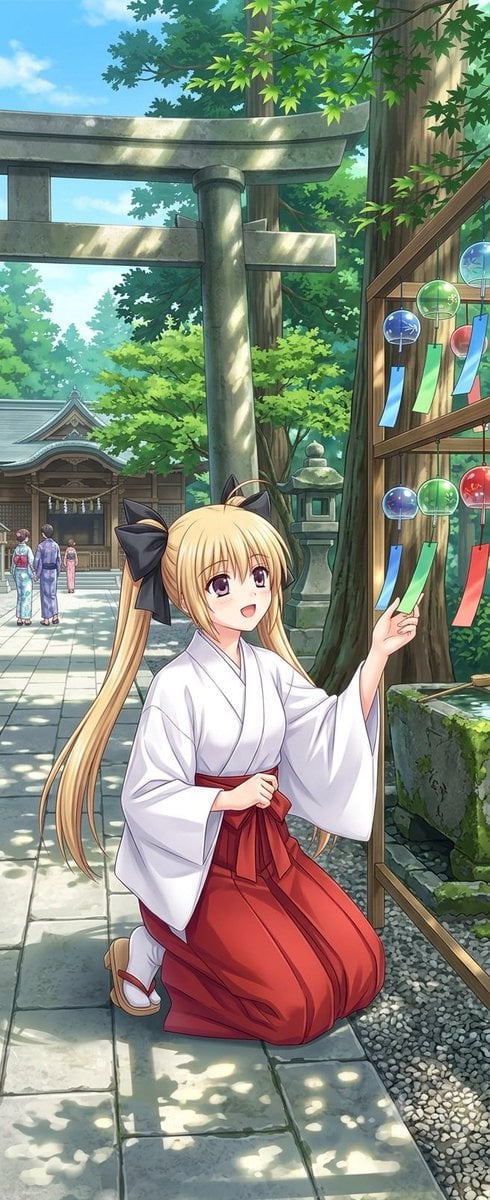
Summer Shrine Maiden Portrait
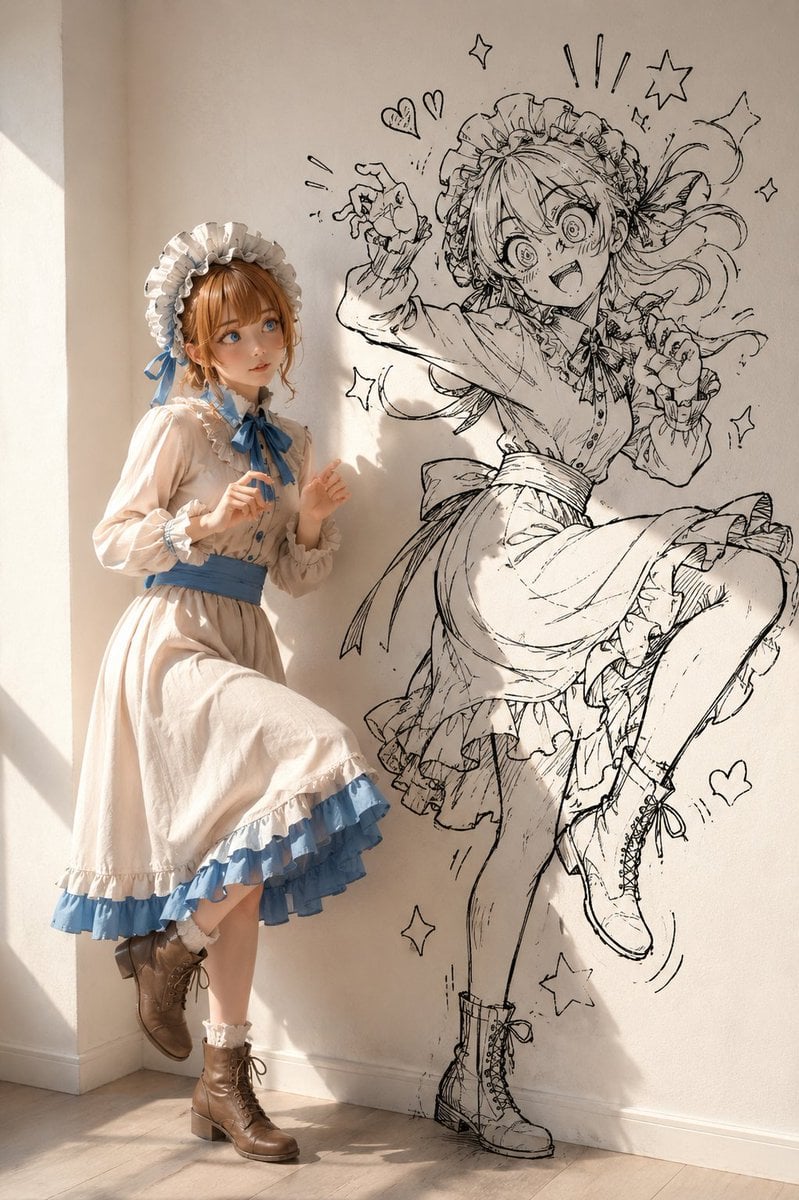
Starry Night Maiden
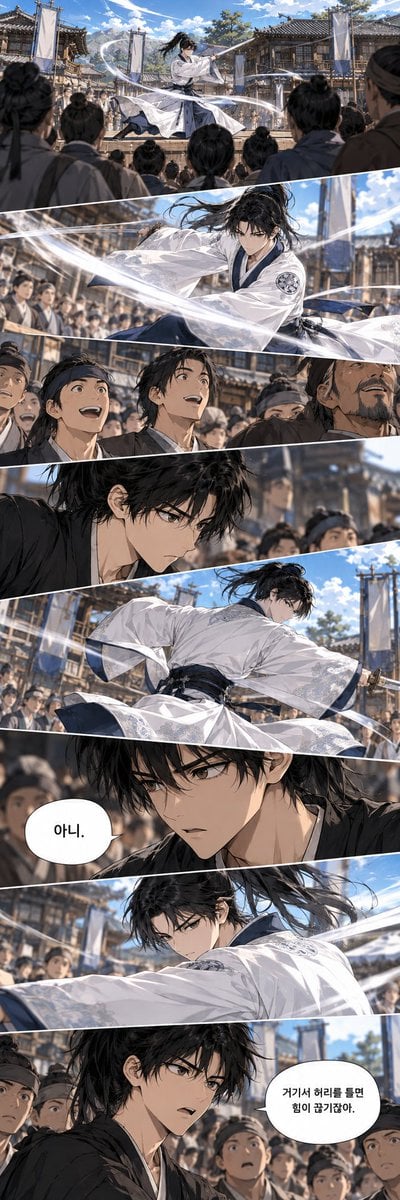
Historical Manhwa Sword Duel Page
Make it yours
Ethereal Xianxia Sword Maiden works as-is. These are the safest ways to change it without losing the look.
Change one field
Copy a single group, rewrite it, and generate again so you can see what that field is doing.
Keep the frame, change the subject
Hold the composition and light of Ethereal Xianxia Sword Maiden, then swap wardrobe, props or the person for a new take.
| If the result… | Why | Fix |
|---|---|---|
| The result drifts from the preview | Too many fields changed at once. | Reuse Ethereal Xianxia Sword Maiden as-is first, then change one group — subject, light, or setting. |
| The model over-stylizes the scene | The prose prompt leaves finish and camera underspecified. | Add one camera or lighting sentence and stay on GPT Image 2. |
More GPT Image 2 templates
Other prompts made for GPT Image 2.

Six VTuber Japanese Logo Sheet

Realistic Portrait of Woman and Deer

The Vista Modular Condo Poster

AI Model Routing Comparison Infographic

2.5D Anime Art Board

Isometric Productivity Desk Scene

New York Double Exposure Poster

Four-Panel AI Landscape Comparison

Japanese Tatami Lifestyle Magazine Cover

NESCAFÉ Coffee Map Poster
More image prompts
Fresh picks from across the catalog.
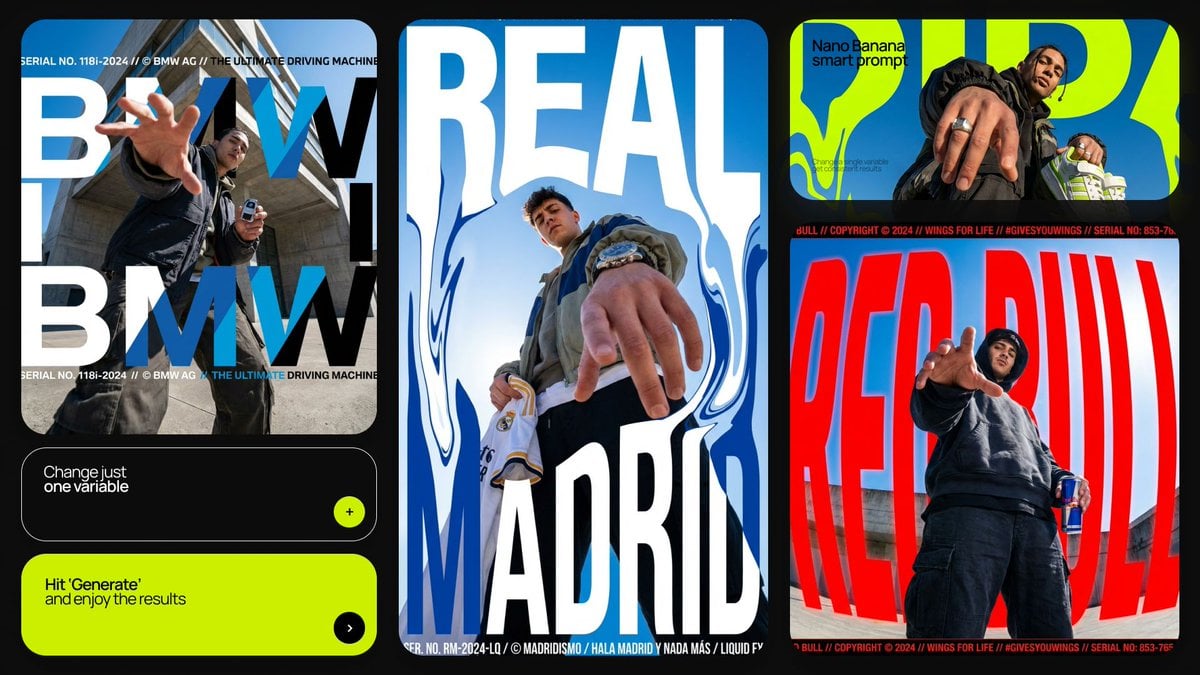
Dramatic Low Angle Brand Poster
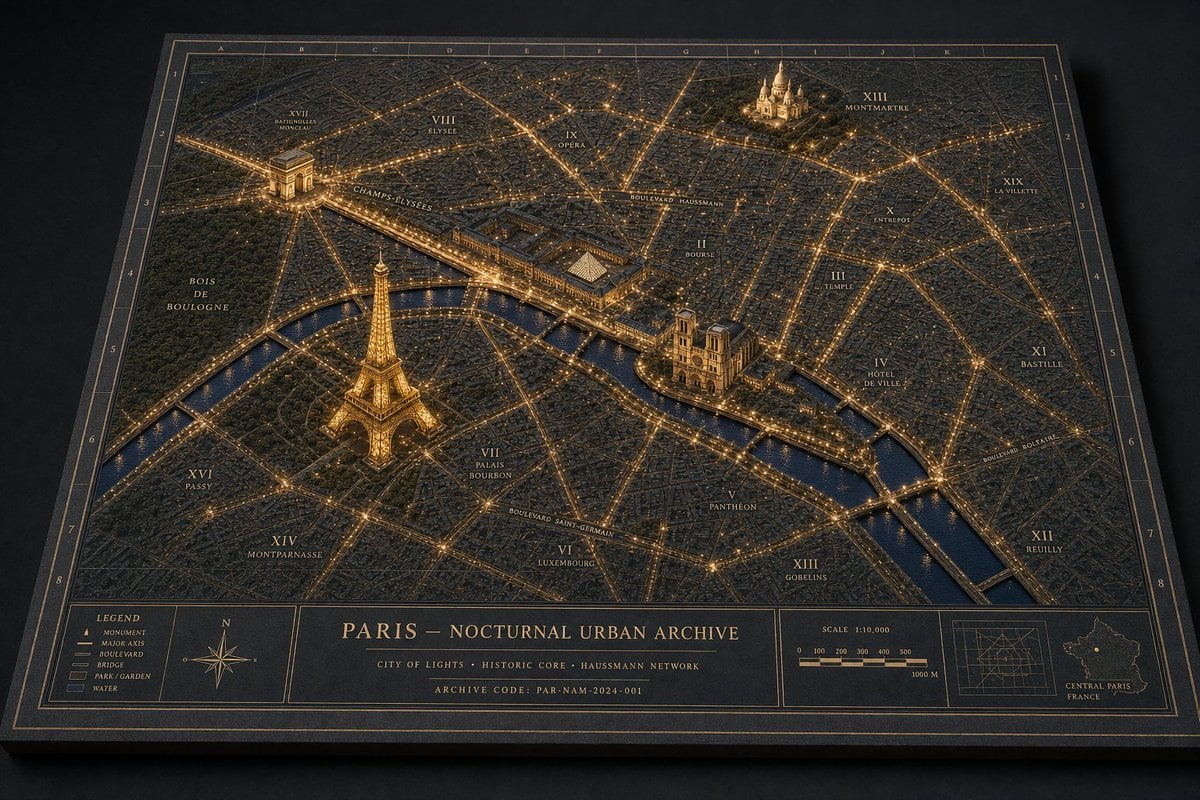
Paris Nocturnal Urban Archive Map
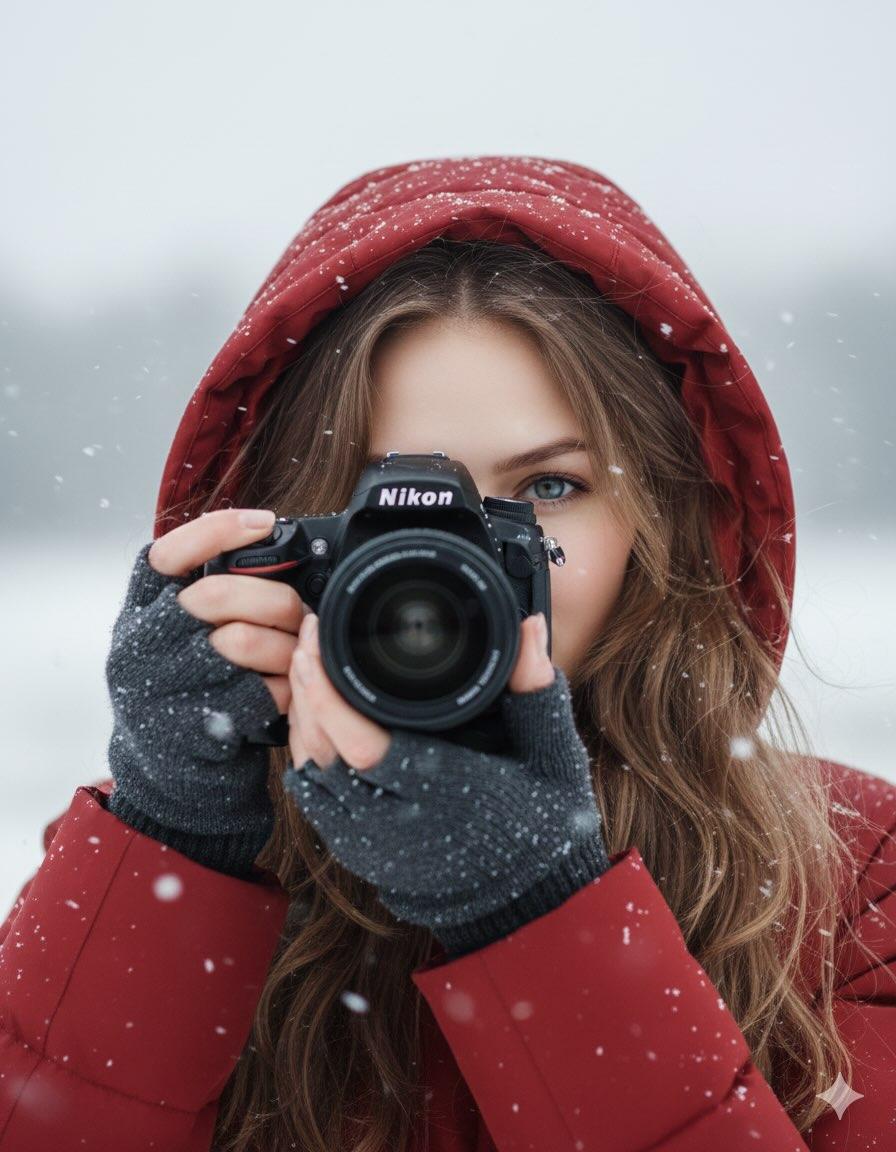
Cinematic Winter Portrait Prompt
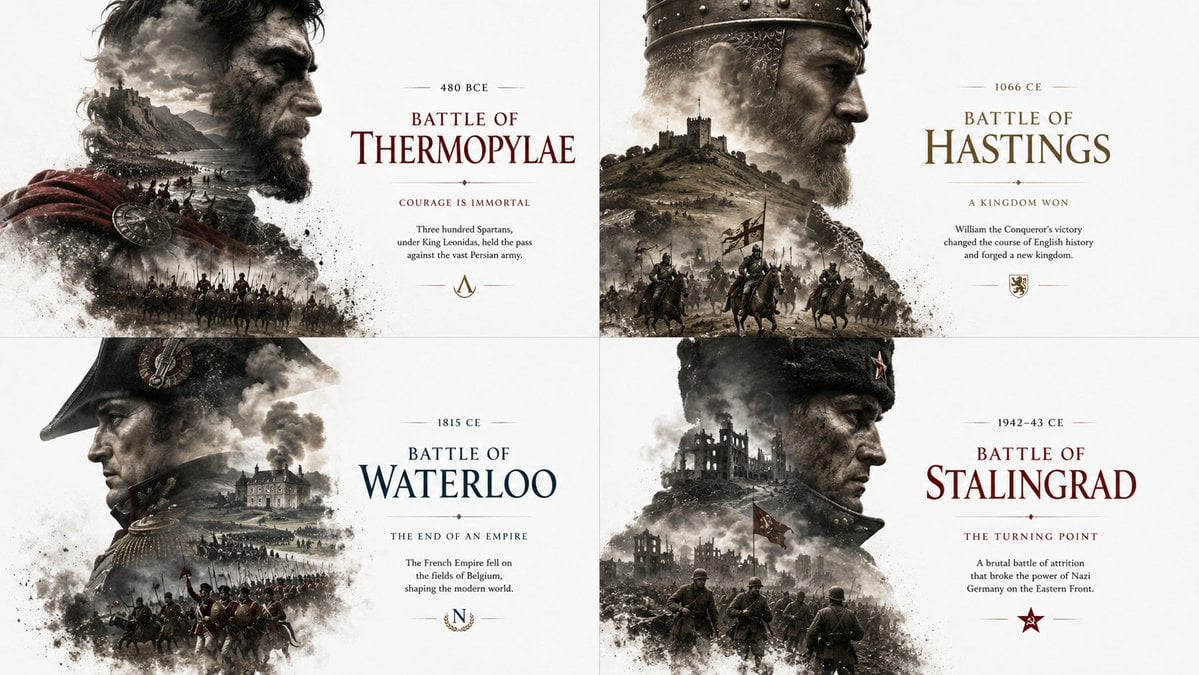
Historical Editorial Battle Poster
Found a Small Spring
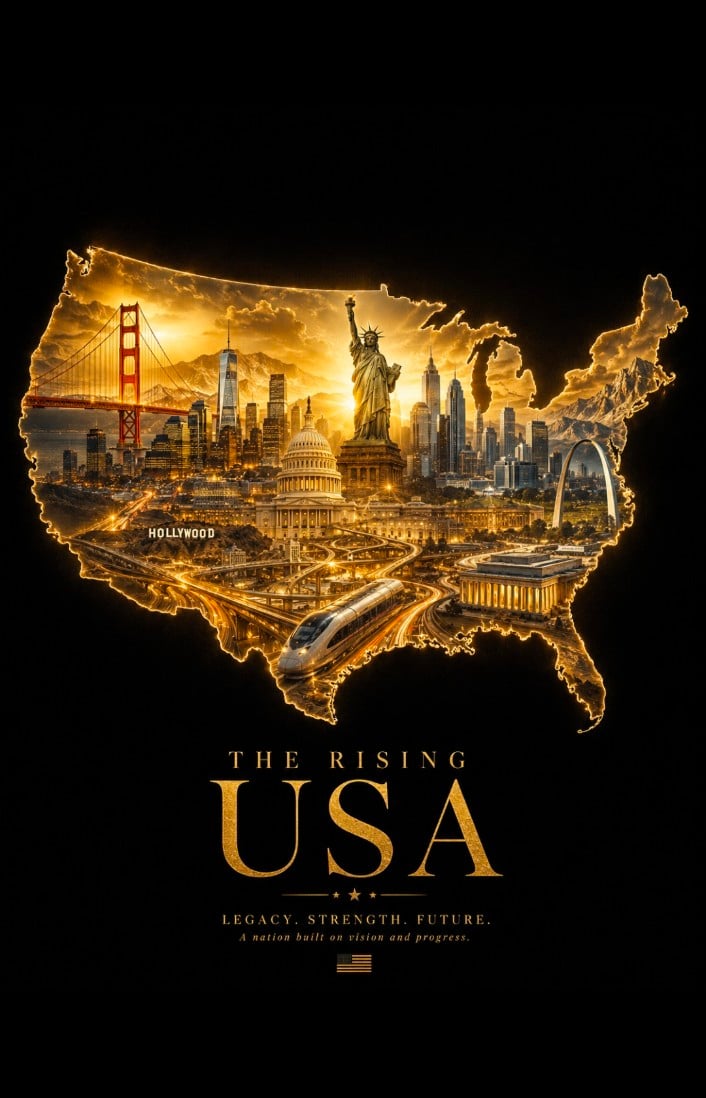
Geographic Silhouette Editorial Poster
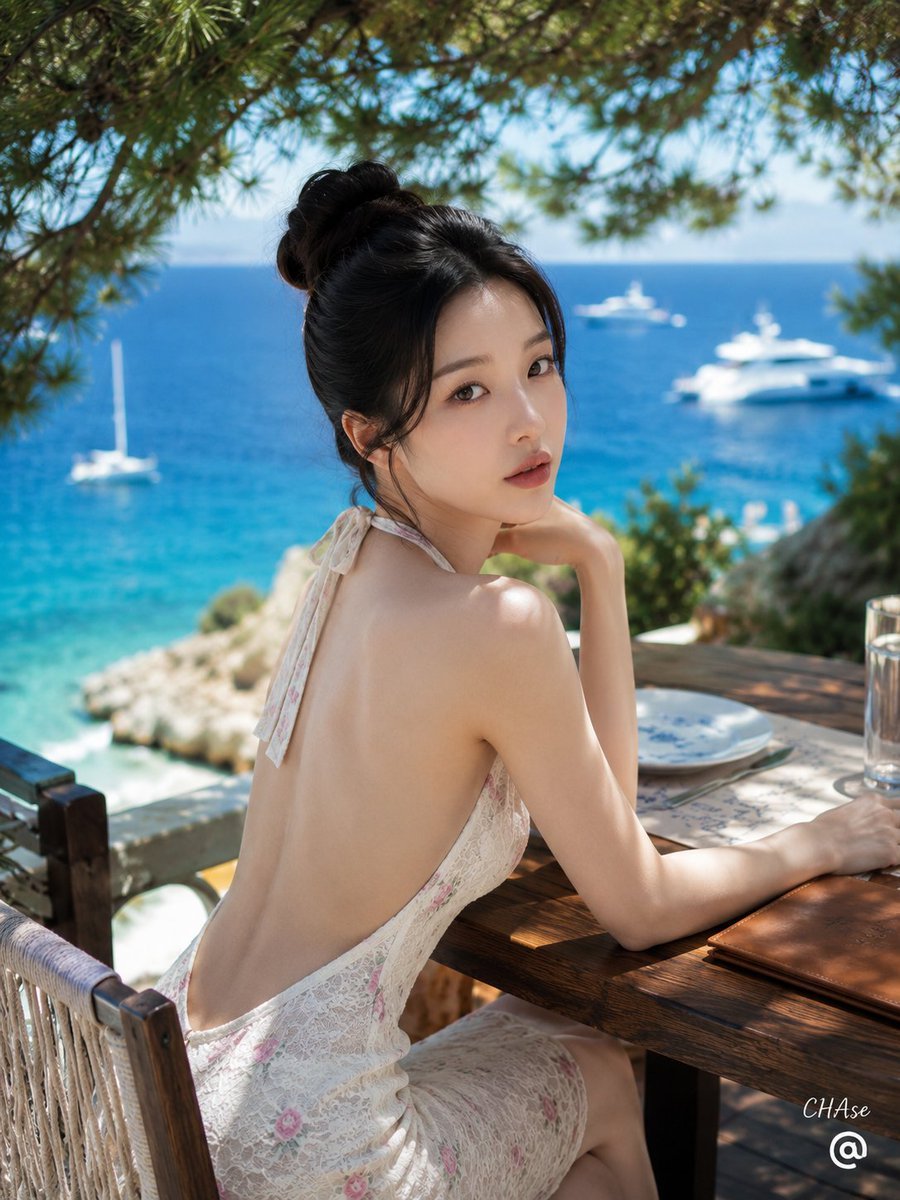
Mediterranean Resort Lace Dress Portrait
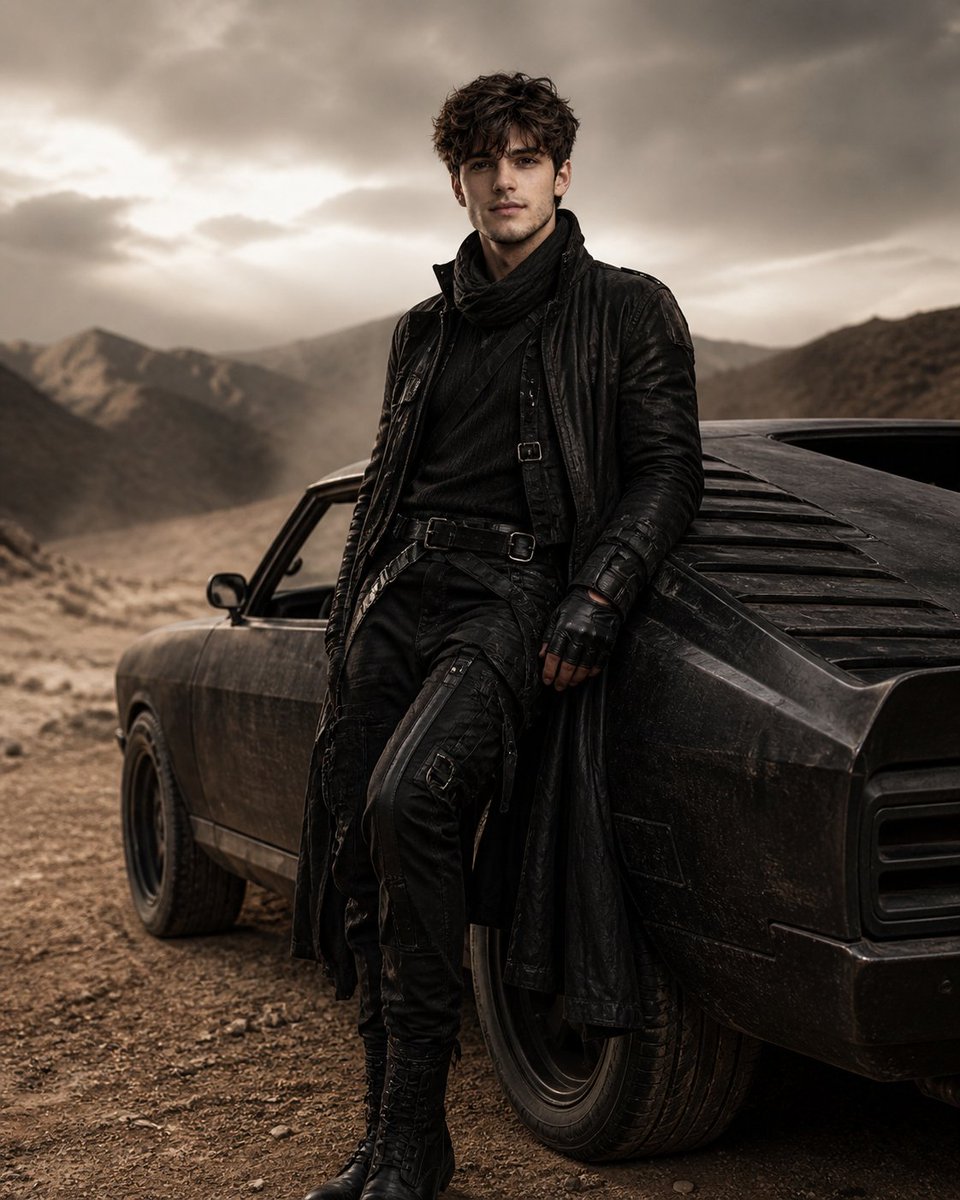
Luxury Desert Fashion Editorial
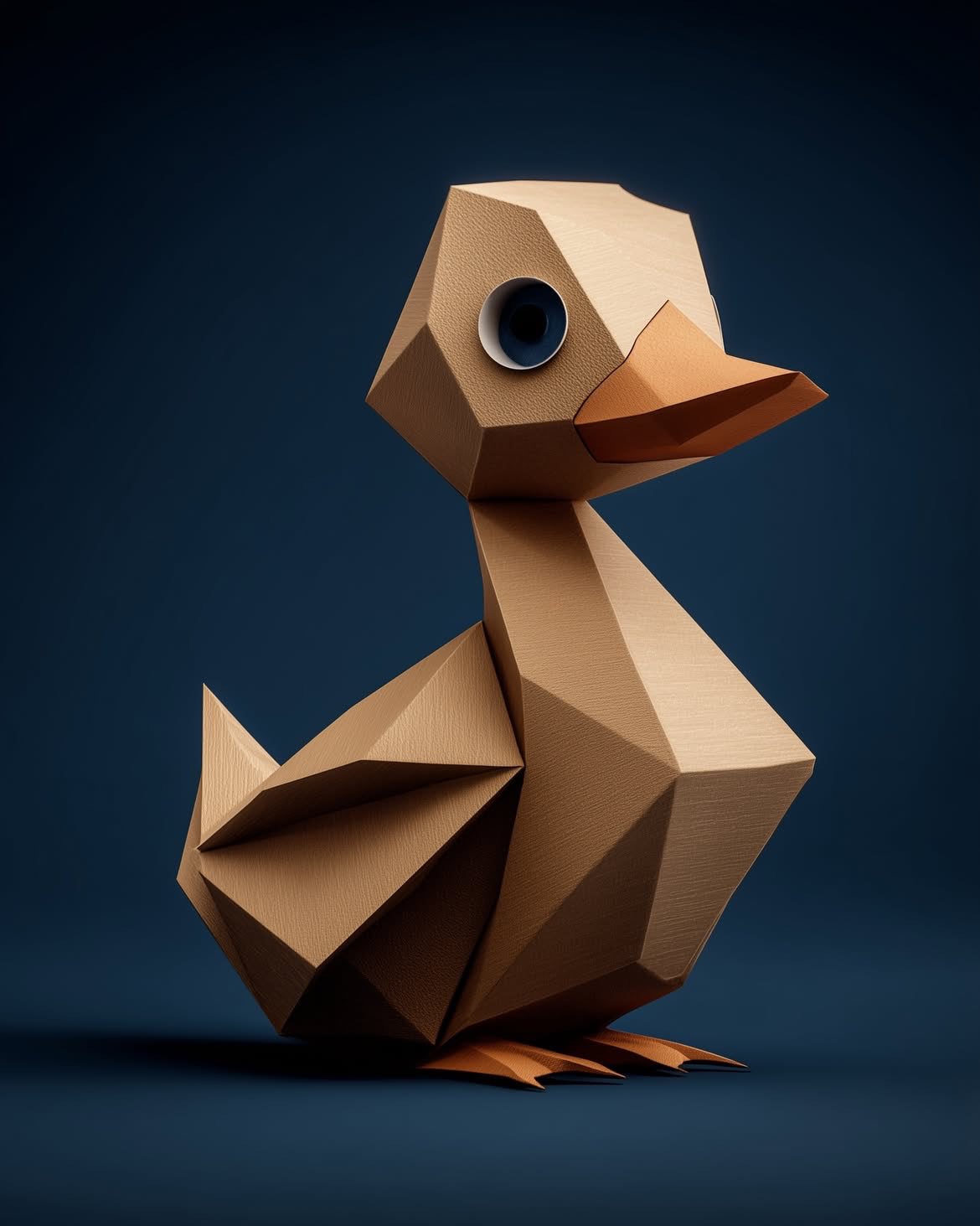
Google Gemini Nano Banana Pro
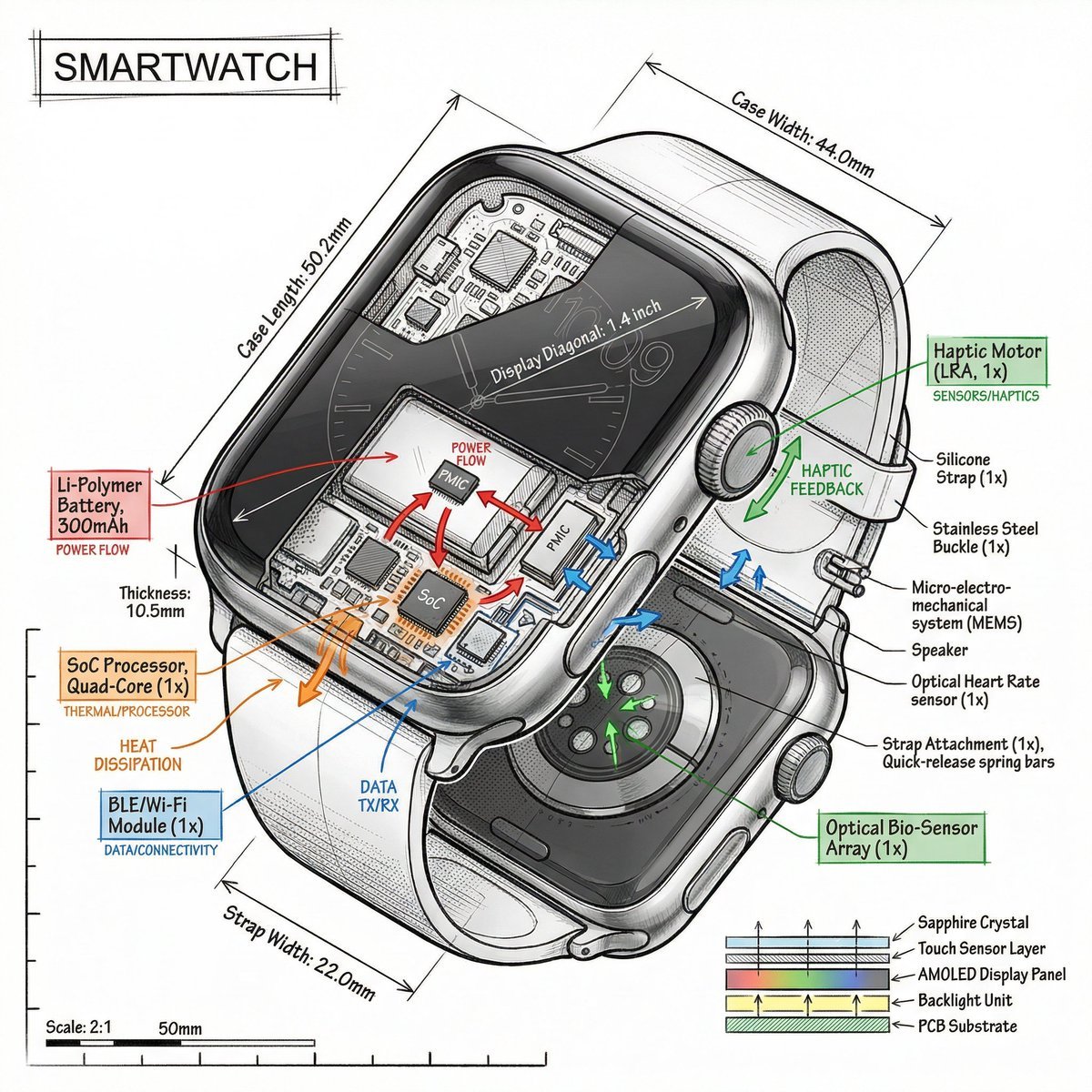
Technical Infographic Prompt Template
Browse template categories
Ethereal Xianxia Sword Maiden questions
How do I use the Ethereal Xianxia Sword Maiden template?
Add your photo if the template asks for one, edit the prompt if you like — the template's model and format are already selected — and press Generate. Your version opens in PicX Studio.
Can I customize the Ethereal Xianxia Sword Maiden template?
Yes. You can change the subject, setting, lighting, mood, format, and available model controls before creating your image.
Is the Ethereal Xianxia Sword Maiden template free?
Opening and editing this template is free. Generating uses credits, shown on the Generate button when you are signed in.
Which AI model should I use?
Start with GPT Image 2, which is the model associated with this template. You can compare another compatible model for a different finish.
Looking for something else? Browse all templates.

Your photo, any look
Thousands of ready templates for every top image and video model, from one credit balance.