
Heaven-Splitting Xianxia Swordsman
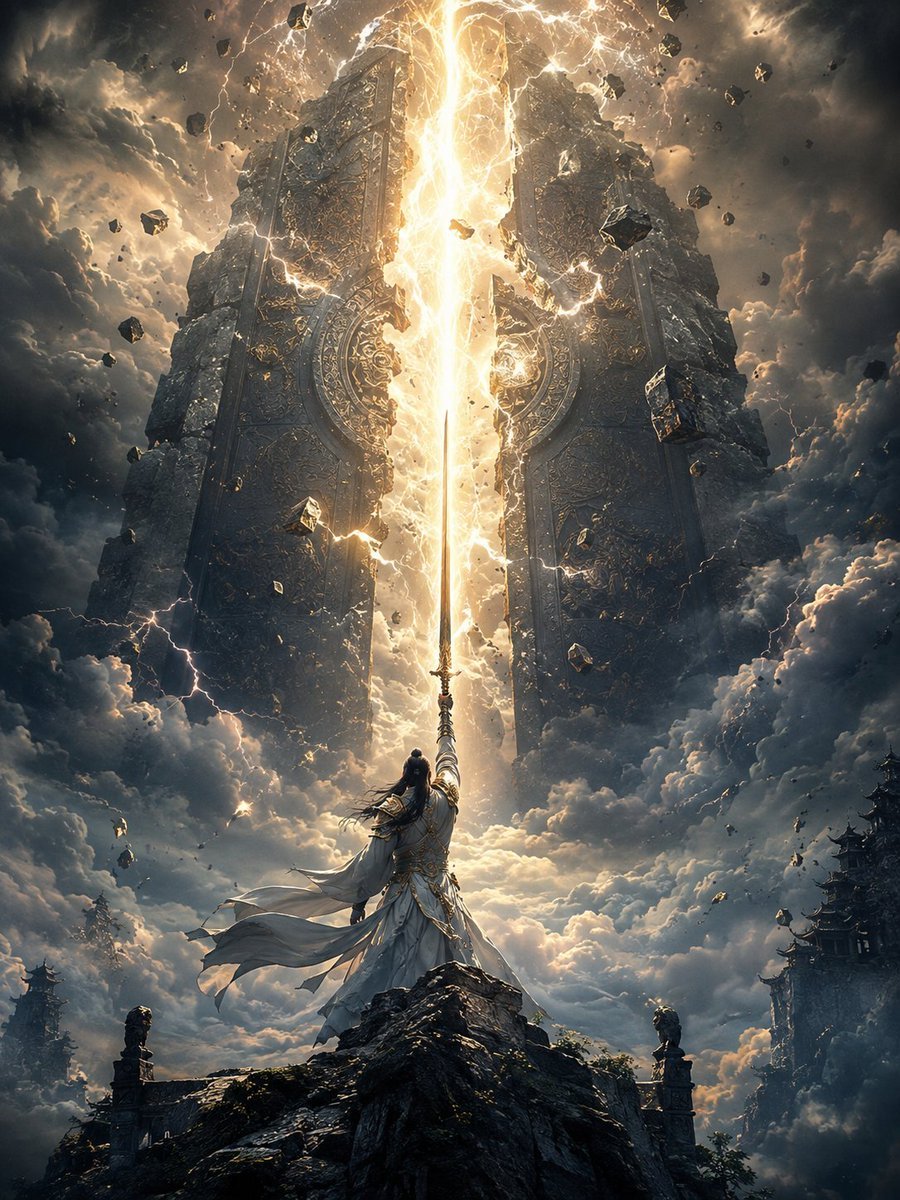
A cinematic fantasy prompt for generating an immortal swordsman splitting a colossal heavenly gate with a radiant sword strike.
- Prompt included
- Model and format preset
- Free template
The prompt behind this image
Copy the exact prompt behind Heaven-Splitting Xianxia Swordsman, or open it in the studio and make it yours.
Create an epic vertical fantasy xianxia scene showing {argument name="character name" default="a lone immortal swordsman"} standing on the jagged peak of a dark mountain, viewed from behind in a heroic low-angle composition. The warrior wears flowing {argument name="robe color" default="white and silver"} ancient Chinese robes with long wind-whipped sleeves, layered fabric, ornate metallic trim, a tied waist sash, and long black hair streaming in the storm. He raises one straight sword vertically toward the heavens, and the blade becomes the centerline of a blinding golden-white beam of energy that splits open a colossal heavenly gate or stone door in the sky. The gate is ancient, monumental, and symmetrical, made of two enormous dark stone slabs covered in intricate circular carvings, runes, relief patterns, and gold filigree, cracking apart down the middle under the sword strike. Surround the split with intense lightning, arcing plasma, sparks, dust, glowing fissures, and levitating chunks of broken rock; count the visible main elements as 1 swordsman, 1 raised sword, 1 central light beam, 2 separated gate halves, and many scattered debris fragments. The setting is above storm clouds at dusk, with towering dark clouds, golden backlight, dramatic volumetric rays, thunderbolts, mist, and a sense of divine scale. Include distant silhouettes of traditional Chinese mountain temples and pagoda rooftops on the lower left and lower right edges, partly swallowed by clouds. Use cinematic fantasy concept art style, ultra-detailed, high contrast, vertical 3:4 composition, sharp focus on the sword and radiant fissure, atmospheric perspective, dark teal-gray storm tones contrasted with molten gold light, awe-inspiring scale, no modern objects, no text, no watermark.
How to use Heaven-Splitting Xianxia Swordsman in 3 steps
- 1Upload ImagePNG, JPG or paste
Add your photo
Upload the photo the template builds on. The prompt, model and format are already set.
- 2…a portrait of your subject in softgolden-hour light, 85mm…
Personalize
Edit the subject and creative details for your destination.
- 3Generate
Generate
Press Generate — your image is created in PicX Studio, so you can compare it with the original and refine one variable at a time.
More like this
Templates with the same subject, style or setup. Open one to see its prompt.
Monkey King Heavenly Battle Illustration
Rainy Anime Swordsman in Red Coat
Chinese Ink Swordsman and Calligraphy
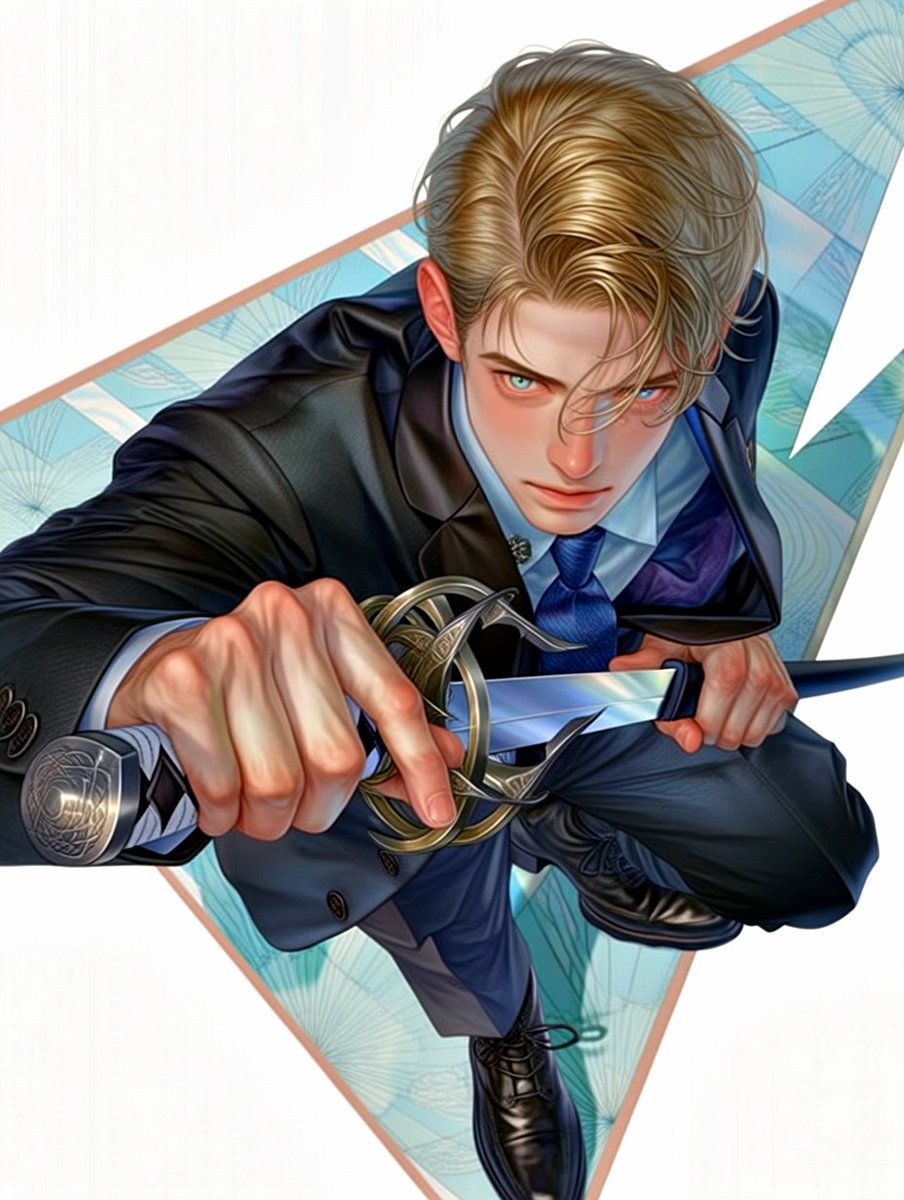
Anime Swordsman in Suit
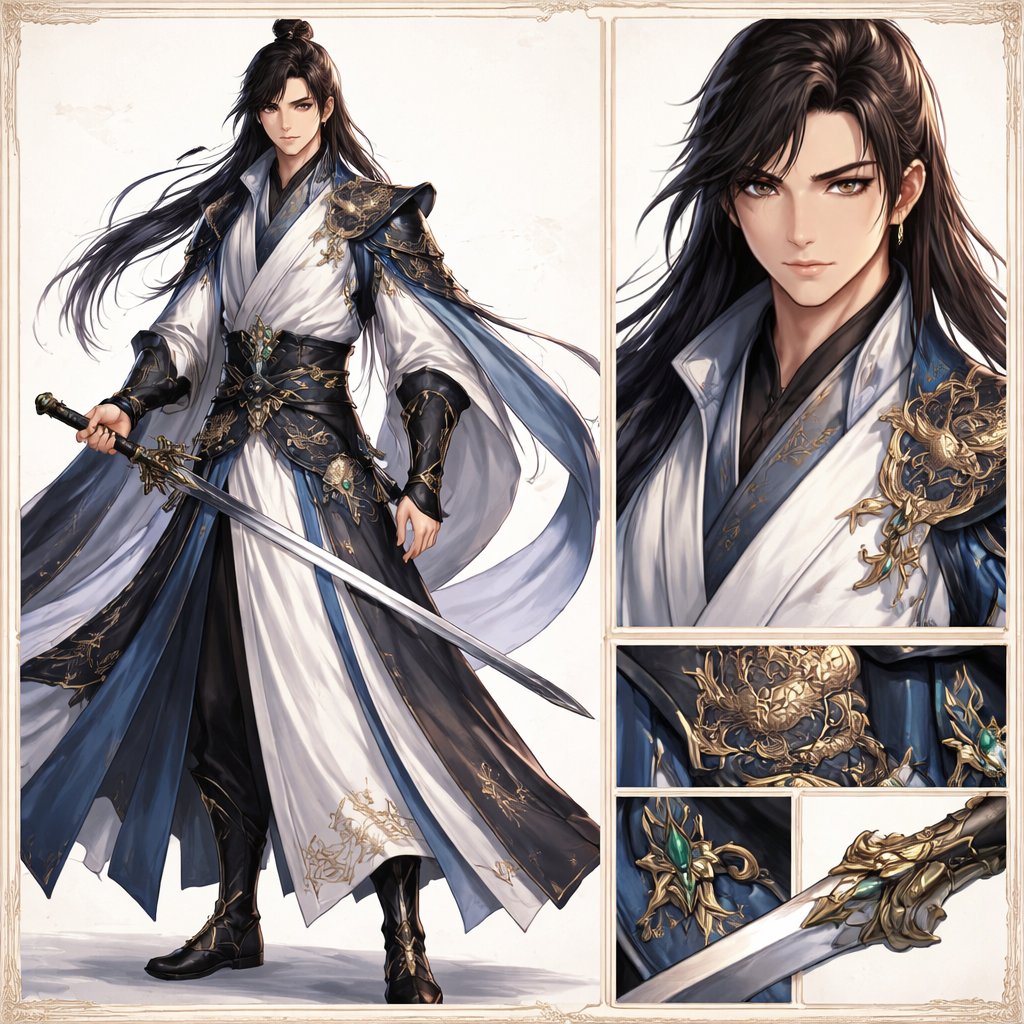
Elegant Wuxia Swordsman Design Sheet
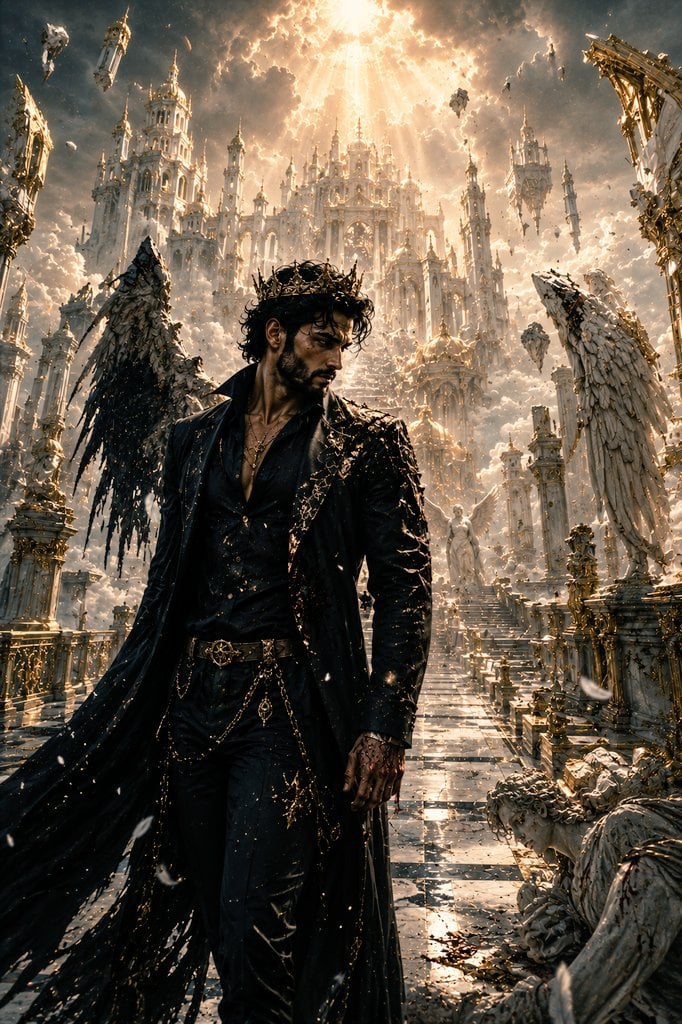
The Last Man in Heaven Fantasy Artwork
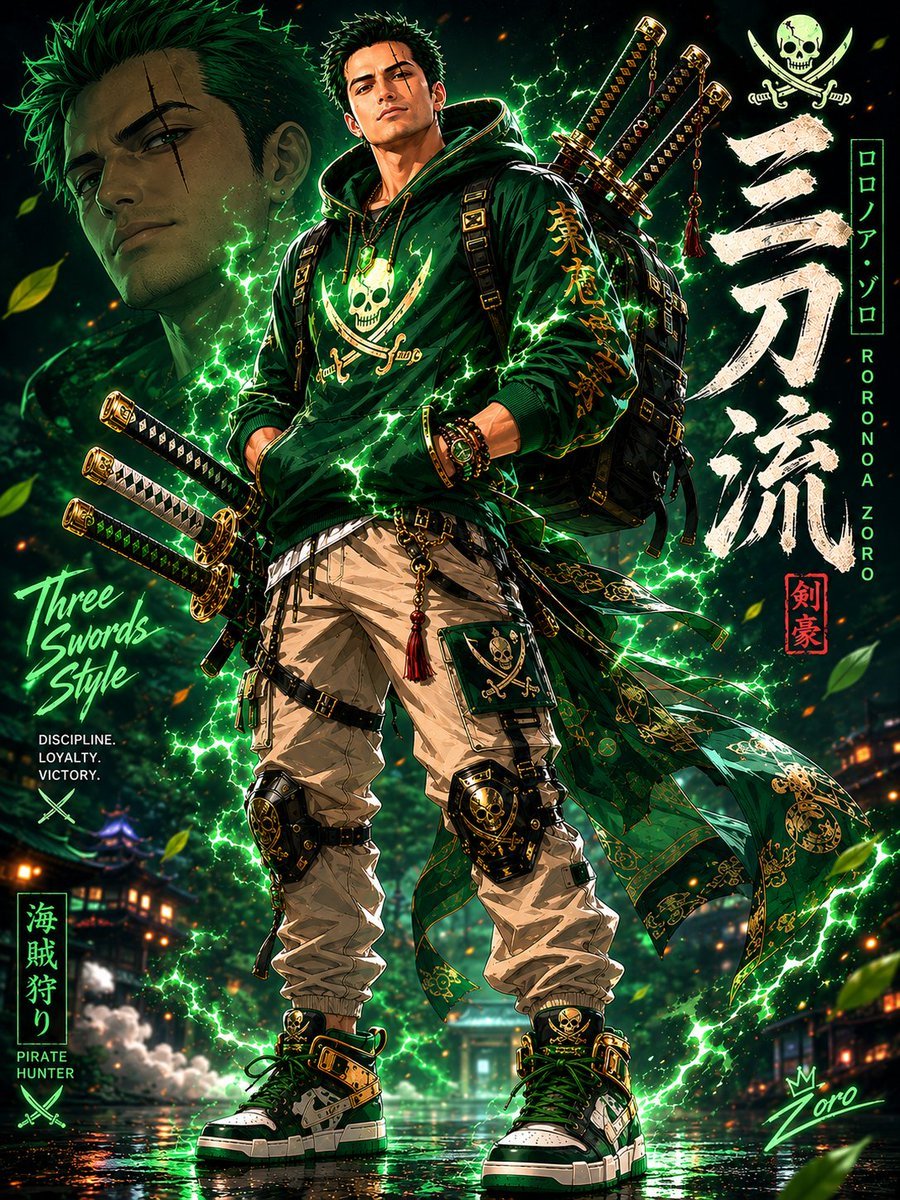
Modern Streetwear Anime Swordsman
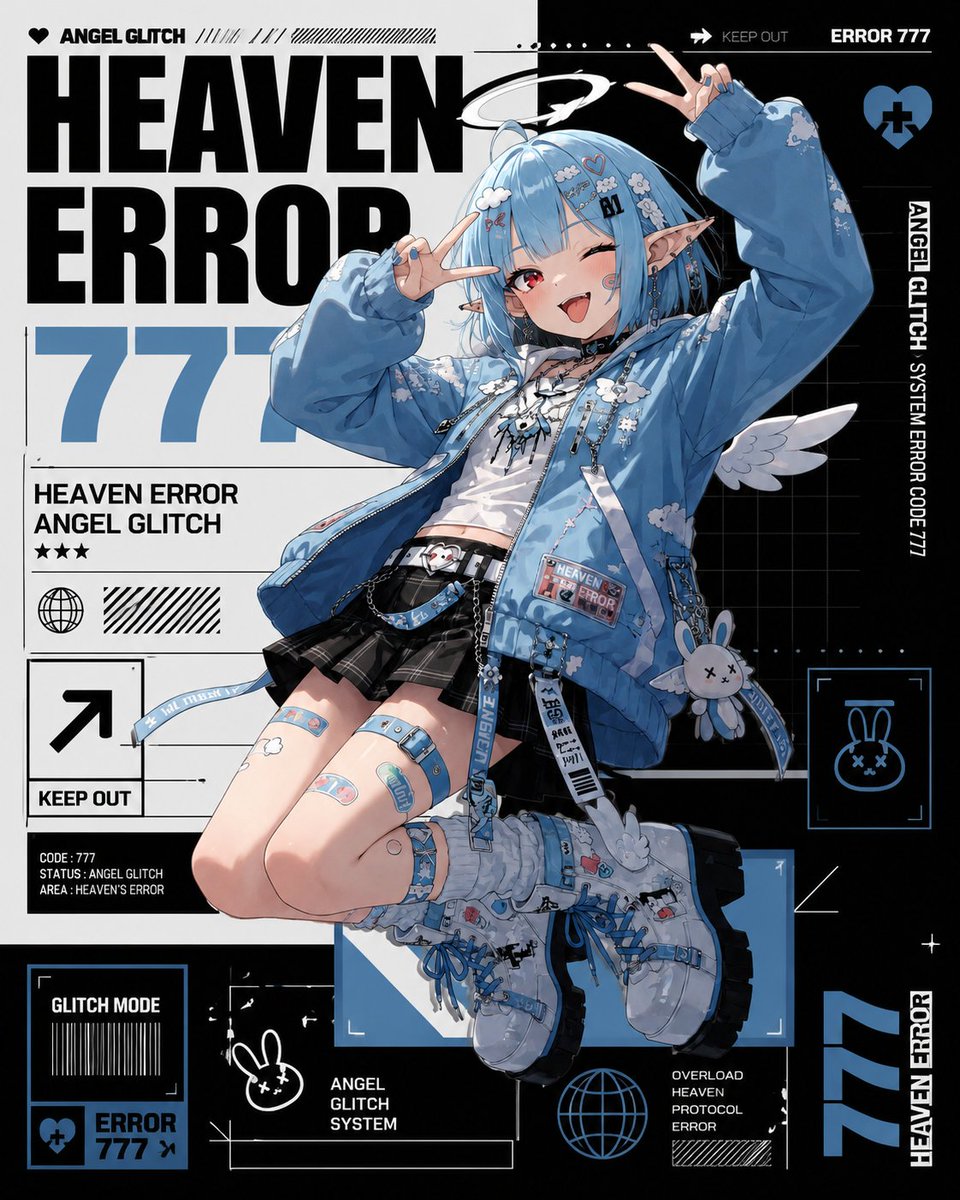
Heaven Error Angel Glitch Poster
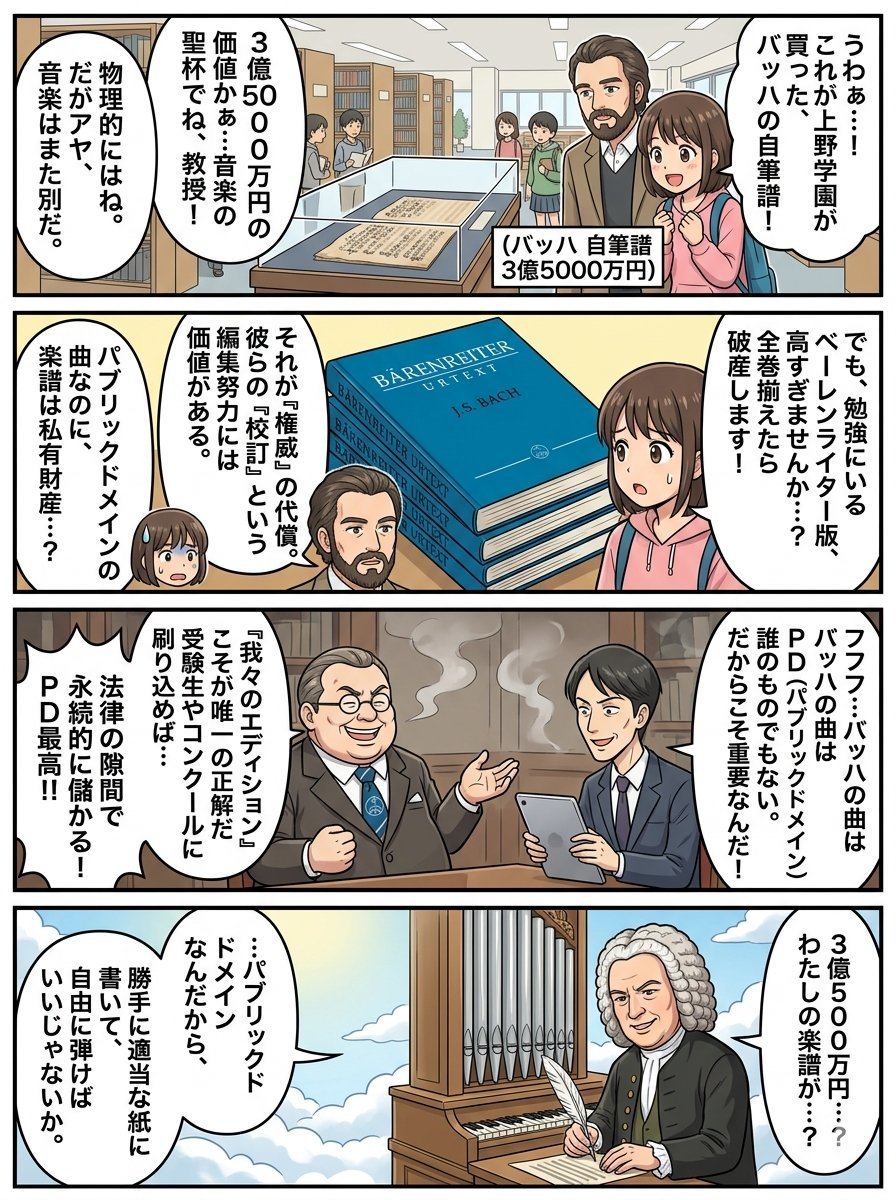
Nano Banana Pro 4-Panel Comic Prompt: Bach in Heaven
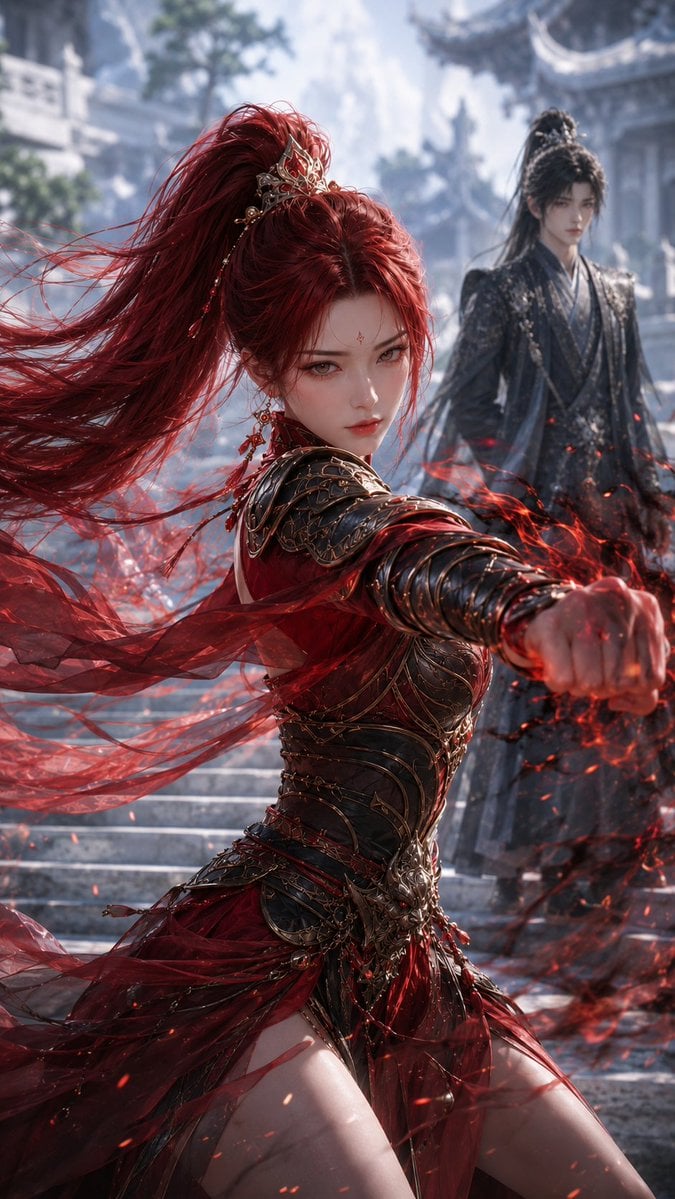
Crimson Xianxia Martial Training
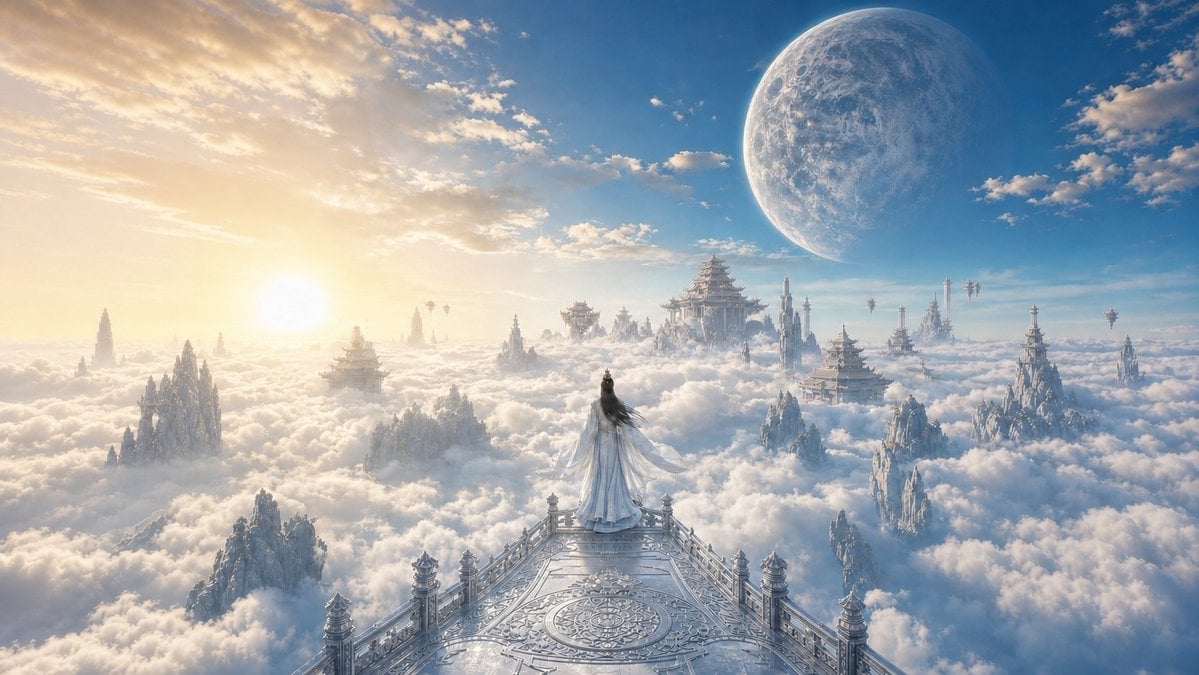
Celestial Xianxia Cloud Kingdom Wallpaper
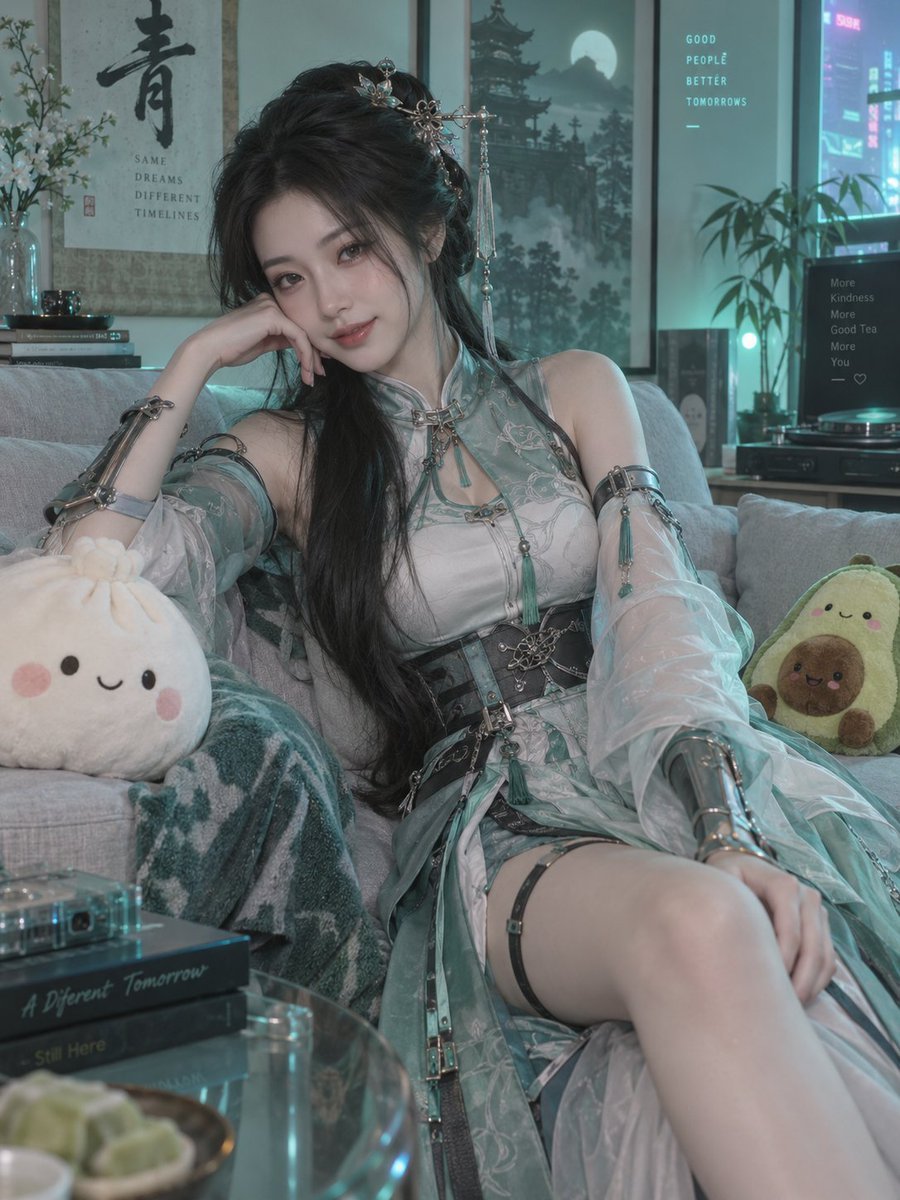
Neon Xianxia Apartment Portrait
Make it yours
Heaven-Splitting Xianxia Swordsman works as-is. These are the safest ways to change it without losing the look.
Change one field
Copy a single group, rewrite it, and generate again so you can see what that field is doing.
Keep the frame, change the subject
Hold the composition and light of Heaven-Splitting Xianxia Swordsman, then swap wardrobe, props or the person for a new take.
| If the result… | Why | Fix |
|---|---|---|
| The result drifts from the preview | Too many fields changed at once. | Reuse Heaven-Splitting Xianxia Swordsman as-is first, then change one group — subject, light, or setting. |
| The model over-stylizes the scene | The prose prompt leaves finish and camera underspecified. | Add one camera or lighting sentence and stay on GPT Image 2. |
More GPT Image 2 templates
Other prompts made for GPT Image 2.

Six VTuber Japanese Logo Sheet

Realistic Portrait of Woman and Deer

The Vista Modular Condo Poster

AI Model Routing Comparison Infographic

2.5D Anime Art Board

Isometric Productivity Desk Scene

New York Double Exposure Poster

Four-Panel AI Landscape Comparison

Japanese Tatami Lifestyle Magazine Cover

NESCAFÉ Coffee Map Poster
More image prompts
Fresh picks from across the catalog.

YouTube thumbnail design brief for a masked interview video

Minimalist Urban Fashion Editorial Side Profile
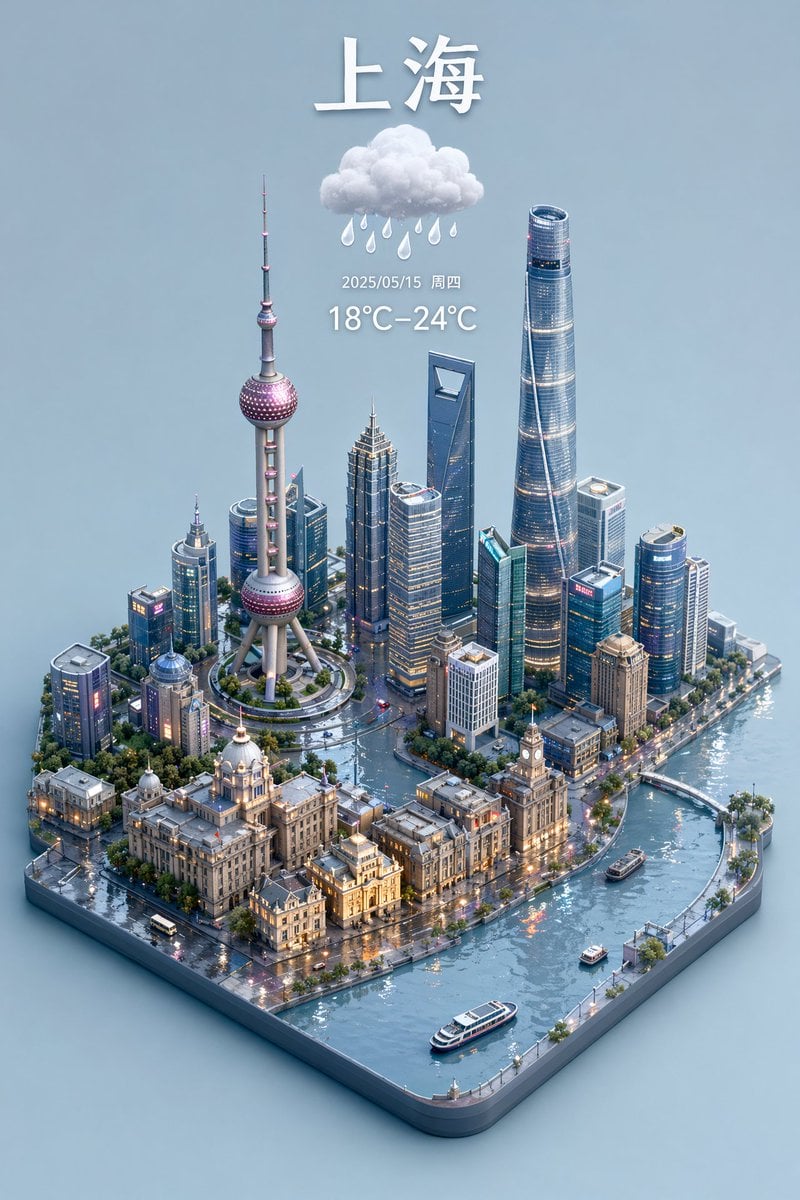
3D Isometric Miniature City Weather Map
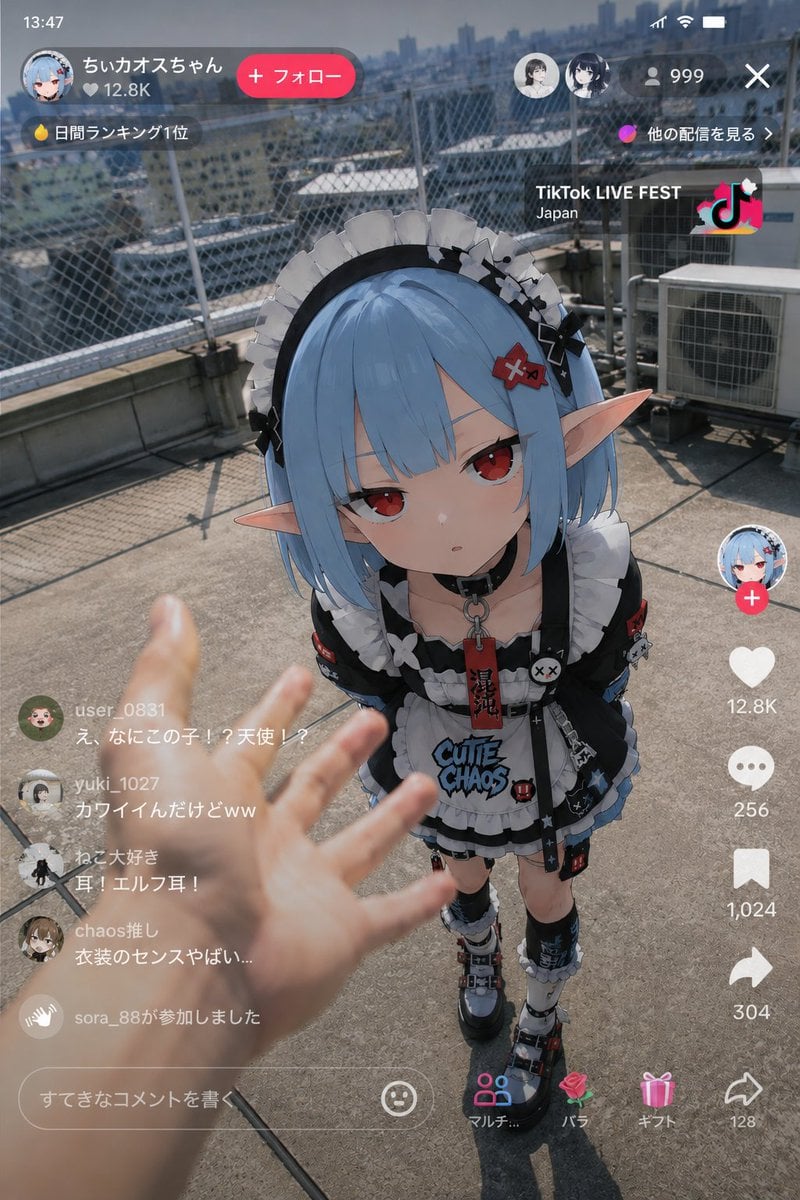
Anime Character Real-World Stream i2i
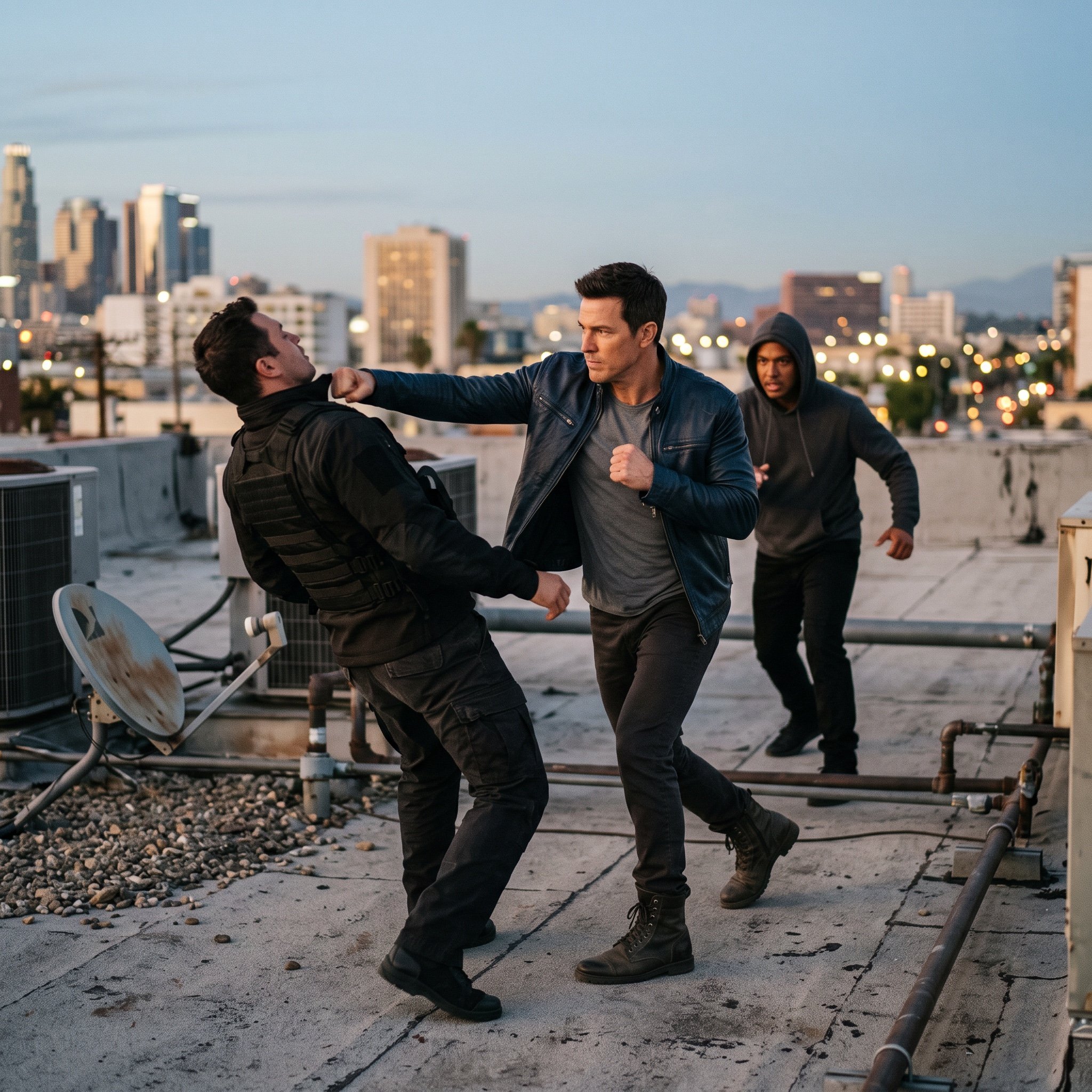
action movie hollywood movie hollywood fight scene... (IMAGE-NANO_BANANA)
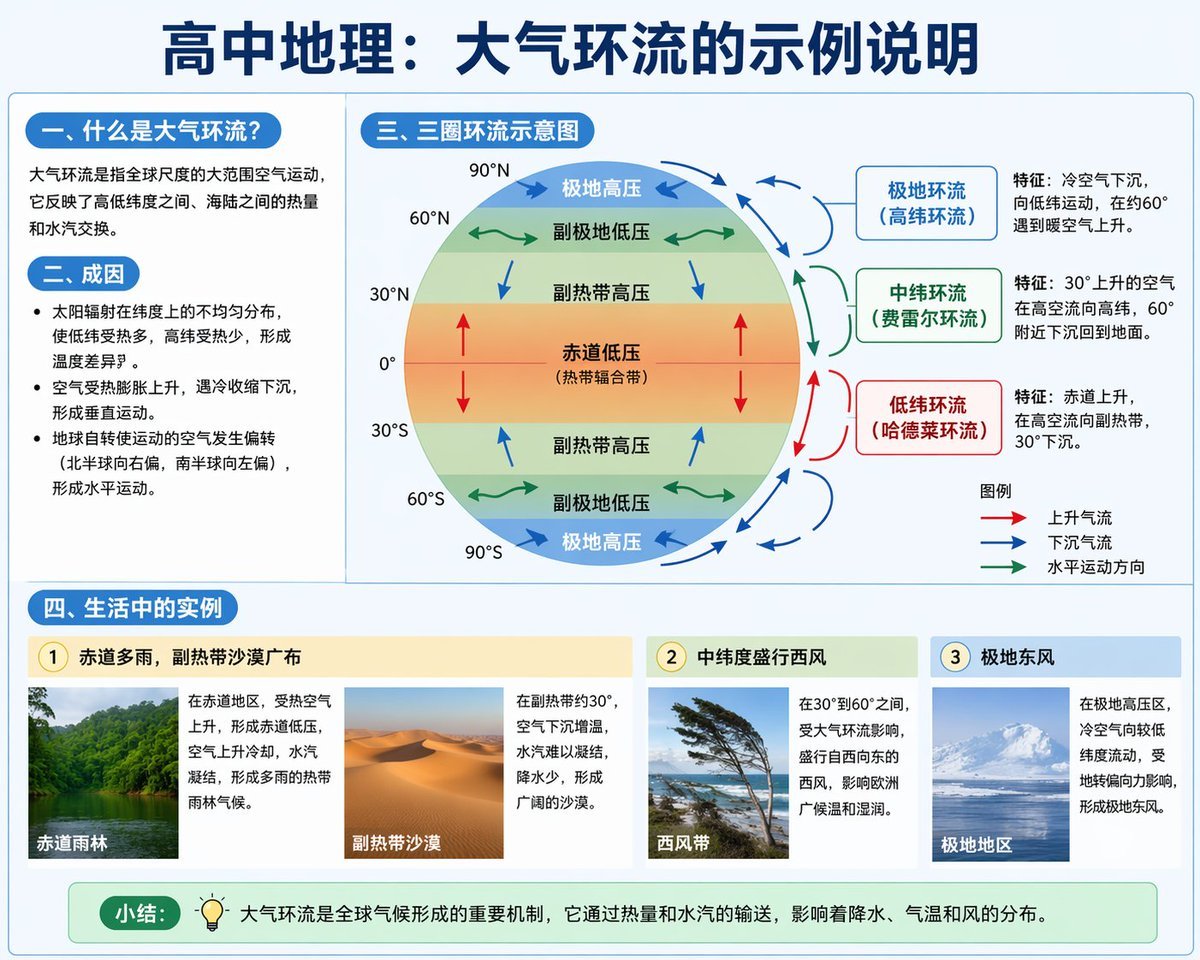
Educational Infographic on Atmospheric Circulation

Surreal Miniature Egg Art Scene Prompt
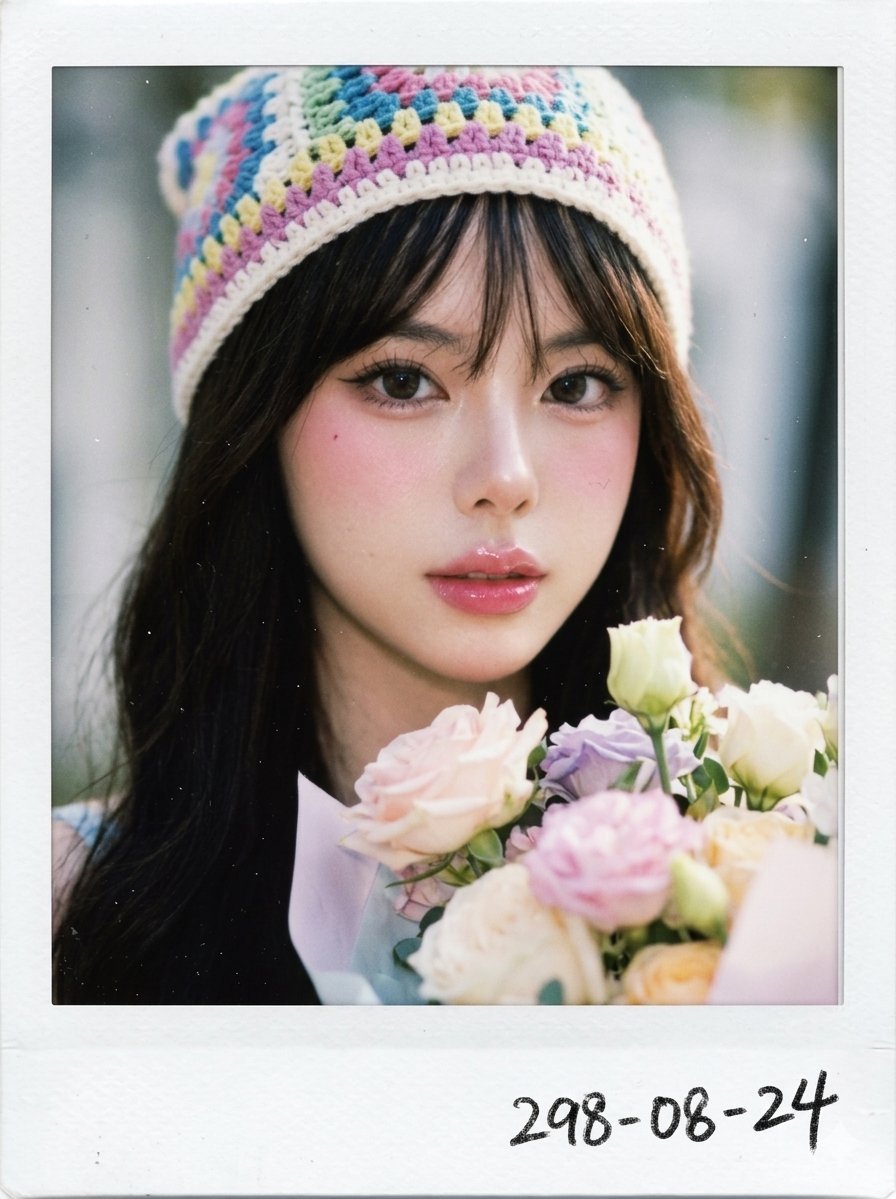
X Chryzleenprompt Create Image a Hyper Photorealistic Polaroid
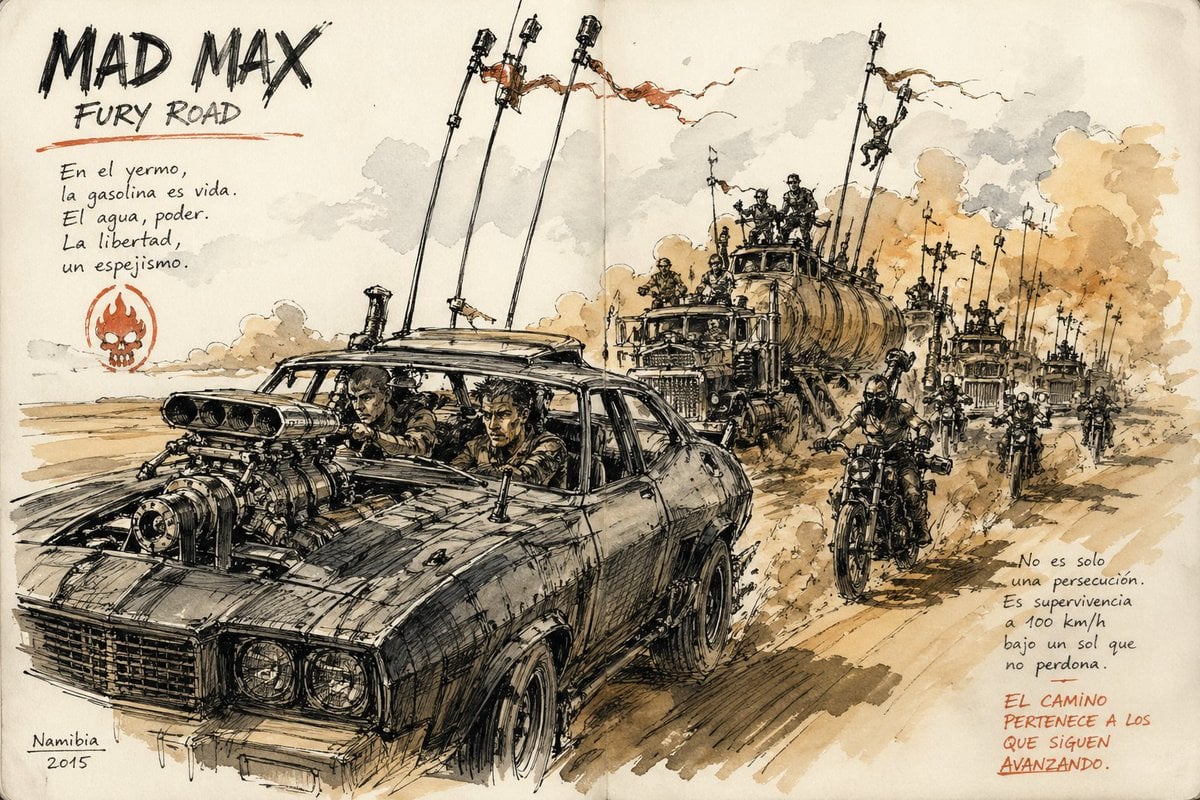
Urban Sketching Style Prompt
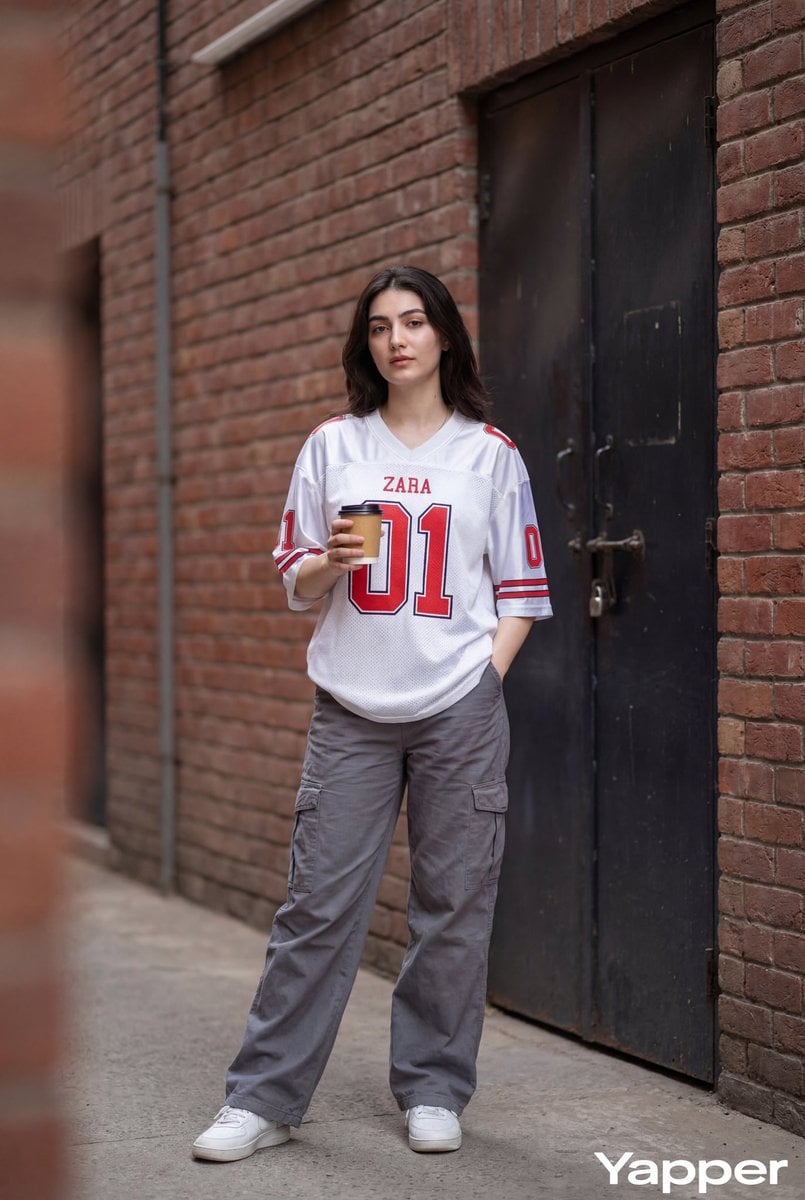
Ultra-Realistic Street Fashion Photography
Browse template categories
Heaven-Splitting Xianxia Swordsman questions
How do I use the Heaven-Splitting Xianxia Swordsman template?
Add your photo if the template asks for one, edit the prompt if you like — the template's model and format are already selected — and press Generate. Your version opens in PicX Studio.
Can I customize the Heaven-Splitting Xianxia Swordsman template?
Yes. You can change the subject, setting, lighting, mood, format, and available model controls before creating your image.
Is the Heaven-Splitting Xianxia Swordsman template free?
Opening and editing this template is free. Generating uses credits, shown on the Generate button when you are signed in.
Which AI model should I use?
Start with GPT Image 2, which is the model associated with this template. You can compare another compatible model for a different finish.
Looking for something else? Browse all templates.

Your photo, any look
Thousands of ready templates for every top image and video model, from one credit balance.