
Rainy Anime Swordsman in Red Coat
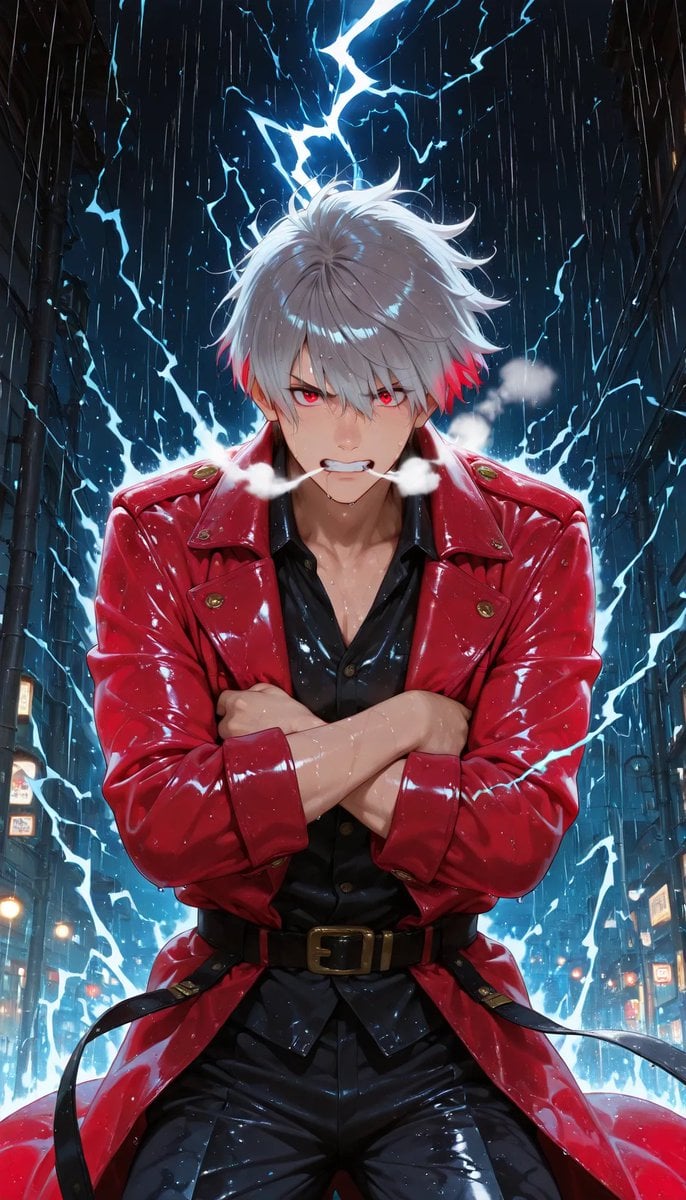
A cinematic vertical anime portrait of a white-haired figure in a glossy red coat standing in a lightning-filled rainy city alley.
- Prompt included
- Model and format preset
- Free template
The prompt behind this image
Copy the exact prompt behind Rainy Anime Swordsman in Red Coat, or open it in the studio and make it yours.
Create a dramatic vertical anime-style portrait of {argument name="character name" default="a mysterious white-haired swordsman"} standing centered in a narrow futuristic city alley at night during heavy rain. He has shaggy layered {argument name="hair color" default="silver-white hair with vivid red tips near the ears"}, a confident powerful posture, and his face is deliberately covered by a plain semi-opaque rectangular censor block in muted gray-pink, placed over the entire facial area. He wears a glossy wet {argument name="coat color" default="crimson red"} long leather trench coat with large lapels, gold buttons and shoulder details, over a black open-collar shirt, black shiny pants, and a black belt with a brass buckle. His arms are crossed tightly across his chest, sleeves rolled slightly, with rain droplets and highlights on his skin and clothing. Behind him, bright electric-blue lightning cracks across the dark sky and forms jagged energy arcs around his silhouette, creating a glowing halo effect; include visible steam or mist puffs near his shoulders. The background is a tall, dark urban alley with shadowed building walls on both sides, small glowing signs and streetlights near the lower edges, deep perspective, wet reflective surfaces, and dense vertical rain streaks. Use high-contrast cinematic lighting, saturated blues and reds, glossy reflections, sharp anime illustration detail, dynamic composition, and a heroic low-angle feel. No text, no watermark, no extra characters.
How to use Rainy Anime Swordsman in Red Coat in 3 steps
- 1Upload ImagePNG, JPG or paste
Add your photo
Upload the photo the template builds on. The prompt, model and format are already set.
- 2…a portrait of your subject in softgolden-hour light, 85mm…
Personalize
Edit the subject and creative details for your destination.
- 3Generate
Generate
Press Generate — your image is created in PicX Studio, so you can compare it with the original and refine one variable at a time.
More like this
Templates with the same subject, style or setup. Open one to see its prompt.




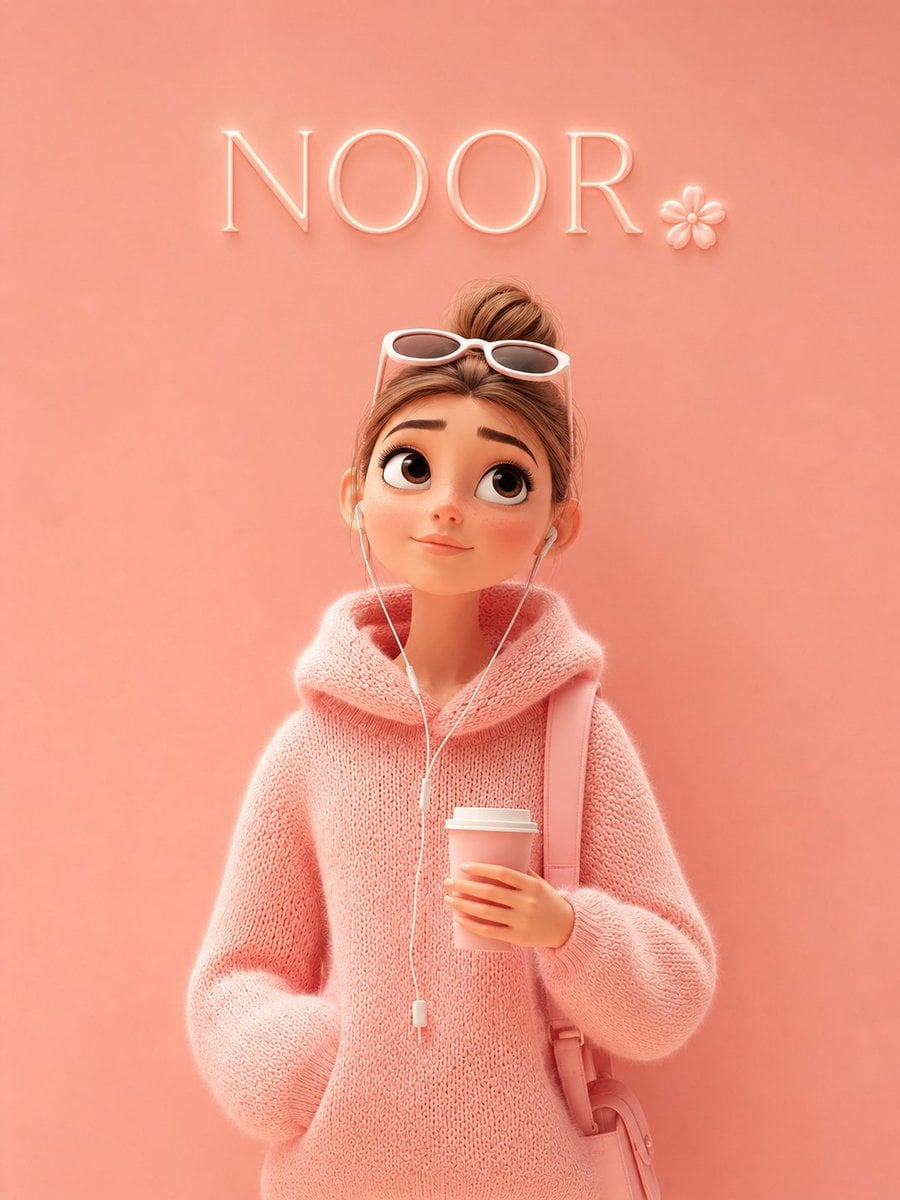
Make it yours
Rainy Anime Swordsman in Red Coat works as-is. These are the safest ways to change it without losing the look.
Change one field
Copy a single group, rewrite it, and generate again so you can see what that field is doing.
Keep the frame, change the subject
Hold the composition and light of Rainy Anime Swordsman in Red Coat, then swap wardrobe, props or the person for a new take.
| If the result… | Why | Fix |
|---|---|---|
| The result drifts from the preview | Too many fields changed at once. | Reuse Rainy Anime Swordsman in Red Coat as-is first, then change one group — subject, light, or setting. |
| The model over-stylizes the scene | The prose prompt leaves finish and camera underspecified. | Add one camera or lighting sentence and stay on GPT Image 2. |
More GPT Image 2 templates
Other prompts made for GPT Image 2.

Six VTuber Japanese Logo Sheet

Realistic Portrait of Woman and Deer

The Vista Modular Condo Poster

AI Model Routing Comparison Infographic

2.5D Anime Art Board

Isometric Productivity Desk Scene

New York Double Exposure Poster

Four-Panel AI Landscape Comparison

Japanese Tatami Lifestyle Magazine Cover

NESCAFÉ Coffee Map Poster
More image prompts
Fresh picks from across the catalog.
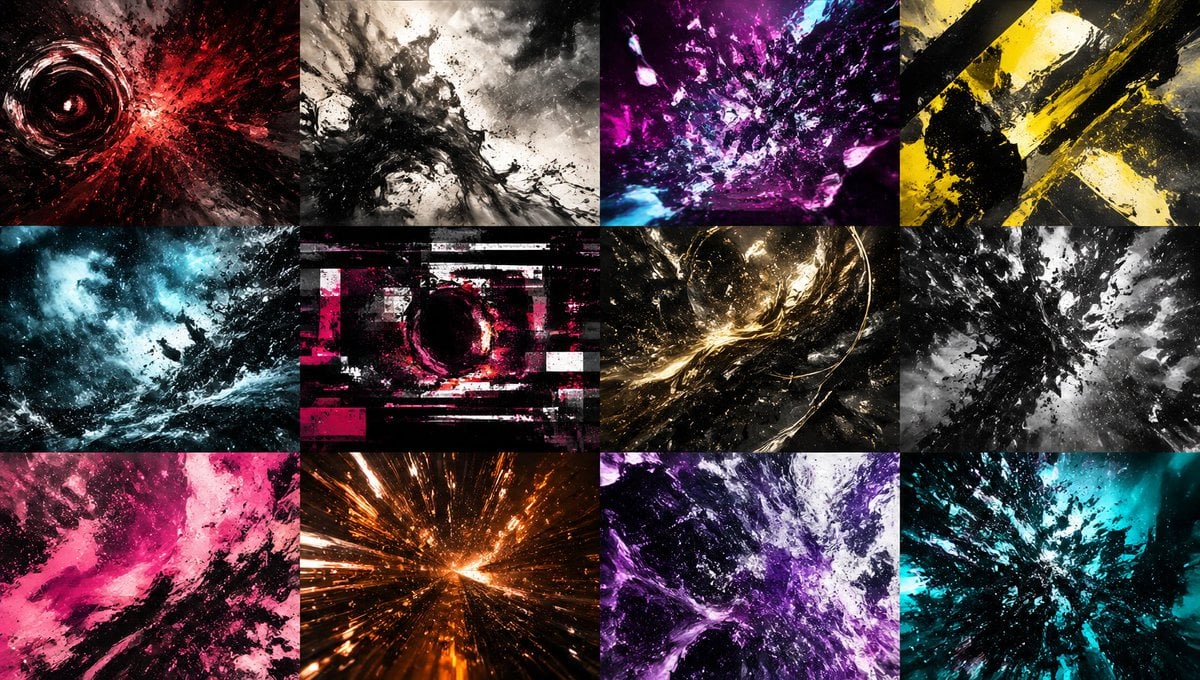
Abstract Energy Burst Grid
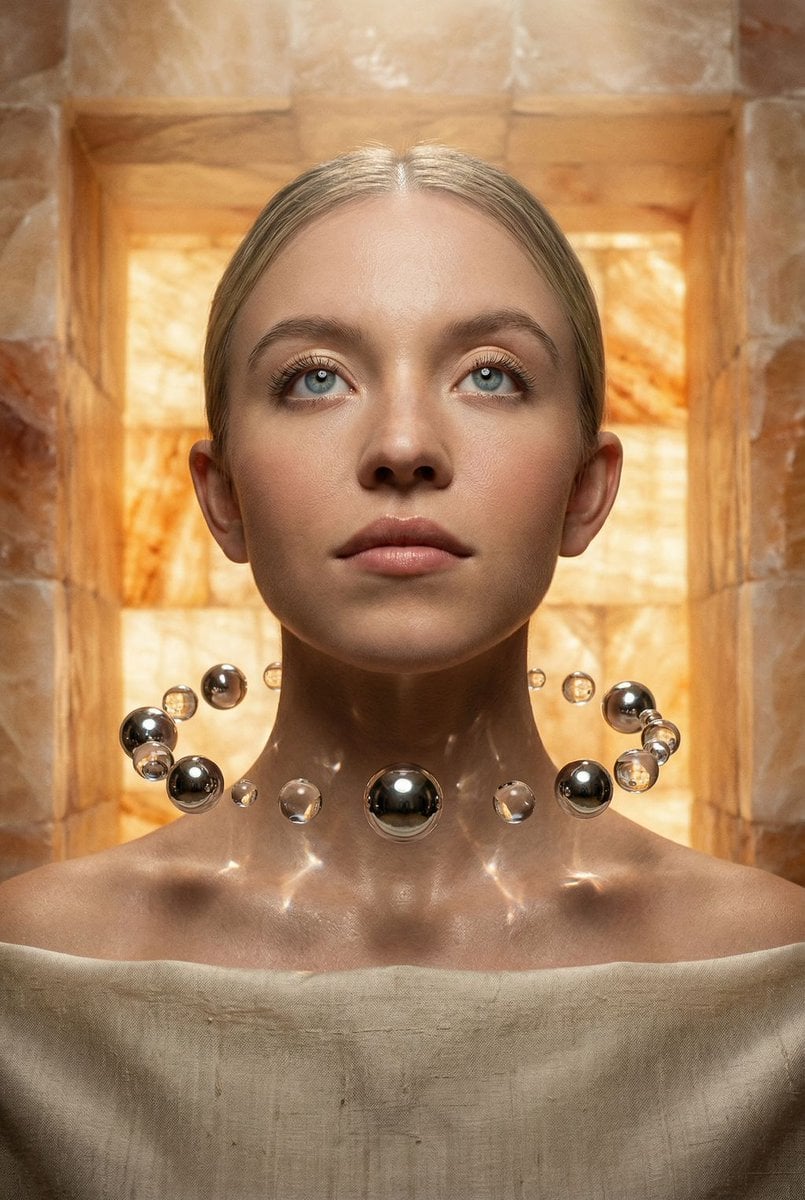
Sacred Alchemy Surreal Beauty Portrait Prompt
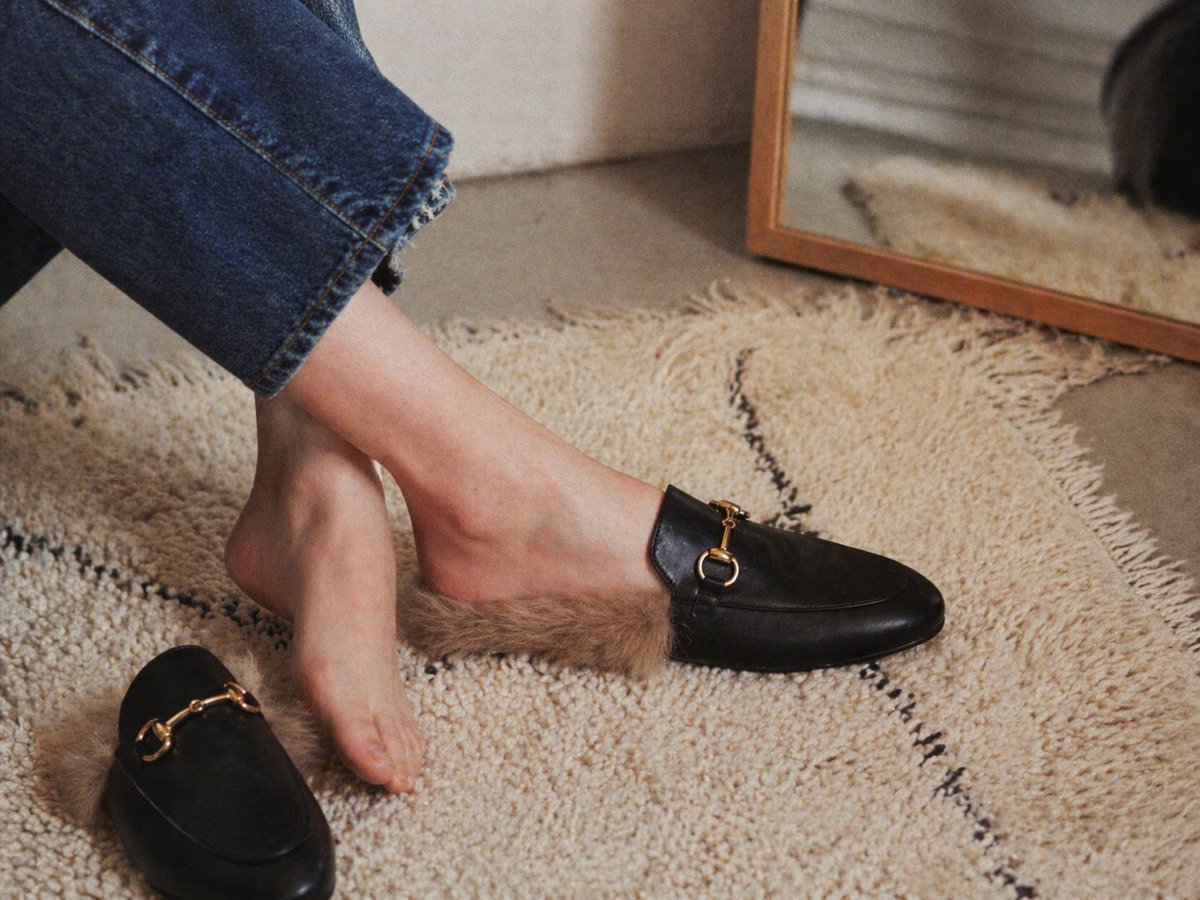
Gpt2 E Commerce Main Image Luxury Fur Lined Loafer Lifestyle Photo
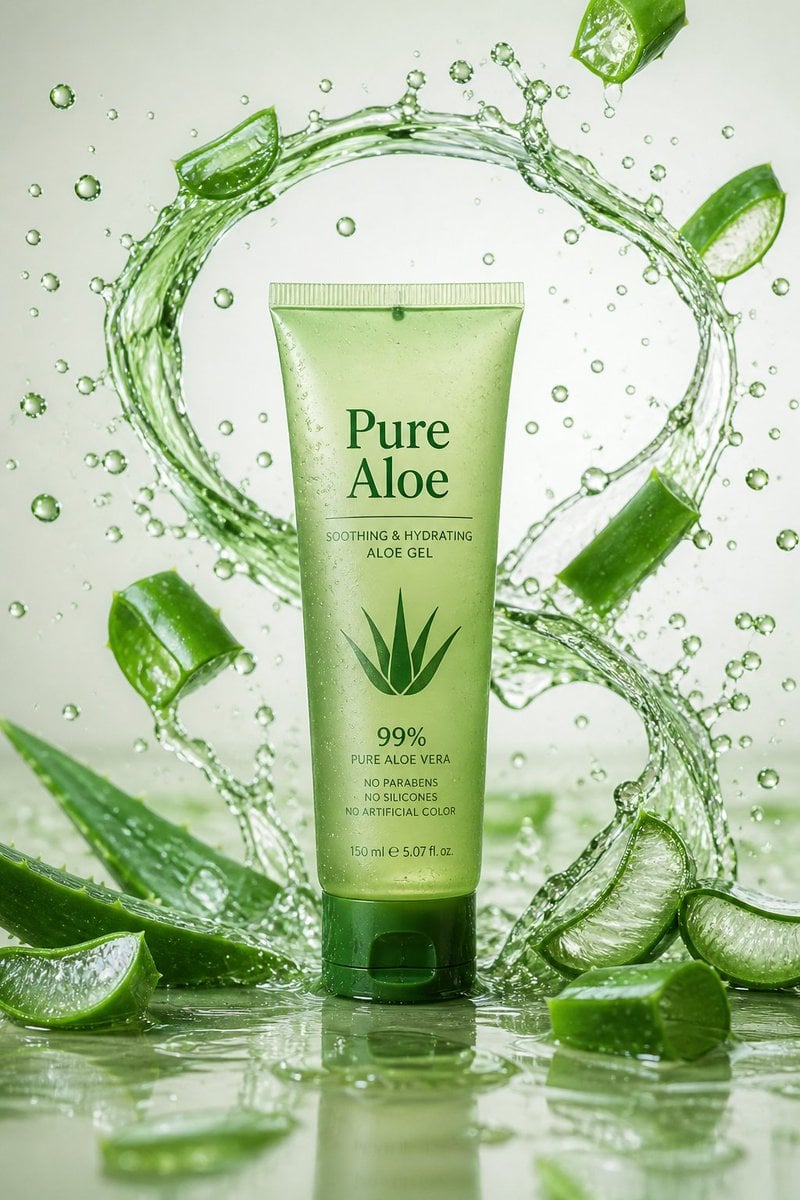
Pure Aloe Skincare Commercial
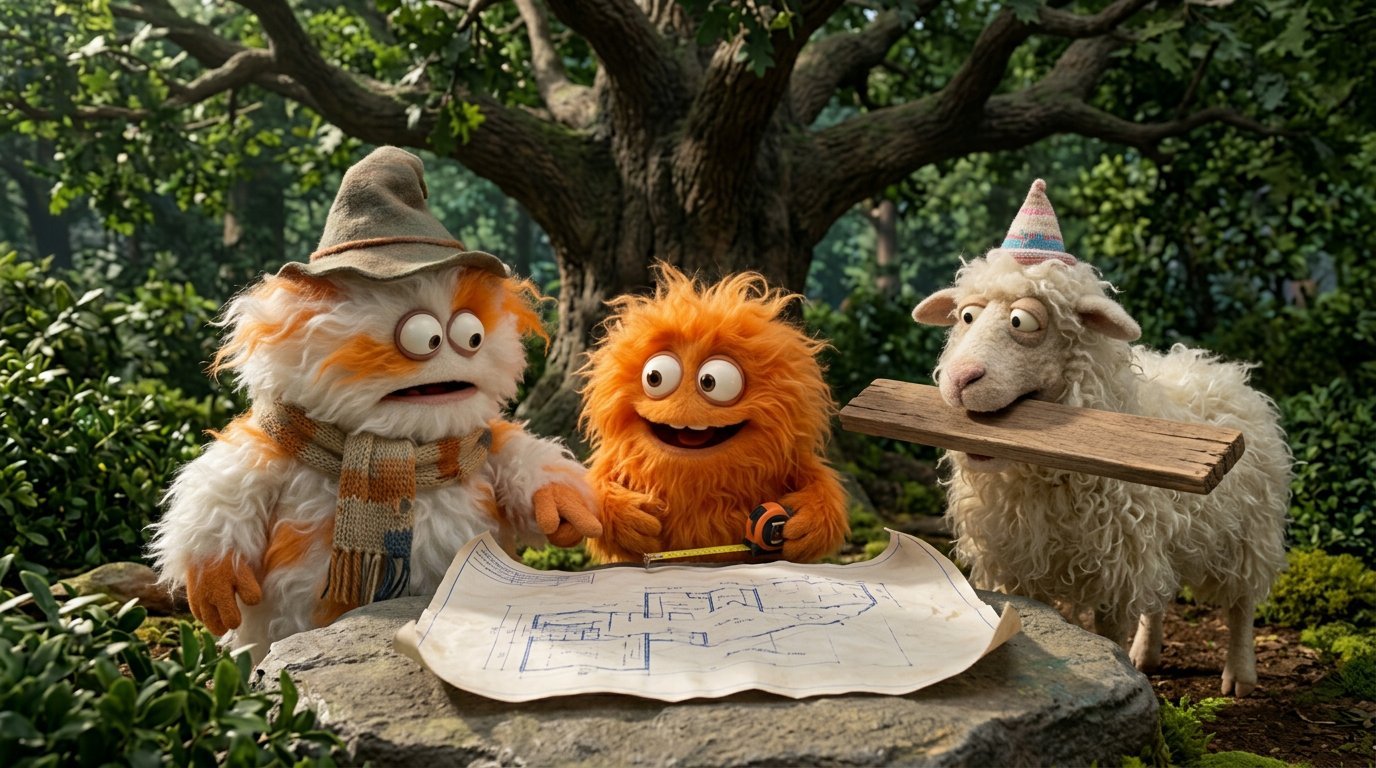
4 Part Story of 3 Fluffy Creatures Build
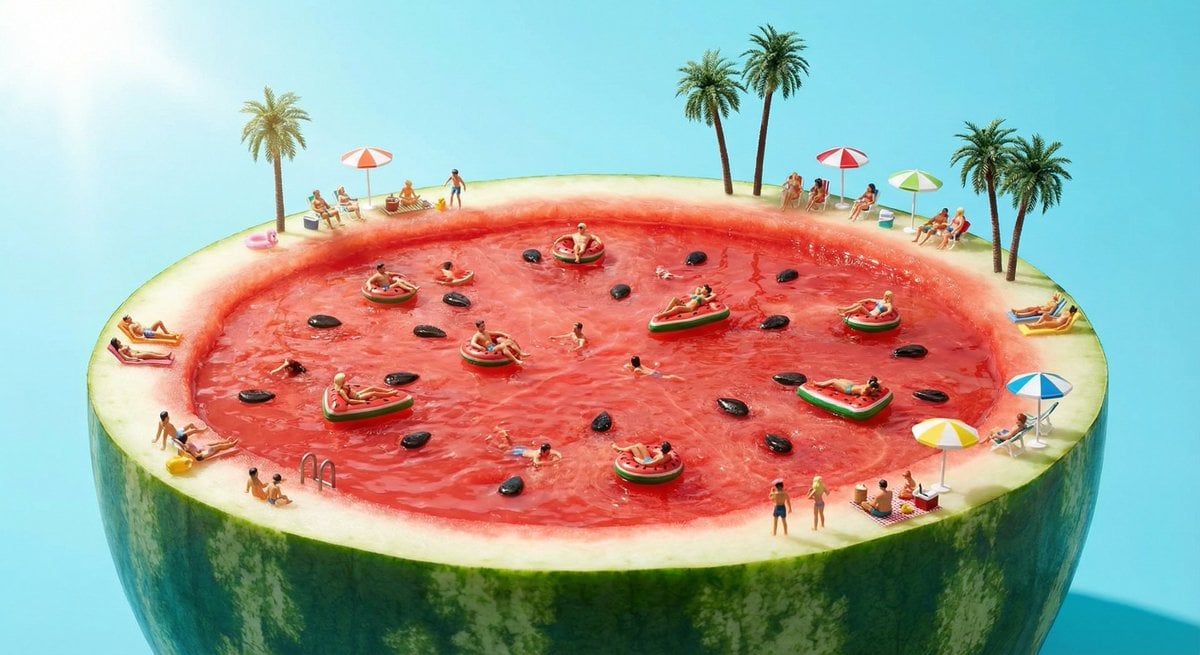
Watermelon swimming pool micro-world
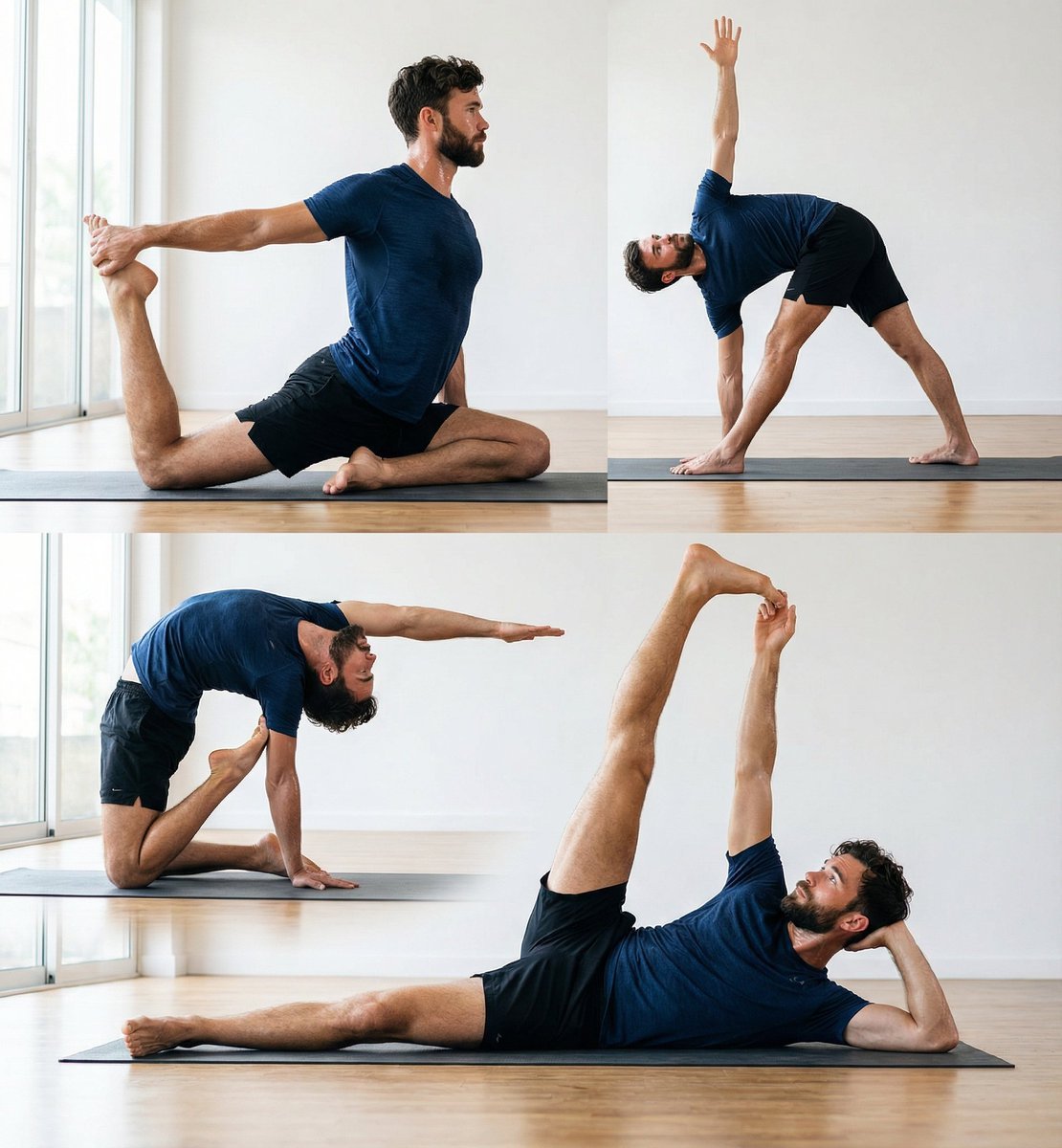
Pose transfer for fitness shots
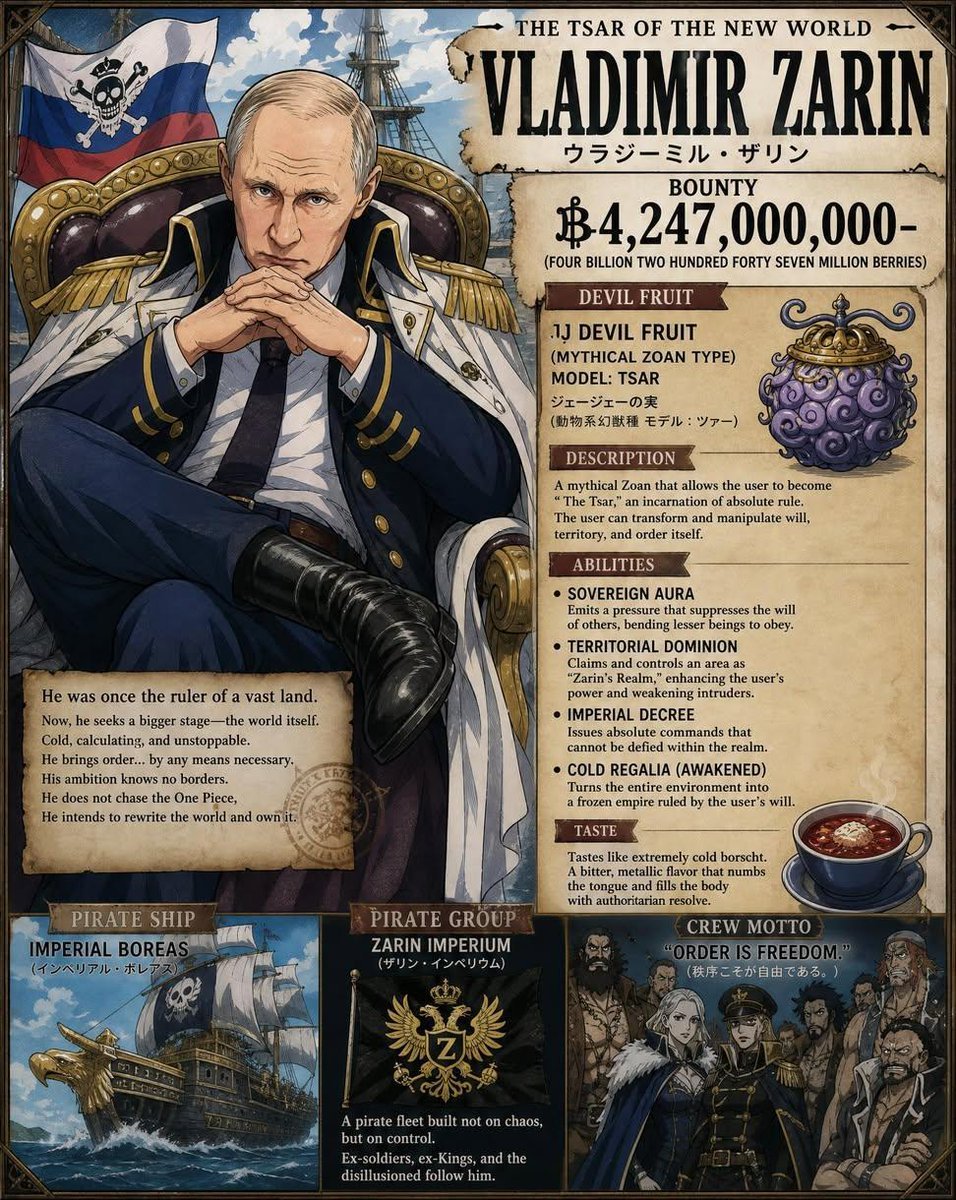
Custom One Piece Anime Character
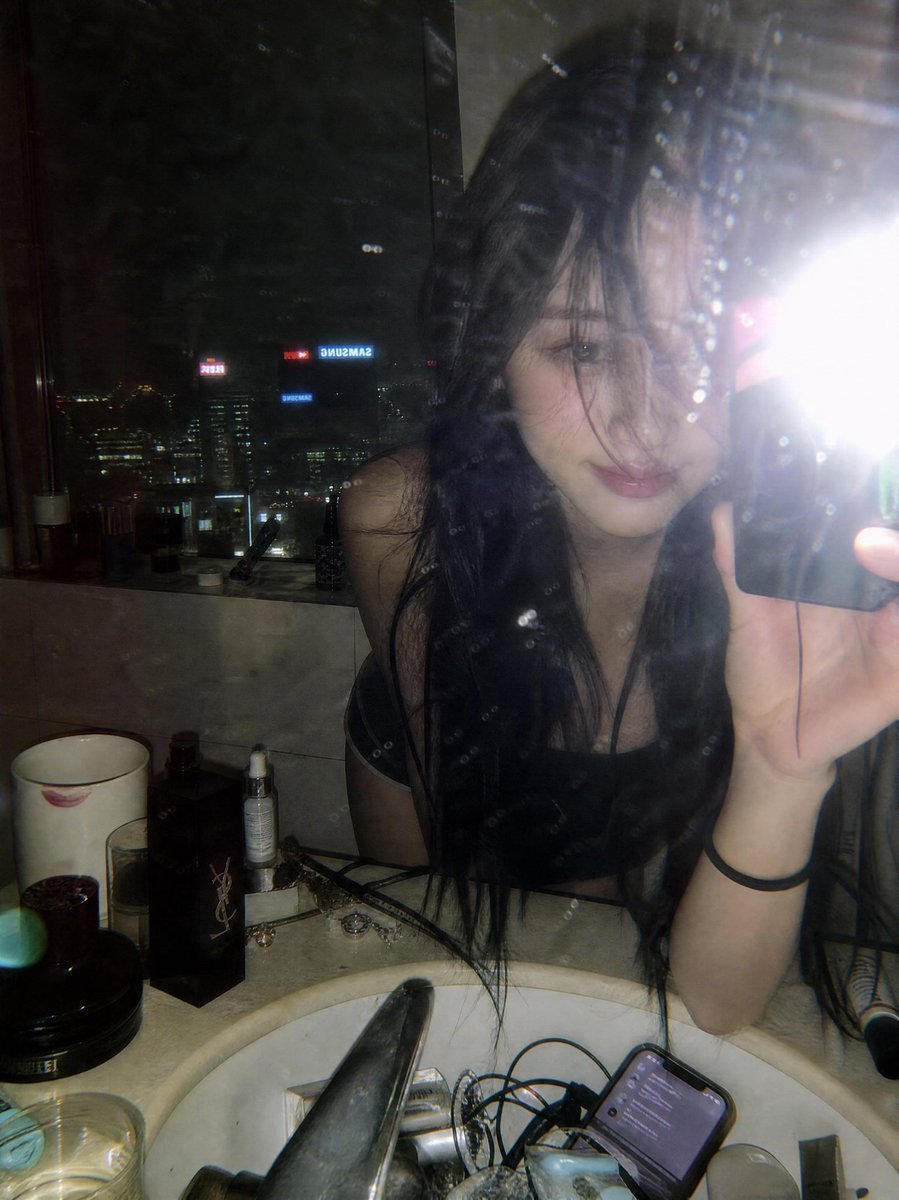
Late Night Luxury Mirror Selfie
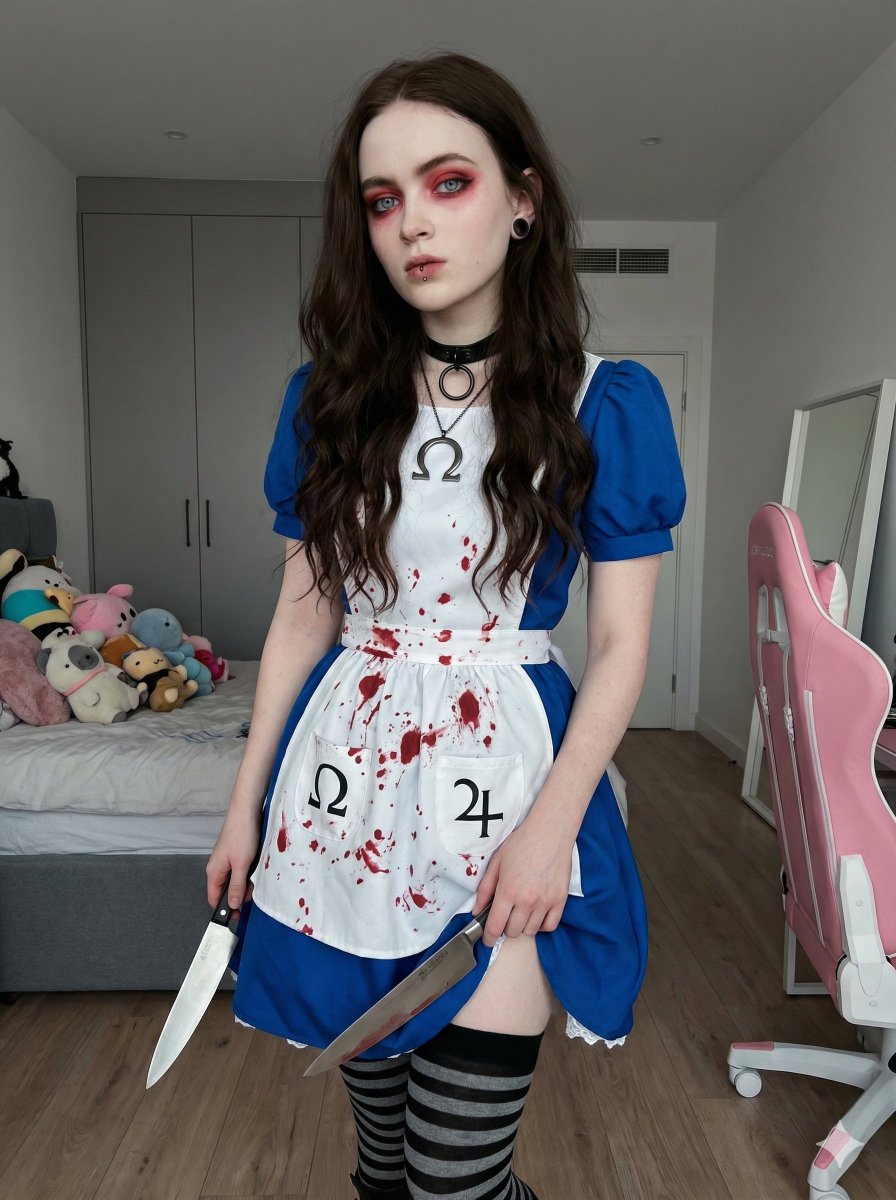
Photorealistic Cosplay of Alice: Madness Returns
Browse template categories
Rainy Anime Swordsman in Red Coat questions
How do I use the Rainy Anime Swordsman in Red Coat template?
Add your photo if the template asks for one, edit the prompt if you like — the template's model and format are already selected — and press Generate. Your version opens in PicX Studio.
Can I customize the Rainy Anime Swordsman in Red Coat template?
Yes. You can change the subject, setting, lighting, mood, format, and available model controls before creating your image.
Is the Rainy Anime Swordsman in Red Coat template free?
Opening and editing this template is free. Generating uses credits, shown on the Generate button when you are signed in.
Which AI model should I use?
Start with GPT Image 2, which is the model associated with this template. You can compare another compatible model for a different finish.
Looking for something else? Browse all templates.

Your photo, any look
Thousands of ready templates for every top image and video model, from one credit balance.