
Sacred Alchemy Surreal Beauty Portrait Prompt
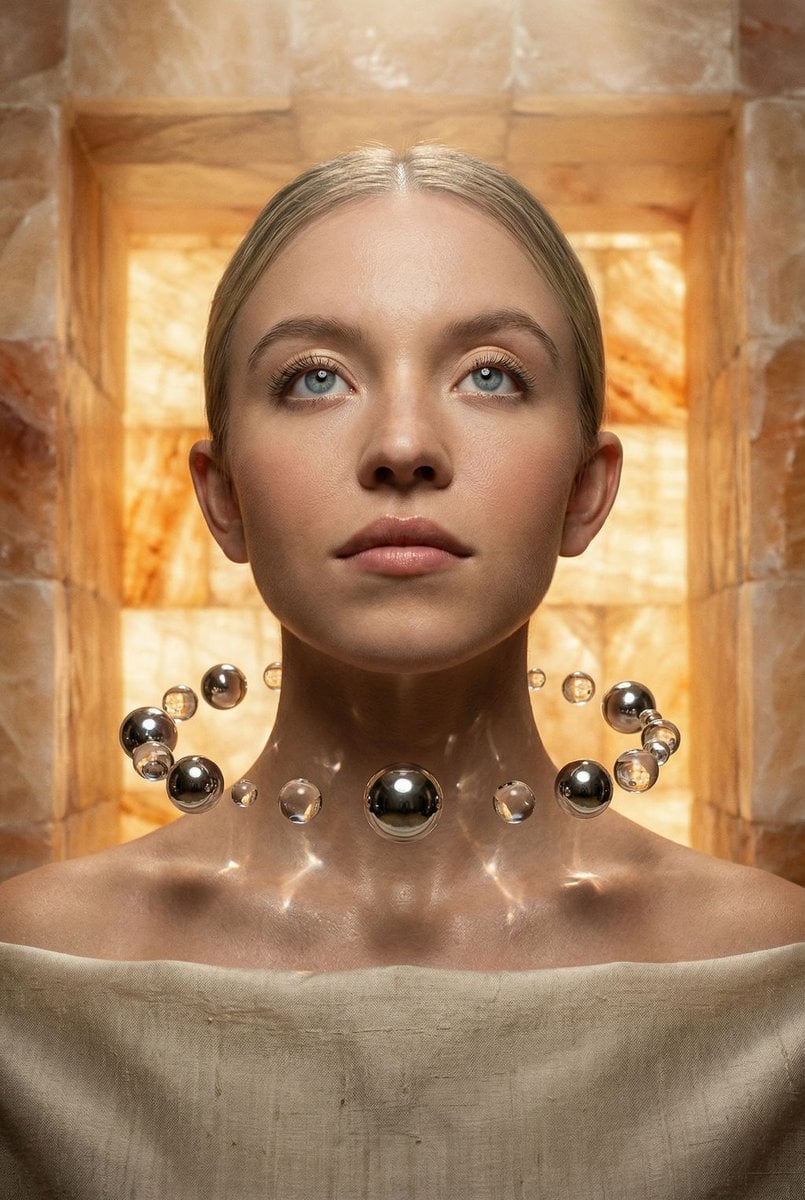
A complex, hyper-realistic prompt for a surreal beauty portrait with an 'Ancient Alchemy' theme.
- Prompt included
- Model and format preset
- Free template
The prompt behind this image
Copy the exact prompt behind Sacred Alchemy Surreal Beauty Portrait Prompt, or open it in the studio and make it yours.
{ "vibe_title_en": "Sacred Alchemy", "master_prompt": "A hyper-realistic, surreal beauty portrait of The Protagonist, captured in a tight head-and-shoulders composition. The subject looks slightly upward with a hopeful, visionary expression, embodying the archetype of a modern oracle. THE SURREAL ELEMENT: Instead of a traditional necklace, a precise, geometric orbit of floating liquid mercury spheres and crystal-clear water droplets levitates around the subject's neck, defying gravity. These suspended spheres act as lenses, refracting the scene with physically accurate caustics. THE SETTING: A niche, tactile sanctuary built from translucent, rough-hewn alabaster blocks that glow with a warm, internal amber light. LIGHTING: A soft, divine top-light highlights the texture of the skin and the reflective surfaces of the floating liquid spheres, creating a cinematic 'halo' effect. TECH SPECS: Shot on Hasselblad H6D-100c, 100mm f/2.2 Macro lens. TEXTURE: Fine grain Kodak Portra 160 simulation to ground the surrealism in analog reality. No neon, no digital painting style—pure photographic surrealism.", "meta": { "intent": "Create a high-fashion surrealist portrait that blends ancient ritual aesthetics with impossible physics.", "priorities": "Photorealistic skin texture, accurate refraction in liquid elements, atmospheric depth.", "device_profile": "High-Resolution Studio Monitor" }, "frame": { "aspect": "4:5", "composition": "Center-weighted tight portrait, focusing on the face and neck area.", "layout": "Symmetrical subject placement with negative space at the top.", "camera_angle": "Eye-level to slightly low angle to emphasize the 'Visionary' status.", "tilt_roll_degrees": "0 degrees" }, "subject": { "gender": "Female", "identity": "The Protagonist (Universal Template)", "demographics": "Ageless, Ethereal", "face": "Symmetrical features, hyper-realistic skin texture with visible pores and natural imperfections.", "hair": "Styled back or minimal to focus on the face and the surreal neck piece.", "body": "Shoulders and neck visible, posture upright and regal.", "expression": "Hopeful, determined, eyes looking slightly upward toward a light source.", "pose": "Static, poised, chin slightly lifted, emanating quiet power." }, "wardrobe_accessories": { "garments": [ { "item": "Minimalist Drape", "material": "Raw Silk", "color": "Off-white or Cream", "fit": "Loose, falling off shoulders" } ], "accessories": [ { "item": "Levitating Orbital Collar", "color": "Silver (Mercury) and Clear (Water)", "material": "Liquid Mercury and Water (Surreal Physics)", "brand_style": "Avant-Garde Surrealism" } ] }, "environment": { "setting": "Ancient Alabaster Sanctuary", "surfaces": "Rough-hewn translucent stone, warm mineral texture
How to use Sacred Alchemy Surreal Beauty Portrait Prompt in 3 steps
- 1
Open
The prompt is already in the box next to the preview, with the template's model and format selected.
- 2…a portrait of your subject in softgolden-hour light, 85mm…
Personalize
Edit the subject and creative details for your destination.
- 3Generate
Generate
Press Generate — your image is created in PicX Studio, so you can compare it with the original and refine one variable at a time.
More like this
Templates with the same subject, style or setup. Open one to see its prompt.
Organic Golden Alchemy Surreal Portrait

Found Photograph: Us, 1970

80s Couple Studio Portrait

80s Bollywood Star

80s Golden Hour Cinema

Me in 1985

1985 Studio Portrait

Hyper-Realistic Minecraft POV Portrait

Rooftop Fisheye — Cat-Ear Balaclava at Golden Hour

Surreal Cat Astronaut — Humanoid Face Freefall

Rainy Café Window Moody Portrait

untitled
Make it yours
Sacred Alchemy Surreal Beauty Portrait Prompt works as-is. These are the safest ways to change it without losing the look.
Change one field
Copy a single group, rewrite it, and generate again so you can see what that field is doing.
Keep the frame, change the subject
Hold the composition and light of Sacred Alchemy Surreal Beauty Portrait Prompt, then swap wardrobe, props or the person for a new take.
| If the result… | Why | Fix |
|---|---|---|
| The result drifts from the preview | Too many fields changed at once. | Reuse Sacred Alchemy Surreal Beauty Portrait Prompt as-is first, then change one group — subject, light, or setting. |
| The model over-stylizes the scene | The prose prompt leaves finish and camera underspecified. | Add one camera or lighting sentence and stay on Nano Banana 2. |
More Nano Banana 2 templates
Other prompts made for Nano Banana 2.

Photorealistic Leaf Shaped Like a Dragon

K-Pop Idol Portrait Grid for Rapid Selection

Poetic Rain Forest Portrait During Golden Hour

Urban Street Portrait with Cartoon Inner Self Duo

Candid Nighttime Photo with Cat Prompt

High-Concept 3D Diorama Generation Prompt

Cinematic Futuristic Studio Portrait Template

Skincare Editorial Photography Collage Prompt

Hyper-Realistic Commercial Product Photography (Splash Effect)

Hyper-Realistic Nightclub Portrait Prompt
More image prompts
Fresh picks from across the catalog.
cinematography style warm amber and cool blue colo... (IMAGE-NANO_BANANA)
X Iamrealsnow Cinematic Motion Blur Photography Editorial
Cyberpunk Brain Graffiti Alley
Japanese AI Prompt Gallery UI
Forest Lifestyle Editorial Moodboard
Refractive High Fashion Editorial Portrait
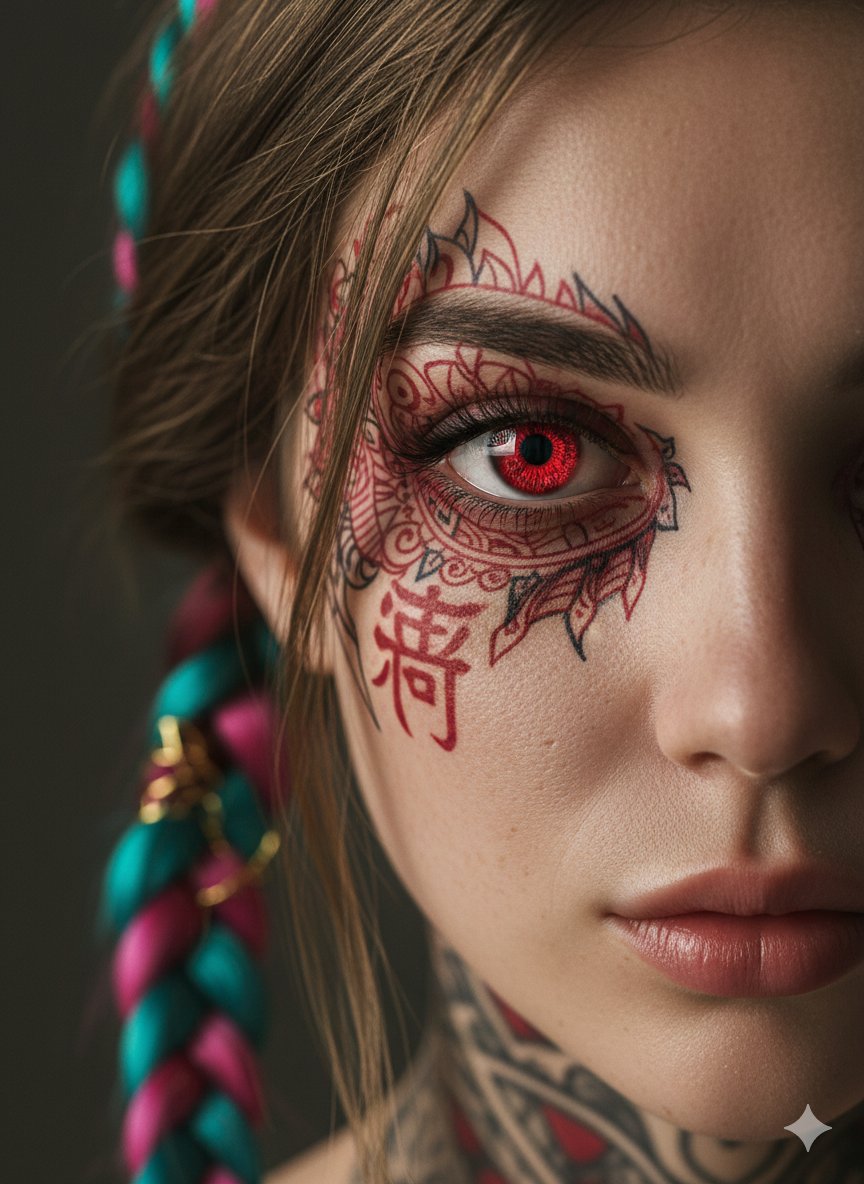
Extreme Close-Up Cinematic Portrait with Tattoos and Red Eye
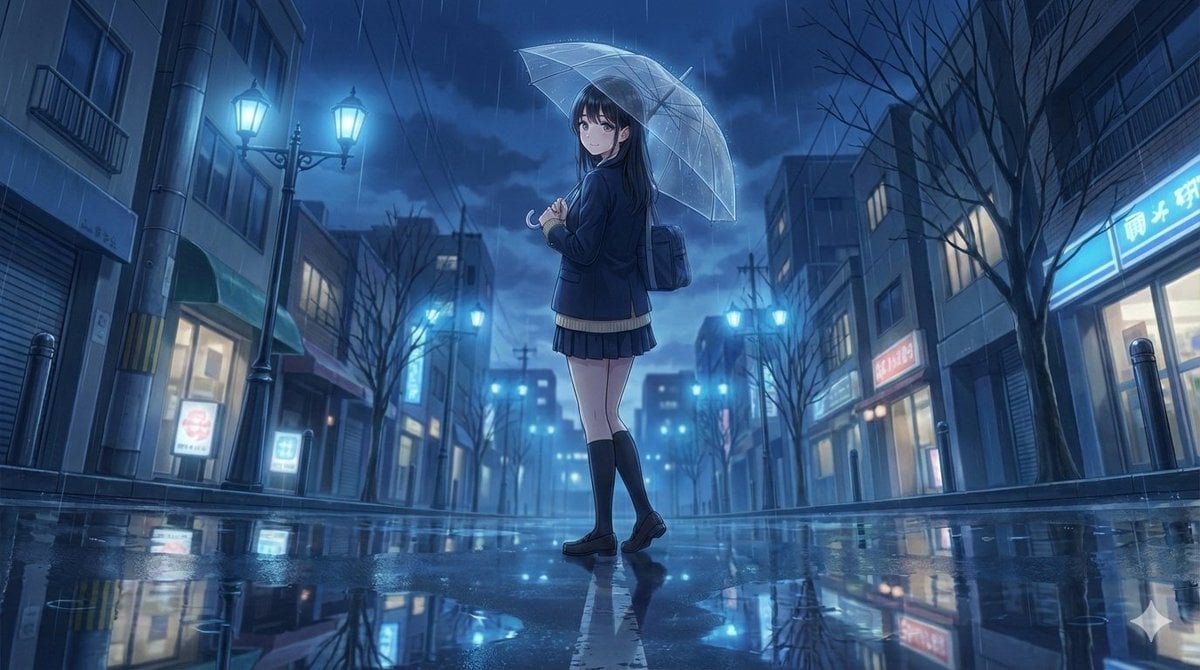
4K Anime Illustration of Girl in Rain
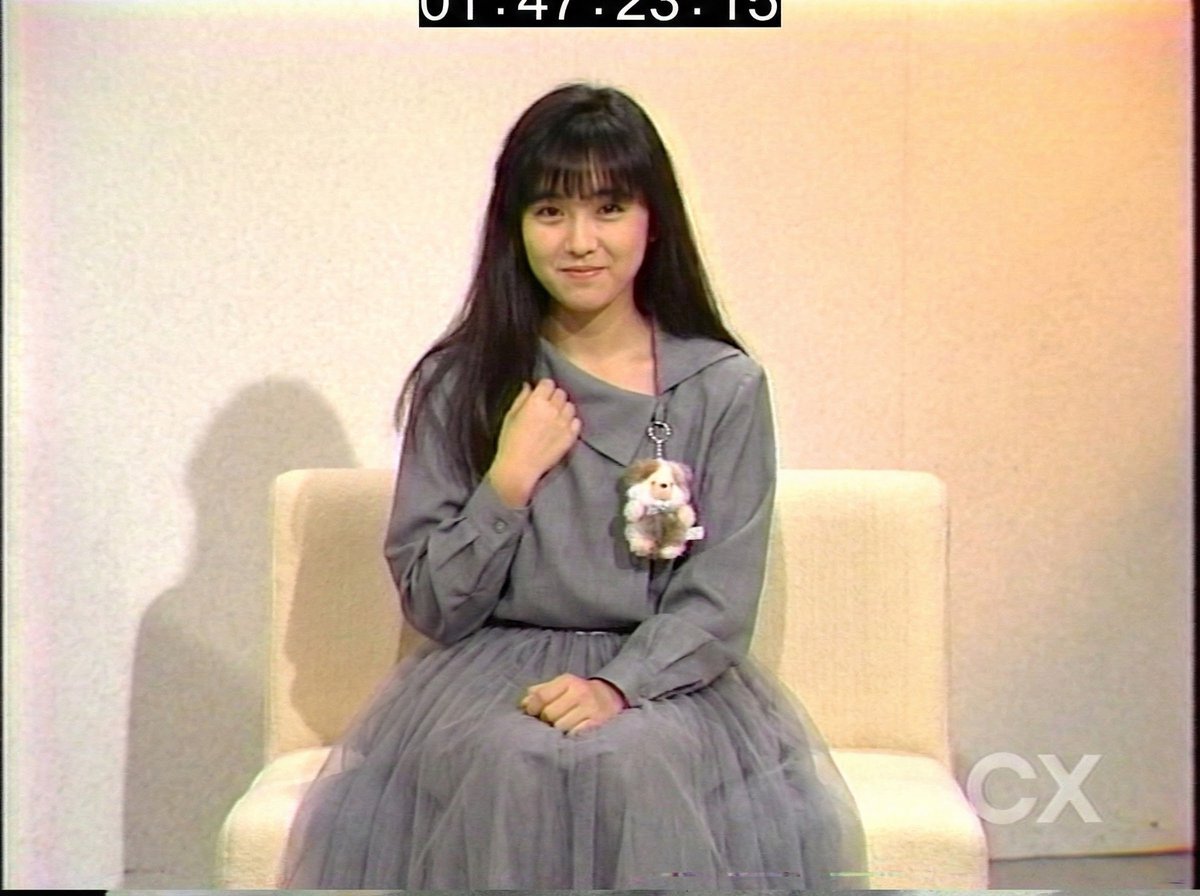
System Prompt for 80s VHS Aesthetic Image Generation (REWIND)
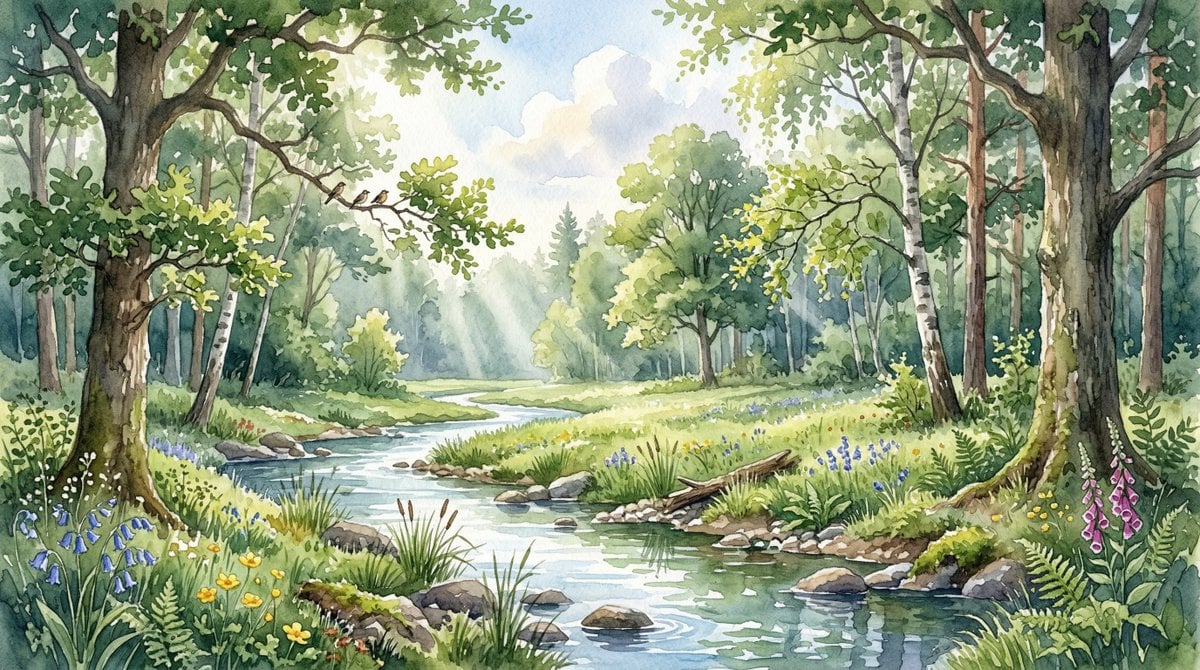
Watercolor Forest Clearing with Stream
Browse template categories
Sacred Alchemy Surreal Beauty Portrait Prompt questions
How do I use the Sacred Alchemy Surreal Beauty Portrait Prompt template?
Add your photo if the template asks for one, edit the prompt if you like — the template's model and format are already selected — and press Generate. Your version opens in PicX Studio.
Can I customize the Sacred Alchemy Surreal Beauty Portrait Prompt template?
Yes. You can change the subject, setting, lighting, mood, format, and available model controls before creating your image.
Is the Sacred Alchemy Surreal Beauty Portrait Prompt template free?
Opening and editing this template is free. Generating uses credits, shown on the Generate button when you are signed in.
Which AI model should I use?
Start with Nano Banana 2, which is the model associated with this template. You can compare another compatible model for a different finish.
Looking for something else? Browse all templates.

Your photo, any look
Thousands of ready templates for every top image and video model, from one credit balance.