
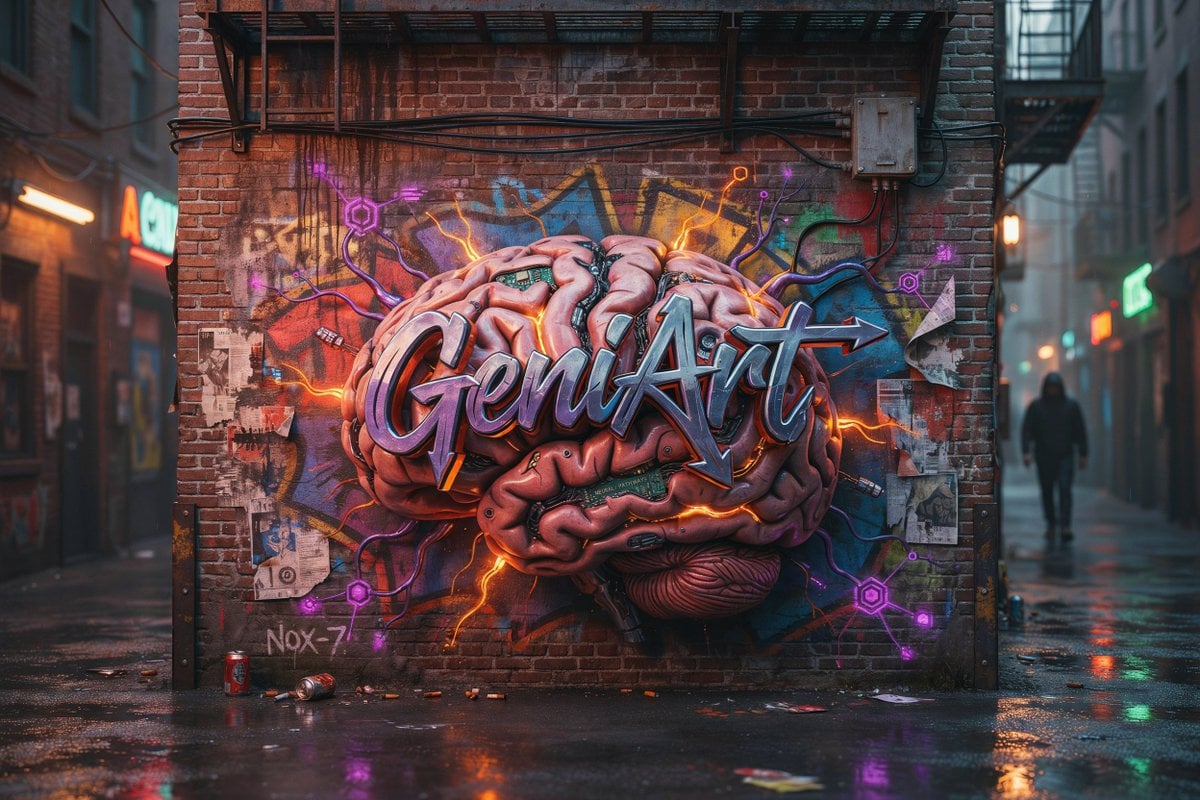
Cyberpunk Brain Graffiti Alley
A cinematic prompt for generating a rainy urban alley with a glowing 3D brain graffiti mural and neon cyberpunk street-art details.
- Prompt included
- Model and format preset
- Free template
The prompt behind this image
Copy the exact prompt behind Cyberpunk Brain Graffiti Alley, or open it in the studio and make it yours.
Create a cinematic photorealistic urban alley mural scene at dusk after rain. The image shows a red brick wall at the end of a narrow alley, covered by a large hyper-detailed 3D graffiti mural of an exposed human brain, with glossy pink folds, dark mechanical seams, tiny circuit-board inserts, and glowing orange lightning cracks radiating outward. Across the center of the brain is bold metallic wildstyle graffiti lettering spelling {argument name="graffiti word" default="GeniArt"}, with chrome-blue highlights, purple shadows, black outline, and a sharp arrow extending from the final letter. Behind the brain, add layered colorful street tags and abstract spray shapes in blue, yellow, red, and green. Around the mural include exactly 6 visible neon circuit nodes: 3 purple hexagonal nodes on the left and lower left, 2 purple hexagonal nodes on the right and lower right, and 1 small orange node near the upper right, all connected by thin glowing cables and electric lines. The brick wall has realistic grime, rain streaks, old paper scraps, and urban decay; include exactly 4 torn paper poster fragments on the wall, plus a small handwritten tag reading {argument name="small wall tag" default="Nox-7"} near the lower left. Add industrial details: a black metal fire escape platform above the mural, horizontal black cables across the upper wall, and a beige electrical junction box at upper right with wires running down. The wet pavement reflects orange, purple, green, and red lights; place exactly 2 discarded drink cans near the bottom left foreground, one upright red can and one crushed can lying on its side, with a few small bits of litter scattered nearby. The alley extends into soft-focus city depth on both sides, with neon storefront signs blurred in the background and exactly 1 distant hooded pedestrian silhouette walking on the right side. Use a moody cyberpunk street-art atmosphere, shallow depth of field, realistic rain reflections, volumetric mist, high contrast, ultra-detailed textures, 16:9 composition, no watermark, no extra readable text besides the specified graffiti word and small wall tag.
How to use Cyberpunk Brain Graffiti Alley in 3 steps
- 1Upload ImagePNG, JPG or paste
Add your photo
Upload the photo the template builds on. The prompt, model and format are already set.
- 2…a portrait of your subject in softgolden-hour light, 85mm…
Personalize
Edit the subject and creative details for your destination.
- 3Generate
Generate
Press Generate — your image is created in PicX Studio, so you can compare it with the original and refine one variable at a time.
More like this
Templates with the same subject, style or setup. Open one to see its prompt.

Seven-Panel Cyberpunk Manga Alley

Frozen Street Luxe Graffiti Fashion Campaign

Rainy Night Android Cyberpunk Portrait

Korean Idol Partial Shadow Editorial Portrait

Cinematic Sci-Fi Interface Side Profile

Cyberpunk Neon Profile Fashion Portrait

Cinematic Neon Light Strip Studio Portrait

Futuristic Studio Neon Ring Minimalist Portrait

Neon Violet Streetwear Fashion Portrait

Neon Night Crosswalk Candid Portrait

Red Futuristic Sport Motorcycle POV
Rainy Night Android Cyberpunk Portrait
Make it yours
Cyberpunk Brain Graffiti Alley works as-is. These are the safest ways to change it without losing the look.
Change one field
Copy a single group, rewrite it, and generate again so you can see what that field is doing.
Keep the frame, change the subject
Hold the composition and light of Cyberpunk Brain Graffiti Alley, then swap wardrobe, props or the person for a new take.
| If the result… | Why | Fix |
|---|---|---|
| The result drifts from the preview | Too many fields changed at once. | Reuse Cyberpunk Brain Graffiti Alley as-is first, then change one group — subject, light, or setting. |
| The model over-stylizes the scene | The prose prompt leaves finish and camera underspecified. | Add one camera or lighting sentence and stay on GPT Image 2. |
More GPT Image 2 templates
Other prompts made for GPT Image 2.

Six VTuber Japanese Logo Sheet

Realistic Portrait of Woman and Deer

The Vista Modular Condo Poster

AI Model Routing Comparison Infographic

2.5D Anime Art Board

Isometric Productivity Desk Scene

New York Double Exposure Poster

Four-Panel AI Landscape Comparison

Japanese Tatami Lifestyle Magazine Cover

NESCAFÉ Coffee Map Poster
More image prompts
Fresh picks from across the catalog.

Vintage Classroom Cinematic Portrait
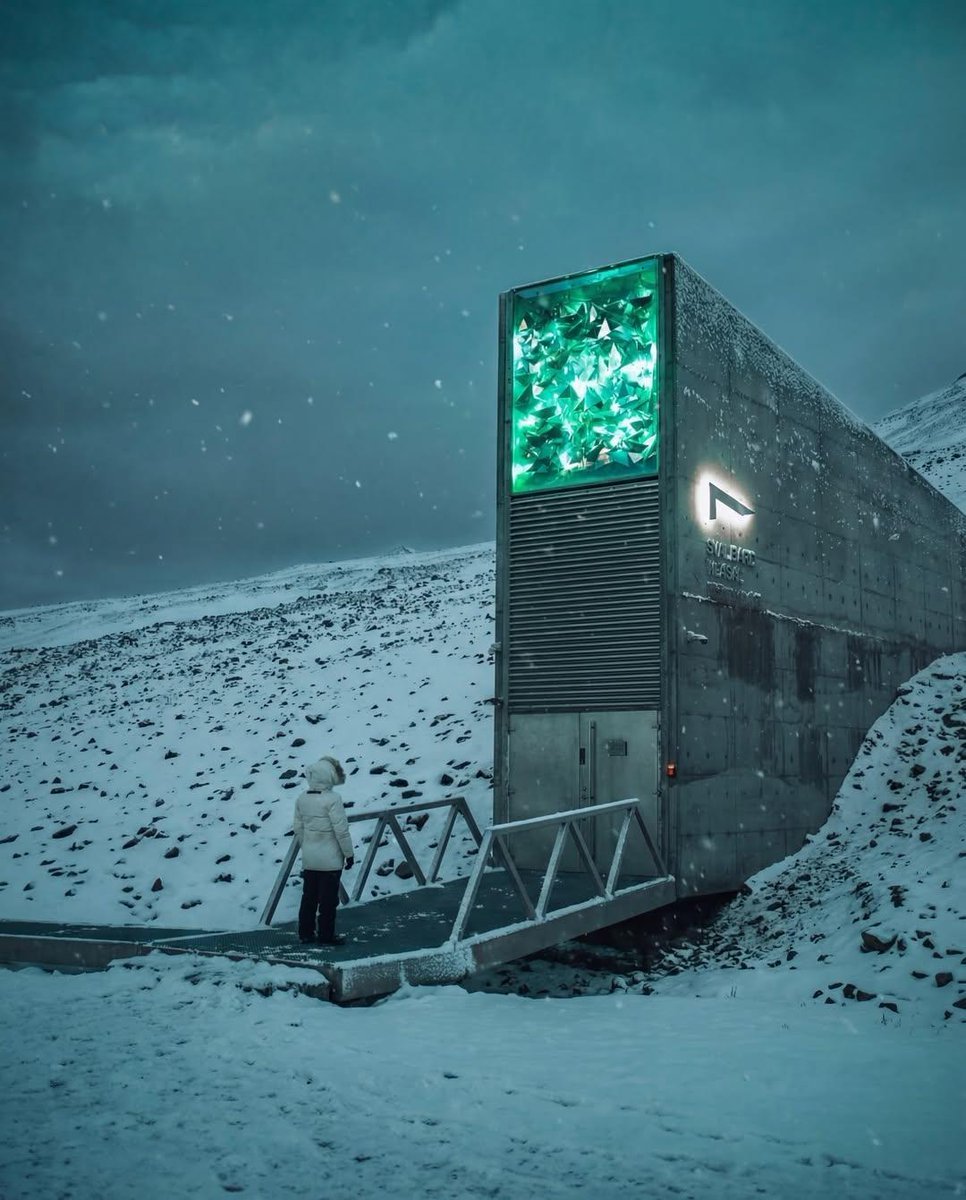
Cinematic Futuristic Winter Landscape
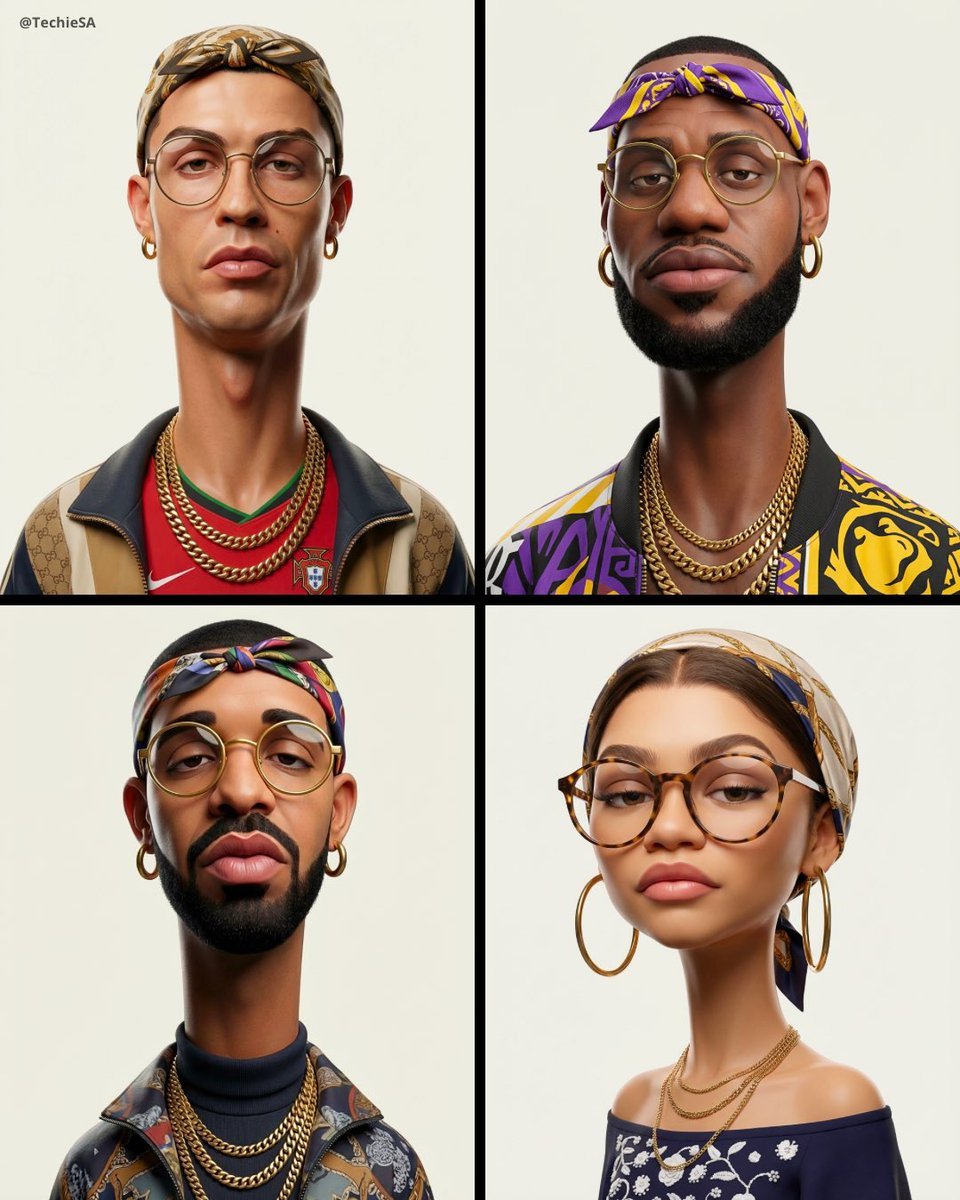
3D Stylized Caricature Fashion Portrait

Commercial Food Photography Poster

Minimal Menswear Editorial Poster

Historical Romantic Editorial Scene in an Ottoman Garden
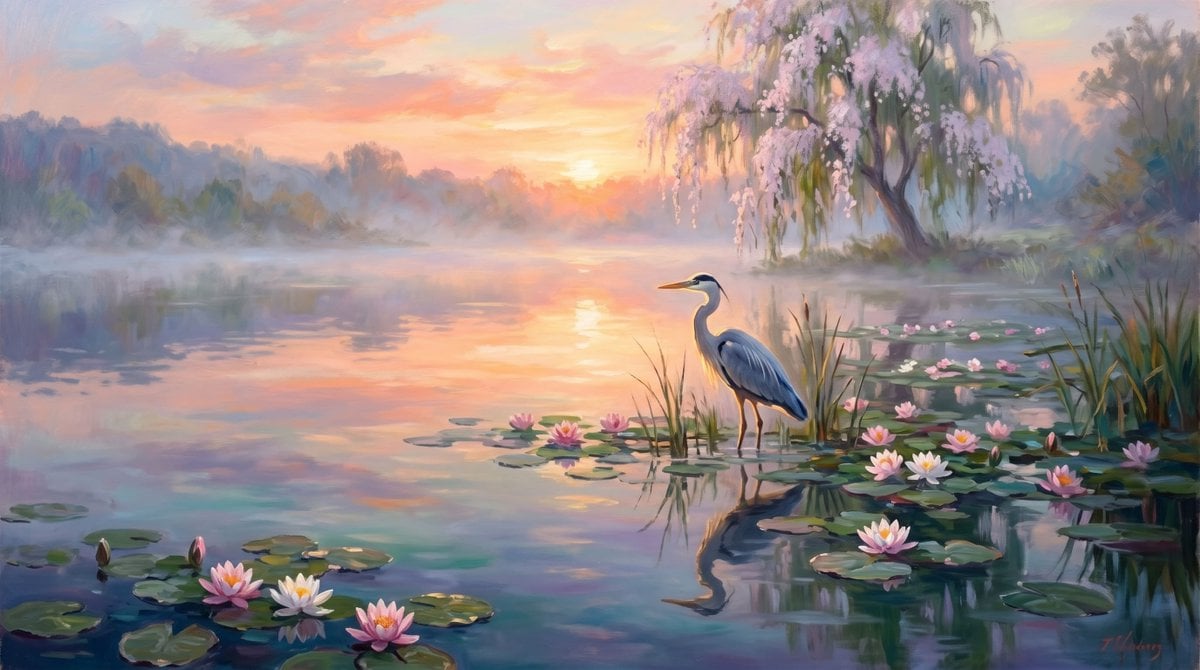
Misty Sunrise Heron Lake
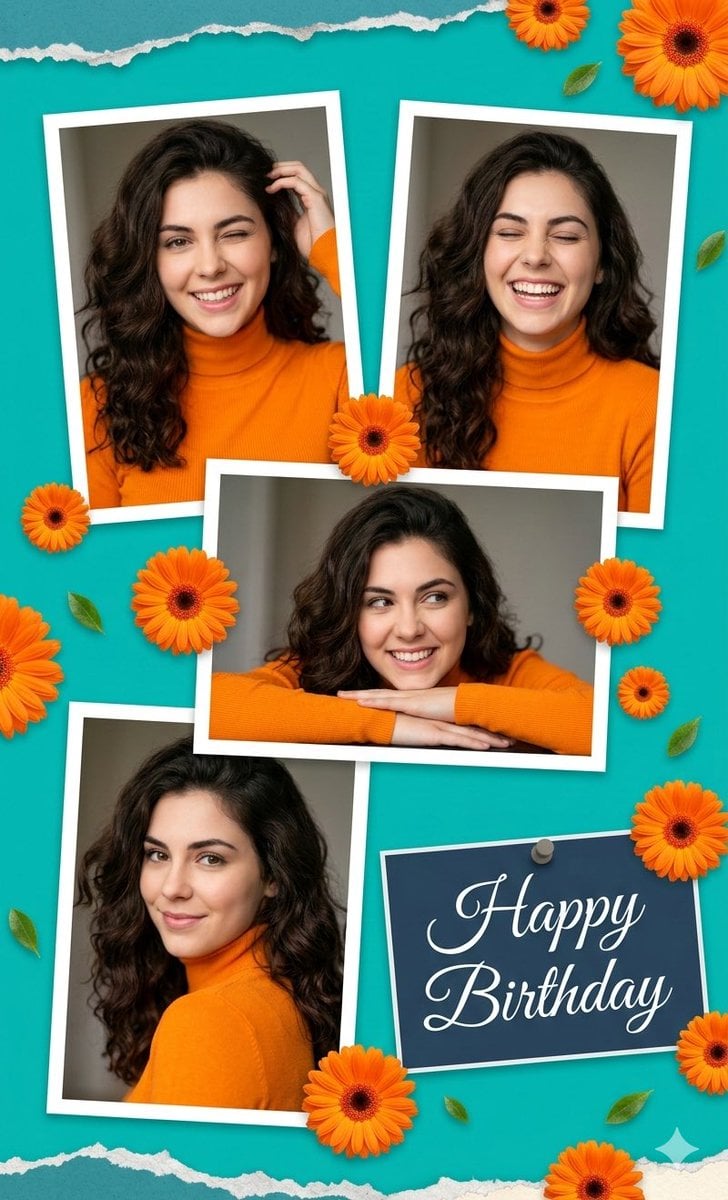
Digital Photo Collage Birthday Poster
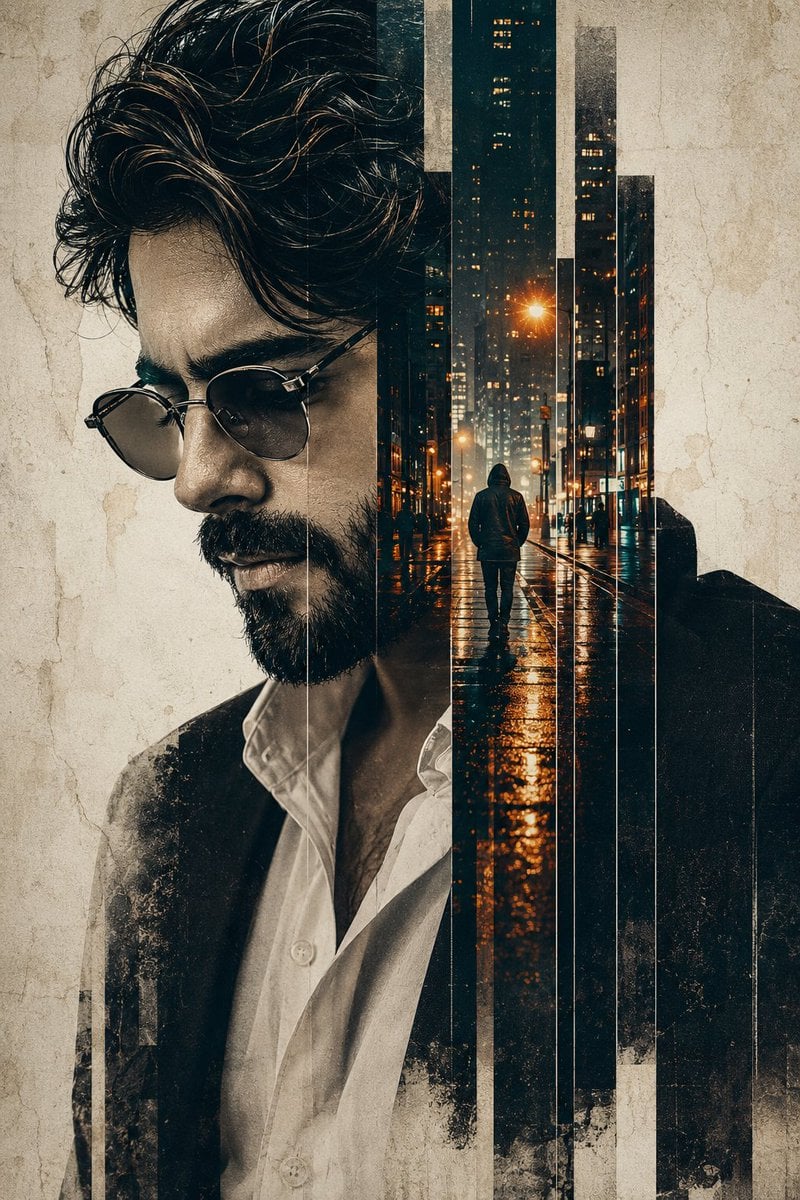
Double Exposure Pensive Portrait
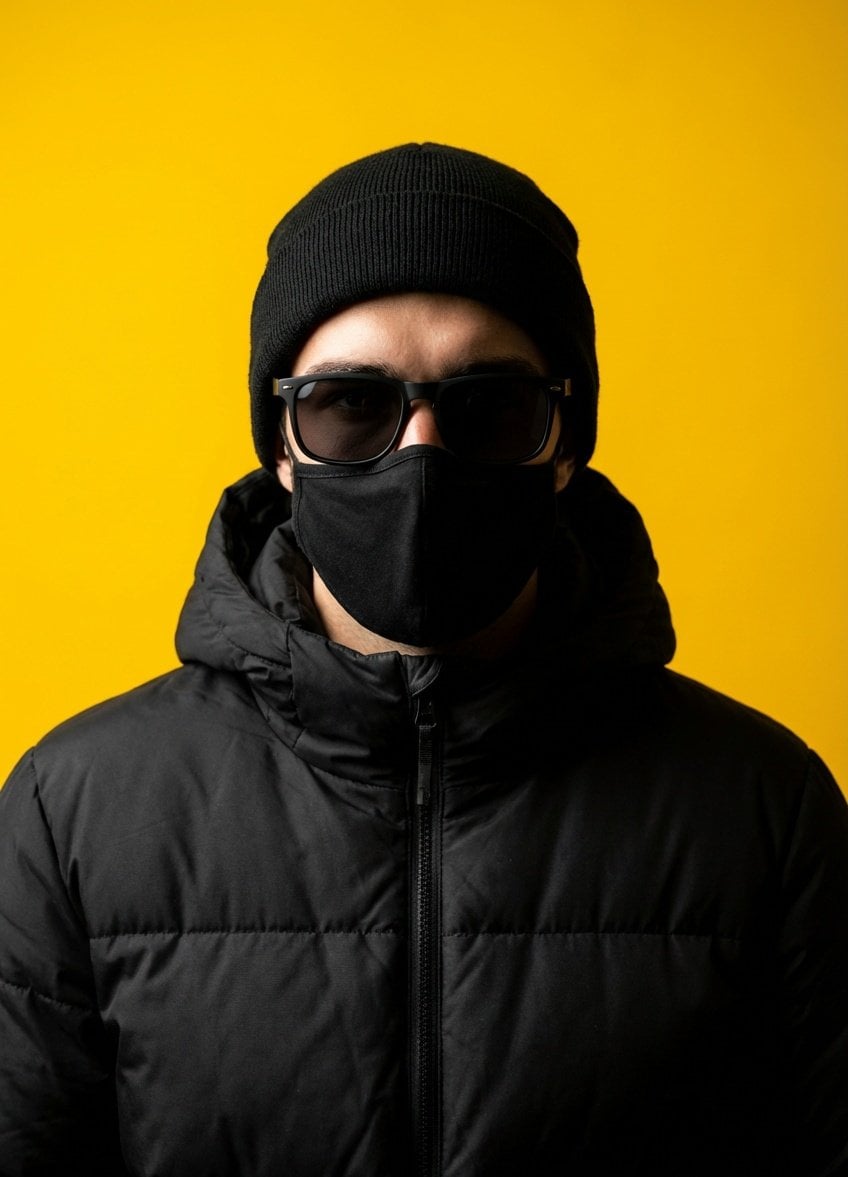
Minimalist Studio Portrait with High Contrast
Browse template categories
Cyberpunk Brain Graffiti Alley questions
How do I use the Cyberpunk Brain Graffiti Alley template?
Add your photo if the template asks for one, edit the prompt if you like — the template's model and format are already selected — and press Generate. Your version opens in PicX Studio.
Can I customize the Cyberpunk Brain Graffiti Alley template?
Yes. You can change the subject, setting, lighting, mood, format, and available model controls before creating your image.
Is the Cyberpunk Brain Graffiti Alley template free?
Opening and editing this template is free. Generating uses credits, shown on the Generate button when you are signed in.
Which AI model should I use?
Start with GPT Image 2, which is the model associated with this template. You can compare another compatible model for a different finish.
Looking for something else? Browse all templates.

Your photo, any look
Thousands of ready templates for every top image and video model, from one credit balance.