
Minimal Menswear Editorial Poster
Creates a square high-end menswear fashion campaign poster with anonymous portrait styling, muted studio photography, and clean editorial typography.
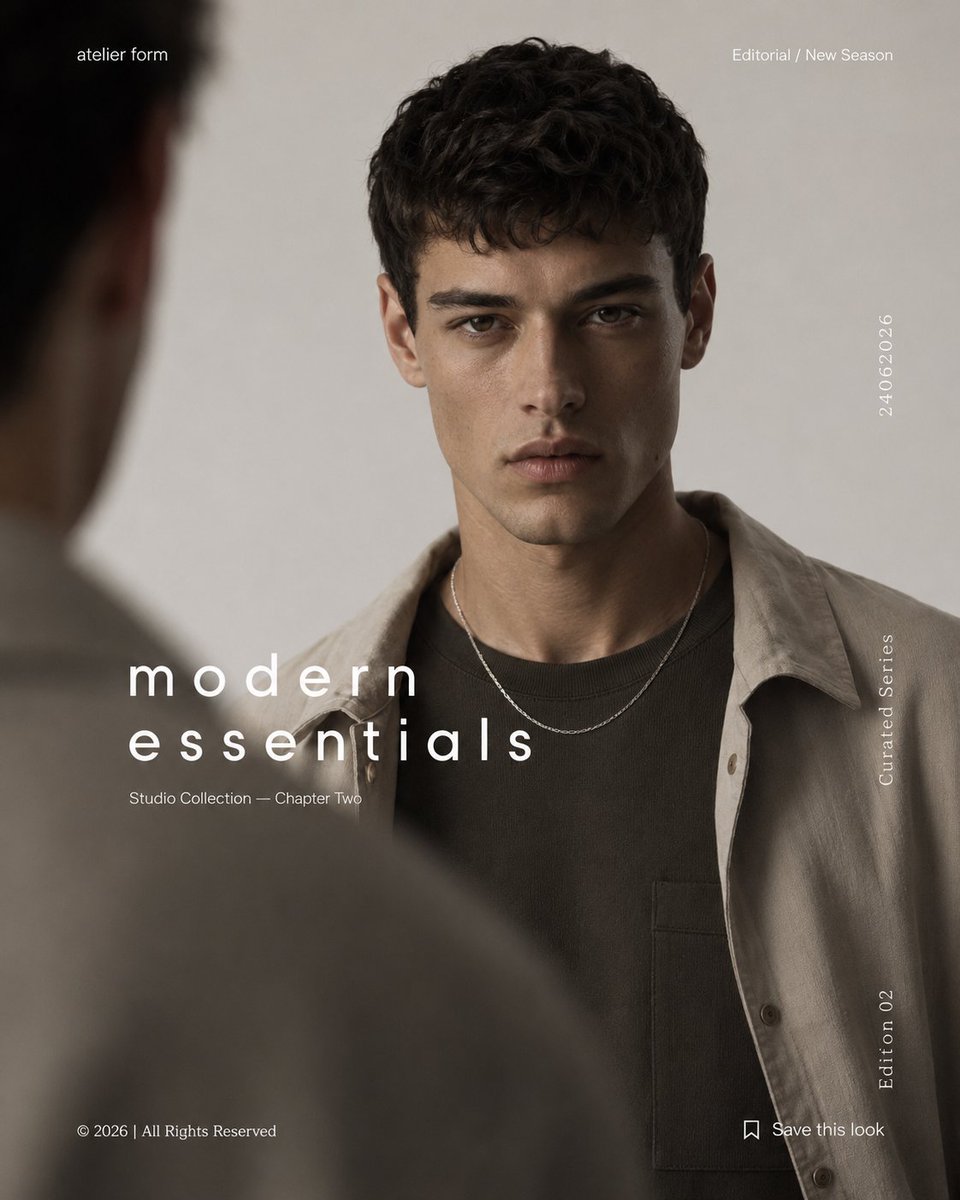
- Prompt included
- Model and format preset
- Free template
The prompt behind this image
Copy the exact prompt behind Minimal Menswear Editorial Poster, or open it in the studio and make it yours.
Goal: Create a minimalist editorial menswear fashion poster for {argument name="brand name" default="atelier form"}, with a cinematic studio-photography look and refined magazine typography. Canvas: Square 1:1 poster, muted neutral palette, soft beige-gray studio background, high-end fashion campaign composition. Main image: A young male model stands centered, cropped from upper chest to top of hair, facing forward. He has dark curly hair and wears layered modern basics: a dark brown crewneck shirt with a chest pocket, a light taupe overshirt worn open, and a thin silver chain necklace. His face is intentionally covered by a large centered square color block in a warm brown/taupe tone, creating an anonymous editorial identity effect. Foreground depth: Add a blurred out-of-focus shoulder and back-of-head silhouette along the left edge and lower-left foreground, as if another person or mirror reflection is partially blocking the camera. Keep the foreground soft and dark, adding depth without distracting from the model. Layout and text content: Use exactly 8 visible text elements. 1) Top-left small brand text: “atelier form”. 2) Top-right small category text: “Editorial / New Season”. 3) Large lowercase headline in the lower-left center: {argument name="headline text" default="modern essentials"}, split across two lines with wide letter spacing. 4) Small subtitle under the headline: {argument name="subtitle text" default="Studio Collection — Chapter Two"}. 5) Bottom-left copyright line: “© 2026 | All Rights Reserved”. 6) Right side vertical date near upper-middle: {argument name="date text" default="24.06.2026"}. 7) Right side vertical label near mid-lower: “Curated Series”. 8) Bottom-right small bookmark icon followed by “Save this look”. Also add a small vertical “Edition 02” near the lower-right edge. Visual style: Photorealistic fashion editorial, soft diffused lighting, shallow depth of field, muted taupe/brown/gray color grading, clean Swiss-inspired typography, generous negative space, elegant lowercase sans-serif type, premium clothing catalog aesthetic. Constraints: Keep the face fully hidden by the square block, no visible facial features, no extra logos or watermarks, no extra text beyond the specified poster copy, maintain a polished luxury streetwear campaign feel.
How to use Minimal Menswear Editorial Poster in 3 steps
- 1Upload ImagePNG, JPG or paste
Add your photo
Upload the photo the template builds on. The prompt, model and format are already set.
- 2…a portrait of your subject in softgolden-hour light, 85mm…
Personalize
Edit the subject and creative details for your destination.
- 3Generate
Generate
Press Generate — your image is created in PicX Studio, so you can compare it with the original and refine one variable at a time.
More like this
Templates with the same subject, style or setup. Open one to see its prompt.

Luxury Sliced Wordmark Player Poster

Premium Editorial Branding Poster Charcoal Green

Premium Vintage Travel Poster Landscape

Urban Fashion Editorial Collage Poster

Typography Mask Editorial Fashion Poster

Minimalist Olive Green Editorial Poster
Japanese Minimalist Editorial Fashion Poster
Premium Vintage Travel Poster Landscape
Luxury Penthouse Menswear Editorial
Urban Menswear Lifestyle Editorial
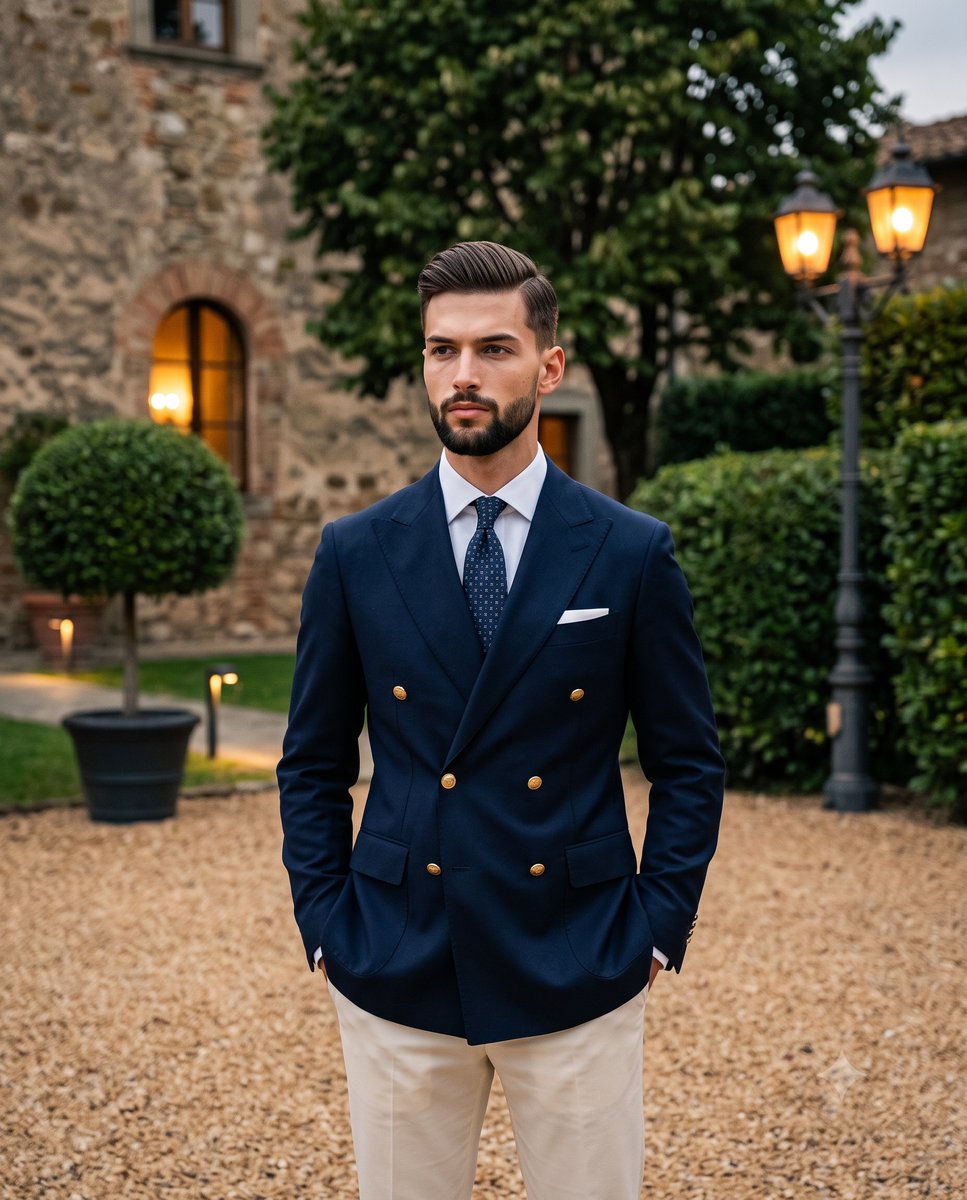
Twilight Menswear Editorial Portrait

Japan Travel Brochure Poster
Make it yours
Minimal Menswear Editorial Poster works as-is. These are the safest ways to change it without losing the look.
Change one field
Copy a single group, rewrite it, and generate again so you can see what that field is doing.
Keep the frame, change the subject
Hold the composition and light of Minimal Menswear Editorial Poster, then swap wardrobe, props or the person for a new take.
| If the result… | Why | Fix |
|---|---|---|
| The result drifts from the preview | Too many fields changed at once. | Reuse Minimal Menswear Editorial Poster as-is first, then change one group — subject, light, or setting. |
| The model over-stylizes the scene | The prose prompt leaves finish and camera underspecified. | Add one camera or lighting sentence and stay on GPT Image 2. |
More GPT Image 2 templates
Other prompts made for GPT Image 2.

Six VTuber Japanese Logo Sheet

Realistic Portrait of Woman and Deer

The Vista Modular Condo Poster

AI Model Routing Comparison Infographic

2.5D Anime Art Board

Isometric Productivity Desk Scene

New York Double Exposure Poster

Four-Panel AI Landscape Comparison

Japanese Tatami Lifestyle Magazine Cover

NESCAFÉ Coffee Map Poster
More image prompts
Fresh picks from across the catalog.
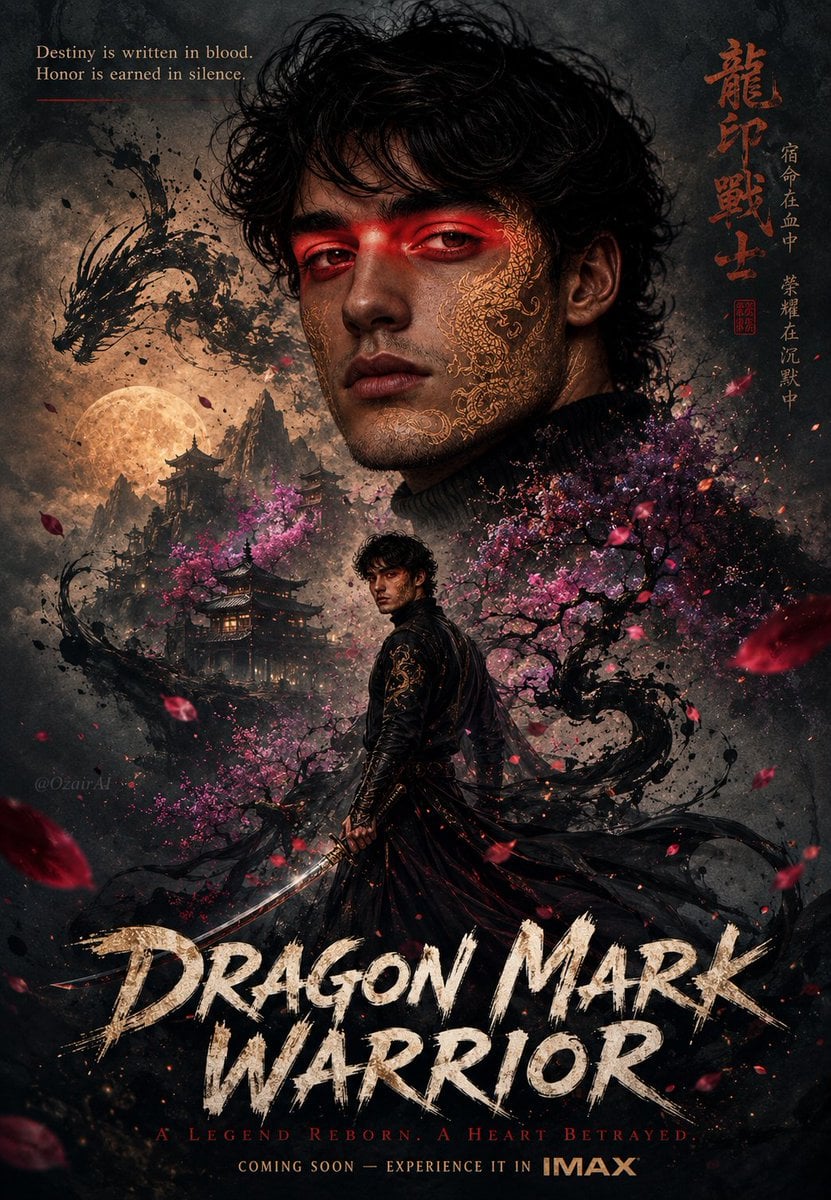
Double Exposure Dragon Warrior Poster
Bad Doodle Gold Ninja Ghost
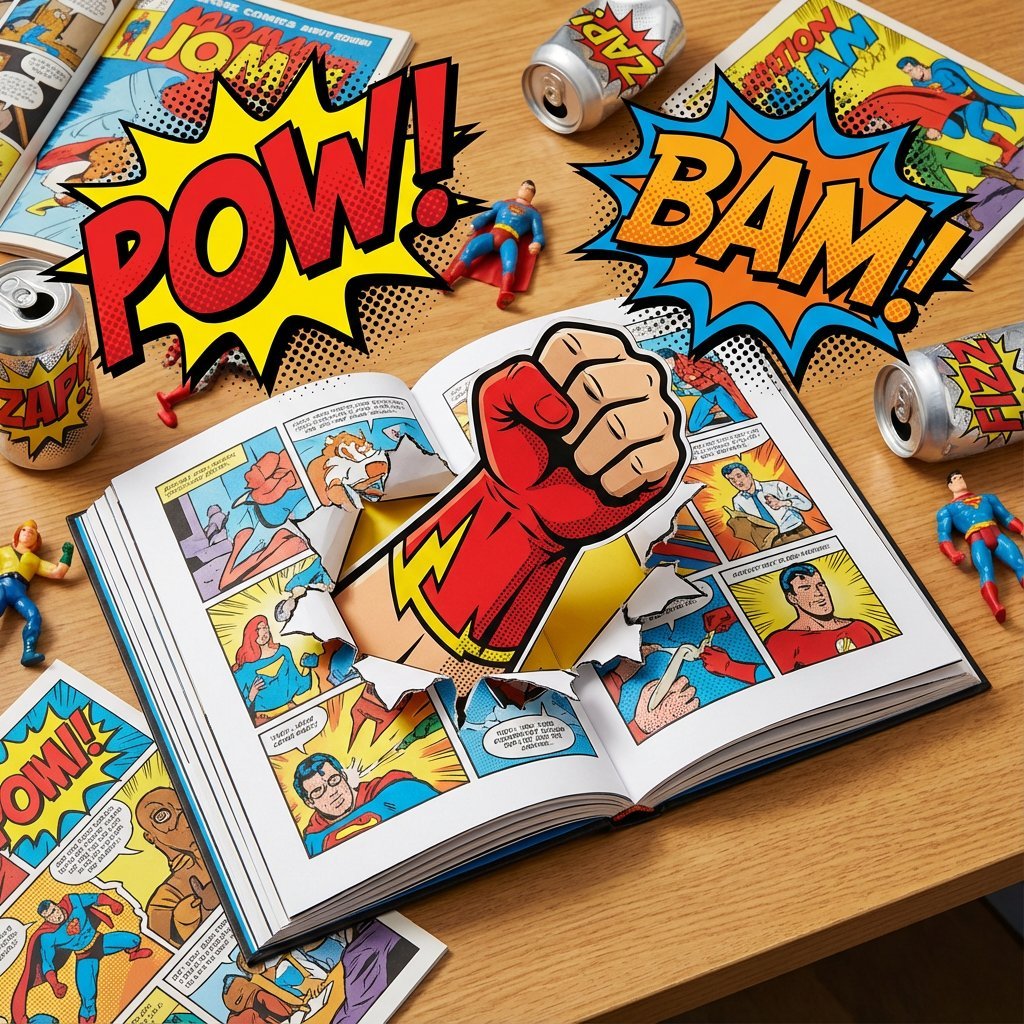
Superhero Comic Book Pop Art Diorama Prompt
Eiffel Tower Golden Hour Miniskirt Legs
Realistic Cockatiel Amulet Generation
Modern Luxury Fashion Editorial Portrait Prompt
Anime Sakura Goodnight Festival Scene
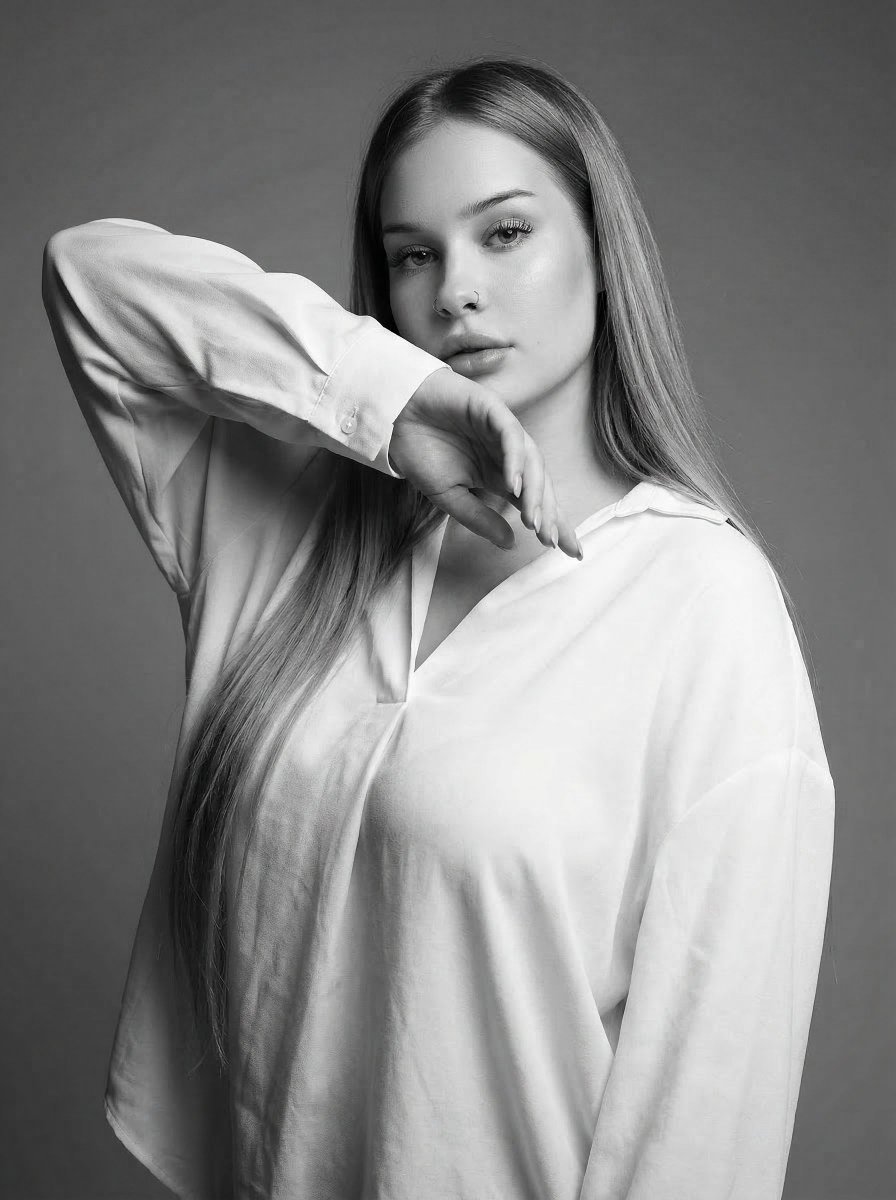
High-Fashion Monochrome Studio Portrait
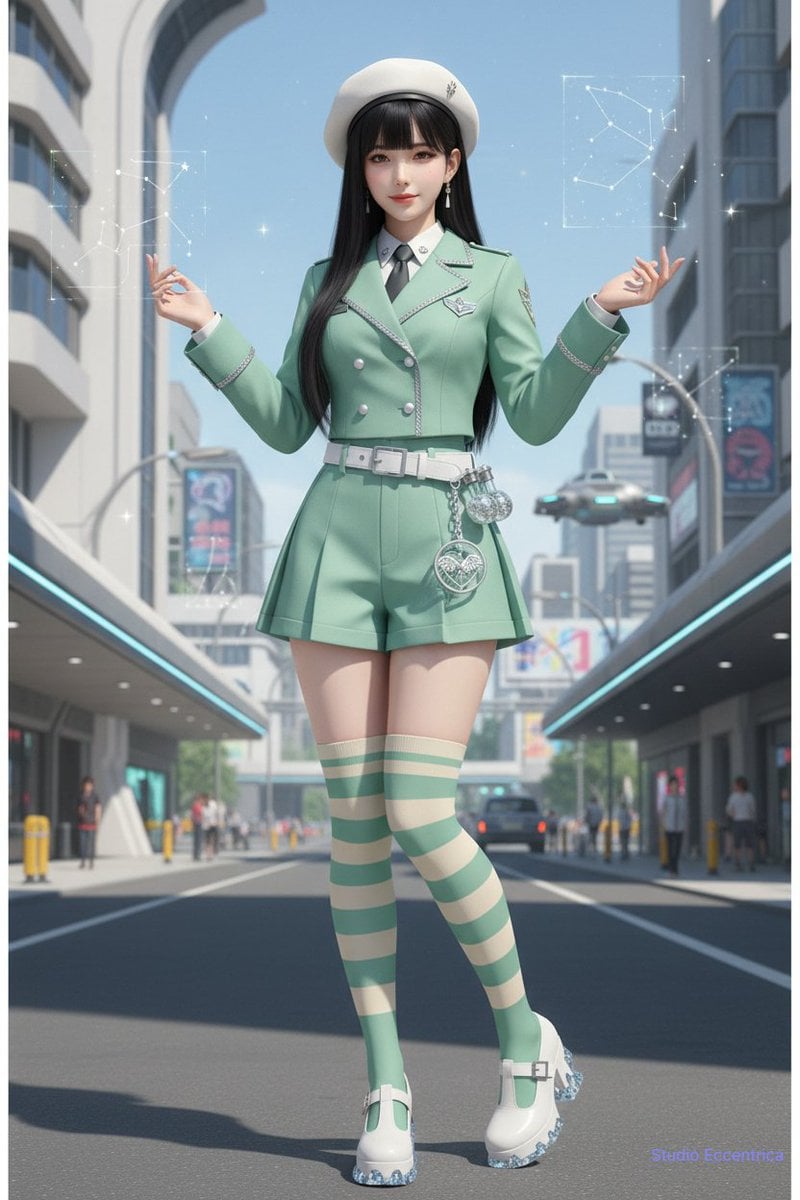
Nano Banana Character Sheet and Fashion Prompts
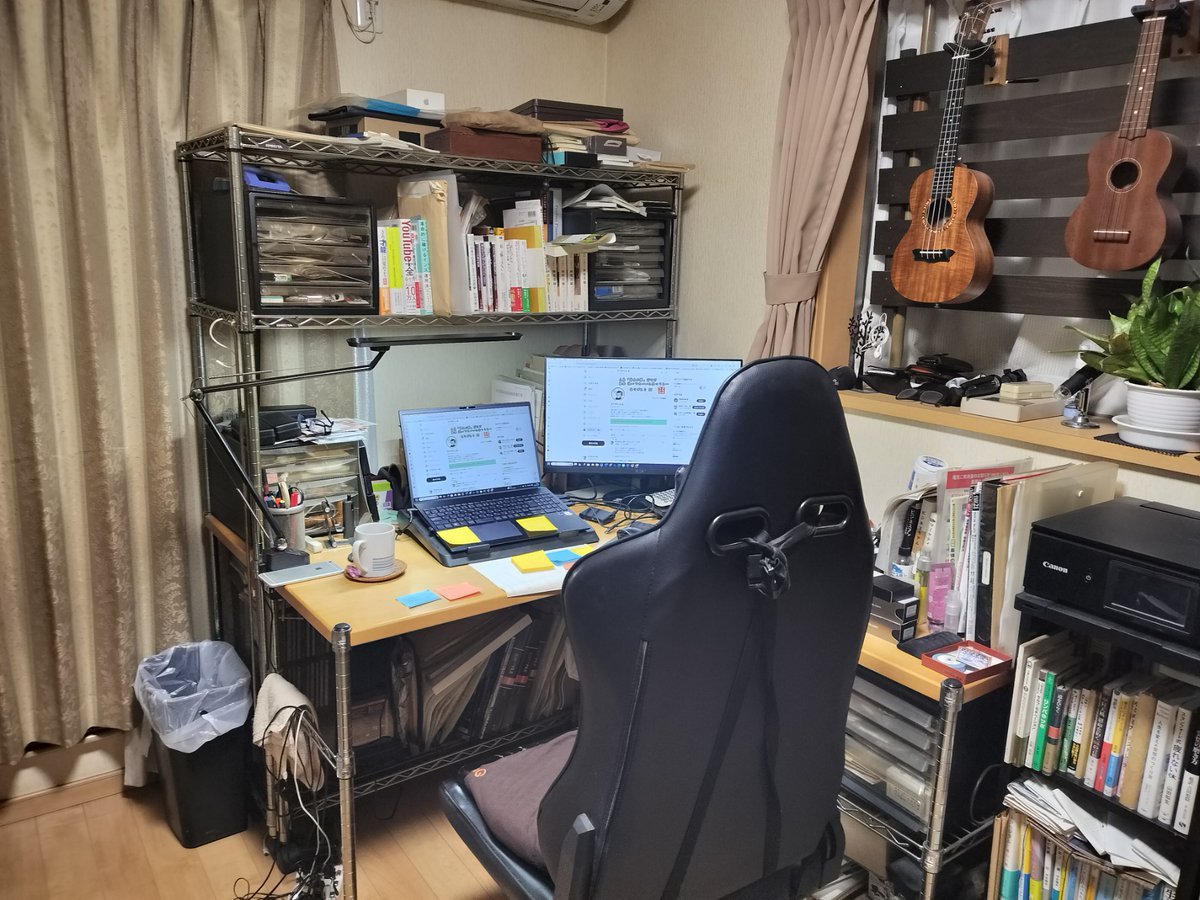
NanoBanana Pro Prompt for Cleaning and Organizing a Messy Room
Browse template categories
Minimal Menswear Editorial Poster questions
How do I use the Minimal Menswear Editorial Poster template?
Add your photo if the template asks for one, edit the prompt if you like — the template's model and format are already selected — and press Generate. Your version opens in PicX Studio.
Can I customize the Minimal Menswear Editorial Poster template?
Yes. You can change the subject, setting, lighting, mood, format, and available model controls before creating your image.
Is the Minimal Menswear Editorial Poster template free?
Opening and editing this template is free. Generating uses credits, shown on the Generate button when you are signed in.
Which AI model should I use?
Start with GPT Image 2, which is the model associated with this template. You can compare another compatible model for a different finish.
Looking for something else? Browse all templates.

Your photo, any look
Thousands of ready templates for every top image and video model, from one credit balance.