
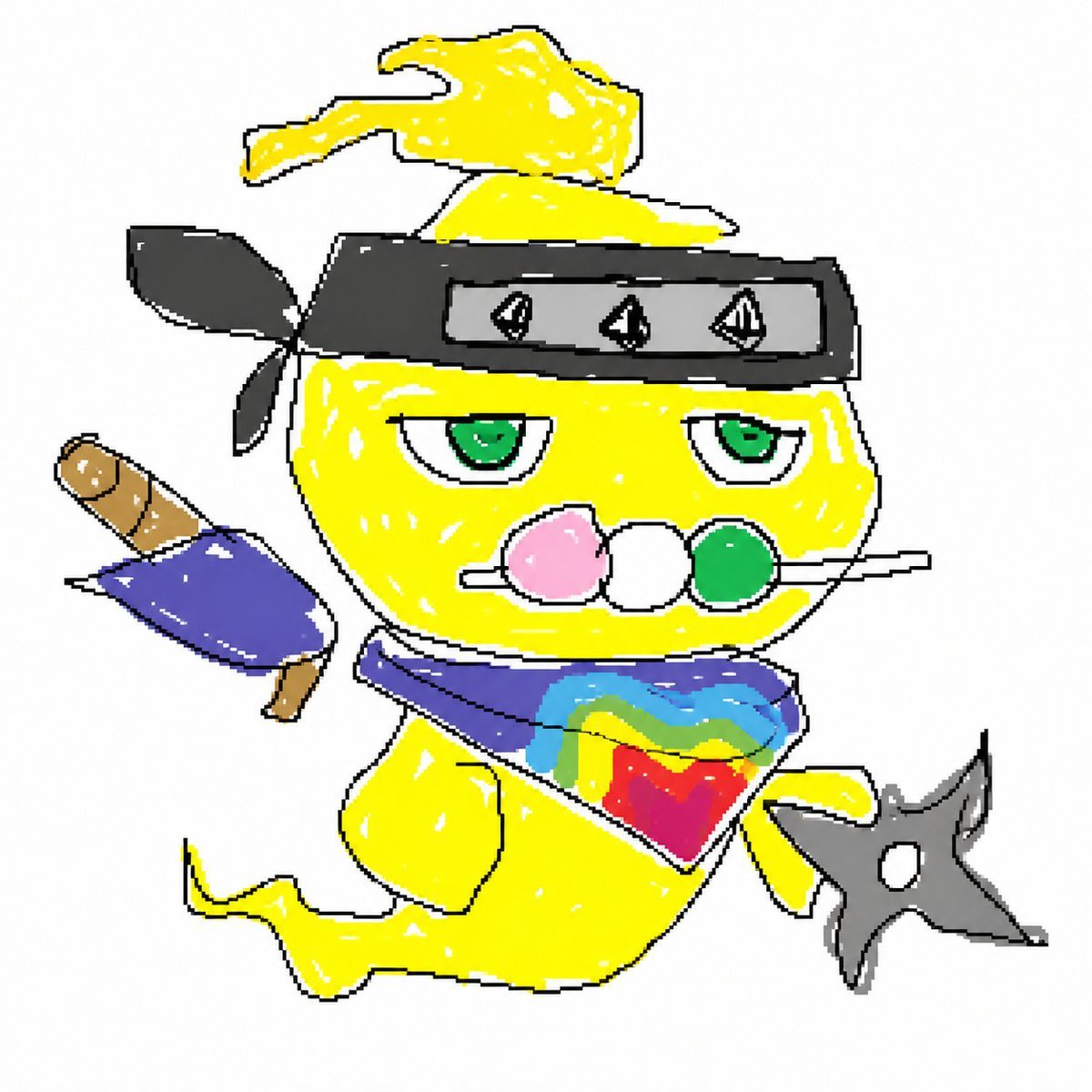
Bad Doodle Gold Ninja Ghost
Generates a messy childlike doodle of a golden ghost ninja mascot with dango, headband, scarf, sword, and shuriken for humorous social posts or avatar art.
- Prompt included
- Model and format preset
- Free template
The prompt behind this image
Copy the exact prompt behind Bad Doodle Gold Ninja Ghost, or open it in the studio and make it yours.
Create a deliberately clumsy, childlike doodle illustration on a plain white background of a cute ghost-like ninja mascot named {argument name="character name" default="Gold Mitama"}. The character is bright {argument name="body color" default="golden yellow"}, with a rounded floating ghost body, a curled wisp of hair on top, a tapering ghost tail curling to the left, and simple thick black uneven outlines. Draw it in an intentionally bad MS Paint scribble style: shaky jagged lines, uneven coloring, visible white gaps, rough marker-like scribbles, flat colors, no realistic shading, low-detail amateur fan-art energy. The mascot wears a black ninja headband across the forehead with a tied knot and two flapping black cloth ends on the left; the front plate is gray and contains exactly 3 small triangular black symbols. Give the face half-lidded green eyes and a bored expression, with a skewer of exactly 3 dango balls held horizontally in the mouth: pink, white, and green. Add a purple scarf around the neck, with a colorful chest emblem made of overlapping rainbow-like blocks of blue, cyan, yellow, red, and green. On the left side behind the character, place a small sheathed sword or short ninja weapon with a brown handle and purple wrapping. On the lower right, show the character holding exactly 1 gray four-point shuriken with a circular hole in the center. Keep the composition centered, square, playful, messy, and intentionally poorly drawn, like a funny rough doodle generated from text only.
How to use Bad Doodle Gold Ninja Ghost in 3 steps
- 1Upload ImagePNG, JPG or paste
Add your photo
Upload the photo the template builds on. The prompt, model and format are already set.
- 2…a portrait of your subject in softgolden-hour light, 85mm…
Personalize
Edit the subject and creative details for your destination.
- 3Generate
Generate
Press Generate — your image is created in PicX Studio, so you can compare it with the original and refine one variable at a time.
More like this
Templates with the same subject, style or setup. Open one to see its prompt.
Make it yours
Bad Doodle Gold Ninja Ghost works as-is. These are the safest ways to change it without losing the look.
Change one field
Copy a single group, rewrite it, and generate again so you can see what that field is doing.
Keep the frame, change the subject
Hold the composition and light of Bad Doodle Gold Ninja Ghost, then swap wardrobe, props or the person for a new take.
| If the result… | Why | Fix |
|---|---|---|
| The result drifts from the preview | Too many fields changed at once. | Reuse Bad Doodle Gold Ninja Ghost as-is first, then change one group — subject, light, or setting. |
| The model over-stylizes the scene | The prose prompt leaves finish and camera underspecified. | Add one camera or lighting sentence and stay on GPT Image 2. |
More GPT Image 2 templates
Other prompts made for GPT Image 2.

Six VTuber Japanese Logo Sheet

Realistic Portrait of Woman and Deer

The Vista Modular Condo Poster

AI Model Routing Comparison Infographic

2.5D Anime Art Board

Isometric Productivity Desk Scene

New York Double Exposure Poster

Four-Panel AI Landscape Comparison

Japanese Tatami Lifestyle Magazine Cover

NESCAFÉ Coffee Map Poster
More image prompts
Fresh picks from across the catalog.
Venice Café Diorama Display
Cozy Indoor Portrait
Luxury Hotel Lobby Portrait Prompt
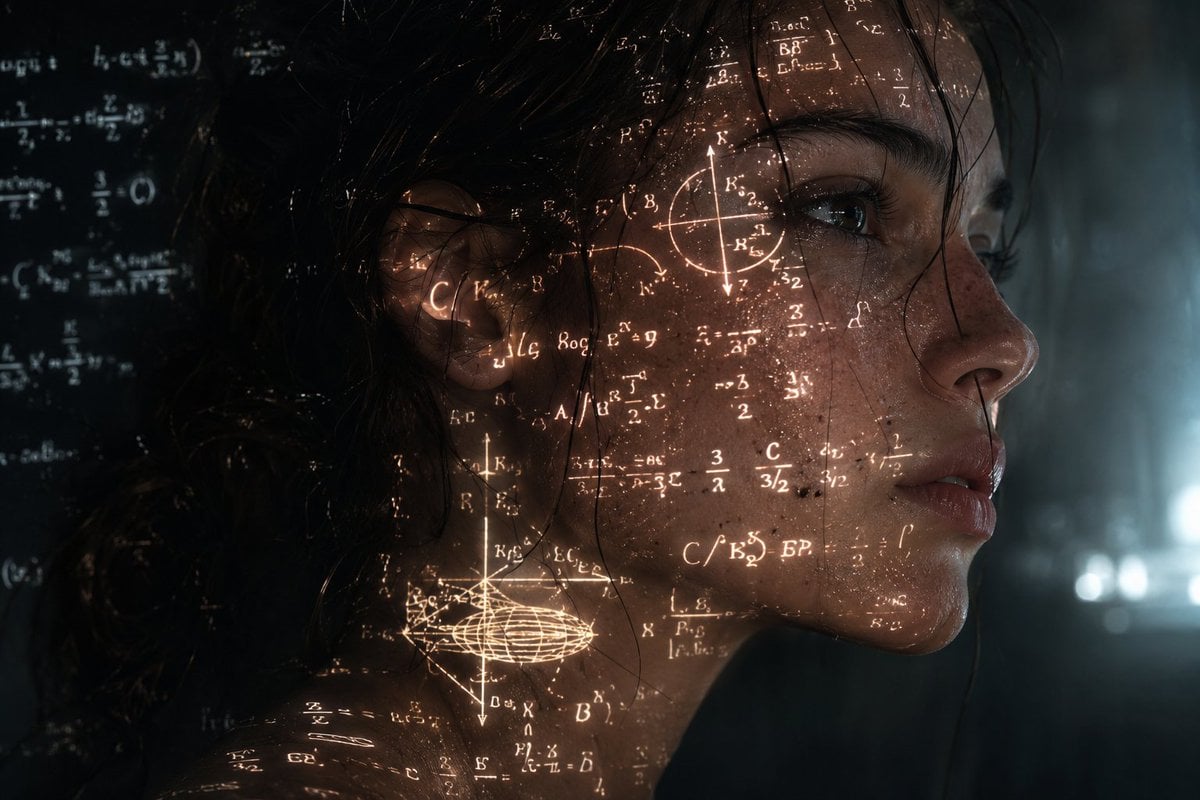
Cinematic Cyberpunk Science Portrait
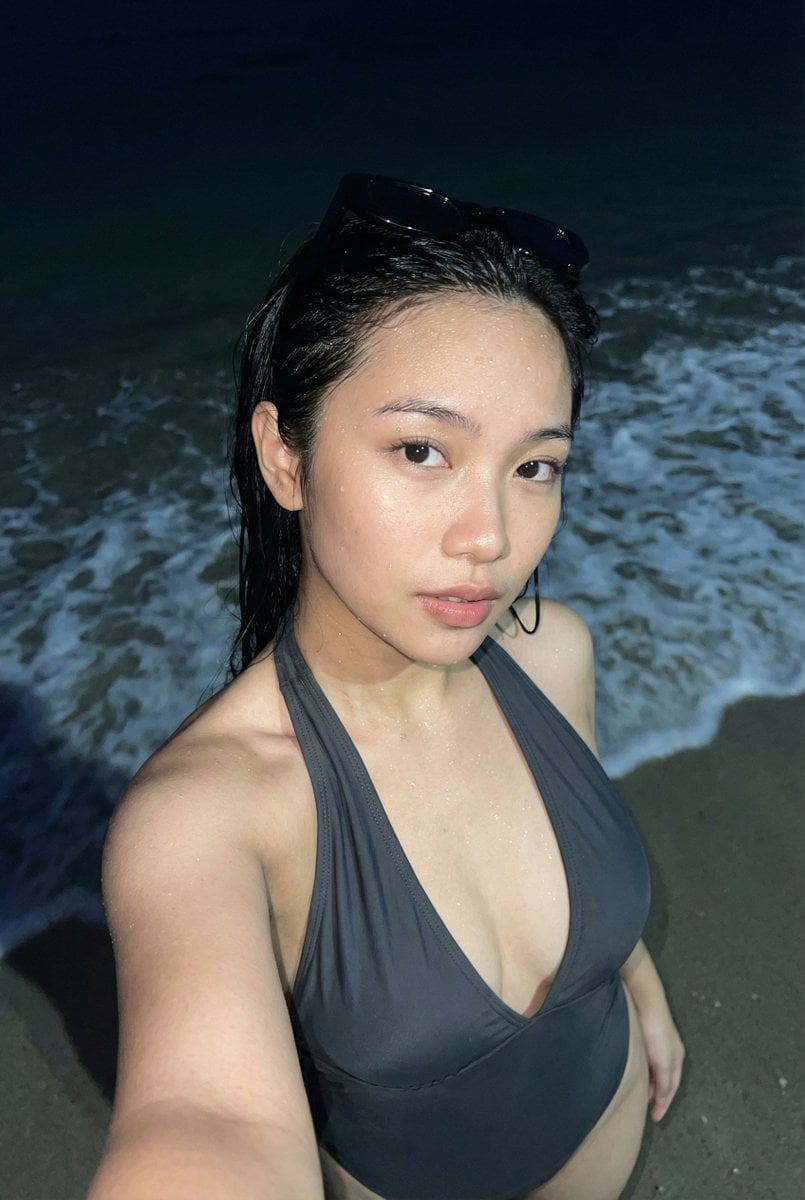
Realistic Smartphone Flash Selfie at Night Beach
Seedance - 83 Year Old Rave (maxescu)
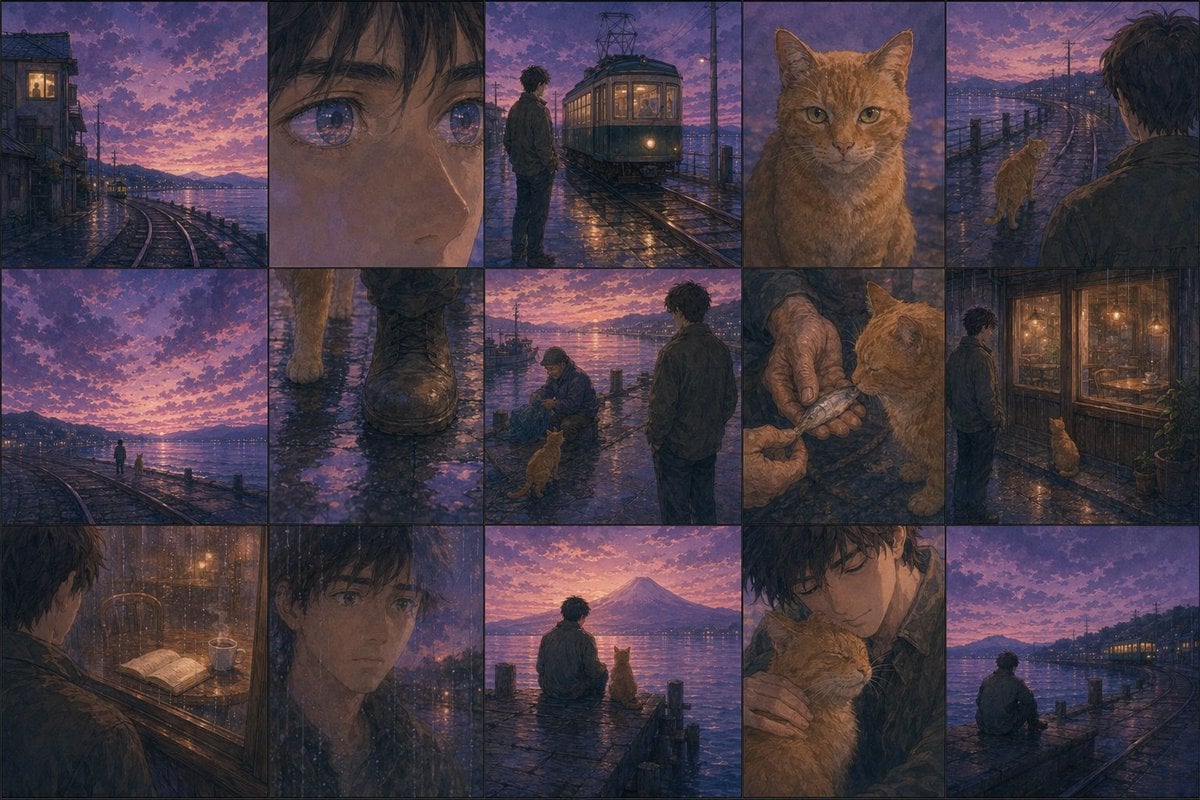
Haruki Murakami Style Comic Prompt
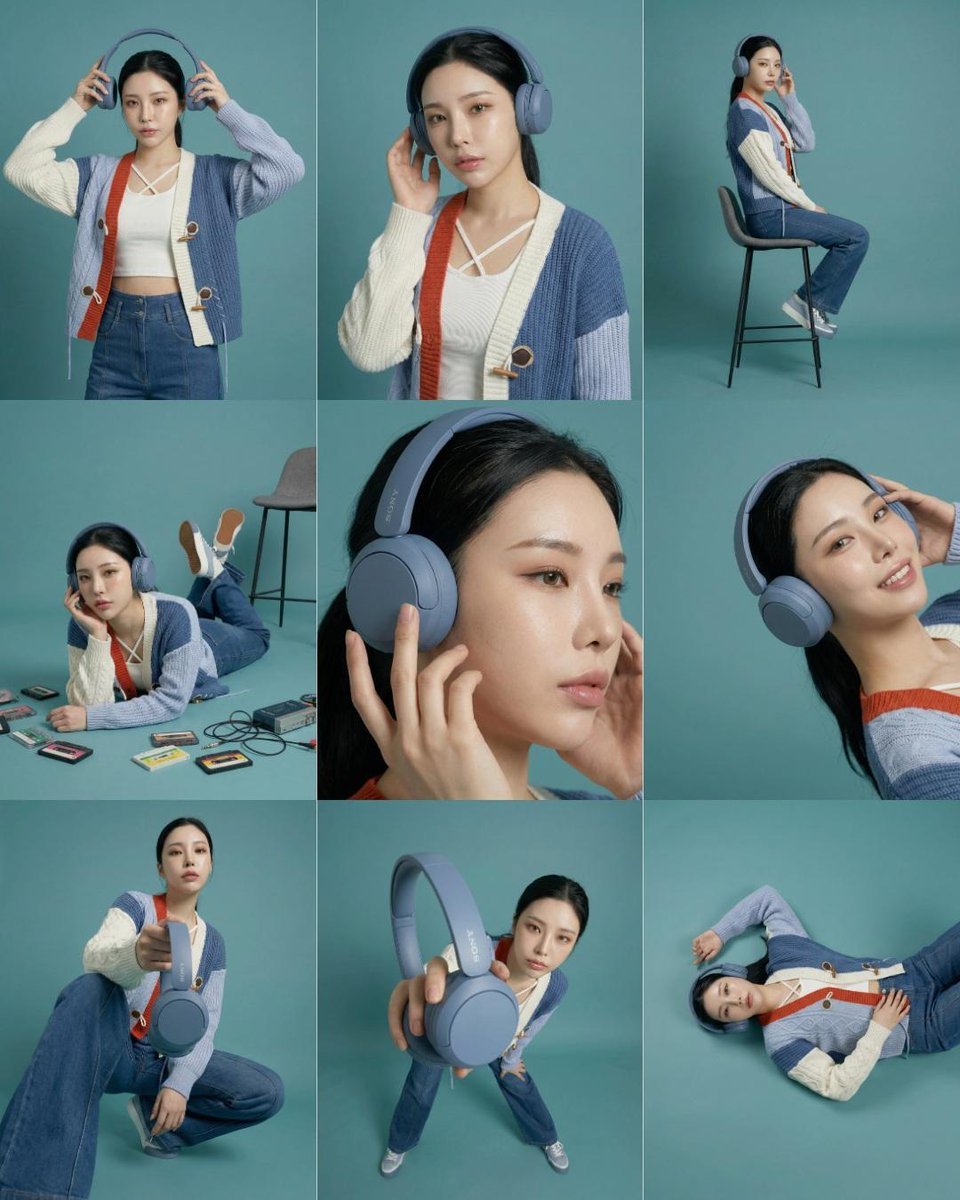
3x3 Storyboard Grid of a Young East Asian Woman
Chunkydog Hot Dog Mascot Logo
Anime Countryside iPhone Lock Screen
Browse template categories
Bad Doodle Gold Ninja Ghost questions
How do I use the Bad Doodle Gold Ninja Ghost template?
Add your photo if the template asks for one, edit the prompt if you like — the template's model and format are already selected — and press Generate. Your version opens in PicX Studio.
Can I customize the Bad Doodle Gold Ninja Ghost template?
Yes. You can change the subject, setting, lighting, mood, format, and available model controls before creating your image.
Is the Bad Doodle Gold Ninja Ghost template free?
Opening and editing this template is free. Generating uses credits, shown on the Generate button when you are signed in.
Which AI model should I use?
Start with GPT Image 2, which is the model associated with this template. You can compare another compatible model for a different finish.
Looking for something else? Browse all templates.

Your photo, any look
Thousands of ready templates for every top image and video model, from one credit balance.