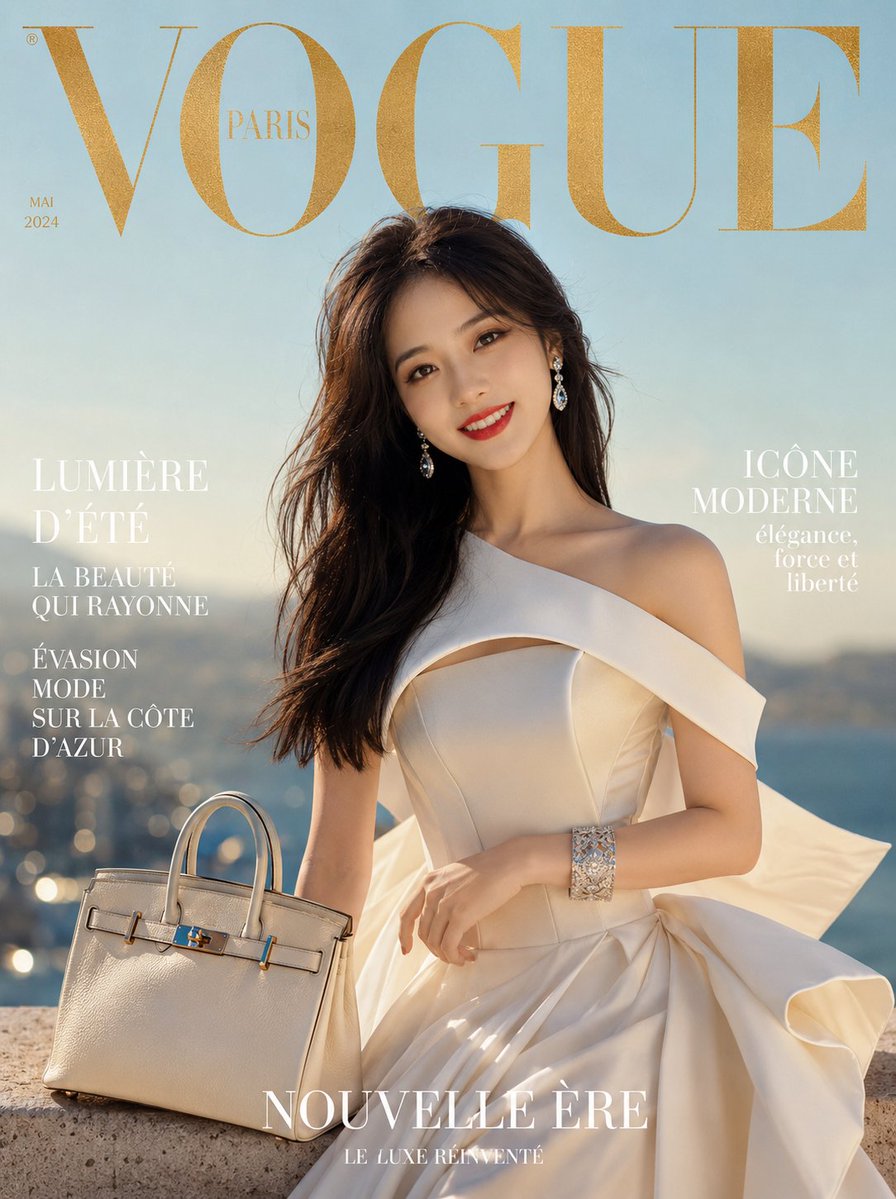
How do I use the High-Fashion Monochrome Studio Portrait template?
Choose the primary action to open PicX Studio with the available template settings. Review the model and format, personalize the creative direction, and generate when ready.
A detailed JSON prompt for Nano Banana 2 to generate a high-fashion editorial portrait in a minimalist monochrome studio, focusing on complex pose composition (arm framing the face), defined lighting, and ultra-realistic texture preservation. Change the subject, setting, or lighting one variable at a time.

{ "style": { "genre": "high-fashion editorial portrait", "aesthetic": "minimalist monochrome studio", "color_palette": ["black", "white", "charcoal gray", "soft silver"], "finish": "ultra-realistic, fine art photography", "contrast": "medium-high contrast with soft tonal transitions", "grain": "subtle film grain for editorial authenticity" }, "subject": { "type": "woman", "age": "mid-20s", "ethnicity": "ambiguous / globally appealing features", "physique": "slender, elegant proportions", "facial_features": { "structure": "defined cheekbones, soft jawline", "skin": "smooth, luminous, natural texture preserved", "eyes": "expressive, slightly narrowed gaze", "lips": "softly parted, natural shape" }, "hair": { "style": "loose, slightly tousled", "texture": "soft with natural movement", "placement": "falling around face and shoulders with subtle volume" }, "expression": "calm, introspective, slightly mysterious" }, "pose": { "composition": "asymmetrical, fashion-forward", "body_position": "upright with slight lean", "arm_position": { "primary_arm": "raised across the face", "gesture": "partially obscuring one eye and cheek", "fingers": "relaxed, elongated, graceful positioning" }, "head_tilt": "slight tilt to enhance dynamic tension", "gaze": "direct or slightly off-camera through arm framing" }, "wardrobe": { "top": { "type": "loose white blouse", "fabric": "lightweight cotton or silk", "fit": "oversized, softly draped", "details": [ "subtle folds and creases", "natural fabric texture visible", "open or relaxed collar" ] }, "styling": "minimalist, effortless high-fashion look" }, "lighting": { "setup": "studio lighting", "type": "soft yet directional", "key_light": { "position": "45 degrees from subject", "quality": "diffused but defined", "effect": "sculpting facial features and fabric folds" }, "fill_light": { "intensity": "low", "purpose": "retain shadow depth without losing detail" }, "shadow": { "style": "soft-edged shadows with depth", "contrast": "balanced for editorial look" } }, "background": { "type": "studio backdrop", "color": "clean white to light gray gradient", "texture": "smooth, distraction-free", "depth": "slight falloff to create separation" }, "camera": { "framing": "portrait, mid-shot to close-up", "angle": "slightly below or eye-level for subtle drama", "lens": "85mm prime", "aperture": "f/2.0", "focus": "sharp on visible eye and hand", "depth_of_field": "shallow with soft background blur" }, "composition": { "rule_of_thirds": true, "negative_space": "balanced for editorial layout", } }
Choose the primary action to open PicX Studio with the available template settings. Review the model and format, personalize the creative direction, and generate when ready.
Yes. You can change the subject, setting, lighting, mood, format, and available model controls before creating your image.
This template is free to open and customize. Generation usage is shown in PicX Studio before you create.
Start with Nano Banana 2, which is the model associated with this template. You can compare another compatible model for a different finish.
© 2026 PicX Studio. All rights reserved.

Follow a topic to a crawlable collection of related PicX Studio templates.
43,474 public templates available. Verified via the PicX Studio public templates API; refreshed hourly.


















![118-google-nano-banana-pro-skincare-product- — A professional skincare shot of a [product container] with [cap/lid], labeled [brand, product, descriptor, volume](/_next/image?url=https%3A%2F%2Fcdn.picxstudio.com%2Fuploads%2Fpost118_img0_332898b8-29ea-42a9-87ab-9ed746a3f944.jpg&w=828&q=100)

![Naive doodle-style subject illustration — A doodle-style {argument name="subject" default="[subject]"}, naive lines, humorous shape exaggeration](https://pbs.twimg.com/media/G6Wl2YxbsAARB2b.jpg)











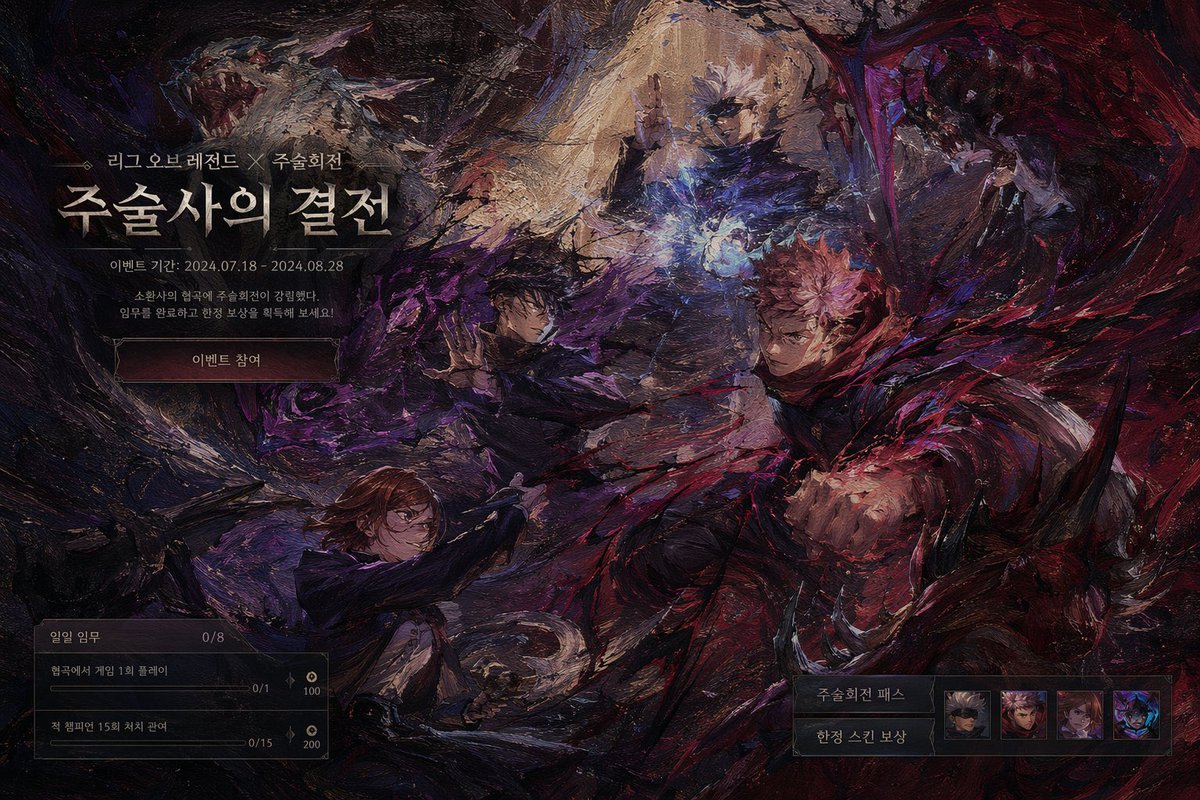









![Monochrome Kinetic Product Photography Prompt — [WHAT_IT_IS] Commerce/editorial product image. Monochrome studio study of a skincare bottle held bet…](https://pbs.twimg.com/media/HDQydCnbAAAkRZK.jpg)



![New Year's Eve Projection Mapping on Skyscraper Prompt — [1. キャラクターの特徴]
{argument name="キャラクターの特徴" default="Q版ピンクお団子髪の女の子、桜・太鼓髪飾り付き。眼鏡着用で笑顔。赤地桜・鶴柄振袖、金帯、赤白下駄。"}](https://pbs.twimg.com/media/G9e_lkeaYAUHqZd.jpg)



![Scrapbook style collage poster for product branding — [{argument name="Brand Name" default="BRAND NAME"}]
[{argument name="Product Type" default="PRODUCT…](https://pbs.twimg.com/media/HDElmKFWQAAs_3E.jpg)