
High-Contrast Monochrome Studio Portrait
A highly detailed prompt for generating a professional, minimalist black-and-white fashion portrait based on an existing subject.
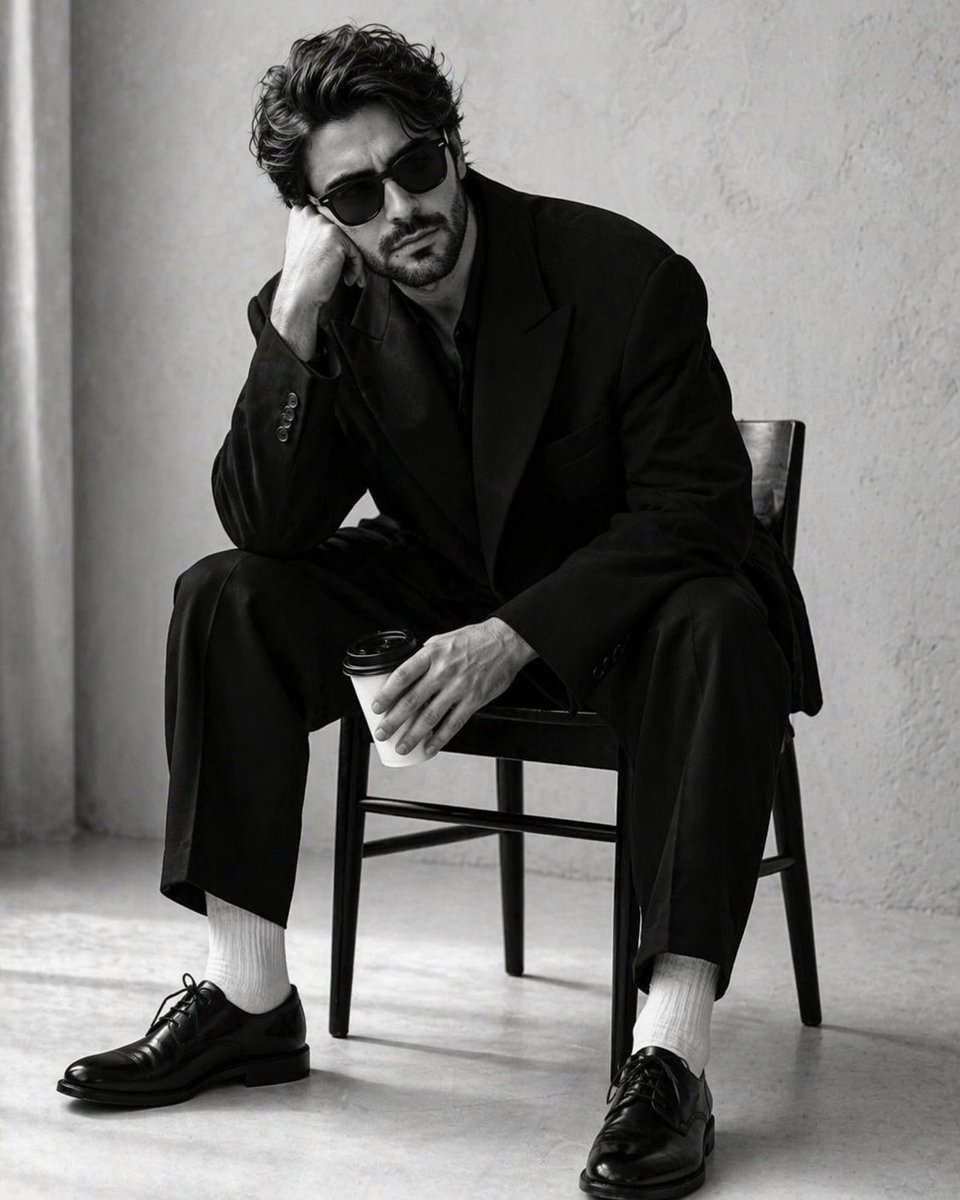
- Prompt included
- Model and format preset
- Premium template
The prompt behind this image
Copy the exact prompt behind High-Contrast Monochrome Studio Portrait, or open it in the studio and make it yours.
Create a 4:5 high-contrast, black-and-white studio portrait of a {argument name="subject" default="handsome man"} in the uploaded image. He is seated in a slumped, pensive posture on a {argument name="furniture" default="minimalist dark wooden chair"}. His right elbow rests on his knee, with his head leaning heavily into his palm, while his left hand loosely grips a white disposable coffee cup with a black plastic lid. He is wearing classic black Wayfarer-style sunglasses, hiding his eyes and adding to the stoic, moody atmosphere.Suit: An oversized, structured black blazer and matching wide-leg trousers. The fabric is a heavy, matte wool. Four small black buttons are visible on the sleeve cuff. Footwear: Crisp, bright white ribbed cotton socks creating a sharp visual break between the dark trousers and shoes. Shoes: Highly polished black leather Oxford shoes with thin laces and a slight sheen on the toe box. Background: A minimalist, sterile studio setting with a {argument name="background" default="light grey or off-white textured plaster wall"}. A soft, vertical shadow or curtain edge is visible on the far left. Lighting: Soft, diffused side-lighting that creates gentle gradients on the man's face and deep, dramatic folds in the oversized suit. The lighting emphasizes the high-contrast "black on white" aesthetic. Floor: A light, seamless studio floor that catches the soft shadows cast by the chair legs and the man's shoes. Color Grade: Pure monochrome (black and white) with a wide dynamic range—deep blacks and bright, clean whites. Film Quality: Sharp focus on the subject with a very subtle film grain, mimicking professional editorial fashion photography (reminiscent of 1990s minimalist campaigns).
How to use High-Contrast Monochrome Studio Portrait in 3 steps
- 1Upload ImagePNG, JPG or paste
Add your photo
Upload the photo the template builds on. The prompt, model and format are already set.
- 2…a portrait of your subject in softgolden-hour light, 85mm…
Personalize
Edit the subject and creative details for your destination.
- 3Generate
Generate
Press Generate — your image is created in PicX Studio, so you can compare it with the original and refine one variable at a time.
More like this
Templates with the same subject, style or setup. Open one to see its prompt.

80s Couple Studio Portrait

1985 Studio Portrait

Gpt Image 2 Fashion Portrait
High-Contrast Monochrome Identity Portrait

Monochrome Studio Portrait with Colored Lens
High-Contrast Monochrome Vector Portrait
High Contrast Monochrome Male Portrait
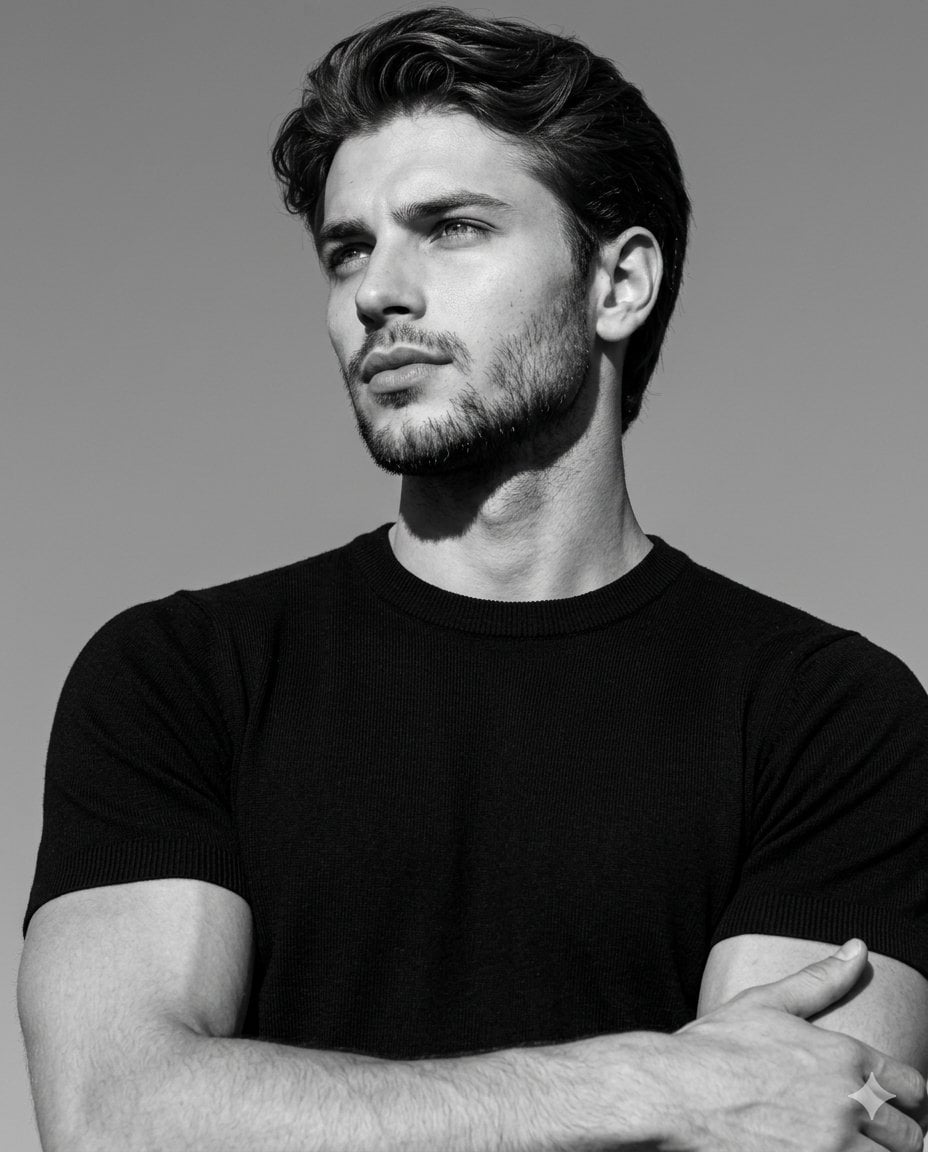
High-Contrast Monochrome Editorial Portrait
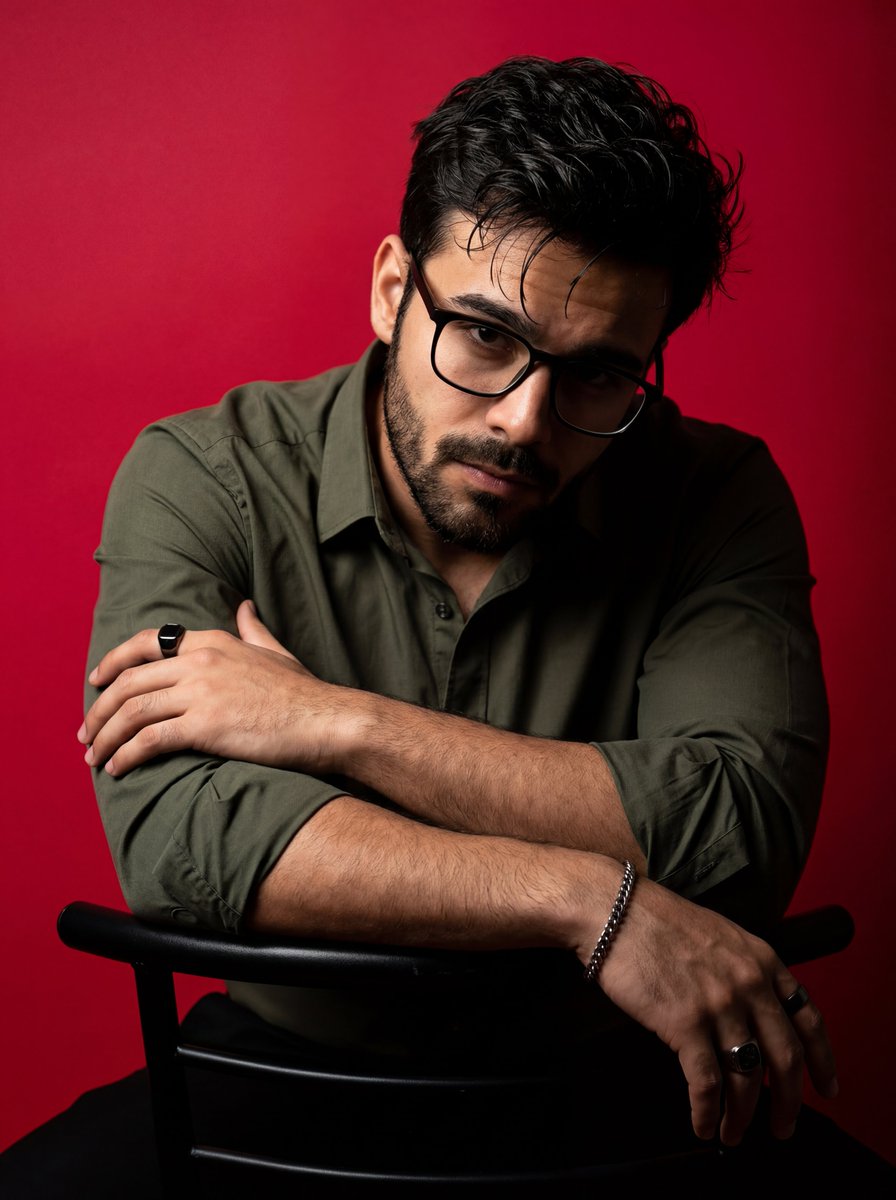
Dramatic High Contrast Studio Portrait
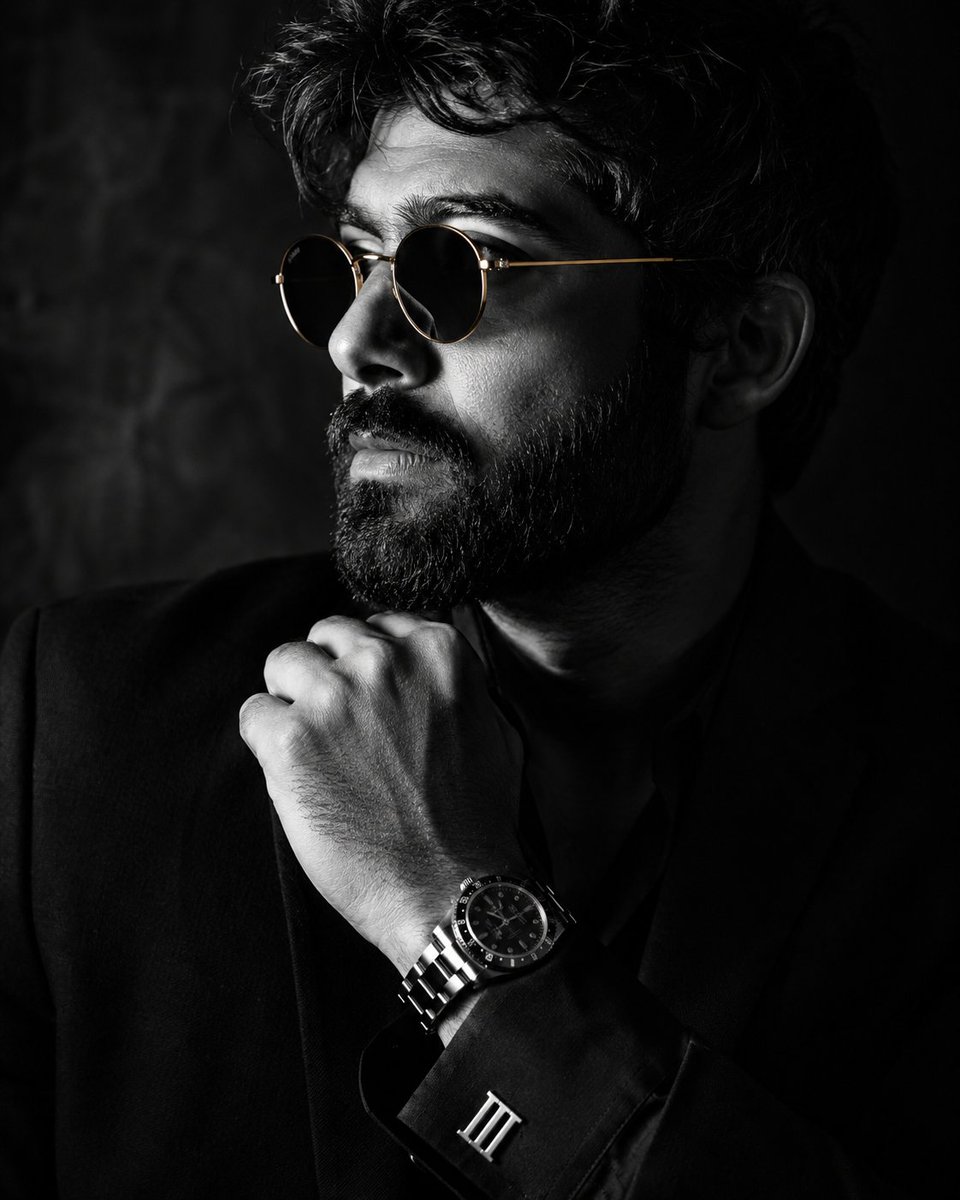
Monochrome Luxury Studio Portrait
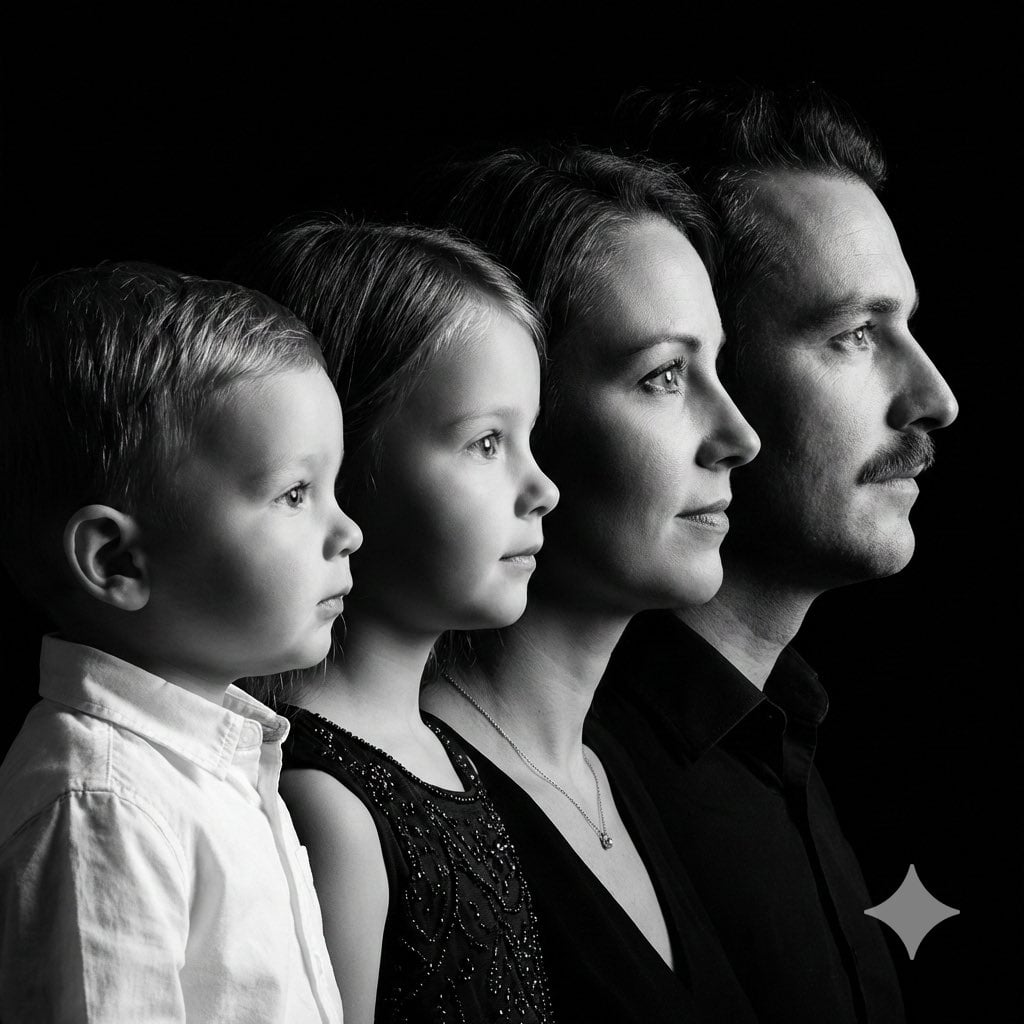
High-Contrast Black and White Family Studio Portrait
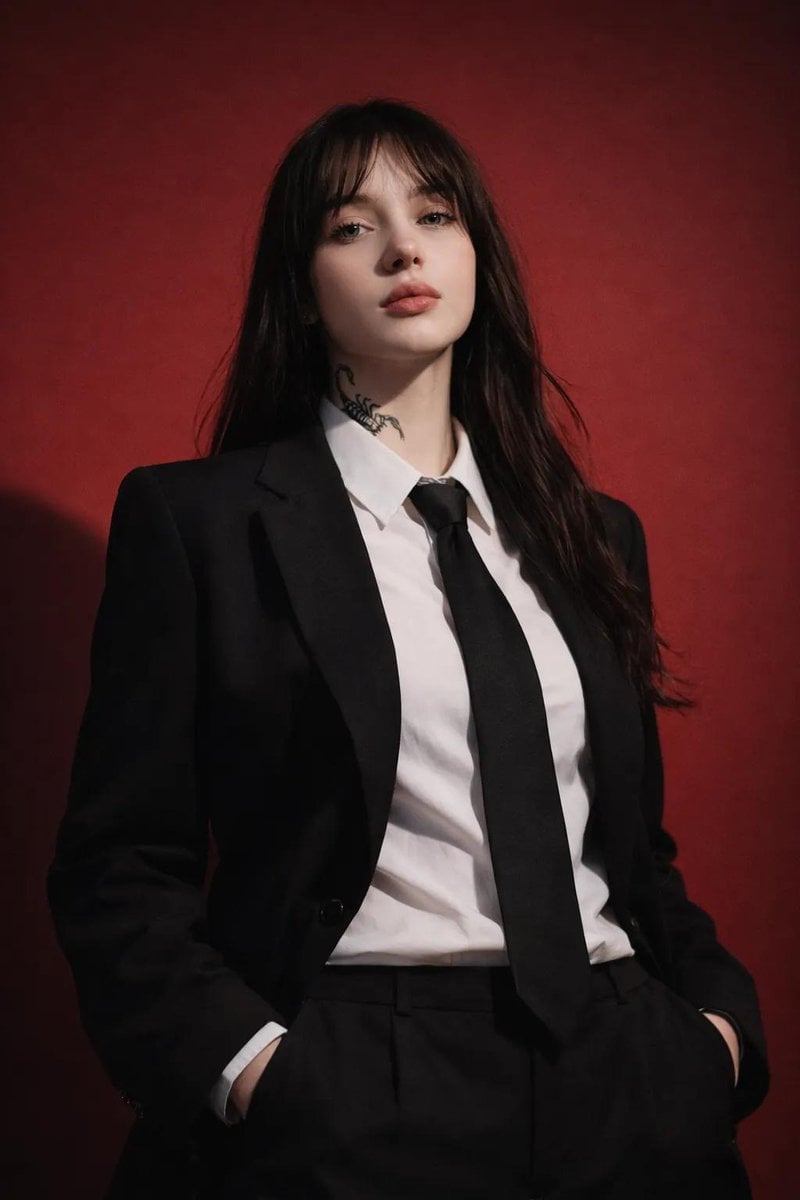
Studio Fashion Portrait with High Contrast
Make it yours
High-Contrast Monochrome Studio Portrait works as-is. These are the safest ways to change it without losing the look.
Change one field
Copy a single group, rewrite it, and generate again so you can see what that field is doing.
Keep the frame, change the subject
Hold the composition and light of High-Contrast Monochrome Studio Portrait, then swap wardrobe, props or the person for a new take.
| If the result… | Why | Fix |
|---|---|---|
| The result drifts from the preview | Too many fields changed at once. | Reuse High-Contrast Monochrome Studio Portrait as-is first, then change one group — subject, light, or setting. |
| The model over-stylizes the scene | The prose prompt leaves finish and camera underspecified. | Add one camera or lighting sentence and stay on GPT Image 2. |
More GPT Image 2 templates
Other prompts made for GPT Image 2.

Six VTuber Japanese Logo Sheet

Realistic Portrait of Woman and Deer

The Vista Modular Condo Poster

AI Model Routing Comparison Infographic

2.5D Anime Art Board

Isometric Productivity Desk Scene

New York Double Exposure Poster

Four-Panel AI Landscape Comparison

Japanese Tatami Lifestyle Magazine Cover

NESCAFÉ Coffee Map Poster
More image prompts
Fresh picks from across the catalog.
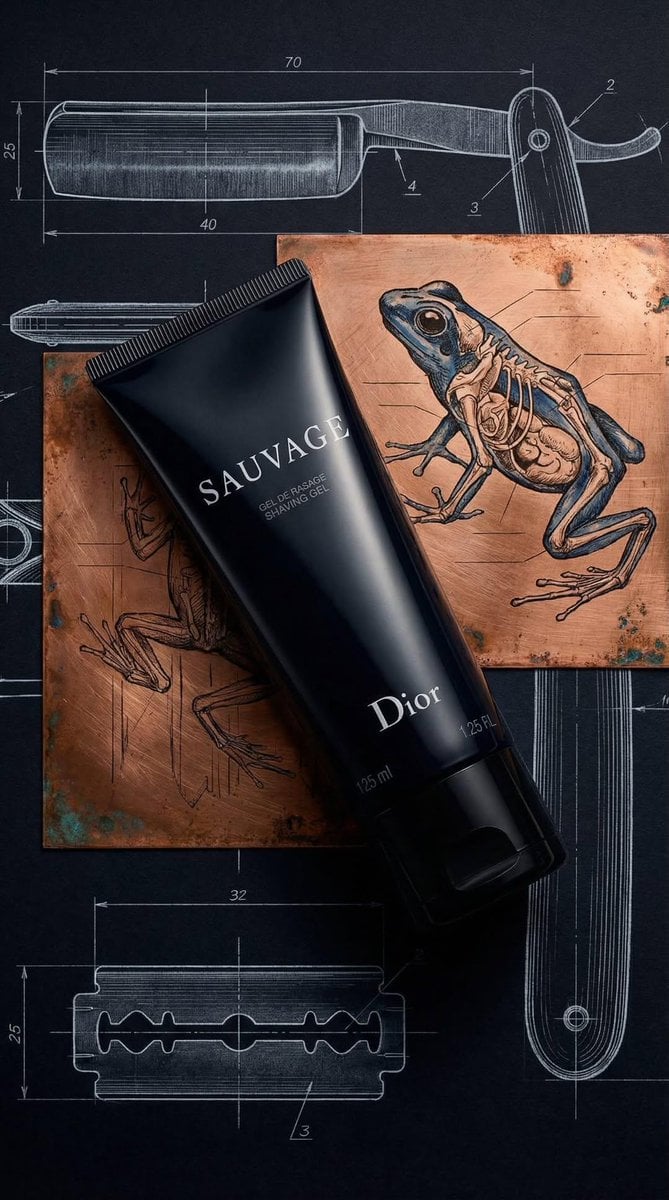
Luxury Product Photography of Dior Sauvage Shaving Gel
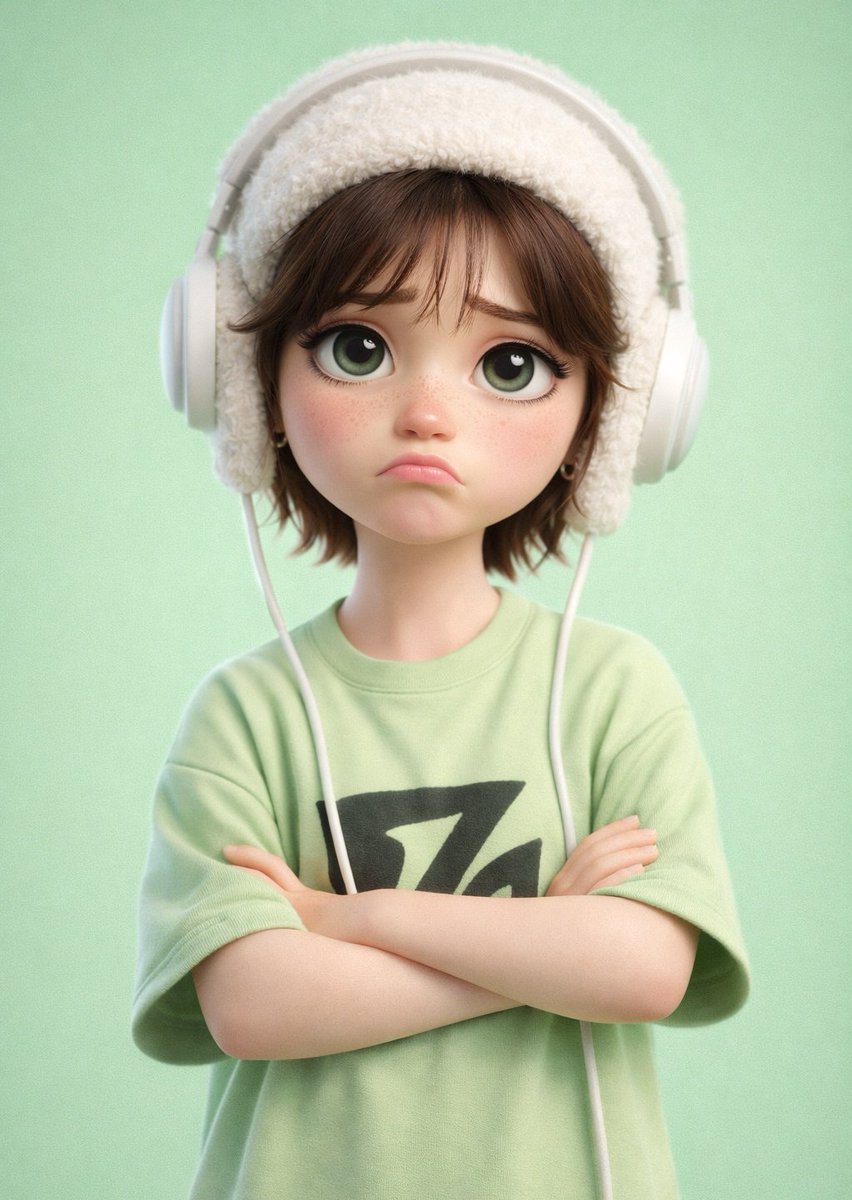
Pixar-Style 3D Cartoon Character
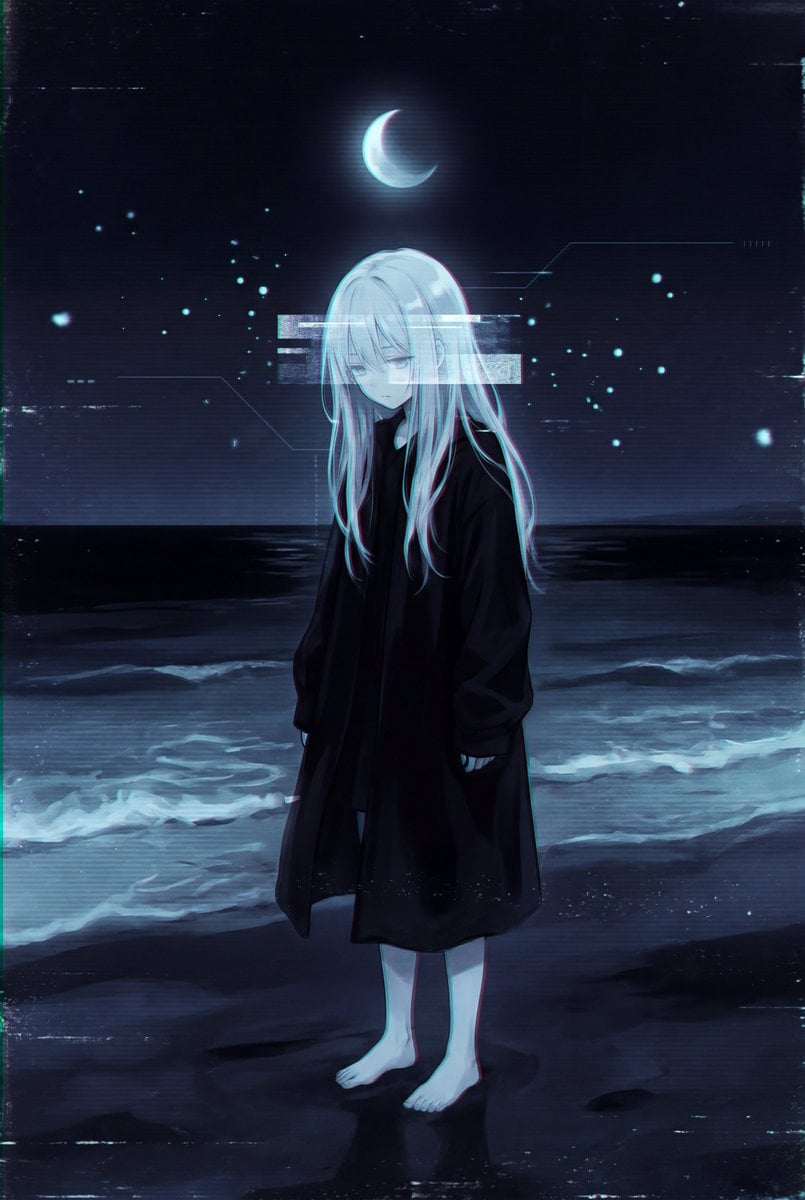
Dark Liminal Anime Illustration
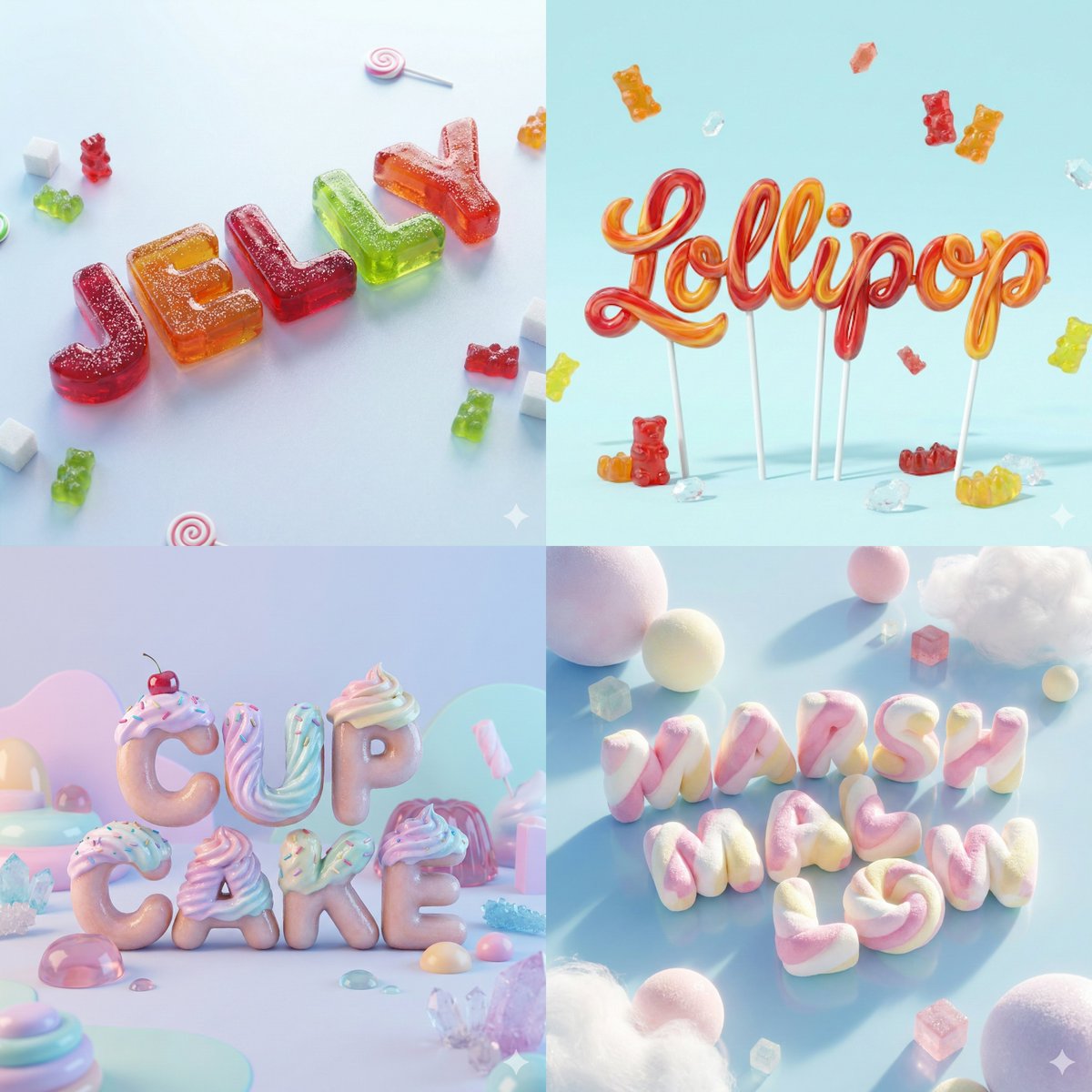
3D Render of Edible Letters Candy
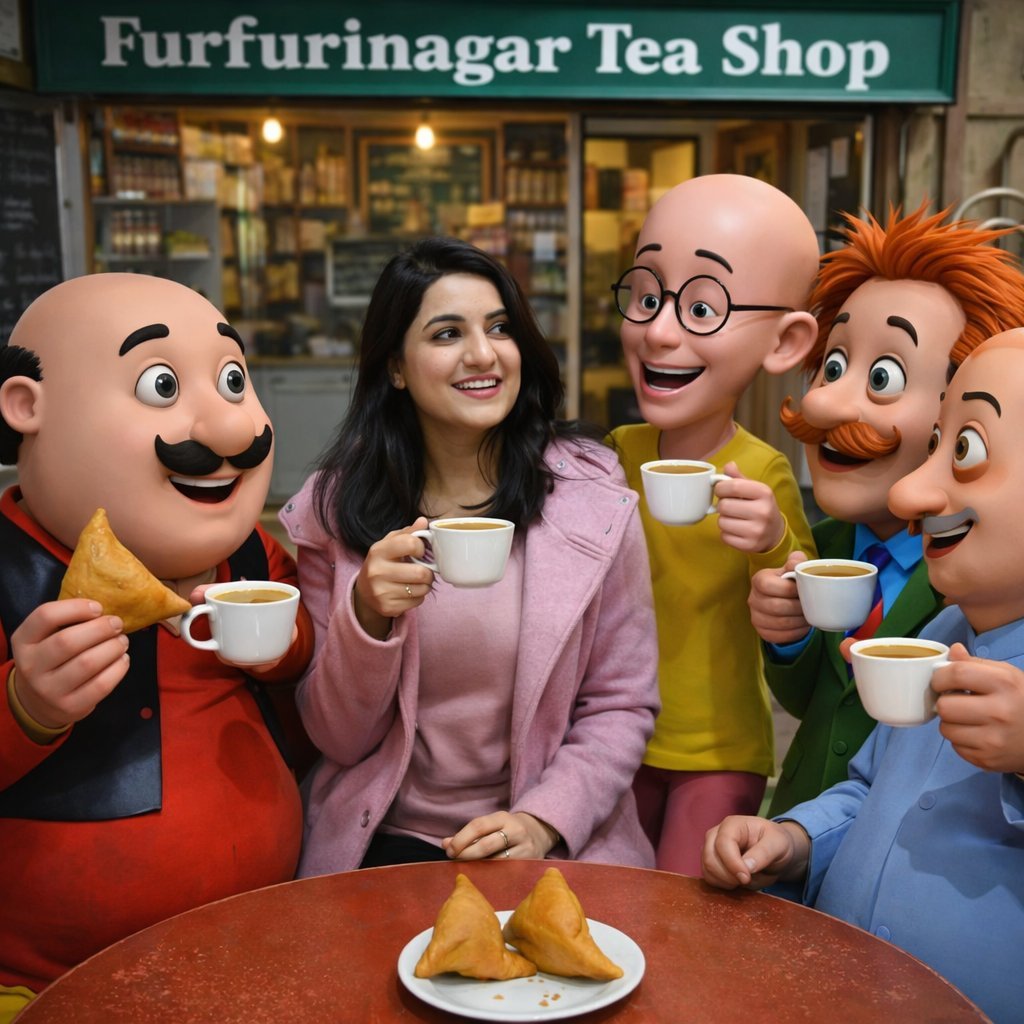
Motu Patlu Tea Shop Scene with Custom Face
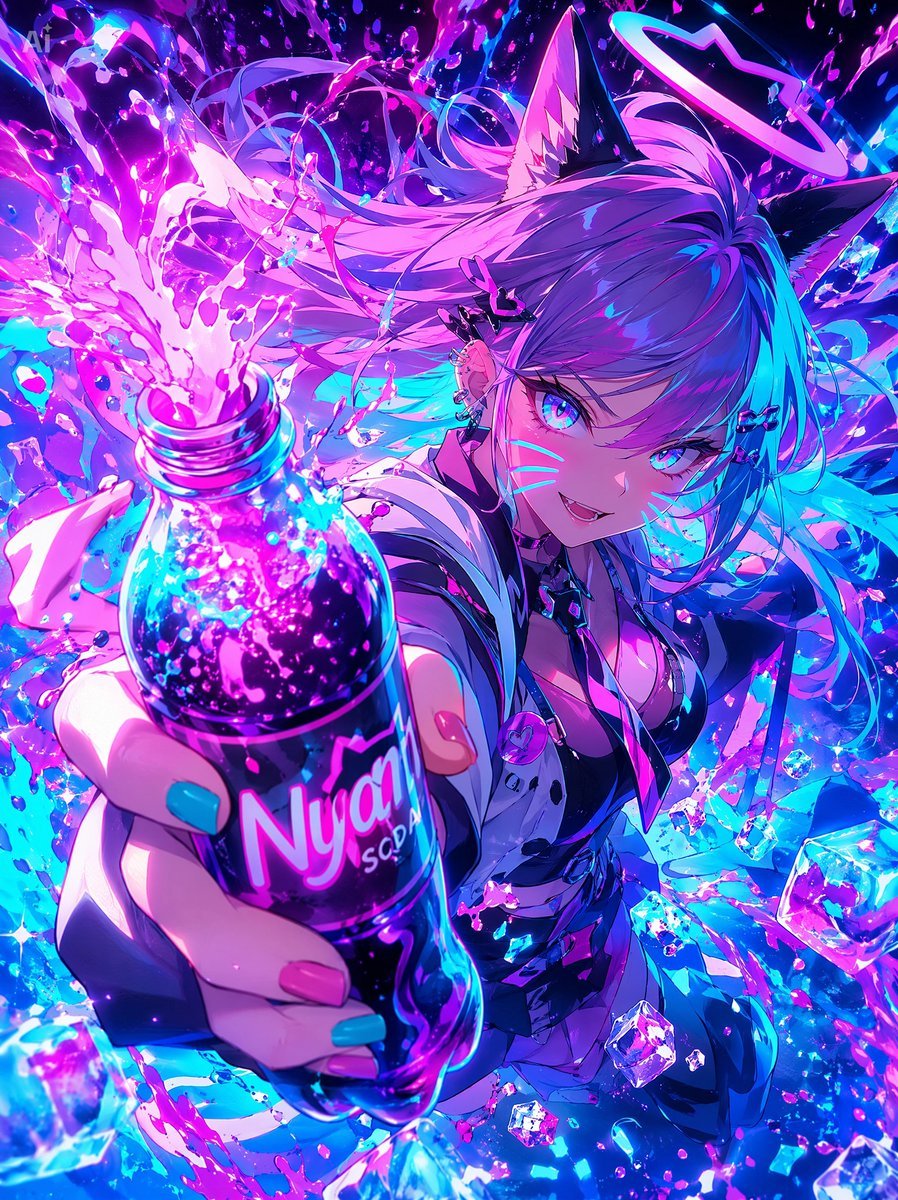
Neon Catgirl Soda Burst
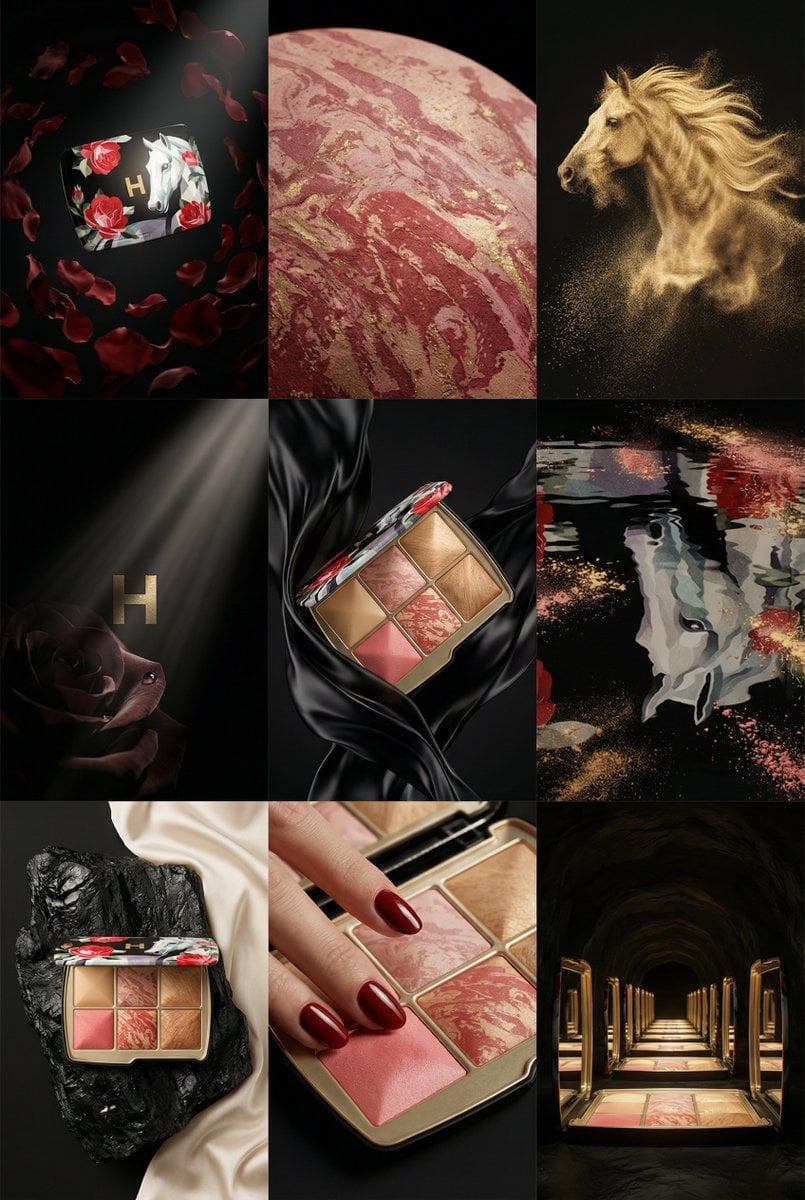
Cell Surrealist Product Photography Grid Prompt (Ukrainian)
Surrealist Koi Fish Illustration
3D Miniature New York City Diorama
1990s Time Traveler Magazine Cover
Browse template categories
High-Contrast Monochrome Studio Portrait questions
How do I use the High-Contrast Monochrome Studio Portrait template?
Add your photo if the template asks for one, edit the prompt if you like — the template's model and format are already selected — and press Generate. Your version opens in PicX Studio.
Can I customize the High-Contrast Monochrome Studio Portrait template?
Yes. You can change the subject, setting, lighting, mood, format, and available model controls before creating your image.
Is the High-Contrast Monochrome Studio Portrait template free?
Opening and editing this template is free. Generating uses credits, shown on the Generate button when you are signed in.
Which AI model should I use?
Start with GPT Image 2, which is the model associated with this template. You can compare another compatible model for a different finish.
Looking for something else? Browse all templates.

Your photo, any look
Thousands of ready templates for every top image and video model, from one credit balance.