How do I use the High-Contrast Monochrome Editorial Portrait template?
Edit the prompt in the box under the preview — the template's model and format are already selected — and press Generate. Your version appears right on this page.
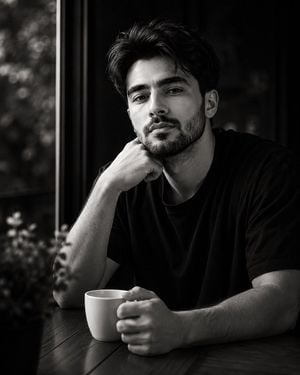
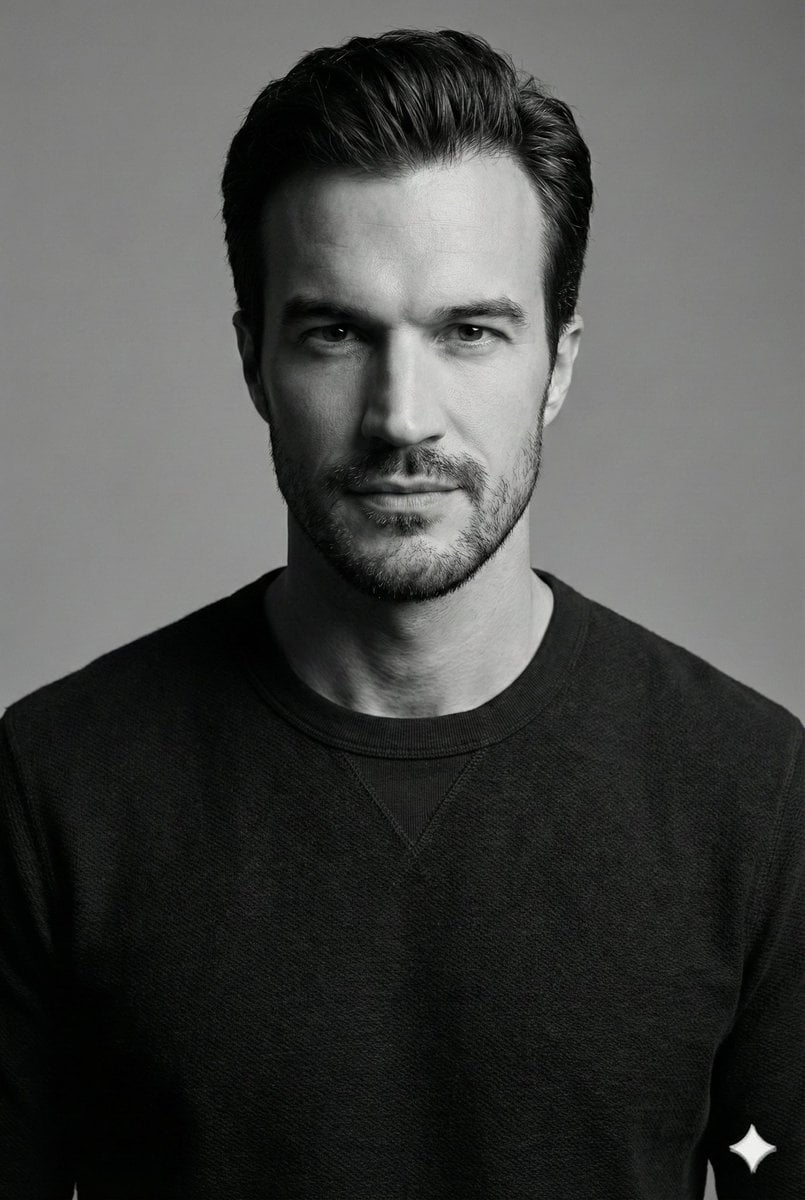
A professional black-and-white portrait prompt featuring a male subject with high-contrast lighting, low-angle composition, and sharp skin textures for an editorial feel.

Ultra-realistic black-and-white editorial portrait, low-angle shot, 4:5 aspect ratio. The {argument name="subject" default="man"} fills about 85-90% of the frame in a medium close-up, showing the head, neck, shoulders, upper chest, upper arms, and part of the forearms, with only a small amount of empty space above his head. A {argument name="physical description" default="handsome athletic man"} wearing a {argument name="clothing" default="plain black fitted ribbed crew-neck short-sleeve sweater"}. His arms are loosely crossed. His body is turned slightly (20°) while his head is turned slightly to the left and tilted upward, with his eyes looking off-camera toward the upper left, giving a calm, confident, thoughtful expression. Strong hard natural sunlight from the upper left illuminates the left side of his hair, forehead, eye, cheek, nose, beard, neck, shoulder, and front arm, while the right side of his face and ear fall into deep shadow, creating crisp, high-contrast facial definition. Clean plain gray sky background, no distractions. High-contrast monochrome with deep blacks, bright highlights, sharp skin texture, fine-art fashion photography, ultra-realistic, premium editorial quality.
Ultra-realistic black-and-white editorial portrait, low-angle shot, 4:5 aspect ratio. The {argument name="subject" default="man"} fills about 85-90% of the frame in a medium close-up, showing the head, neck, shoulders, upper chest, upper arms, and part of the forearms, with only a small amount of empty space above his head. A {argument name="physical description" default="handsome athletic man"} wearing a {argument name="clothing" default="plain black fitted ribbed crew-neck short-sleeve sweater"}. His arms are loosely crossed. His body is turned slightly (20°) while his head is turned slightly to the left and tilted upward, with his eyes looking off-camera toward the upper left, giving a calm, confident, thoughtful expression. Strong hard natural sunlight from the upper left illuminates the left side of his hair, forehead, eye, cheek, nose, beard, neck, shoulder, and front arm, while the right side of his face and ear fall into deep shadow, creating crisp, high-contrast facial definition. Clean plain gray sky background, no distractions. High-contrast monochrome with deep blacks, bright highlights, sharp skin texture, fine-art fashion photography, ultra-realistic, premium editorial quality.
Edit the prompt in the box under the preview — the template's model and format are already selected — and press Generate. Your version appears right on this page.
Yes. You can change the subject, setting, lighting, mood, format, and available model controls before creating your image.
Opening and editing this template is free. Generating uses credits, shown on the Generate button when you are signed in.
Start with Nano Banana 2, which is the model associated with this template. You can compare another compatible model for a different finish.
Follow a topic to a crawlable collection of related PicX Studio templates.