How do I use the High Contrast Monochrome Male Portrait template?
Edit the prompt in the box under the preview — the template's model and format are already selected — and press Generate. Your version appears right on this page.
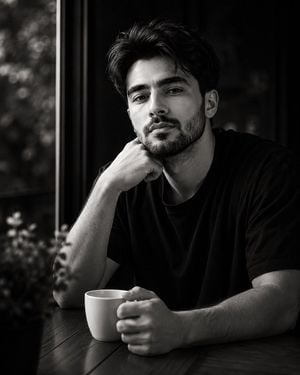
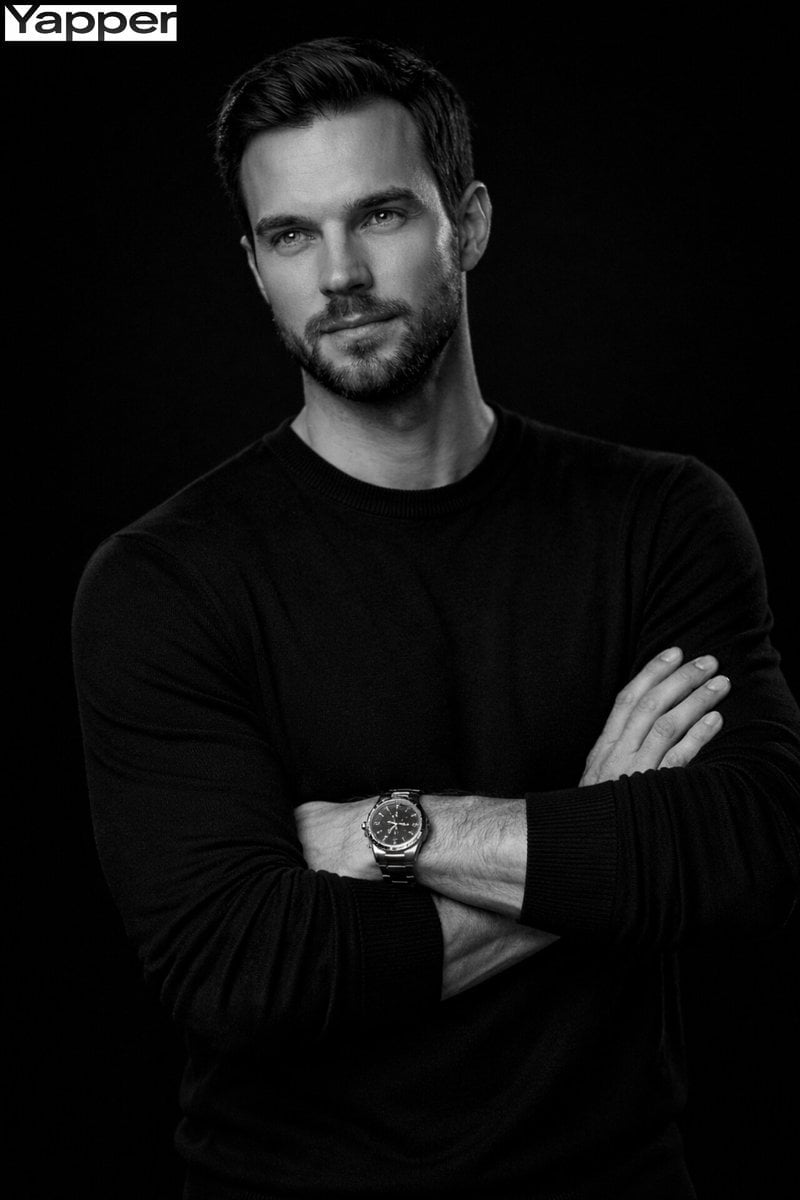
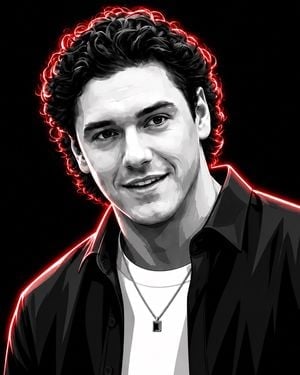
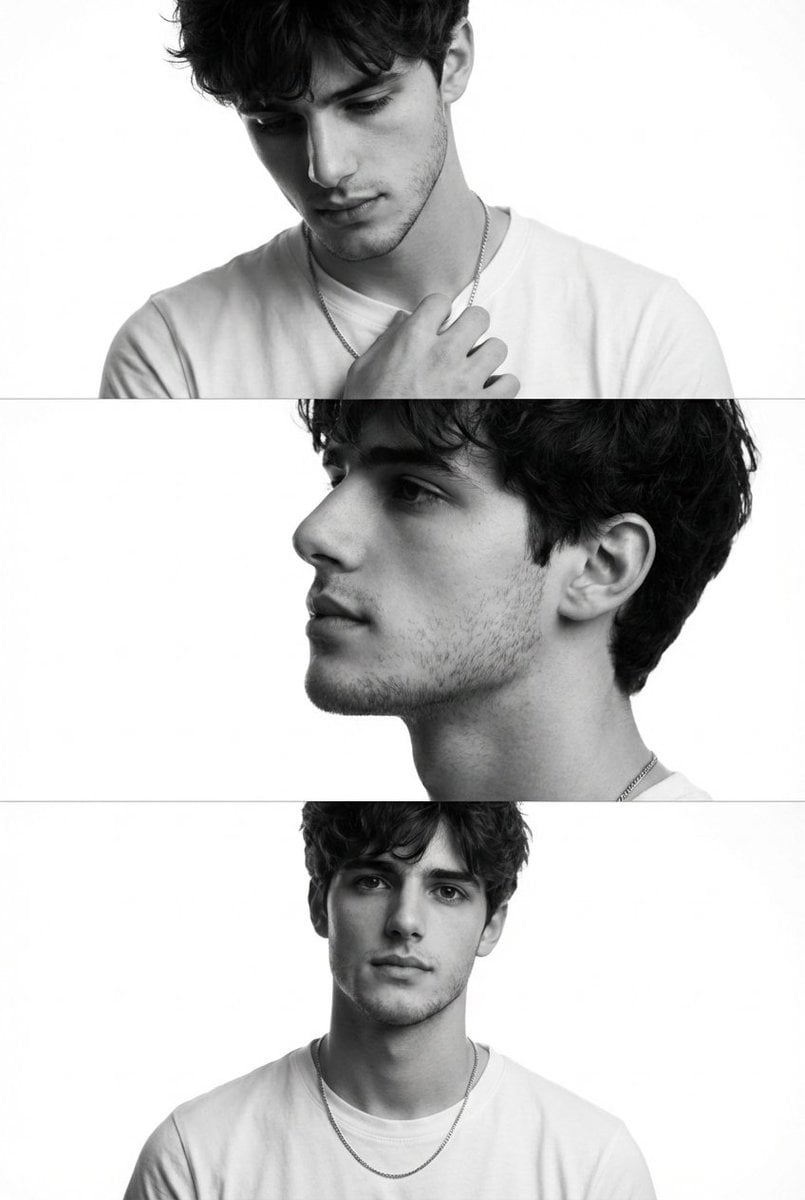
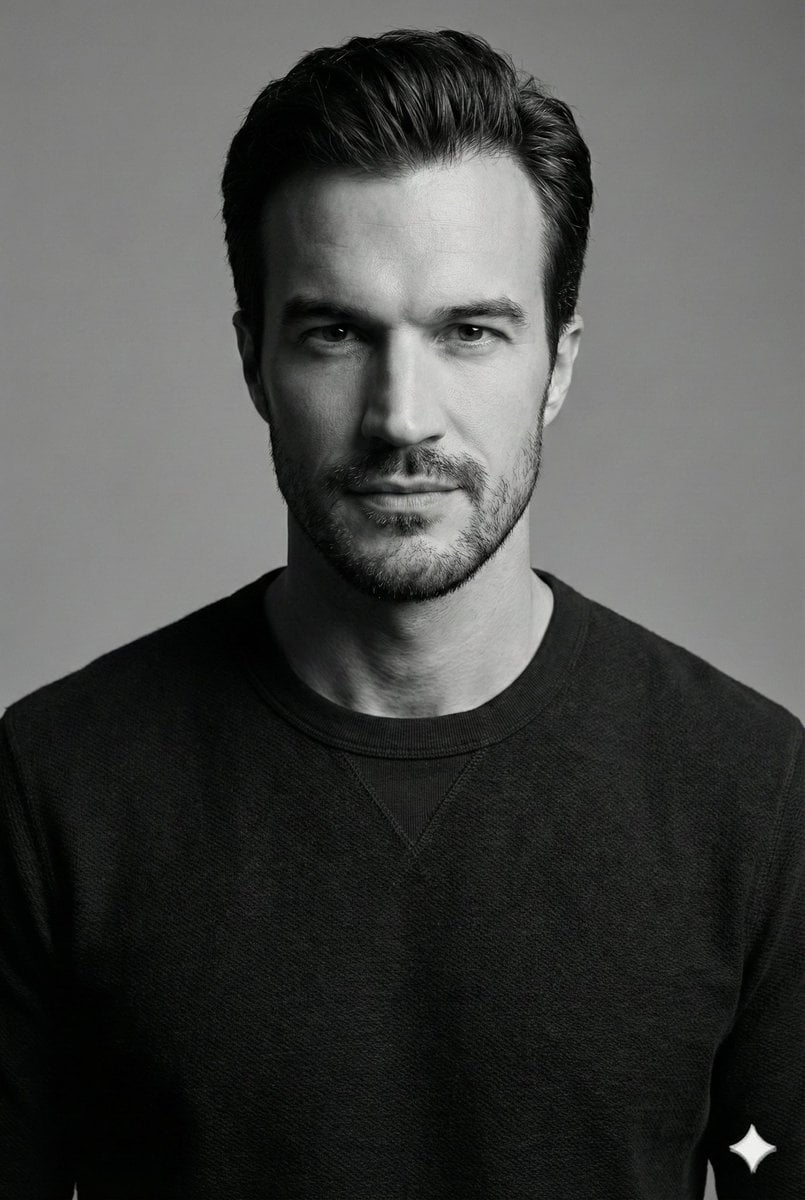
A cinematic, high-contrast black-and-white portrait of a man with textured hair and aviator sunglasses, emphasizing dramatic rim lighting and editorial fashion aesthetics.

A cinematic high-contrast black-and-white portrait captured from a three-quarter side angle, featuring a {argument name="subject" default="confident man"} turning his face toward the camera while maintaining intense eye contact. His thick, textured dark hair is naturally tousled, complemented by a neatly groomed beard and mustache. Instead of lowering his sunglasses straight down, he lightly grips one temple of his {argument name="accessory" default="classic double-bridge aviator sunglasses"} with his right hand as if about to remove them, revealing one eye more prominently than the other. A bold square signet ring with a dark onyx inlay is visible on his right ring finger. He wears a fitted black button-up shirt with the top buttons undone and sleeves slightly rolled, adding a relaxed yet refined look. {argument name="lighting" default="Soft directional lighting from behind and to the side"} creates a dramatic rim light along his hairline, cheek, and hand while a gentle fill illuminates his eyes and facial texture. The background is a dark, softly blurred industrial wall with subtle texture and deep shadows. Ultra-realistic, editorial fashion photography, moody monochrome tones, fine film grain, shallow depth of field, 85mm lens, premium luxury campaign aesthetic, photorealistic, 8K
A cinematic high-contrast black-and-white portrait captured from a three-quarter side angle, featuring a {argument name="subject" default="confident man"} turning his face toward the camera while maintaining intense eye contact. His thick, textured dark hair is naturally tousled, complemented by a neatly groomed beard and mustache. Instead of lowering his sunglasses straight down, he lightly grips one temple of his {argument name="accessory" default="classic double-bridge aviator sunglasses"} with his right hand as if about to remove them, revealing one eye more prominently than the other. A bold square signet ring with a dark onyx inlay is visible on his right ring finger. He wears a fitted black button-up shirt with the top buttons undone and sleeves slightly rolled, adding a relaxed yet refined look. {argument name="lighting" default="Soft directional lighting from behind and to the side"} creates a dramatic rim light along his hairline, cheek, and hand while a gentle fill illuminates his eyes and facial texture. The background is a dark, softly blurred industrial wall with subtle texture and deep shadows. Ultra-realistic, editorial fashion photography, moody monochrome tones, fine film grain, shallow depth of field, 85mm lens, premium luxury campaign aesthetic, photorealistic, 8K
Edit the prompt in the box under the preview — the template's model and format are already selected — and press Generate. Your version appears right on this page.
Yes. You can change the subject, setting, lighting, mood, format, and available model controls before creating your image.
Opening and editing this template is free. Generating uses credits, shown on the Generate button when you are signed in.
Start with Nano Banana 2, which is the model associated with this template. You can compare another compatible model for a different finish.
Follow a topic to a crawlable collection of related PicX Studio templates.