
Retro New Chinese Qipao Portrait Grid
Generates a 2x2 grid of retro-style portraits for mature women, focusing on maintaining facial consistency and a high-end traditional photography aesthetic.
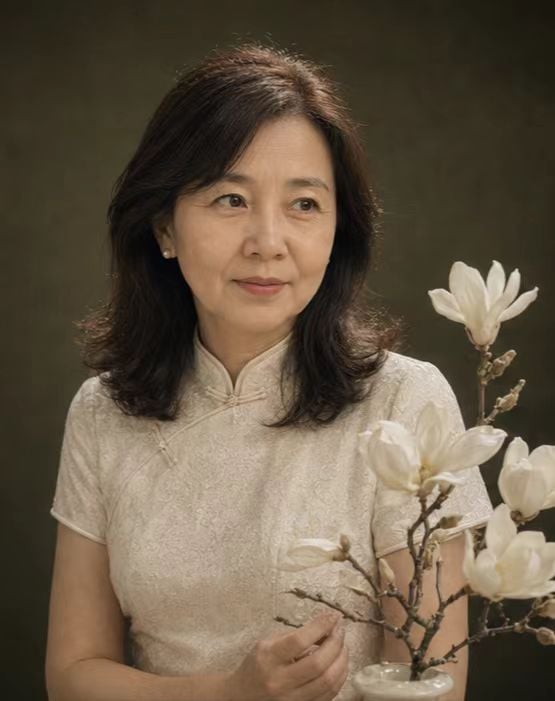
- Prompt included
- Model and format preset
- Free template
The prompt behind this image
Copy the exact prompt behind Retro New Chinese Qipao Portrait Grid, or open it in the studio and make it yours.
Please, based on a real photo uploaded by the user, generate a 2×2 four-panel grid of "new-Chinese-style qipao vintage mom portraits." All four panels must show the same woman, strictly preserving her face shape, facial feature proportions, eyes, nose, lips, skin tone, {argument name="sense of age" default="50-65 years old"}, base hairstyle, body shape, and overall temperament. Do not turn her into a stranger, do not make her look younger, do not give her an influencer look, do not over-smooth her skin. The overall style is a new-Chinese-style qipao vintage studio portrait shoot. The image is refined and natural, with the feel of a traditional photo studio, a vintage Chinese magazine portrait, a slight film quality, and a soft oil-painting feel. The outfit is a modest, appropriate modernized qipao or a new-Chinese-style ensemble, which may use colors such as {argument name="clothing color" default="ink green, navy blue, wine red, pearl white, lotus pink"}. Props may include a folding fan, a round fan, white magnolia flowers, orchids, a pearl necklace, a wooden chair, a wooden table, a small vase. The background may be uniformly {argument name="background color" default="deep ink green, black, misty blue, deep purple, vintage red, or warm caramel"}. The four panels need to show clear variation: Top-left: full-body or three-quarter-body seated pose, the mother sitting on a vintage wooden chair, holding a folding fan, looking at the camera, smiling gently. Top-right: half-body close-up, the mother wearing a qipao, holding flowers, her body angled toward the camera, her gaze looking off to the side of the camera, a composed expression. Bottom-left: side-profile composition, the mother looking down with a faint smile or looking at a flower branch, one hand gently tucking her hair behind her ear, the image gentle and quiet. Bottom-right: a frontal half-body photo, the mother sitting in a dignified pose, hands naturally folded together, with a wooden chair, a vase, and soft vintage lighting in the background, her expression warm and natural. The actions, expressions, hand gestures, head turns, shot framing, and camera angles must differ across the four images. The background, clothing color, clothing style, flowers, props, jewelry, hairstyle, set design, and main lighting style should remain consistent. The lighting is soft, the skin looks real and natural, preserving the mother's mature bearing and slight traces of age. No cheap photo-studio look, no heavy makeup, not overly ornate.
How to use Retro New Chinese Qipao Portrait Grid in 3 steps
- 1Upload ImagePNG, JPG or paste
Add your photo
Upload the photo the template builds on. The prompt, model and format are already set.
- 2…a portrait of your subject in softgolden-hour light, 85mm…
Personalize
Edit the subject and creative details for your destination.
- 3Generate
Generate
Press Generate — your image is created in PicX Studio, so you can compare it with the original and refine one variable at a time.
More like this
Templates with the same subject, style or setup. Open one to see its prompt.

Found Photograph: Us, 1970

80s Couple Studio Portrait

80s Bollywood Star

80s Golden Hour Cinema
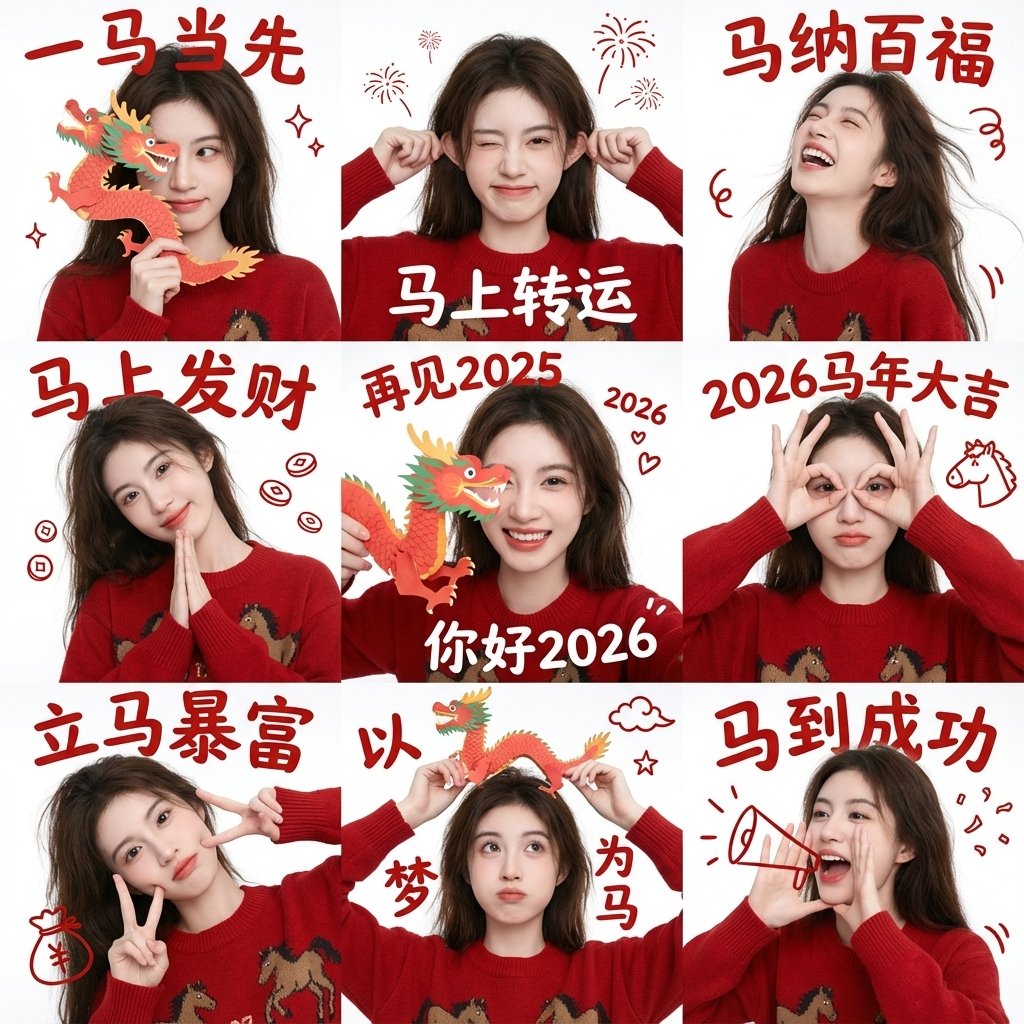
Chinese New Year Blessing Portrait Grid
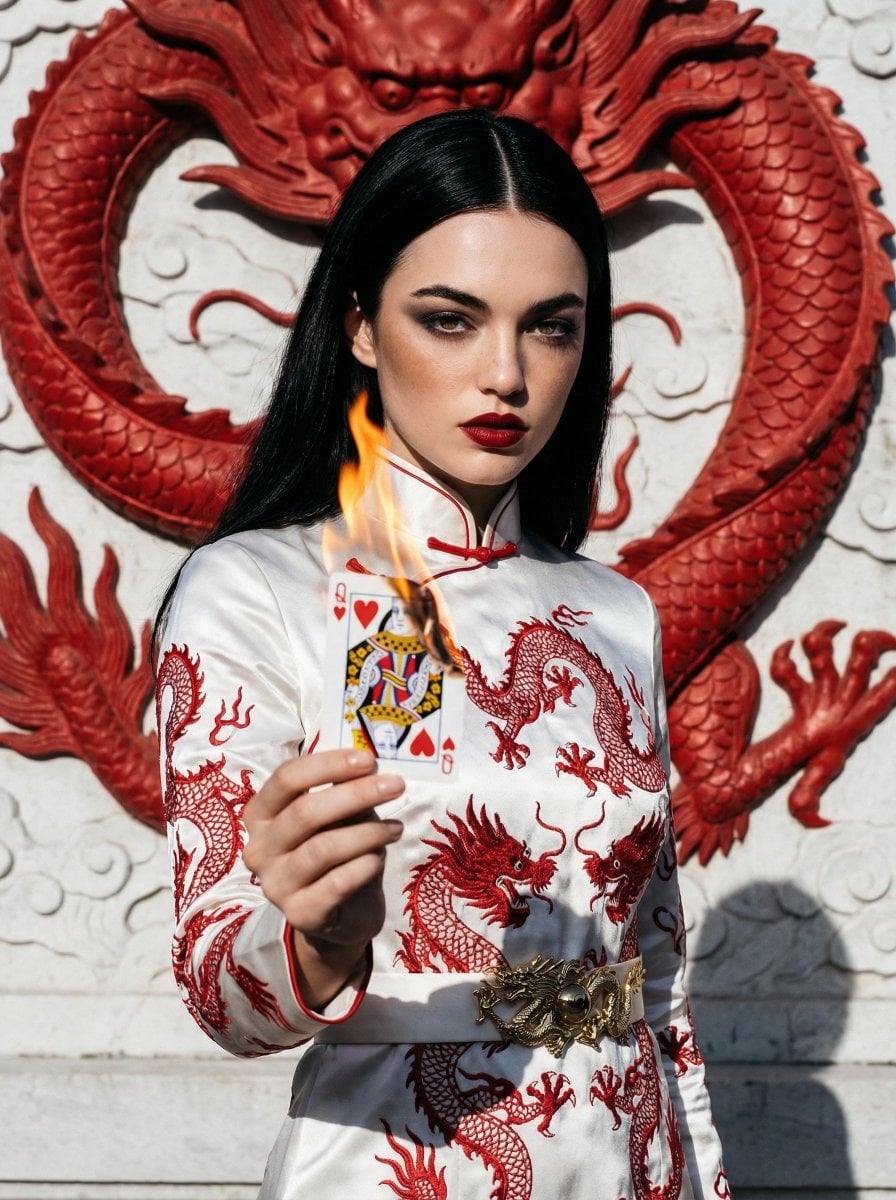
Fashion Portrait with Chinese Dragon Qipao

B&W Photobooth Expression Grid 4x4 — Nano Banana

Gen Z TikTok Viral Expression Grid 4x4 — Nano Banana

Two Tickets, One Night

If We Met in 1985

One Dance Before Midnight

Before We said Goodbye
Make it yours
Retro New Chinese Qipao Portrait Grid works as-is. These are the safest ways to change it without losing the look.
Change one field
Copy a single group, rewrite it, and generate again so you can see what that field is doing.
Keep the frame, change the subject
Hold the composition and light of Retro New Chinese Qipao Portrait Grid, then swap wardrobe, props or the person for a new take.
| If the result… | Why | Fix |
|---|---|---|
| The result drifts from the preview | Too many fields changed at once. | Reuse Retro New Chinese Qipao Portrait Grid as-is first, then change one group — subject, light, or setting. |
| The model over-stylizes the scene | The prose prompt leaves finish and camera underspecified. | Add one camera or lighting sentence and stay on GPT Image 2. |
More GPT Image 2 templates
Other prompts made for GPT Image 2.

Six VTuber Japanese Logo Sheet

Realistic Portrait of Woman and Deer

The Vista Modular Condo Poster

AI Model Routing Comparison Infographic

2.5D Anime Art Board

Isometric Productivity Desk Scene

New York Double Exposure Poster

Four-Panel AI Landscape Comparison

Japanese Tatami Lifestyle Magazine Cover

NESCAFÉ Coffee Map Poster
More image prompts
Fresh picks from across the catalog.
Early 2000s Flash Photo Identity Blend Prompt
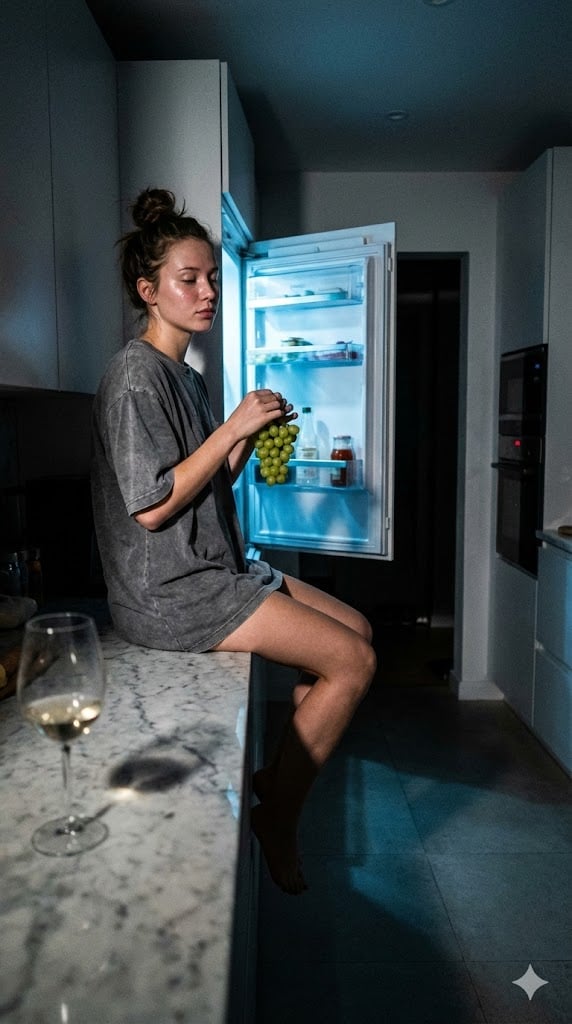
Candid 3 AM Fridge Light Portrait
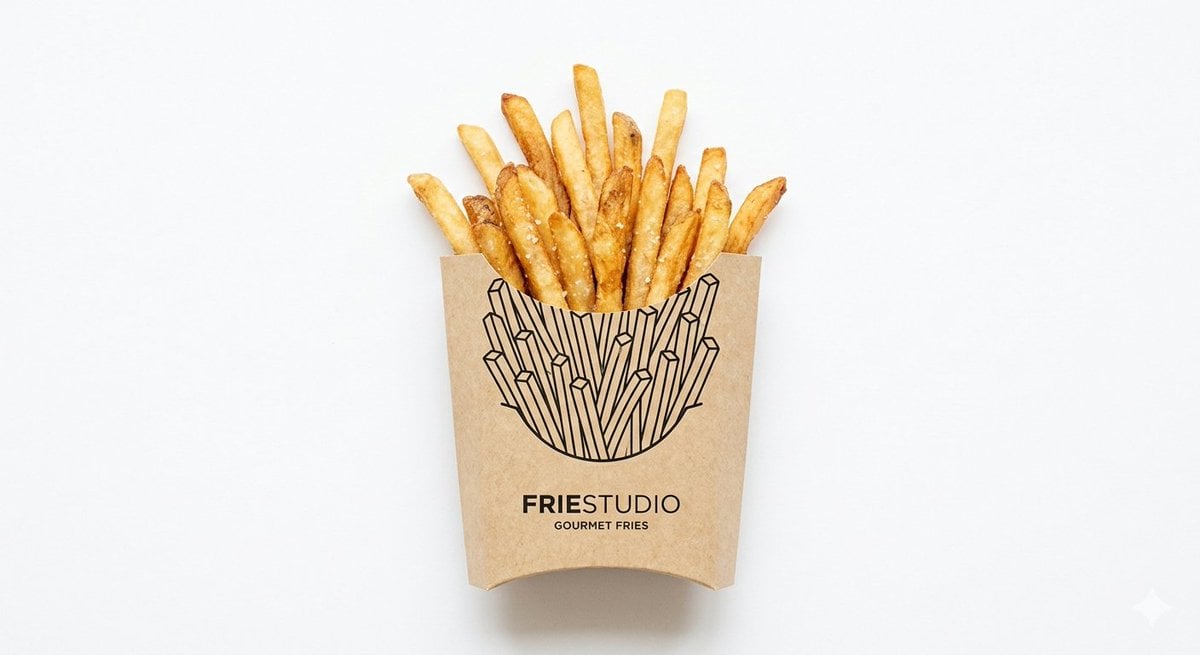
Minimalist Food Illustration and Photorealism Blend

SUNO Prompt for Modern Retro Electro Swing BGM
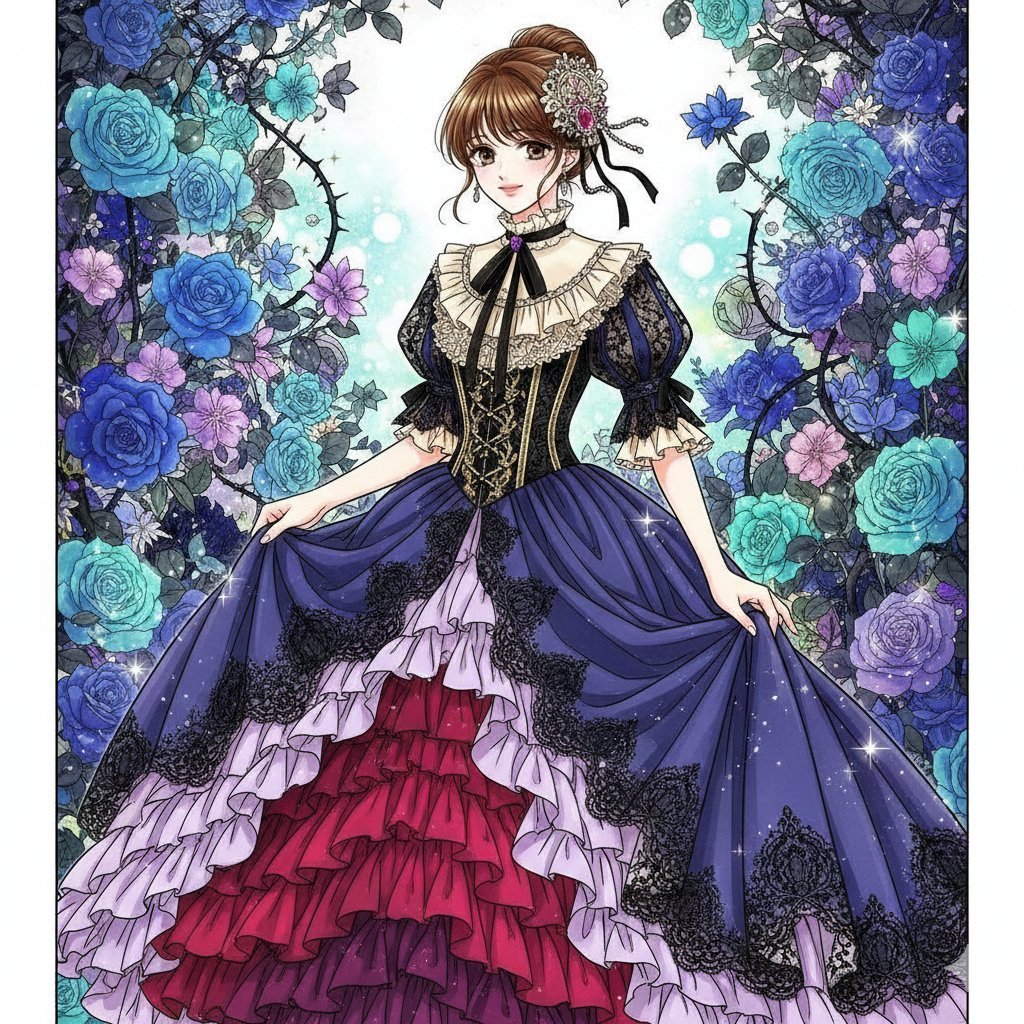
Nano Banana Prompt: Flower Background
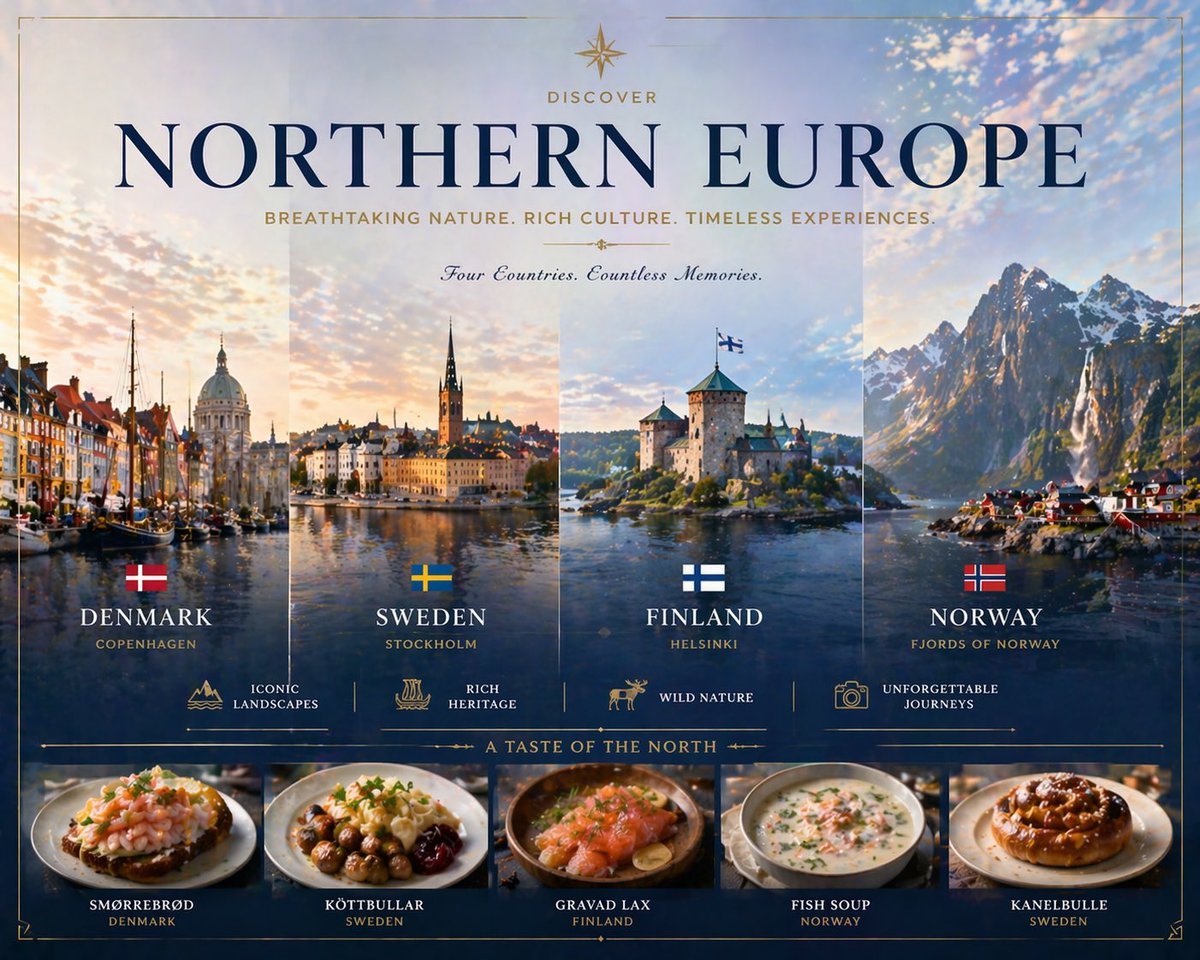
Luxury Northern Europe Travel Poster
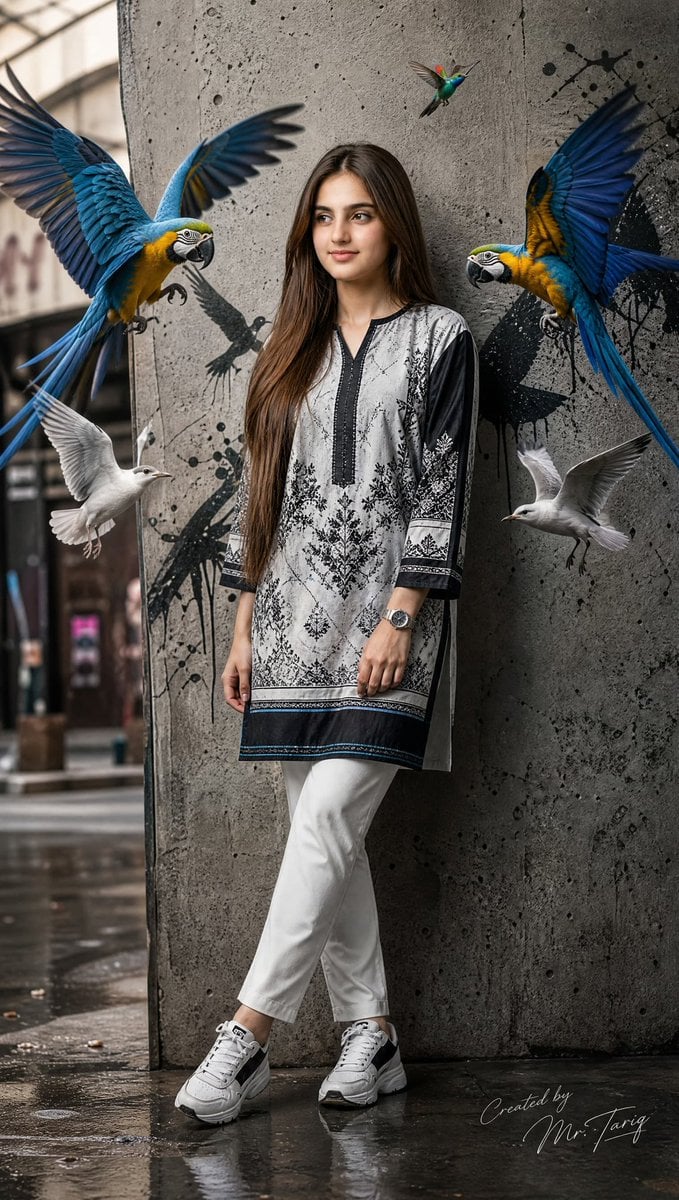
Pakistani Street Fashion with Birds
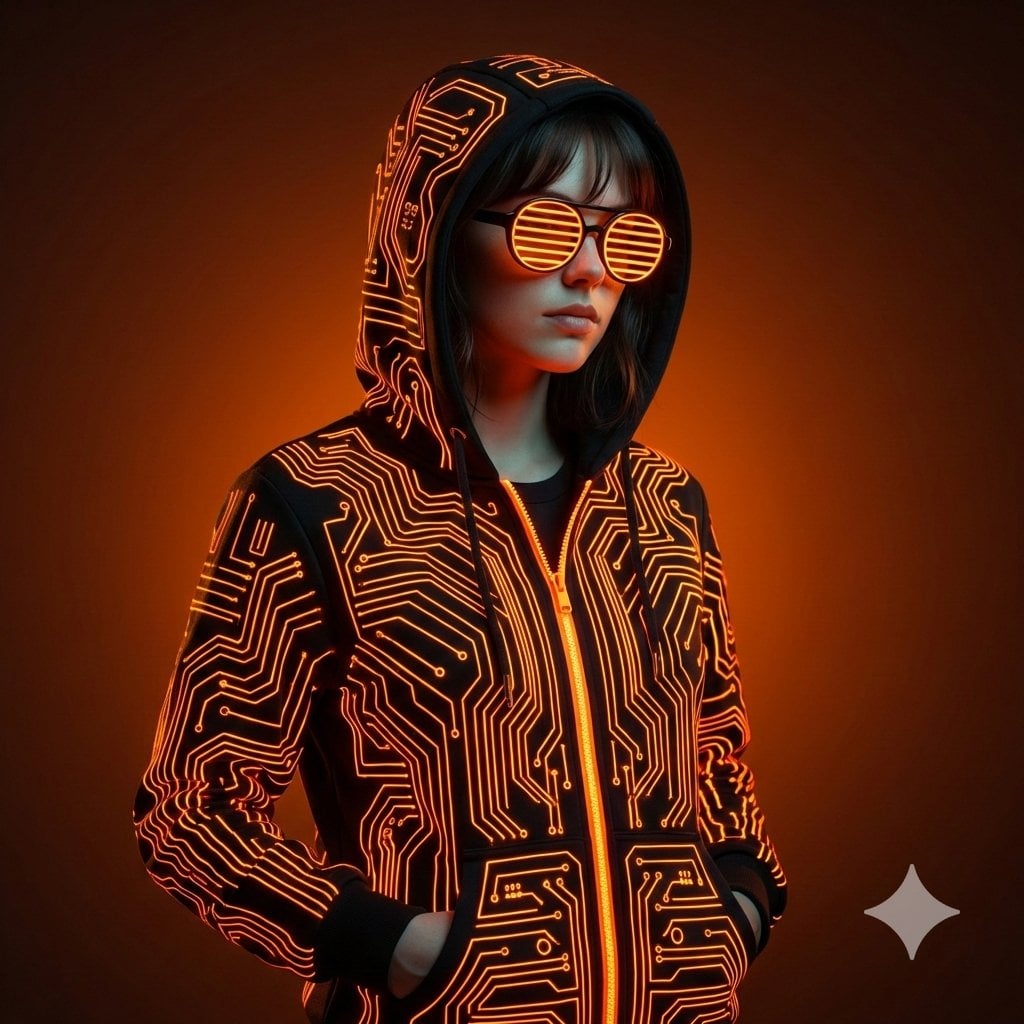
Ultra-Realistic Cyberpunk Studio Portrait
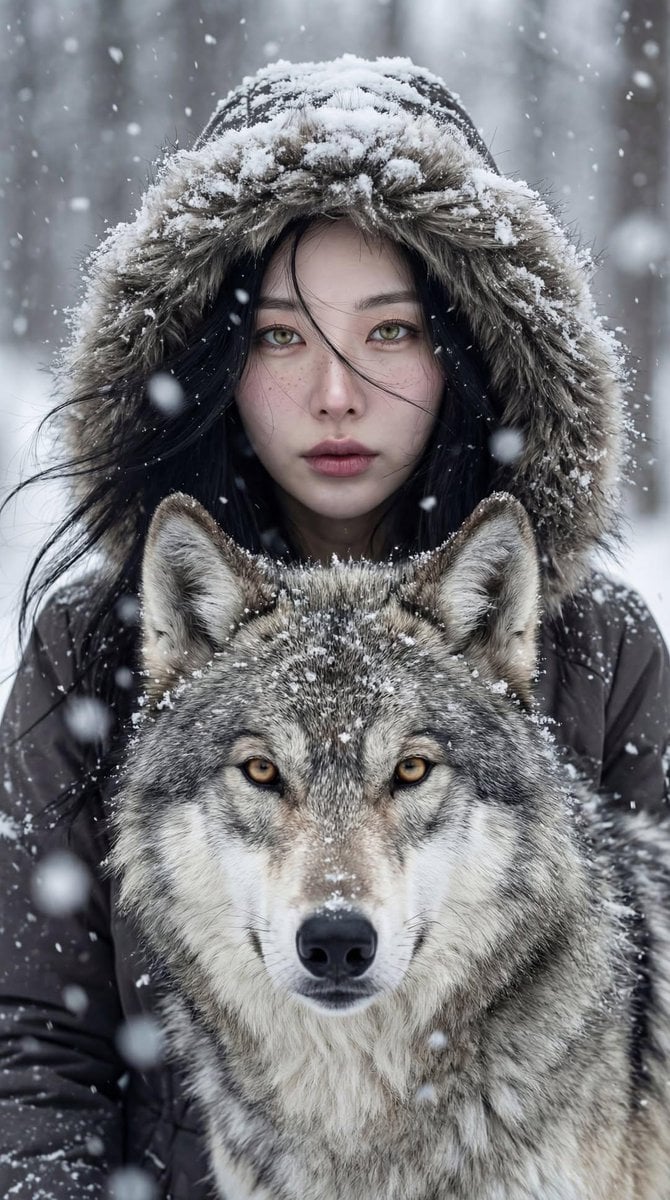
Cinematic Winter Portrait: Woman and Wolf
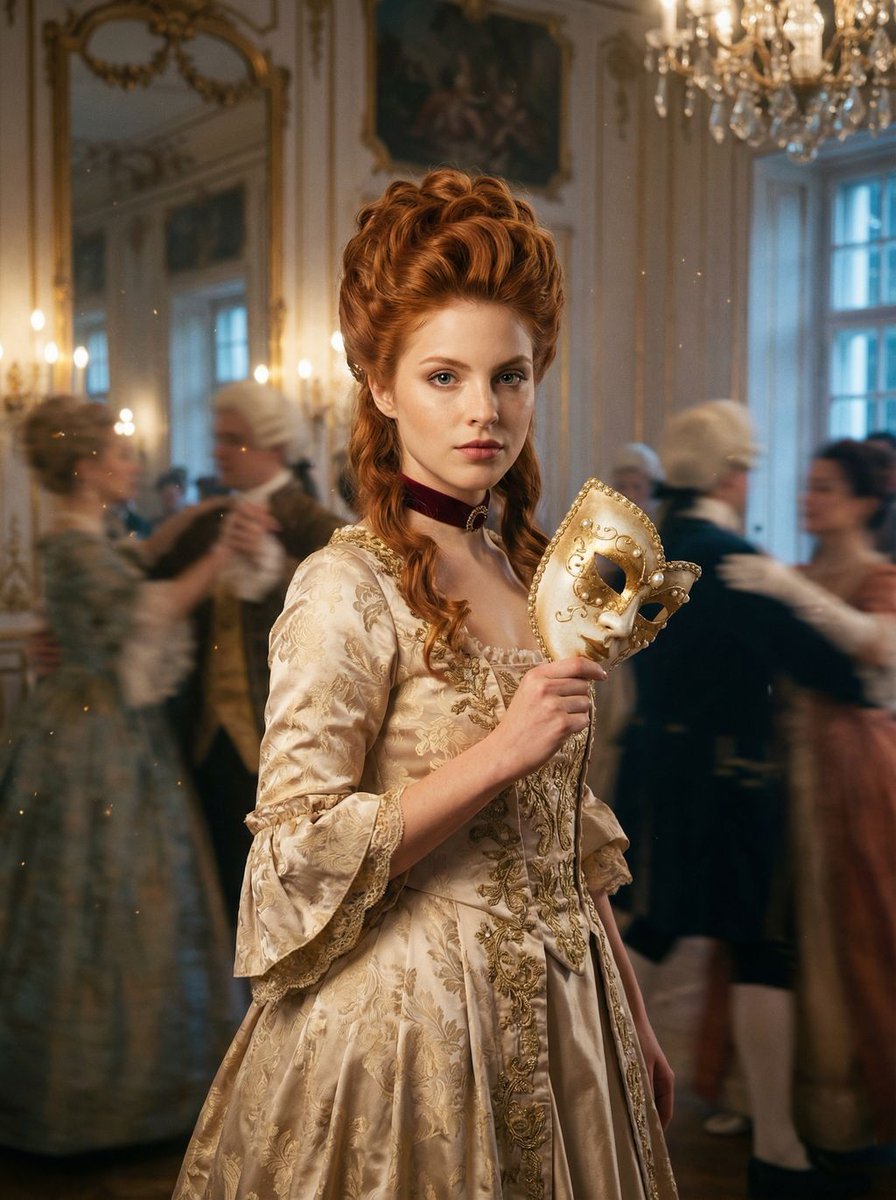
Rococo Masquerade Ball Editorial
Browse template categories
Retro New Chinese Qipao Portrait Grid questions
How do I use the Retro New Chinese Qipao Portrait Grid template?
Add your photo if the template asks for one, edit the prompt if you like — the template's model and format are already selected — and press Generate. Your version opens in PicX Studio.
Can I customize the Retro New Chinese Qipao Portrait Grid template?
Yes. You can change the subject, setting, lighting, mood, format, and available model controls before creating your image.
Is the Retro New Chinese Qipao Portrait Grid template free?
Opening and editing this template is free. Generating uses credits, shown on the Generate button when you are signed in.
Which AI model should I use?
Start with GPT Image 2, which is the model associated with this template. You can compare another compatible model for a different finish.
Looking for something else? Browse all templates.

Your photo, any look
Thousands of ready templates for every top image and video model, from one credit balance.