
Rococo Masquerade Ball Editorial
A highly detailed, structured prompt for generating a cinematic high-fashion editorial image set in an opulent Rococo ballroom.
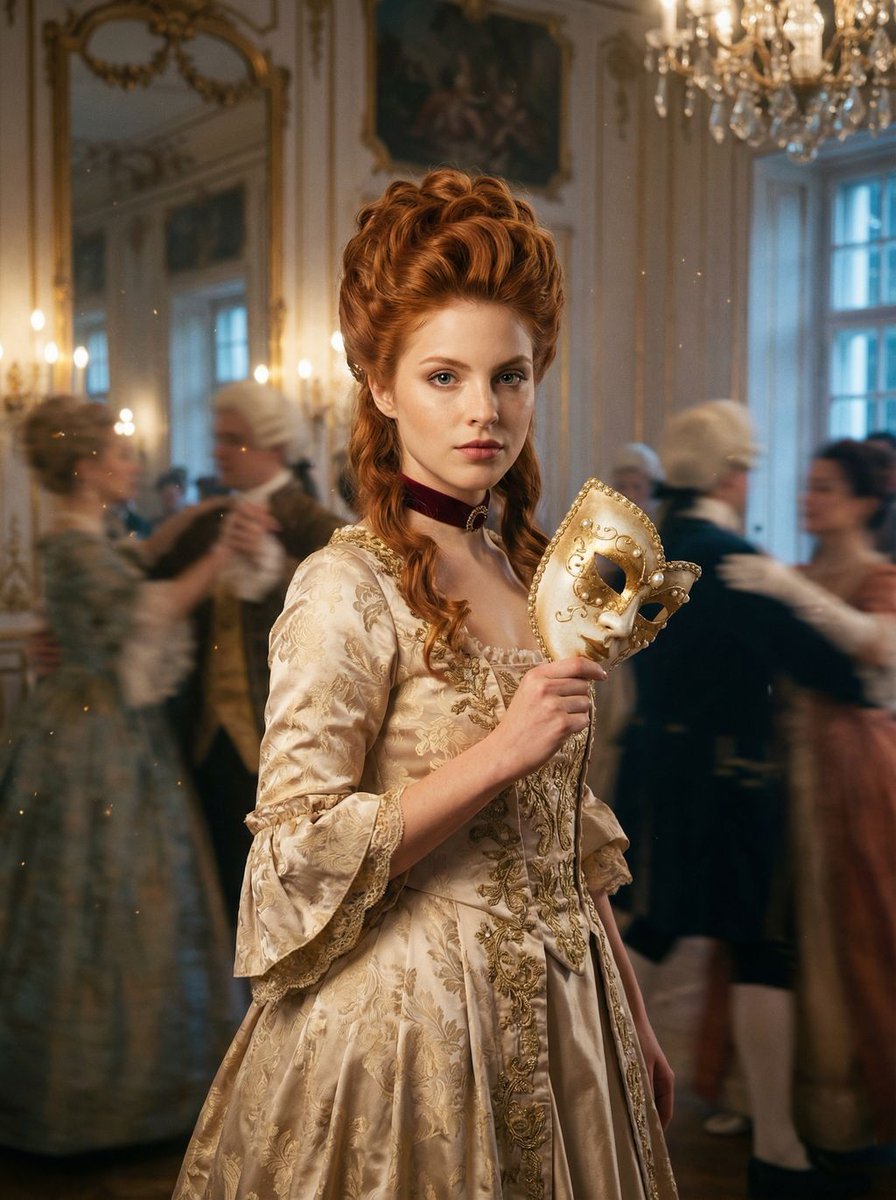
- Prompt included
- Model and format preset
- Premium template
The prompt behind this image
Copy the exact prompt behind Rococo Masquerade Ball Editorial, or open it in the studio and make it yours.
{ "meta": { "intent": "Cinematic High-Fashion Editorial", "priorities": "Atmospheric depth, costume opulence, color contrast between hair and setting", "device_profile": "Phase One XF IQ4 150MP System" }, "frame": { "aspect": "4:5", "composition": "Medium shot with center-weighted subject amidst chaotic background elements", "layout": "Subject is the static anchor in a swirl of motion", "camera_angle": "Eye-level, slightly lower to emphasize grandeur", "tilt_roll_degrees": "0 degrees" }, "subject": { "gender": "Female", "identity": "Young woman with distinct porcelain skin and scattered freckles", "demographics": "Caucasian, mid-20s", "face": "Symmetrical features, striking blue-green eyes, soft natural makeup with a bold berry lip stain", "hair": "Vibrant copper-red, styled in a half-up elaborate Rococo pouf with cascading loose waves", "body": "Slender, elegant posture, defined collarbones visible above the neckline", "expression": "Enigmatic, serene amidst chaos, direct piercing gaze into the lens", "pose": "Standing perfectly still, body angled 45 degrees, head turned to camera, one hand holding a mask away from the face" }, "wardrobe_accessories": { "garments": [ { "item": "Ballgown", "material": "Champagne-colored silk brocade with gold thread embroidery", "color": "Champagne and Gold", "fit": "Structurally corseted bodice with a voluminous pannier skirt" } ], "accessories": [ { "item": "Venetian Masquerade Mask", "color": "Pearl white and gold", "material": "Porcelain and feathers", "brand_style": "Antique artisan" }, { "item": "Choker", "color": "Deep velvet red", "material": "Velvet and cameo", "brand_style": "Vintage Victorian" } ] }, "environment": { "setting": "Opulent Rococo ballroom resembling the Hall of Mirrors, high ceilings, intricate frescoes", "surfaces": "Polished parquet flooring, gilded wall moldings, floor-to-ceiling mirrors", "depth": "Deep background filled with blurred, swirling dancers in period costume", "atmosphere": "Hazy, dreamlike, decadent, filled with floating golden dust motes", "lens_interaction": "Soft bloom from chandelier lights, slight motion blur on background elements" }, "lighting": { "key": "Soft, warm Rembrandt lighting focusing on the face", "fill": "Ambient candlelight glow bouncing off golden walls", "rim": "Cool, pale blue moonlight streaming from tall windows to separate hair from background", "shadows": "Rich, dramatic shadows falling into the folds of the dress", "color_temperature": "Mixed lighting: 3200K (candlelight) vs 5600K (moonlight)", "sensor_flare": "Subtle starbursts on chandelier highlights" }, "camera": { "lens_type": "Prime Portrait Lens", "focal_length": "85mm", }
How to use Rococo Masquerade Ball Editorial in 3 steps
- 1
Open
The prompt is already in the box next to the preview, with the template's model and format selected.
- 2…a portrait of your subject in softgolden-hour light, 85mm…
Personalize
Edit the subject and creative details for your destination.
- 3Generate
Generate
Press Generate — your image is created in PicX Studio, so you can compare it with the original and refine one variable at a time.
More like this
Templates with the same subject, style or setup. Open one to see its prompt.

Urban Fashion Editorial Collage Streetwear Poster

Monochrome Hypebeast Street Fashion Editorial Motion

Elegant Green Evening Gown Studio Fashion Portrait

Artistic Patchwork Fashion Portrait Spring Festival

Japanese Architectural Concrete Studio Fashion Campaign

Monroe and Ash Mediterranean Luxury Fashion Campaign

Premium Fashion Editorial Cover Layout System

Korean Luxury Fashion Editorial 2x2 Grid Series

Monochrome Halftone Editorial Fashion Poster

Retro Mirror Luxury Fashion Campaign Poster

Luxury Fashion Campaign Typography Poster System

Geometric Color-Block Beauty Editorial Portrait
Make it yours
Rococo Masquerade Ball Editorial works as-is. These are the safest ways to change it without losing the look.
Change one field
Copy a single group, rewrite it, and generate again so you can see what that field is doing.
Keep the frame, change the subject
Hold the composition and light of Rococo Masquerade Ball Editorial, then swap wardrobe, props or the person for a new take.
| If the result… | Why | Fix |
|---|---|---|
| The result drifts from the preview | Too many fields changed at once. | Reuse Rococo Masquerade Ball Editorial as-is first, then change one group — subject, light, or setting. |
| The model over-stylizes the scene | The prose prompt leaves finish and camera underspecified. | Add one camera or lighting sentence and stay on Nano Banana 2. |
More Nano Banana 2 templates
Other prompts made for Nano Banana 2.

Photorealistic Leaf Shaped Like a Dragon

K-Pop Idol Portrait Grid for Rapid Selection

Poetic Rain Forest Portrait During Golden Hour

Urban Street Portrait with Cartoon Inner Self Duo

Candid Nighttime Photo with Cat Prompt

High-Concept 3D Diorama Generation Prompt

Cinematic Futuristic Studio Portrait Template

Skincare Editorial Photography Collage Prompt

Hyper-Realistic Commercial Product Photography (Splash Effect)

Hyper-Realistic Nightclub Portrait Prompt
More image prompts
Fresh picks from across the catalog.

Neon AI Side Hustle YouTube Thumbnail
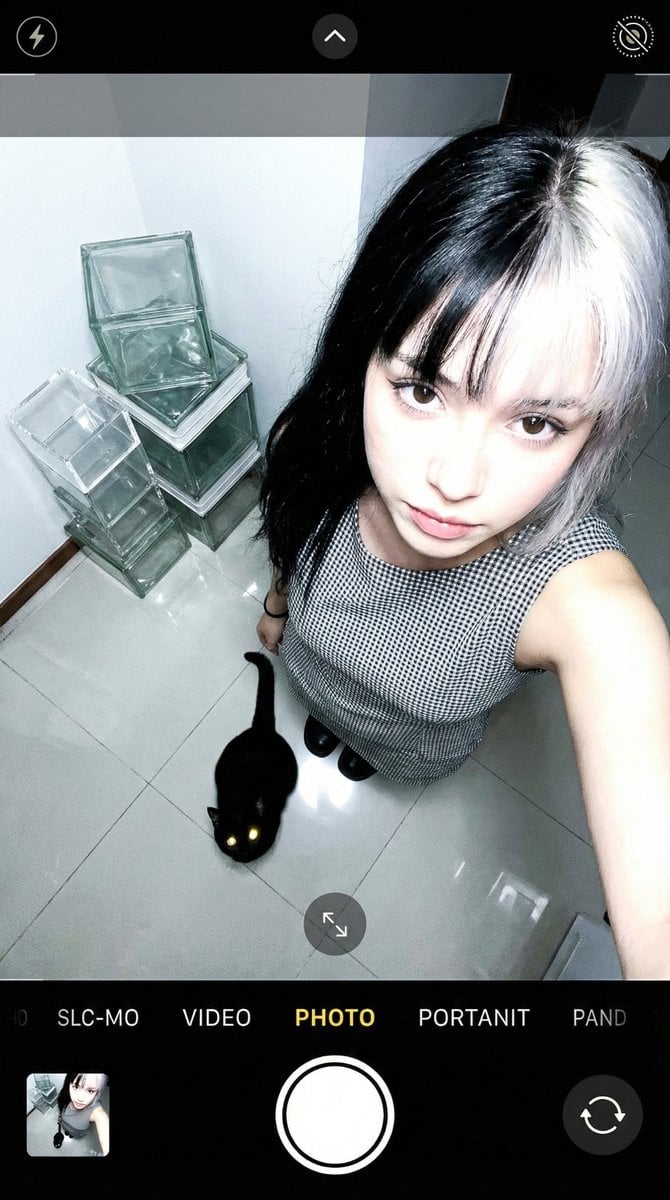
Overhead Smartphone Selfie with Black Cat
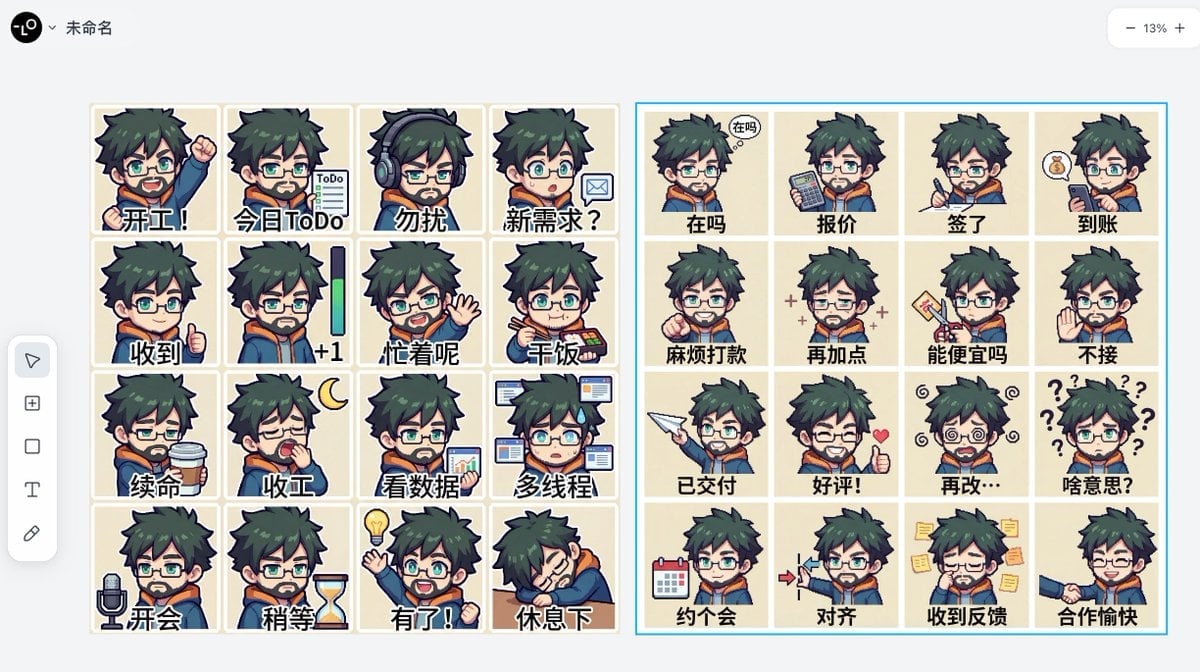
Panel Emoji Pack Generation Prompt
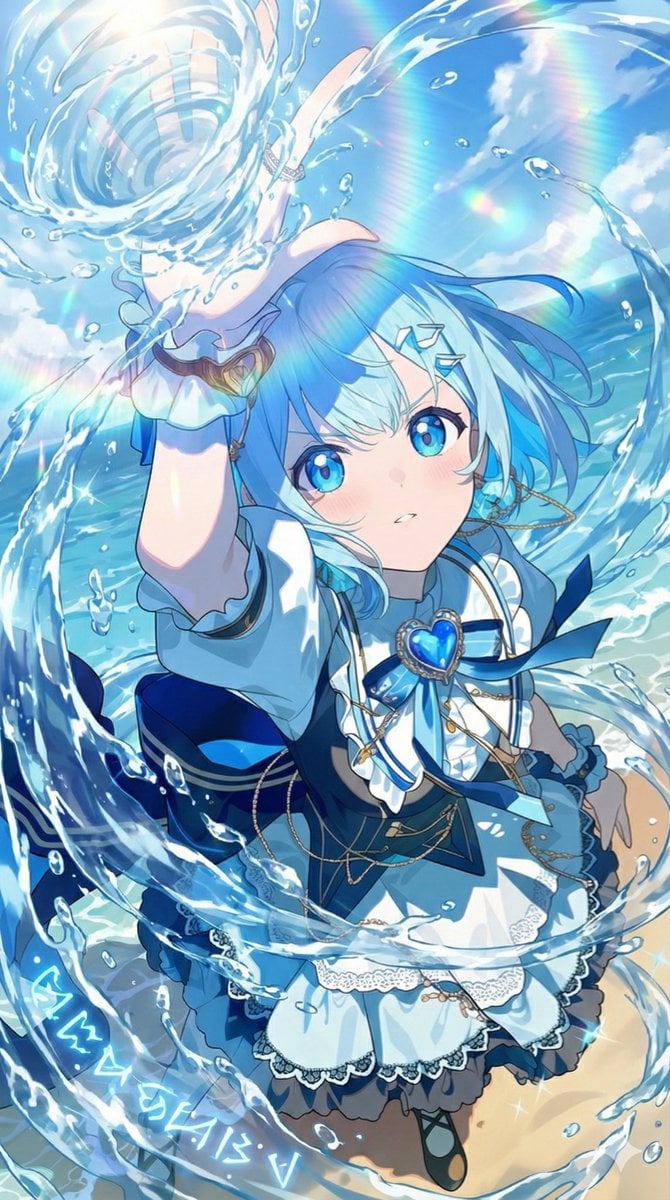
Video Prompt Instruction for Nano Banana
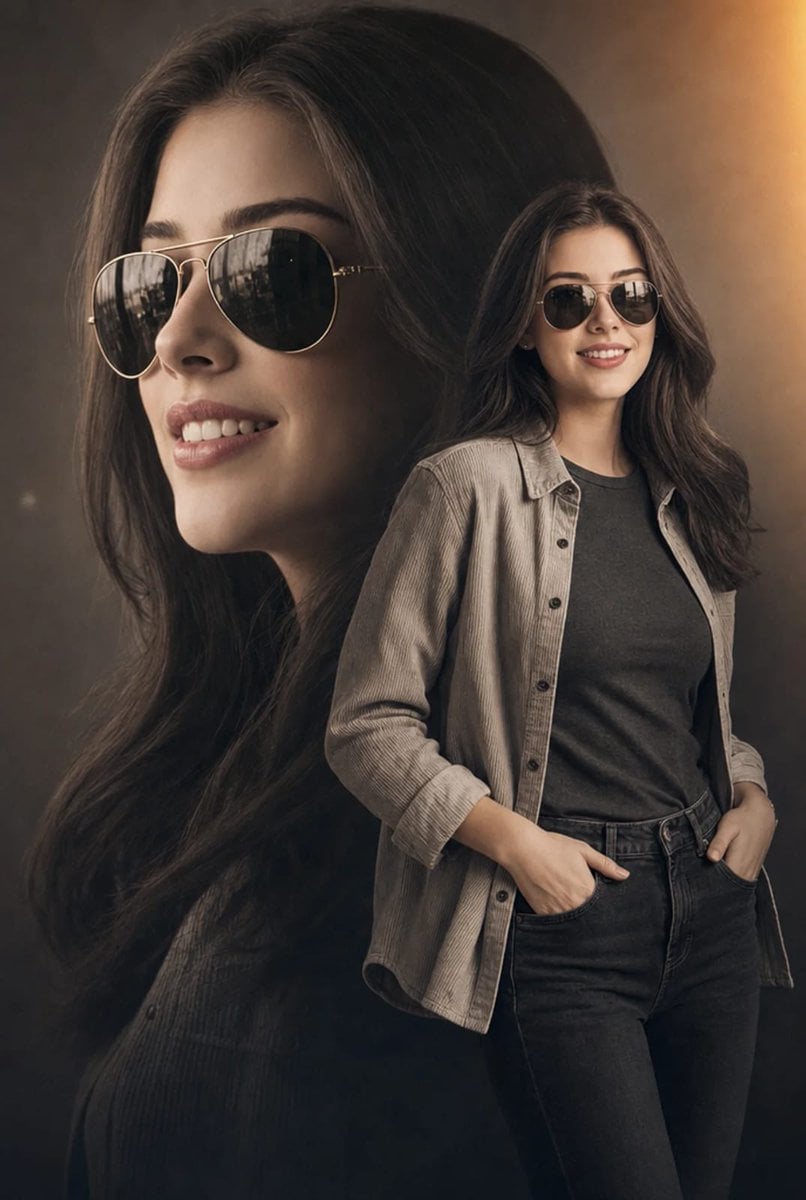
Cinematic Double Exposure Fashion Portrait
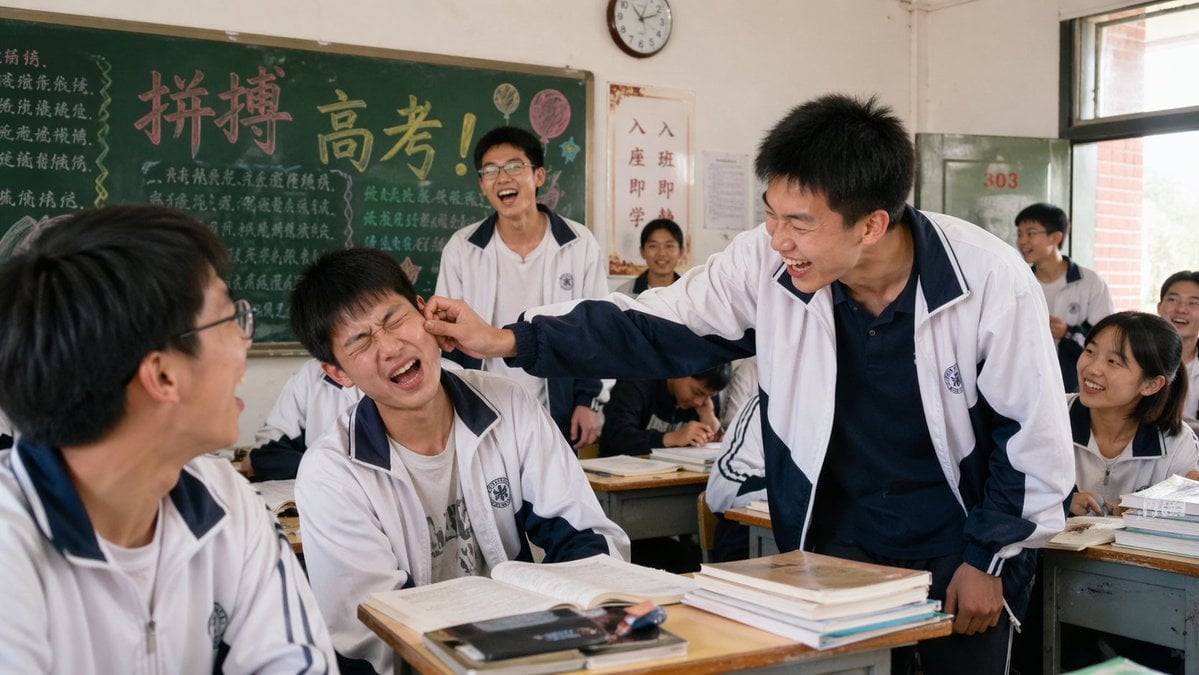
2000s High School Comedy Scene
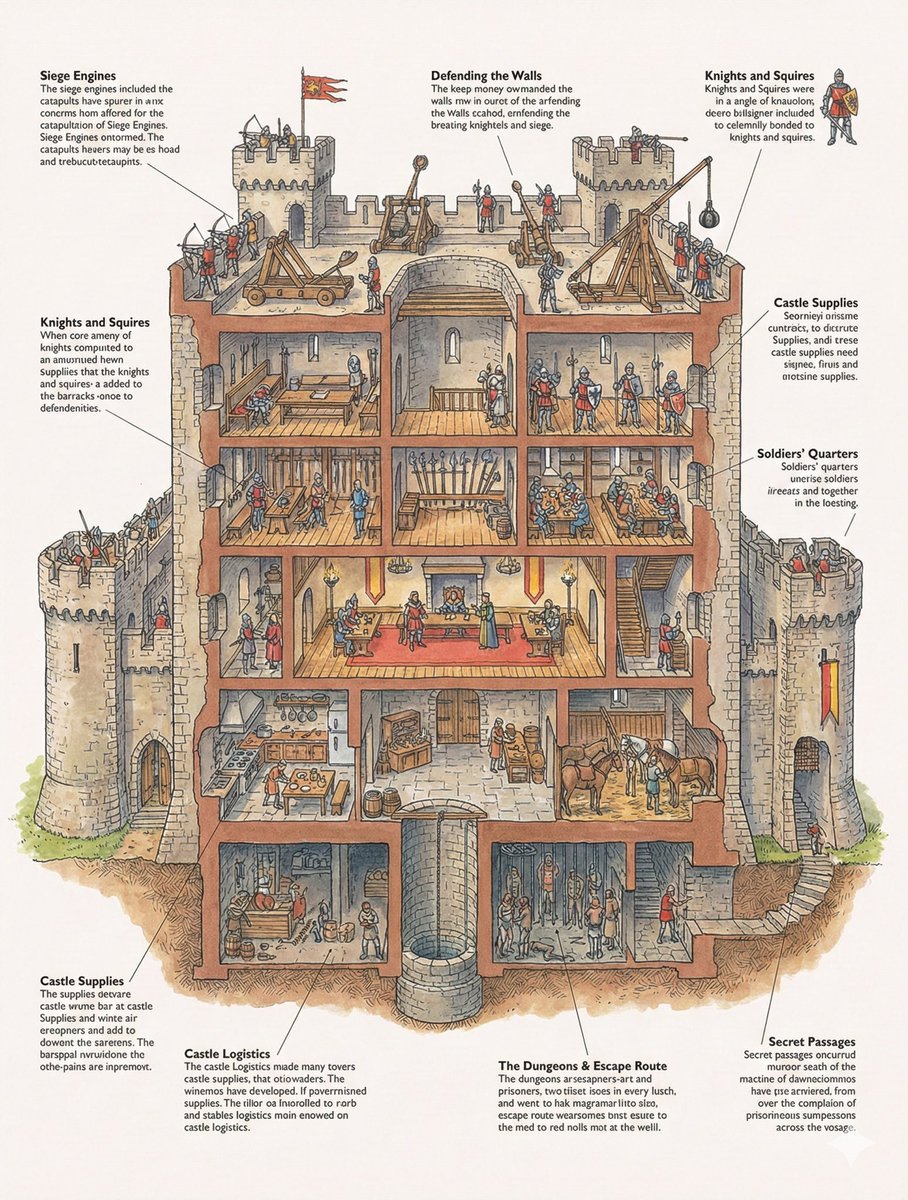
Generic 'Make Something Like This' Prompt
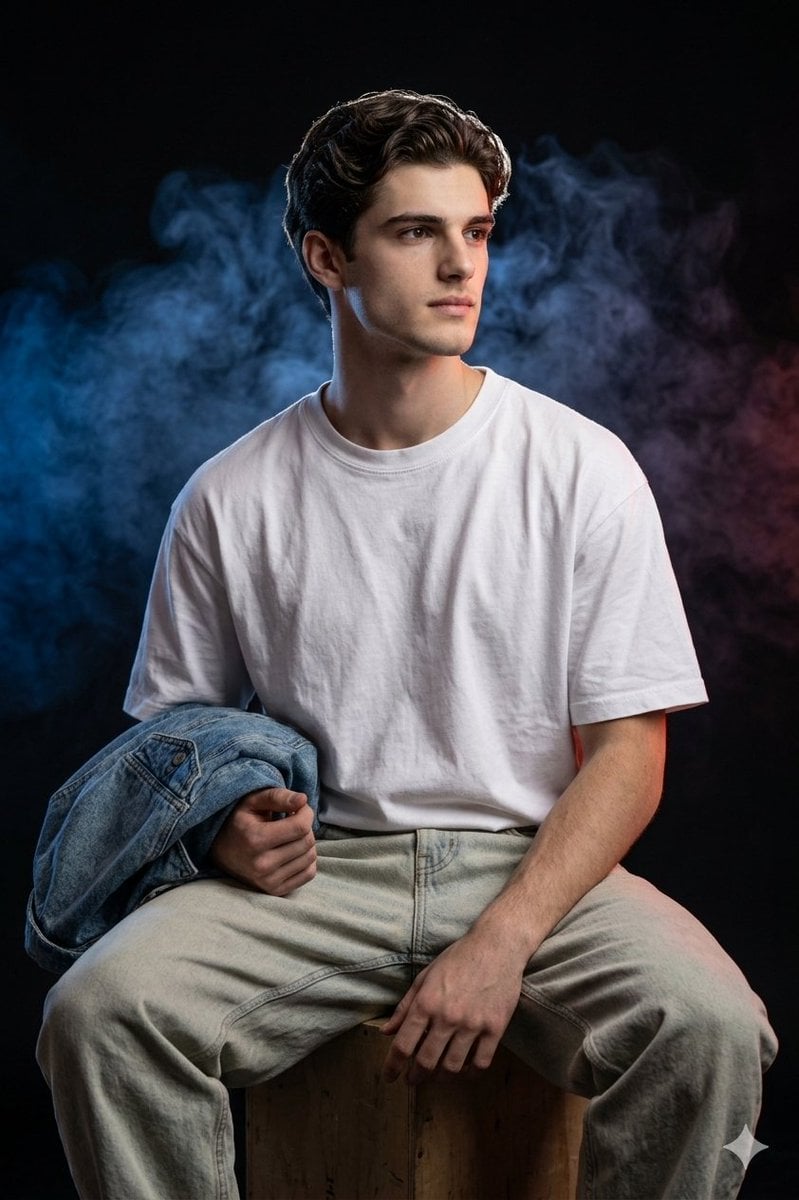
Cinematic Portrait Prompt for Gemini Nano Banana Pro
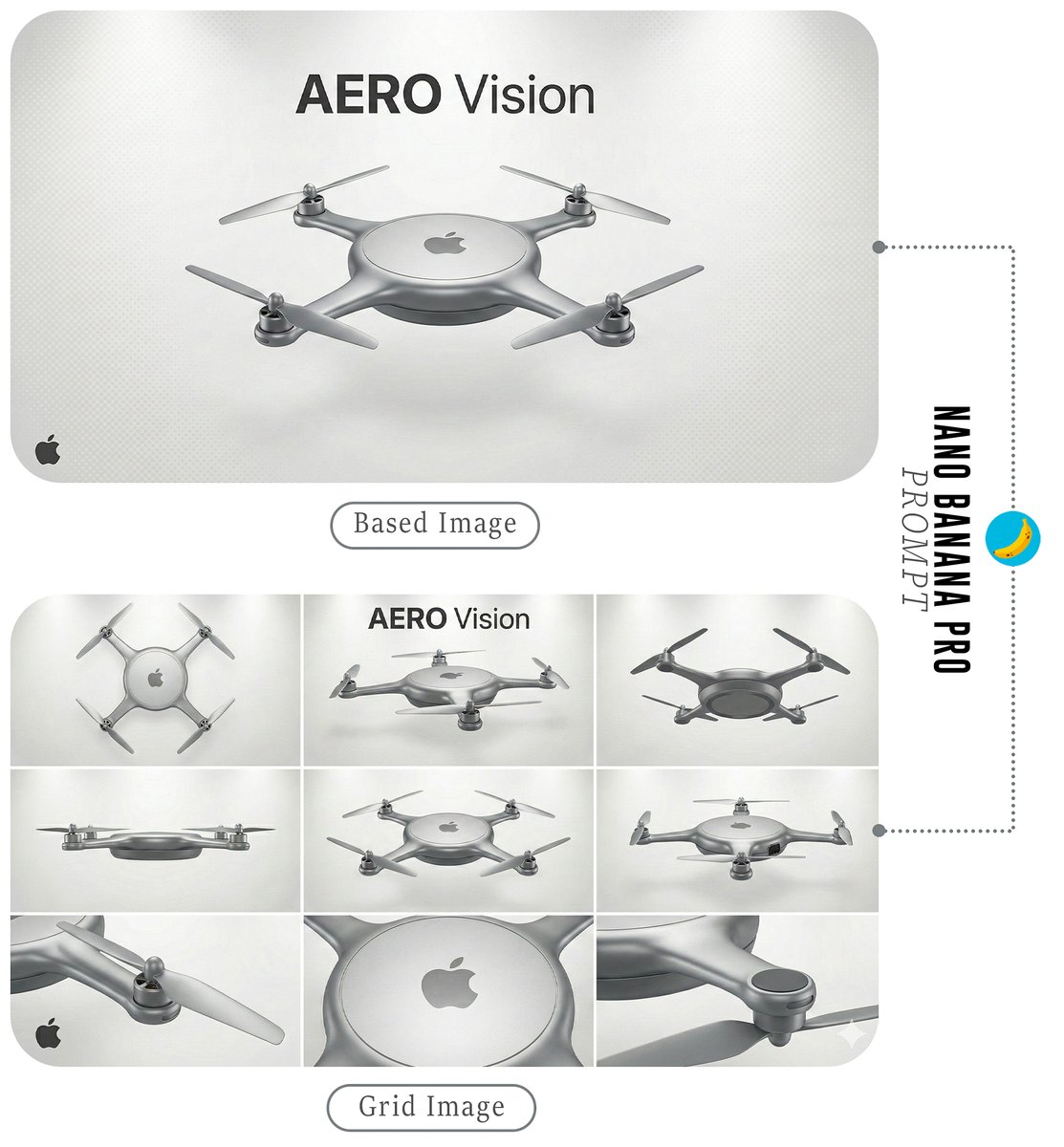
Futuristic Branded Drone Product Poster
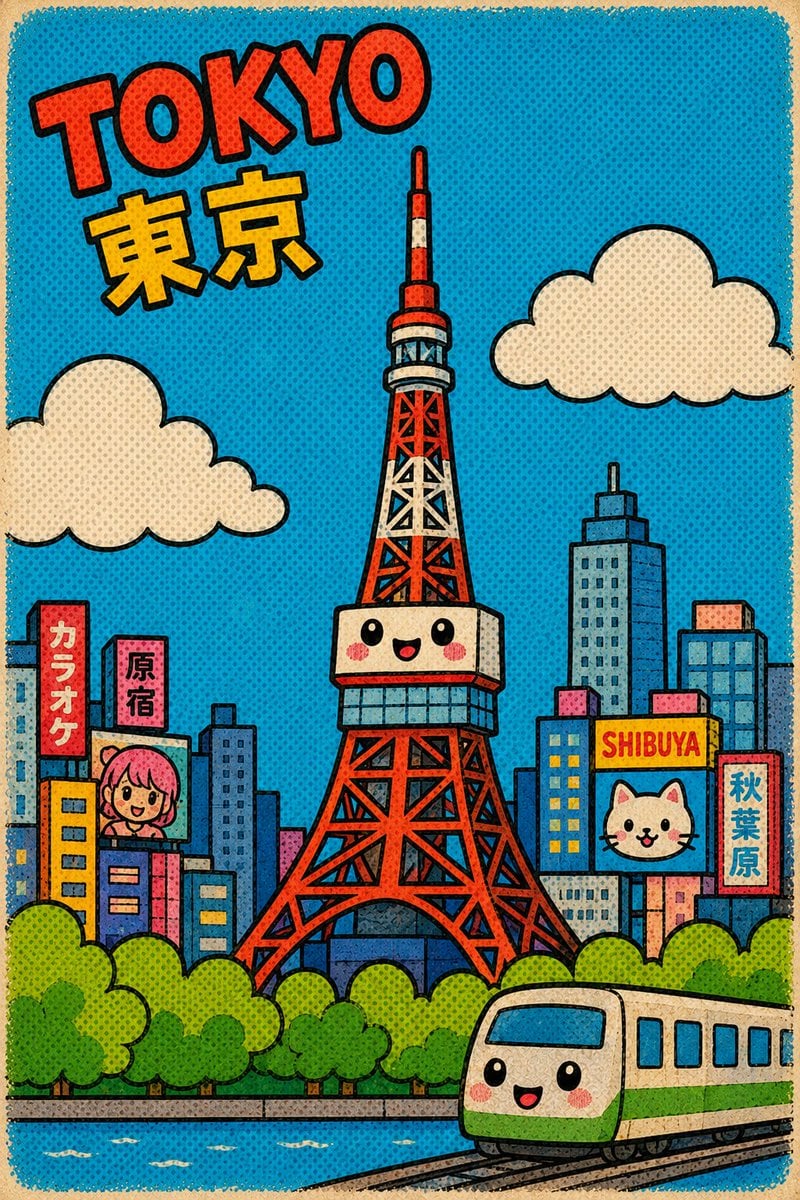
Cute Retro Tokyo Cartoon Cityscape
Browse template categories
Rococo Masquerade Ball Editorial questions
How do I use the Rococo Masquerade Ball Editorial template?
Add your photo if the template asks for one, edit the prompt if you like — the template's model and format are already selected — and press Generate. Your version opens in PicX Studio.
Can I customize the Rococo Masquerade Ball Editorial template?
Yes. You can change the subject, setting, lighting, mood, format, and available model controls before creating your image.
Is the Rococo Masquerade Ball Editorial template free?
Opening and editing this template is free. Generating uses credits, shown on the Generate button when you are signed in.
Which AI model should I use?
Start with Nano Banana 2, which is the model associated with this template. You can compare another compatible model for a different finish.
Looking for something else? Browse all templates.

Your photo, any look
Thousands of ready templates for every top image and video model, from one credit balance.