
Geometric Color-Block Beauty Editorial Portrait
Negative prompt: blurry, low resolution, overexposed highlights, flat lighting, messy hair, smiling expression, heavy accessories, jewelry, cluttered background, text, watermark, logo, extra limbs, distorted face…

- Prompt included
- Model and format preset
- Premium template
The prompt behind this image
Copy the exact prompt behind Geometric Color-Block Beauty Editorial Portrait, or open it in the studio and make it yours.
Ultra-high-fashion editorial beauty portrait of a fair-skinned female model with sleek center-parted hair tightly pulled into a low bun, wearing a fitted black ribbed turtleneck sweater. Dramatic studio lighting creates a bold diagonal shadow slicing across the face, emphasizing facial structure, freckles, and glossy deep-red lips. Minimal makeup with natural skin texture, cinematic contrast, rich warm color palette. Background consists of striking geometric color-blocked panels in vibrant orange and deep burgundy red forming strong diagonal lines. Clean composition, luxury magazine cover aesthetic, contemporary fashion campaign, fine-art portrait photography, sharp focus, ultra-detailed skin, professional studio setup, high dynamic range, moody atmosphere, Vogue-style editorial, medium close-up framing, 85mm lens, f/2.8, photorealistic, 8K quality.
How to use Geometric Color-Block Beauty Editorial Portrait in 3 steps
- 1
Open
The prompt is already in the box next to the preview, with the template's model and format selected.
- 2…a portrait of your subject in softgolden-hour light, 85mm…
Personalize
Edit the subject and creative details for your destination.
- 3Generate
Generate
Press Generate — your image is created in PicX Studio, so you can compare it with the original and refine one variable at a time.
More like this
Templates with the same subject, style or setup. Open one to see its prompt.
High-Fashion Bauhaus Geometric Cutout Editorial
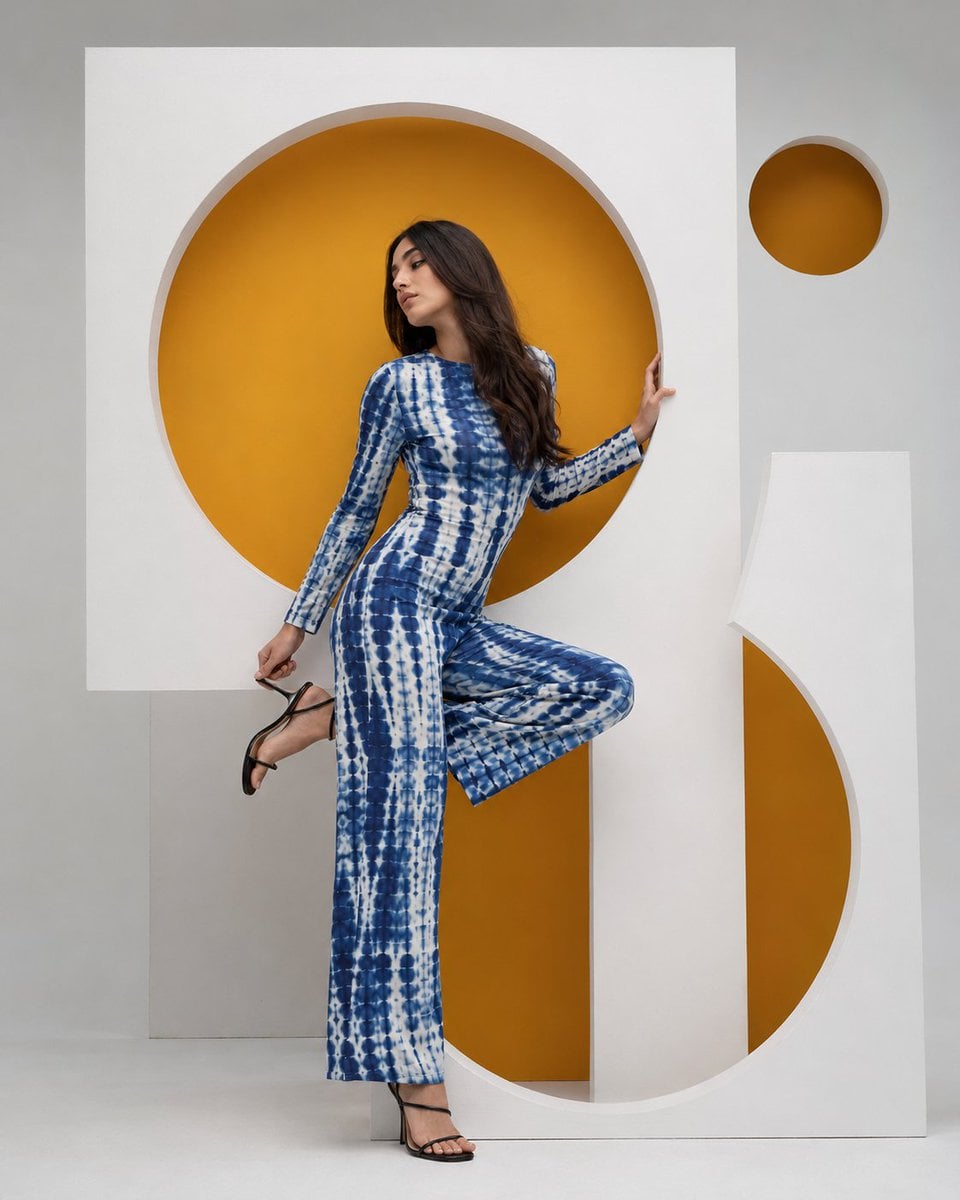
High-Fashion Bauhaus Geometric Cutout Editorial

Ultra-Realistic Vogue-Style Editorial Fashion Grid

Caution Tape Fashion — Industrial Editorial
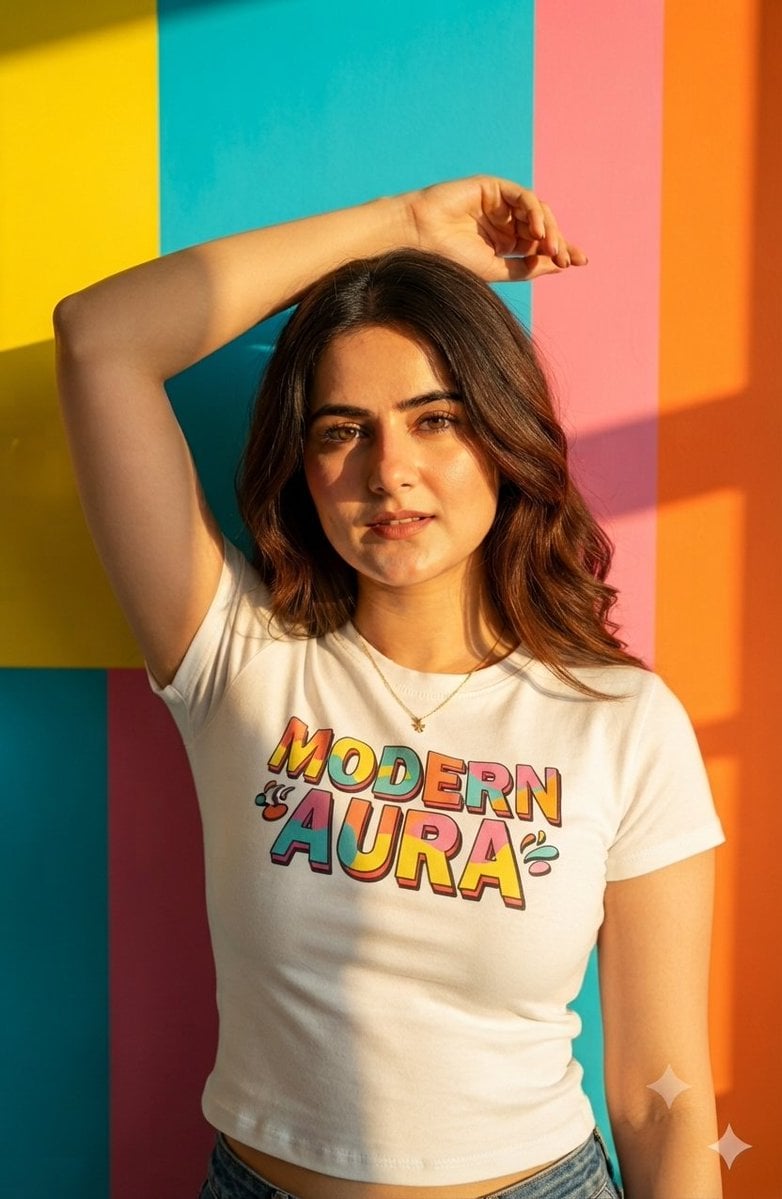
Geometric Color Block Editorial Portrait

Couture Fashion Editorial Woman and Drag

Nano Banana 2 Editorial Fashion Portrait
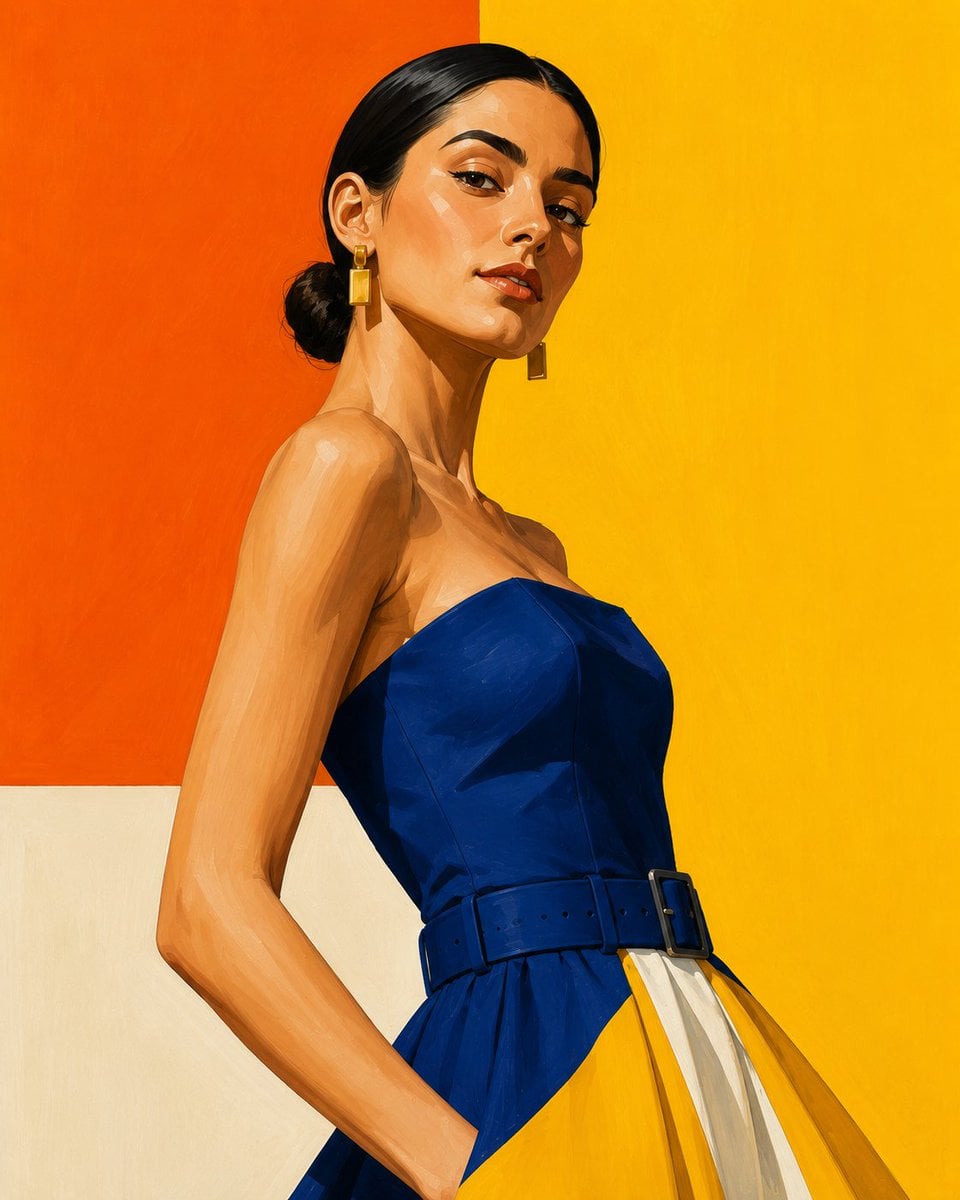
Geometric Color-Block Fashion Illustration
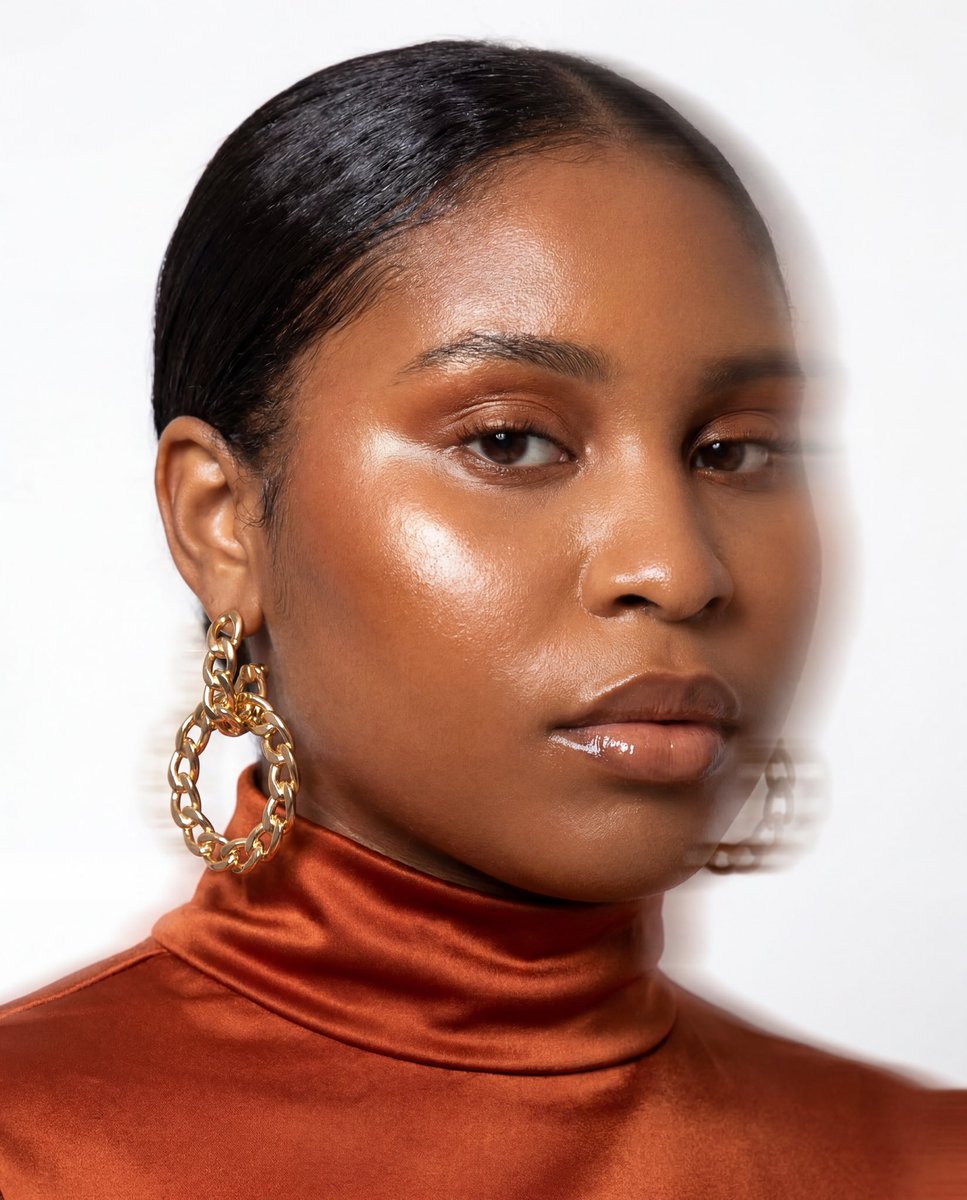
Fashion Portrait With Face Color Block
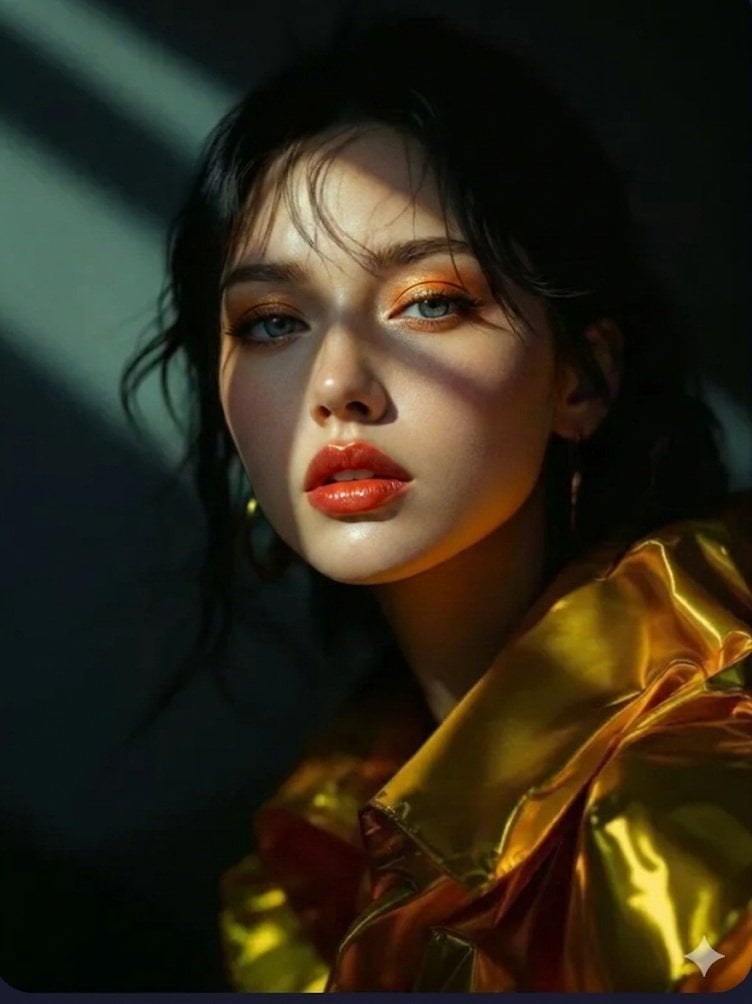
Vogue Editorial Fashion Portrait
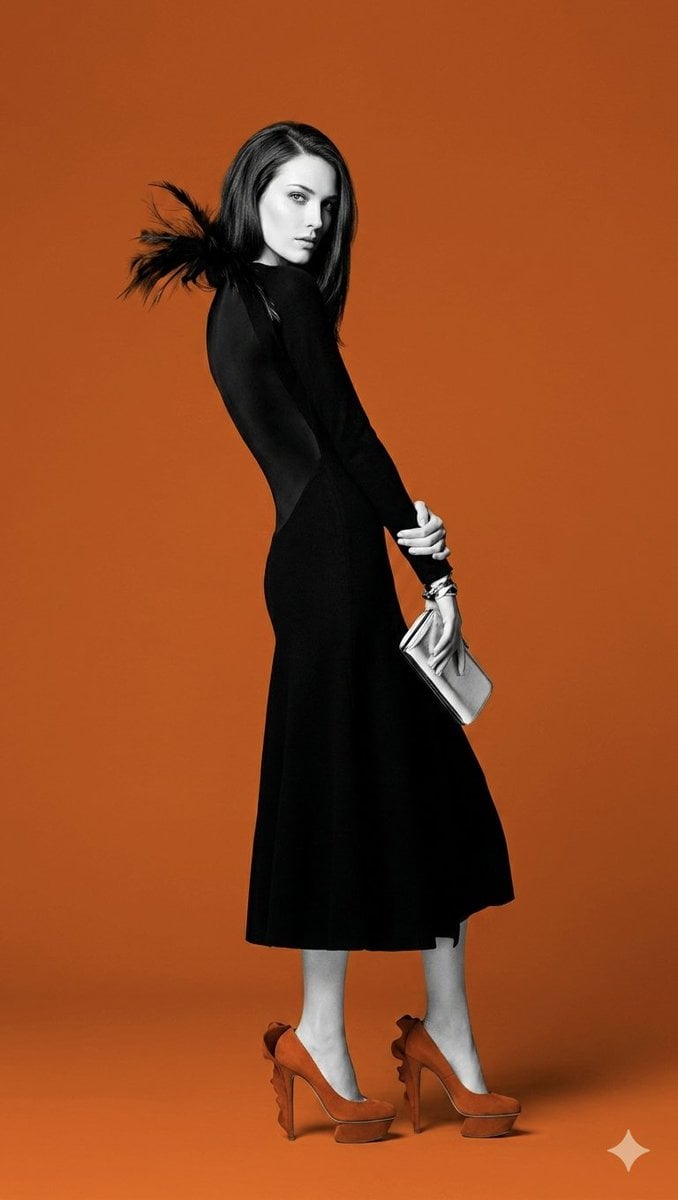
Orange color block fashion portrait
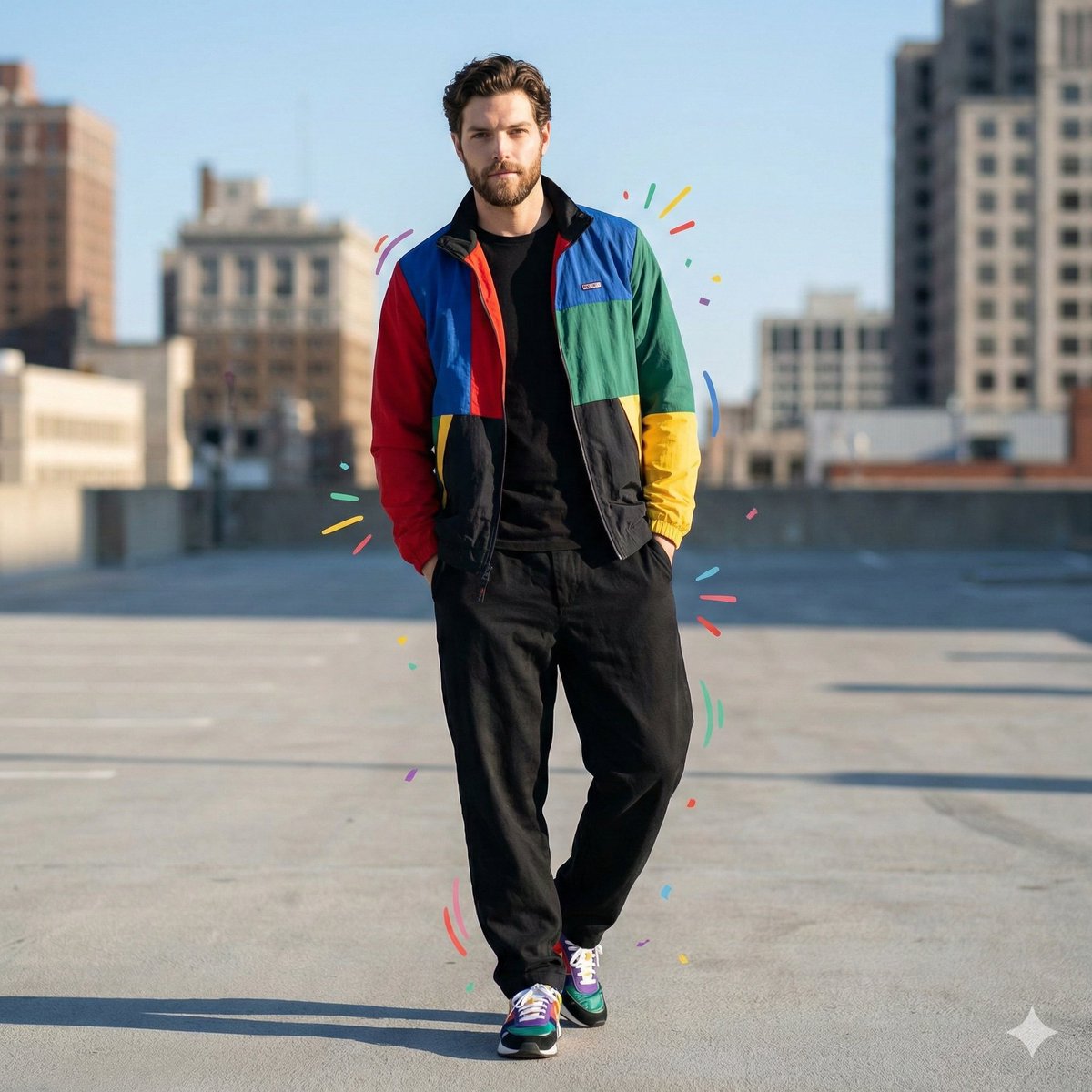
Color-Blocked Fashion Portrait with Graphic Accents
Make it yours
Geometric Color-Block Beauty Editorial Portrait works as-is. These are the safest ways to change it without losing the look.
Change one field
Copy a single group, rewrite it, and generate again so you can see what that field is doing.
Keep the frame, change the subject
Hold the composition and light of Geometric Color-Block Beauty Editorial Portrait, then swap wardrobe, props or the person for a new take.
| If the result… | Why | Fix |
|---|---|---|
| The result drifts from the preview | Too many fields changed at once. | Reuse Geometric Color-Block Beauty Editorial Portrait as-is first, then change one group — subject, light, or setting. |
| The model over-stylizes the scene | The prose prompt leaves finish and camera underspecified. | Add one camera or lighting sentence and stay on PicX Studio. |
More image prompts
Fresh picks from across the catalog.
Daily Nano-kun Comic Strip Generation
Creative Birthday Portrait Image Prompt
Recursive Thinking Loop Portrait
Fashion Editorial Parking Garage Portrait
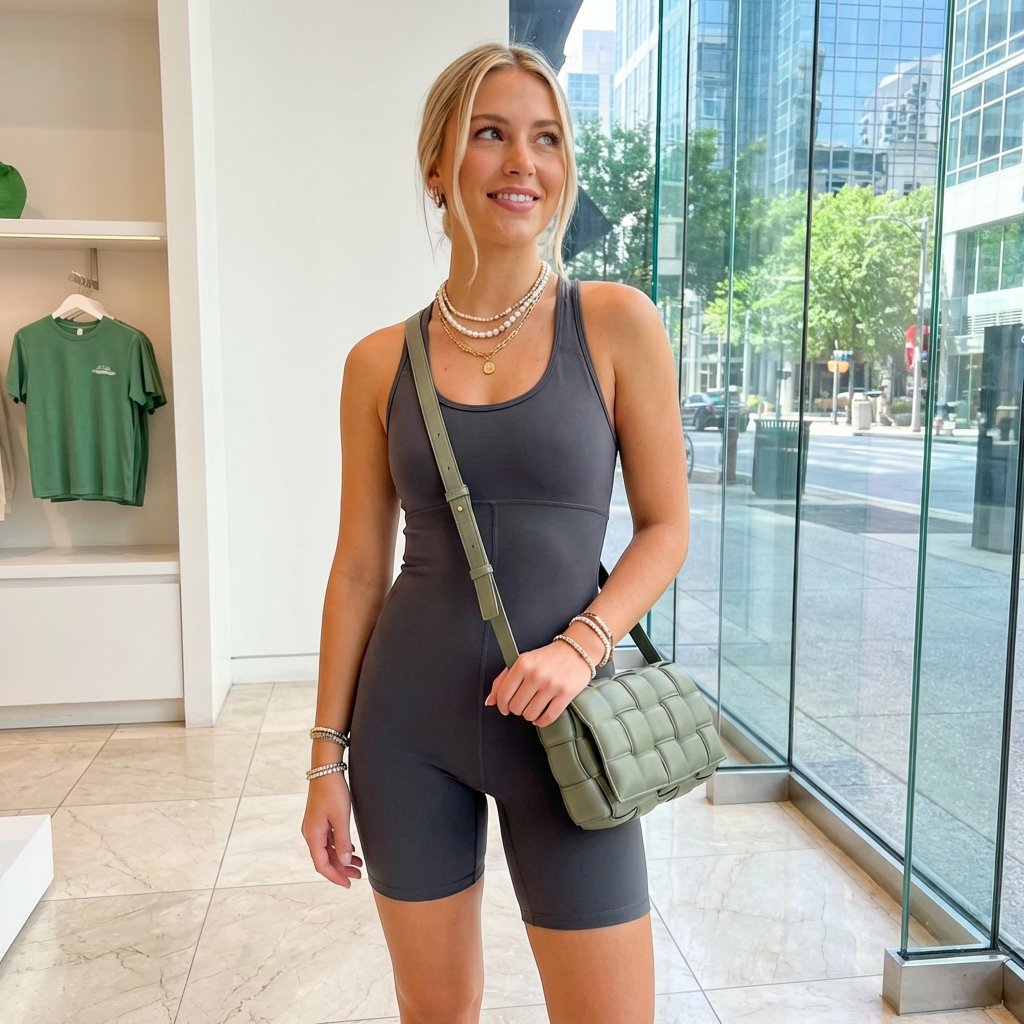
Highly Realistic Portrait of a Young Blonde Woman in a Modern Boutique
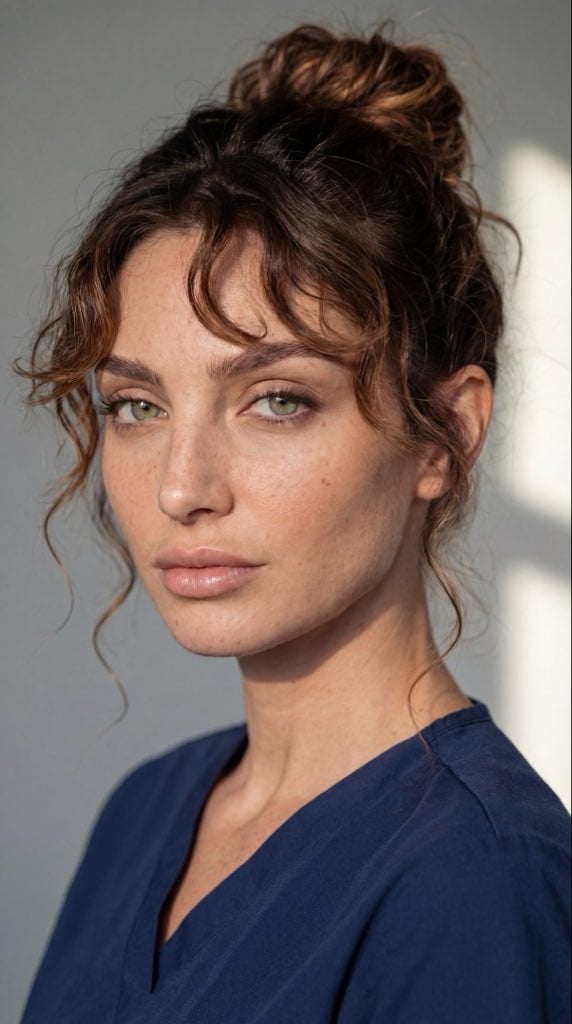
Dual Ultra-Realistic Portrait Prompts
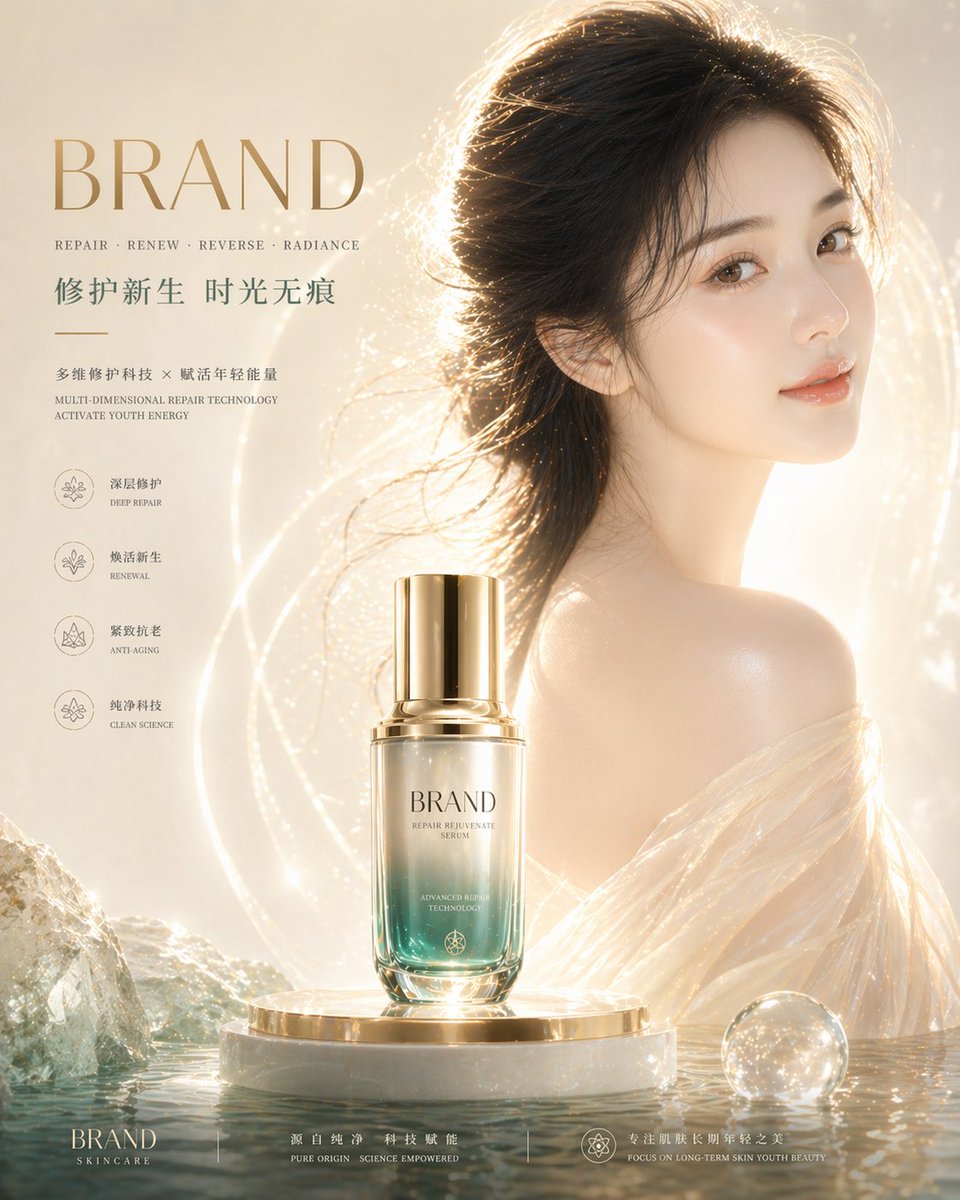
High-End Skincare Brand Key Visual
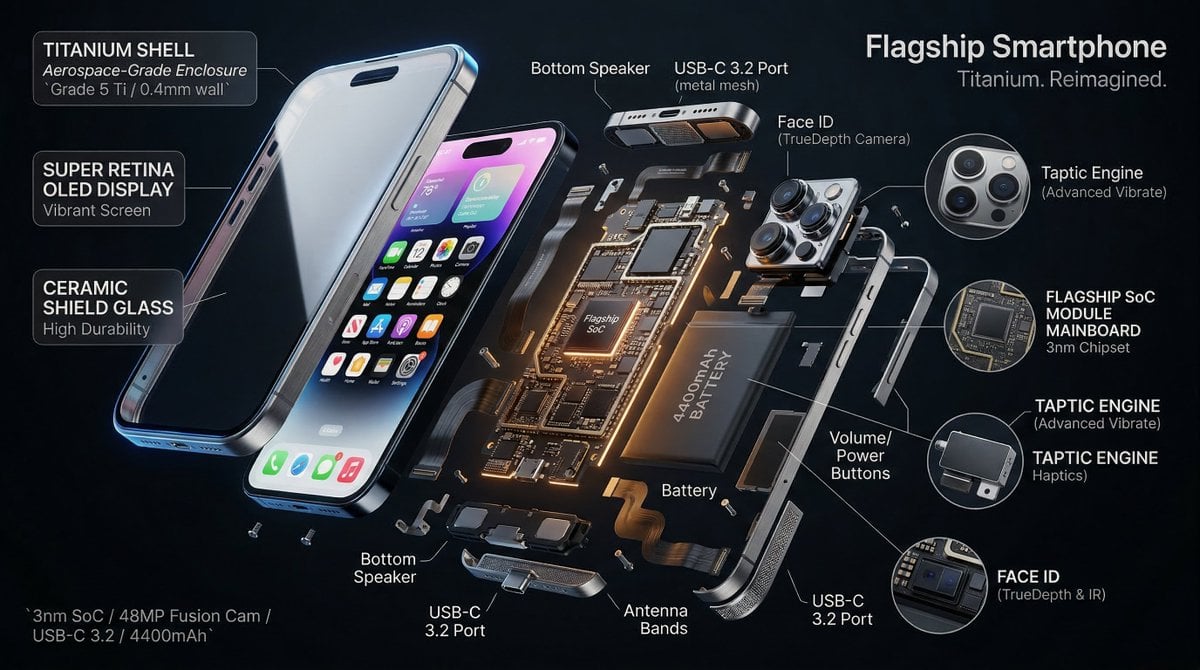
3D Radial Explosion Product Visualization Prompt for Nano Banana 2
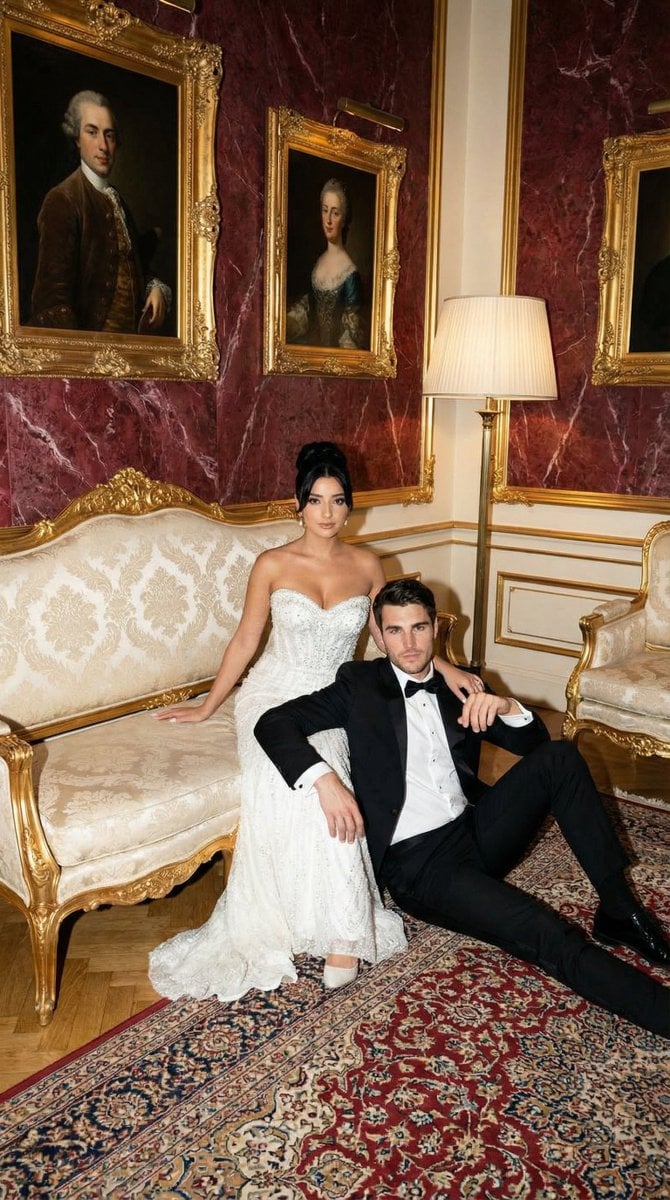
Baroque Wedding Editorial with Direct Flash
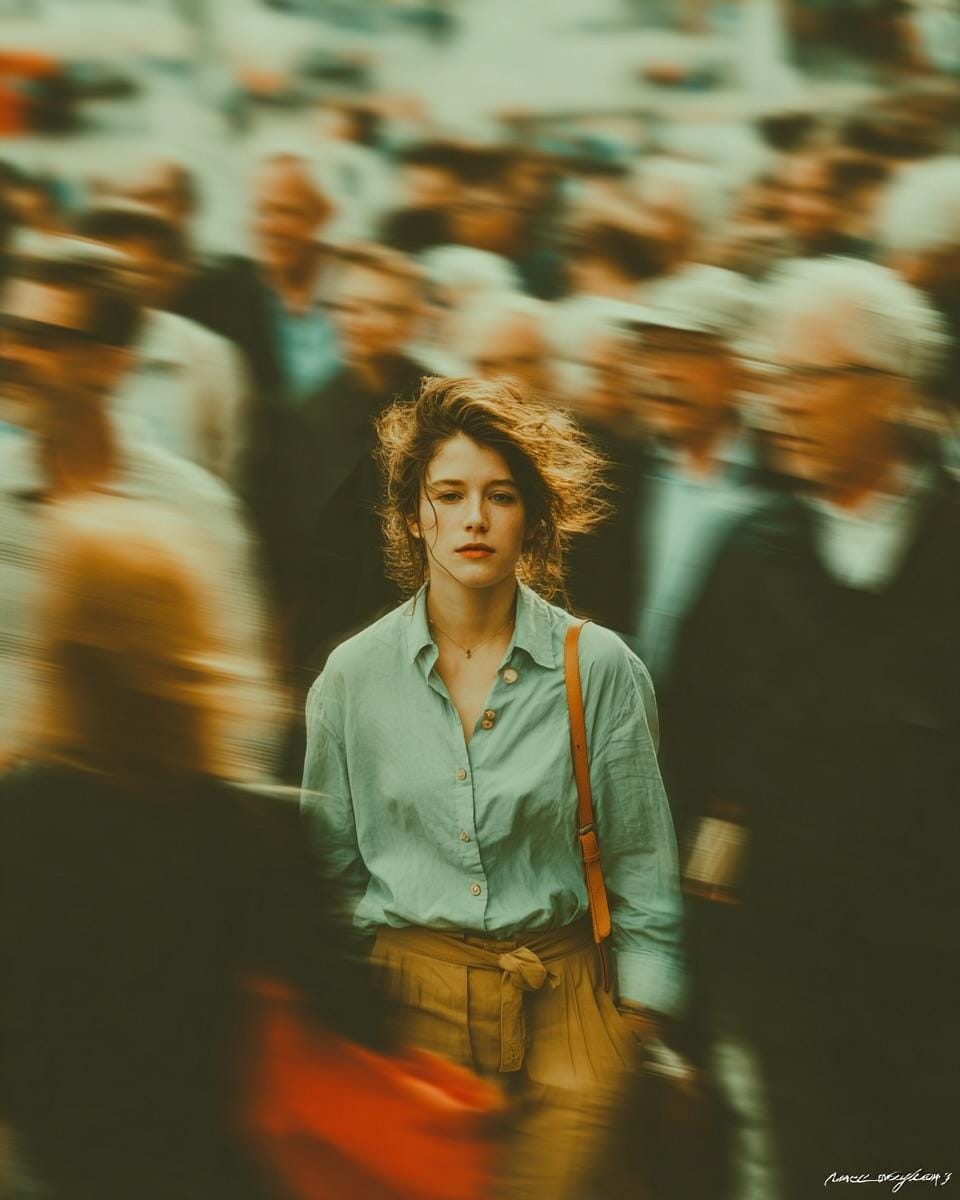
Stillness in Chaos Cinematic Portrait
Browse template categories
Geometric Color-Block Beauty Editorial Portrait questions
How do I use the Geometric Color-Block Beauty Editorial Portrait template?
Add your photo if the template asks for one, edit the prompt if you like — the template's model and format are already selected — and press Generate. Your version opens in PicX Studio.
Can I customize the Geometric Color-Block Beauty Editorial Portrait template?
Yes. You can change the subject, setting, lighting, mood, format, and available model controls before creating your image.
Is the Geometric Color-Block Beauty Editorial Portrait template free?
Opening and editing this template is free. Generating uses credits, shown on the Generate button when you are signed in.
Which AI model should I use?
Choose a compatible model in PicX Studio based on the style, speed, and output controls your project needs.
Looking for something else? Browse all templates.

Your photo, any look
Thousands of ready templates for every top image and video model, from one credit balance.