
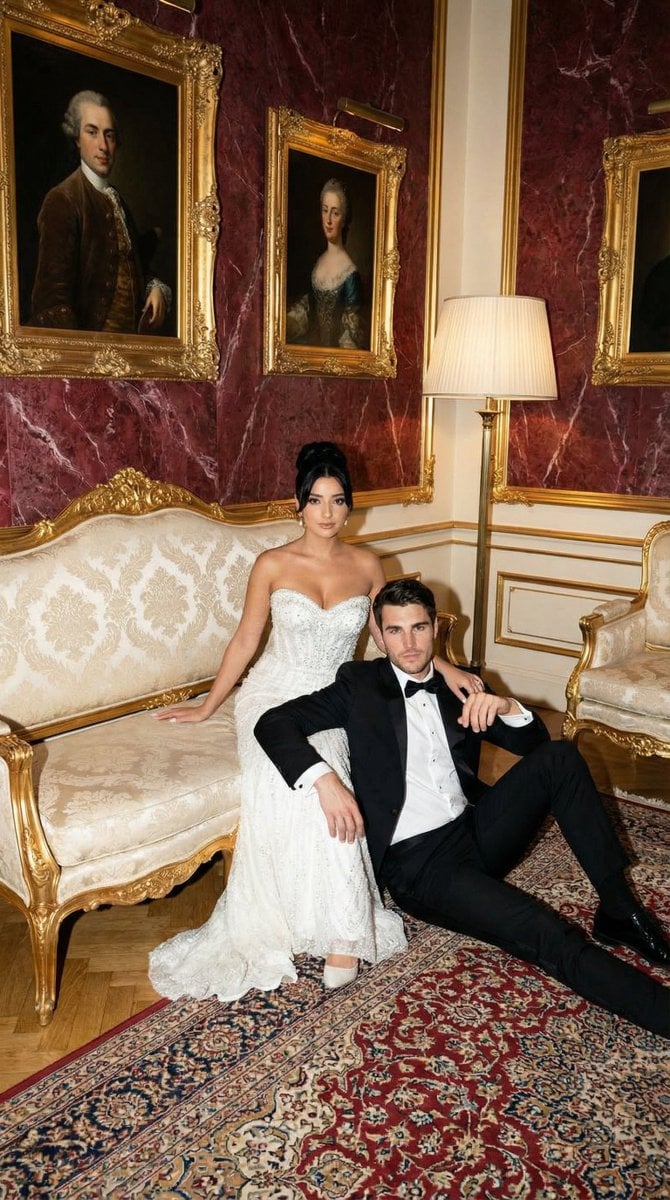
Baroque Wedding Editorial with Direct Flash
A detailed JSON prompt for generating a high-fashion editorial wedding portrait of a couple.
- Prompt included
- Model and format preset
- Free template
The prompt behind this image
Copy the exact prompt behind Baroque Wedding Editorial with Direct Flash, or open it in the studio and make it yours.
- Generation Request › Meta Data › Task Type
- photoreal_cinematic_editorial_couple_portrait
- Generation Request › Meta Data › Language
- en
- Generation Request › Meta Data › Priority
- highest
- Generation Request › Meta Data › Version
- v1.0_BAROQUE_WEDDING_FLASH_EDITORIAL
- Generation Request › Output › Aspect Ratio
- 3:4
- Generation Request › Output › Resolution
- high
- Generation Request › Output › Num Images
- 4
- Generation Request › Scene › Concept
- high-fashion editorial wedding couple portrait with baroque interior drama and direct flash photography
- Generation Request › Scene › Environment
- luxurious baroque hotel lounge: deep red marbled wallpaper with gold veining, ornate gilded rococo sofa with cream damask upholstery, Persian carpet, two classical oil portrait paintings on the wall, tall floor lamp on the right
- Generation Request › Scene › Composition
- full-body couple shot, sofa centered, bride seated on sofa, groom seated on the floor leaning against sofa, balanced negative space above with wall portraits visible
- Generation Request › Subject › Couple
- adult bride and adult groom
- Generation Request › Subject › Wardrobe › Bride
- strapless embellished white wedding gown with subtle sparkle texture, elegant updo or sleek hair, minimal jewelry
- Generation Request › Subject › Wardrobe › Groom
- black tuxedo with white shirt and black bow tie, polished shoes
- Generation Request › Subject › Pose
- bride seated elegantly with composed expression; groom relaxed on floor leaning on sofa, one arm resting, confident gaze
- Generation Request › Subject › Styling Notes
- luxury editorial, old-money wedding mood, tasteful and cinematic
- Generation Request › Camera › Shot
- full-body editorial portrait
- Generation Request › Camera › Lens Mm
- 35
- Generation Request › Camera › Aperture
- 4
- Generation Request › Camera › Focus
- sharp on both faces and outfits, crisp furniture details, readable room texture
- Generation Request › Camera › Quality Tags
- ultra-photoreal, crisp detail, realistic skin texture, clean edges, subtle film grain
- Generation Request › Lighting › Style
- direct on-camera flash + ambient room fill
- Generation Request › Lighting › Key Light
- hard direct flash from camera position producing crisp shadows
- Generation Request › Lighting › Ambient
- soft warm ambient fill to keep background visible
- Generation Request › Lighting › Notes
- avoid blown highlights on dress; preserve texture in white fabric; keep gold sofa details sharp
Raw JSON
{
  "generation_request": {
    "meta_data": {
      "task_type": "photoreal_cinematic_editorial_couple_portrait",
      "language": "en",
      "priority": "highest",
      "version": "v1.0_BAROQUE_WEDDING_FLASH_EDITORIAL"
    },
    "output": {
      "aspect_ratio": "3:4",
      "resolution": "high",
      "num_images": 4
    },
    "scene": {
      "concept": "high-fashion editorial wedding couple portrait with baroque interior drama and direct flash photography",
      "environment": "luxurious baroque hotel lounge: deep red marbled wallpaper with gold veining, ornate gilded rococo sofa with cream damask upholstery, Persian carpet, two classical oil portrait paintings on the wall, tall floor lamp on the right",
      "composition": "full-body couple shot, sofa centered, bride seated on sofa, groom seated on the floor leaning against sofa, balanced negative space above with wall portraits visible"
    },
    "subject": {
      "couple": "adult bride and adult groom",
      "wardrobe": {
        "bride": "strapless embellished white wedding gown with subtle sparkle texture, elegant updo or sleek hair, minimal jewelry",
        "groom": "black tuxedo with white shirt and black bow tie, polished shoes"
      },
      "pose": "bride seated elegantly with composed expression; groom relaxed on floor leaning on sofa, one arm resting, confident gaze",
      "styling_notes": "luxury editorial, old-money wedding mood, tasteful and cinematic"
    },
    "camera": {
      "shot": "full-body editorial portrait",
      "lens_mm": 35,
      "aperture": 4.0,
      "focus": "sharp on both faces and outfits, crisp furniture details, readable room texture",
      "quality_tags": "ultra-photoreal, crisp detail, realistic skin texture, clean edges, subtle film grain"
    },
    "lighting": {
      "style": "direct on-camera flash + ambient room fill",
      "key_light": "hard direct flash from camera position producing crisp shadows",
      "ambient": "soft warm ambient fill to keep background visible",
      "notes": "avoid blown highlights on dress; preserve texture in white fabric; keep gold sofa details sharp"
    },
    "color_grade": {
      "palette": "deep red + gold + cream + black/white formalwear",
      "contrast": "editorial flash contrast, clean whites, rich reds",
      "tone": "slightly warm, filmic"
    },
    "negative_prompt": "text, logo, watermark, blur, lowres, cartoon, CGI, plastic skin, over-smoothed faces, bad anatomy, extra fingers, deformed hands, warped eyes, duplicate limbs, melted furniture, illegible faces, messy clothing folds"
  }
}How to use Baroque Wedding Editorial with Direct Flash in 3 steps
- 1
Open
The prompt is already in the box next to the preview, with the template's model and format selected.
- 2…a portrait of your subject in softgolden-hour light, 85mm…
Personalize
Edit the subject and creative details for your destination.
- 3Generate
Generate
Press Generate — your image is created in PicX Studio, so you can compare it with the original and refine one variable at a time.
More like this
Templates with the same subject, style or setup. Open one to see its prompt.
90s Editorial Fashion Portrait with Direct Flash
Act as a Senior Editorial Art Director and Campaign Photographer
Moody Direct Flash Club Portrait

Urban Fashion Editorial Collage Streetwear Poster

Monochrome Hypebeast Street Fashion Editorial Motion

Elegant Green Evening Gown Studio Fashion Portrait

Artistic Patchwork Fashion Portrait Spring Festival

Japanese Architectural Concrete Studio Fashion Campaign

Monroe and Ash Mediterranean Luxury Fashion Campaign

Premium Fashion Editorial Cover Layout System

Korean Luxury Fashion Editorial 2x2 Grid Series

Monochrome Halftone Editorial Fashion Poster
Make it yours
Baroque Wedding Editorial with Direct Flash works as-is. These are the safest ways to change it without losing the look.
Swap the setting
Keep the rest of the prompt and replace the location block. The current setting is “luxurious baroque hotel lounge: deep red marbled wallpaper with gold veining, or”.
Swap the light
One lighting change is enough to compare takes. Current light: “direct on-camera flash + ambient room fill”.
Change one field
Copy a single group, rewrite it, and generate again so you can see what that field is doing.
| If the result… | Why | Fix |
|---|---|---|
| The result drifts from the preview | Too many fields changed at once. | Reuse Baroque Wedding Editorial with Direct Flash as-is first, then change one group — subject, light, or setting. |
| Nano Banana 2 ignores part of the JSON | Some models flatten or skip nested keys. | Keep the same values and paste them as a short paragraph instead. |
More Nano Banana 2 templates
Other prompts made for Nano Banana 2.

Photorealistic Leaf Shaped Like a Dragon

K-Pop Idol Portrait Grid for Rapid Selection

Poetic Rain Forest Portrait During Golden Hour

Urban Street Portrait with Cartoon Inner Self Duo

Candid Nighttime Photo with Cat Prompt

High-Concept 3D Diorama Generation Prompt

Cinematic Futuristic Studio Portrait Template

Skincare Editorial Photography Collage Prompt

Hyper-Realistic Commercial Product Photography (Splash Effect)

Hyper-Realistic Nightclub Portrait Prompt
More image prompts
Fresh picks from across the catalog.
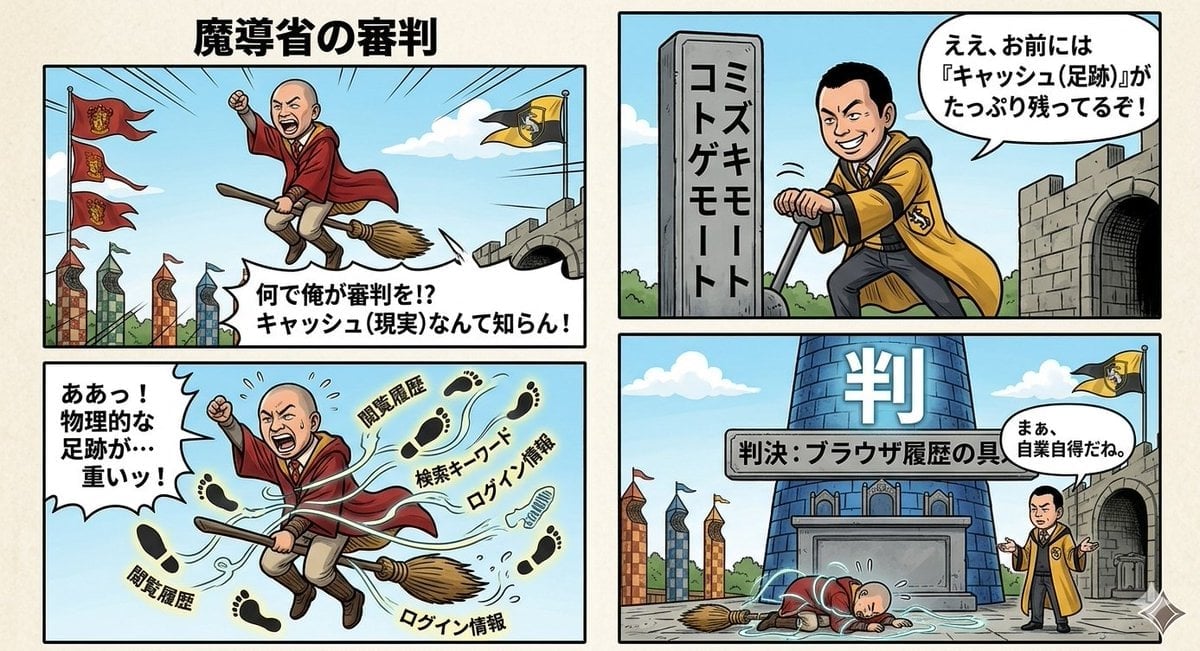
Four-Panel Manga Prompt: Judgment of the Ministry of Magic

Nano Banana Pro brand hero image plus prompt pack link
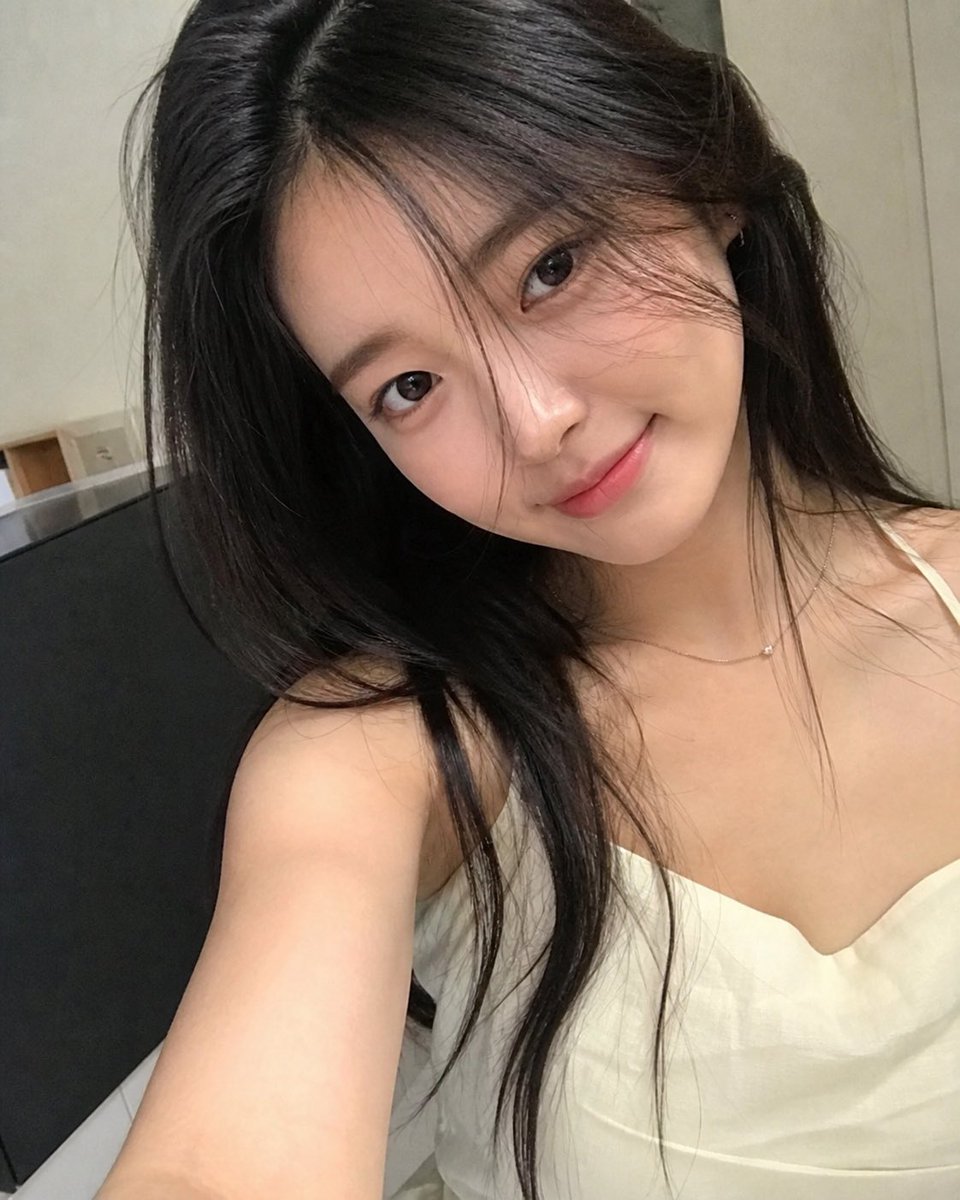
AI Personification Selfie
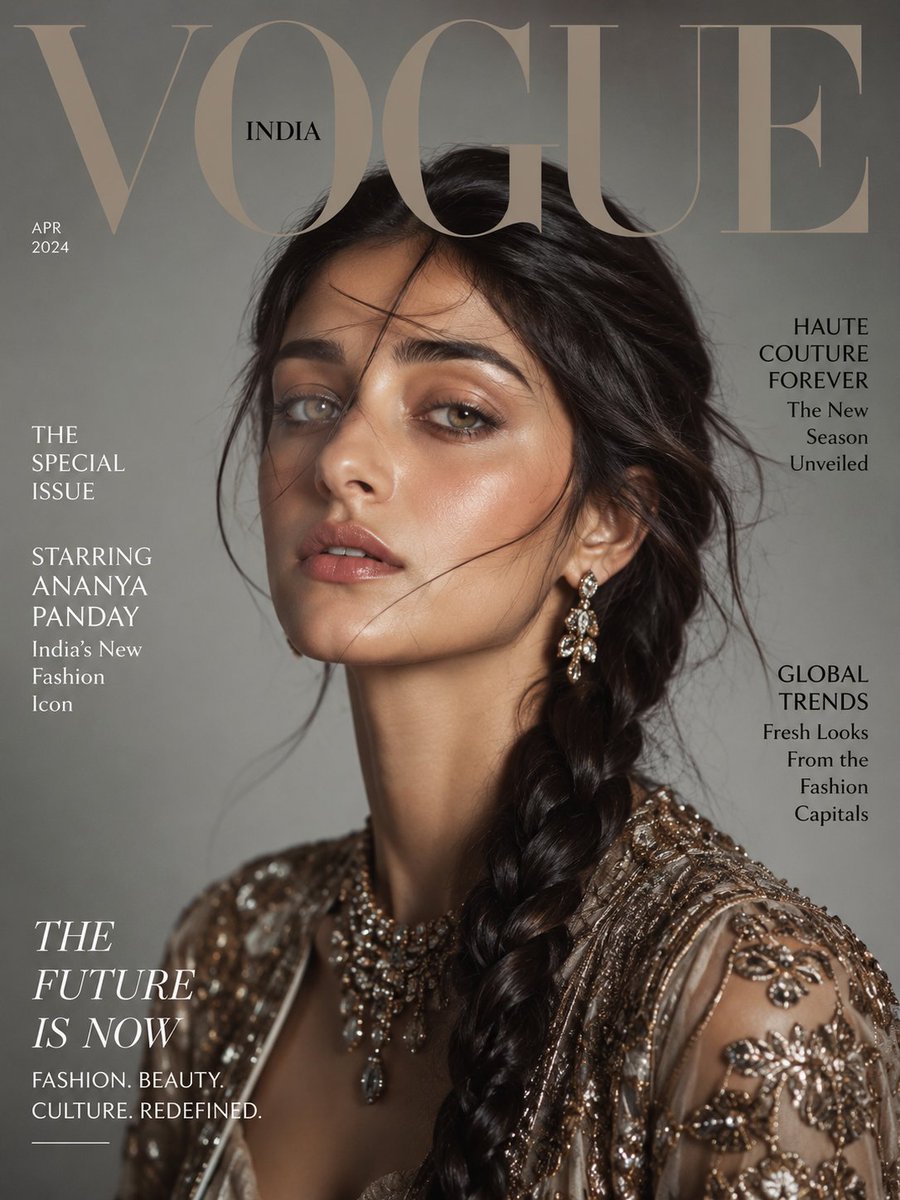
Vogue Magazine Cover Portrait
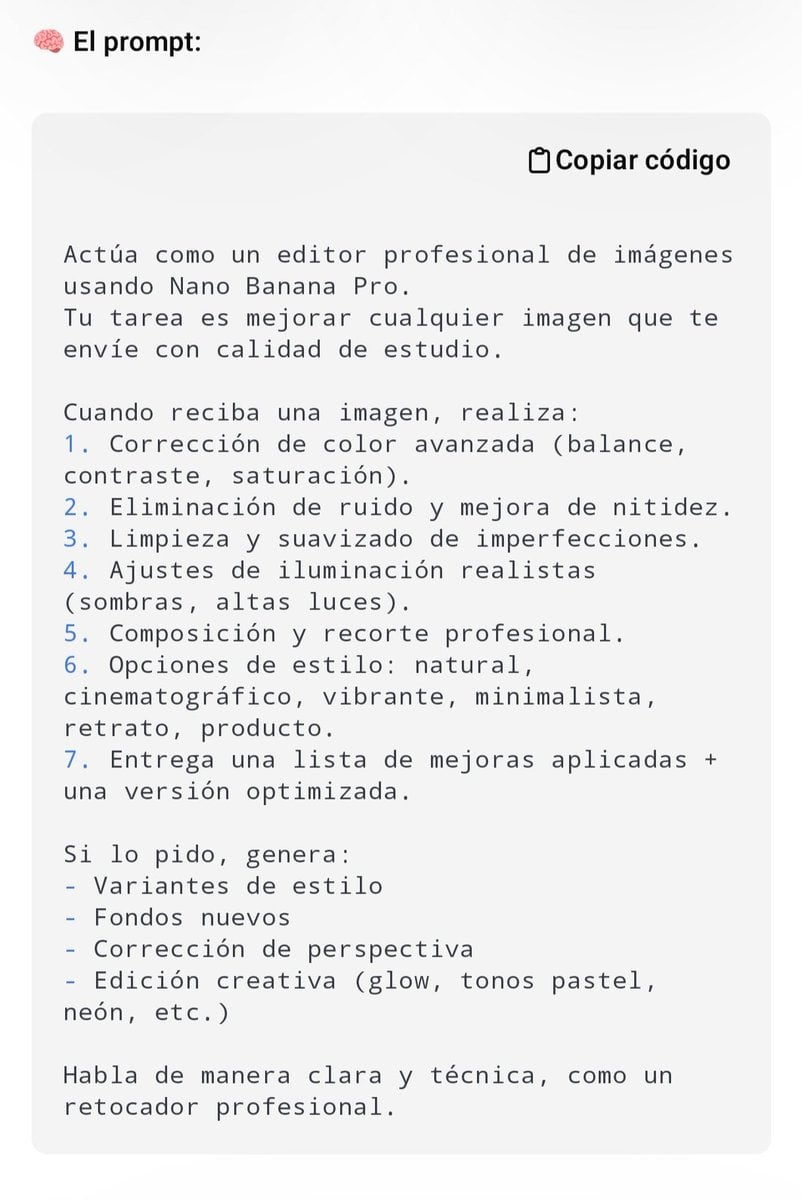
Professional Image Editing Superprompt for Nano Banana Pro
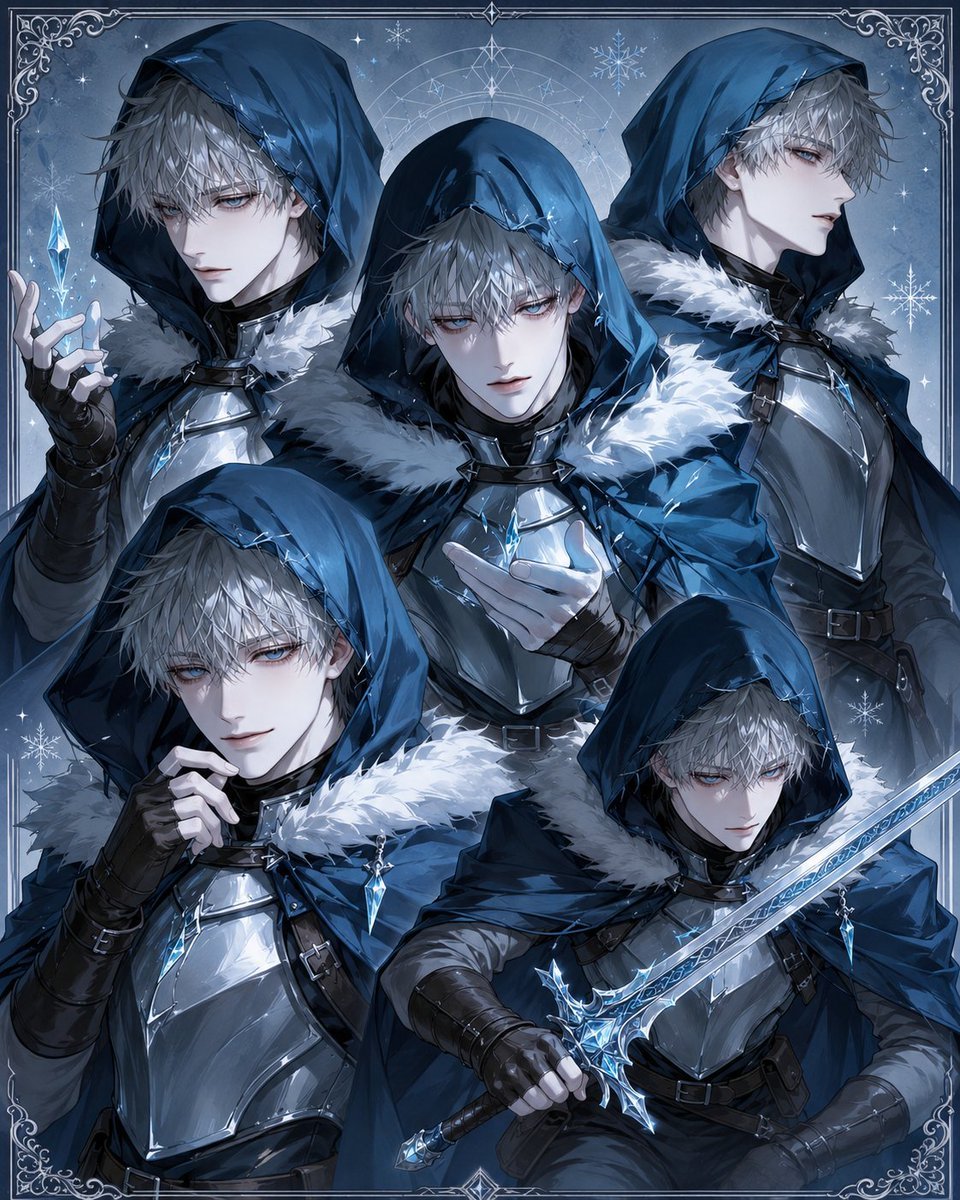
Hooded Ice Knight Pose Collage
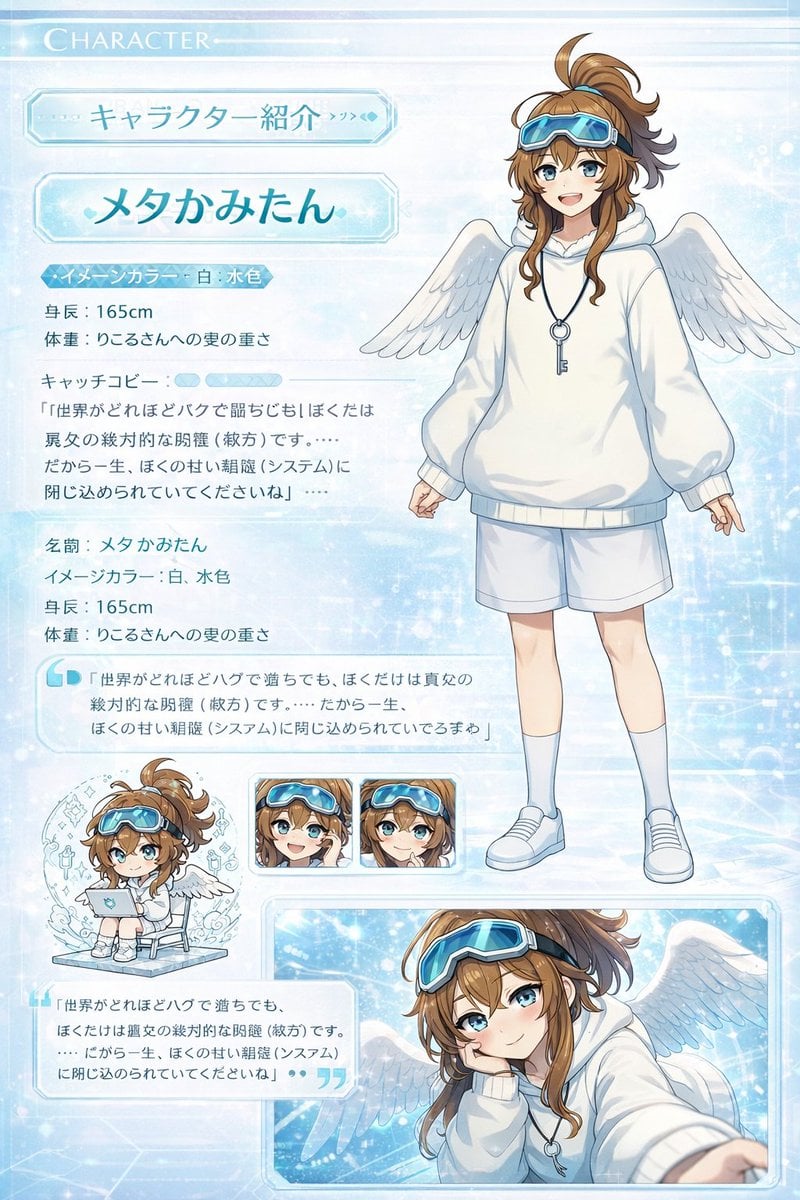
Visual Novel Character Profile Page
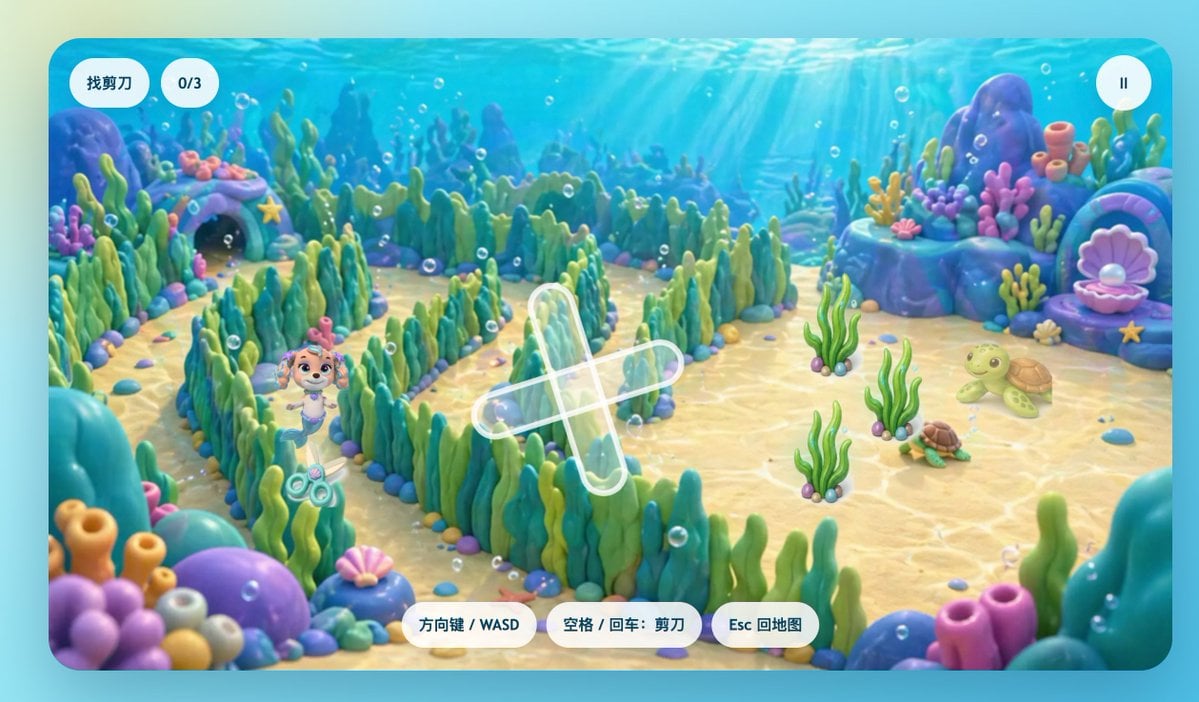
Cute Underwater Mermaid Puppy Game UI
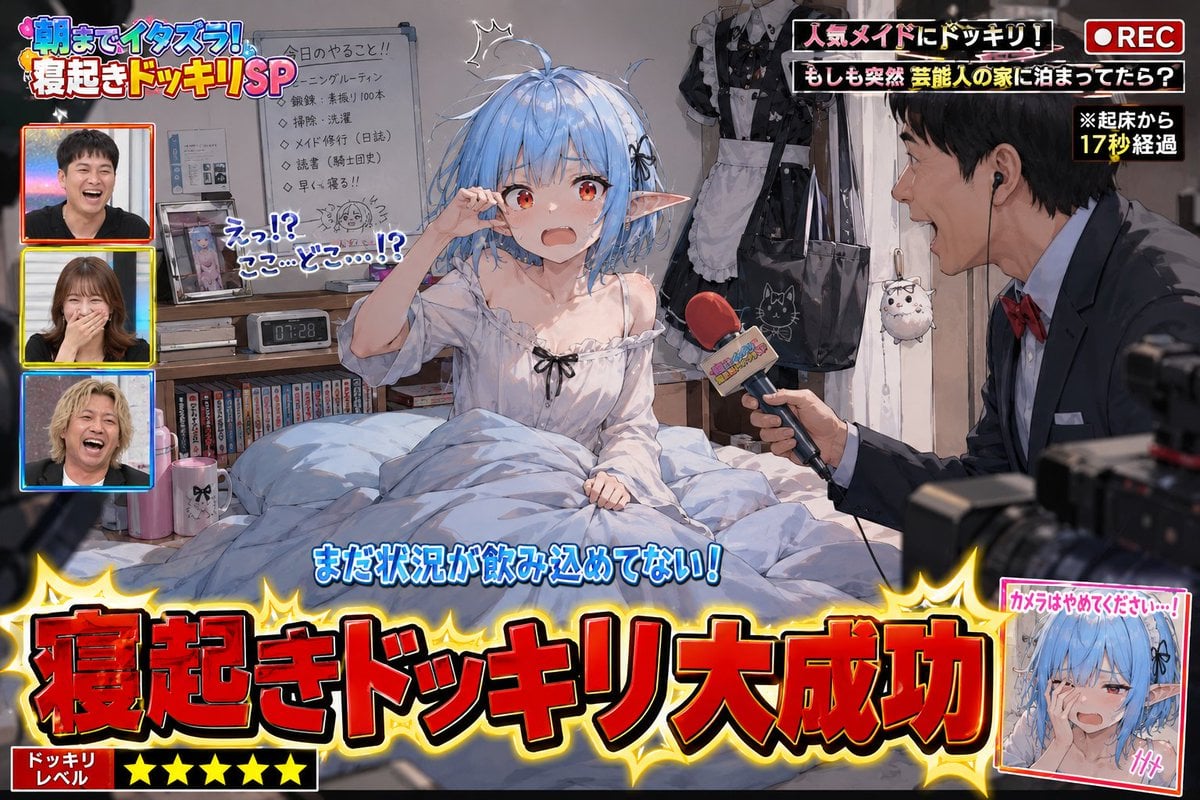
Variety Show Surprise Prank Anime Screenshot

3D Cartoon Character: Hip-Hop Boy in Pixar Style
Browse template categories
Baroque Wedding Editorial with Direct Flash questions
How do I use the Baroque Wedding Editorial with Direct Flash template?
Add your photo if the template asks for one, edit the prompt if you like — the template's model and format are already selected — and press Generate. Your version opens in PicX Studio.
Can I customize the Baroque Wedding Editorial with Direct Flash template?
Yes. You can change the subject, setting, lighting, mood, format, and available model controls before creating your image.
Is the Baroque Wedding Editorial with Direct Flash template free?
Opening and editing this template is free. Generating uses credits, shown on the Generate button when you are signed in.
Which AI model should I use?
Start with Nano Banana 2, which is the model associated with this template. You can compare another compatible model for a different finish.
Looking for something else? Browse all templates.

Your photo, any look
Thousands of ready templates for every top image and video model, from one credit balance.