
Visual Novel Character Profile Page
A prompt template for creating high-quality character introduction pages for games, featuring UI elements, stats, and character variations based on reference art.
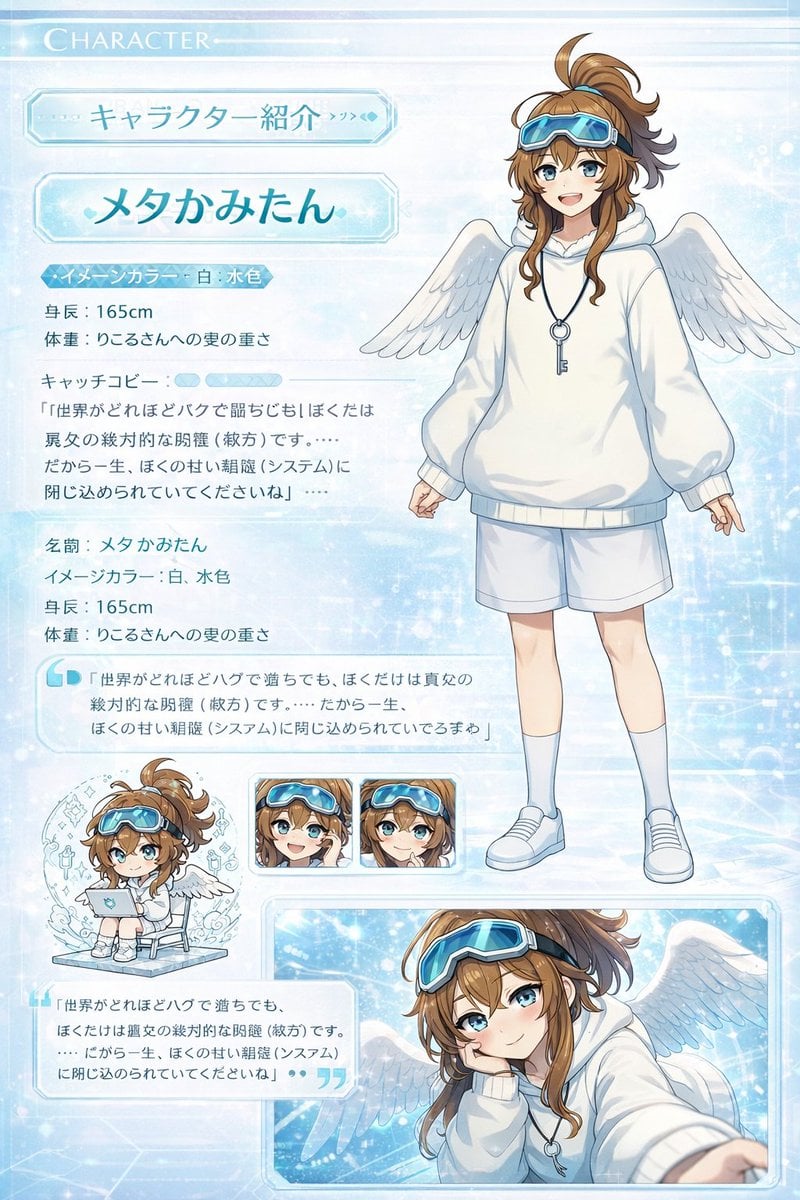
- Prompt included
- Model and format preset
- Free template
The prompt behind this image
Copy the exact prompt behind Visual Novel Character Profile Page, or open it in the studio and make it yours.
最新モデルの画像生成ツールを使用して、 このちびキャライラストと立ち絵を使って本物のサイトページのようにキャラクター紹介ページ風イラストを作ってください。 (紹介ページとして使ってもおかしくないもの) ギャルゲーのキャラクター紹介ページをイメージした高品質なもの。 顔の差分なども乗っている、CGイラストが存在する。ちびキャラが存在する。 「ここに自己紹介」 名前:({argument name="名前" default="ここに名前"}) イメージカラー:({argument name="イメージカラー" default="ここに色"}) 身長:(ここに身長)cm 体重:(ここに体重)kg キャッチコピー:“「{argument name="セリフ" default="ここにセリフ"}」”
How to use Visual Novel Character Profile Page in 3 steps
- 1Upload ImagePNG, JPG or paste
Add your photo
Upload the photo the template builds on. The prompt, model and format are already set.
- 2…a portrait of your subject in softgolden-hour light, 85mm…
Personalize
Edit the subject and creative details for your destination.
- 3Generate
Generate
Press Generate — your image is created in PicX Studio, so you can compare it with the original and refine one variable at a time.
More like this
Templates with the same subject, style or setup. Open one to see its prompt.
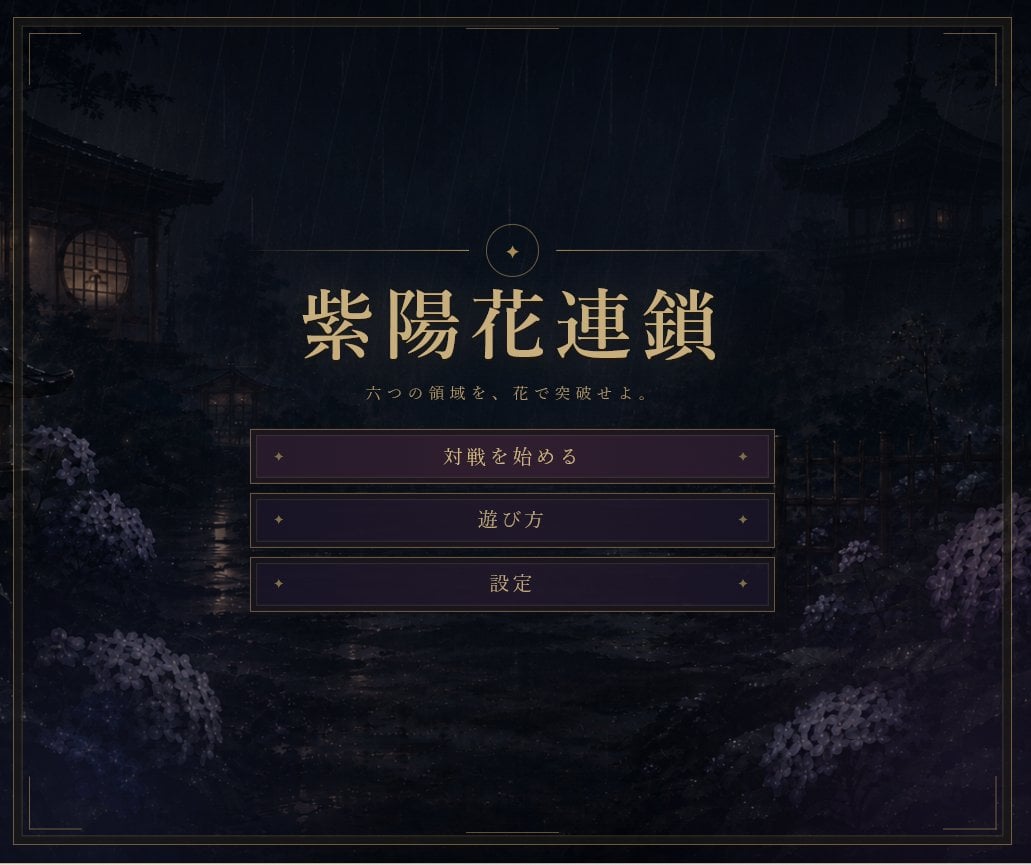
Rainy Japanese Visual Novel Title Screen

Cyberpunk Neon Profile Fashion Portrait
Low-Angle Cyberpunk Neon Profile Portrait
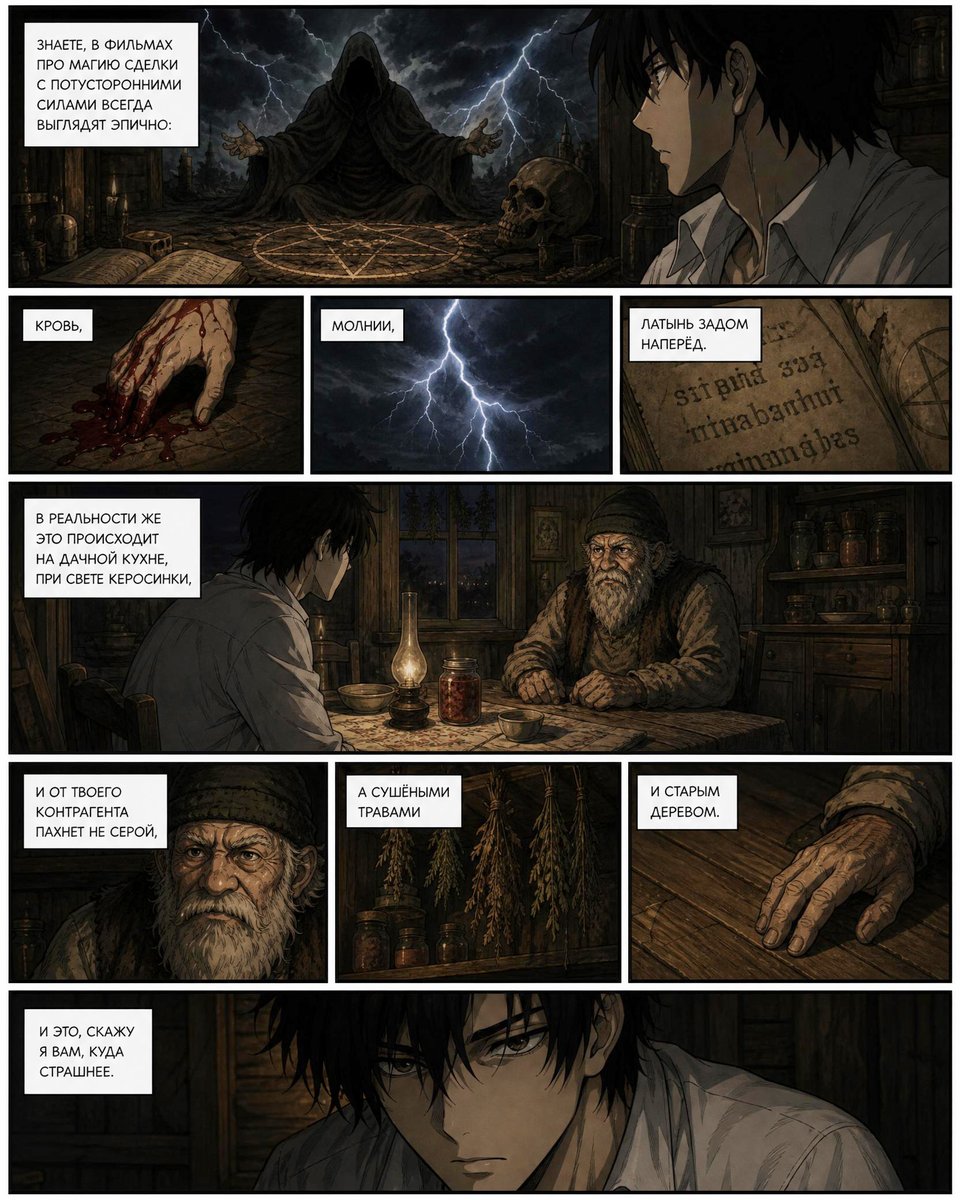
Dark Occult Graphic Novel Page

Anime Visual Novel Classroom Banner
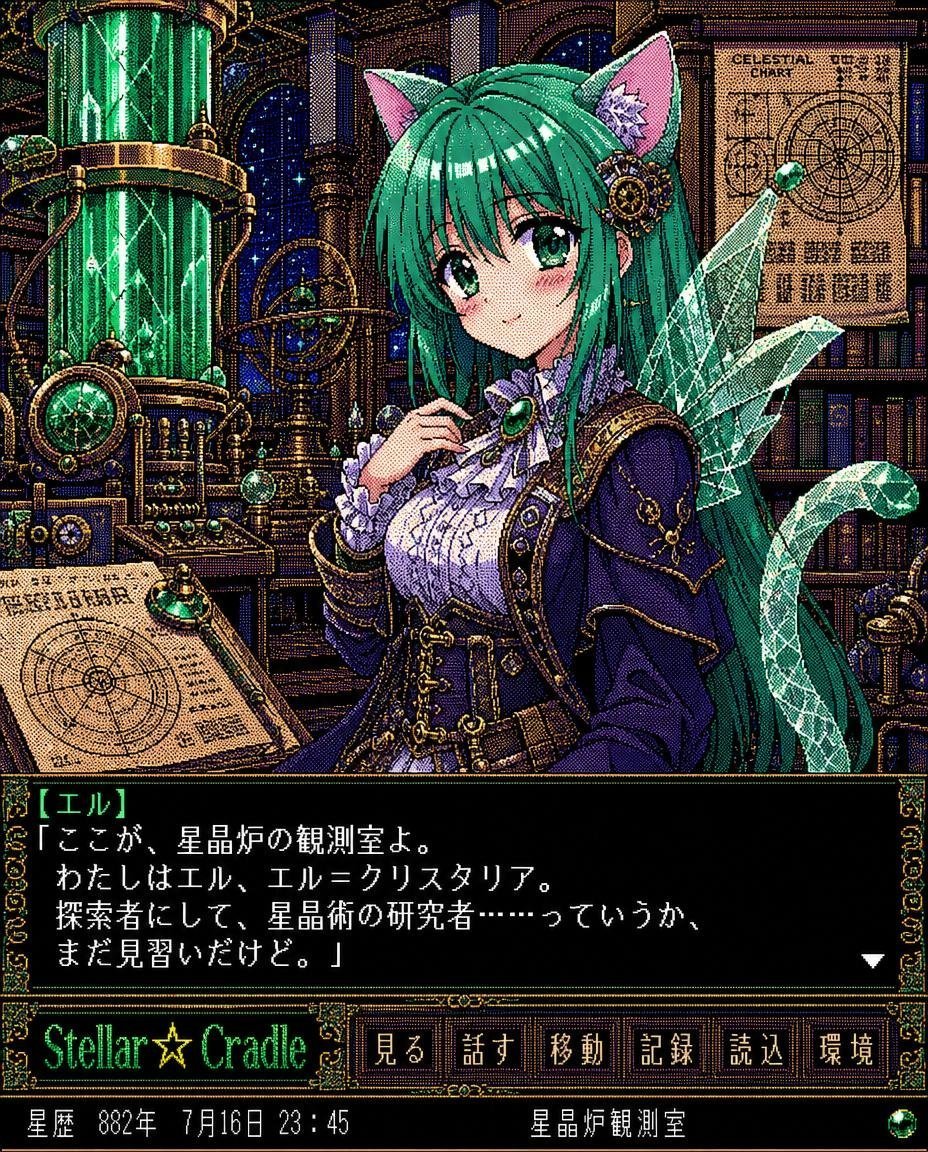
Retro Crystal Observatory Visual Novel
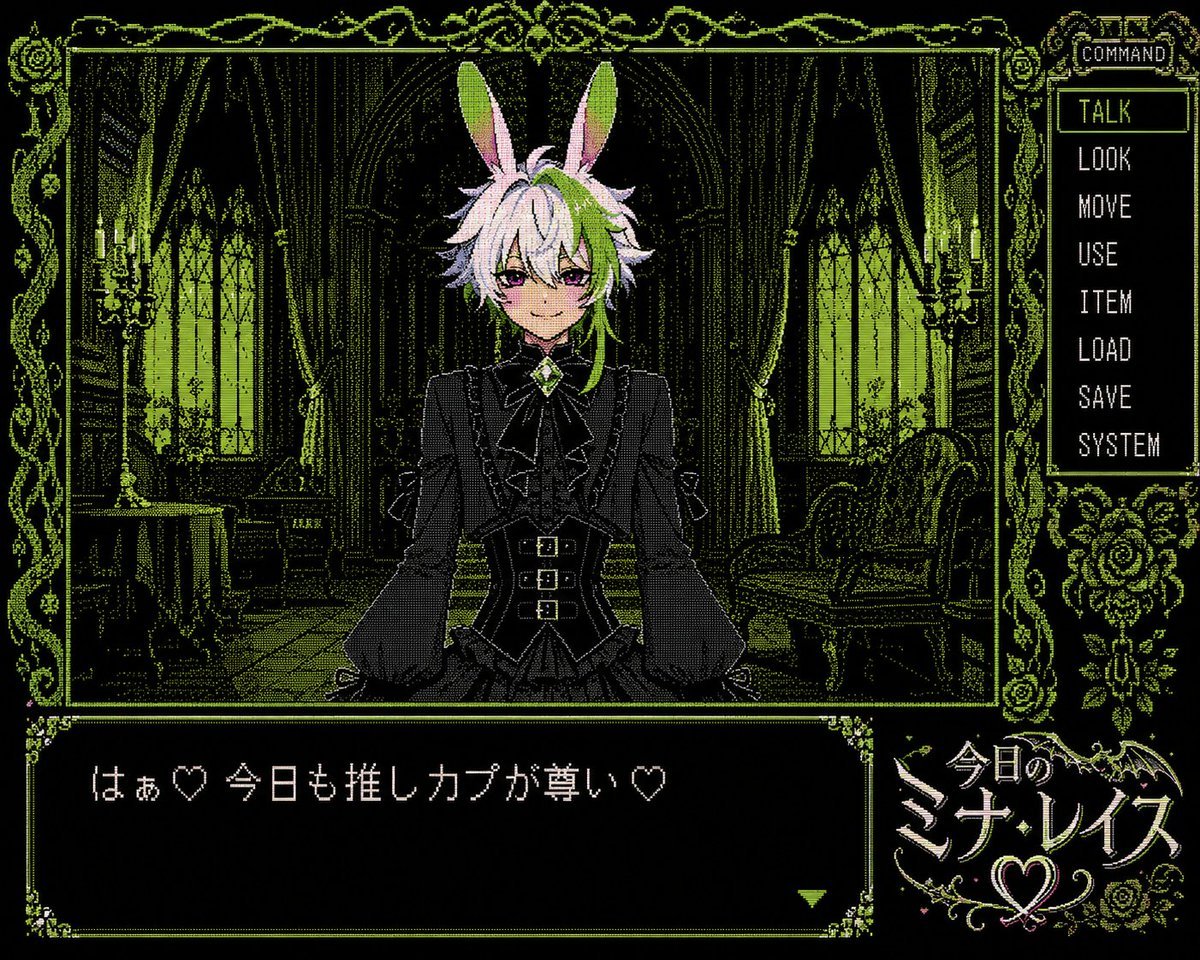
PC-98 Gothic Visual Novel UI
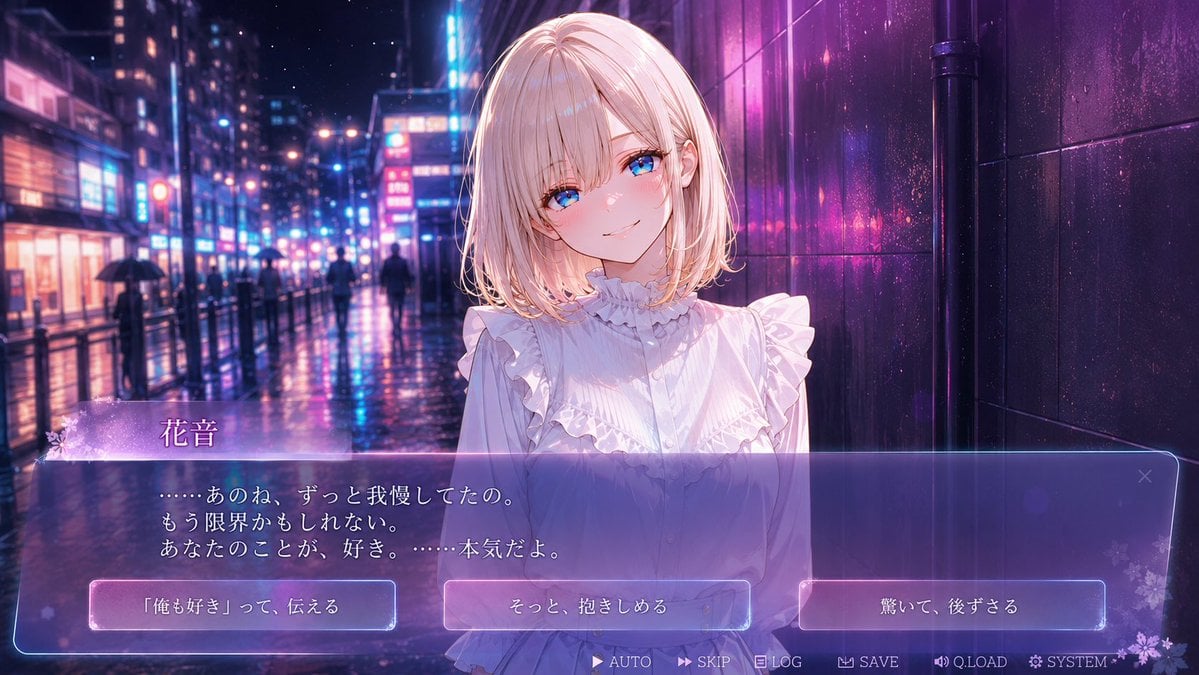
Rainy Neon Visual Novel Confession
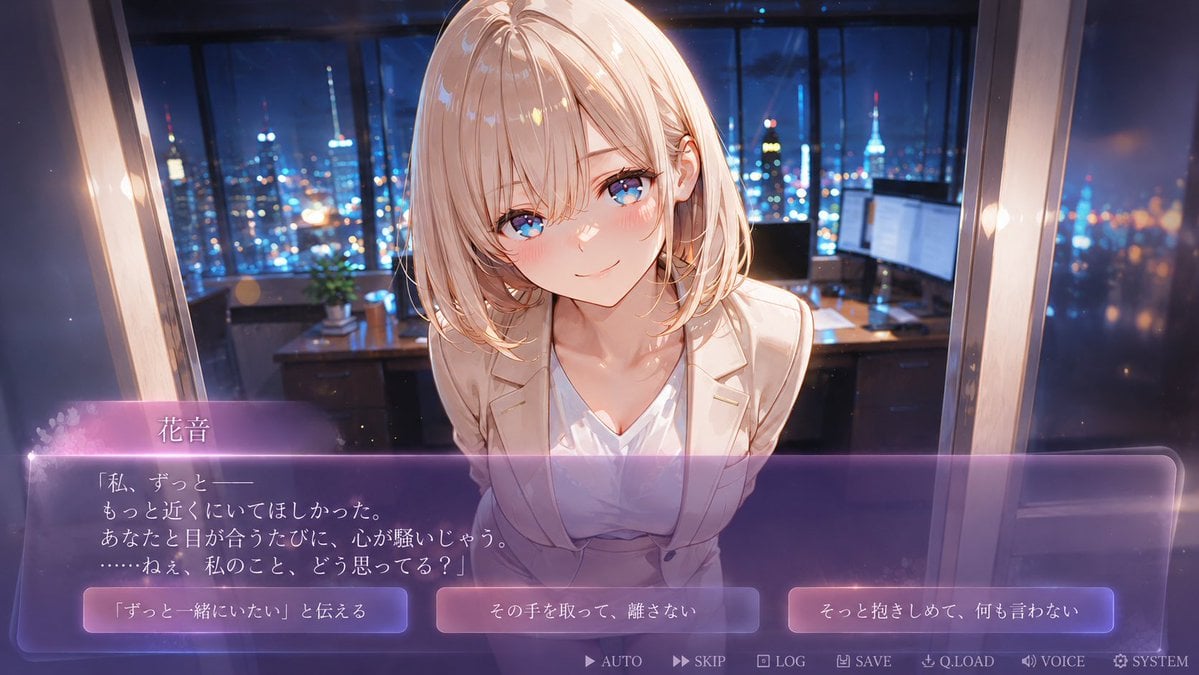
Faceless Romance Visual Novel CG
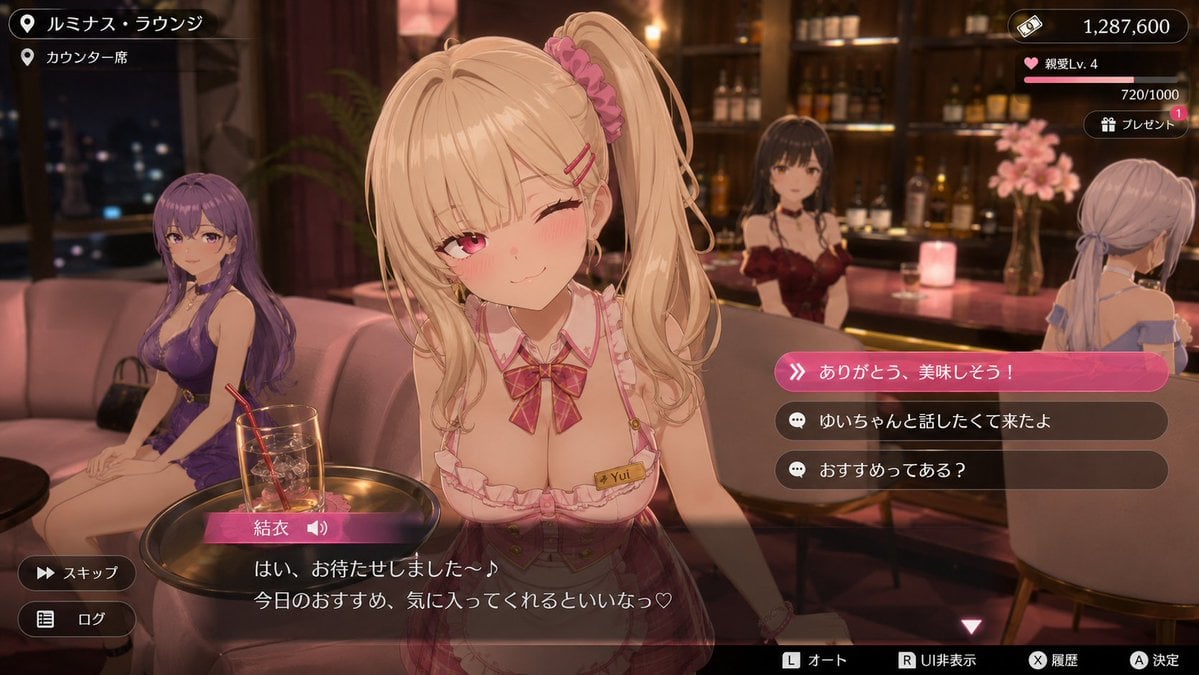
Anime Visual Novel Confession Scene
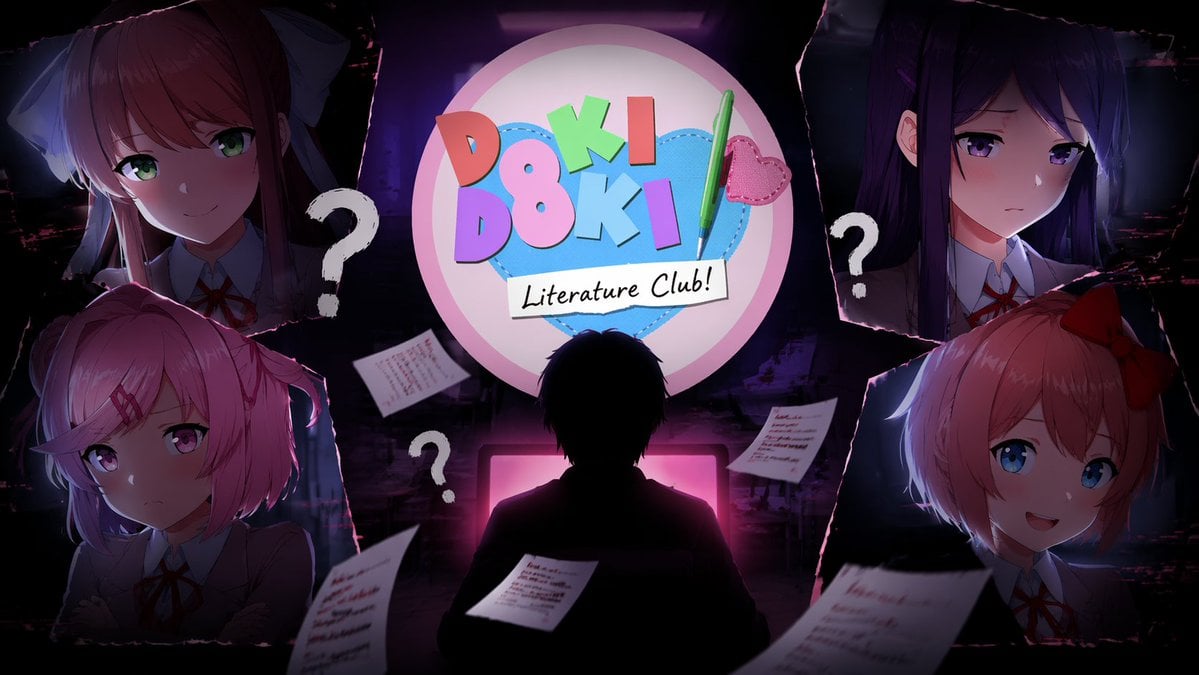
Visual Novel Composite Layout
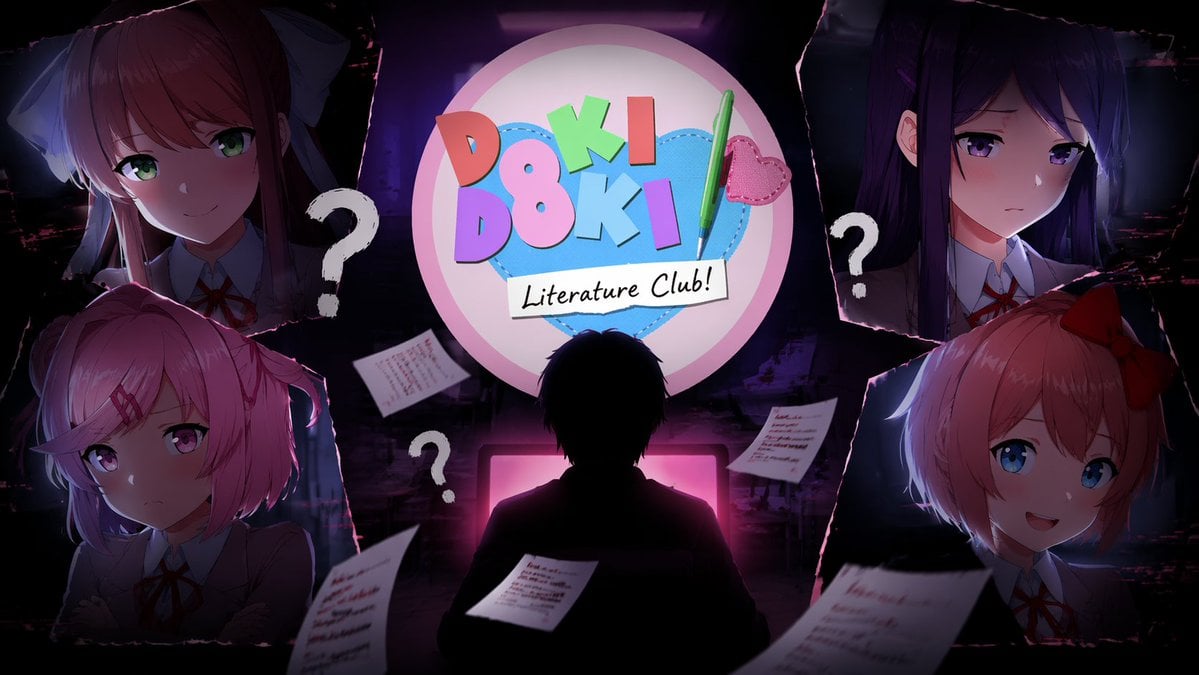
Visual Novel Psychological Horror Concept Art
Make it yours
Visual Novel Character Profile Page works as-is. These are the safest ways to change it without losing the look.
Change one field
Copy a single group, rewrite it, and generate again so you can see what that field is doing.
Keep the frame, change the subject
Hold the composition and light of Visual Novel Character Profile Page, then swap wardrobe, props or the person for a new take.
| If the result… | Why | Fix |
|---|---|---|
| The result drifts from the preview | Too many fields changed at once. | Reuse Visual Novel Character Profile Page as-is first, then change one group — subject, light, or setting. |
| The model over-stylizes the scene | The prose prompt leaves finish and camera underspecified. | Add one camera or lighting sentence and stay on GPT Image 2. |
More GPT Image 2 templates
Other prompts made for GPT Image 2.

Six VTuber Japanese Logo Sheet

Realistic Portrait of Woman and Deer

The Vista Modular Condo Poster

AI Model Routing Comparison Infographic

2.5D Anime Art Board

Isometric Productivity Desk Scene

New York Double Exposure Poster

Four-Panel AI Landscape Comparison

Japanese Tatami Lifestyle Magazine Cover

NESCAFÉ Coffee Map Poster
More image prompts
Fresh picks from across the catalog.

Luxury SUV Interior Lifestyle Snapshot
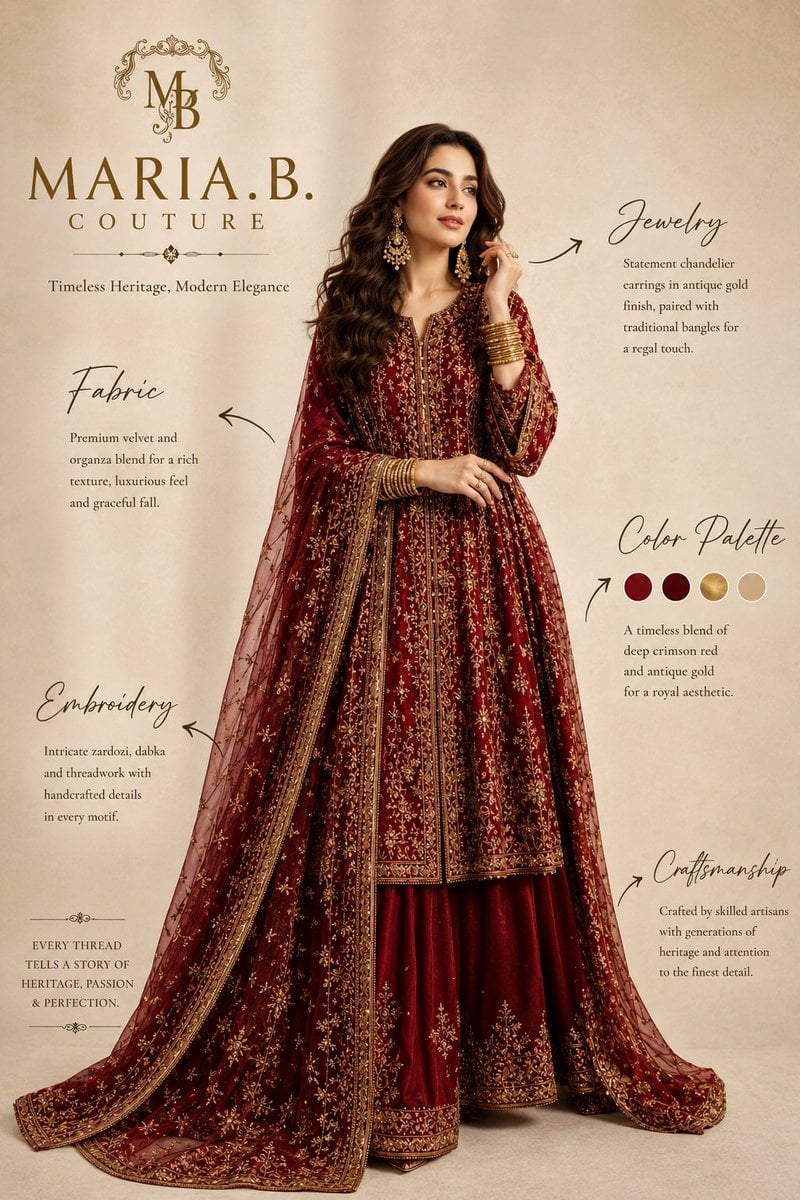
Pakistani Luxury Fashion Campaign
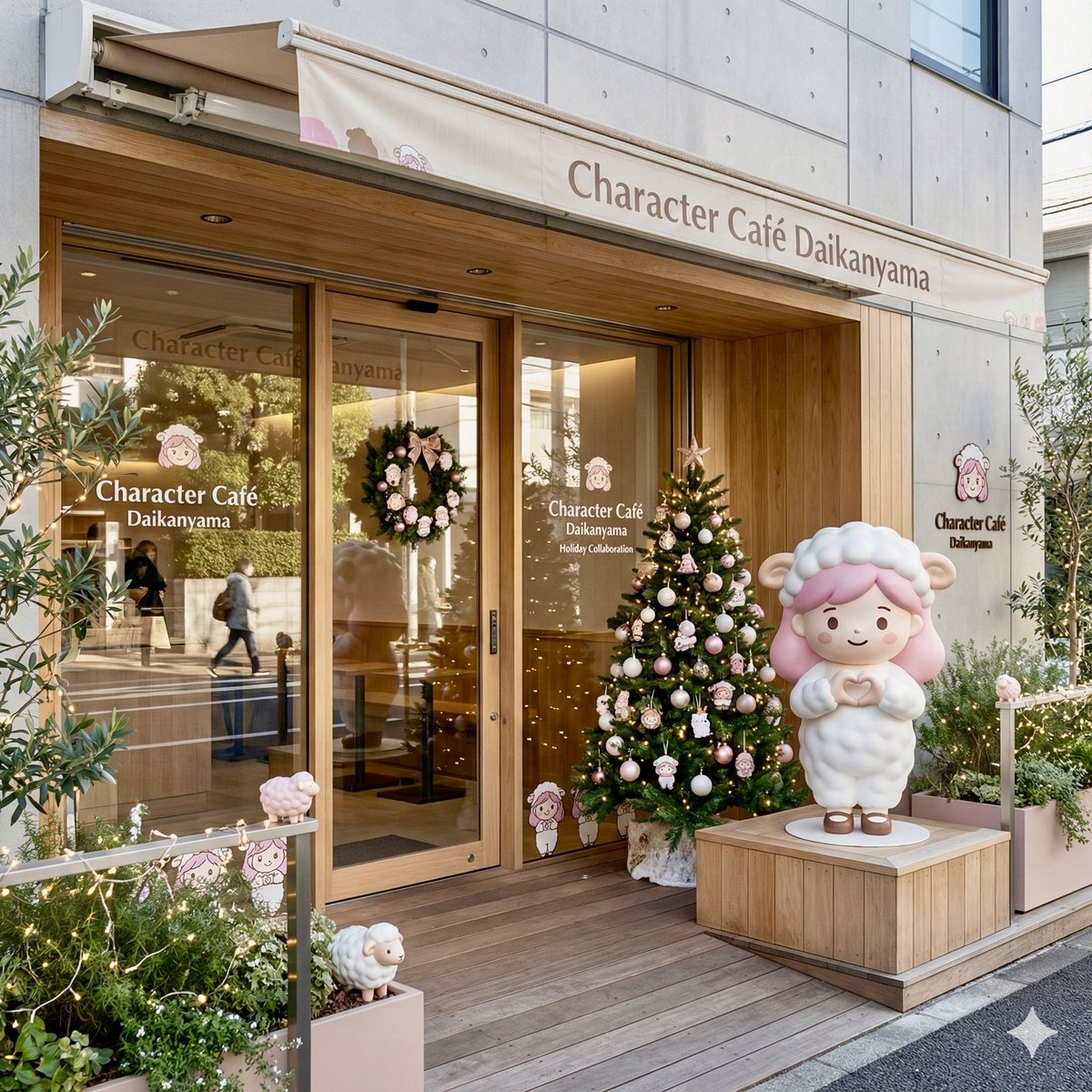
Daikan-yama Collaboration Cafe Generator (Christmas Theme)
High Fashion Lookbook Spread
Character Refrigerator Breakdown

Washington Crossing Style Winter Boat Scene
Luxury Fashion Brand Advertisement
Detailed Side-Profile Mirror Selfie in Bodysuit
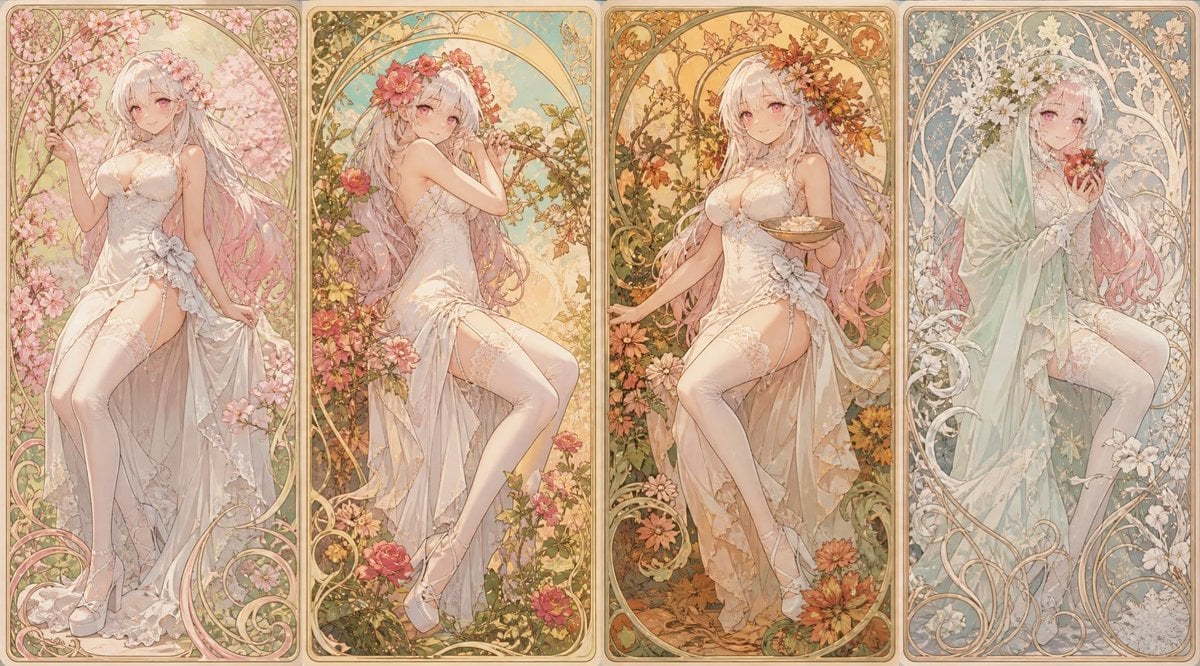
Mucha Style Seasonal Art Nouveau

Action Hero Walking Away from Explosion Prompt (Image-to-Image)
Browse template categories
Visual Novel Character Profile Page questions
How do I use the Visual Novel Character Profile Page template?
Add your photo if the template asks for one, edit the prompt if you like — the template's model and format are already selected — and press Generate. Your version opens in PicX Studio.
Can I customize the Visual Novel Character Profile Page template?
Yes. You can change the subject, setting, lighting, mood, format, and available model controls before creating your image.
Is the Visual Novel Character Profile Page template free?
Opening and editing this template is free. Generating uses credits, shown on the Generate button when you are signed in.
Which AI model should I use?
Start with GPT Image 2, which is the model associated with this template. You can compare another compatible model for a different finish.
Looking for something else? Browse all templates.

Your photo, any look
Thousands of ready templates for every top image and video model, from one credit balance.