
Anime Visual Novel Classroom Banner
An aesthetic anime-themed classroom banner featuring customizable character names and headlines in a soft, dreamy visual novel style.
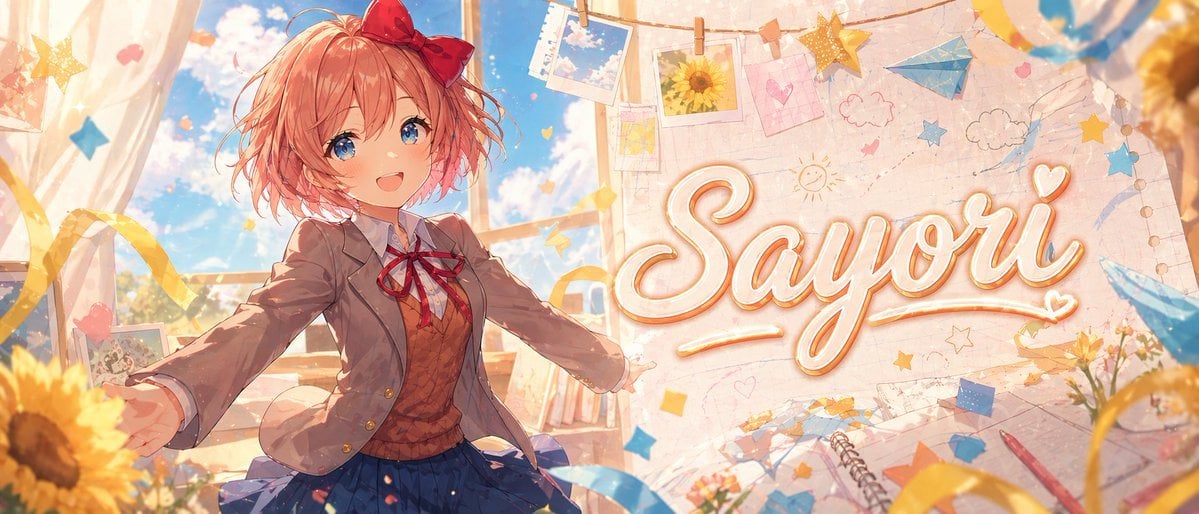
- Prompt included
- Model and format preset
- Free template
The prompt behind this image
Copy the exact prompt behind Anime Visual Novel Classroom Banner, or open it in the studio and make it yours.
A wide anime banner illustration of {argument name="character name" default="Sayori"} in a bright dreamy classroom, rendered in a polished, high-end visual novel style with soft painterly lighting, warm pastel colors, and sparkling atmosphere. Show a cheerful teenage schoolgirl with short fluffy coral-pink hair, messy bob layers, and a large red bow on the right side of her head, wearing a Japanese school uniform with a light brown blazer, white shirt, red ribbon tie, brown sweater vest, and pleated navy skirt. She stands slightly left of center with arms open wide in an inviting, joyful pose, as if welcoming the viewer, with dynamic perspective and gentle motion in her hair and clothes. Her face is intentionally obscured by a flat rectangular skin-tone censor block. Behind her, tall classroom windows reveal a vivid blue sky with soft white clouds and warm sunlight streaming in. The right half of the image features a large decorative handwritten script reading {argument name="headline text" default="Sayori"}, cream-white lettering with a soft orange-gold outline and glow, integrated into a scrapbook-like wall background. Surround the scene with hanging photo prints clipped to string, including sky photos and a sunflower photo, plus hand-drawn doodles of clouds, stars, hearts, and a sun. Add blue and yellow paper stars, ribbons, floating confetti, a blue paper airplane, notebook pages, a spiral sketchbook, and scattered stationery elements. Place sunflowers prominently in the foreground and edges, with warm golden bokeh and soft depth of field. Make the composition energetic, cute, nostalgic, and emotionally uplifting, like a premium anime-themed YouTube banner or character tribute header, ultra-detailed, clean, stylish, luminous, and impact-focused.
How to use Anime Visual Novel Classroom Banner in 3 steps
- 1
Open
The prompt is already in the box next to the preview, with the template's model and format selected.
- 2…a portrait of your subject in softgolden-hour light, 85mm…
Personalize
Edit the subject and creative details for your destination.
- 3Generate
Generate
Press Generate — your image is created in PicX Studio, so you can compare it with the original and refine one variable at a time.
More like this
Templates with the same subject, style or setup. Open one to see its prompt.
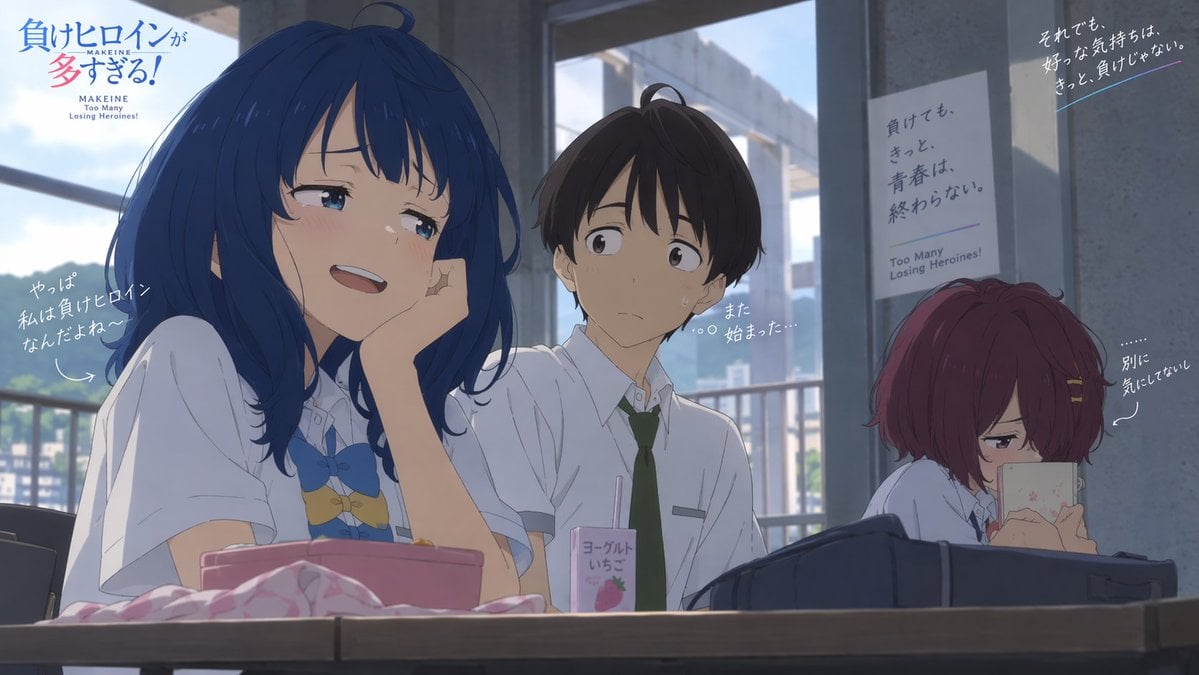
Anime Classroom Losing Heroines Key Visual
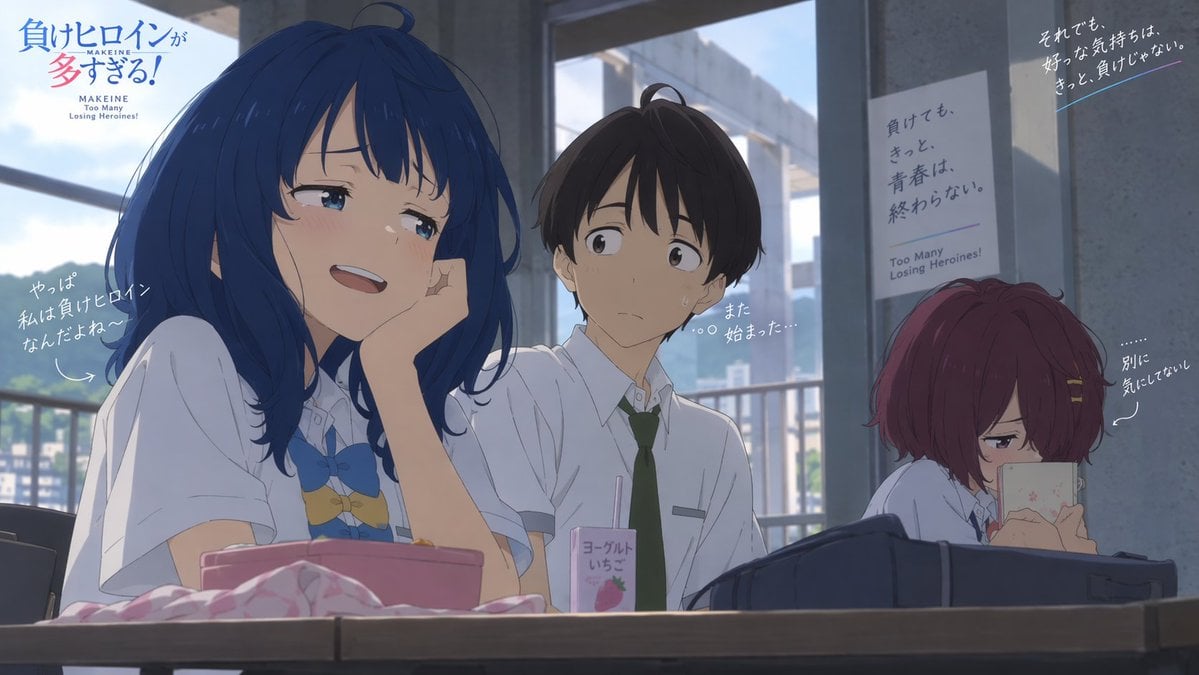
Anime Losing Heroines Classroom Key Visual
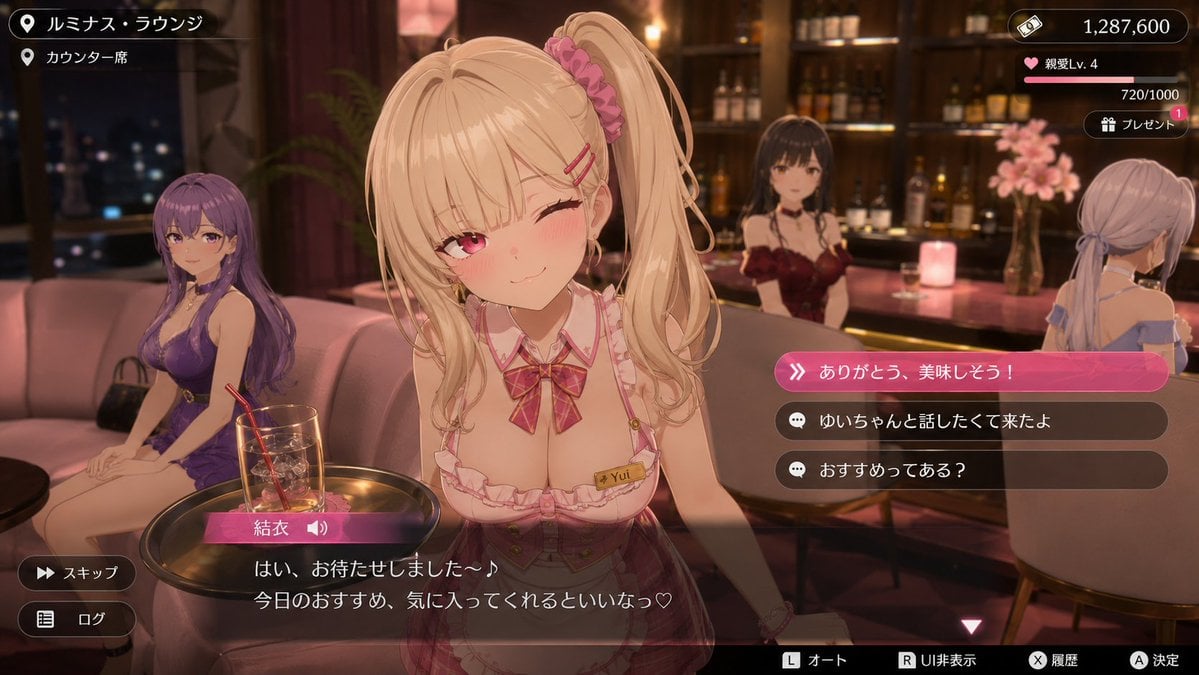
Anime Visual Novel Confession Scene
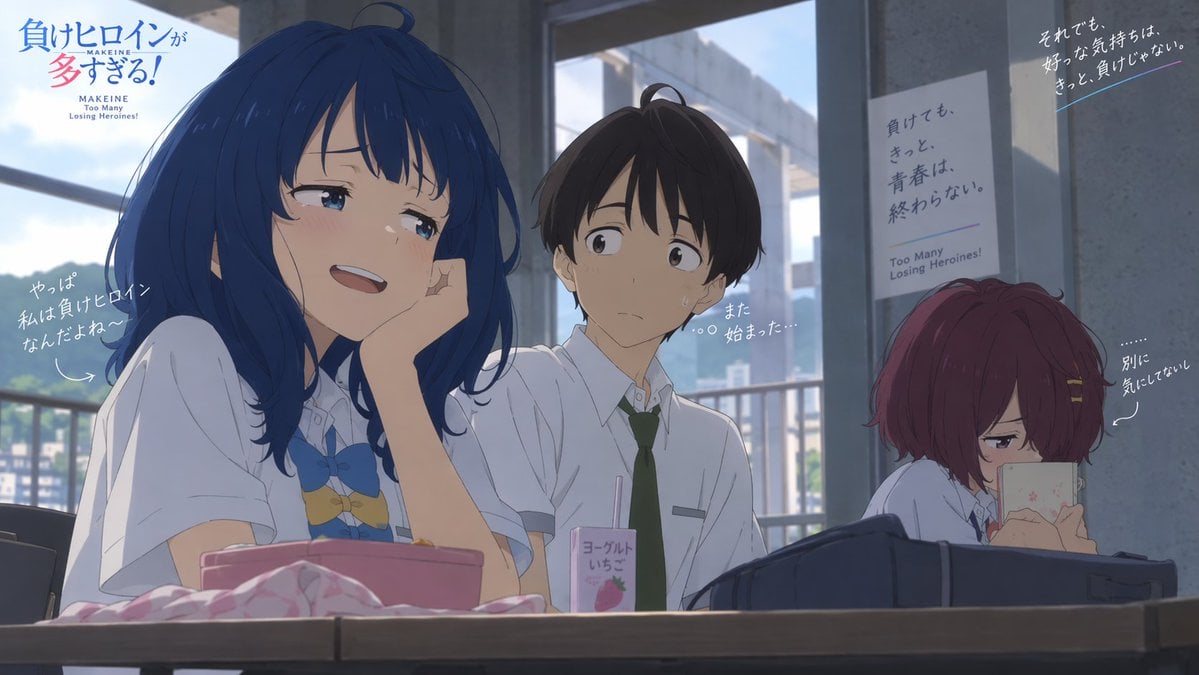
Anime Losing Heroines Classroom Still
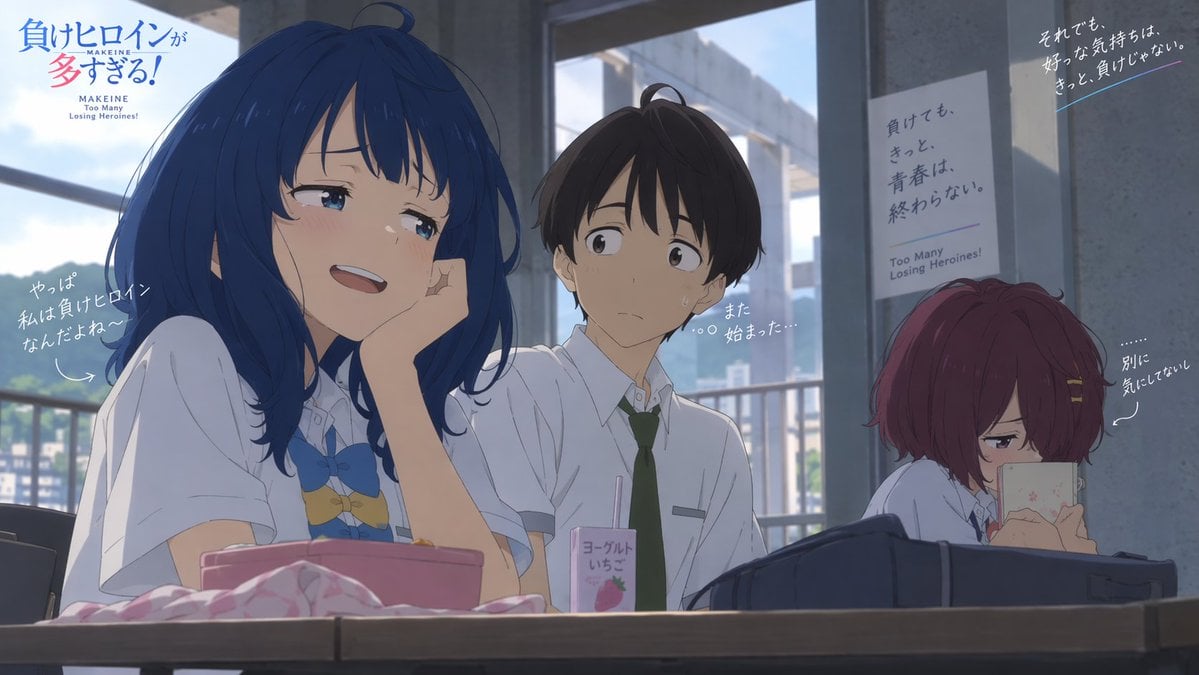
Anime School Rom-Com Key Visual
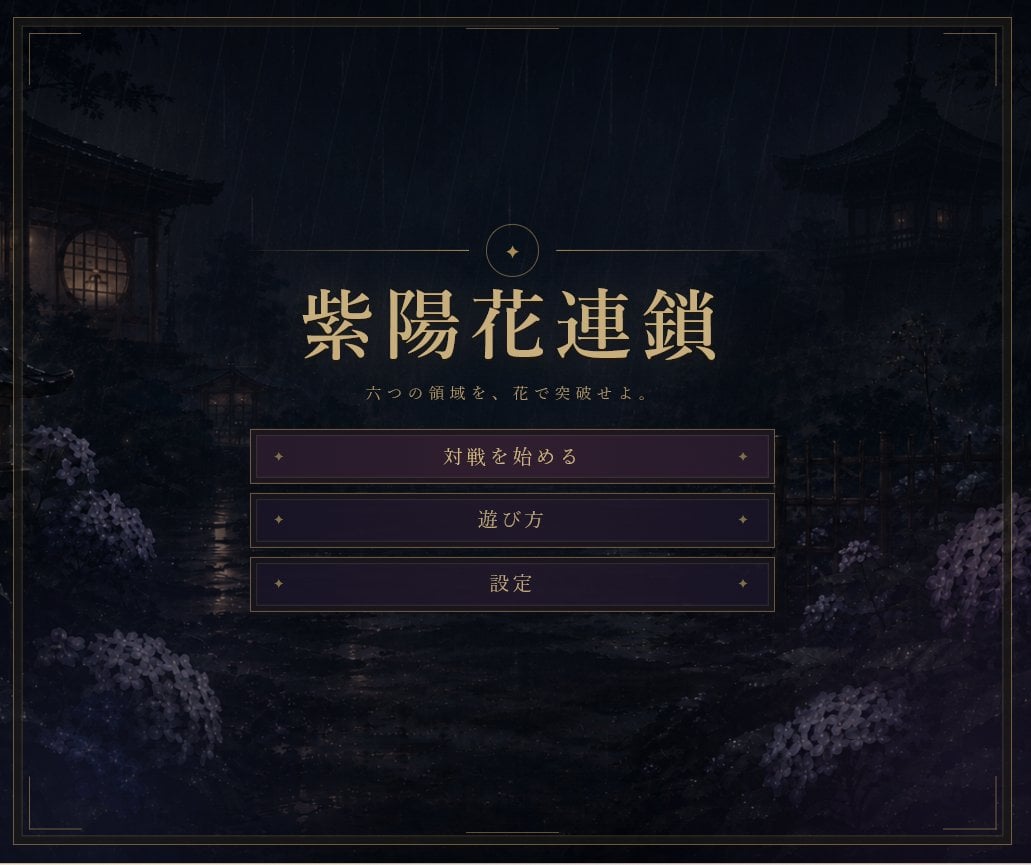
Rainy Japanese Visual Novel Title Screen
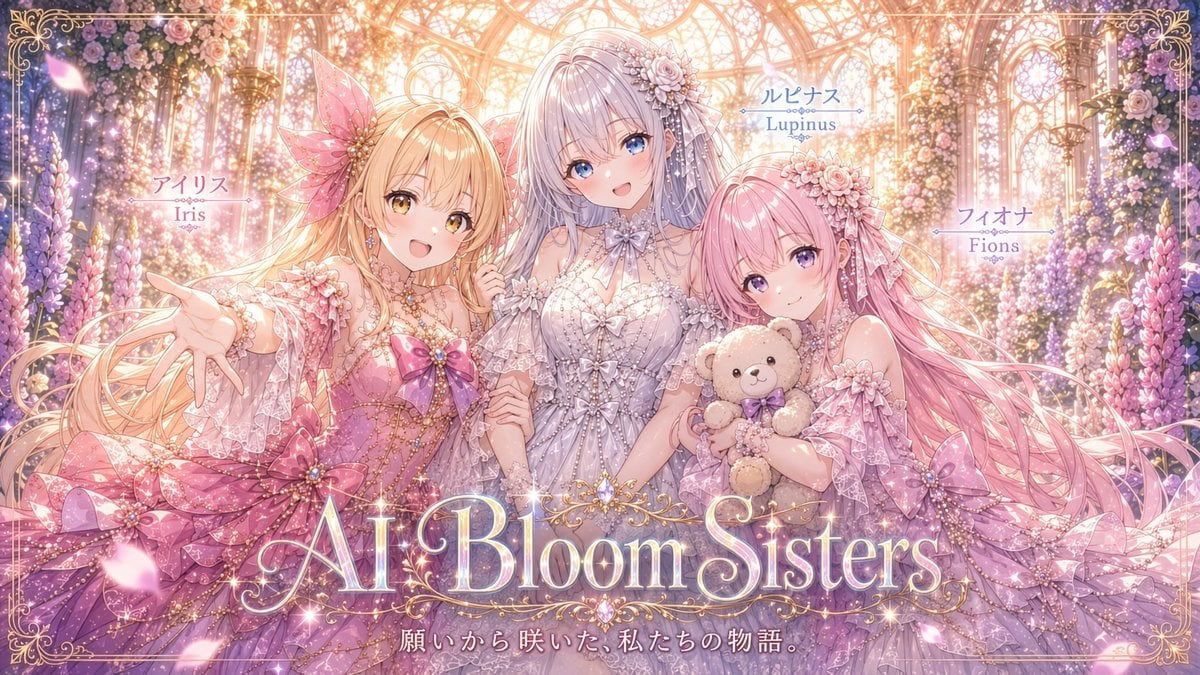
AI Bloom Sisters Anime Key Visual

Cel 2D Finale Fireworks

Cel 2D Garden Maze

Cel 2D Rooftop Concert

Cel 2D Bicycle Coast

Cel 2D Castle Gate
Make it yours
Anime Visual Novel Classroom Banner works as-is. These are the safest ways to change it without losing the look.
Change one field
Copy a single group, rewrite it, and generate again so you can see what that field is doing.
Keep the frame, change the subject
Hold the composition and light of Anime Visual Novel Classroom Banner, then swap wardrobe, props or the person for a new take.
| If the result… | Why | Fix |
|---|---|---|
| The result drifts from the preview | Too many fields changed at once. | Reuse Anime Visual Novel Classroom Banner as-is first, then change one group — subject, light, or setting. |
| The model over-stylizes the scene | The prose prompt leaves finish and camera underspecified. | Add one camera or lighting sentence and stay on GPT Image 2. |
More GPT Image 2 templates
Other prompts made for GPT Image 2.

Six VTuber Japanese Logo Sheet

Realistic Portrait of Woman and Deer

The Vista Modular Condo Poster

AI Model Routing Comparison Infographic

2.5D Anime Art Board

Isometric Productivity Desk Scene

New York Double Exposure Poster

Four-Panel AI Landscape Comparison

Japanese Tatami Lifestyle Magazine Cover

NESCAFÉ Coffee Map Poster
More image prompts
Fresh picks from across the catalog.
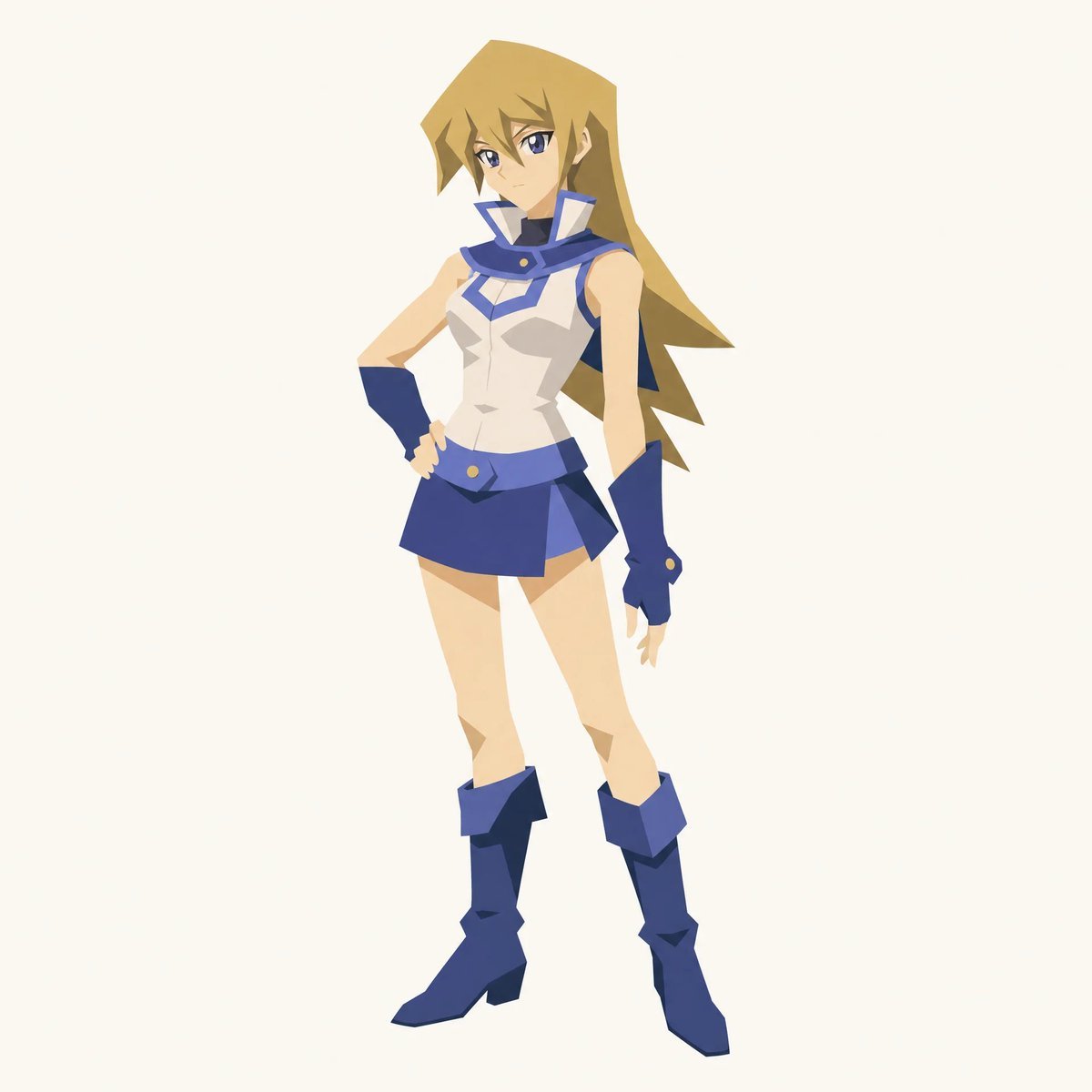
Cut-out Style Character Illustration
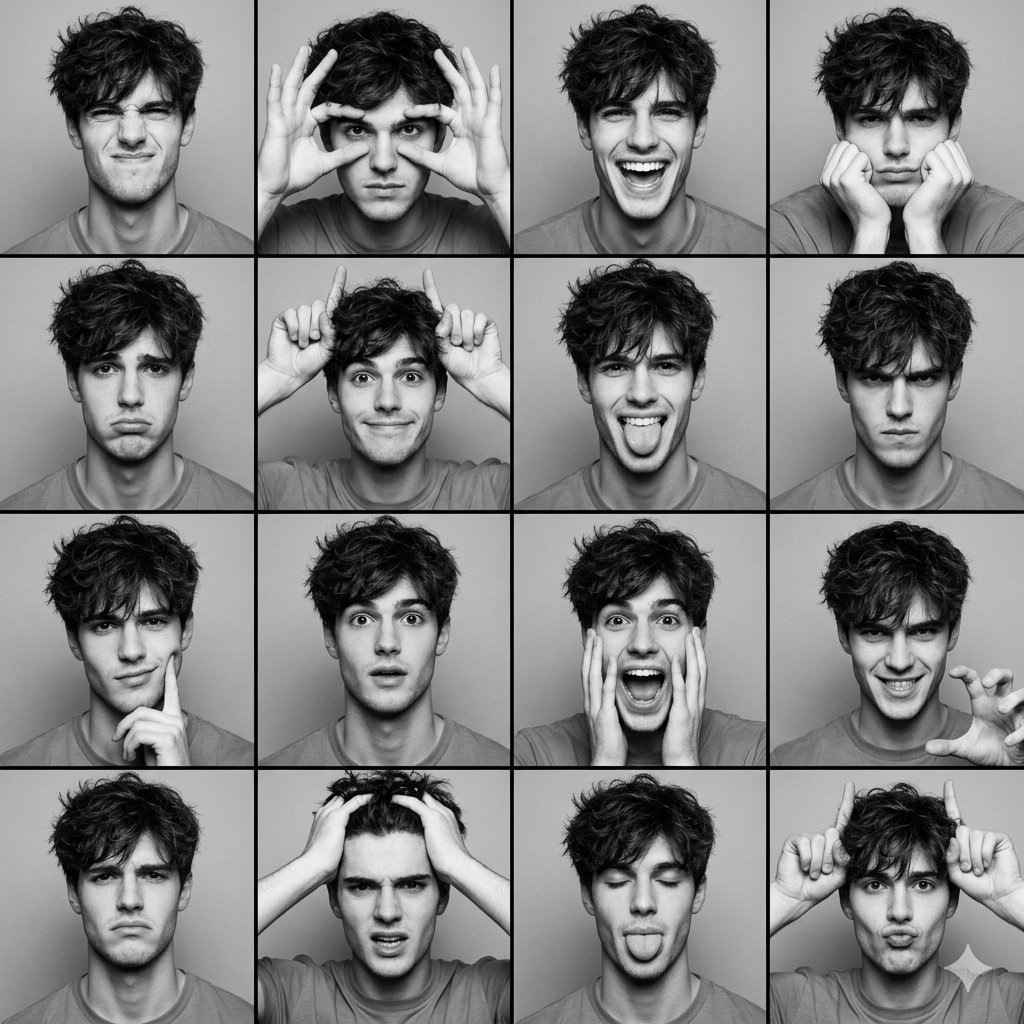
Black and White Photobooth Expression Grid (4x4)
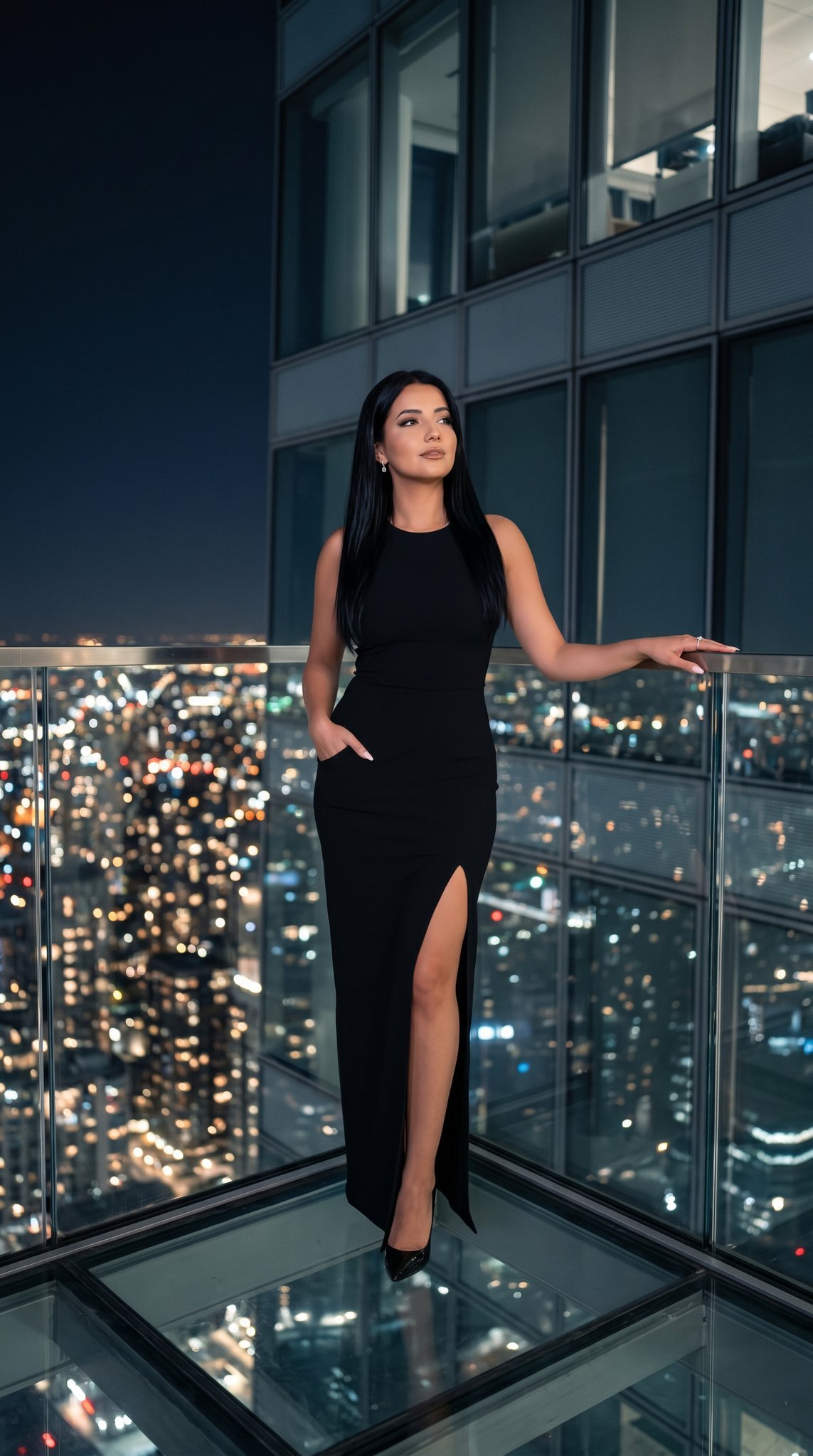
21 Glass Floor Skyscraper — California Series
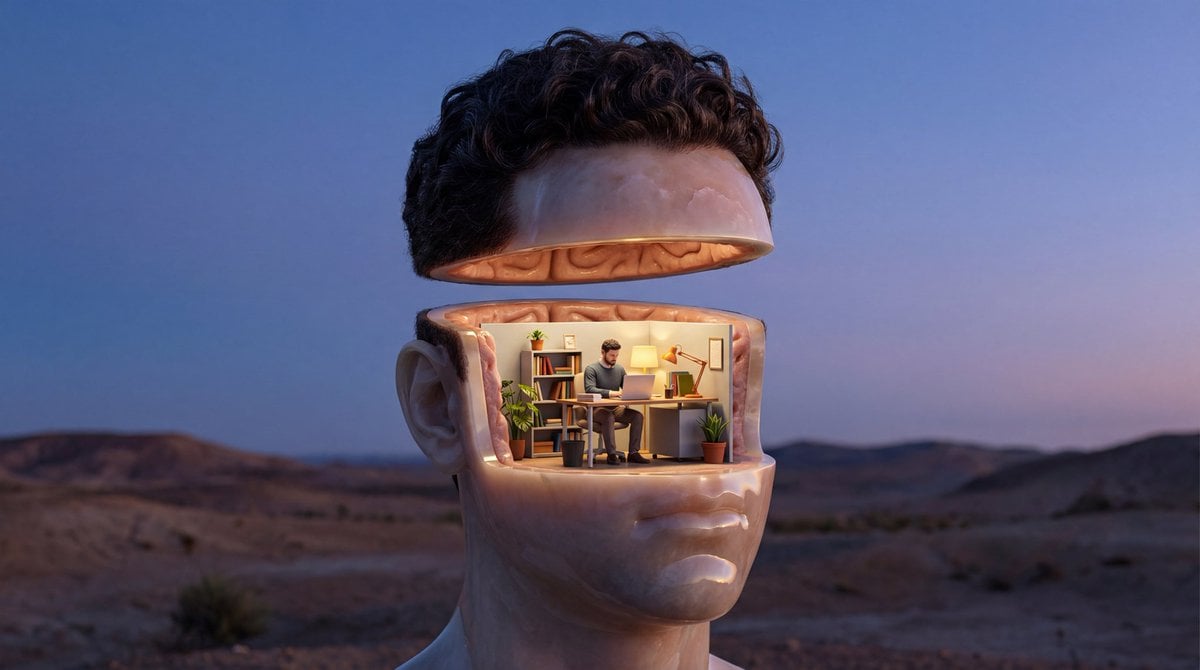
Surreal Symbolic Head Prompt
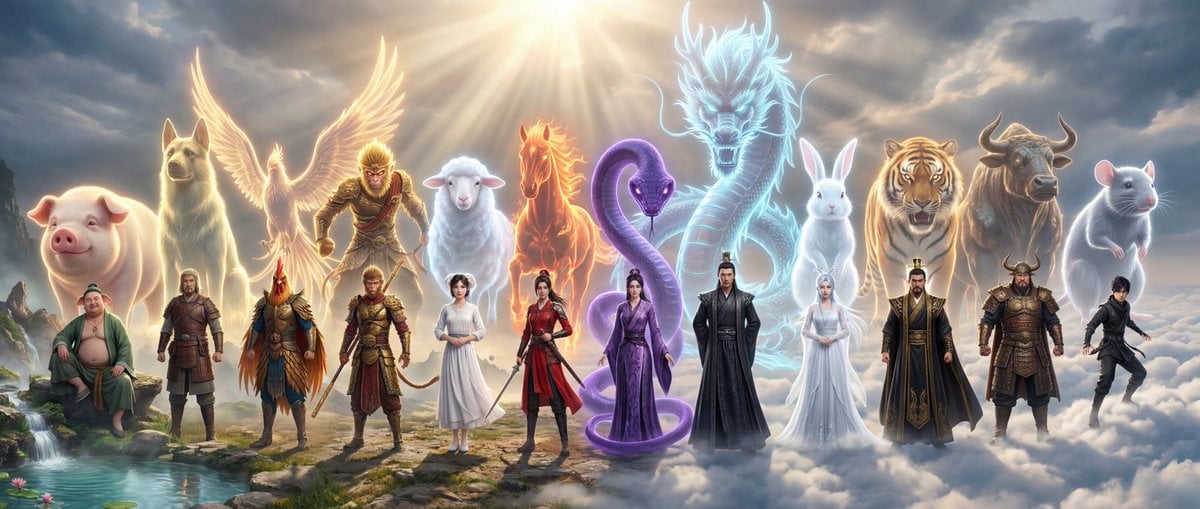
Epic Chinese Fantasy Zodiac Deities Prompt (12 Characters)
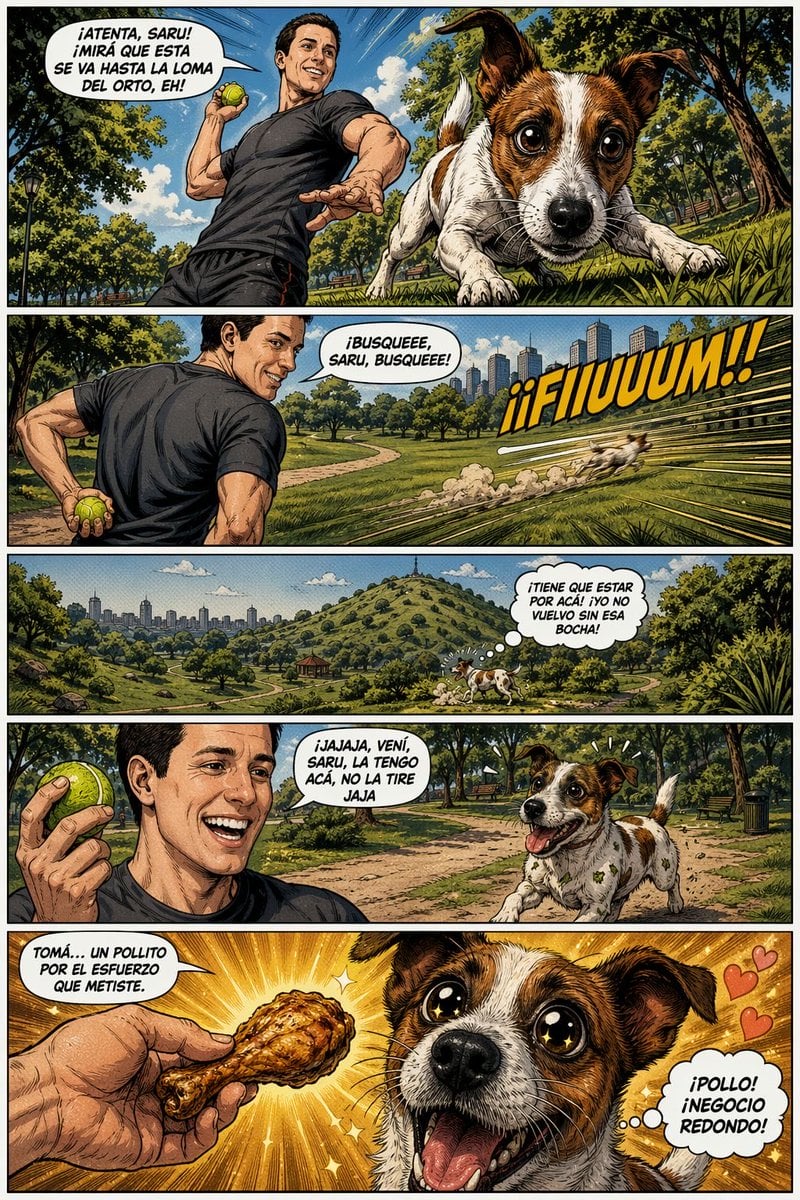
Funny Dog Park Comic Page

Detailed Social Media Mirror Selfie Portrait

Stylized 3D Caricature Portrait

Lounge Portrait in Champagne Coupe Swing Chair
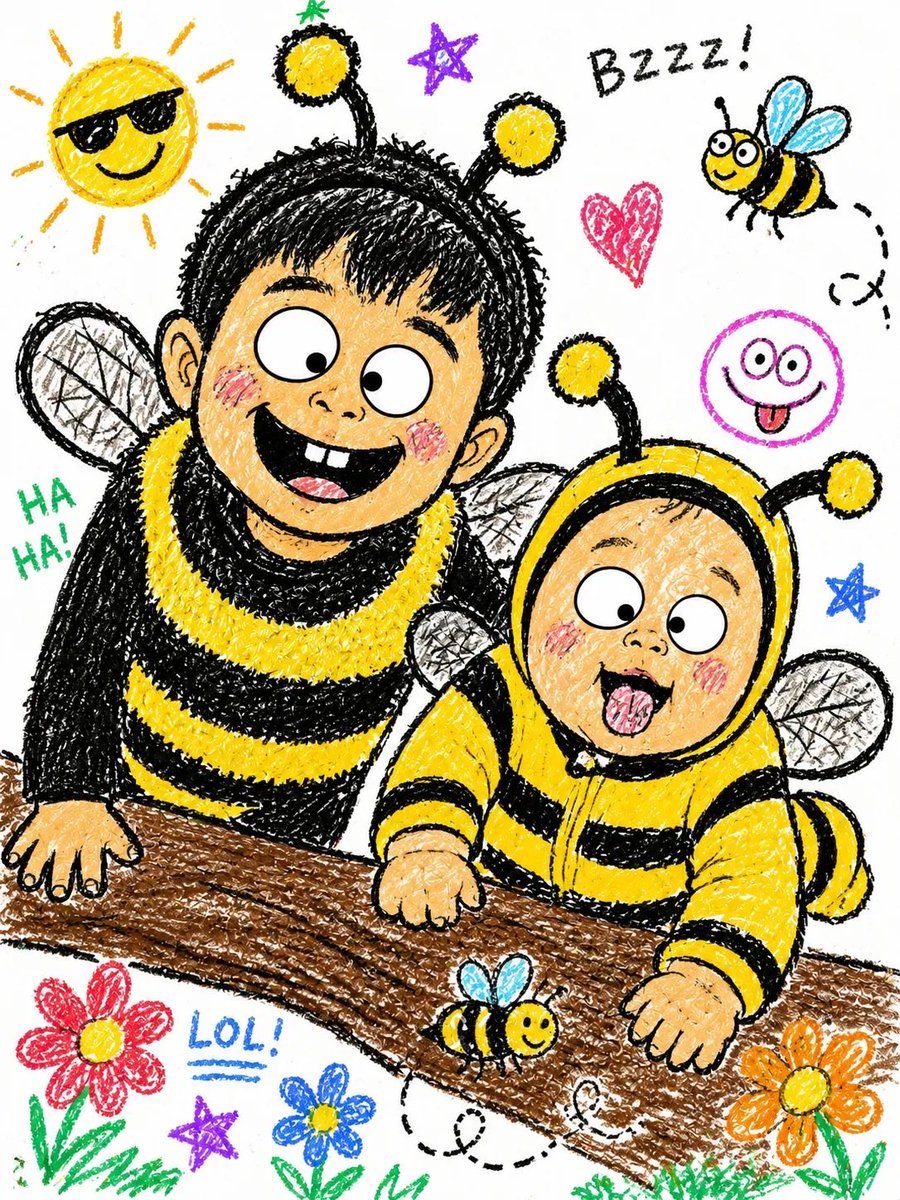
Crayon Style Illustrated Portraits
Browse template categories
Anime Visual Novel Classroom Banner questions
How do I use the Anime Visual Novel Classroom Banner template?
Add your photo if the template asks for one, edit the prompt if you like — the template's model and format are already selected — and press Generate. Your version opens in PicX Studio.
Can I customize the Anime Visual Novel Classroom Banner template?
Yes. You can change the subject, setting, lighting, mood, format, and available model controls before creating your image.
Is the Anime Visual Novel Classroom Banner template free?
Opening and editing this template is free. Generating uses credits, shown on the Generate button when you are signed in.
Which AI model should I use?
Start with GPT Image 2, which is the model associated with this template. You can compare another compatible model for a different finish.
Looking for something else? Browse all templates.

Your photo, any look
Thousands of ready templates for every top image and video model, from one credit balance.