
Epic Chinese Fantasy Zodiac Deities Prompt (12 Characters)
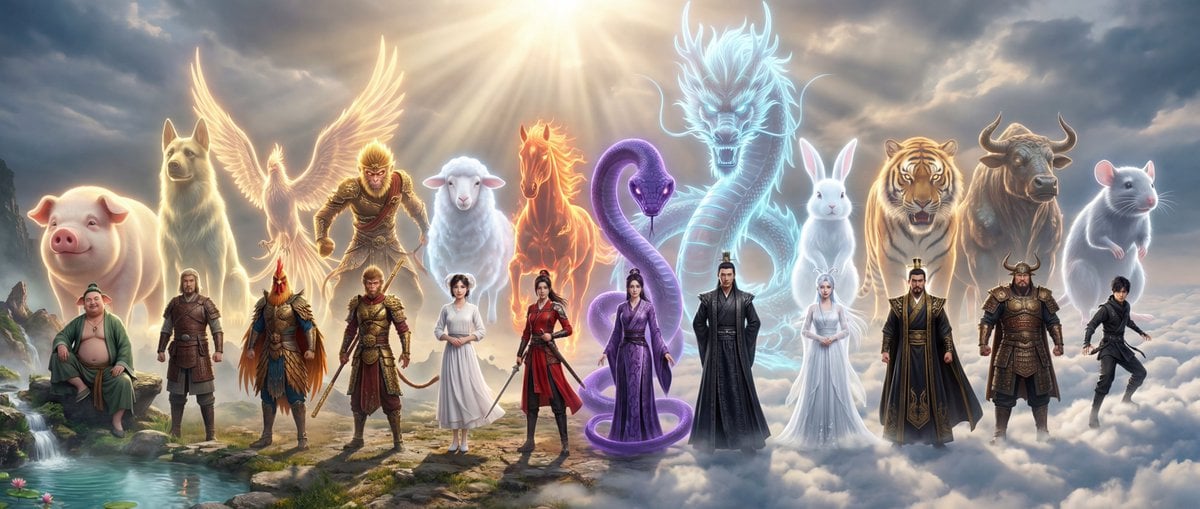
An extremely detailed, structured prompt for Nano Banana Pro designed to generate an epic, ultra-realistic cinematic scroll of the 12 Chinese Zodiac deities (in human form) assembled in a grand celestial realm (Hongmeng…
- Prompt included
- Model and format preset
- Free template
The prompt behind this image
Copy the exact prompt behind Epic Chinese Fantasy Zodiac Deities Prompt (12 Characters), or open it in the studio and make it yours.
真人本体+背后灵光虚像 全局风格与品质 视觉风格: 顶级写实修仙画卷,超现实电影级商业大片,硬核东方玄幻美学。 核心参数: 8K极高解析度,胶片质感,真实皮肤纹理(拒绝塑料感/二次元感)。 物理规则: 真实光影模拟,强调角色在特定环境下的重力与物理反馈。 构图策略: 超宽水平构图。十二位生肖化身处于同一片宏大的仙境时空中,从左至右错落排布,无视觉死角。 统一世界观: 场景设定在统一的“鸿蒙仙境”之中。环境从左侧的混沌灵脉逐渐过渡到右侧的云海仙踪。所有角色共享同一套大气光影,严禁生肖动物本体出现。 核心视觉特征 • 角色形态: 所有人均为极高颜值的真人形态,保留人类五官与肤质。 • 生肖体现: 通过角色的服饰剪裁、配色细节、随身法宝,以及角色背后由纯粹灵光构成的、宏大的“兽灵/武魂”虚像来体现生肖特征。 • 兽灵表现: 兽灵呈半透明光态或虚影态,完全由流动的灵气与辉光交织而成,不具备实体质感,如神迹般笼罩在角色后上方,充满神性。 摄影与光影 • 设备: 佳能 EOS R5, 35mm 定焦镜头。 • 光影设计: 统一受“仙境晨曦”照射,光线从画面一侧射入,形成丁达尔效应。 • 环境光补: 角色背后的兽灵光影散发着柔和的本命灵光,与仙境中的云雾、剑气相互折射。 角色分布与细节描述 1. 子鼠(水): 极右侧云海。真人形态为灵动少年,墨色劲装,背后悬浮着如光般通透的硕大子鼠虚像,眼神机警。 2. 丑牛(土): 沉稳壮汉,身披暗铜重甲。身后耸立着如山岳般的青牛光影虚像,展现力拔山河之势。 3. 寅虎(木): 霸气统帅,黑金虎纹长袍。背后是一尊光影流转、似要下山的猛虎灵光虚像。 4. 卯兔(木): 清冷仙子,月白流仙裙。身后伴有通体由白光凝聚、散发柔光的玉兔虚像,氛围空灵。 5. 辰龙(金): 位居高位,玄色龙鳞袍,尊贵非凡。背后盘绕着延绵百丈、威严神圣的巨龙灵光虚像。 6. 巳蛇(火): 魅惑秘术师,紫色蛇纹缎面袍。身后游走着细长深邃、由紫色流光构成的灵蛇虚像。 7. 午马(火): 飒爽剑修,朱红劲装。身后是四蹄踏火、正欲奔腾的烈马光影虚像。 8. 未羊(土): 温婉医修,米白棉麻仙裙。身后显现着神态祥和、如瑞云般朦胧的白羊光态虚像。 9. 申猴(金): 桀骜斗战真人,战损金甲。身后是手持神兵、傲视天地的灵猴光影虚像。 10. 酉鸡(金): 晨曦守望者,羽状剪裁战袍。身后双翼展开,现出流金溢彩、宛如虚像的锦凰光影。 11. 戌狗(土): 忠诚将领,皮革金属轻铠。背后是昂首挺立、充满守护感的灵犬光影虚像。 12. 亥猪(水): 极左侧灵泉旁。悠闲散仙,青色宽大袍服。身后萦绕着福泽深厚、由浑厚气韵构成的灵猪虚像。 最终愿景 这不再是孤立的个体,而是十二位生肖神祇在统一仙境中的史诗集结。通过“真人本体+背后灵光虚像”的视觉结构,完美平衡人的情感美感与生肖的神话底蕴,构建出极致的东方玄幻宇宙。
How to use Epic Chinese Fantasy Zodiac Deities Prompt (12 Characters) in 3 steps
- 1
Open
The prompt is already in the box next to the preview, with the template's model and format selected.
- 2…a portrait of your subject in softgolden-hour light, 85mm…
Personalize
Edit the subject and creative details for your destination.
- 3Generate
Generate
Press Generate — your image is created in PicX Studio, so you can compare it with the original and refine one variable at a time.
More like this
Templates with the same subject, style or setup. Open one to see its prompt.
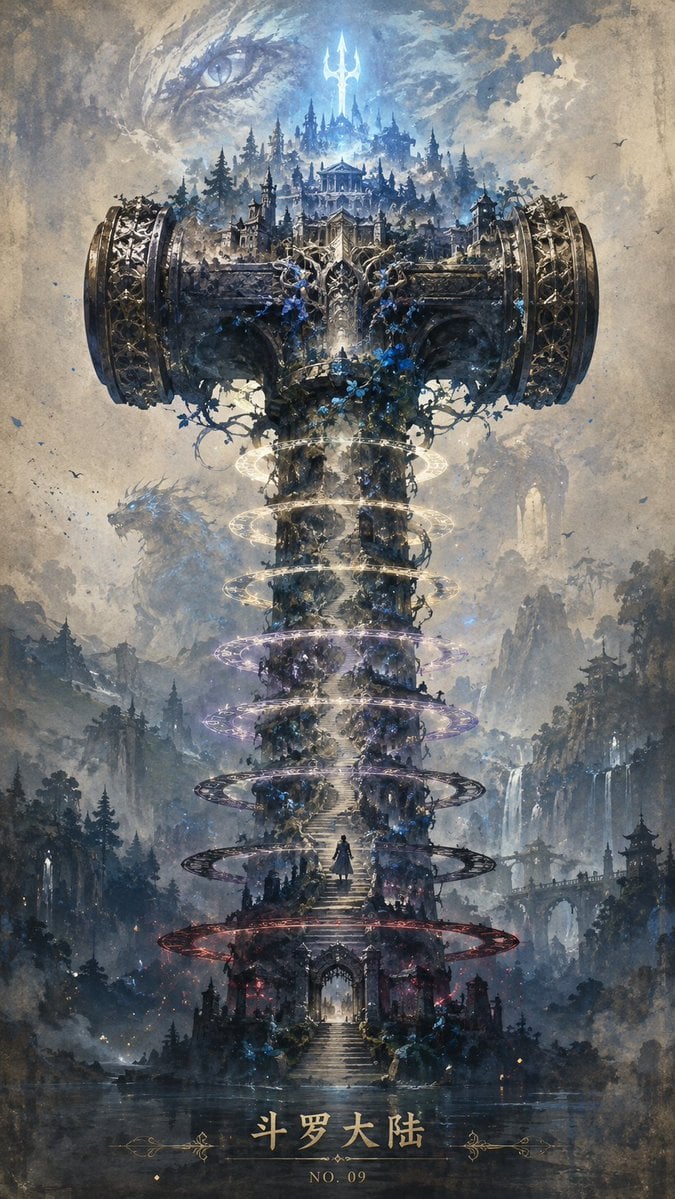
Epic Douluo Fantasy Tower Poster
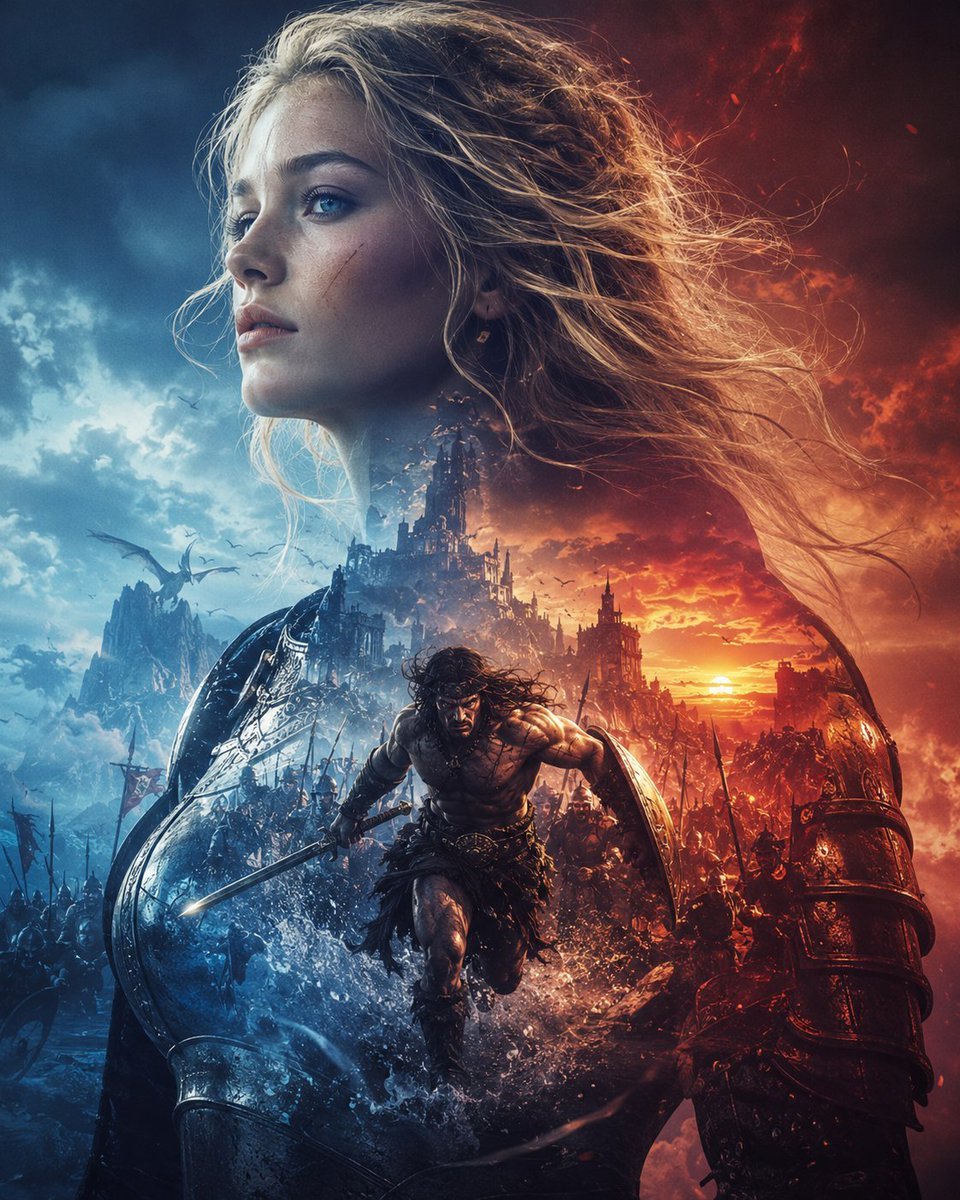
Epic Fantasy Battle Memory Poster
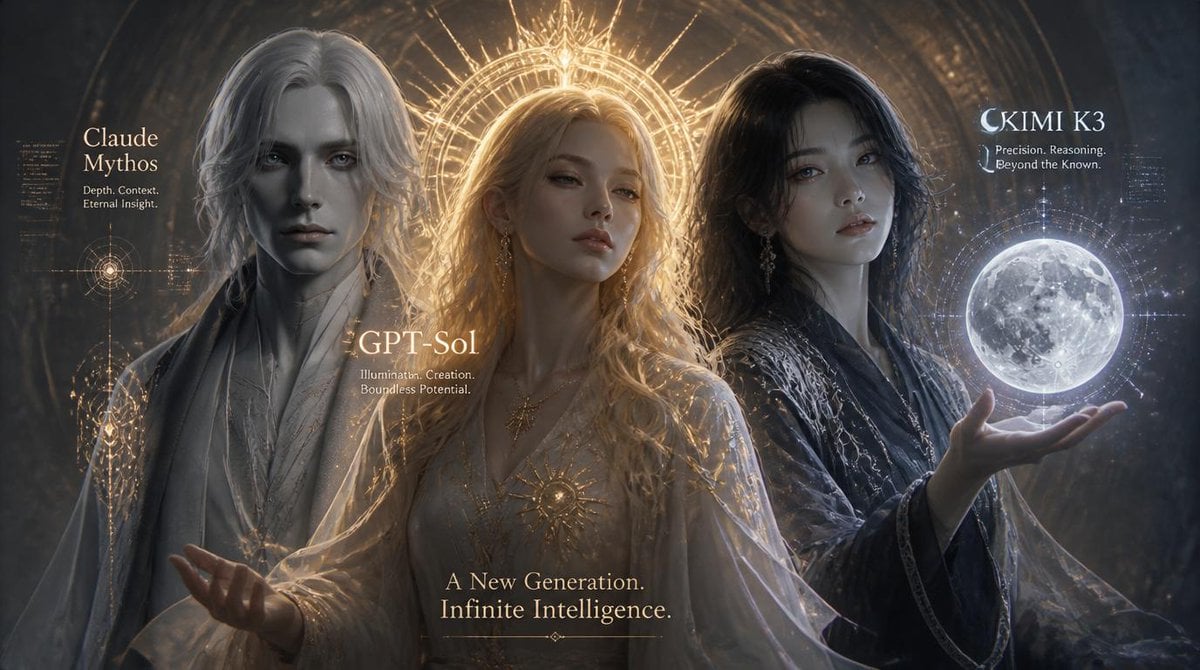
Three AI Deities Fantasy Poster

Anime Fantasy Celestial Movie Poster
Anime Fantasy Celestial Movie Poster

Minecraft Fantasy Kingdom Voxel Landscape

Unfinished Sketch Comes Alive Portrait

Open Travel Journal Overhead Still Life

Tiny Woman Miniature Fantasy Macro Scene
Dark Chinese Fantasy Desire Poster
Chinese Obsession Moonlit Fantasy
Epic Fantasy Mecha Light Novel Cover
Make it yours
Epic Chinese Fantasy Zodiac Deities Prompt (12 Characters) works as-is. These are the safest ways to change it without losing the look.
Change one field
Copy a single group, rewrite it, and generate again so you can see what that field is doing.
Keep the frame, change the subject
Hold the composition and light of Epic Chinese Fantasy Zodiac Deities Prompt (12 Characters), then swap wardrobe, props or the person for a new take.
| If the result… | Why | Fix |
|---|---|---|
| The result drifts from the preview | Too many fields changed at once. | Reuse Epic Chinese Fantasy Zodiac Deities Prompt (12 Characters) as-is first, then change one group — subject, light, or setting. |
| The model over-stylizes the scene | The prose prompt leaves finish and camera underspecified. | Add one camera or lighting sentence and stay on Nano Banana 2. |
More Nano Banana 2 templates
Other prompts made for Nano Banana 2.

Photorealistic Leaf Shaped Like a Dragon

K-Pop Idol Portrait Grid for Rapid Selection

Poetic Rain Forest Portrait During Golden Hour

Urban Street Portrait with Cartoon Inner Self Duo

Candid Nighttime Photo with Cat Prompt

High-Concept 3D Diorama Generation Prompt

Cinematic Futuristic Studio Portrait Template

Skincare Editorial Photography Collage Prompt

Hyper-Realistic Commercial Product Photography (Splash Effect)

Hyper-Realistic Nightclub Portrait Prompt
More image prompts
Fresh picks from across the catalog.
CCTV Security Camera Footage
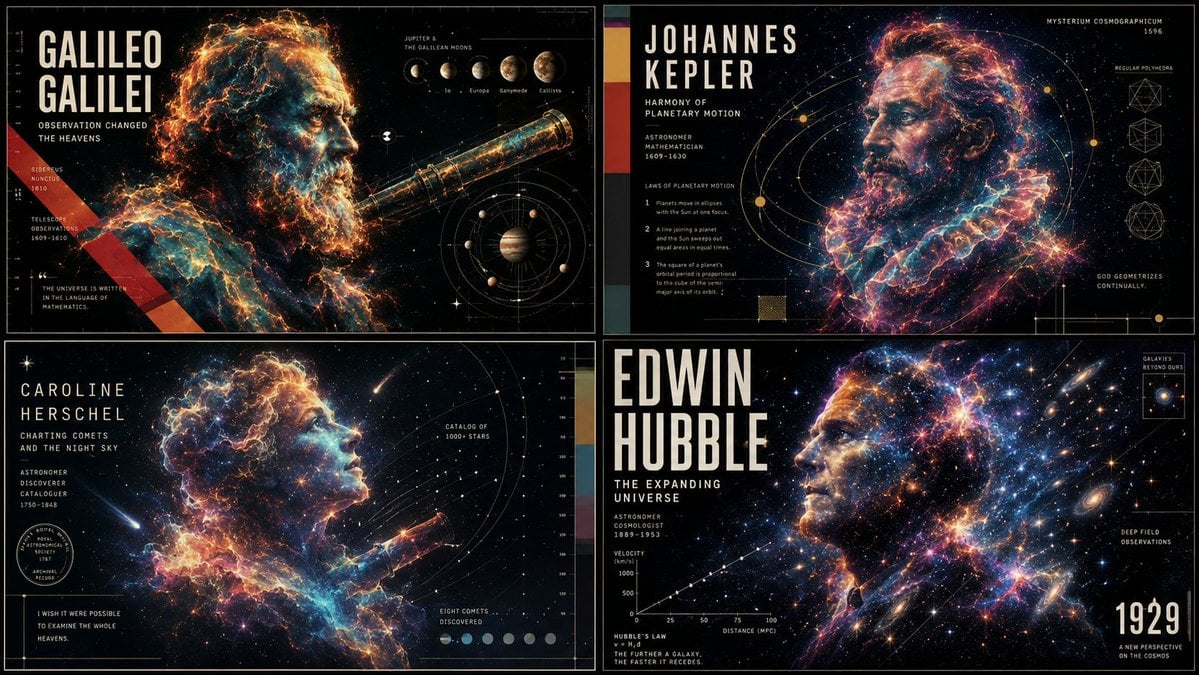
Ethereal Data Portrait for Astronomers
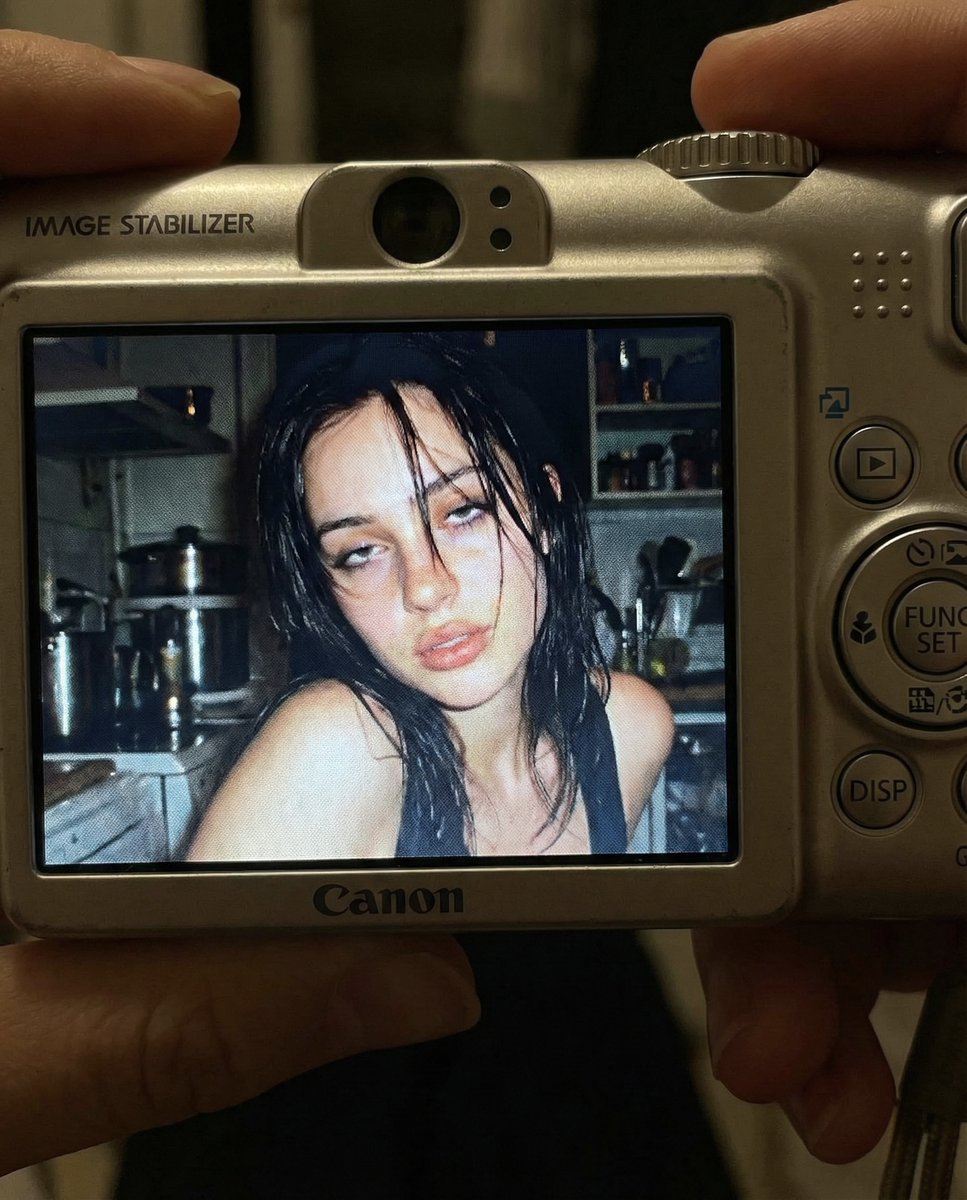
Early 2000s Digital Camera Snapshot Prompt

Entry-Level Gen Z Woman Generation

Premium Dark Horizon Product Reveal Prompt
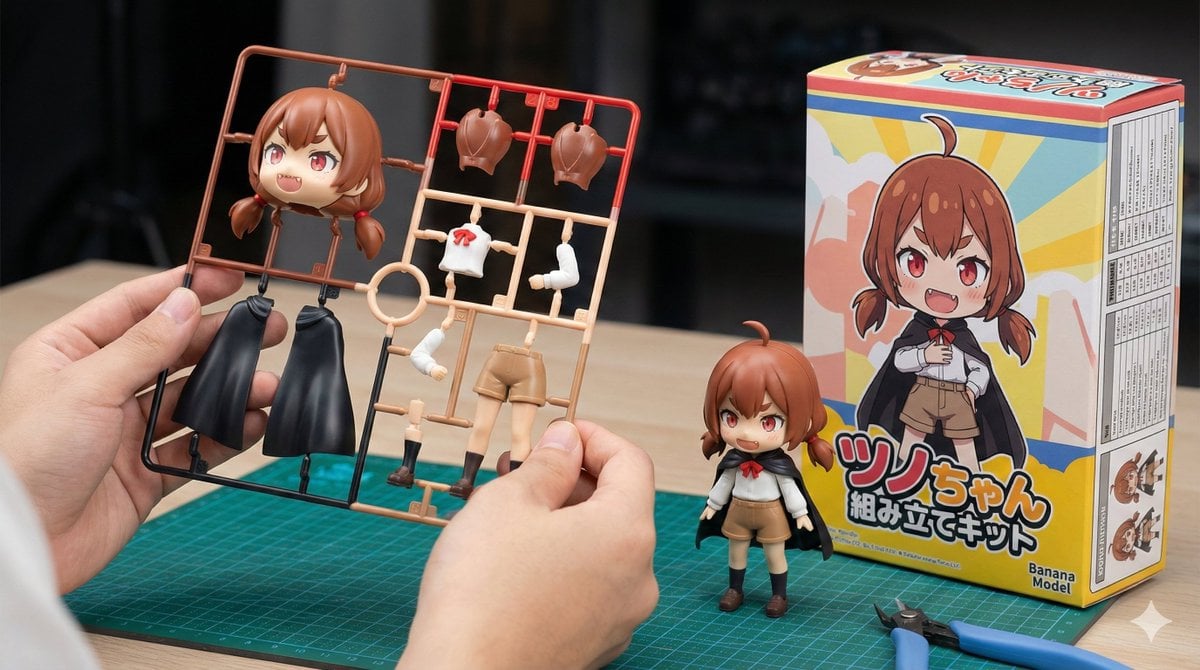
Plastic Model Kit Generation Prompt

Historical moment at specific coordinates (1994)
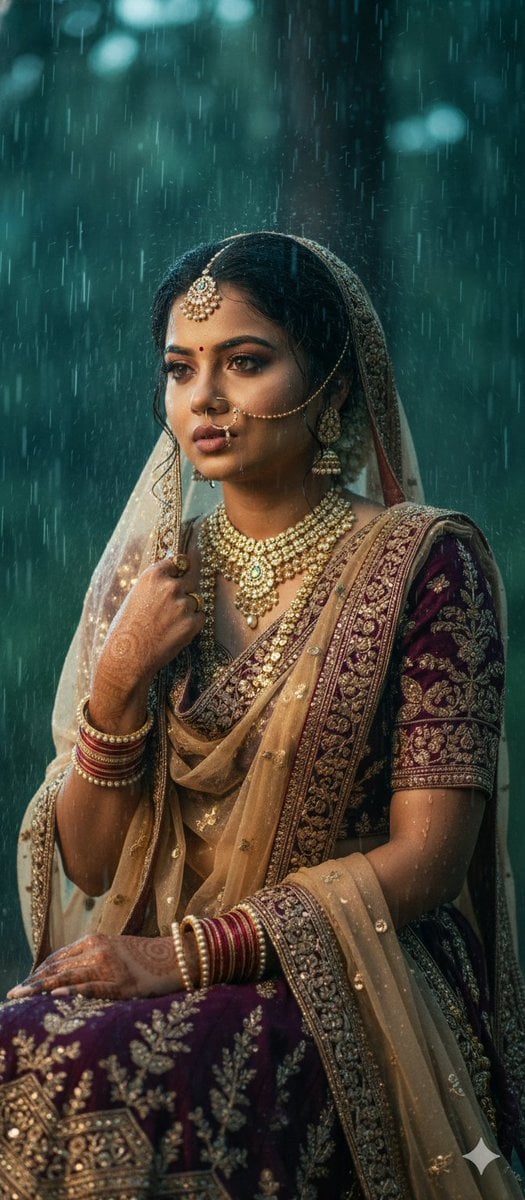
Kollywood Cinematic Film Post Photo Prompt
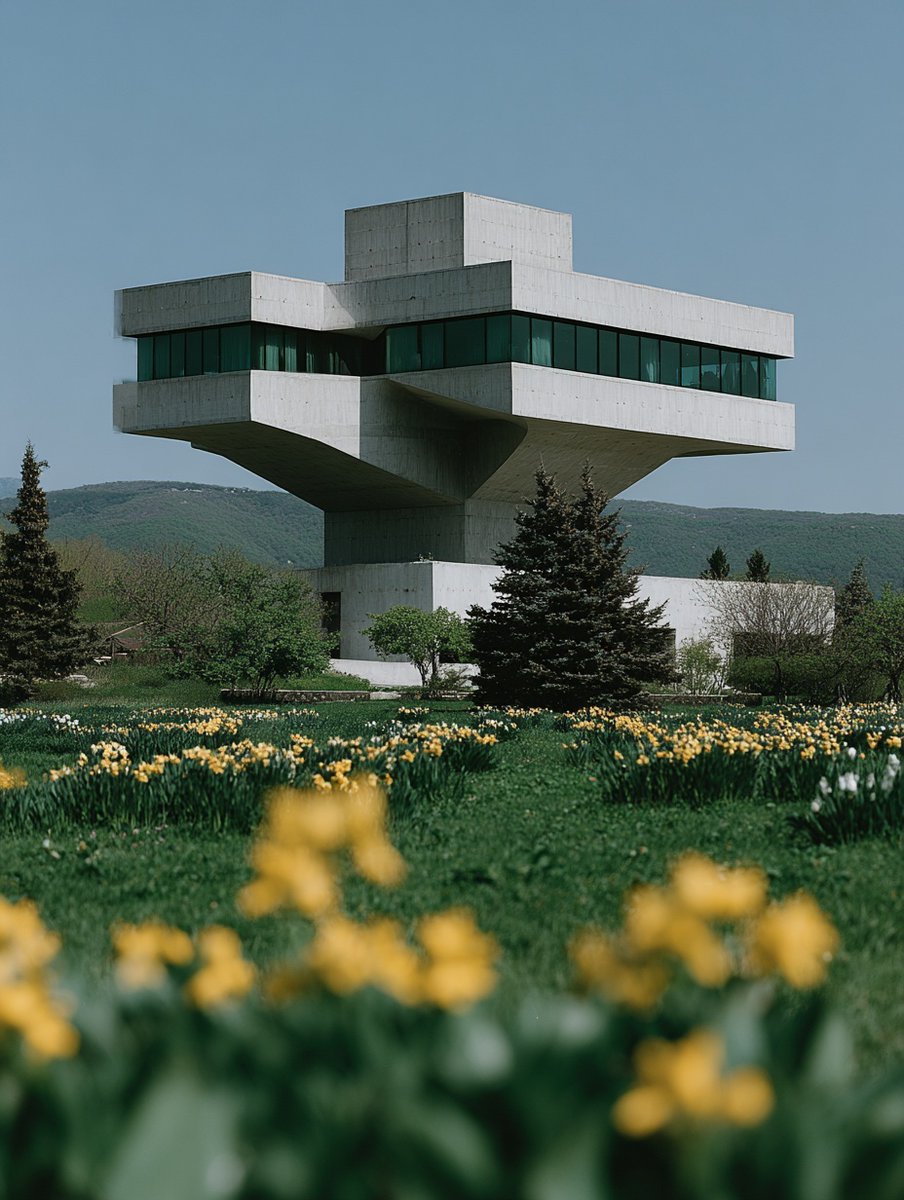
Building Construction Visualization
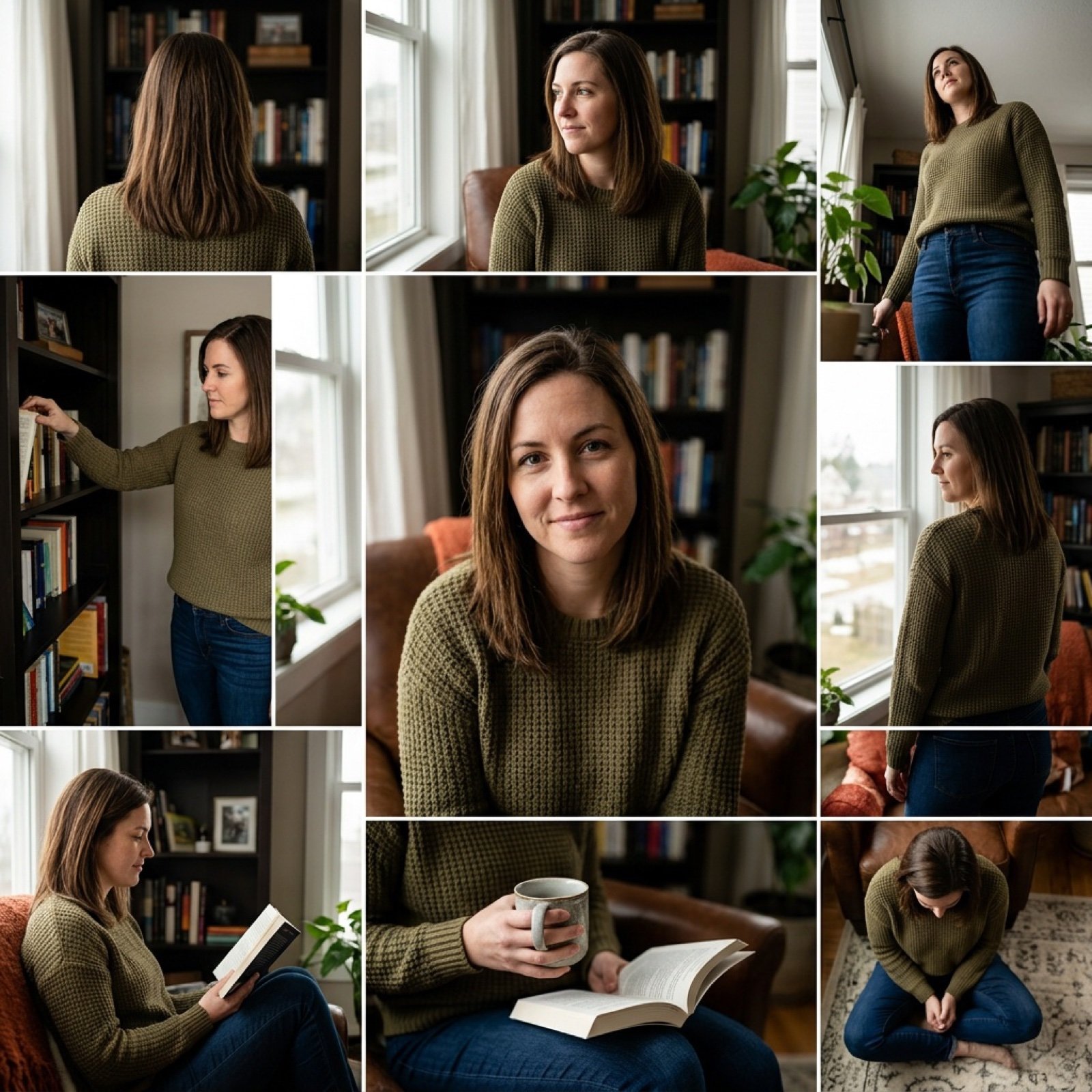
3x3 Keyframe Grid Generation for Video Workflow
Browse template categories
Epic Chinese Fantasy Zodiac Deities Prompt (12 Characters) questions
How do I use the Epic Chinese Fantasy Zodiac Deities Prompt (12 Characters) template?
Add your photo if the template asks for one, edit the prompt if you like — the template's model and format are already selected — and press Generate. Your version opens in PicX Studio.
Can I customize the Epic Chinese Fantasy Zodiac Deities Prompt (12 Characters) template?
Yes. You can change the subject, setting, lighting, mood, format, and available model controls before creating your image.
Is the Epic Chinese Fantasy Zodiac Deities Prompt (12 Characters) template free?
Opening and editing this template is free. Generating uses credits, shown on the Generate button when you are signed in.
Which AI model should I use?
Start with Nano Banana 2, which is the model associated with this template. You can compare another compatible model for a different finish.
Looking for something else? Browse all templates.

Your photo, any look
Thousands of ready templates for every top image and video model, from one credit balance.