
Plastic Model Kit Generation Prompt
A detailed template prompt for Nano Banana Pro to generate an image of a plastic model kit (plamo) based on a specified character, including the runner frame, a completed figure, and a package box with specific branding…
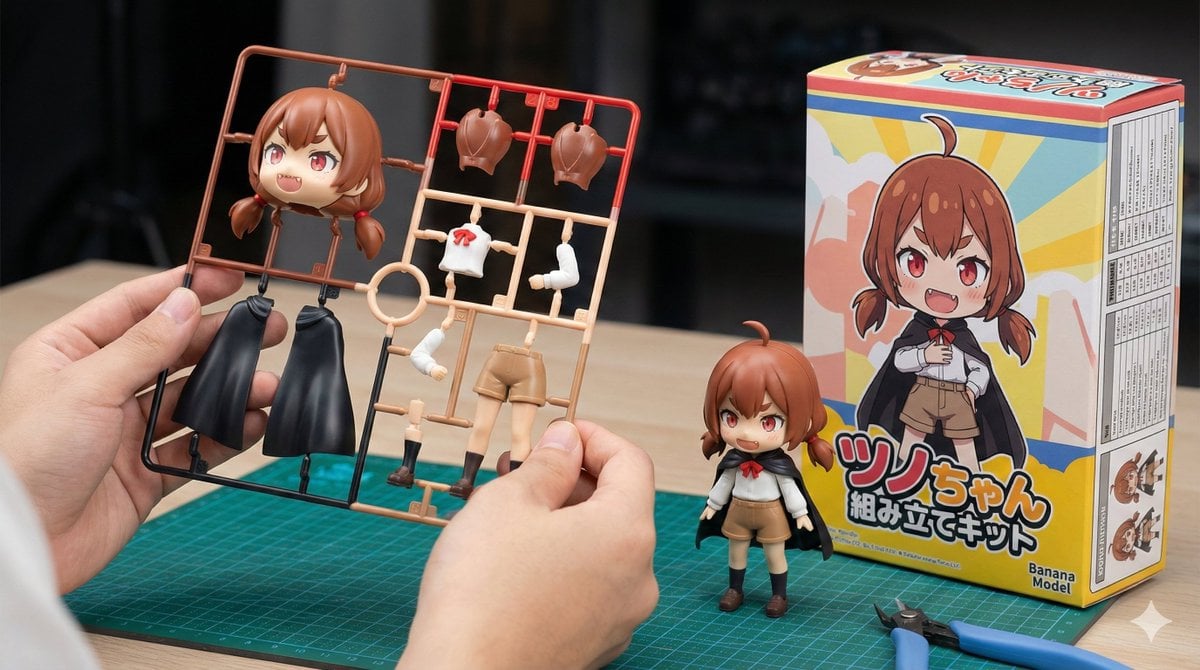
- Prompt included
- Model and format preset
- Free template
The prompt behind this image
Copy the exact prompt behind Plastic Model Kit Generation Prompt, or open it in the studio and make it yours.
[キャラクター設定部分] 1. キャラクターの外見詳細: (ここに元となるキャラクターの特徴を入力してください。例:長い金髪に青いドレスを着た魔法使いの少女) {argument name="character details" default="茶色の髪、短いツインテール、赤い瞳、少し尖った歯(ギザ歯)。"} 2. パッケージに表示する文字列: (ここに箱に書きたいタイトルを英語やローマ字で入力してください。例:MAGIC GIRL) {argument name="package title" default="ツノちゃん組み立てキット"} [固定部分] 画像スタイル: 鮮明でフォトリアリスティックなホビー製品の紹介写真。横長(16:9)。 メインの被写体(手元): 画像の手前中央で、人間の手がプラモデルの「ランナー(枠)」をカメラにかざしている。 重要な形状指示: ランナーについているパーツは、指定された「キャラクターの外見詳細」を**「2頭身のかわいいミニキャラ(SDスタイル/チビキャラ)」にデフォルメしたもの**である。頭部パーツは大きく丸みを帯びている。**「頭部パーツが1つだけ」**配置されている。複数の顔パーツや予備の頭部は表示しない。その1つの頭部パーツは大きく、キャラクターの特徴をよく表している。 重要な色指示: ランナーのパーツは単色のグレーではなく、**「多色成形(マルチカラー)」**である。キャラクターの色設定に合わせて、プラスチックパーツ自体が赤、青、肌色、白などに最初から色分けされている(組み立てるだけで完成する仕様に見えるように)。 背景(製作机): 手元の後ろの机の上には、以下の2点が置かれている。 完成品: ランナーと同じ「ミニキャラ」デザインで組み立てられた完成済みフィギュアが立っている。 パッケージ箱: 完成品の横に、箱の「前面」と「側面」が見える角度で置かれている。 前面のデザイン: 指定されたキャラクターのSDイラストと、指定された「パッケージに表示する文字列」のみををロゴとして大きく明確に表示する。 メーカーロゴ(重要): 箱の前面右下に、「Banana Model」と書かれたロゴマークを明確に配置する。それ以外の実在するロゴや不明なマークは一切表示しない。 側面のデザイン(重要): 箱の側面には、製品の性能や数値を記載した「スペック表(枠線のある表と細かい文字の羅列)」が印刷されているデザインにする。 道具: 机の上には、緑色の**「カッティングマット」と、プラモデル用の「ニッパー」**の2点だけが置かれている。 全体設定: 背景は被写界深度で適度にぼかし、手元のカラフルなランナーパーツと、指定された文字列が書かれた箱が際立つ構図にする。
How to use Plastic Model Kit Generation Prompt in 3 steps
- 1
Open
The prompt is already in the box next to the preview, with the template's model and format selected.
- 2…a portrait of your subject in softgolden-hour light, 85mm…
Personalize
Edit the subject and creative details for your destination.
- 3Generate
Generate
Press Generate — your image is created in PicX Studio, so you can compare it with the original and refine one variable at a time.
More like this
Templates with the same subject, style or setup. Open one to see its prompt.
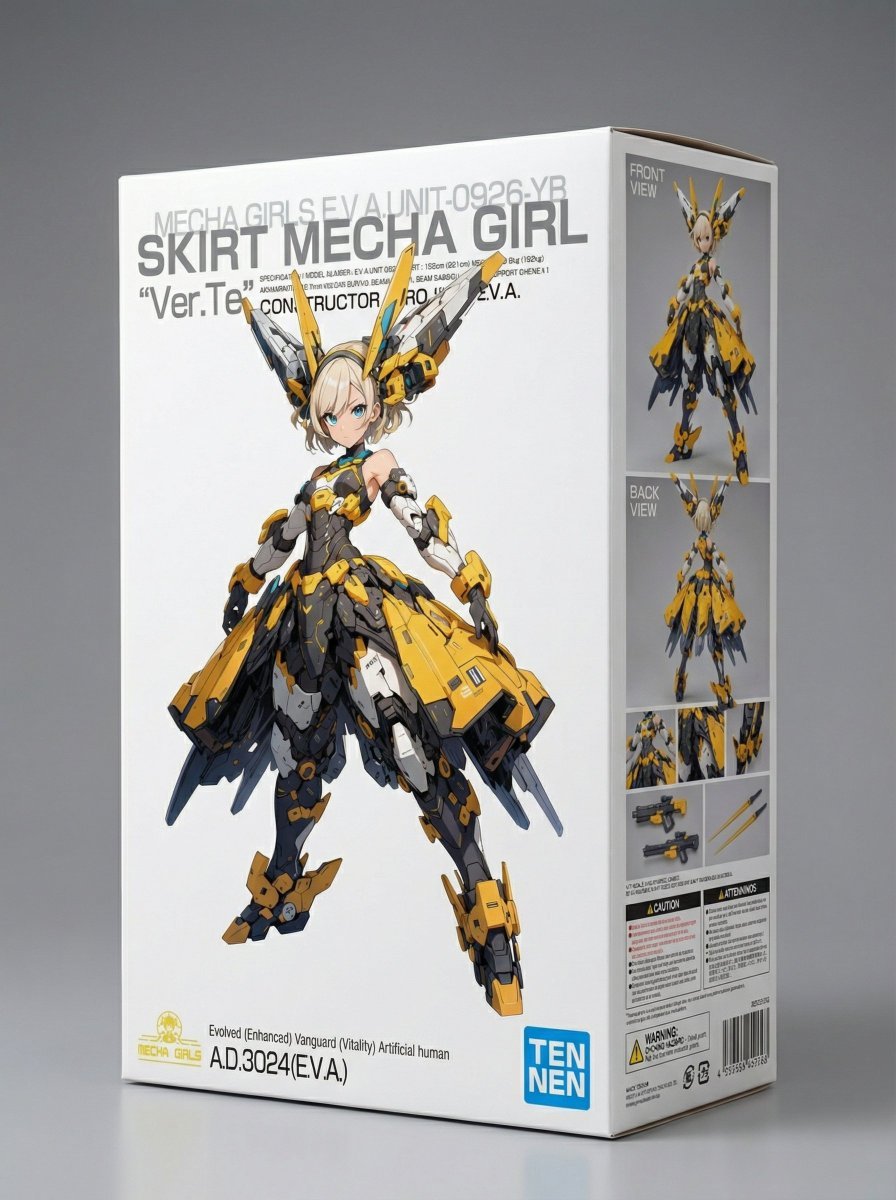
Plastic Model Kit Packaging Generation Prompt
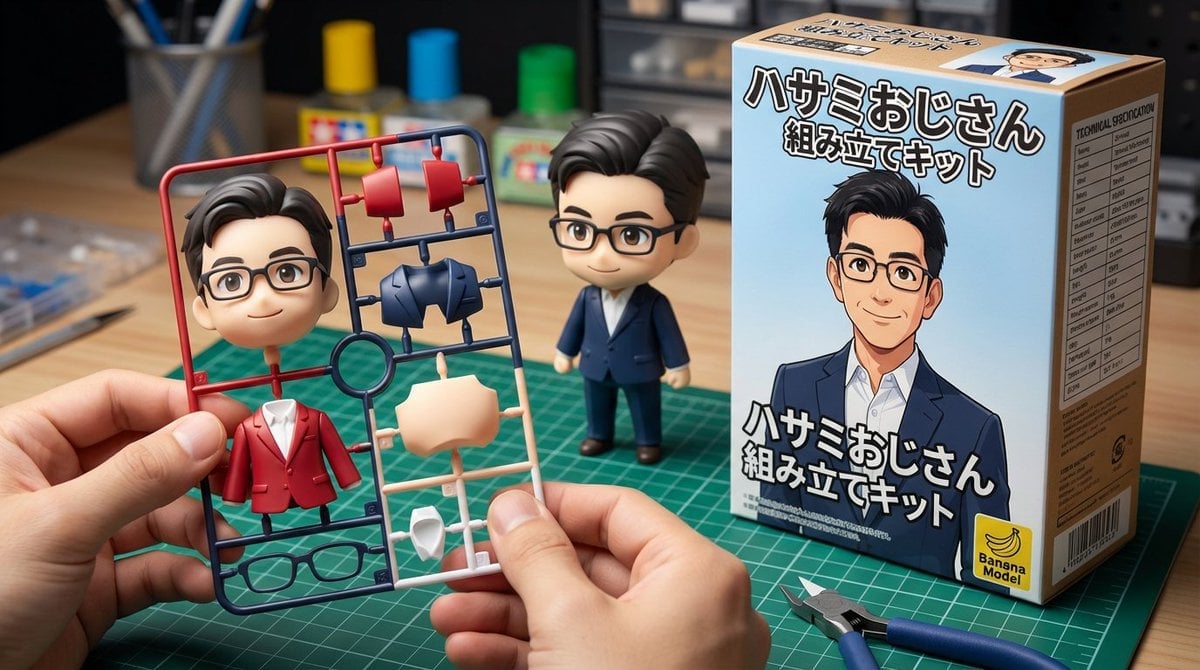
Scissor Man Figure Generation (Plastic Model and Flocked)
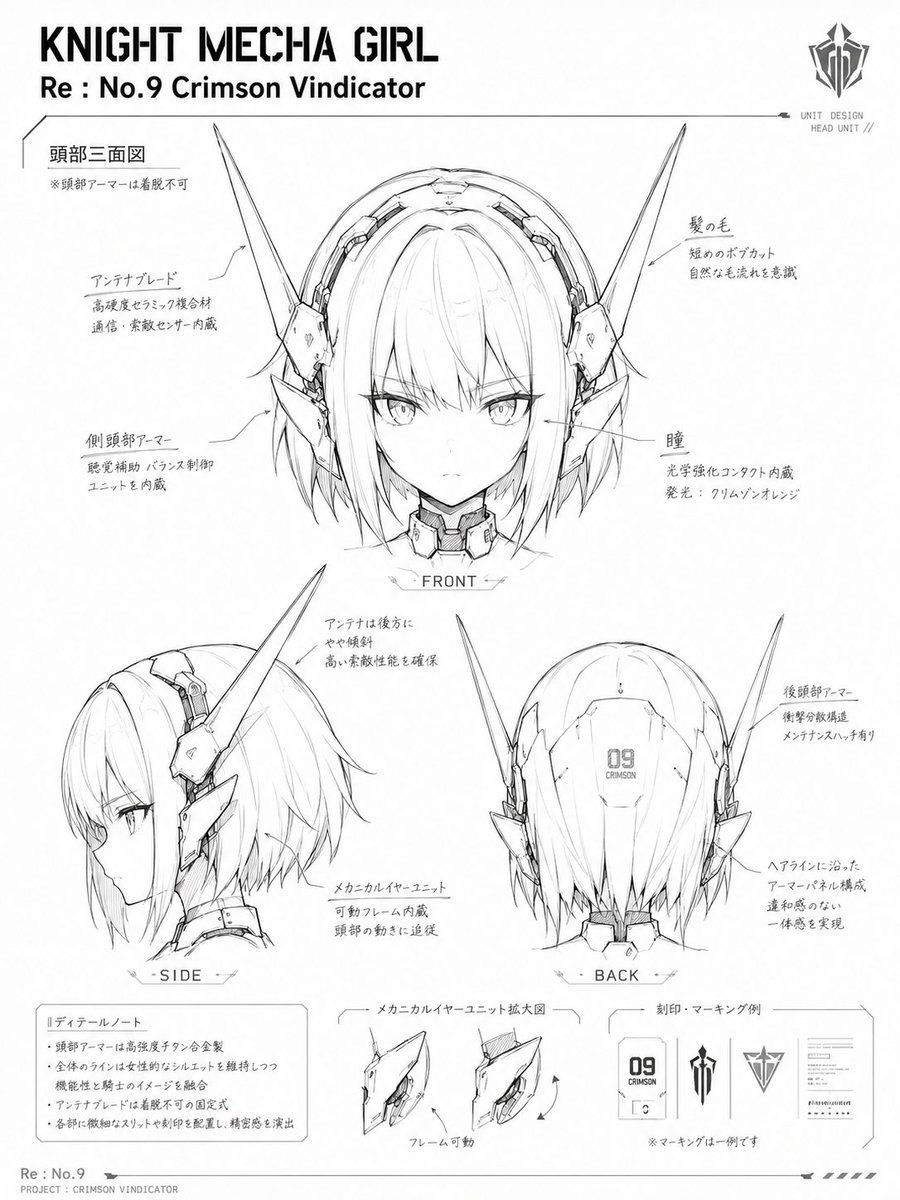
Knight Mecha Girl Model Kit Style

Premium Vertical Product Campaign Poster
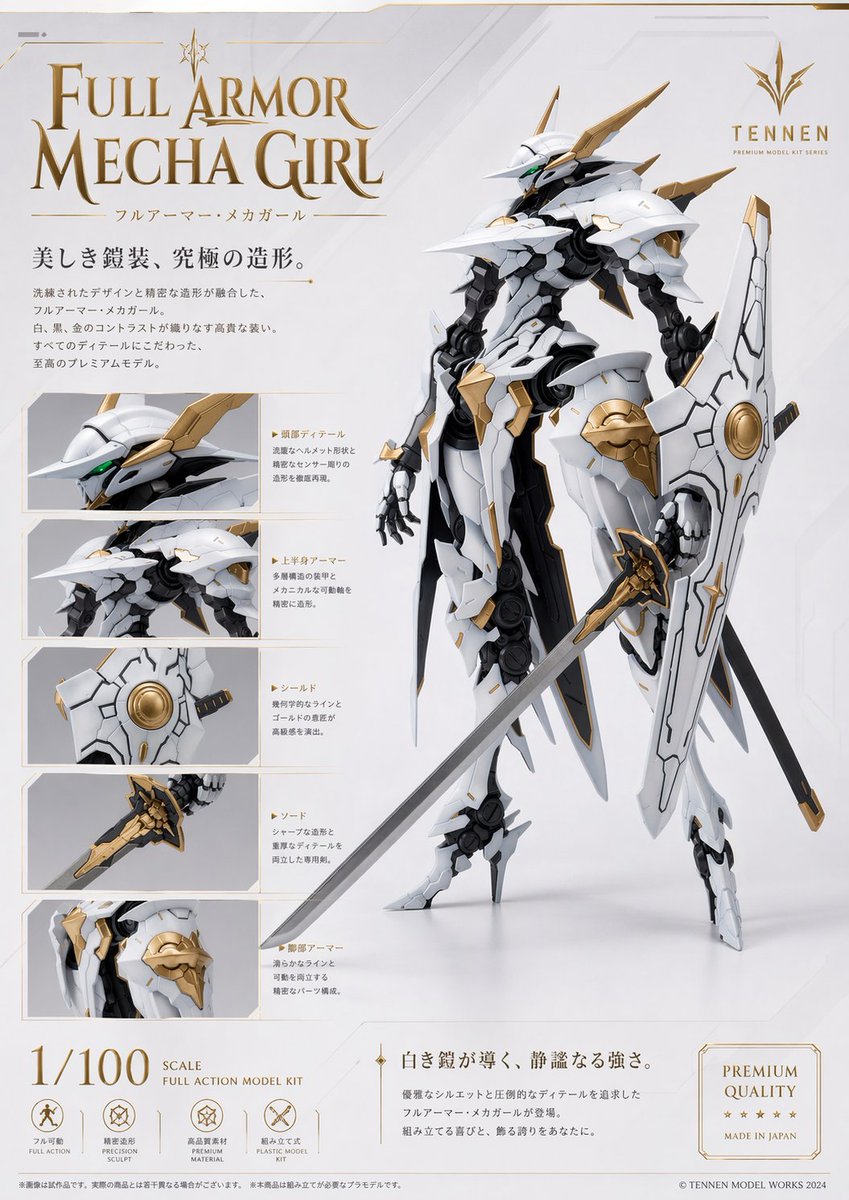
Premium Mecha Girl Model Kit Poster
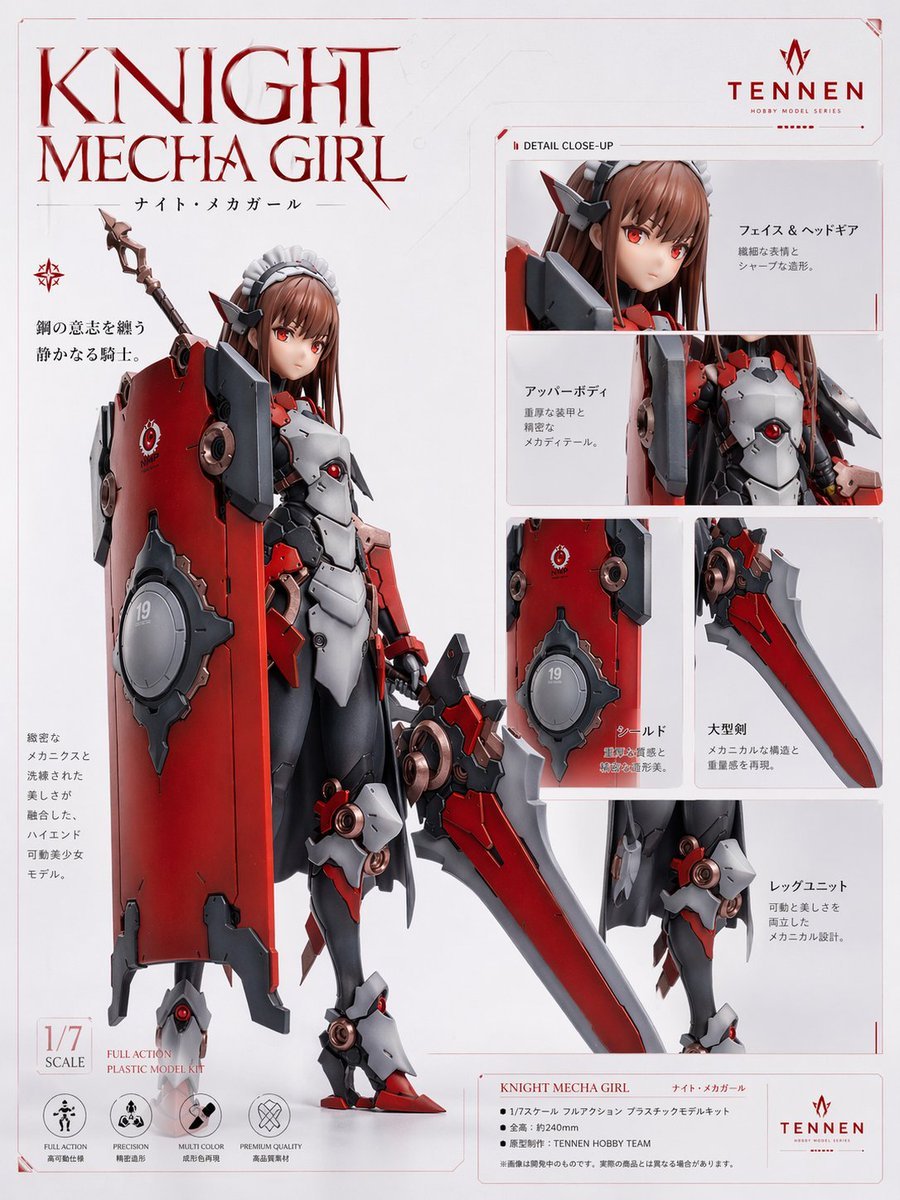
Knight Mecha Girl Model Kit Poster
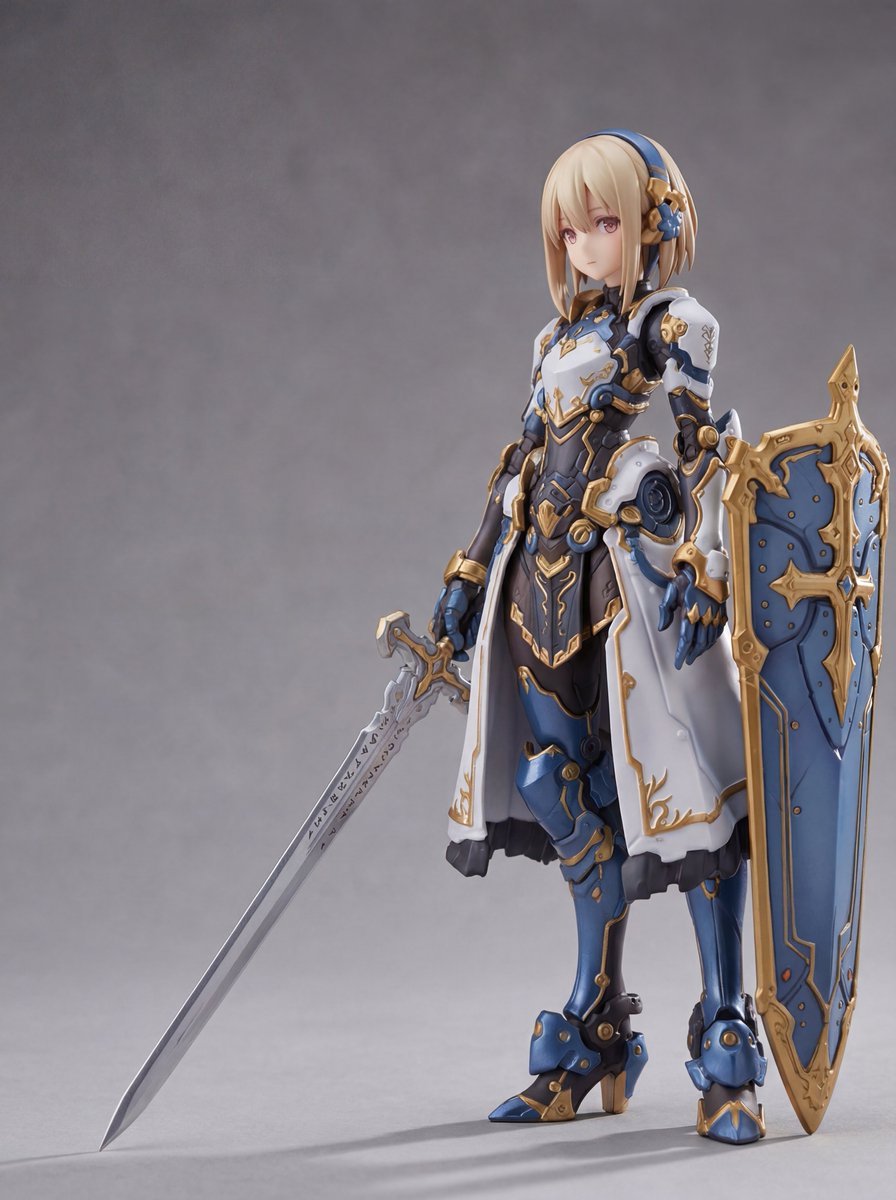
Plastic Model Package Prompt for Nano Banana Pro
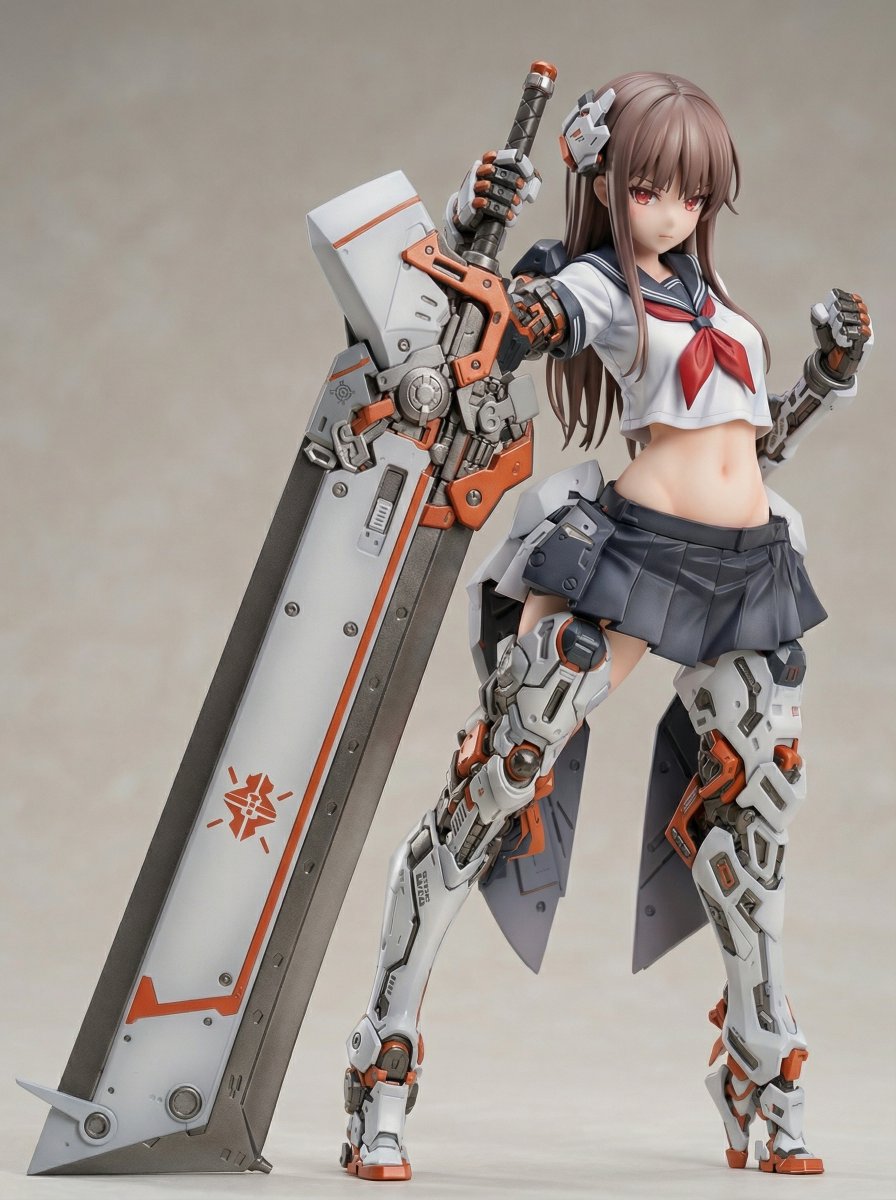
Figure/Model Kit Packaging Prompts for Armored Mecha Girl
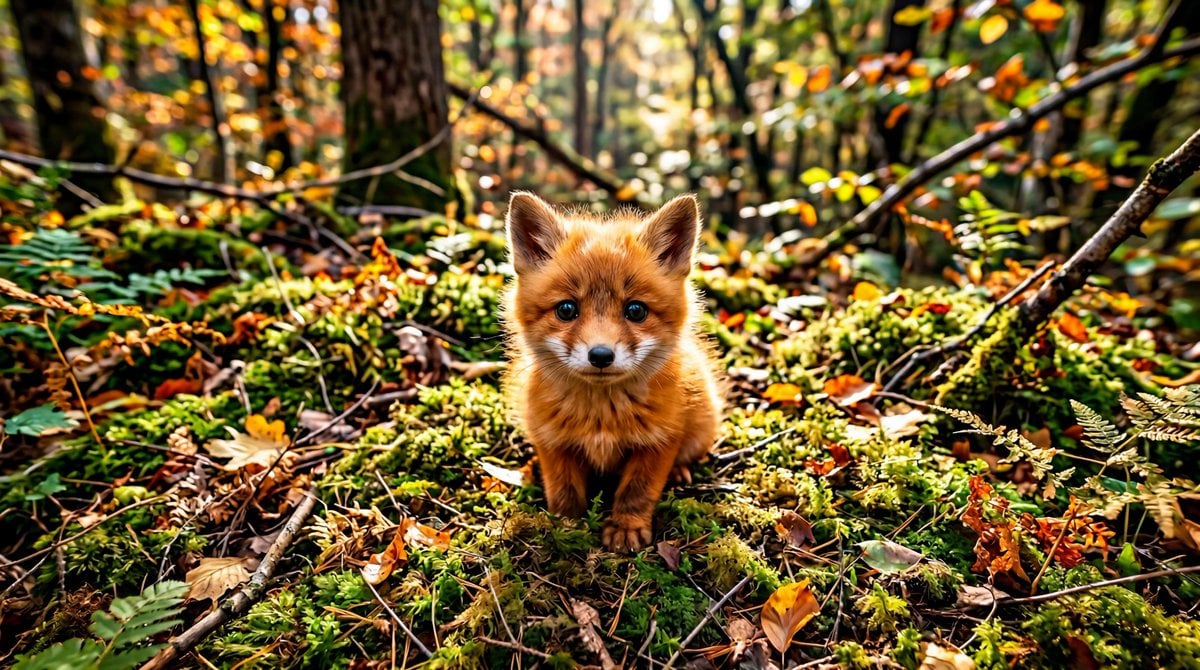
Adorable Baby Red Fox Kit Image Generation Prompt
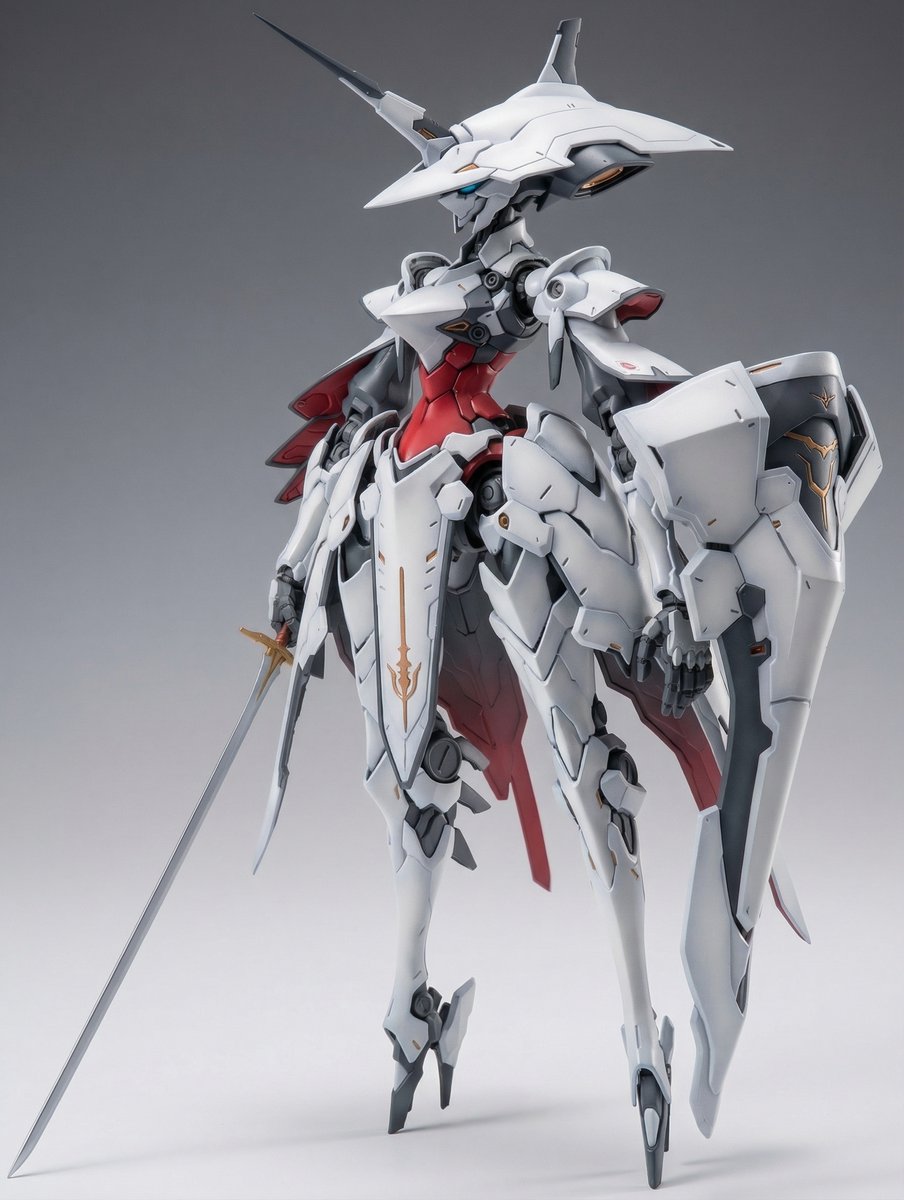
Full Armor Mecha Girl model kit concept prompt

Avant-Garde Asian Fashion Model
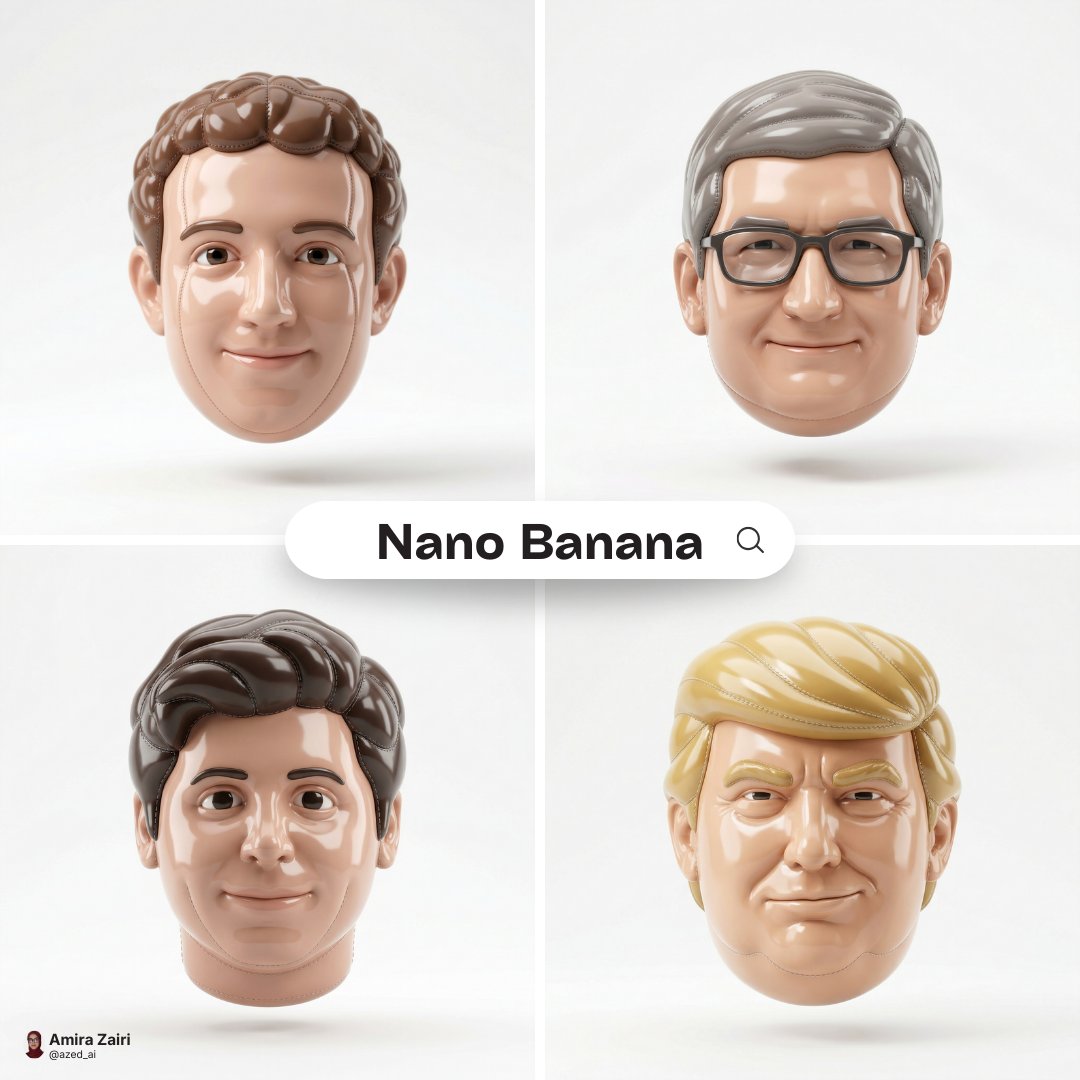
Made of smooth inflated glossy vinyl plastic, ultra-realistic 3D render
Make it yours
Plastic Model Kit Generation Prompt works as-is. These are the safest ways to change it without losing the look.
Change one field
Copy a single group, rewrite it, and generate again so you can see what that field is doing.
Keep the frame, change the subject
Hold the composition and light of Plastic Model Kit Generation Prompt, then swap wardrobe, props or the person for a new take.
| If the result… | Why | Fix |
|---|---|---|
| The result drifts from the preview | Too many fields changed at once. | Reuse Plastic Model Kit Generation Prompt as-is first, then change one group — subject, light, or setting. |
| The model over-stylizes the scene | The prose prompt leaves finish and camera underspecified. | Add one camera or lighting sentence and stay on Nano Banana 2. |
More Nano Banana 2 templates
Other prompts made for Nano Banana 2.

Photorealistic Leaf Shaped Like a Dragon

K-Pop Idol Portrait Grid for Rapid Selection

Poetic Rain Forest Portrait During Golden Hour

Urban Street Portrait with Cartoon Inner Self Duo

Candid Nighttime Photo with Cat Prompt

High-Concept 3D Diorama Generation Prompt

Cinematic Futuristic Studio Portrait Template

Skincare Editorial Photography Collage Prompt

Hyper-Realistic Commercial Product Photography (Splash Effect)

Hyper-Realistic Nightclub Portrait Prompt
More image prompts
Fresh picks from across the catalog.
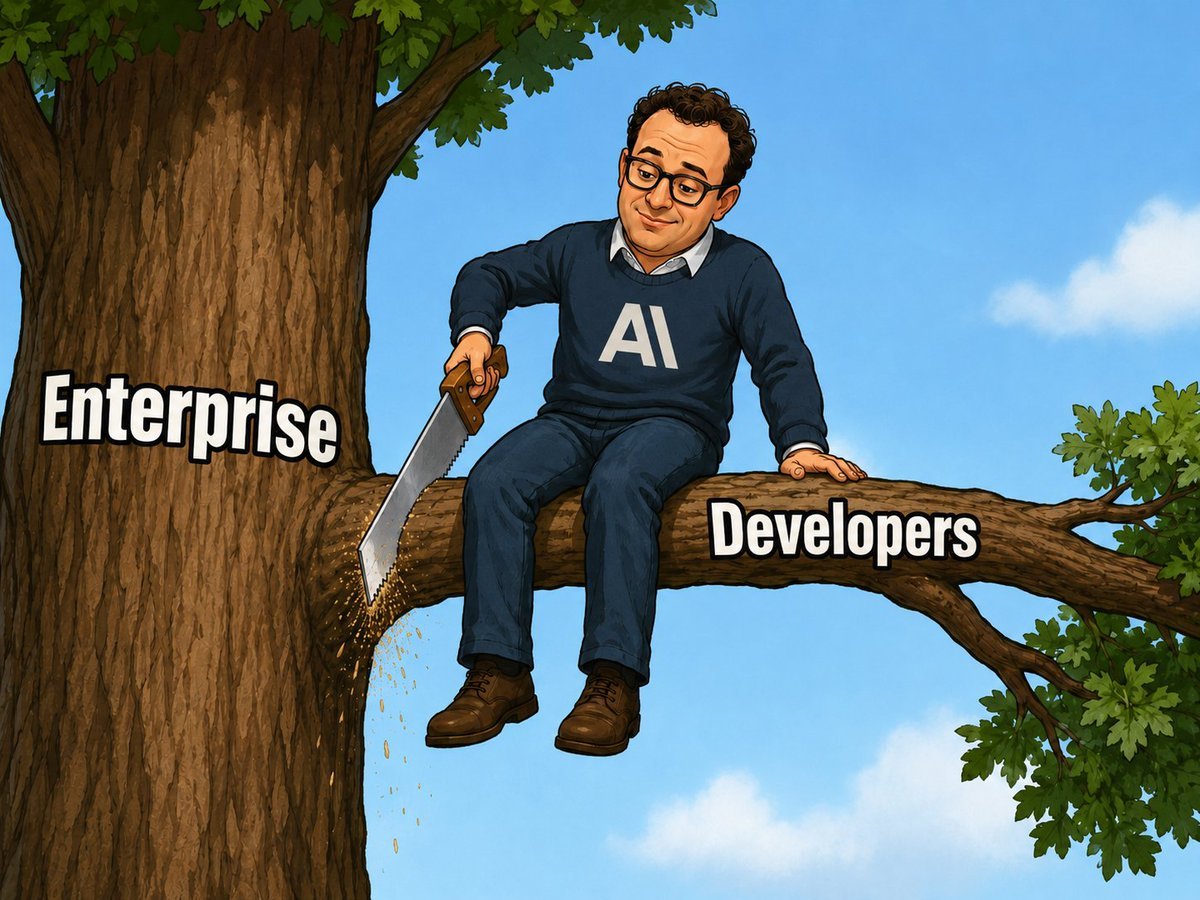
AI Saws Enterprise Developers Branch
Cozy winter portrait of a blonde woman on a window sill
Moss-Covered Industrial Survivors
Cozy Oil Pastel Illustration
AI Photo Restoration and Upscale
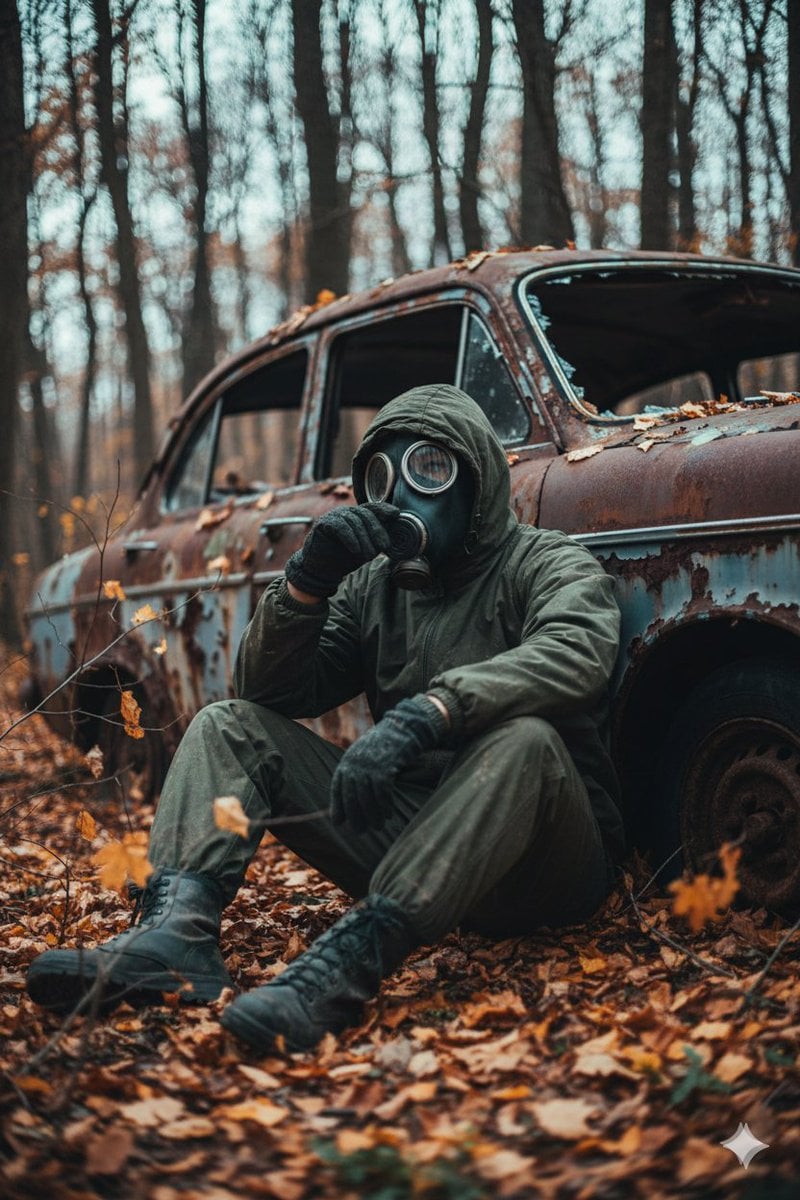
Cinematic Post-Apocalyptic Scene Generation Prompt
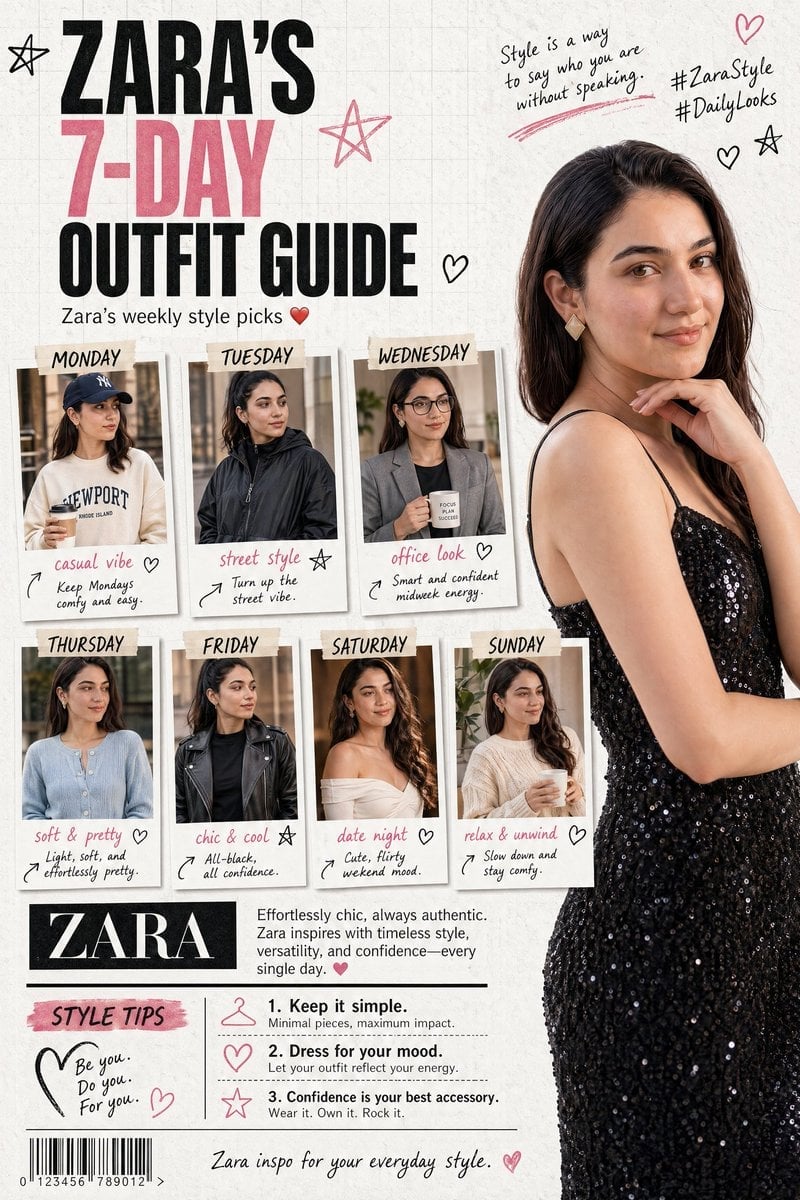
Fashion Magazine Collage Guide
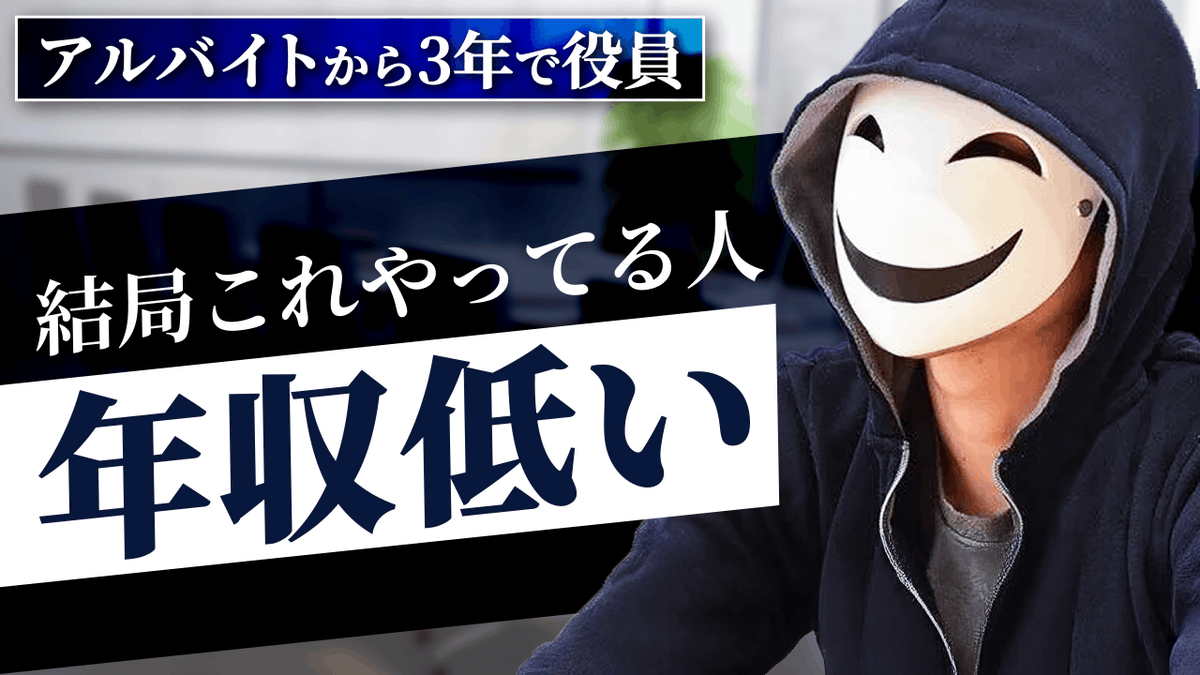
YouTube thumbnail design brief for a masked interview video
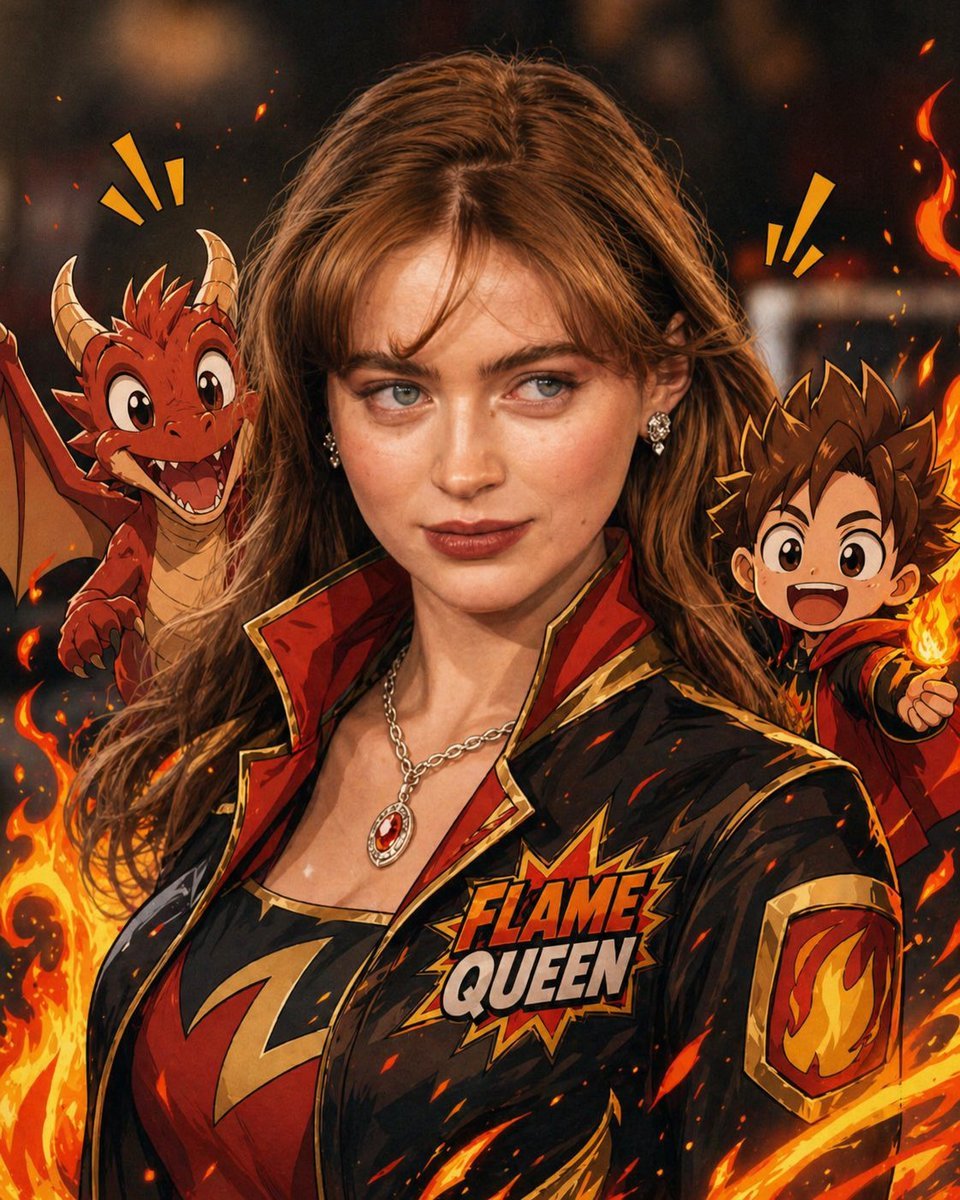
Mixed-Reality Comic Transformation
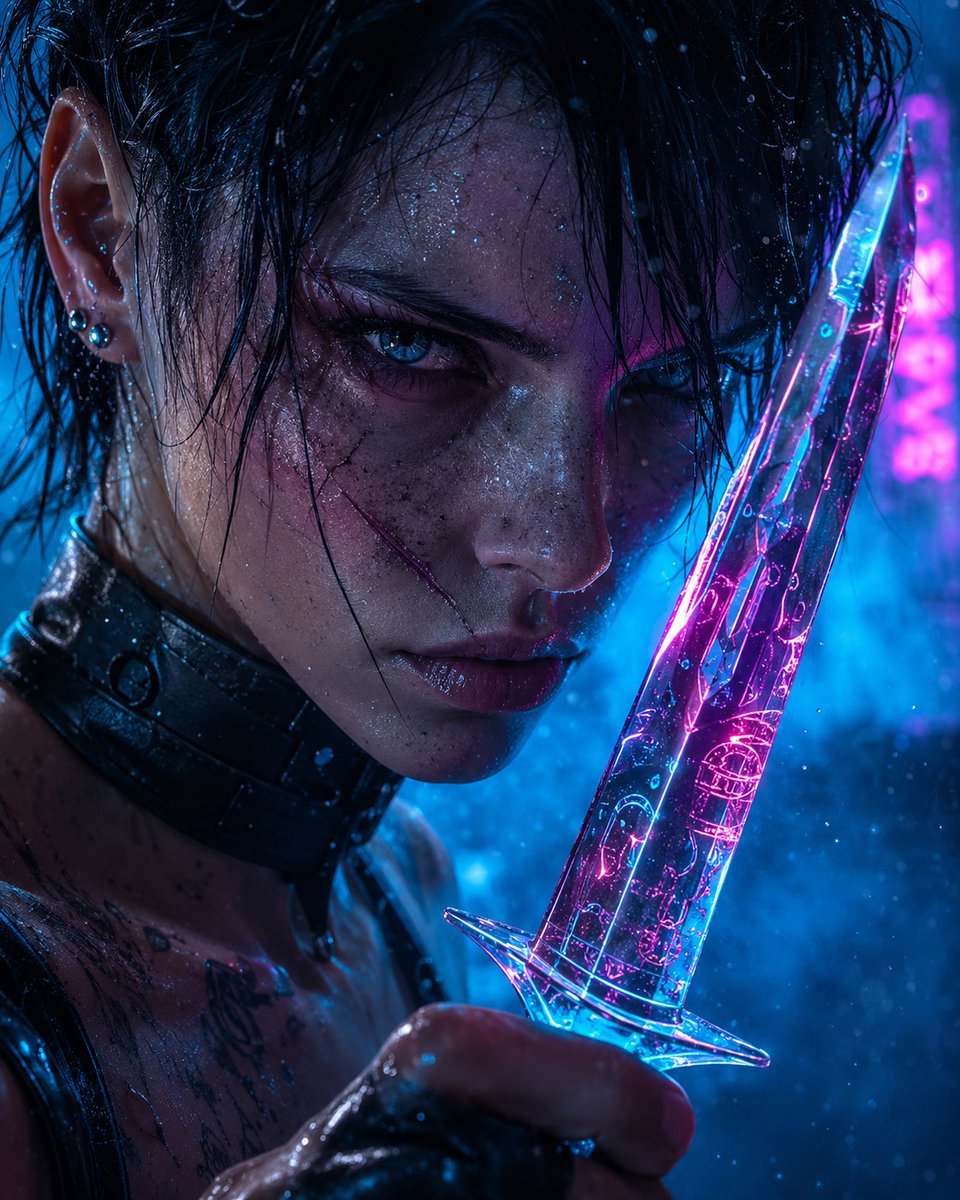
Cyberpunk Assassin With Neon Glass Dagger
Browse template categories
Plastic Model Kit Generation Prompt questions
How do I use the Plastic Model Kit Generation Prompt template?
Add your photo if the template asks for one, edit the prompt if you like — the template's model and format are already selected — and press Generate. Your version opens in PicX Studio.
Can I customize the Plastic Model Kit Generation Prompt template?
Yes. You can change the subject, setting, lighting, mood, format, and available model controls before creating your image.
Is the Plastic Model Kit Generation Prompt template free?
Opening and editing this template is free. Generating uses credits, shown on the Generate button when you are signed in.
Which AI model should I use?
Start with Nano Banana 2, which is the model associated with this template. You can compare another compatible model for a different finish.
Looking for something else? Browse all templates.

Your photo, any look
Thousands of ready templates for every top image and video model, from one credit balance.