
Cinematic Post-Apocalyptic Scene Generation Prompt
A detailed prompt for generating a cinematic, ultra-realistic image of a lone survivor in a post-apocalyptic forest setting, emphasizing specific wardrobe (gas mask, protective suit), environmental details (rusted car…
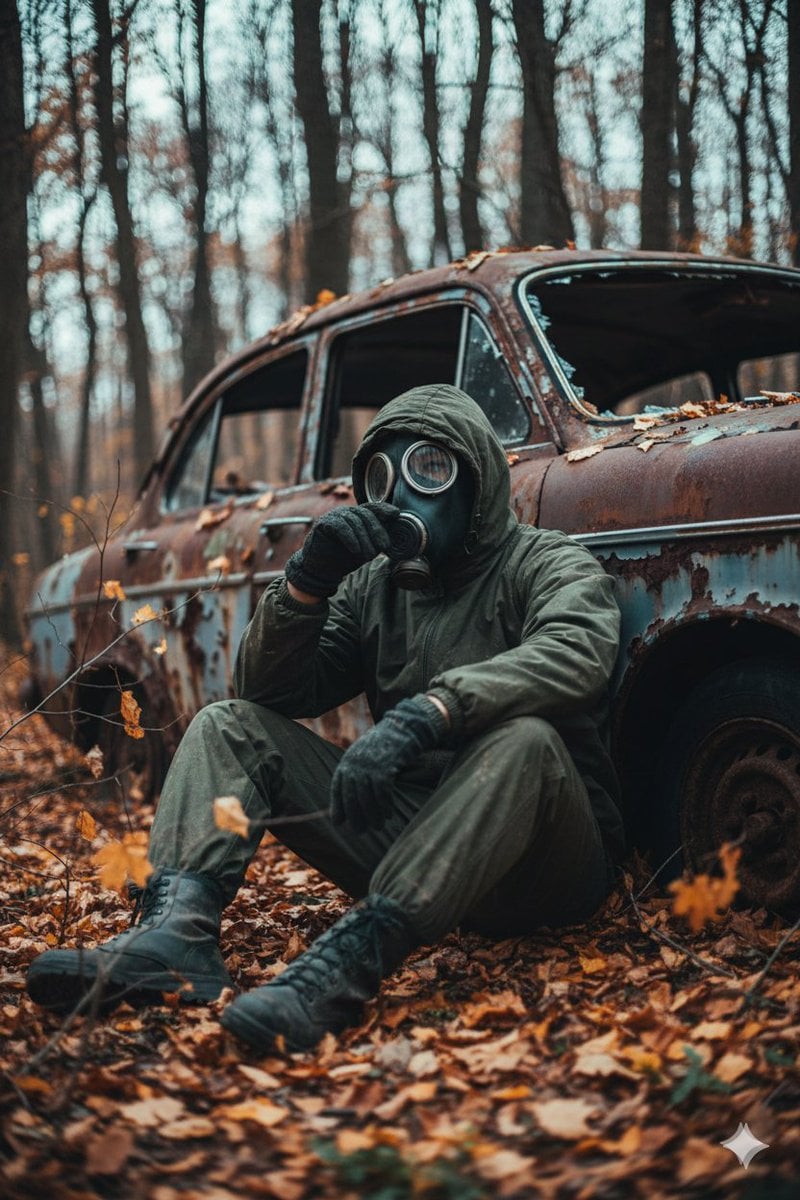
- Prompt included
- Model and format preset
- Premium template
The prompt behind this image
Copy the exact prompt behind Cinematic Post-Apocalyptic Scene Generation Prompt, or open it in the studio and make it yours.
A cinematic, ultra realistic post apocalyptic scene of a lone survivor sitting on the forest ground, leaning against an abandoned, rusted old car with broken windows and peeling paint. The survivor is wearing a dark olive green hooded protective suit with visible fabric folds and dirt stains, heavy boots, gloves, and a full face gas mask with round glass lenses and dual side filters. The survivor is sitting with knees bent, one hand near the mask as if thinking, body slightly slouched, giving a feeling of exhaustion and solitude. The environment is a dense, overgrown forest in late autumn, with dry orange, brown, and golden leaves covering the ground and hanging on thin branches. The background trees are tall and thin with dark trunks, softly blurred by shallow depth of field. Small plants, twigs, and fallen leaves fill the foreground creating a natural frame. Color palette is muted and cinematic: deep olive greens, rusty browns, burnt orange leaves, dark greys, faded blue metal on the car, and soft warm highlights mixed with cool shadow tones. Lighting is soft and diffused, as if coming from an overcast sky, with gentle warm light touching the leaves and the subject, and cooler shadows in the background. Slight film grain, cinematic contrast, moody and atmospheric tone. Camera is low angle, medium full body shot, subject placed slightly off center, {argument name="lens type" default="35mm lens"} look, shallow depth of field, realistic textures, high detail, soft background blur, subtle vignette. The atmosphere feels quiet, abandoned, melancholic, and tense, like the world has ended and nature is slowly taking over.
How to use Cinematic Post-Apocalyptic Scene Generation Prompt in 3 steps
- 1
Open
The prompt is already in the box next to the preview, with the template's model and format selected.
- 2…a portrait of your subject in softgolden-hour light, 85mm…
Personalize
Edit the subject and creative details for your destination.
- 3Generate
Generate
Press Generate — your image is created in PicX Studio, so you can compare it with the original and refine one variable at a time.
More like this
Templates with the same subject, style or setup. Open one to see its prompt.

Post-Apocalyptic Riderman Cyborg
Post-Apocalyptic Girl with Welding Goggles

Post-Apocalyptic Wuxia Standoff
Anime Post-Apocalyptic Scavenger Kids

Post-Apocalyptic 3D Zombie Survivor

Post-Apocalyptic Desert Night Scene

Post-Apocalyptic Cactus Warrior

Manga Panel to Apocalyptic Mecha Poster

Post-Apocalyptic Tactical Anime Girl
Post-Apocalyptic Times Square Horde
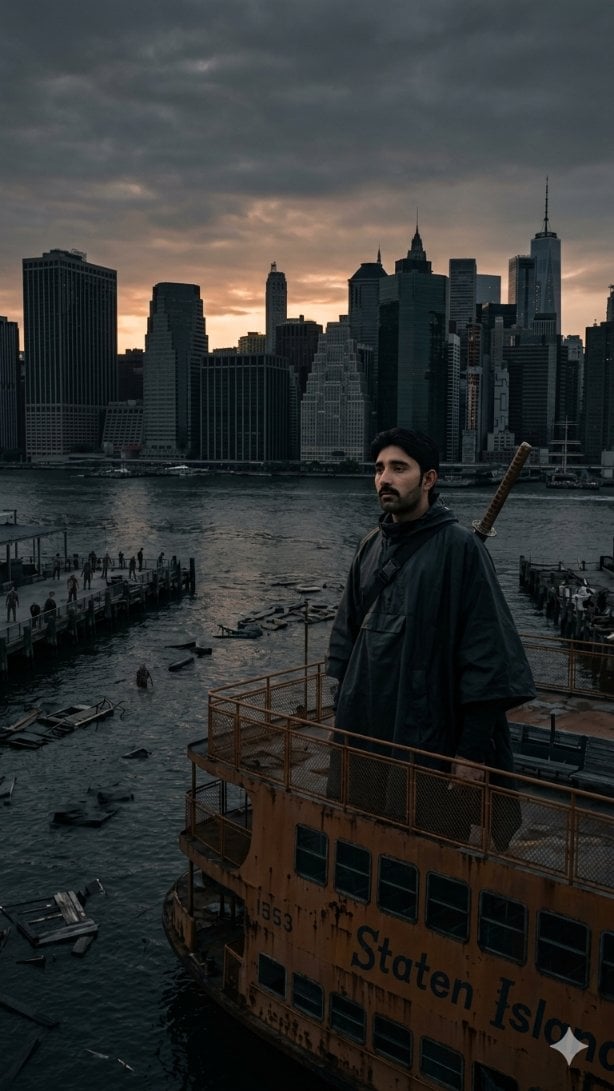
Post-Apocalyptic Staten Island Ferry
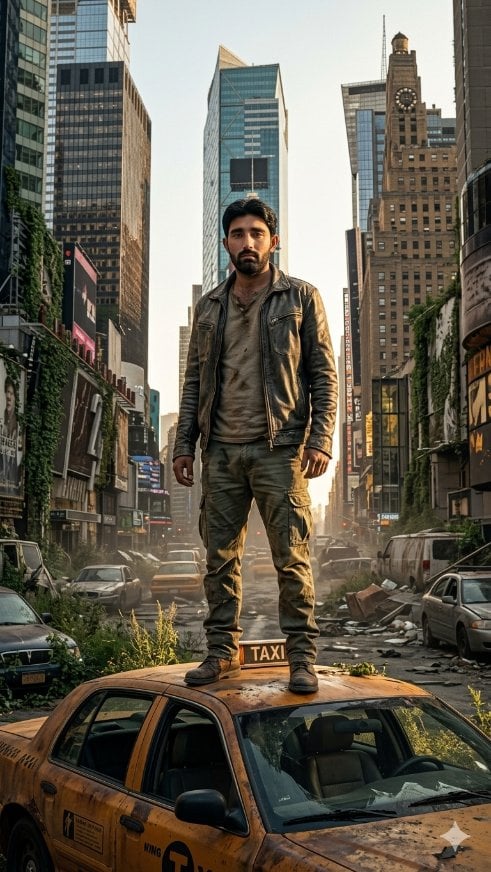
Post-Apocalyptic Taxi Survivor
Make it yours
Cinematic Post-Apocalyptic Scene Generation Prompt works as-is. These are the safest ways to change it without losing the look.
Change one field
Copy a single group, rewrite it, and generate again so you can see what that field is doing.
Keep the frame, change the subject
Hold the composition and light of Cinematic Post-Apocalyptic Scene Generation Prompt, then swap wardrobe, props or the person for a new take.
| If the result… | Why | Fix |
|---|---|---|
| The result drifts from the preview | Too many fields changed at once. | Reuse Cinematic Post-Apocalyptic Scene Generation Prompt as-is first, then change one group — subject, light, or setting. |
| The model over-stylizes the scene | The prose prompt leaves finish and camera underspecified. | Add one camera or lighting sentence and stay on Nano Banana 2. |
More Nano Banana 2 templates
Other prompts made for Nano Banana 2.

Photorealistic Leaf Shaped Like a Dragon

K-Pop Idol Portrait Grid for Rapid Selection

Poetic Rain Forest Portrait During Golden Hour

Urban Street Portrait with Cartoon Inner Self Duo

Candid Nighttime Photo with Cat Prompt

High-Concept 3D Diorama Generation Prompt

Cinematic Futuristic Studio Portrait Template

Skincare Editorial Photography Collage Prompt

Hyper-Realistic Commercial Product Photography (Splash Effect)

Hyper-Realistic Nightclub Portrait Prompt
More image prompts
Fresh picks from across the catalog.
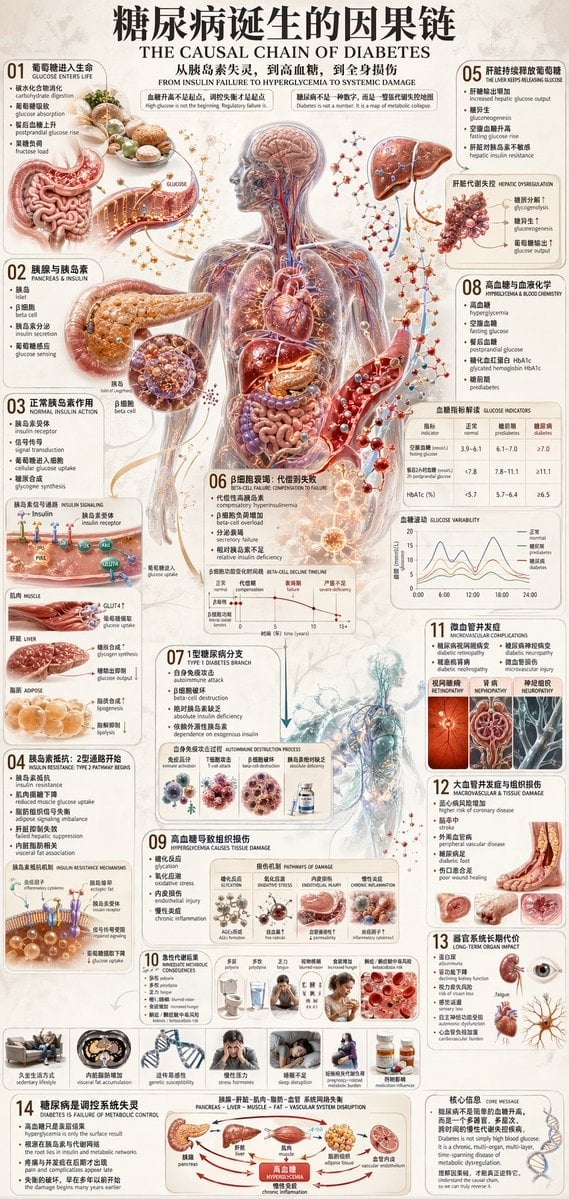
Diabetes Causal Chain Infographic

Cozy Winter Travel Photo in Cappadocia with Hot Air Balloons

Fantasy Coastal City Landscape
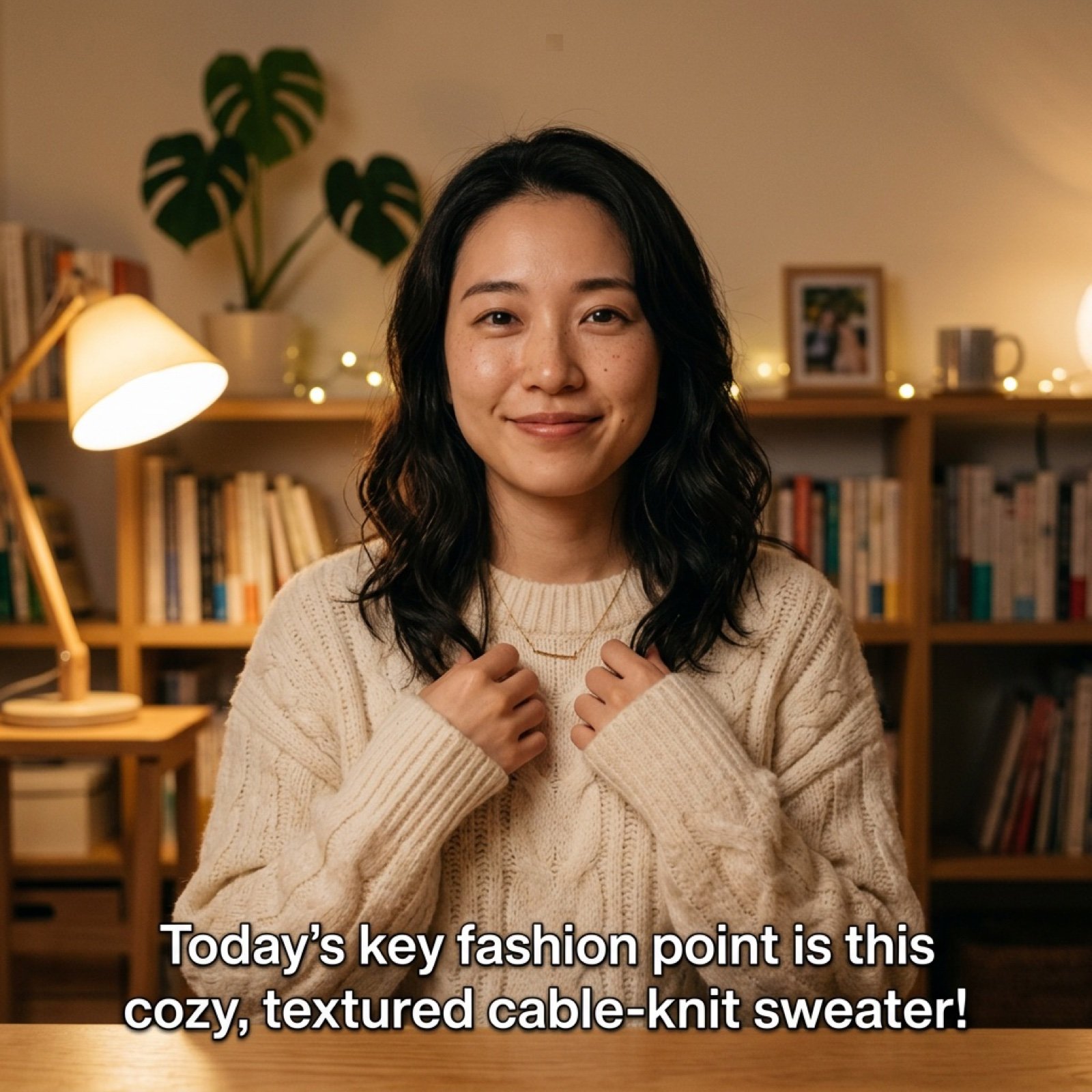
Detailed Prompt for UGC Style Fashion Vlog Video Generation

Ultra-realistic Full Body Photo of a Woman in Pastel Pink Loungewear
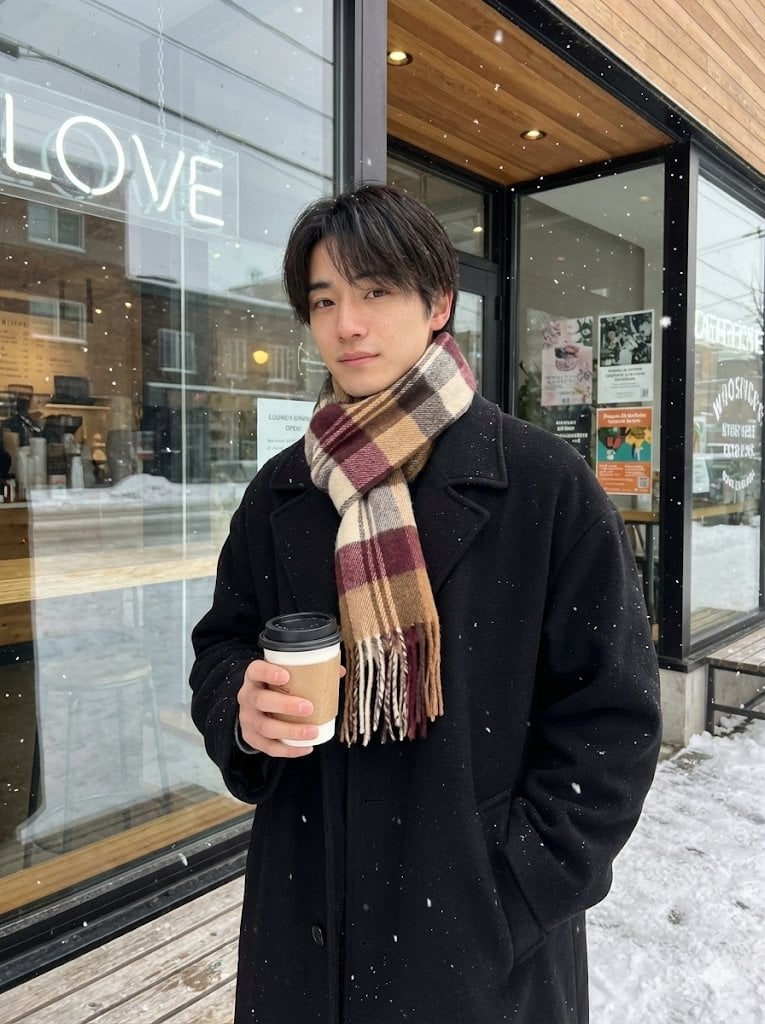
AI Profile Photo Generation Prompt (Angled Shot Modification)
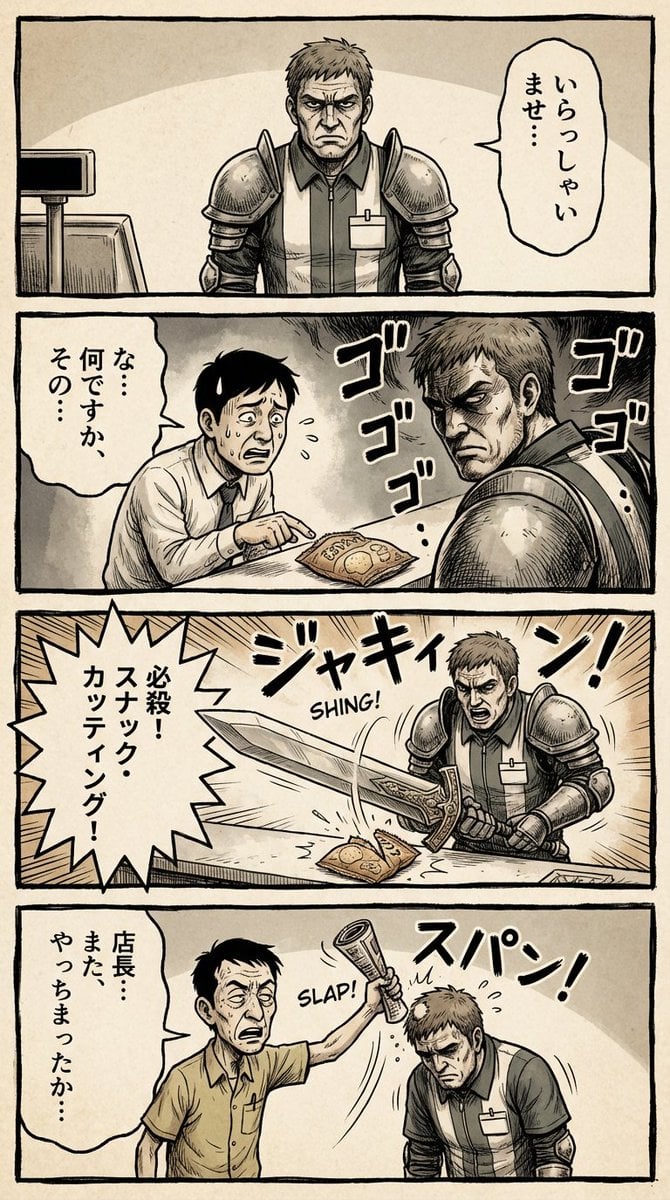
Vertical 4-panel gekiga-style manga YAML prompt

Magical Chibi Cafe Mascot at Sunrise

Health and Fitness Infographic Prompt
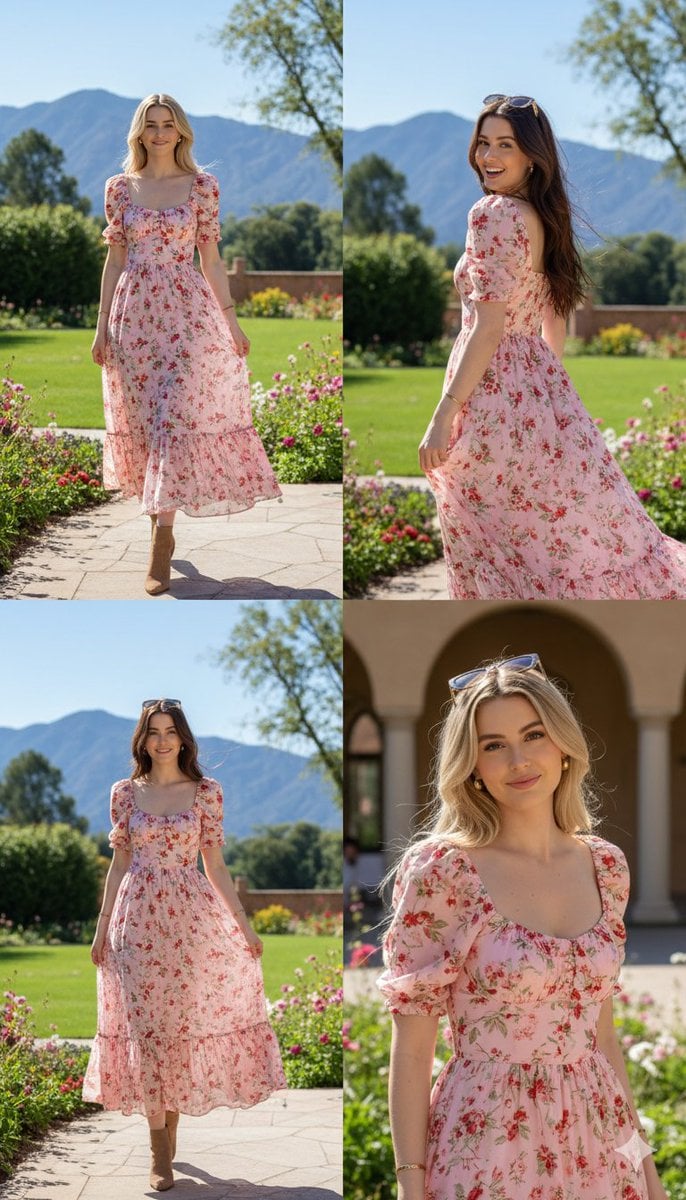
Photorealistic fashion collage of Polina Gagarina
Browse template categories
Cinematic Post-Apocalyptic Scene Generation Prompt questions
How do I use the Cinematic Post-Apocalyptic Scene Generation Prompt template?
Add your photo if the template asks for one, edit the prompt if you like — the template's model and format are already selected — and press Generate. Your version opens in PicX Studio.
Can I customize the Cinematic Post-Apocalyptic Scene Generation Prompt template?
Yes. You can change the subject, setting, lighting, mood, format, and available model controls before creating your image.
Is the Cinematic Post-Apocalyptic Scene Generation Prompt template free?
Opening and editing this template is free. Generating uses credits, shown on the Generate button when you are signed in.
Which AI model should I use?
Start with Nano Banana 2, which is the model associated with this template. You can compare another compatible model for a different finish.
Looking for something else? Browse all templates.

Your photo, any look
Thousands of ready templates for every top image and video model, from one credit balance.