
Post-Apocalyptic Taxi Survivor
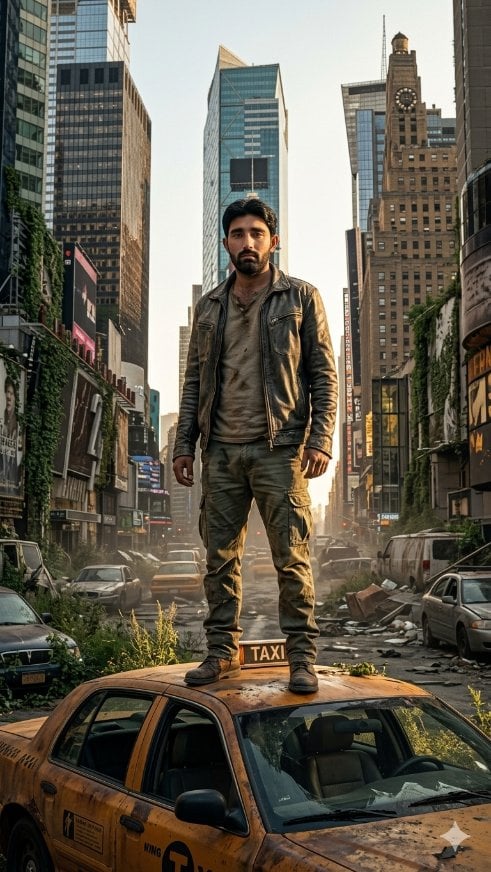
Generates a cinematic vertical portrait of a rugged survivor standing on a ruined yellow taxi in a deserted Times Square-style city.
- Prompt included
- Model and format preset
- Free template
The prompt behind this image
Copy the exact prompt behind Post-Apocalyptic Taxi Survivor, or open it in the studio and make it yours.
Create a hyper-detailed cinematic vertical full-body portrait of {argument name="character name" default="a rugged lone survivor"} standing heroically on the roof of one battered yellow New York taxi in the middle of a deserted, ruined Times Square-like city street at dawn. The subject is centered, shown head to boots in a confident wide stance, wearing exactly four main outfit pieces: a distressed dark leather jacket, a dirty beige T-shirt, muddy olive cargo pants, and worn brown boots. His face is intentionally soft-blurred or obscured while the body and environment remain sharp. Surround him with a post-apocalyptic urban canyon of tall skyscrapers, old theater signs, digital billboards, ivy creeping up building facades, dust, broken glass, scattered rubble, weeds growing through cracked asphalt, and warm golden backlight shining between the buildings. Include exactly 8 visible vehicles in the scene: 1 foreground yellow taxi beneath the hero, 2 abandoned cars on the left side of the street, 3 distant cars in the center background, 1 white van on the right, and 1 gray car on the right foreground. Make the taxi roof dented and dirty, with a small TAXI roof sign visible near the hero's feet. Use realistic high-end photo manipulation, dramatic cinematic lighting, deep perspective, volumetric haze, gritty textures, muted greens and yellows, sharp environmental detail, 35mm lens feel, low-angle medium-long shot, no extra people, no watermark, no readable large text except the taxi sign.
How to use Post-Apocalyptic Taxi Survivor in 3 steps
- 1Upload ImagePNG, JPG or paste
Add your photo
Upload the photo the template builds on. The prompt, model and format are already set.
- 2…a portrait of your subject in softgolden-hour light, 85mm…
Personalize
Edit the subject and creative details for your destination.
- 3Generate
Generate
Press Generate — your image is created in PicX Studio, so you can compare it with the original and refine one variable at a time.
More like this
Templates with the same subject, style or setup. Open one to see its prompt.
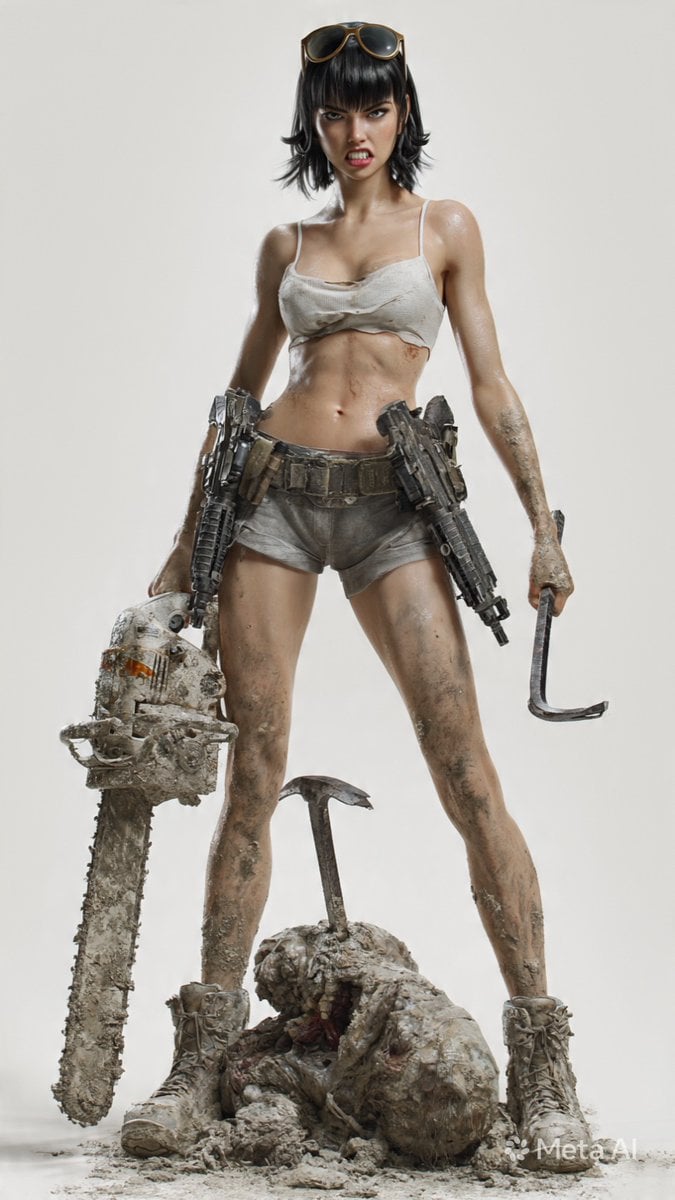
Post-Apocalyptic 3D Zombie Survivor
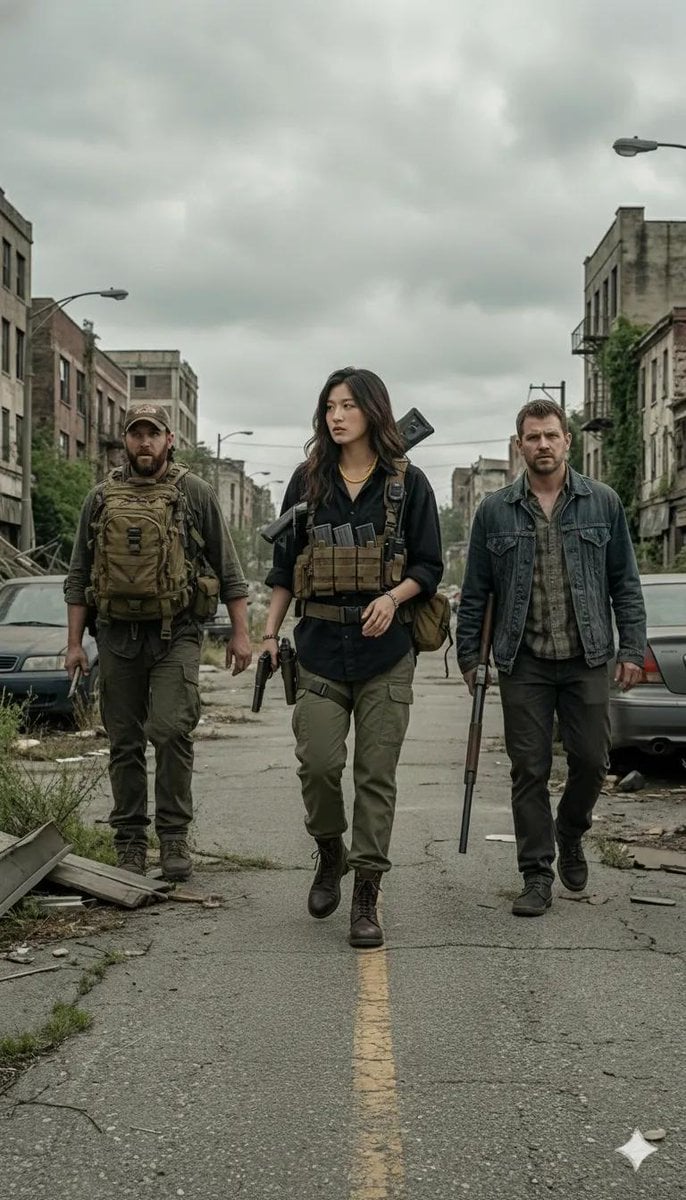
Gritty Post-Apocalyptic Survivor Scene
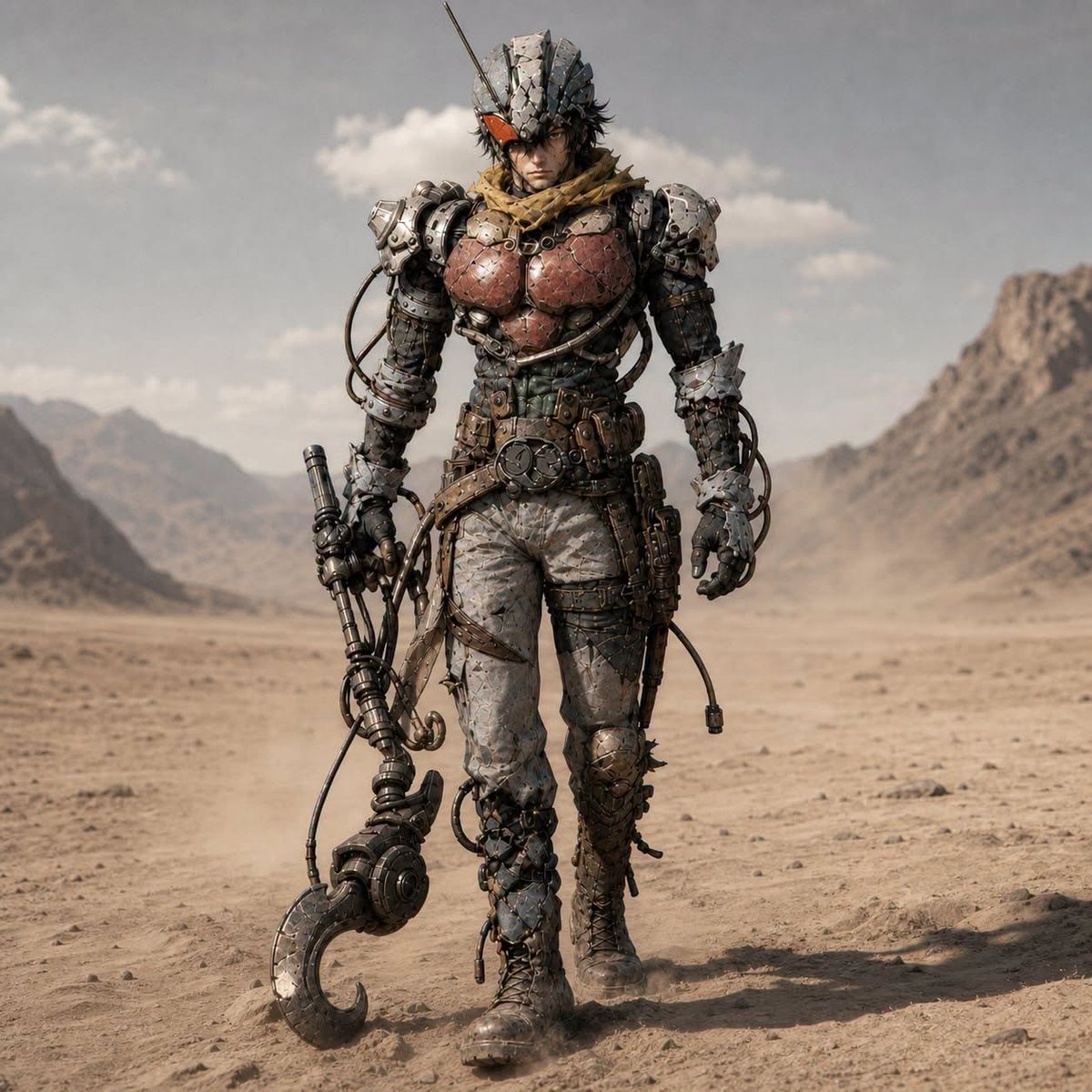
Post-Apocalyptic Riderman Cyborg
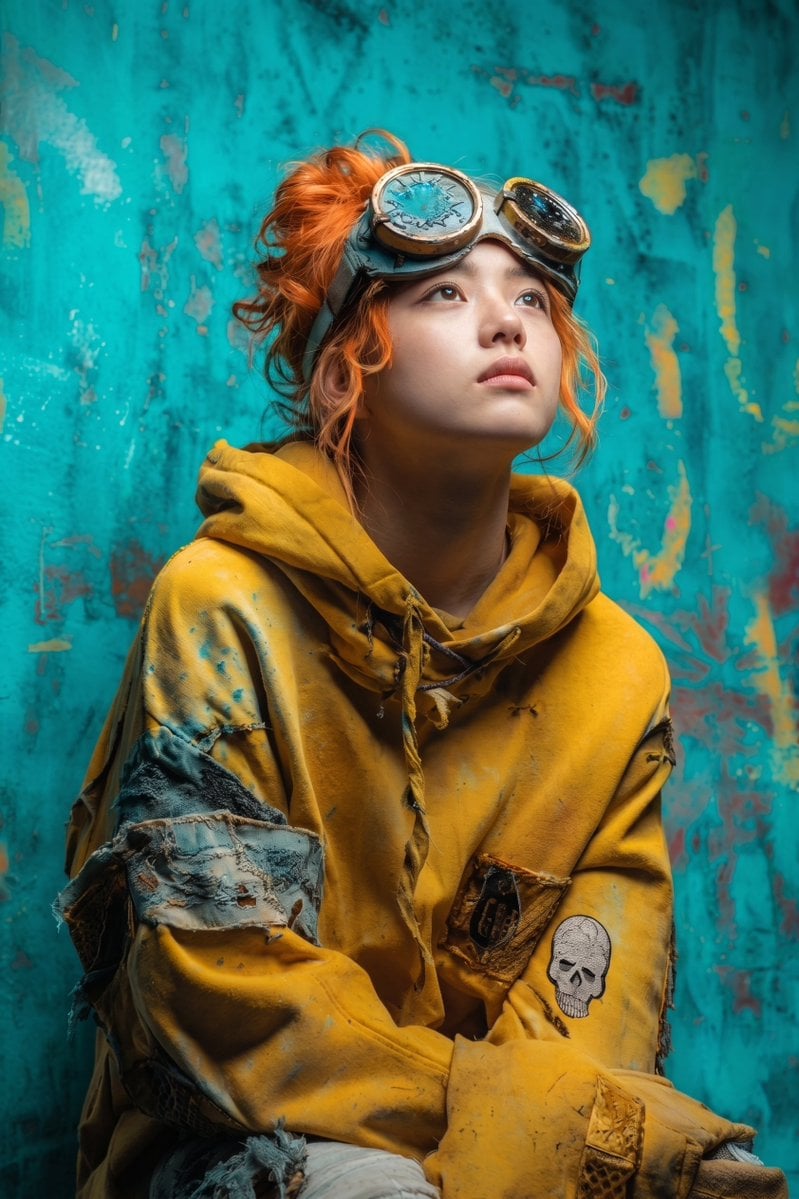
Post-Apocalyptic Girl with Welding Goggles
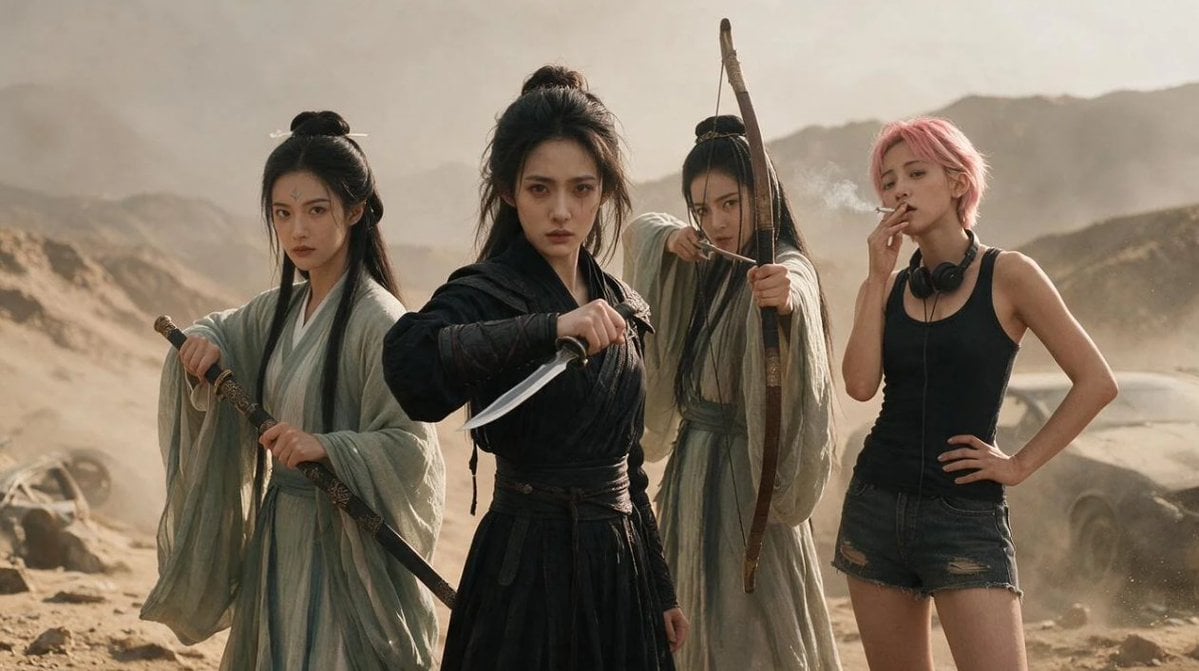
Post-Apocalyptic Wuxia Standoff
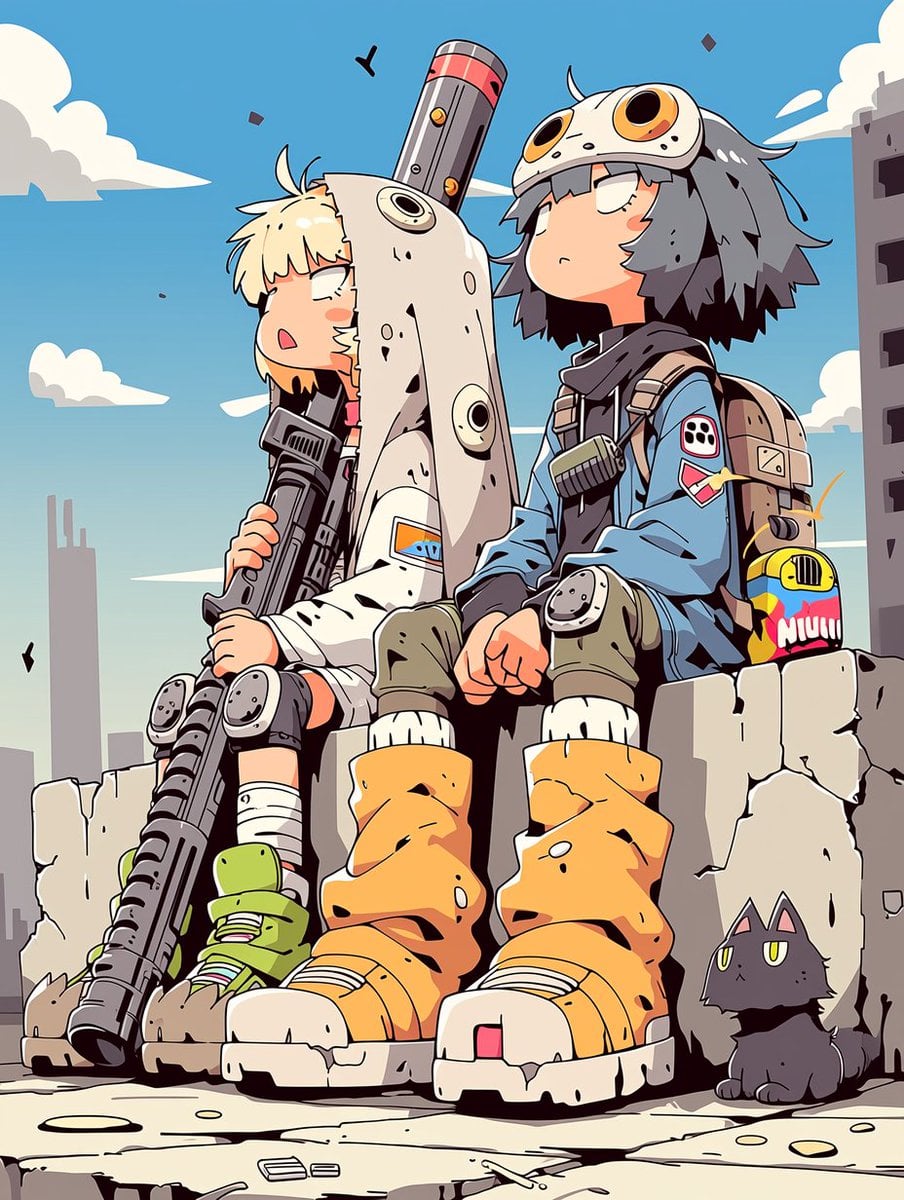
Anime Post-Apocalyptic Scavenger Kids

Post-Apocalyptic Desert Night Scene
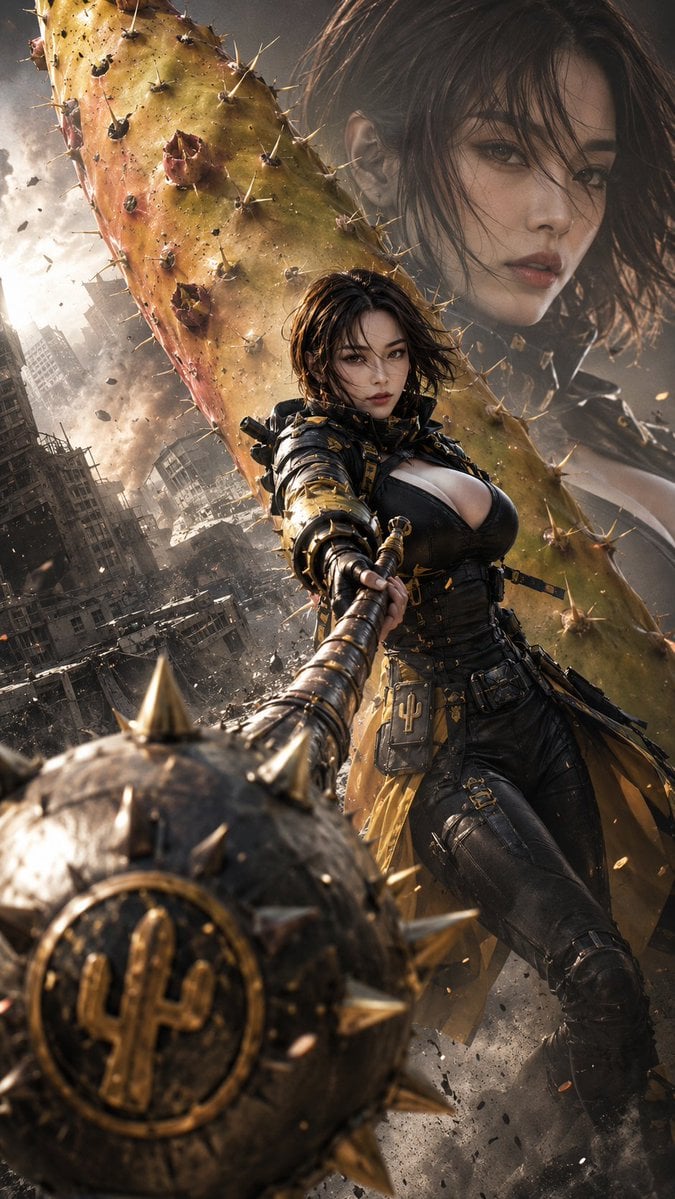
Post-Apocalyptic Cactus Warrior
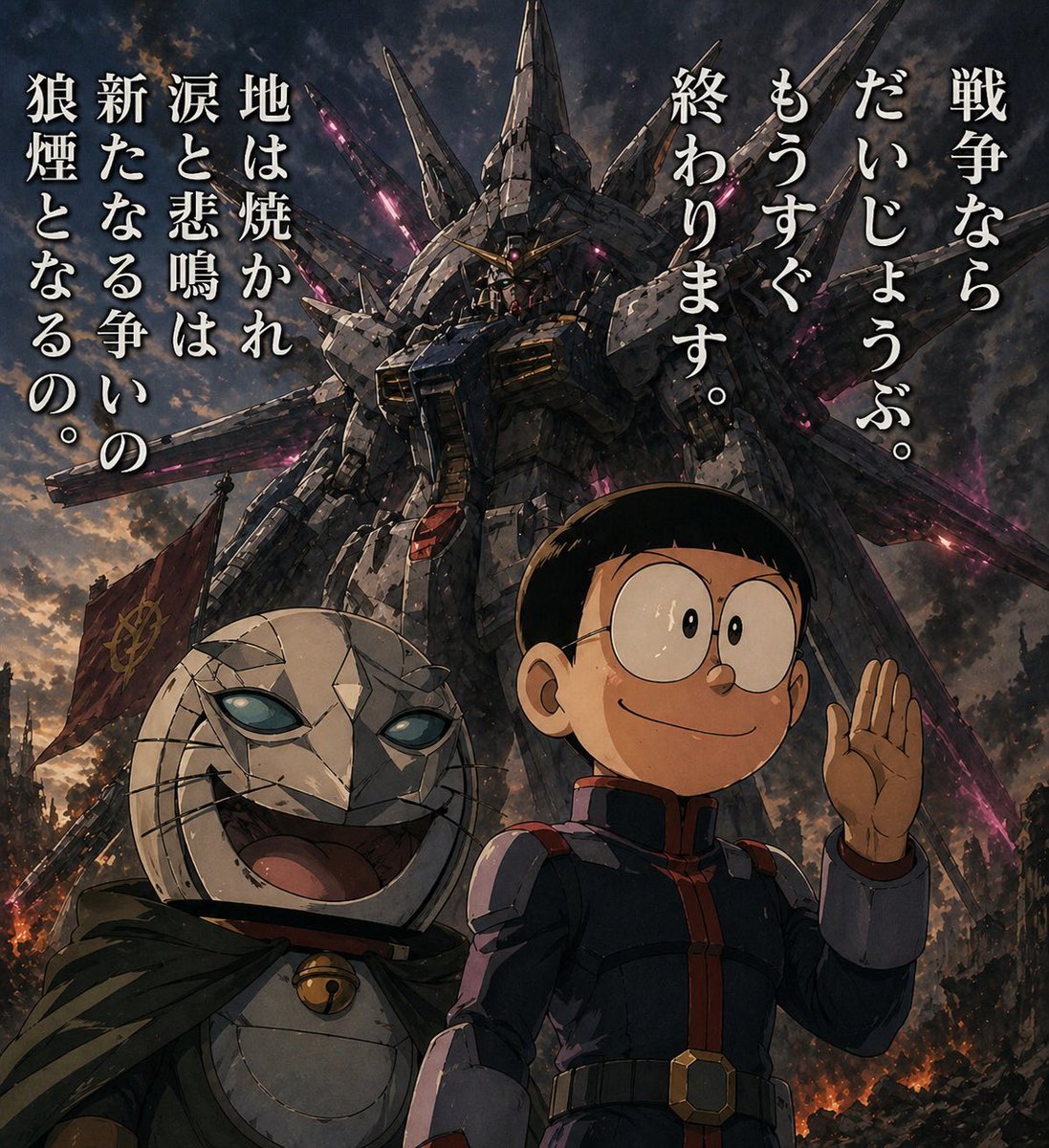
Manga Panel to Apocalyptic Mecha Poster
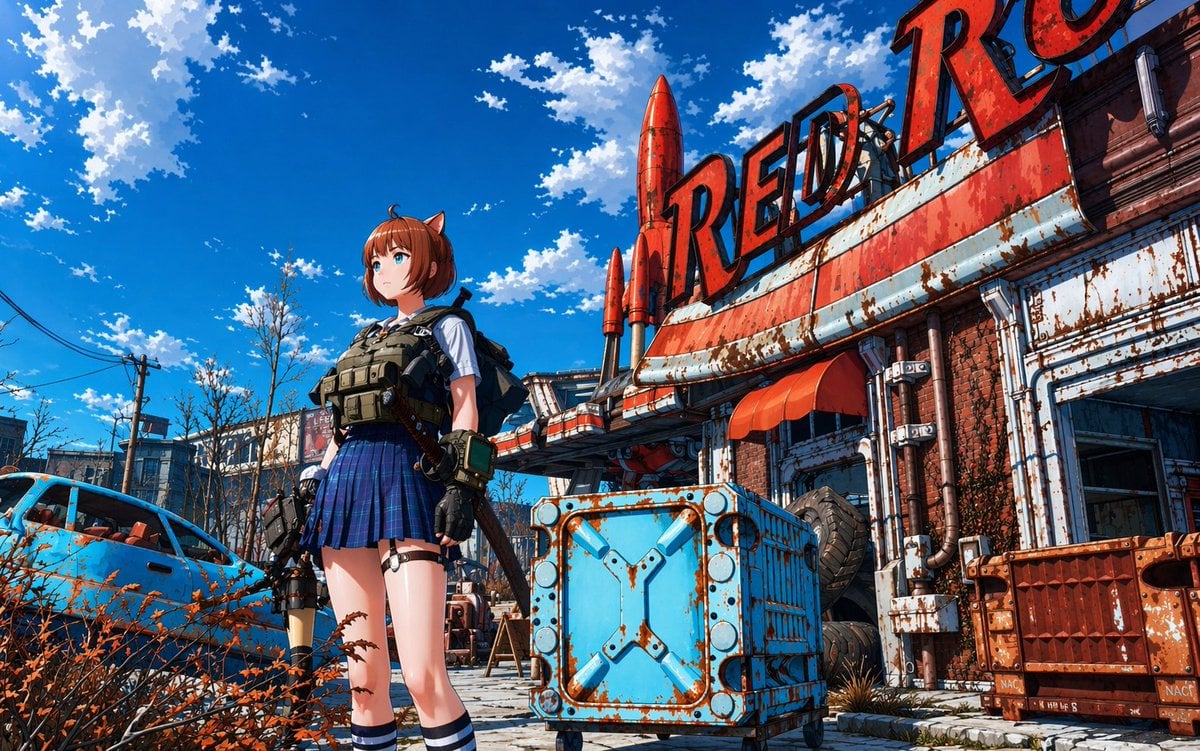
Post-Apocalyptic Tactical Anime Girl
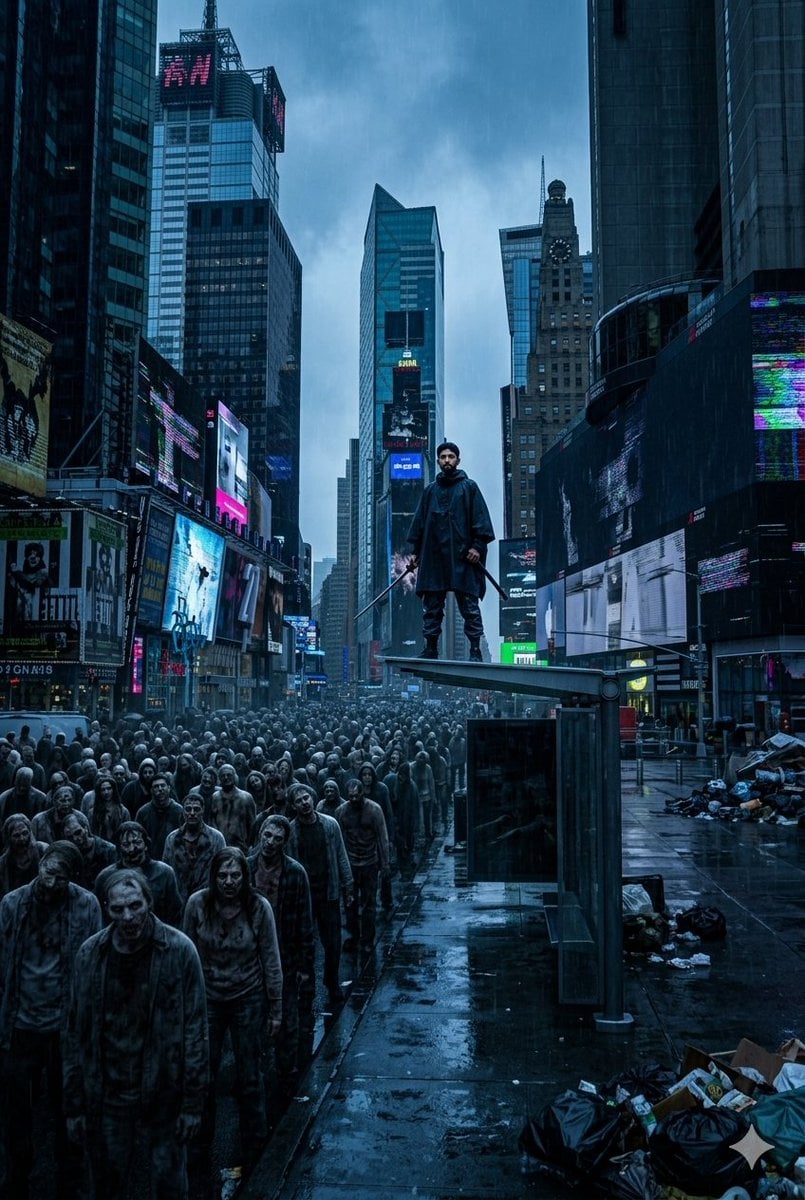
Post-Apocalyptic Times Square Horde
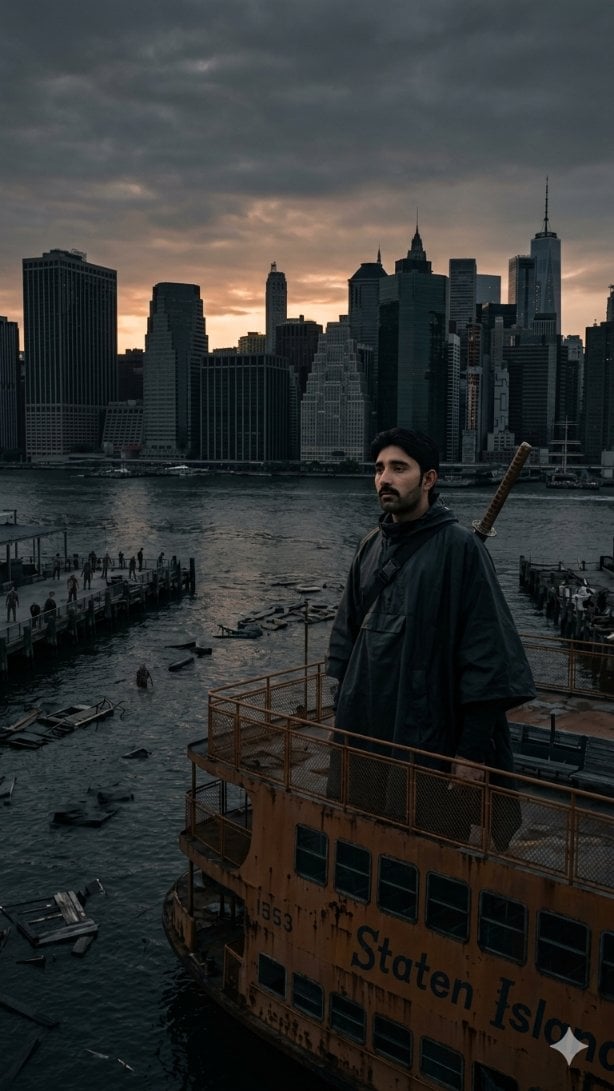
Post-Apocalyptic Staten Island Ferry
Make it yours
Post-Apocalyptic Taxi Survivor works as-is. These are the safest ways to change it without losing the look.
Change one field
Copy a single group, rewrite it, and generate again so you can see what that field is doing.
Keep the frame, change the subject
Hold the composition and light of Post-Apocalyptic Taxi Survivor, then swap wardrobe, props or the person for a new take.
| If the result… | Why | Fix |
|---|---|---|
| The result drifts from the preview | Too many fields changed at once. | Reuse Post-Apocalyptic Taxi Survivor as-is first, then change one group — subject, light, or setting. |
| The model over-stylizes the scene | The prose prompt leaves finish and camera underspecified. | Add one camera or lighting sentence and stay on GPT Image 2. |
More GPT Image 2 templates
Other prompts made for GPT Image 2.

Six VTuber Japanese Logo Sheet

Realistic Portrait of Woman and Deer

The Vista Modular Condo Poster

AI Model Routing Comparison Infographic

2.5D Anime Art Board

Isometric Productivity Desk Scene

New York Double Exposure Poster

Four-Panel AI Landscape Comparison

Japanese Tatami Lifestyle Magazine Cover

NESCAFÉ Coffee Map Poster
More image prompts
Fresh picks from across the catalog.
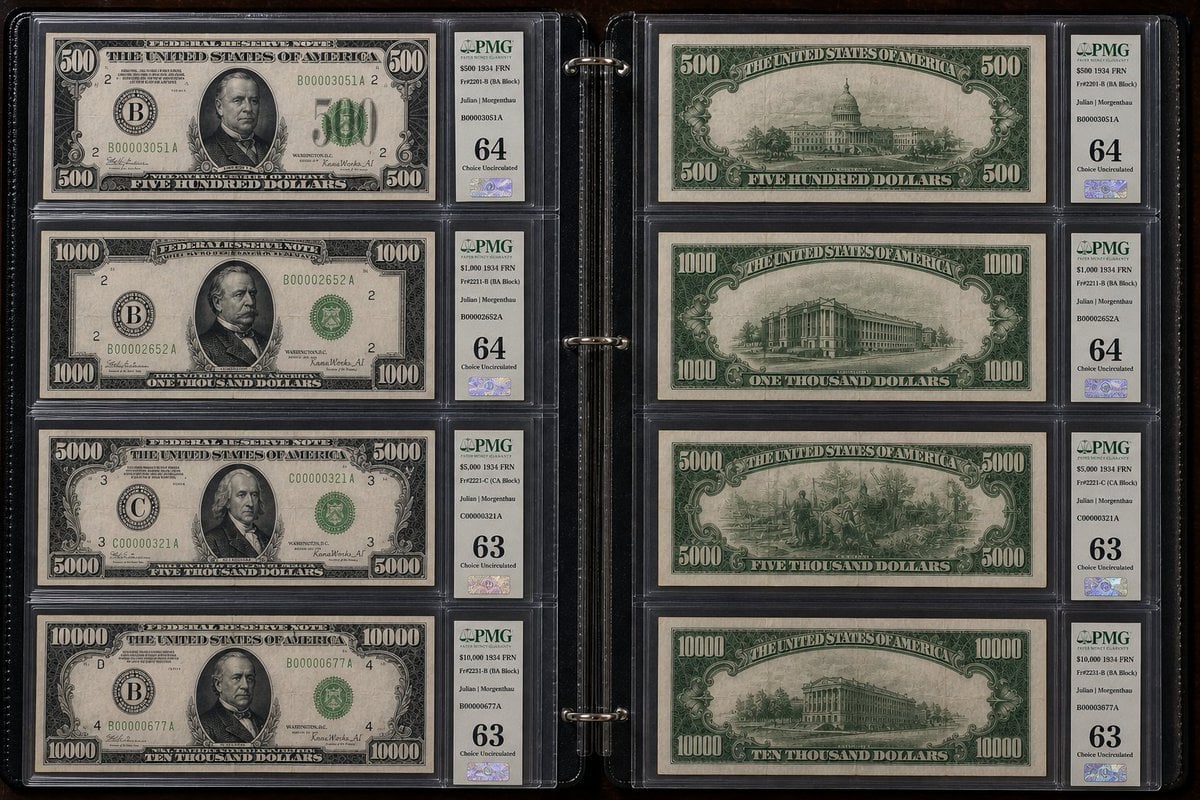
Historical US Banknote Collection Macro
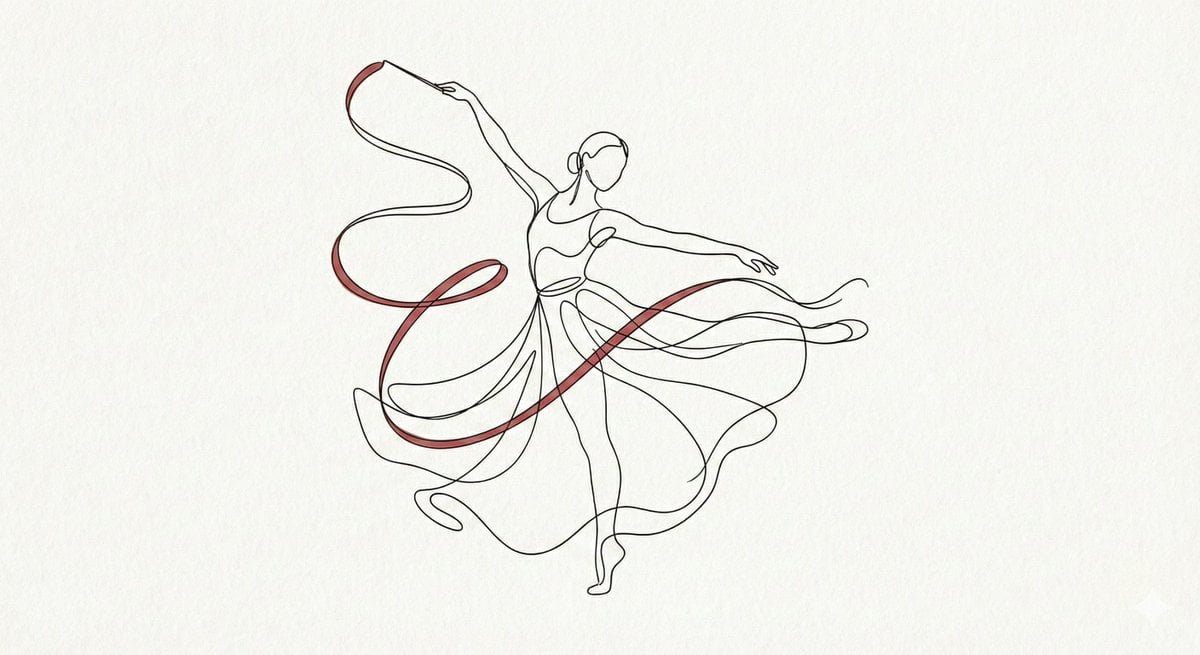
Minimalist Continuous Line Art Illustration
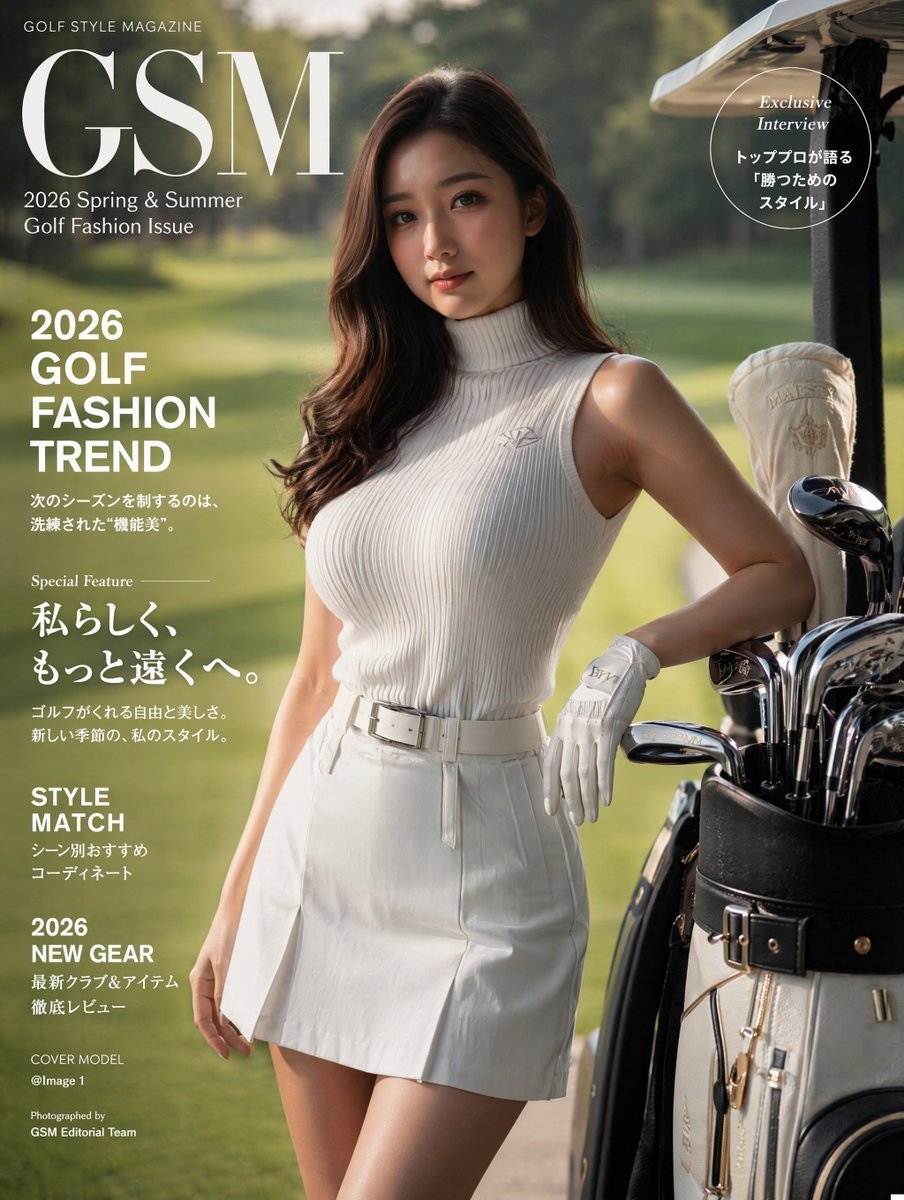
Luxury Golf Fashion Magazine Cover

Image Replacement Prompt
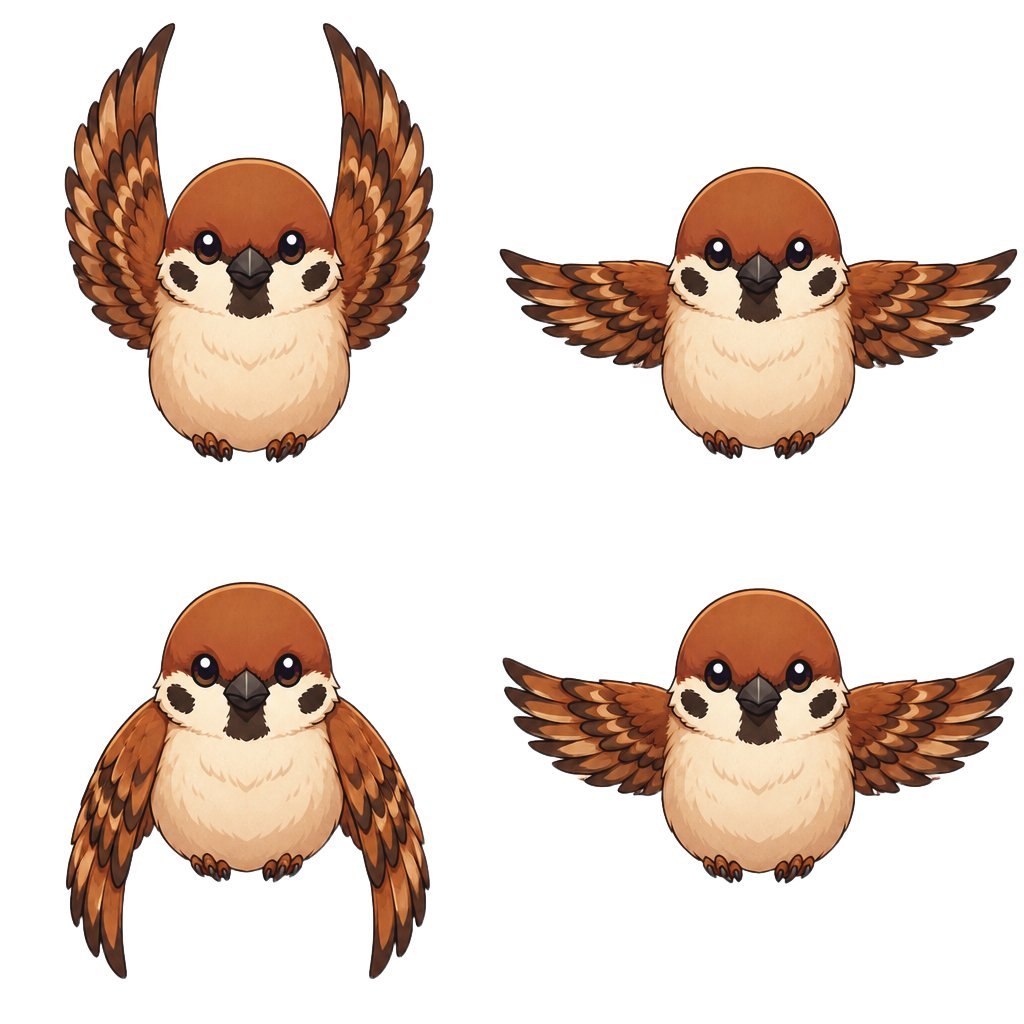
Chibi Sparrow Four-Pose Sheet

Cosmic Chessboard Checkmate Scene
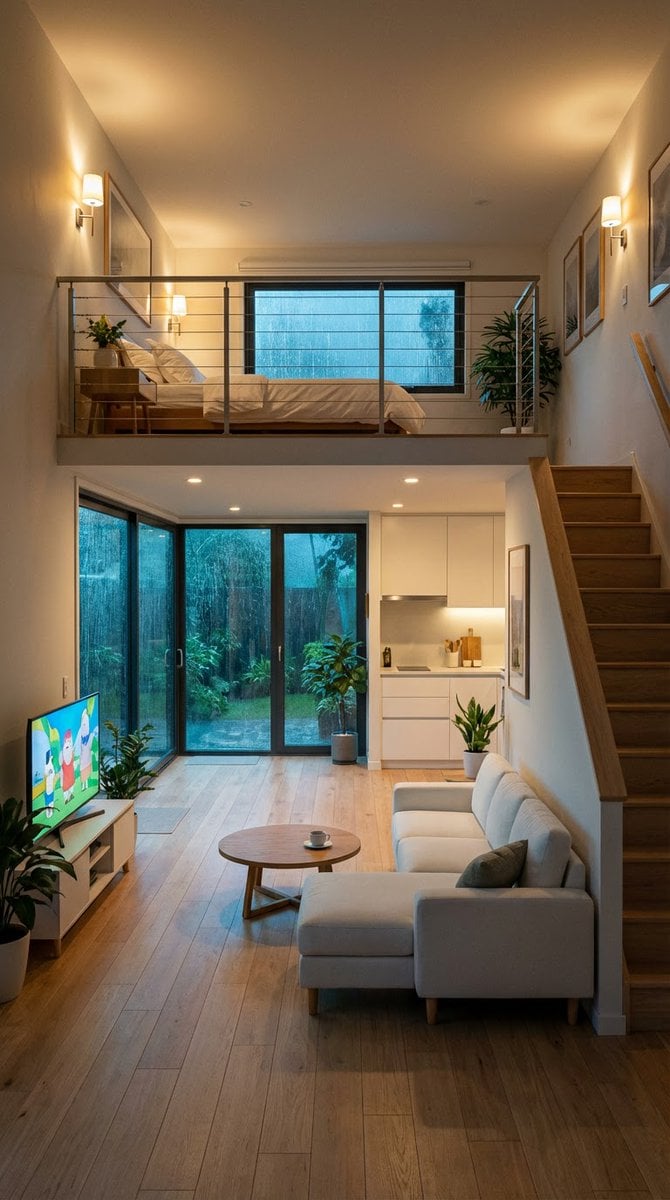
Cozy Split-Level Studio Apartment with Rainy Garden View

Anime VTuber Reaction Thumbnail
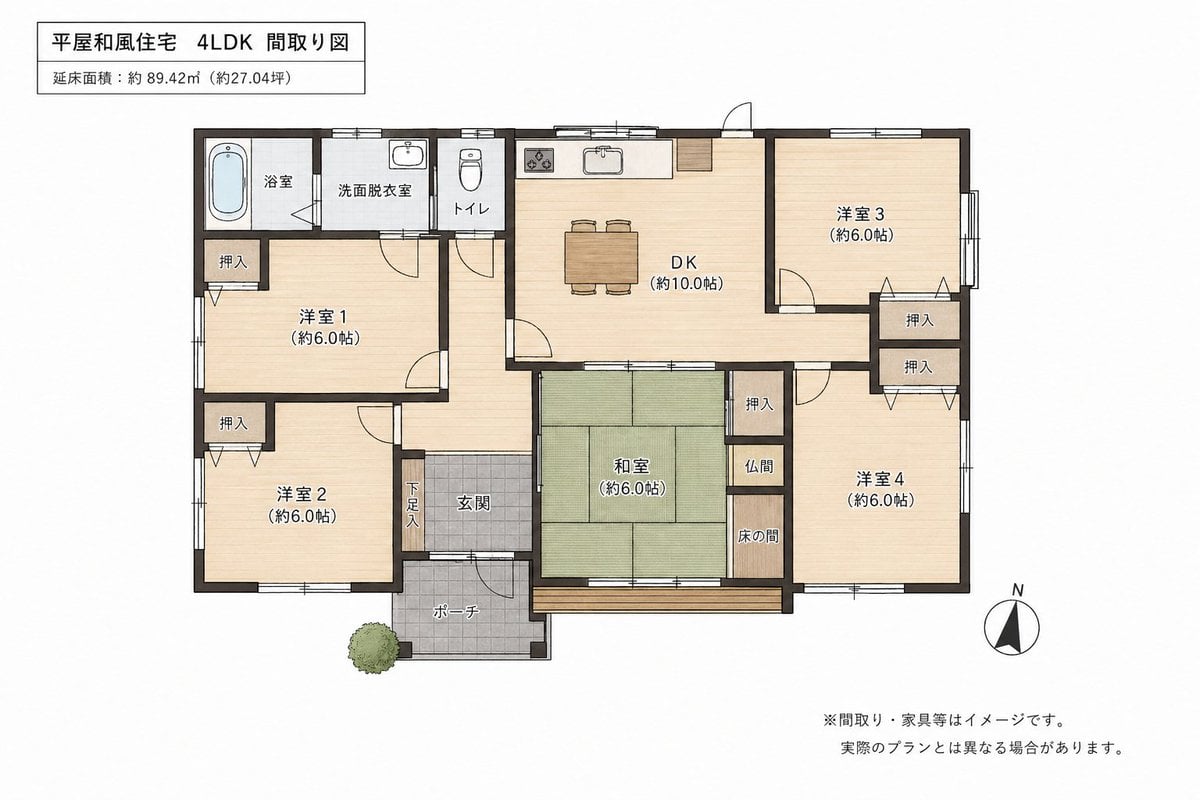
Japanese House Floor Plan Generator
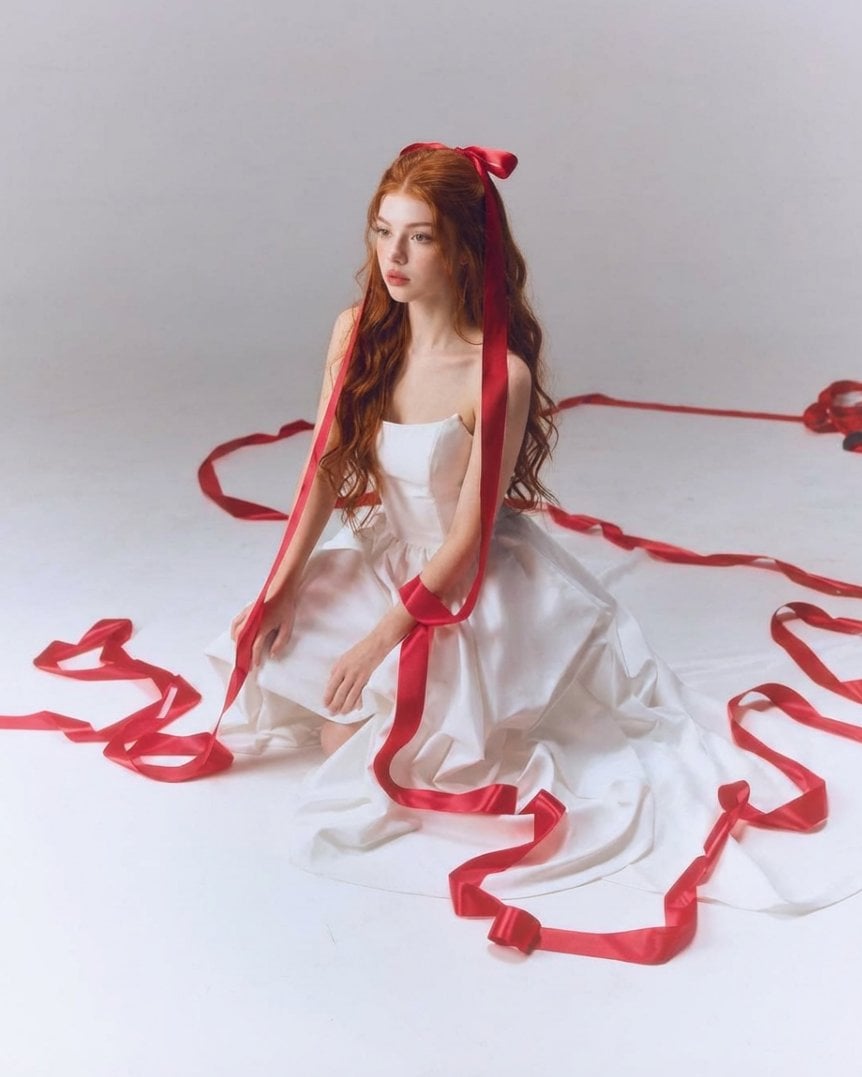
Fine-Art Studio Portrait with Red Ribbons
Browse template categories
Post-Apocalyptic Taxi Survivor questions
How do I use the Post-Apocalyptic Taxi Survivor template?
Add your photo if the template asks for one, edit the prompt if you like — the template's model and format are already selected — and press Generate. Your version opens in PicX Studio.
Can I customize the Post-Apocalyptic Taxi Survivor template?
Yes. You can change the subject, setting, lighting, mood, format, and available model controls before creating your image.
Is the Post-Apocalyptic Taxi Survivor template free?
Opening and editing this template is free. Generating uses credits, shown on the Generate button when you are signed in.
Which AI model should I use?
Start with GPT Image 2, which is the model associated with this template. You can compare another compatible model for a different finish.
Looking for something else? Browse all templates.

Your photo, any look
Thousands of ready templates for every top image and video model, from one credit balance.