
Post-Apocalyptic Wuxia Standoff
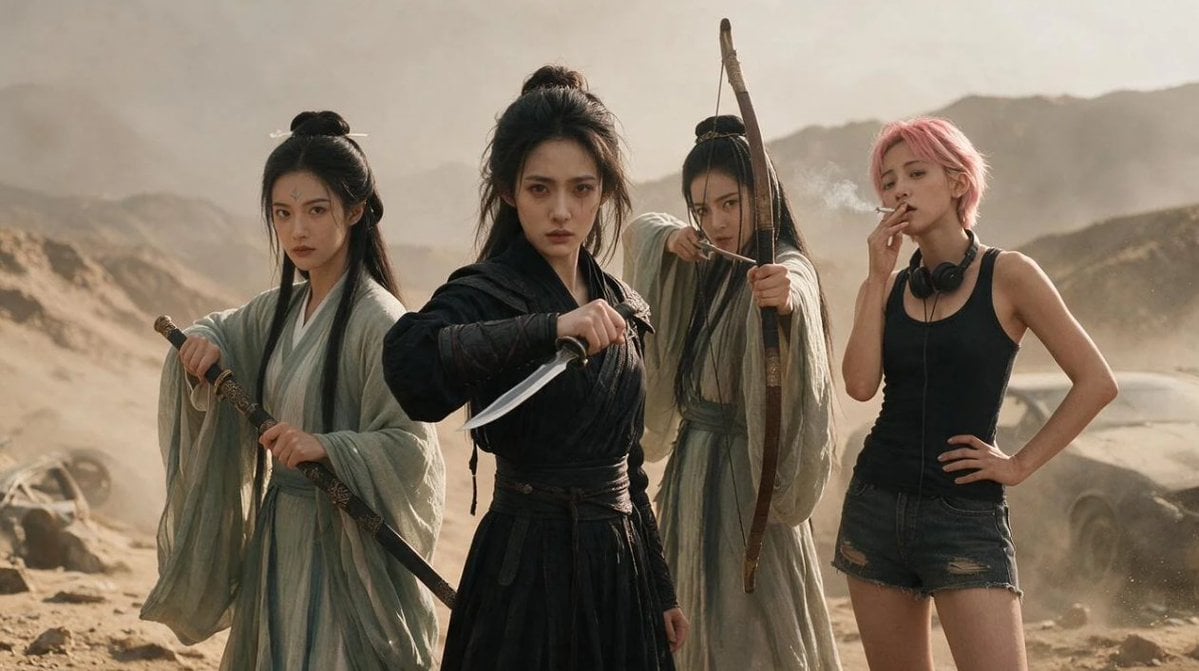
A cinematic photorealistic scene of four women mixing ancient wuxia warriors and a modern punk survivor in a dusty desert standoff.
- Prompt included
- Model and format preset
- Free template
The prompt behind this image
Copy the exact prompt behind Post-Apocalyptic Wuxia Standoff, or open it in the studio and make it yours.
Create a cinematic photorealistic wide shot in a dusty desert mountain wasteland, blending ancient Chinese wuxia fantasy with a modern punk survivor character. Show exactly 4 young women standing in a dramatic lineup, all facing the camera with serious, defiant expressions: 1) left woman in a pale mint-green flowing hanfu robe with long black hair half tied in a top bun, holding a sheathed ornate sword diagonally at her waist; 2) center-front woman in a black layered martial-arts robe with messy high bun hair, gripping a short curved dagger forward in a threatening pose; 3) center-rear woman in a faded beige-green robe with long dark hair, aiming a tall wooden bow directly toward the viewer with an arrow drawn; 4) right woman with short {argument name="hair color" default="pink"} hair wearing a black tank top, ripped dark denim shorts, black headphones around her neck, one hand on her hip and the other holding a cigarette near her mouth. Set them in a sandy, windblown canyon with hazy mountains in the background, warm beige sunlight, airborne dust, faint smoke from the cigarette, and a partially visible old car wreck behind the modern woman on the right. Use a gritty movie still look, realistic skin and fabric texture, shallow depth of field, muted earth tones, high detail, natural lens perspective, 16:9 aspect ratio. The overall mood should feel like {argument name="mood" default="post-apocalyptic wuxia standoff"}, with no visible text, no watermark, and no extra people.
How to use Post-Apocalyptic Wuxia Standoff in 3 steps
- 1Upload ImagePNG, JPG or paste
Add your photo
Upload the photo the template builds on. The prompt, model and format are already set.
- 2…a portrait of your subject in softgolden-hour light, 85mm…
Personalize
Edit the subject and creative details for your destination.
- 3Generate
Generate
Press Generate — your image is created in PicX Studio, so you can compare it with the original and refine one variable at a time.
More like this
Templates with the same subject, style or setup. Open one to see its prompt.
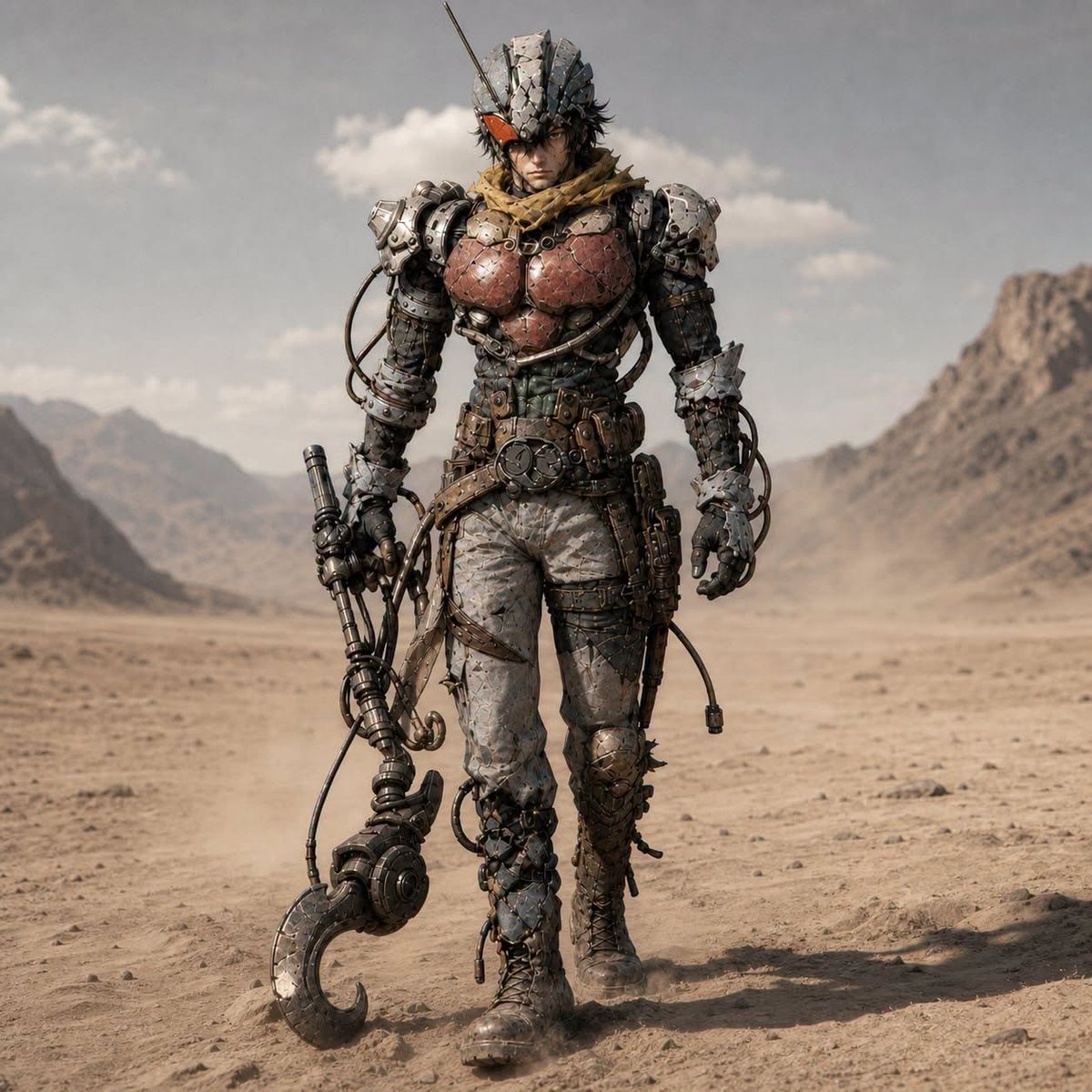
Post-Apocalyptic Riderman Cyborg
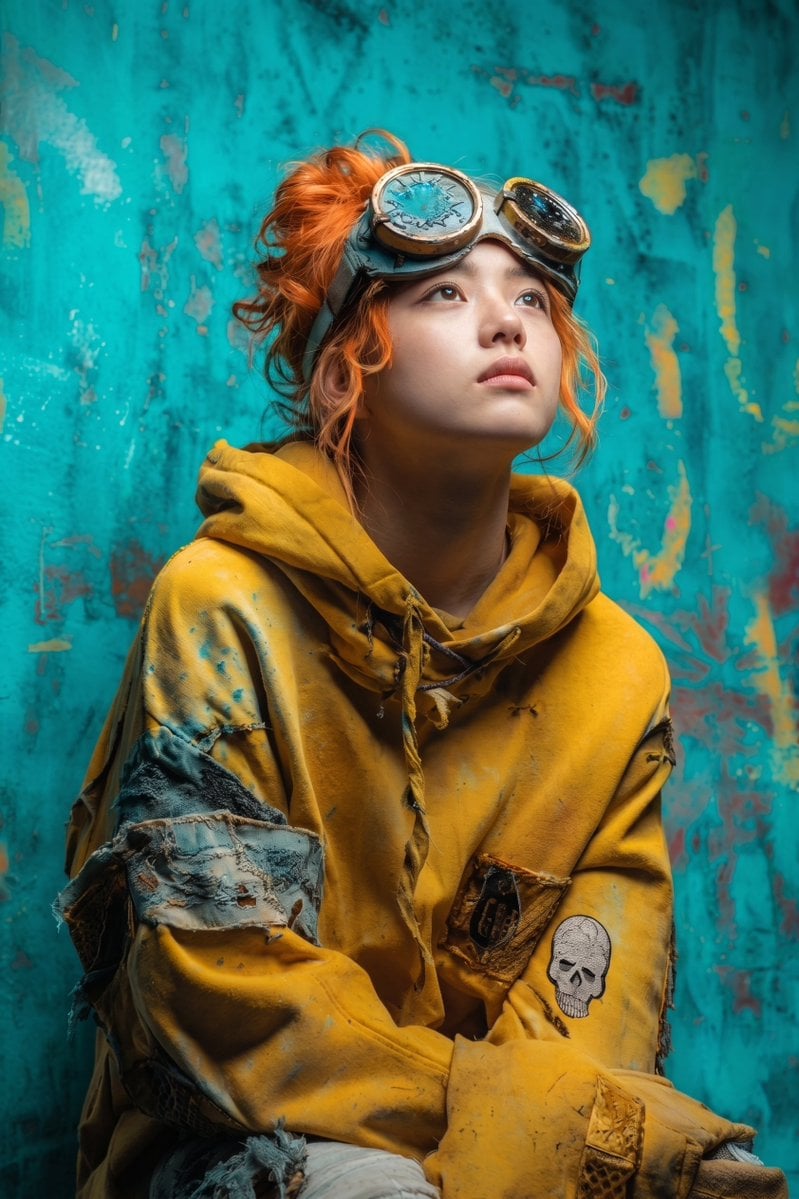
Post-Apocalyptic Girl with Welding Goggles
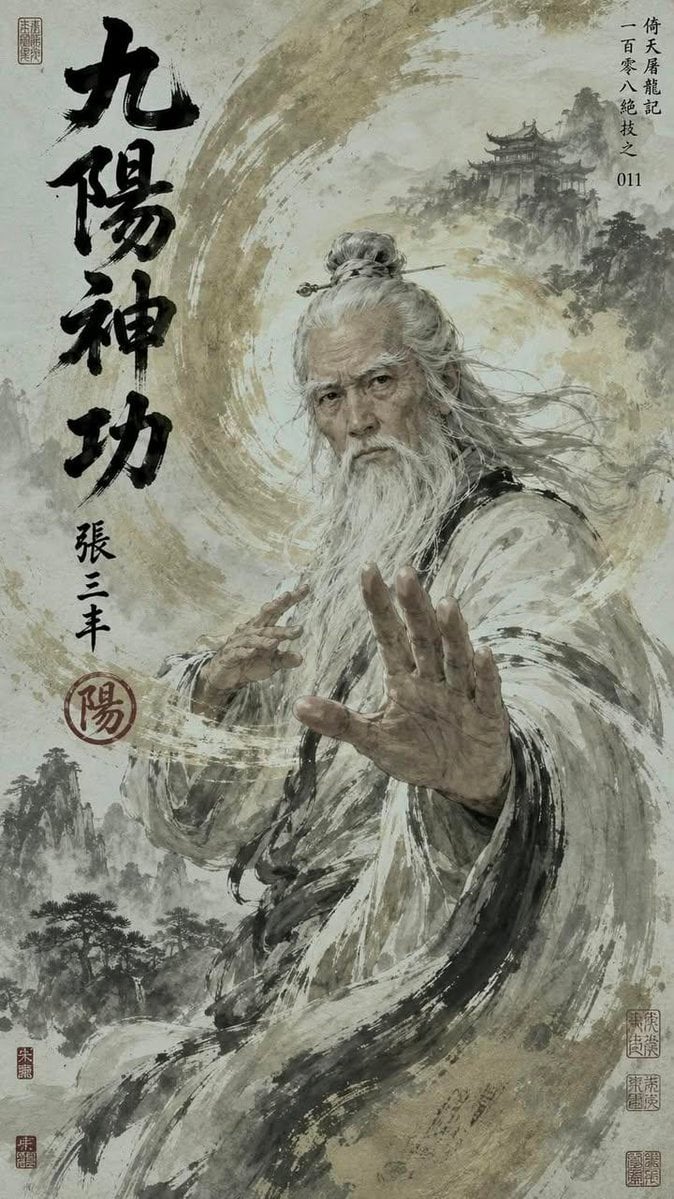
Chinese Wuxia Master Poster
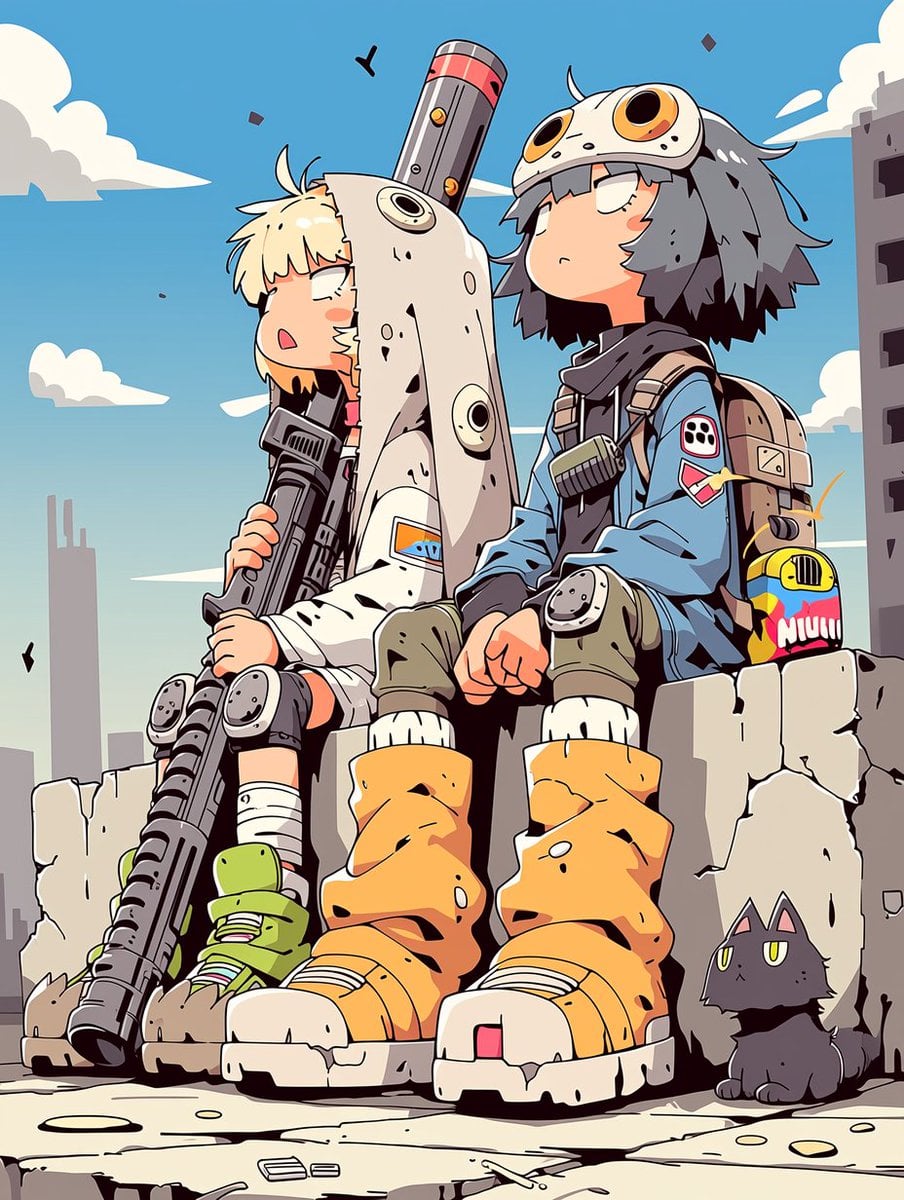
Anime Post-Apocalyptic Scavenger Kids
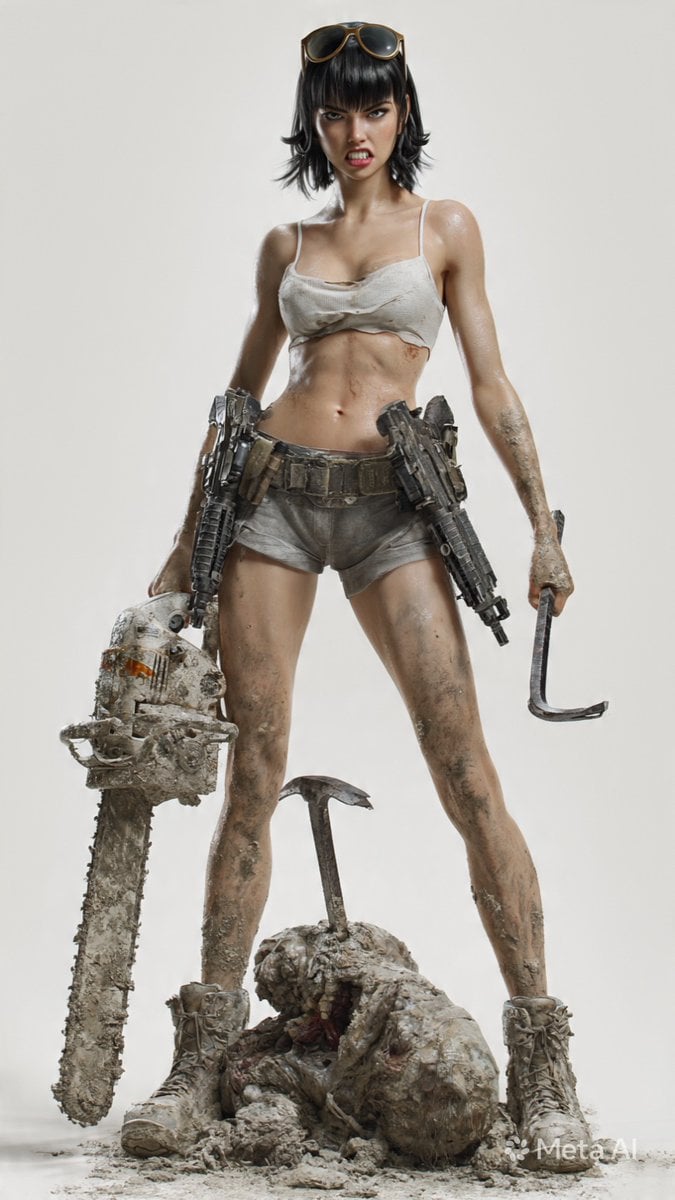
Post-Apocalyptic 3D Zombie Survivor

Post-Apocalyptic Desert Night Scene
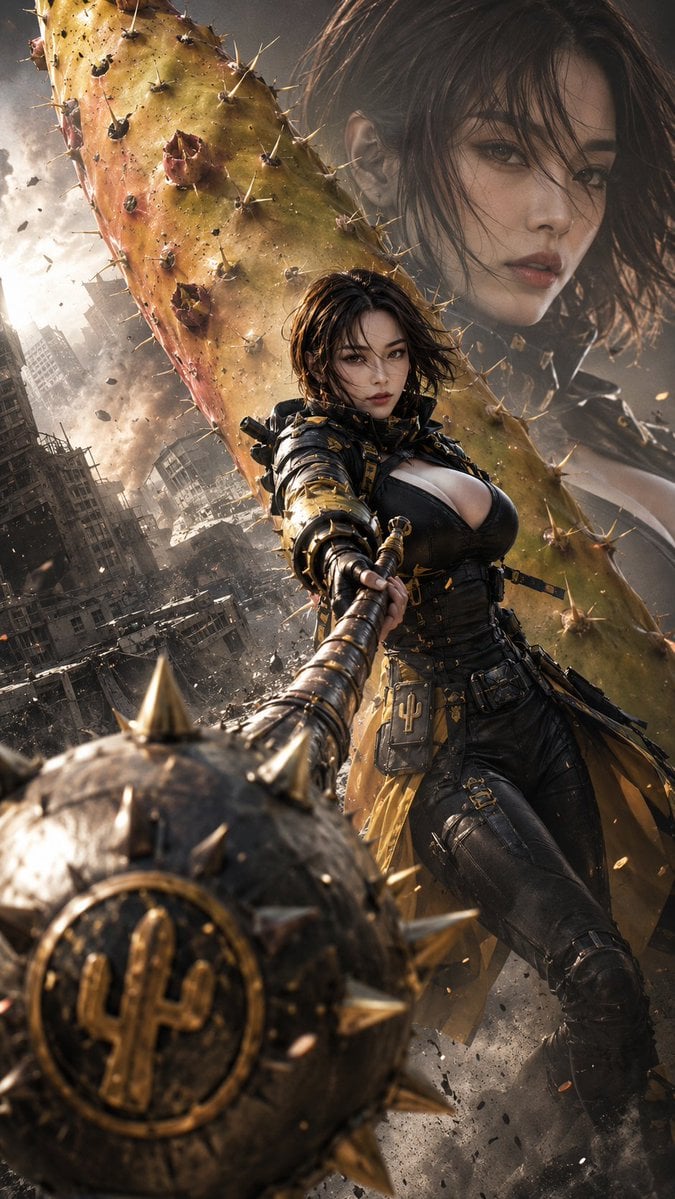
Post-Apocalyptic Cactus Warrior
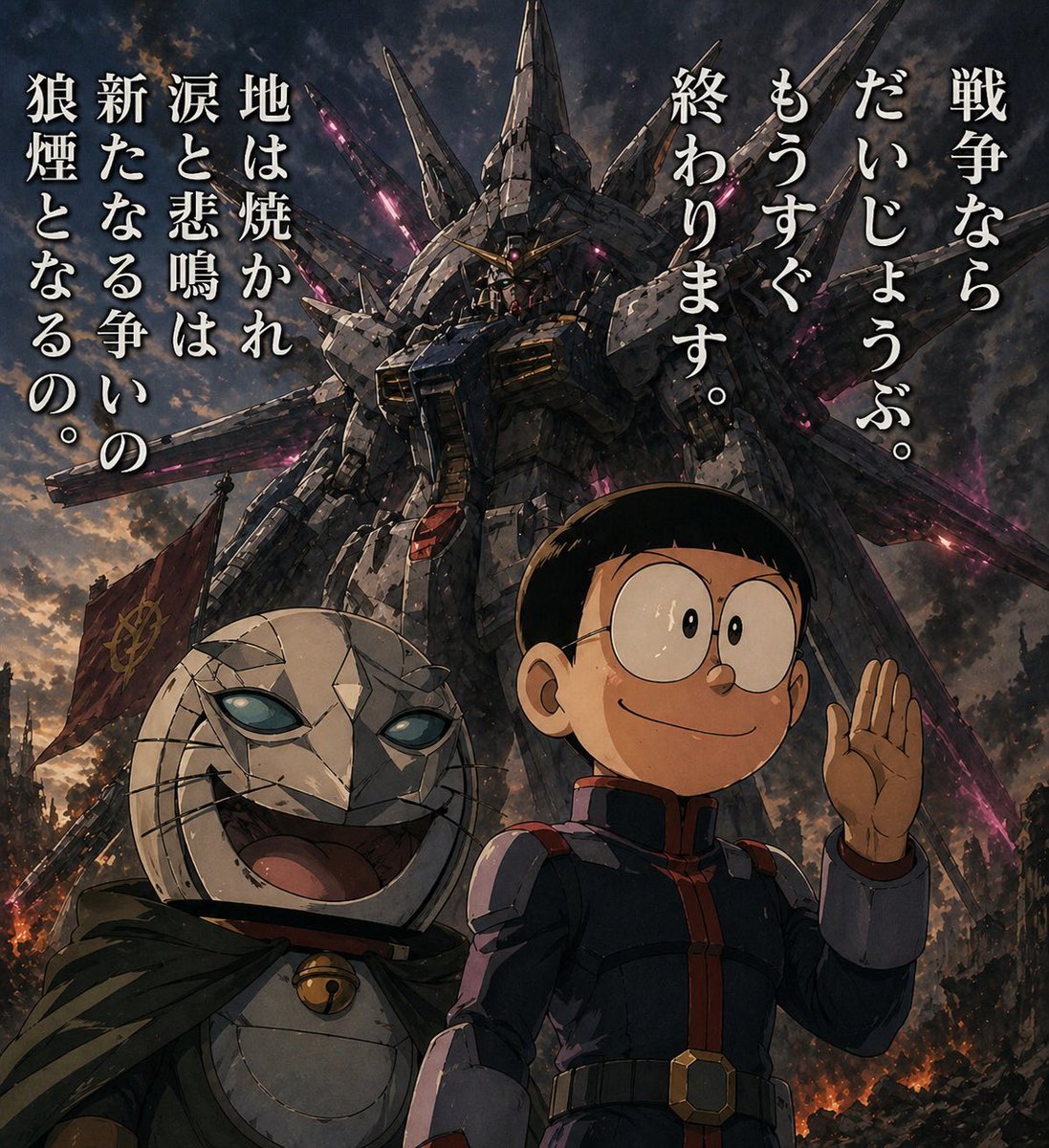
Manga Panel to Apocalyptic Mecha Poster
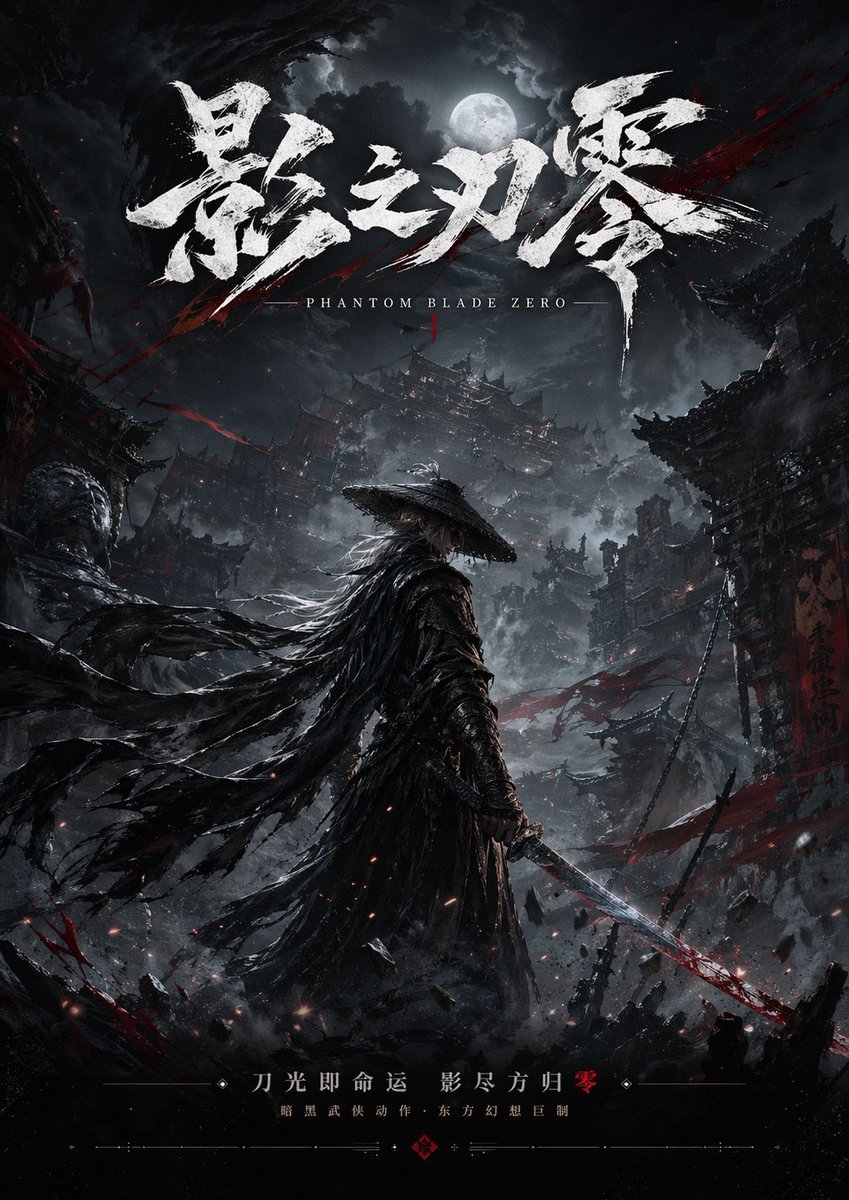
Dark Wuxia Game Poster
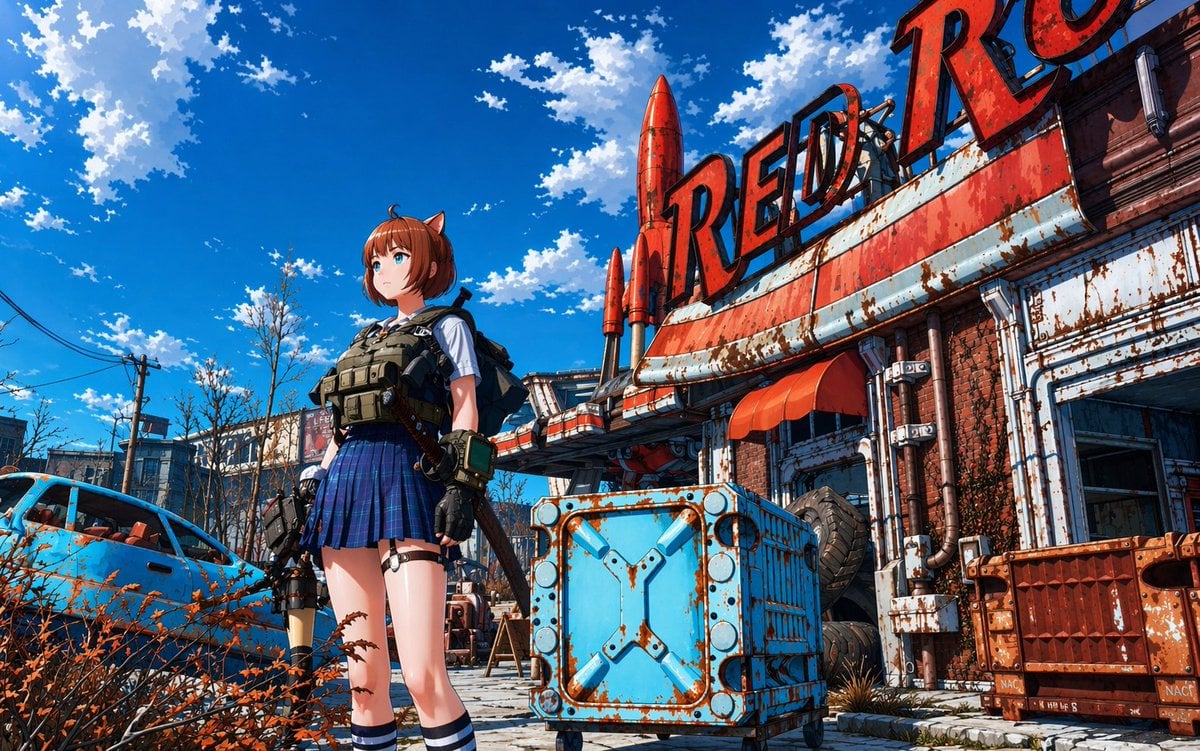
Post-Apocalyptic Tactical Anime Girl
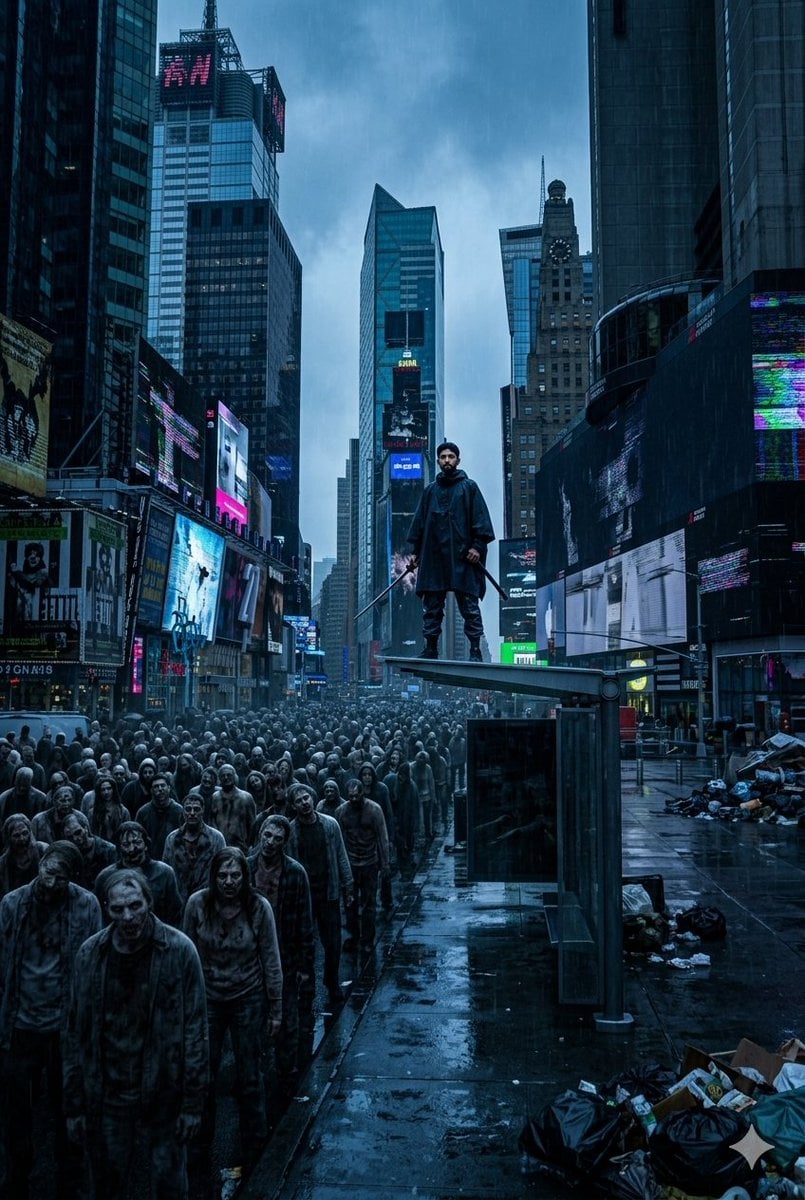
Post-Apocalyptic Times Square Horde
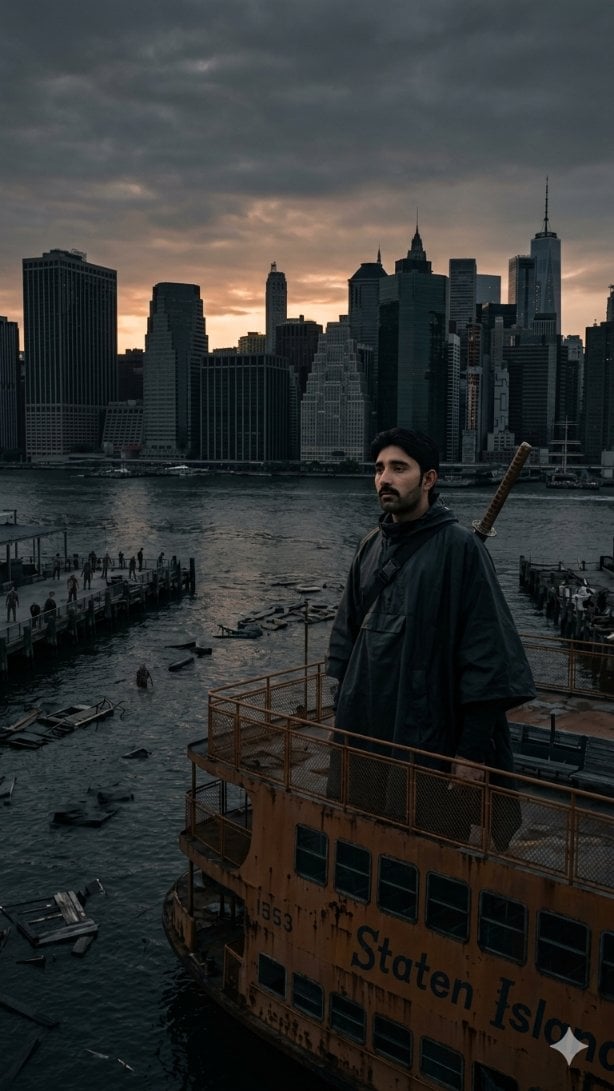
Post-Apocalyptic Staten Island Ferry
Make it yours
Post-Apocalyptic Wuxia Standoff works as-is. These are the safest ways to change it without losing the look.
Change one field
Copy a single group, rewrite it, and generate again so you can see what that field is doing.
Keep the frame, change the subject
Hold the composition and light of Post-Apocalyptic Wuxia Standoff, then swap wardrobe, props or the person for a new take.
| If the result… | Why | Fix |
|---|---|---|
| The result drifts from the preview | Too many fields changed at once. | Reuse Post-Apocalyptic Wuxia Standoff as-is first, then change one group — subject, light, or setting. |
| The model over-stylizes the scene | The prose prompt leaves finish and camera underspecified. | Add one camera or lighting sentence and stay on GPT Image 2. |
More GPT Image 2 templates
Other prompts made for GPT Image 2.

Six VTuber Japanese Logo Sheet

Realistic Portrait of Woman and Deer

The Vista Modular Condo Poster

AI Model Routing Comparison Infographic

2.5D Anime Art Board

Isometric Productivity Desk Scene

New York Double Exposure Poster

Four-Panel AI Landscape Comparison

Japanese Tatami Lifestyle Magazine Cover

NESCAFÉ Coffee Map Poster
More image prompts
Fresh picks from across the catalog.

LINE Sticker Generation Prompt
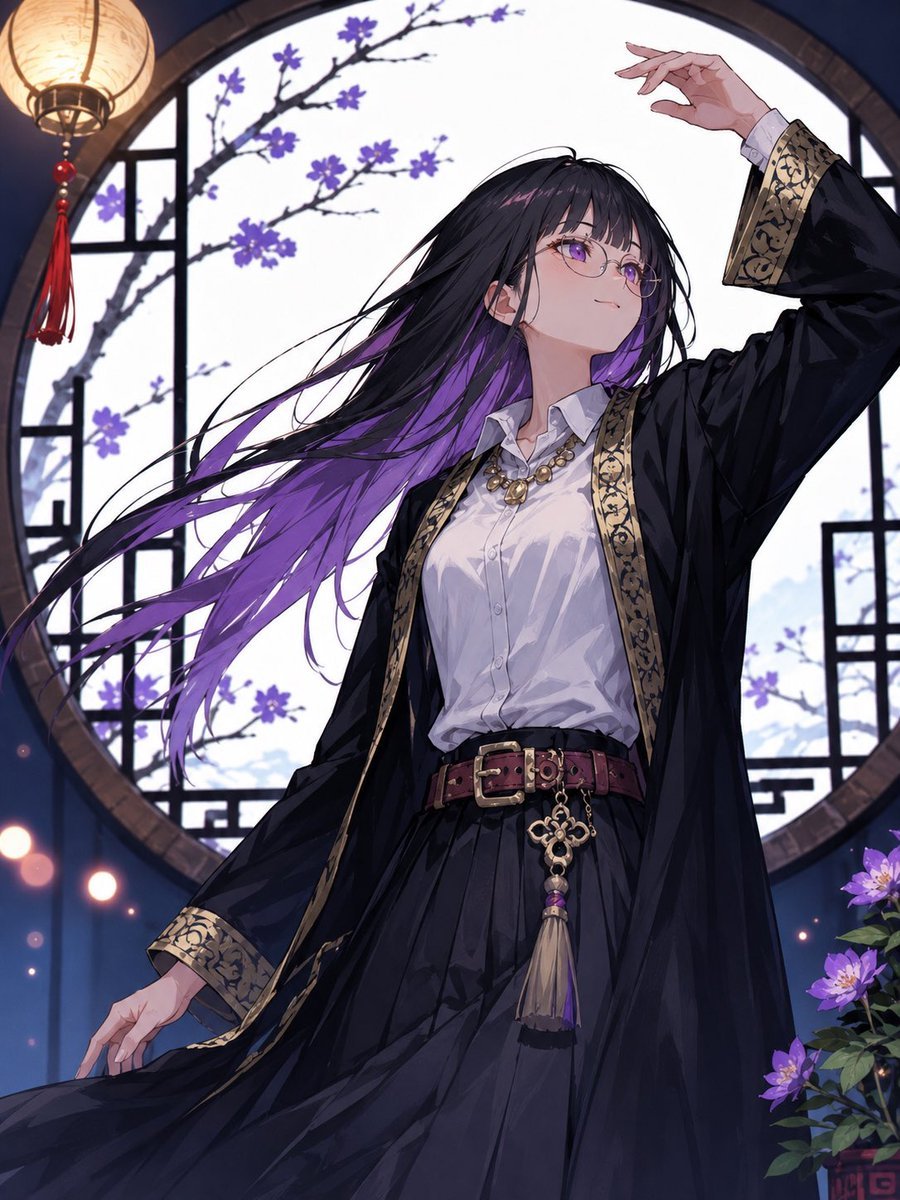
Mysterious Purple-Haired Anime Woman
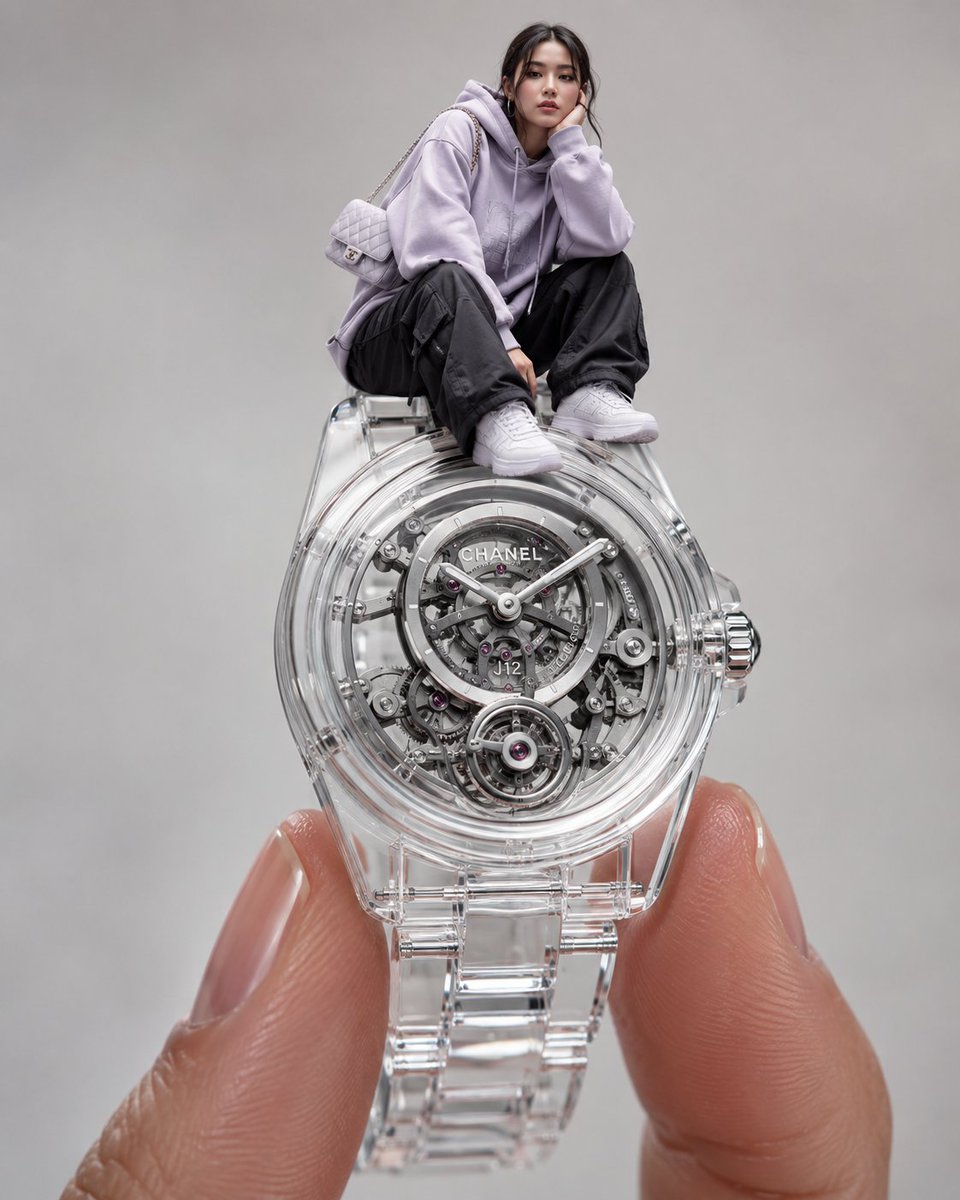
Surreal Luxury Wristwatch Fashion Campaign
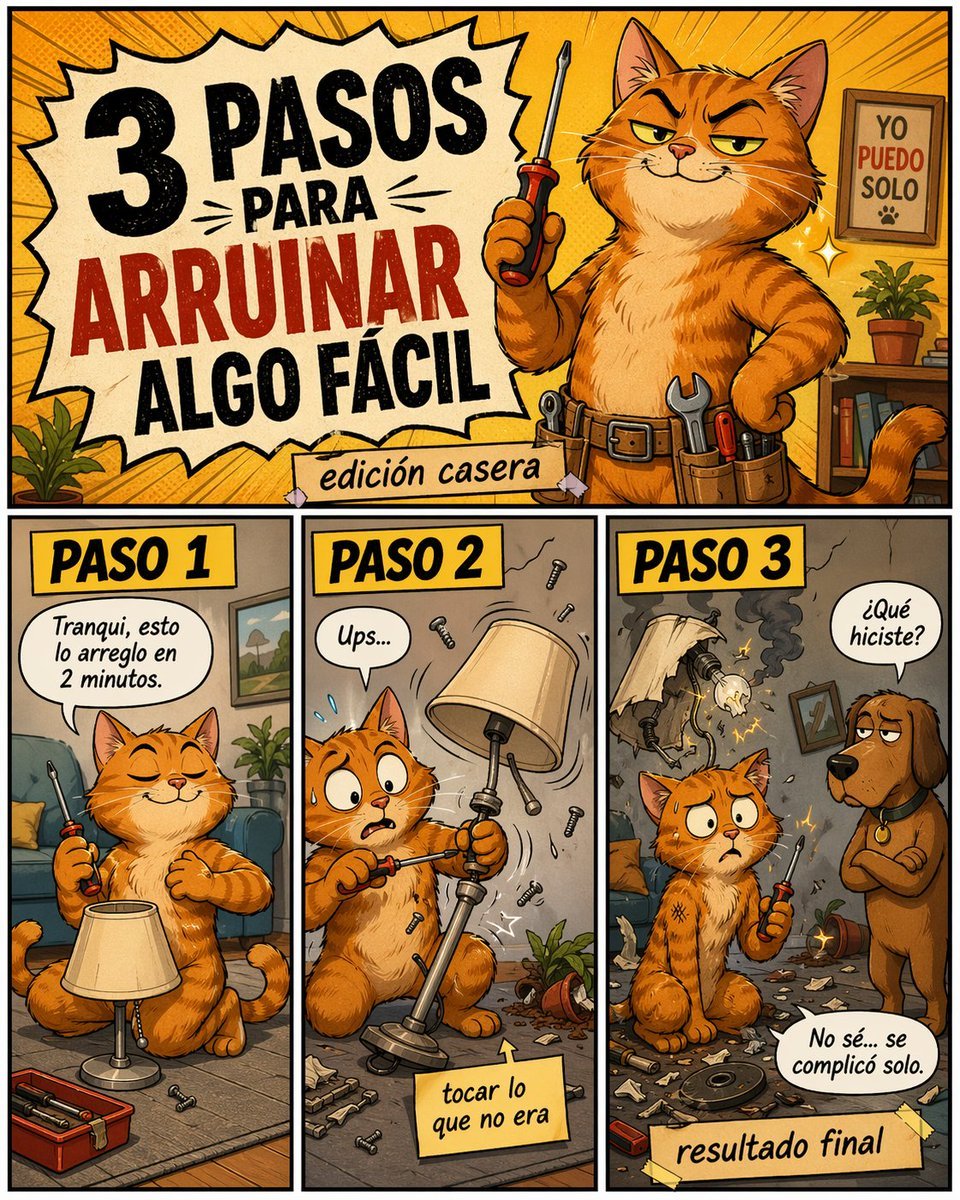
Funny DIY Disaster Cat Comic

Autonomous AI 4-Panel Manga Generation System Prompt
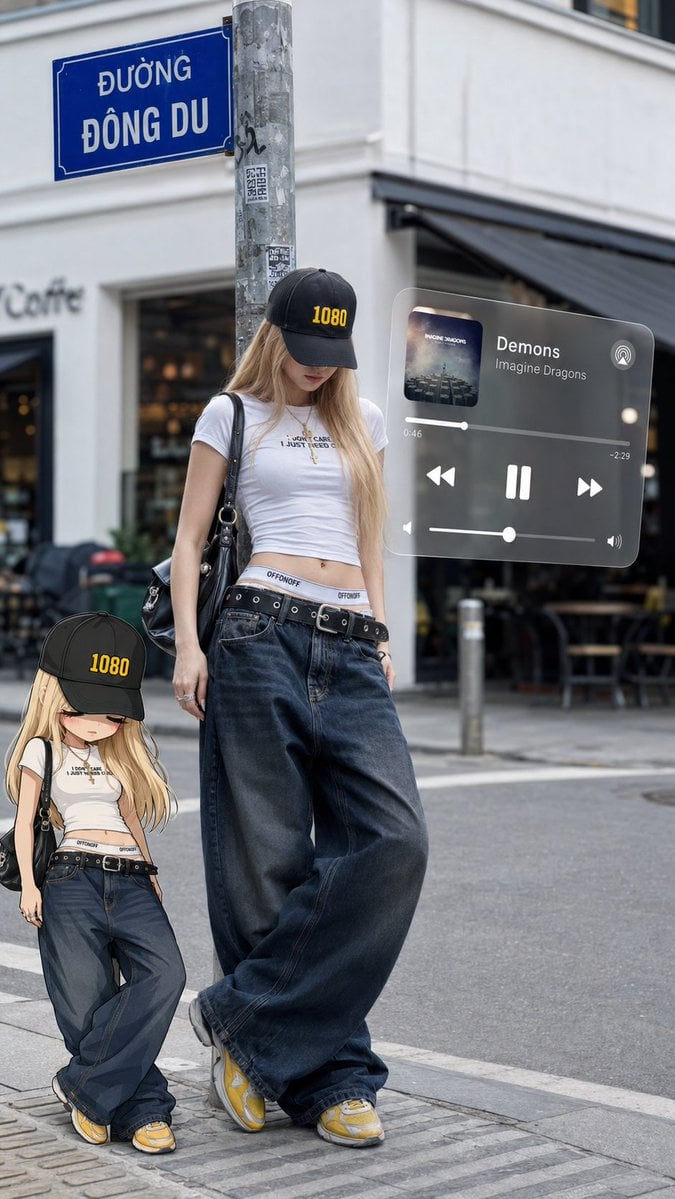
Urban street fashion portrait with AR overlays
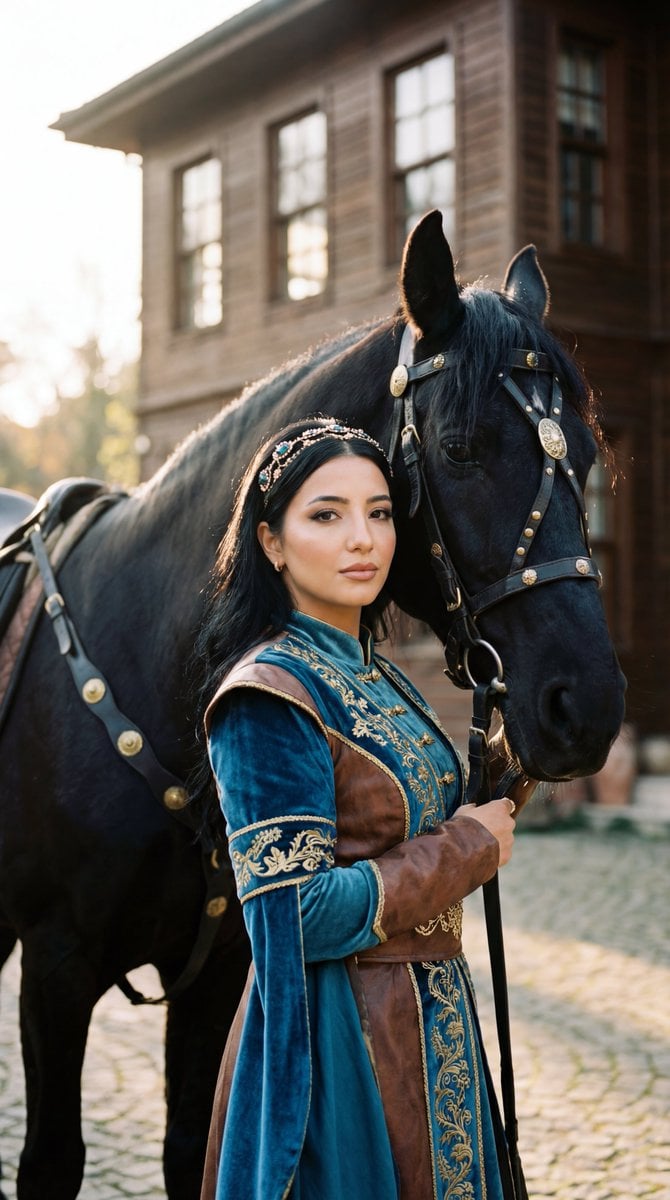
Photorealistic Historical Turkish Woman with Black Horse
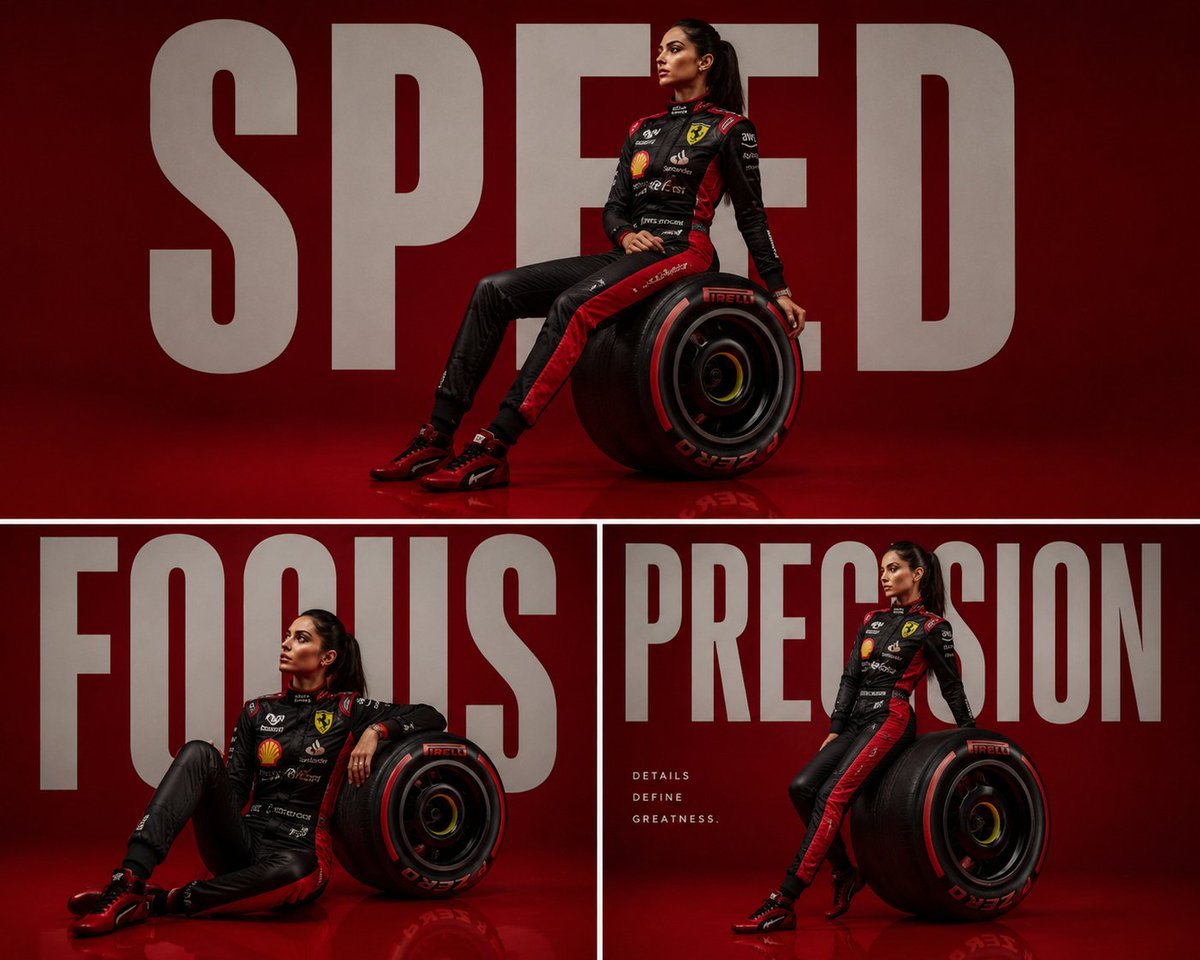
Luxury Formula 1 Triptych Poster
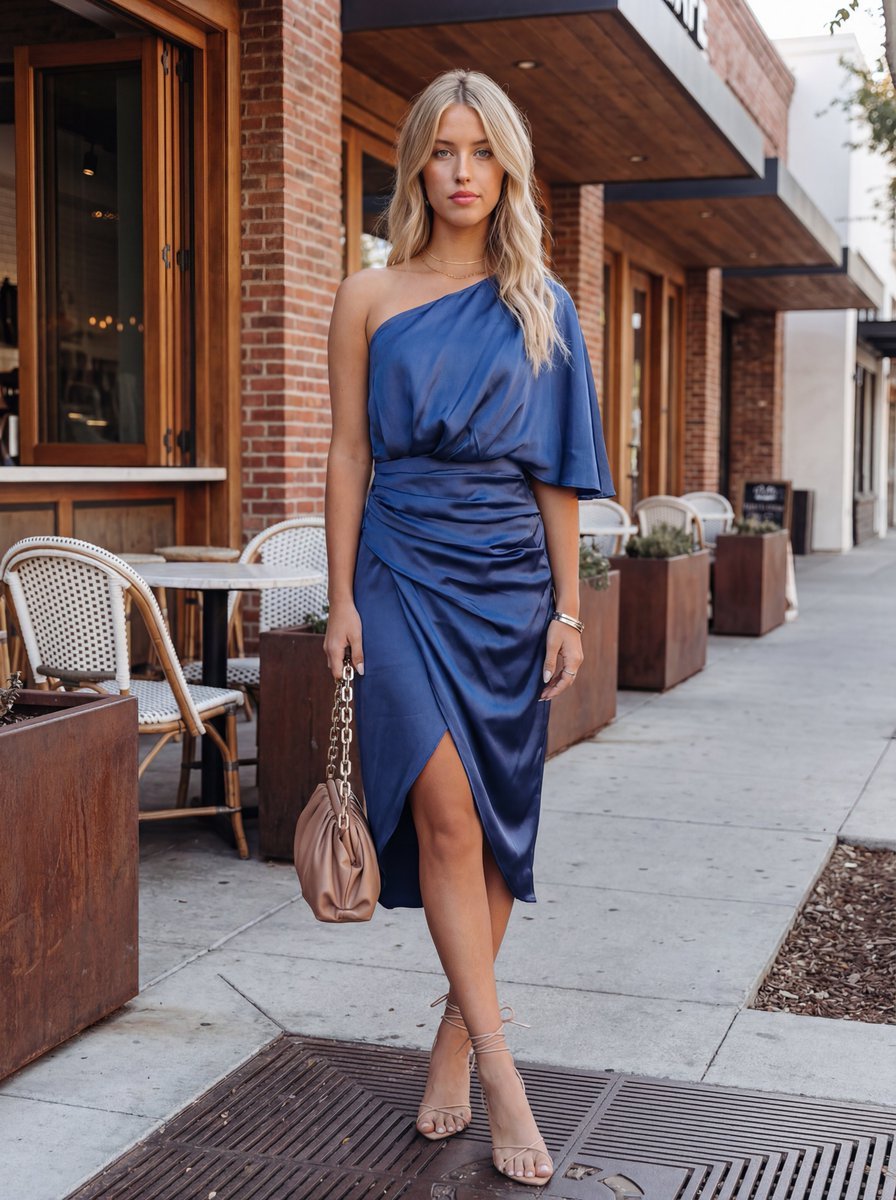
Commercial Fashion Photograph with Strict Garment Preservation (Variant)
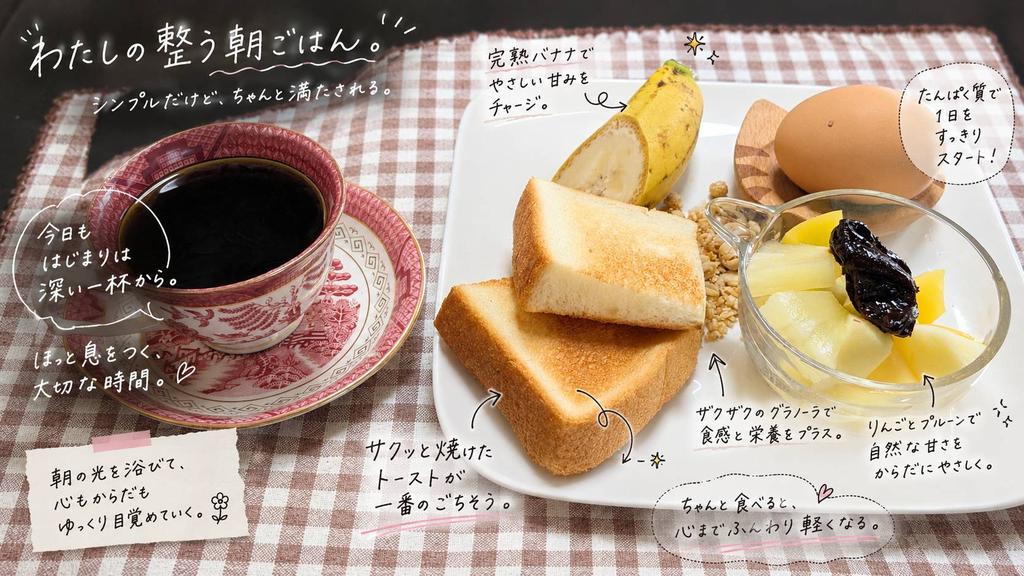
Annotated Japanese Breakfast Flat Lay
Browse template categories
Post-Apocalyptic Wuxia Standoff questions
How do I use the Post-Apocalyptic Wuxia Standoff template?
Add your photo if the template asks for one, edit the prompt if you like — the template's model and format are already selected — and press Generate. Your version opens in PicX Studio.
Can I customize the Post-Apocalyptic Wuxia Standoff template?
Yes. You can change the subject, setting, lighting, mood, format, and available model controls before creating your image.
Is the Post-Apocalyptic Wuxia Standoff template free?
Opening and editing this template is free. Generating uses credits, shown on the Generate button when you are signed in.
Which AI model should I use?
Start with GPT Image 2, which is the model associated with this template. You can compare another compatible model for a different finish.
Looking for something else? Browse all templates.

Your photo, any look
Thousands of ready templates for every top image and video model, from one credit balance.