
Manga Panel to Apocalyptic Mecha Poster
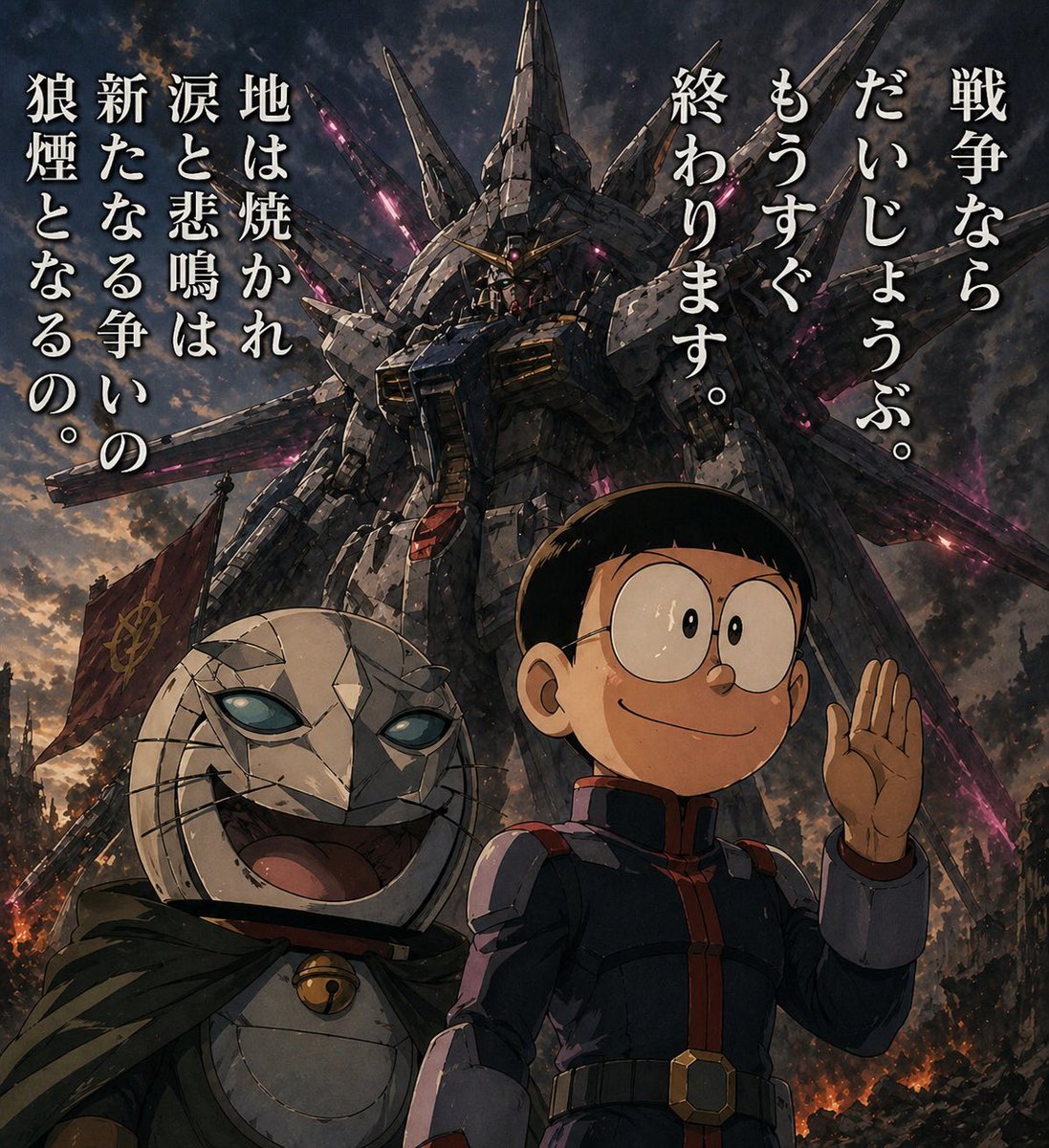
This prompt transforms a simple reference manga panel into a cinematic anime war poster with the same characters and dialogue but a newly added giant mecha battlefield setting.
- Prompt included
- Model and format preset
- Free template
The prompt behind this image
Copy the exact prompt behind Manga Panel to Apocalyptic Mecha Poster, or open it in the studio and make it yours.
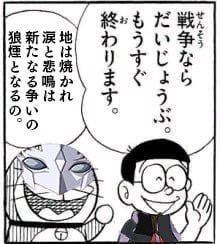
Using the provided reference image, remake the original manga panel as a dramatic cinematic anime key visual. Keep the same 2 characters, their relative placement, and the exact Japanese dialogue from the speech bubbles, but remove the manga panel borders and speech balloons and recompose the text as 2 large vertical copy blocks floating in the sky: on the right, 「戦争なら だいじょうぶ。 もうすぐ 終わります。」; on the left, 「地は焼かれ 涙と悲鳴は 新たなる争いの 狼煙となるの。」 Transform the simple black-and-white drawing into a highly detailed painted scene with realistic lighting, weathered textures, and an apocalyptic battlefield atmosphere at dusk. Replace the plain background with a colossal Gundam-like mecha towering behind them, covered in sharp wing-like protrusions and glowing magenta energy cracks, with smoke, embers, ruined city debris, and a dark cloudy sky. Upgrade the boy into a full-color anime version wearing a dark military-style uniform with red trim, still smiling and raising one hand. Upgrade the cat-like masked character into a sinister but expressive full-color figure with cracked white armor-like face plating, glowing pale blue eyes, a wide grin, a dark hooded cloak, and a small bell at the neck. Add a red war flag near the lower left background. Make it feel like an epic war poster, low-angle composition, ultra-detailed, high contrast, gritty, ominous, and cinematic.
Reference images included
Manga Panel to Apocalyptic Mecha Poster needs input media to work. They load alongside the prompt when you open it in the studio.
How to use Manga Panel to Apocalyptic Mecha Poster in 3 steps
- 1Upload ImagePNG, JPG or paste
Add your photo
Upload the photo the template builds on. The prompt, model and format are already set.
- 2…a portrait of your subject in softgolden-hour light, 85mm…
Personalize
Edit the subject and creative details for your destination.
- 3Generate
Generate
Press Generate — your image is created in PicX Studio, so you can compare it with the original and refine one variable at a time.
More like this
Templates with the same subject, style or setup. Open one to see its prompt.

Hero Portrait Comic Multi-Panel Poster
Six-Panel Mecha Pilot Manga

Japan Travel Brochure Poster

Six-Panel Retro Japanese Poster Collage

Seven-Panel Cyberpunk Manga Alley

Cartoon TV Show Poster Pack

Trendy Cafe Drink Promo Poster

Urban Fashion Editorial Collage Streetwear Poster

Premium Fashion Editorial Cover Layout System

Polo Ralph Lauren Luxury American Heritage Fashion Campaign

Monochrome Halftone Editorial Fashion Poster

Retro Mirror Luxury Fashion Campaign Poster
Make it yours
Manga Panel to Apocalyptic Mecha Poster works as-is. These are the safest ways to change it without losing the look.
Change one field
Copy a single group, rewrite it, and generate again so you can see what that field is doing.
Keep the frame, change the subject
Hold the composition and light of Manga Panel to Apocalyptic Mecha Poster, then swap wardrobe, props or the person for a new take.
| If the result… | Why | Fix |
|---|---|---|
| The result drifts from the preview | Too many fields changed at once. | Reuse Manga Panel to Apocalyptic Mecha Poster as-is first, then change one group — subject, light, or setting. |
| The model over-stylizes the scene | The prose prompt leaves finish and camera underspecified. | Add one camera or lighting sentence and stay on GPT Image 2. |
More GPT Image 2 templates
Other prompts made for GPT Image 2.

Six VTuber Japanese Logo Sheet

Realistic Portrait of Woman and Deer

The Vista Modular Condo Poster

AI Model Routing Comparison Infographic

2.5D Anime Art Board

Isometric Productivity Desk Scene

New York Double Exposure Poster

Four-Panel AI Landscape Comparison

Japanese Tatami Lifestyle Magazine Cover

NESCAFÉ Coffee Map Poster
More image prompts
Fresh picks from across the catalog.
Fantasy Paladin Trading Card
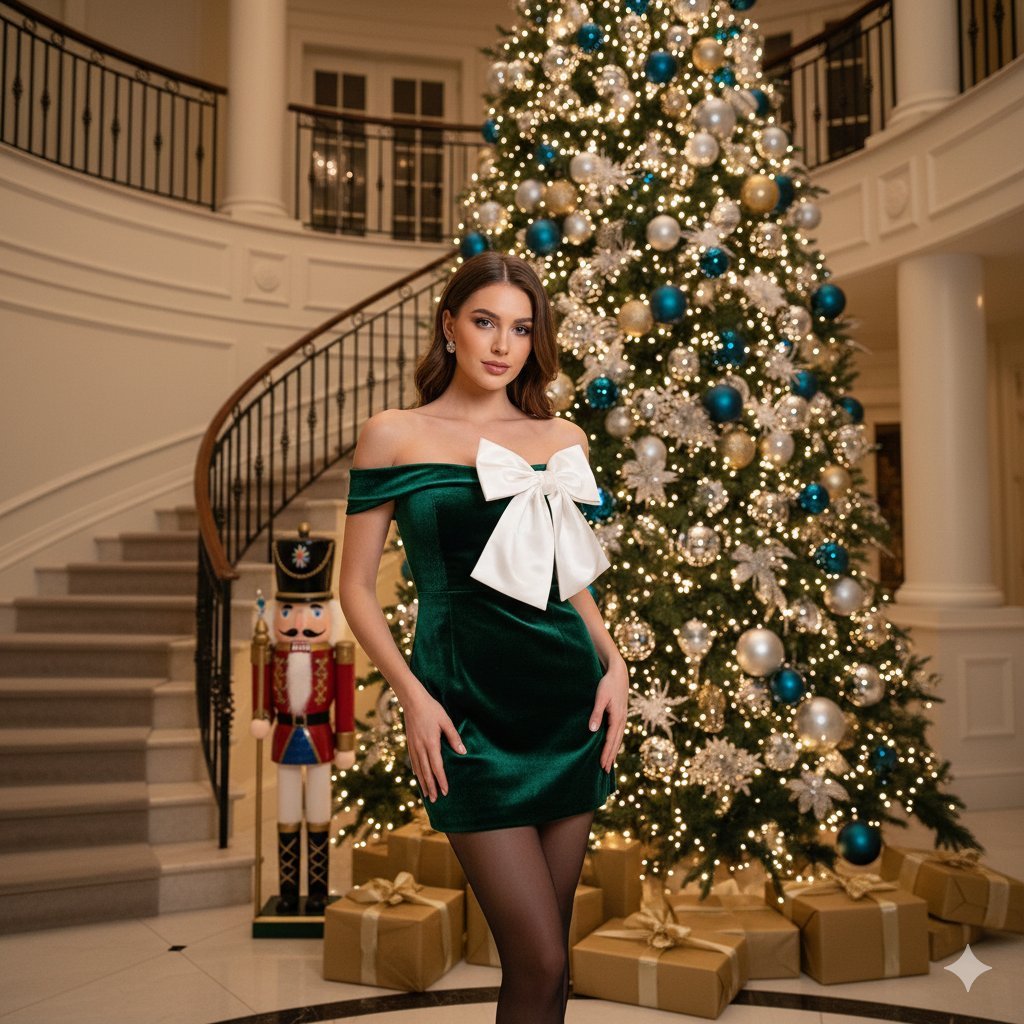
Opulent Holiday Portrait in Emerald Velvet Dress
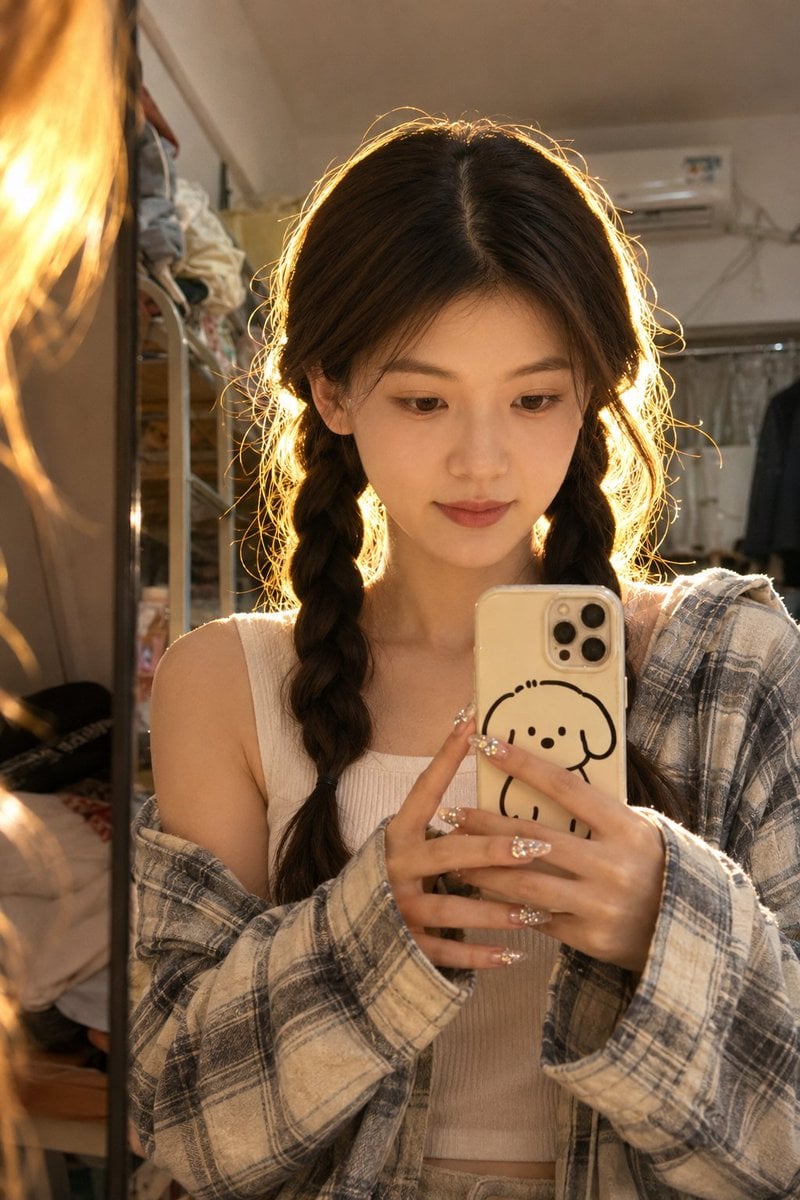
Dorm Mirror Selfie Identity Reference
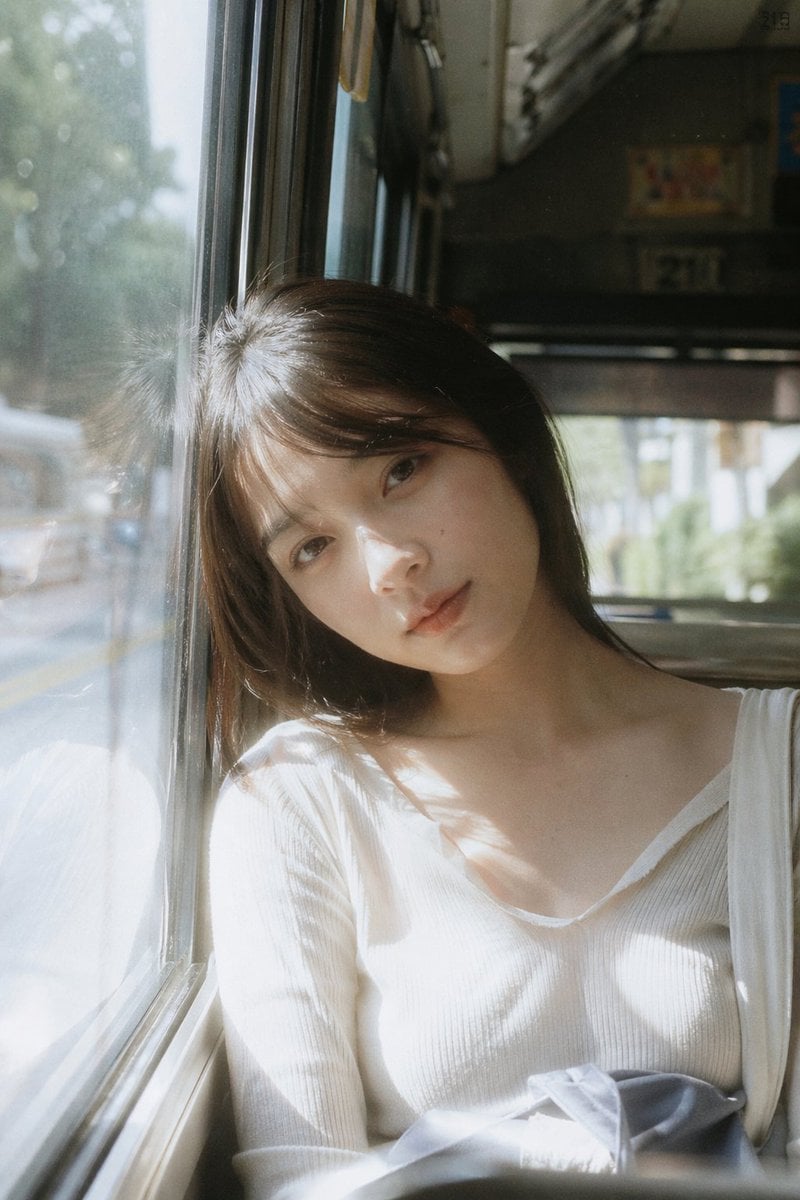
Bus Window Film Aesthetic

Cozy Lavender Catgirl Portrait
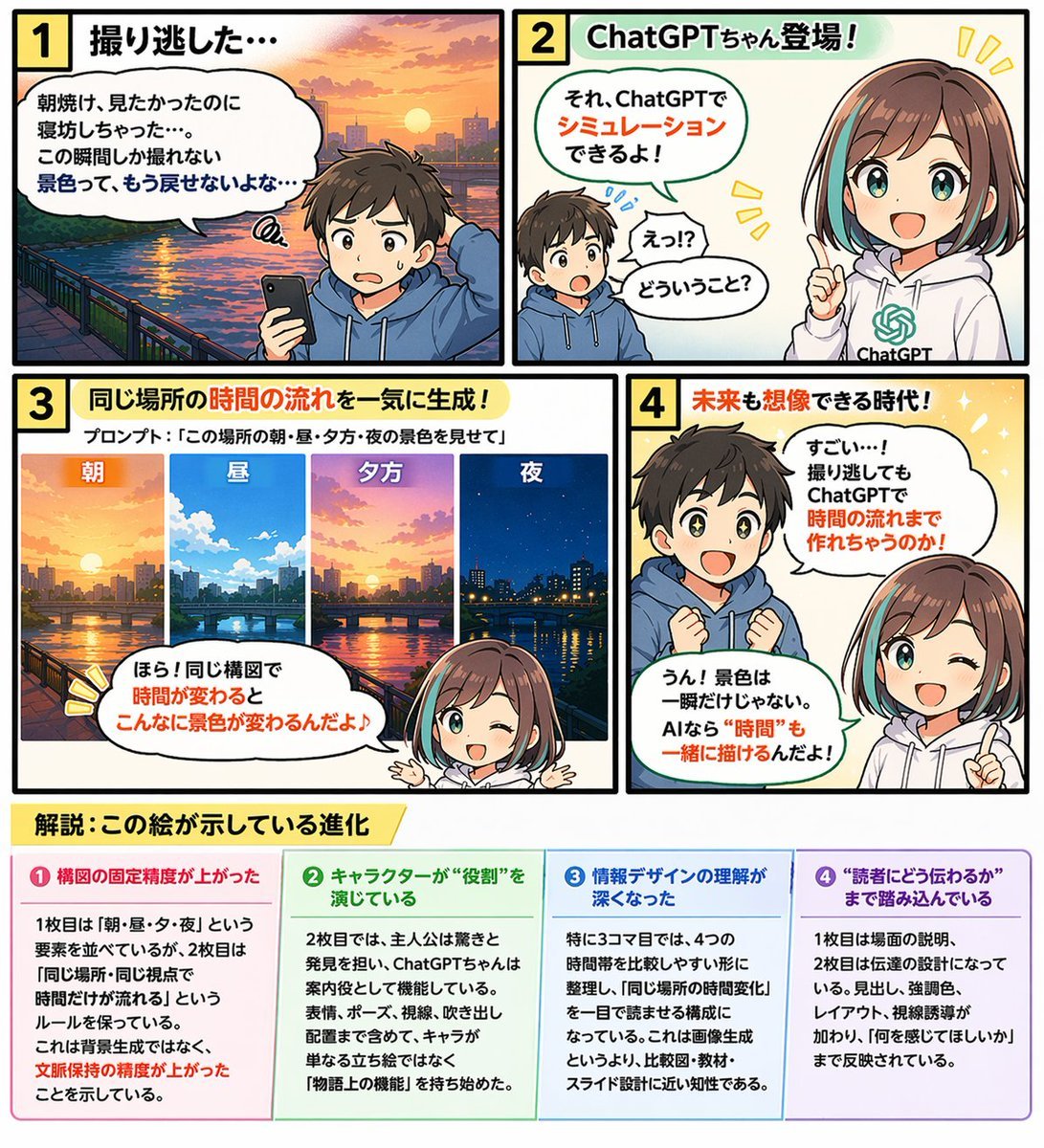
Educational 4-Panel Manga with Infographic
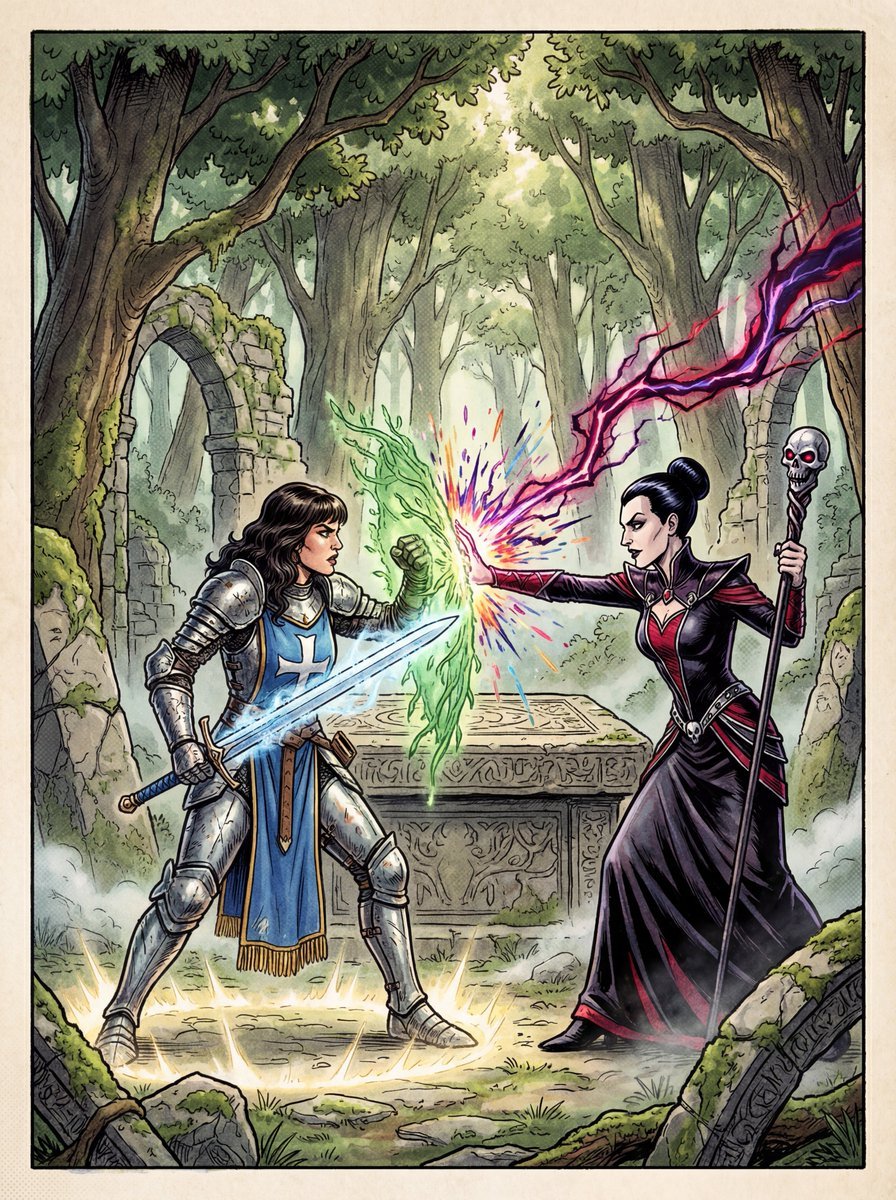
1980s RPG manual cover in 4K

Moody Cinematic Portrait with Neon Blue Top Prompt
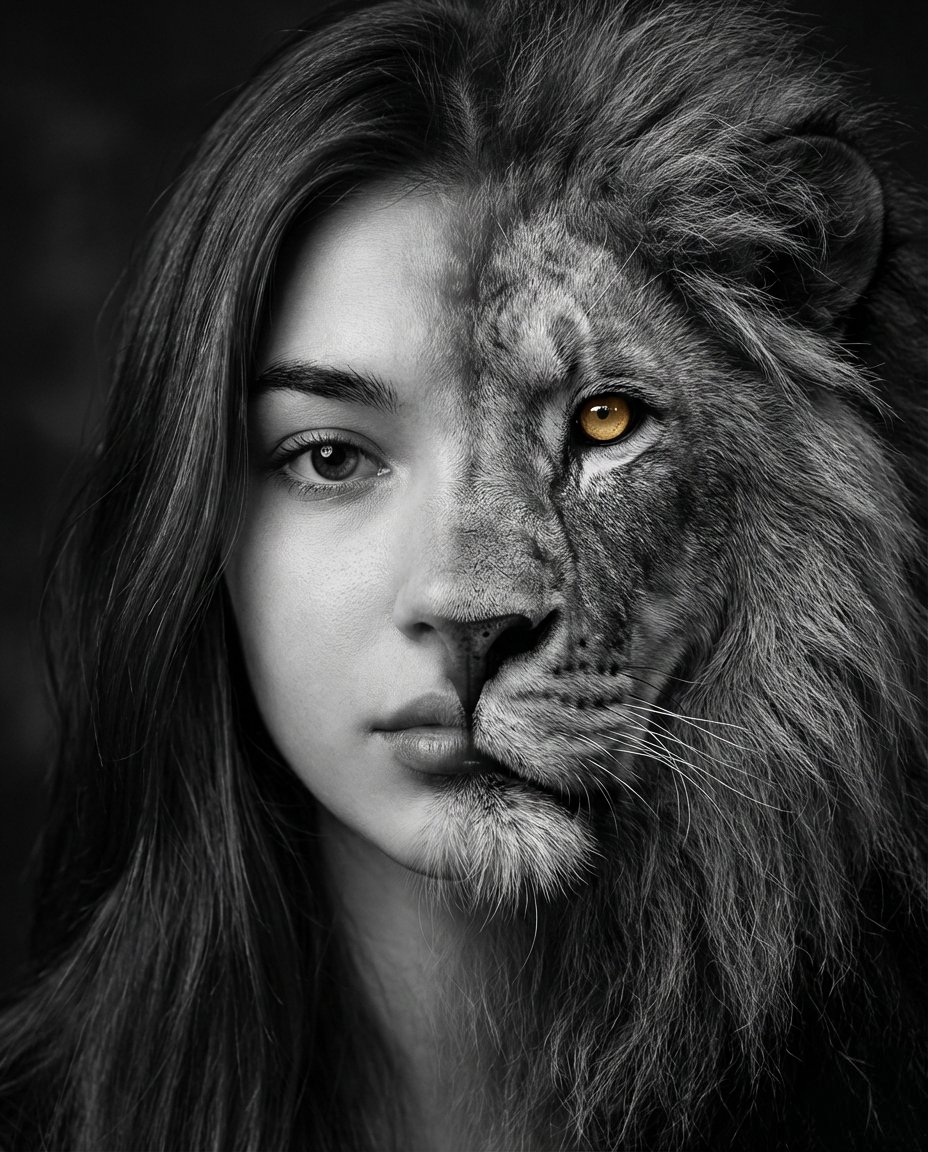
Cinematic Human-Lion Fusion Portrait
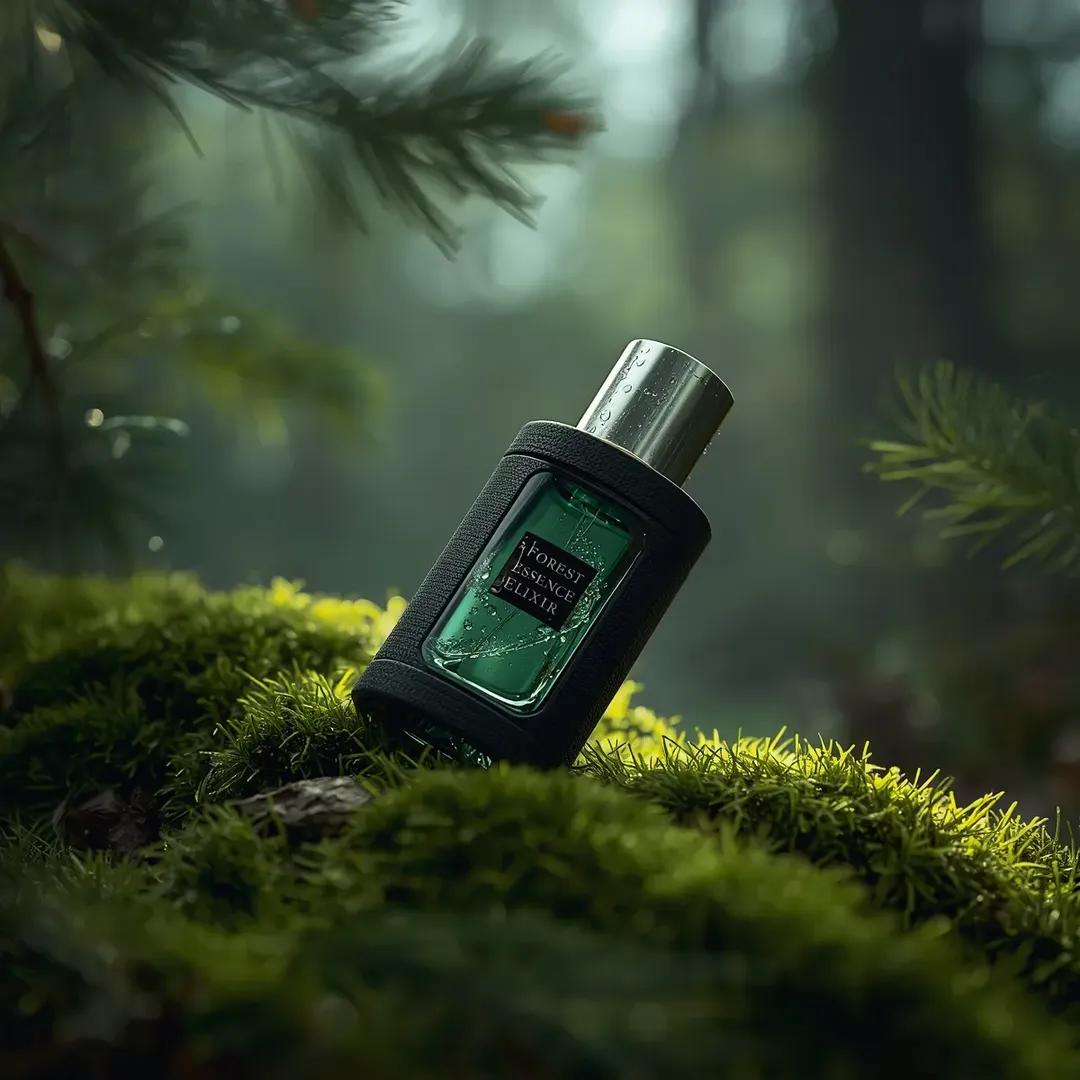
Ultra-realistic Fragrance Product Shot
Browse template categories
Manga Panel to Apocalyptic Mecha Poster questions
How do I use the Manga Panel to Apocalyptic Mecha Poster template?
Add your photo if the template asks for one, edit the prompt if you like — the template's model and format are already selected — and press Generate. Your version opens in PicX Studio.
Can I customize the Manga Panel to Apocalyptic Mecha Poster template?
Yes. You can change the subject, setting, lighting, mood, format, and available model controls before creating your image.
Is the Manga Panel to Apocalyptic Mecha Poster template free?
Opening and editing this template is free. Generating uses credits, shown on the Generate button when you are signed in.
Which AI model should I use?
Start with GPT Image 2, which is the model associated with this template. You can compare another compatible model for a different finish.
Looking for something else? Browse all templates.

Your photo, any look
Thousands of ready templates for every top image and video model, from one credit balance.