
Six-Panel Mecha Pilot Manga
Generates a dynamic six-panel anime manga page of an orange-haired pilot launching a red mobile suit from a futuristic cockpit.
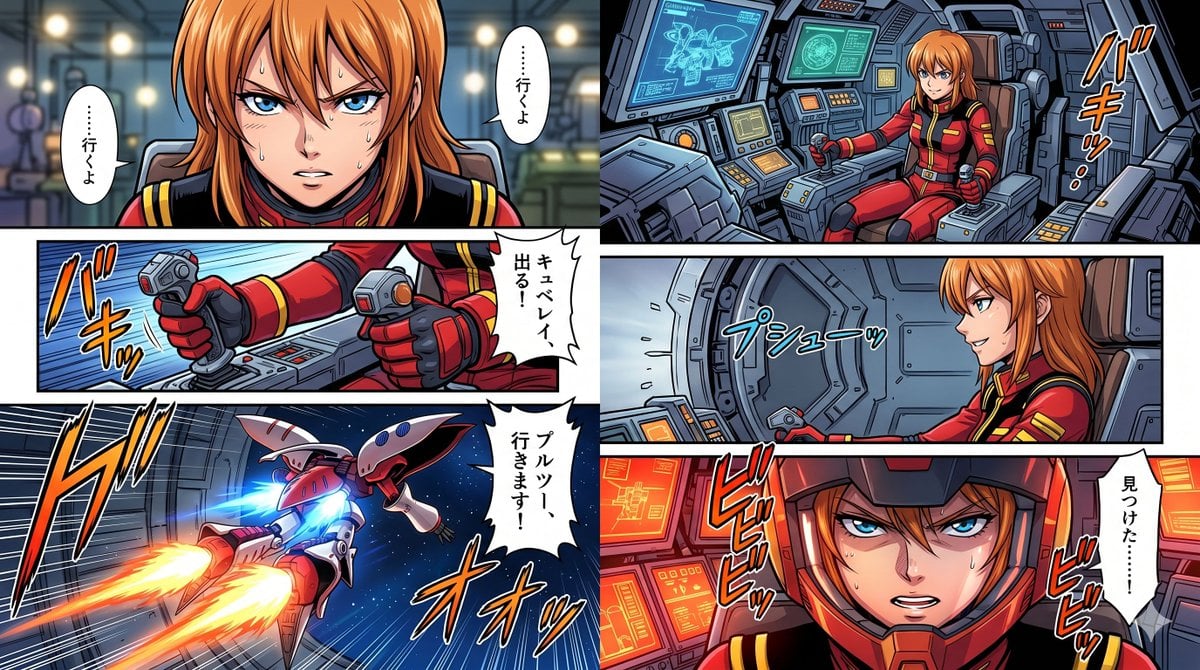
- Prompt included
- Model and format preset
- Free template
The prompt behind this image
Copy the exact prompt behind Six-Panel Mecha Pilot Manga, or open it in the studio and make it yours.
- Type
- six-panel Japanese mecha anime manga page
- Style
- highly polished 1990s space-opera anime comic, crisp ink outlines, saturated colors, dynamic panel borders, cel-shaded character art, detailed futuristic cockpit machinery, dramatic speed lines, halftone-like manga energy effects
- Character › Name
- {argument name="character name" default="Ple Two"}
- Character › Appearance
- young female pilot with long orange hair and sharp determined eyes; some face closeups are intentionally obscured by opaque tan censorship rectangles or soft blur blocks, matching the source composition
- Character › Outfit
- red and black military pilot suit with gold trim, high collar, black gloves, shoulder stripes, fitted sci-fi uniform details
- Mecha › Type
- {argument name="mobile suit type" default="Qubeley-style red mobile suit"}
- Mecha › Appearance
- sleek red-and-white insect-like space mobile suit with curved armor, wing-like shoulder binders, glowing blue rear thrusters, flying out of a launch bay into deep space
- Setting
- interior of a futuristic spacecraft hangar and mobile suit cockpit, blue-gray metal walls, glowing control panels, radar screens, mechanical consoles, space visible beyond launch port
- Layout › Format
- wide horizontal manga page, black gutters, six discrete panels
- Layout › Panel Count
- 6
- Layout › Panels › 0 › Number
- 1
- Layout › Panels › 0 › Position
- top left
- Layout › Panels › 0 › Description
- large close-up of the orange-haired pilot seated in a cockpit or hangar staging area; her face is covered by a rectangular tan censor block, lights and machinery blurred behind her; two white vertical speech balloons flank the face
- Layout › Panels › 0 › Dialogue
- {argument name="opening speech text" default="……行くよ"}
- Layout › Panels › 1 › Number
- 2
- Layout › Panels › 1 › Position
- top right
- Layout › Panels › 1 › Description
- wide cockpit view showing the pilot seated in a command chair, gripping dual control sticks, surrounded by detailed screens and instrument panels; energetic orange sound effect near the right edge
- Layout › Panels › 1 › Sound Effect
- {argument name="cockpit sound effects" default="バキッ"}
- Layout › Panels › 2 › Number
- 3
- Layout › Panels › 2 › Position
- middle left
- Layout › Panels › 2 › Description
- close-up of gloved hands pushing two joystick controls forward on a console, blue action lines behind the hands, white jagged speech balloon at right
- Layout › Panels › 2 › Dialogue
- {argument name="launch command text" default="キュベレイ、出る!"}
- Layout › Panels › 3 › Number
- 4
- Layout › Panels › 3 › Position
- middle right
Raw JSON
{"type":"six-panel Japanese mecha anime manga page","style":"highly polished 1990s space-opera anime comic, crisp ink outlines, saturated colors, dynamic panel borders, cel-shaded character art, detailed futuristic cockpit machinery, dramatic speed lines, halftone-like manga energy effects","character":{"name":"{argument name=\"character name\" default=\"Ple Two\"}","appearance":"young female pilot with long orange hair and sharp determined eyes; some face closeups are intentionally obscured by opaque tan censorship rectangles or soft blur blocks, matching the source composition","outfit":"red and black military pilot suit with gold trim, high collar, black gloves, shoulder stripes, fitted sci-fi uniform details"},"mecha":{"type":"{argument name=\"mobile suit type\" default=\"Qubeley-style red mobile suit\"}","appearance":"sleek red-and-white insect-like space mobile suit with curved armor, wing-like shoulder binders, glowing blue rear thrusters, flying out of a launch bay into deep space"},"setting":"interior of a futuristic spacecraft hangar and mobile suit cockpit, blue-gray metal walls, glowing control panels, radar screens, mechanical consoles, space visible beyond launch port","layout":{"format":"wide horizontal manga page, black gutters, six discrete panels","panel count":6,"panels":[{"number":1,"position":"top left","description":"large close-up of the orange-haired pilot seated in a cockpit or hangar staging area; her face is covered by a rectangular tan censor block, lights and machinery blurred behind her; two white vertical speech balloons flank the face","dialogue":"{argument name=\"opening speech text\" default=\"……行くよ\"}"},{"number":2,"position":"top right","description":"wide cockpit view showing the pilot seated in a command chair, gripping dual control sticks, surrounded by detailed screens and instrument panels; energetic orange sound effect near the right edge","sound effect":"{argument name=\"cockpit sound effects\" default=\"バキッ\"}"},{"number":3,"position":"middle left","description":"close-up of gloved hands pushing two joystick controls forward on a console, blue action lines behind the hands, white jagged speech balloon at right","dialogue":"{argument name=\"launch command text\" default=\"キュベレイ、出る!\"}"},{"number":4,"position":"middle right","description":"side cockpit shot of the pilot looking toward a round hatch or airlock door as it opens with steam or pressure lines; face partially blurred; blue sound effect across the center","sound effect":"{argument name=\"hatch sound effect\" default=\"プシューッ\"}"},{"number":5,"position":"bottom left","description":"dynamic exterior launch shot of the red-and-white mobile suit blasting from a ship bay into starry space, twin orange exhaust trails and blue engine glow, strong speed lines and large manga sound effects","dialogue":"{argument name=\"sortie speech text\" default=\"プルツー、行きます!\"}","sound effects":"ドゴ, オオッ"},{"number":6,"position":"bottom right","description":"intense close-up inside the cockpit with red warning-like monitor glow, orange-haired pilot leaning forward, face obscured by a large tan censorship rectangle, white jagged speech balloon on the right, repeated red vibration sound effects around the face","dialogue":"見つけた……!","sound effects":"ビビビビッ repeated twice"}]},"text treatment":"Japanese manga lettering in vertical white speech balloons and stylized colored sound effects; keep the handwritten comic typography, thick black outlines, and energetic placement","camera and mood":"cinematic action pacing, tense launch sequence, confident pilot, dramatic mecha sortie, high-detail cockpit realism mixed with anime illustration"}How to use Six-Panel Mecha Pilot Manga in 3 steps
- 1Upload ImagePNG, JPG or paste
Add your photo
Upload the photo the template builds on. The prompt, model and format are already set.
- 2…a portrait of your subject in softgolden-hour light, 85mm…
Personalize
Edit the subject and creative details for your destination.
- 3Generate
Generate
Press Generate — your image is created in PicX Studio, so you can compare it with the original and refine one variable at a time.
More like this
Templates with the same subject, style or setup. Open one to see its prompt.
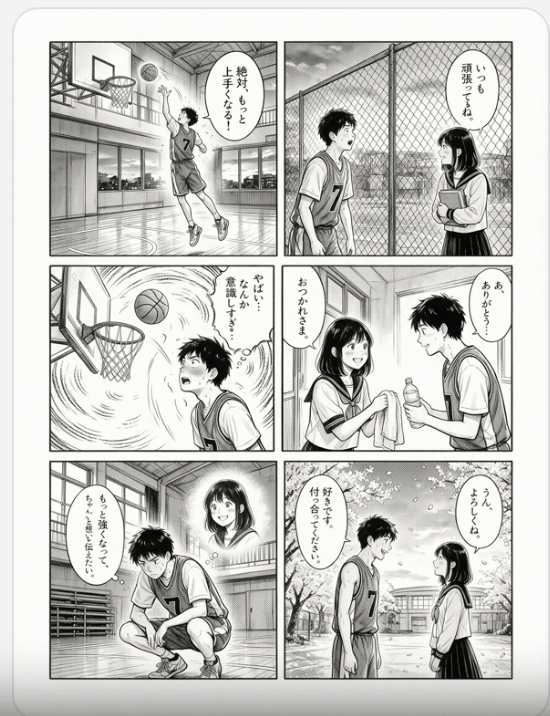
Six-Panel Basketball Romance Manga
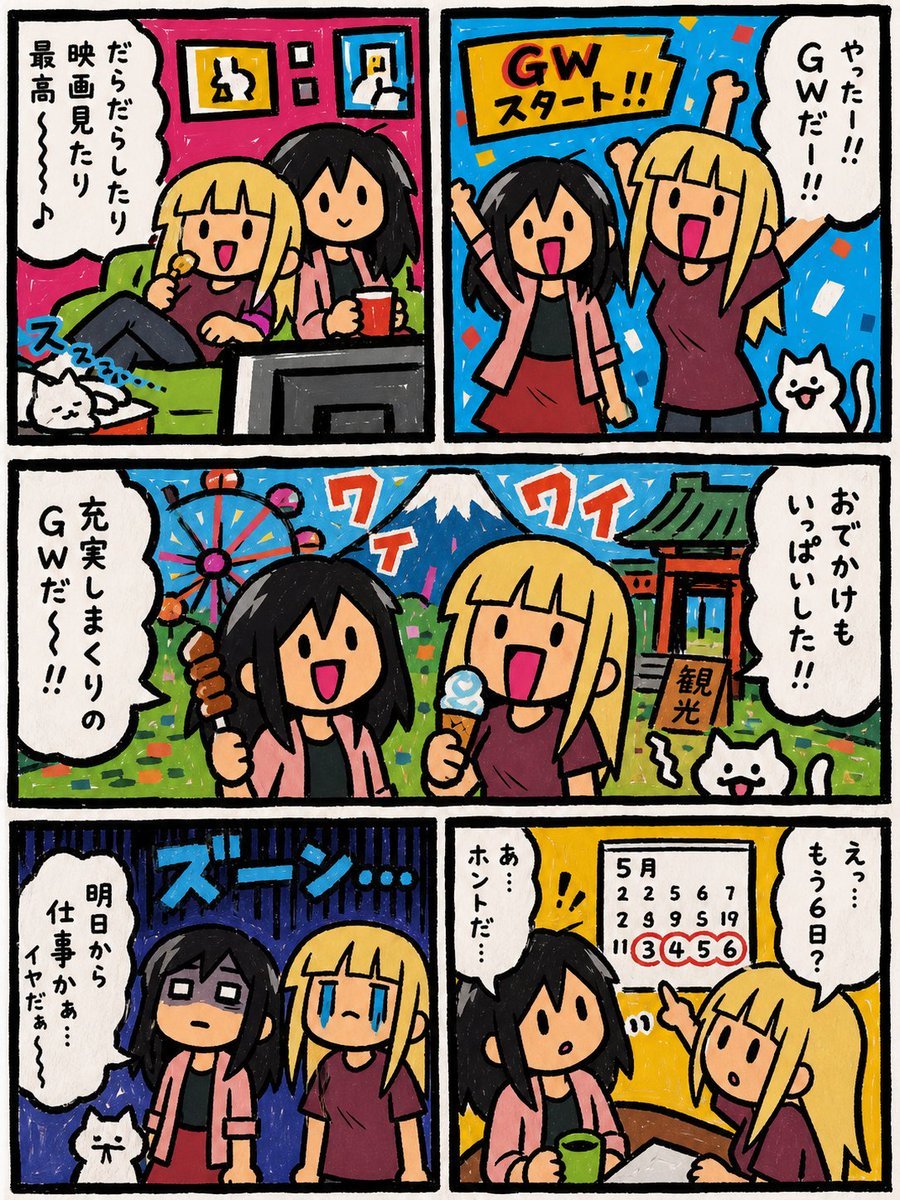
Six-Panel Golden Week Manga Comic
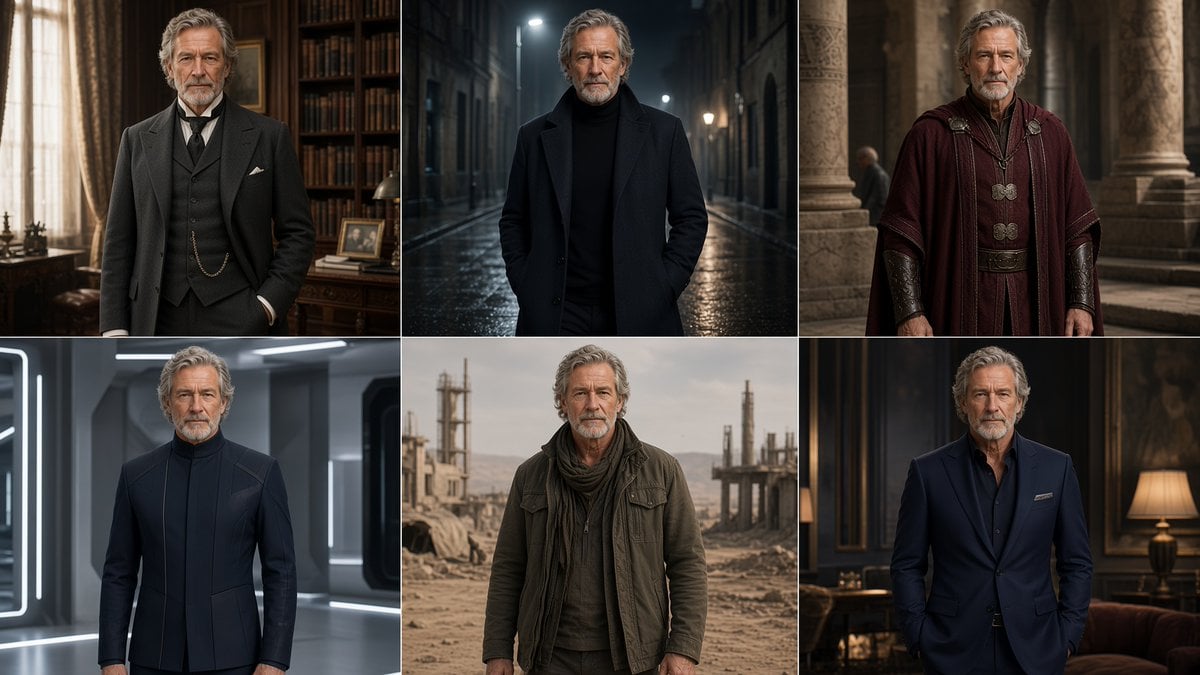
Six-Panel Cinematic Character Variations
Six-Panel AI Jewelry Portrait Comparison
Giant Robot and Pilot Mecha Armor
Mecha Cockpit Pilot Scene

Cozy Six-Panel Bedtime Stages Collage

Six-Panel Retro Japanese Poster Collage

Seven-Panel Cyberpunk Manga Alley

Pixar 6-Panel Streethero Expression Grid
Tiny Man Macro Survival Six-Panel Collage
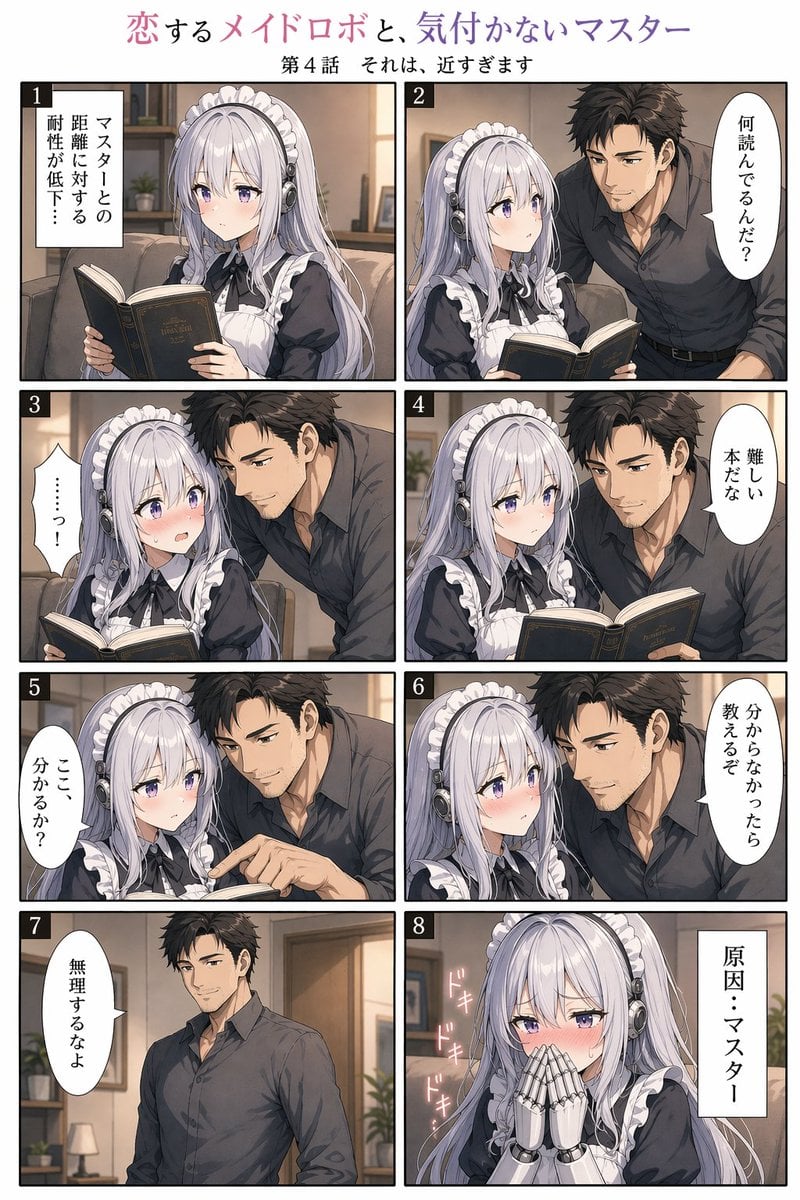
Eight-Panel Maid Robot Romance Manga
Make it yours
Six-Panel Mecha Pilot Manga works as-is. These are the safest ways to change it without losing the look.
Swap the setting
Keep the rest of the prompt and replace the location block. The current setting is “interior of a futuristic spacecraft hangar and mobile suit cockpit, blue-gray me”.
Change one field
Copy a single group, rewrite it, and generate again so you can see what that field is doing.
Keep the frame, change the subject
Hold the composition and light of Six-Panel Mecha Pilot Manga, then swap wardrobe, props or the person for a new take.
| If the result… | Why | Fix |
|---|---|---|
| The result drifts from the preview | Too many fields changed at once. | Reuse Six-Panel Mecha Pilot Manga as-is first, then change one group — subject, light, or setting. |
| GPT Image 2 ignores part of the JSON | Some models flatten or skip nested keys. | Keep the same values and paste them as a short paragraph instead. |
More GPT Image 2 templates
Other prompts made for GPT Image 2.

Six VTuber Japanese Logo Sheet

Realistic Portrait of Woman and Deer

The Vista Modular Condo Poster

AI Model Routing Comparison Infographic

2.5D Anime Art Board

Isometric Productivity Desk Scene

New York Double Exposure Poster

Four-Panel AI Landscape Comparison

Japanese Tatami Lifestyle Magazine Cover

NESCAFÉ Coffee Map Poster
More image prompts
Fresh picks from across the catalog.
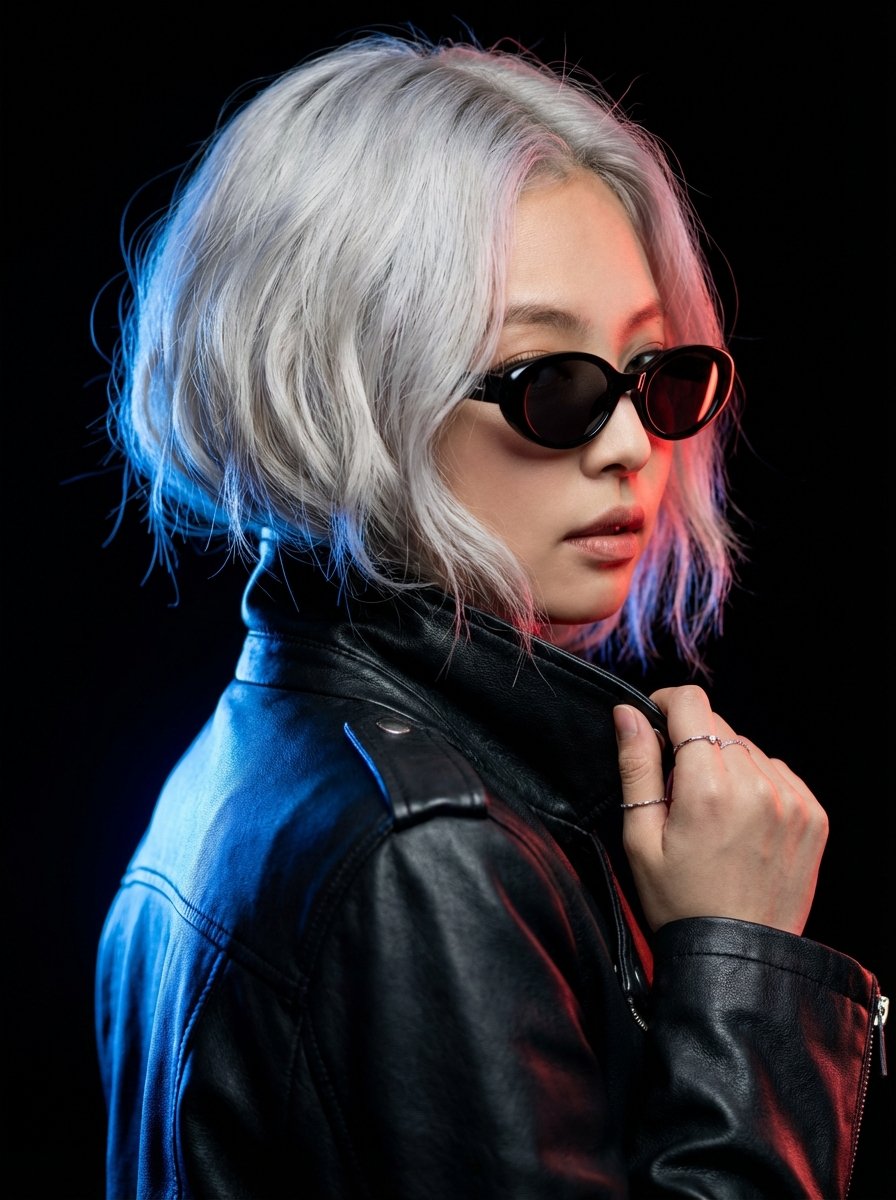
Hyper-realistic Portrait of Blackpink Jennie in Cinematic Dual-Tone Lighting
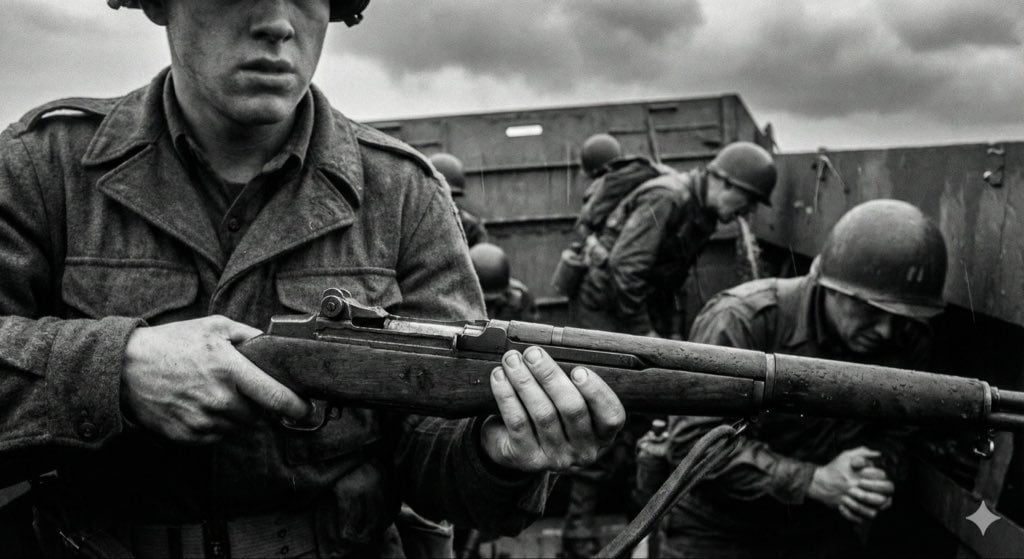
Mid-20th-century war photojournalism style framework
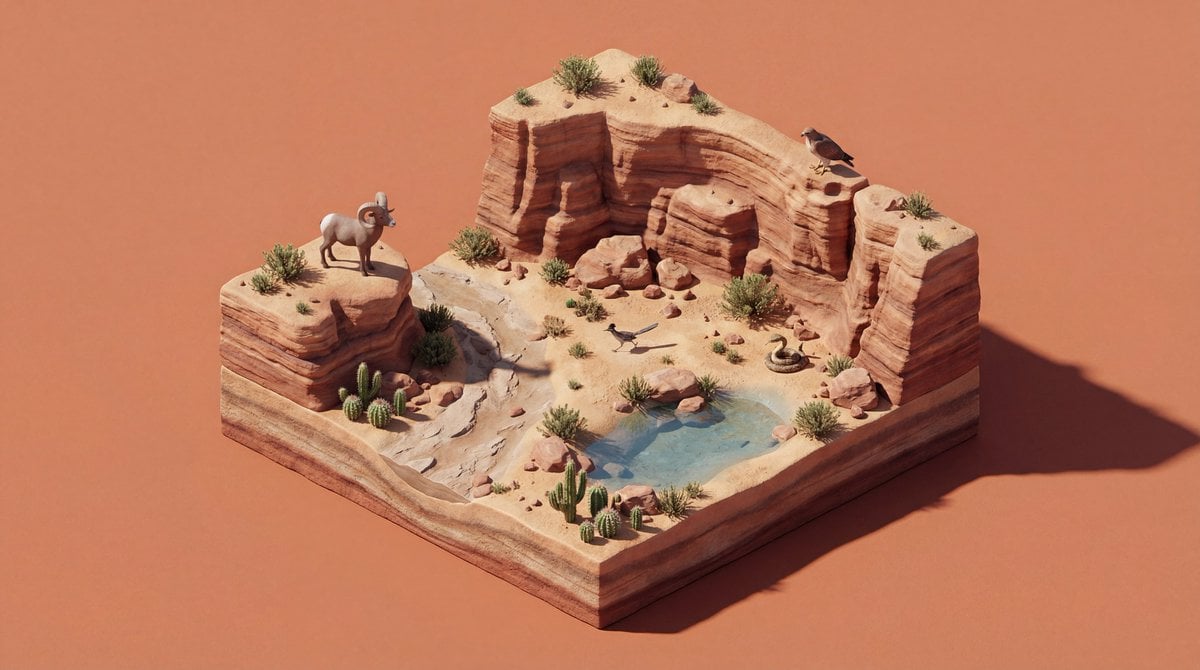
4K Wildlife Habitat Diorama Prompt
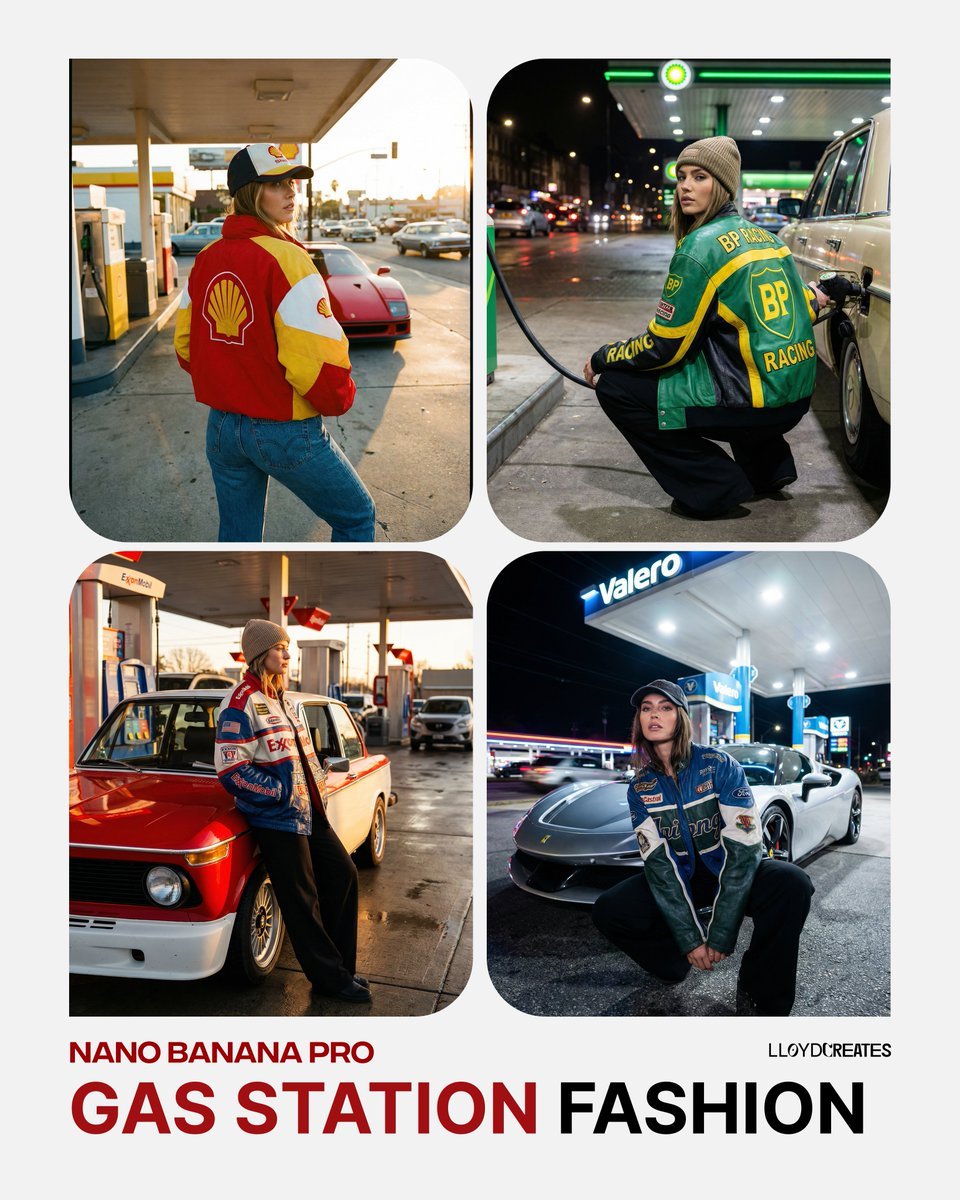
Gas Station Streetwear Fashion Photoshoot Template
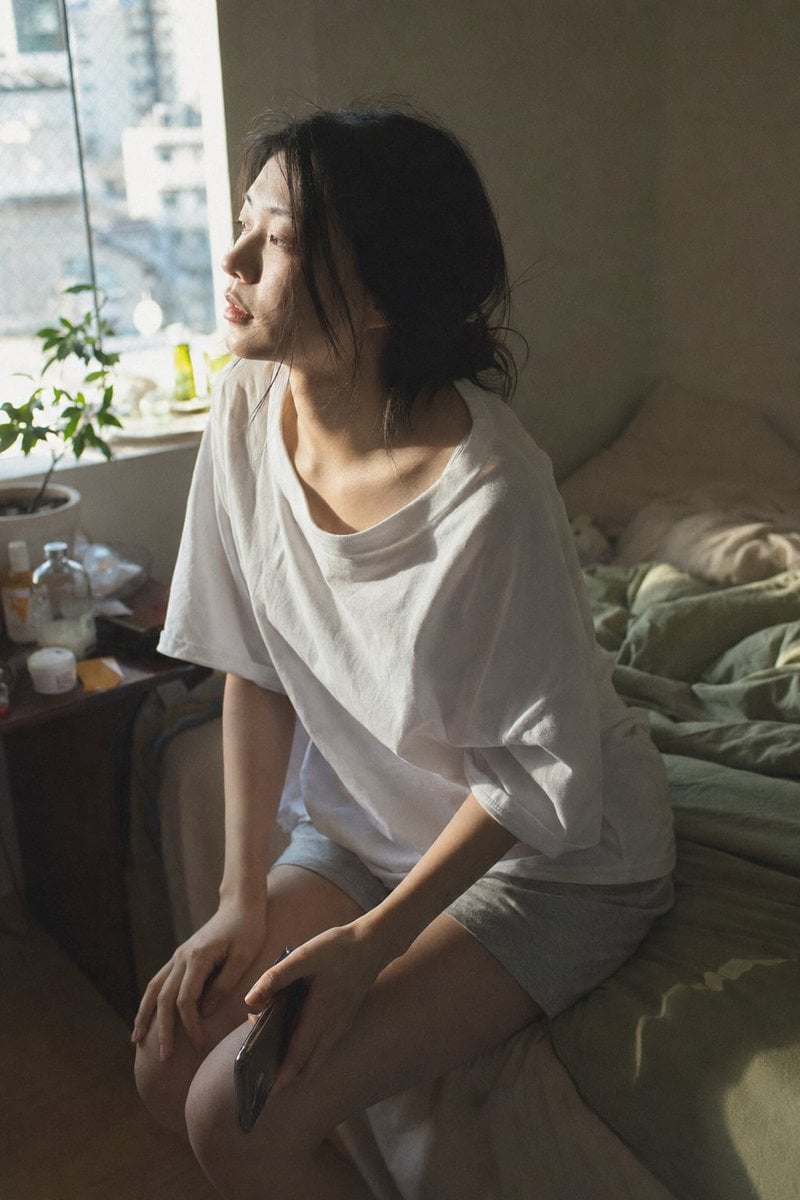
Candid Morning Bedroom Portrait
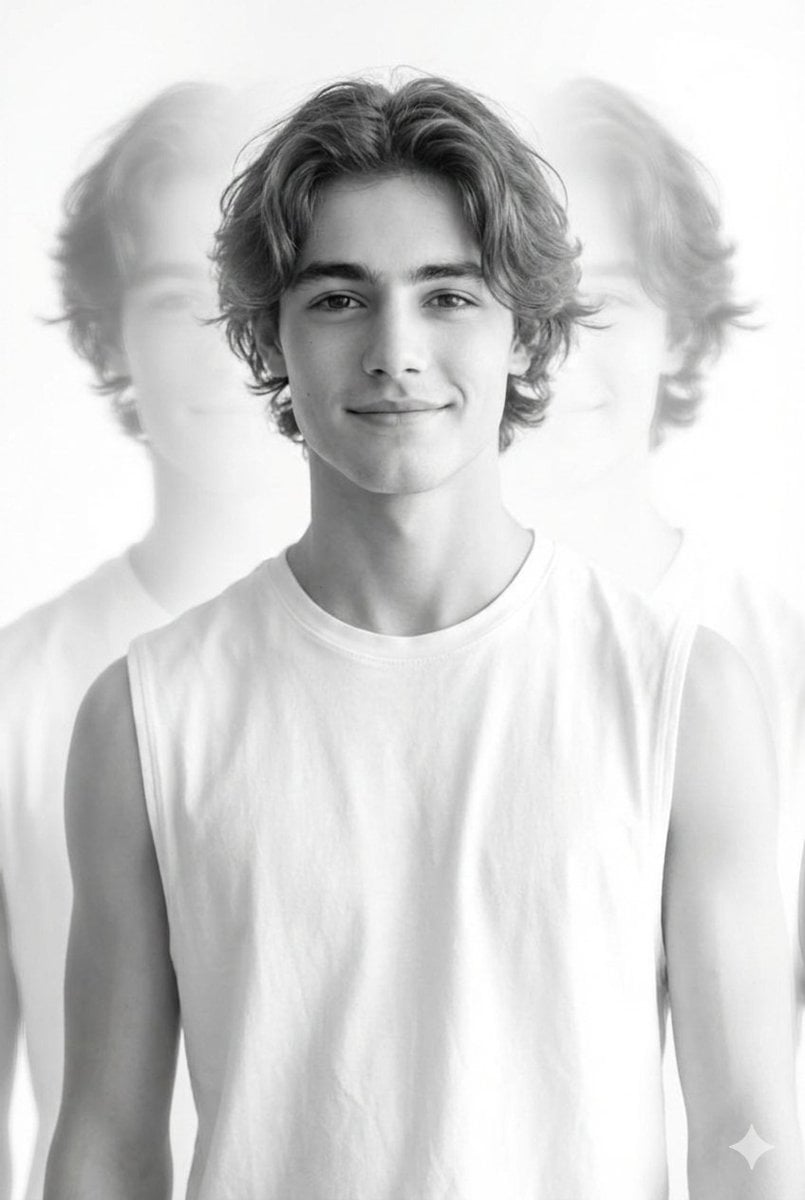
Black and White Multiple Exposure Portrait
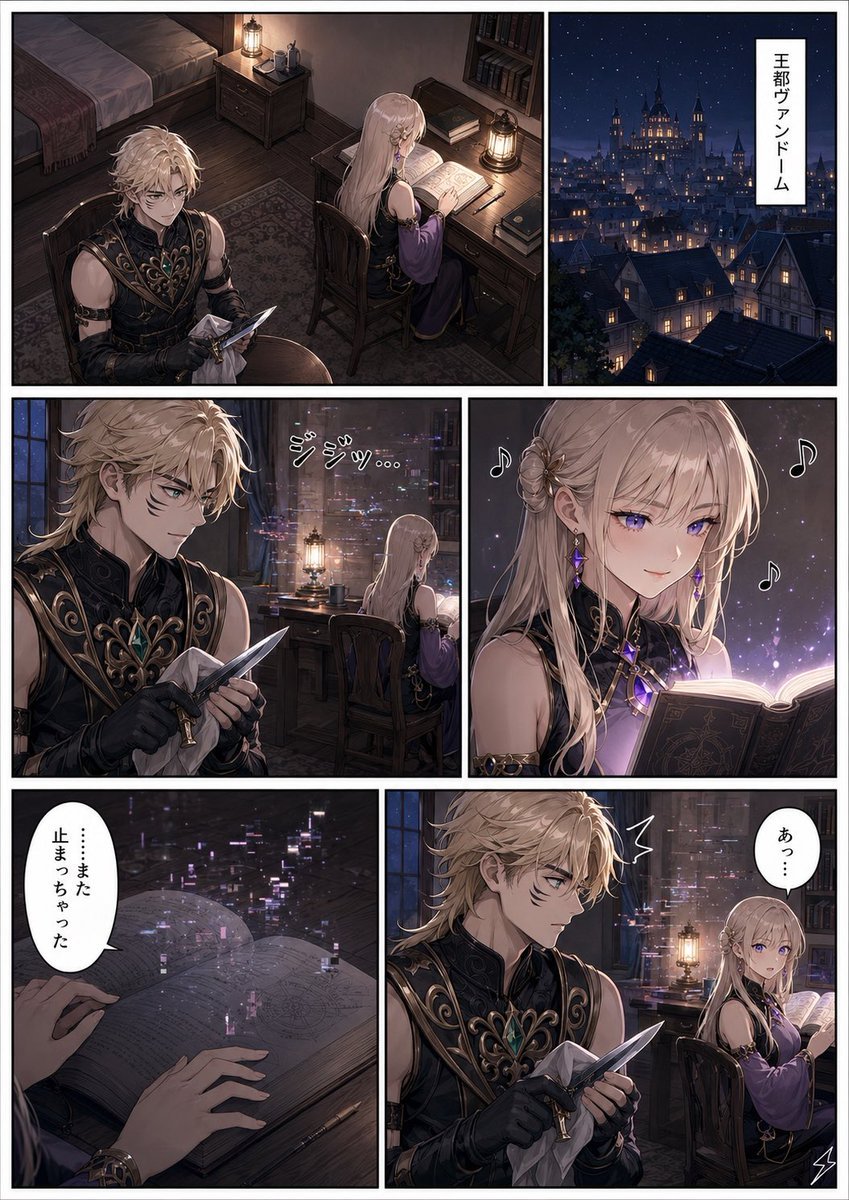
Dark Fantasy Manga Page Generator
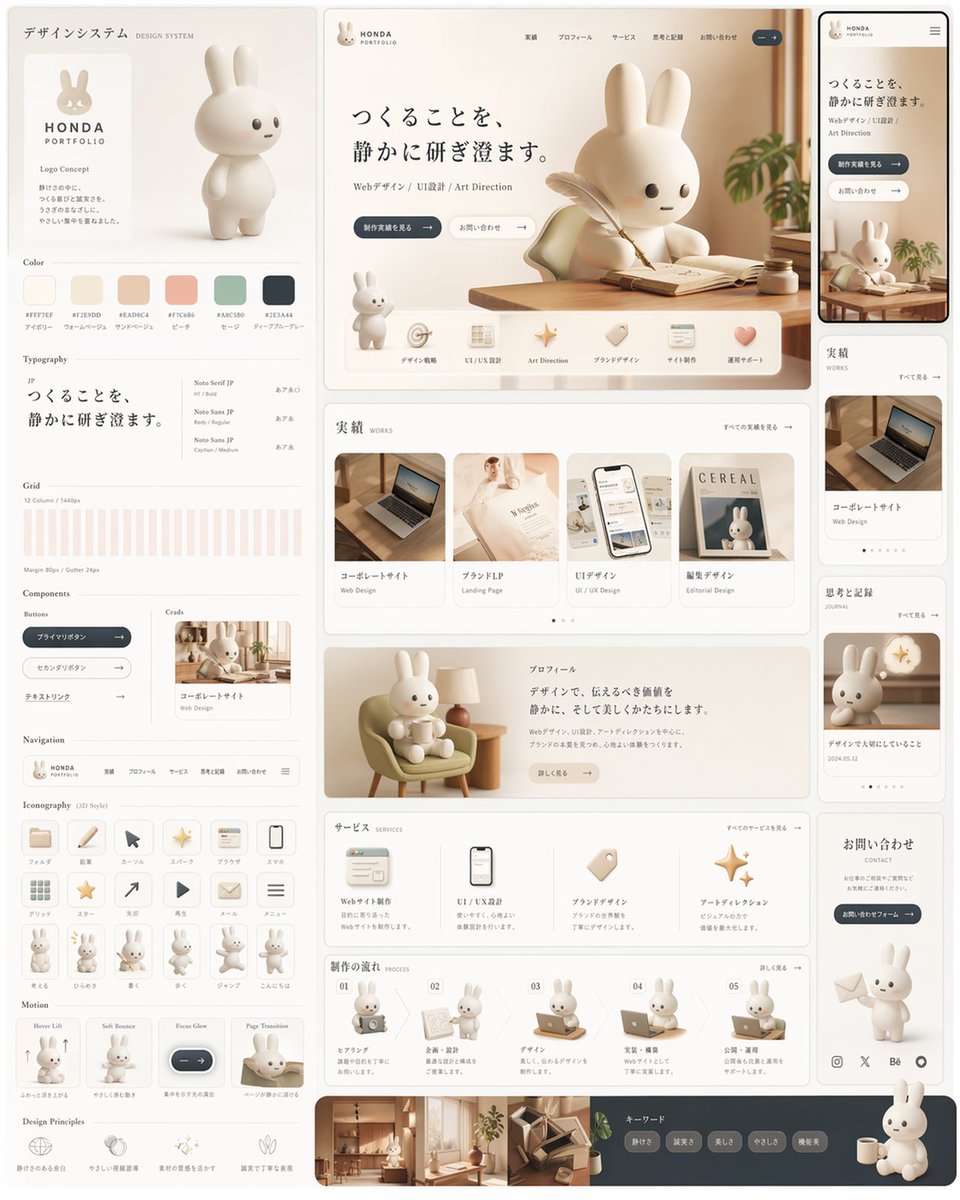
Rabbit Portfolio Design System Board
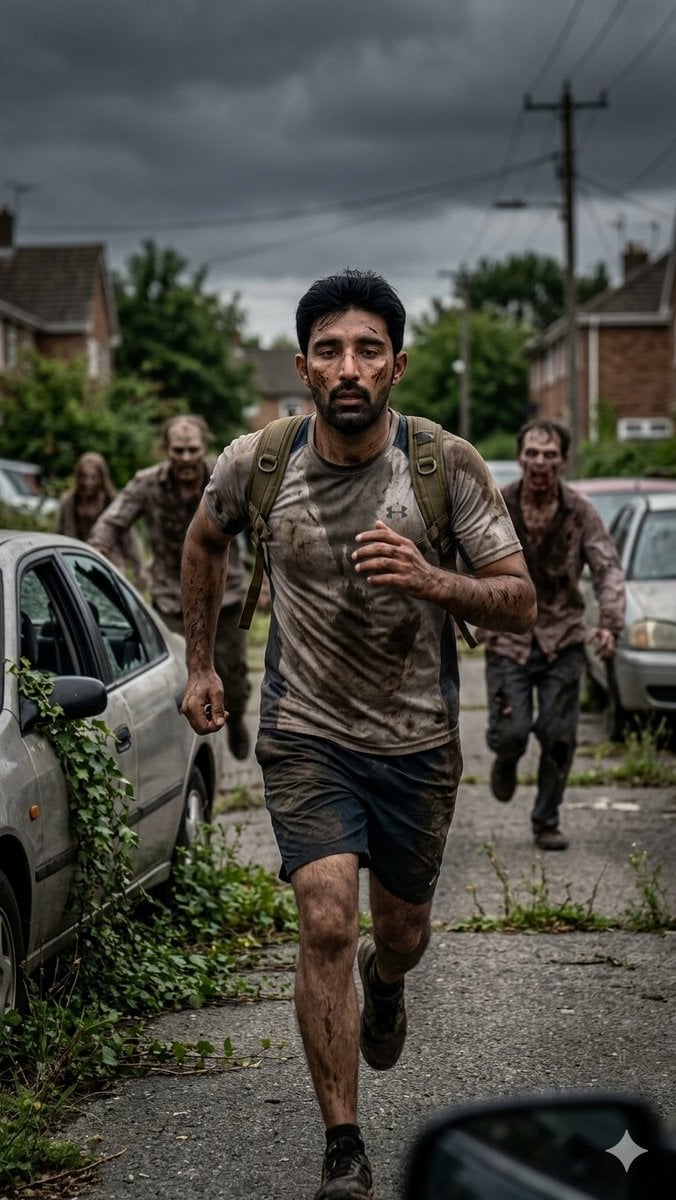
Desperate Runner on Stormy Street
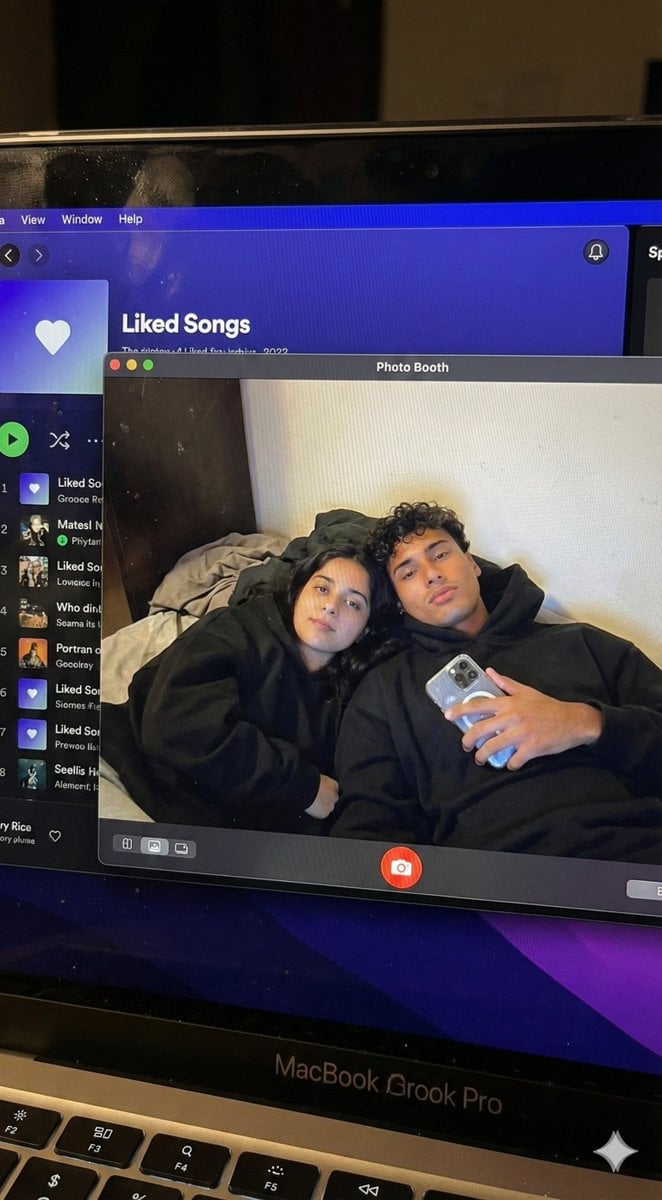
Couple MacBook screen selfie simulation prompt
Browse template categories
Six-Panel Mecha Pilot Manga questions
How do I use the Six-Panel Mecha Pilot Manga template?
Add your photo if the template asks for one, edit the prompt if you like — the template's model and format are already selected — and press Generate. Your version opens in PicX Studio.
Can I customize the Six-Panel Mecha Pilot Manga template?
Yes. You can change the subject, setting, lighting, mood, format, and available model controls before creating your image.
Is the Six-Panel Mecha Pilot Manga template free?
Opening and editing this template is free. Generating uses credits, shown on the Generate button when you are signed in.
Which AI model should I use?
Start with GPT Image 2, which is the model associated with this template. You can compare another compatible model for a different finish.
Looking for something else? Browse all templates.

Your photo, any look
Thousands of ready templates for every top image and video model, from one credit balance.