
Candid Morning Bedroom Portrait
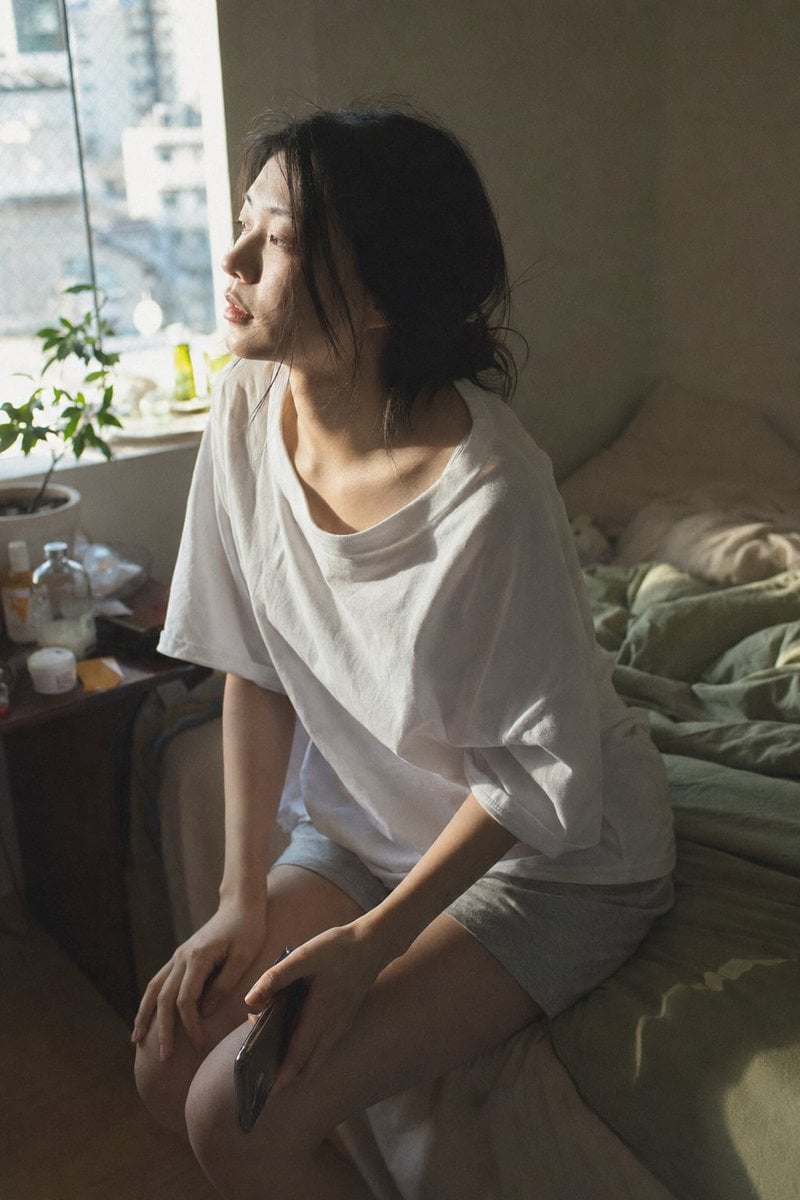
Generates a realistic vertical lifestyle photo of a sleepy young woman sitting on an unmade bed in soft morning window light.
- Prompt included
- Model and format preset
- Free template
The prompt behind this image
Copy the exact prompt behind Candid Morning Bedroom Portrait, or open it in the studio and make it yours.
Create a vertical close-medium authentic daily-life photograph of {argument name="subject" default="a young Japanese woman in her early 20s"} sitting sideways on the edge of an unmade bed in a small bedroom on an ordinary morning. Shoot from a slightly elevated three-quarter angle, as if captured candidly, with her posture relaxed and sleepy, leaning forward a little, knees together, one hand resting on her knee and the other loosely holding a dark smartphone near her thigh. Her face is intentionally obscured by a soft rectangular privacy blur, while her naturally straight black hair is loosely gathered and messy from sleep, with stray strands around her cheek and neck. She wears {argument name="sleepwear" default="an oversized loose white cotton T-shirt and light gray soft shorts"}, unstyled and casual. The room feels lived-in: there is exactly 1 large window on the left with bright morning daylight, exactly 1 potted plant on the windowsill, exactly 1 small green bottle near the window, exactly 1 cluttered bedside table with small bottles, jars, and daily items, and an unmade bed with cream pillows and {argument name="blanket color" default="muted sage green"} rumpled bedding. Use soft directional morning window light from the left, a cool-to-warm transition, visible dust and haze, gentle shadows across the shirt and legs, realistic skin texture on the hands and collarbone, natural fabric wrinkles, shallow depth of field, muted colors, slight grain, documentary realism, no posing, no glamour styling, no makeup, no artificial studio lighting.
How to use Candid Morning Bedroom Portrait in 3 steps
- 1Upload ImagePNG, JPG or paste
Add your photo
Upload the photo the template builds on. The prompt, model and format are already set.
- 2…a portrait of your subject in softgolden-hour light, 85mm…
Personalize
Edit the subject and creative details for your destination.
- 3Generate
Generate
Press Generate — your image is created in PicX Studio, so you can compare it with the original and refine one variable at a time.
More like this
Templates with the same subject, style or setup. Open one to see its prompt.











Make it yours
Candid Morning Bedroom Portrait works as-is. These are the safest ways to change it without losing the look.
Change one field
Copy a single group, rewrite it, and generate again so you can see what that field is doing.
Keep the frame, change the subject
Hold the composition and light of Candid Morning Bedroom Portrait, then swap wardrobe, props or the person for a new take.
| If the result… | Why | Fix |
|---|---|---|
| The result drifts from the preview | Too many fields changed at once. | Reuse Candid Morning Bedroom Portrait as-is first, then change one group — subject, light, or setting. |
| The model over-stylizes the scene | The prose prompt leaves finish and camera underspecified. | Add one camera or lighting sentence and stay on GPT Image 2. |
More GPT Image 2 templates
Other prompts made for GPT Image 2.

Six VTuber Japanese Logo Sheet

Realistic Portrait of Woman and Deer

The Vista Modular Condo Poster

AI Model Routing Comparison Infographic

2.5D Anime Art Board

Isometric Productivity Desk Scene

New York Double Exposure Poster

Four-Panel AI Landscape Comparison

Japanese Tatami Lifestyle Magazine Cover

NESCAFÉ Coffee Map Poster
More image prompts
Fresh picks from across the catalog.
Minimalist Fashion Ad Studio Photograph Prompt

Mechanical Keyboard Product Page Mockup

Isometric 3D Diorama of Product Evolution Prompt
Gothic Vampire Sisters
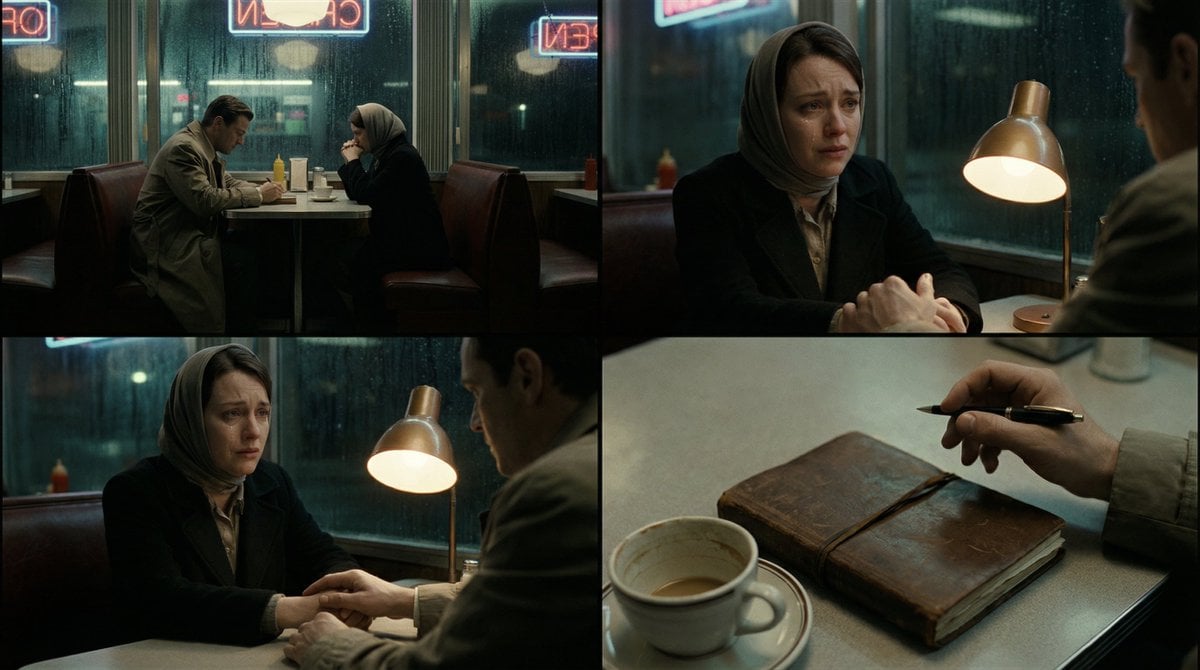
Cinematic Storytelling Scene Generation Prompt
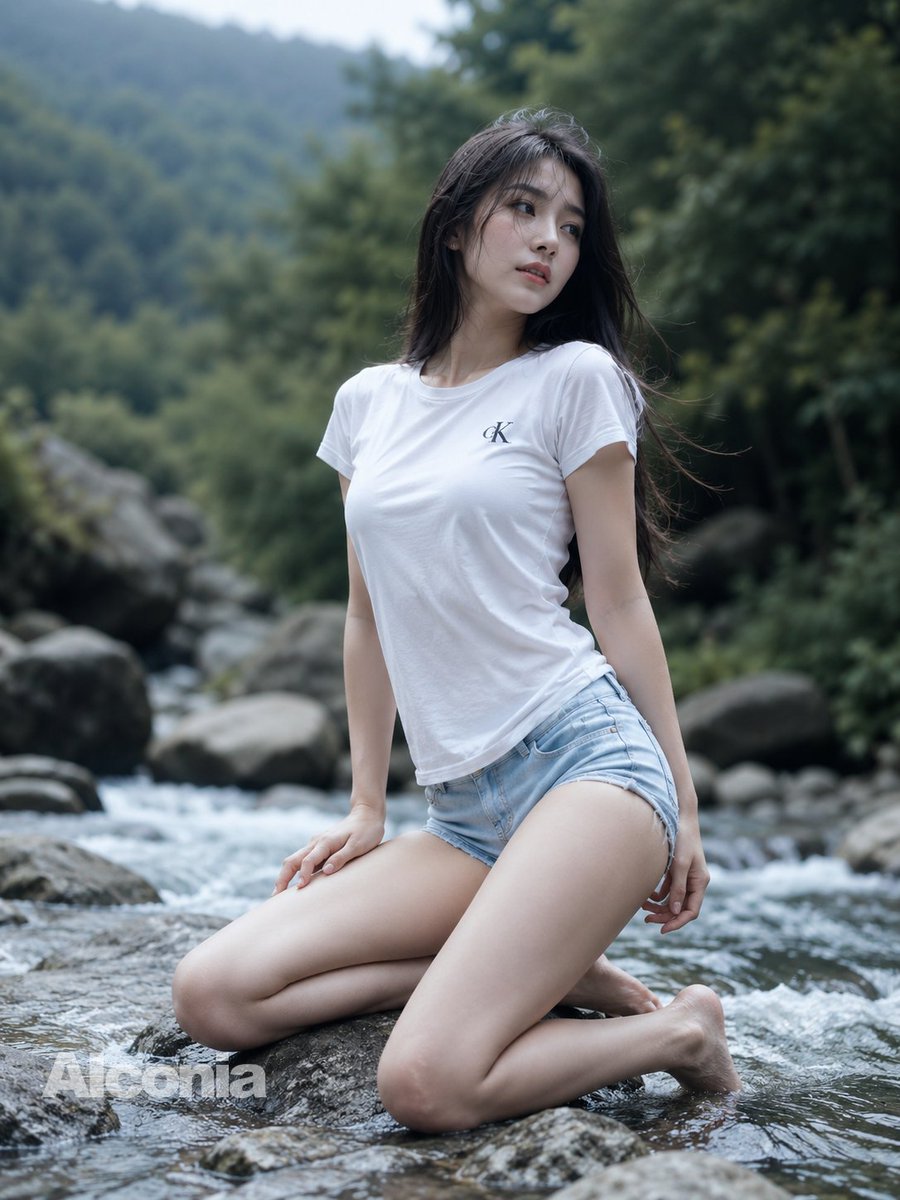
Mountain Stream Portrait

Dynamic Fruit Drink Product Ad
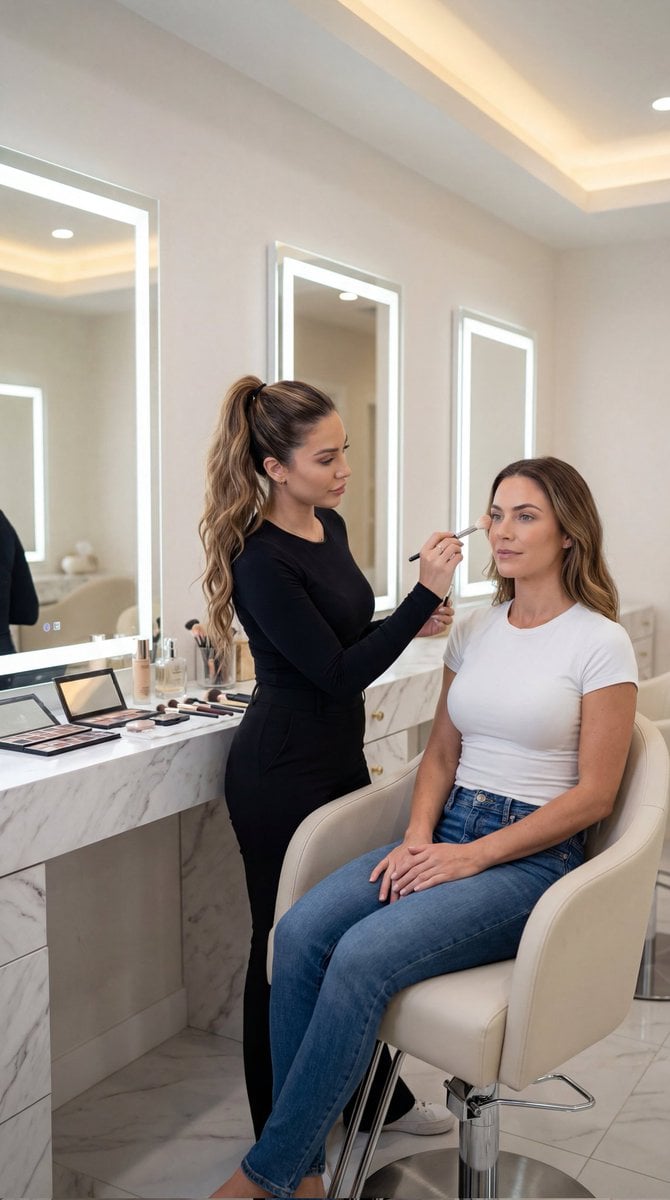
Luxury Salon Portrait with Identity Lock Prompt

Infographic about a CEO struggling with hiring

Coastal Travel Lifestyle Portrait
Browse template categories
Candid Morning Bedroom Portrait questions
How do I use the Candid Morning Bedroom Portrait template?
Add your photo if the template asks for one, edit the prompt if you like — the template's model and format are already selected — and press Generate. Your version opens in PicX Studio.
Can I customize the Candid Morning Bedroom Portrait template?
Yes. You can change the subject, setting, lighting, mood, format, and available model controls before creating your image.
Is the Candid Morning Bedroom Portrait template free?
Opening and editing this template is free. Generating uses credits, shown on the Generate button when you are signed in.
Which AI model should I use?
Start with GPT Image 2, which is the model associated with this template. You can compare another compatible model for a different finish.
Looking for something else? Browse all templates.

Your photo, any look
Thousands of ready templates for every top image and video model, from one credit balance.