
Mechanical Keyboard Product Page Mockup
This generates a polished desktop e-commerce product page for a premium mechanical keyboard, suitable for product design showcases, storefront concepts, and UI mockups.

- Prompt included
- Model and format preset
- Free template
The prompt behind this image
Copy the exact prompt behind Mechanical Keyboard Product Page Mockup, or open it in the studio and make it yours.
Create a clean modern e-commerce product detail page for a premium mechanical keyboard brand called {argument name="brand name" default="KeyForge"}, presented as a high-fidelity desktop website mockup on a white background with subtle light-gray dividers and generous spacing. The layout is a single unified storefront scene with a top navigation bar, a left product thumbnail rail, a large center product hero image, and a right-side purchase information panel. In the header, place the bold wordmark on the far left, then 7 navigation items reading “Keyboards”, “Switches”, “Keycaps”, “Accessories”, “Sale”, “Blog”, and “Support”, and on the far right 3 icons for search, account, and cart, with a small black notification badge showing “1” on the cart. The main product shown in the center is a compact 75% mechanical keyboard photographed from a slightly elevated front angle on a pale gray stage, with an aluminum case in silver, white and gray keycaps, several accent keys in lavender purple, and a silver volume knob at the top right. The left vertical gallery contains exactly 5 thumbnails: 1 selected front product shot, 1 angled keyboard view, 1 mechanical switch close-up, 1 keycap texture close-up, and 1 dark video thumbnail with a circular play icon. The right product panel includes a small pill badge reading “NEW”, a large bold product name {argument name="product name" default="KeyForge K75 Pro"}, a subtitle “75% Mechanical Keyboard”, a 5-star rating row with 4.8 and “(126 reviews)”, a large bold price {argument name="price" default="$129.99"} followed by a green “In Stock” status, and a short two-sentence description about premium performance, gasket-mounted design, QMK/VIA support, and RGB. Under that, include a “Switch Type” selector with exactly 4 pill buttons labeled “Cherry MX Red”, “Gateron Brown”, “Gateron Blue”, and “TTC Gold Pink”, with the first selected; a “Color” selector with exactly 3 pill buttons labeled “White / Purple”, “Black / Gray”, and “Navy / Blue”, with the first selected; a “Quantity” dropdown set to “1”; one large black primary button labeled “Add to Cart” with a cart icon; and one outlined secondary button labeled “Add to Wishlist” with a heart icon. Beneath the buttons, show exactly 3 horizontal service highlights with small icons: “Free Shipping” with subtext “On orders over $99”, “30-Day Returns” with subtext “Hassle-free returns”, and “2-Year Warranty” with subtext “Peace of mind”. In the lower content area, create a two-column section separated by light lines. On the left is a vertical tab list with exactly 5 items: “Overview” selected, then “Specifications”, “What’s in the Box”, “Shipping & Returns”, and “Reviews (126)”. To the right of the tabs, place a rounded white feature card grid with exactly 6 feature blocks in 2 rows of 3, each with a simple line icon, bold title, and short explanatory text: “75% Layout”, “Gasket-Mounted”, “QMK/VIA Support”, “Hot-Swappable”, “RGB Backlighting”, and “Premium Build”. On the far right of this lower area, add a specifications bullet list with exactly 7 bullets: “Layout: 75% (82 Keys)”, “Switch Type: Cherry MX Red”, “Mounting: Gasket-Mounted”, “Connectivity: USB-C (Wired)”, “Backlight: RGB, South-facing”, “Material: Aluminum Case”, and “Dimensions: 322 x 135 x 42 mm”, plus an additional final bullet “Weight: 1.25 kg”. Use a refined minimalist product-design aesthetic, realistic UI spacing, clean sans-serif typography similar to Inter or SF Pro, soft shadows, subtle rounded corners, monochrome icons, and polished startup-style consumer electronics presentation.
How to use Mechanical Keyboard Product Page Mockup in 3 steps
- 1Upload ImagePNG, JPG or paste
Add your photo
Upload the photo the template builds on. The prompt, model and format are already set.
- 2…a portrait of your subject in softgolden-hour light, 85mm…
Personalize
Edit the subject and creative details for your destination.
- 3Generate
Generate
Press Generate — your image is created in PicX Studio, so you can compare it with the original and refine one variable at a time.
More like this
Templates with the same subject, style or setup. Open one to see its prompt.

Product Shot - T-Shirt Mockup
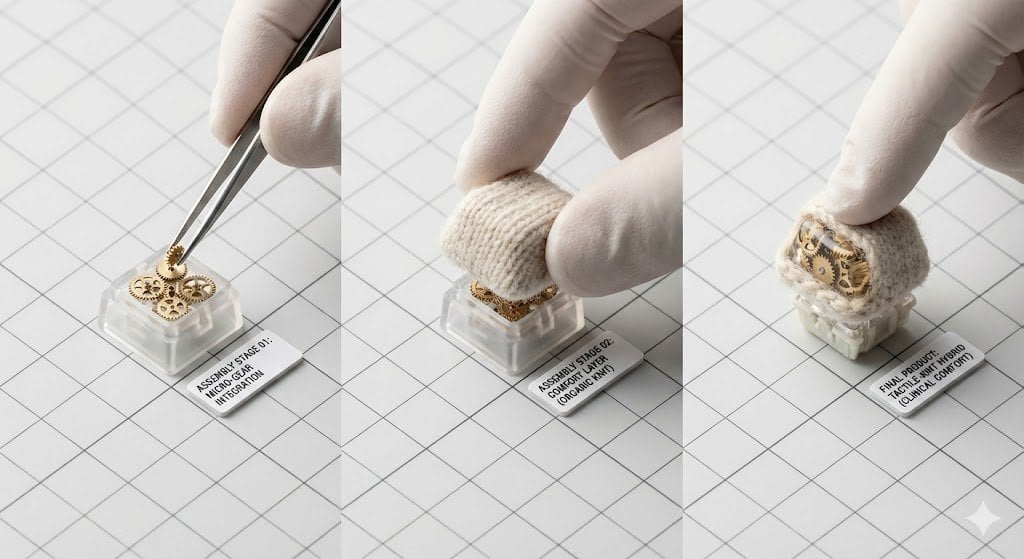
Mechanical Keyboard Keycap Product Photography Prompt
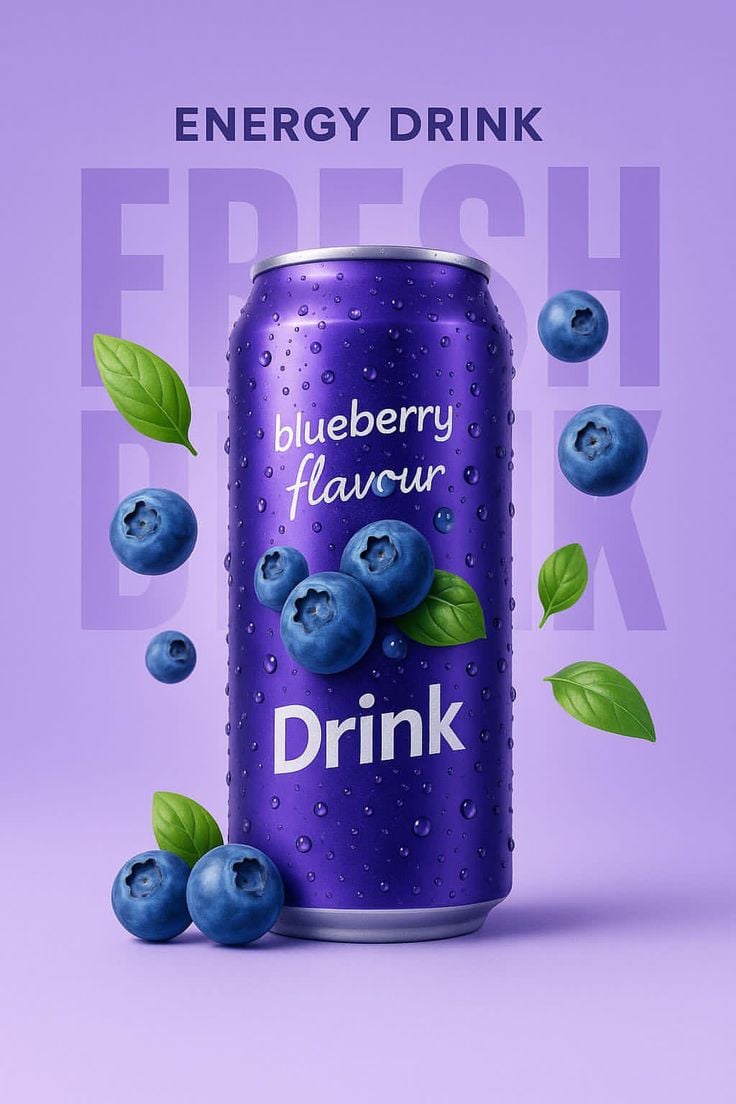
Blueberry Energy Drink Mockup
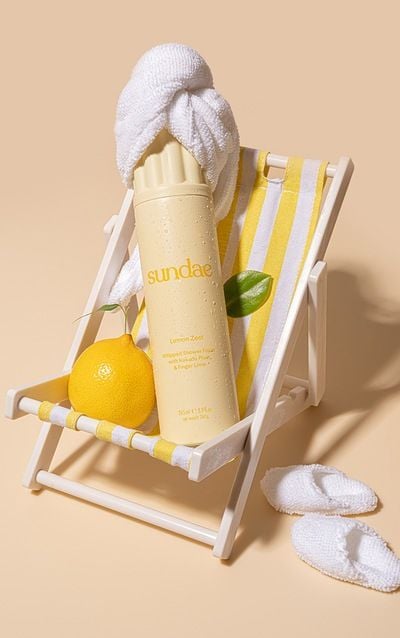
Tropical Citrus Spa Product Mockup
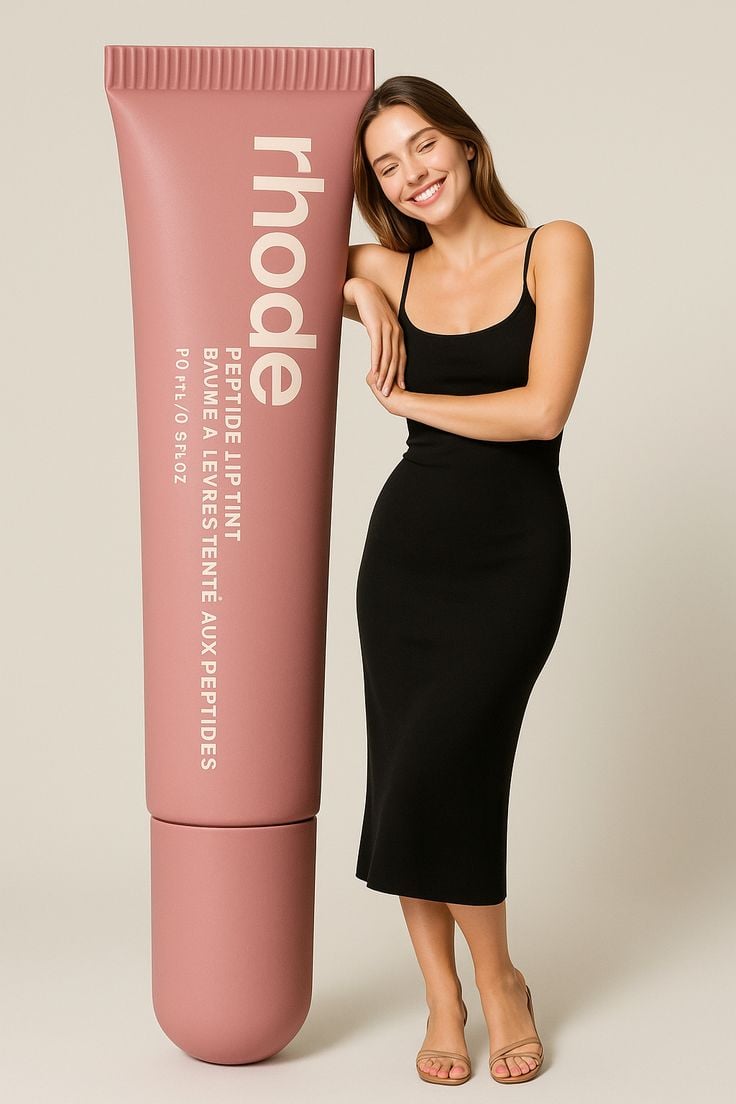
Giant Product Lifestyle Mockup

A k.pop idol on the stage with mic

Trendy Cafe Drink Promo Poster

Minimalist Skincare Product Water Stone Still

Giant Forced Perspective Street Product Selfie

Playful Futuristic Brand Kit Board

Headphones Lifestyle Nine Panel Grid

Cappuccino Bottle Splash Product Ad
Make it yours
Mechanical Keyboard Product Page Mockup works as-is. These are the safest ways to change it without losing the look.
Change one field
Copy a single group, rewrite it, and generate again so you can see what that field is doing.
Keep the frame, change the subject
Hold the composition and light of Mechanical Keyboard Product Page Mockup, then swap wardrobe, props or the person for a new take.
| If the result… | Why | Fix |
|---|---|---|
| The result drifts from the preview | Too many fields changed at once. | Reuse Mechanical Keyboard Product Page Mockup as-is first, then change one group — subject, light, or setting. |
| The model over-stylizes the scene | The prose prompt leaves finish and camera underspecified. | Add one camera or lighting sentence and stay on GPT Image 2. |
More GPT Image 2 templates
Other prompts made for GPT Image 2.

Six VTuber Japanese Logo Sheet

Realistic Portrait of Woman and Deer

The Vista Modular Condo Poster

AI Model Routing Comparison Infographic

2.5D Anime Art Board

Isometric Productivity Desk Scene

New York Double Exposure Poster

Four-Panel AI Landscape Comparison

Japanese Tatami Lifestyle Magazine Cover

NESCAFÉ Coffee Map Poster
More image prompts
Fresh picks from across the catalog.

Ultra-realistic Product Shot with Dramatic Split Lighting
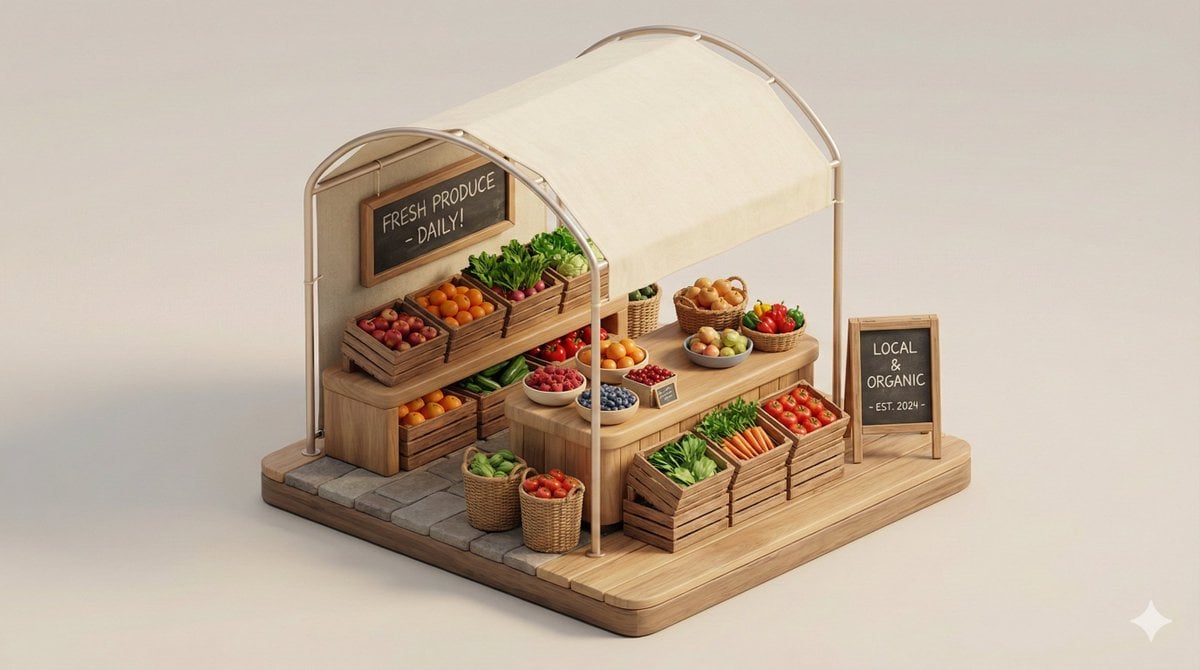
Minimal 3D Isometric Urban Retail Kiosk Diorama

Romantic Nighttime Piggyback in front of Galata Tower
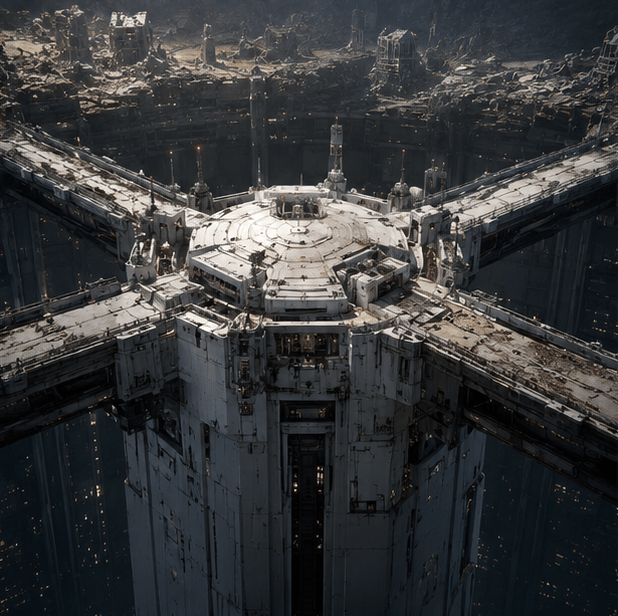
Tokyo Geofront Central Tower Rooftop
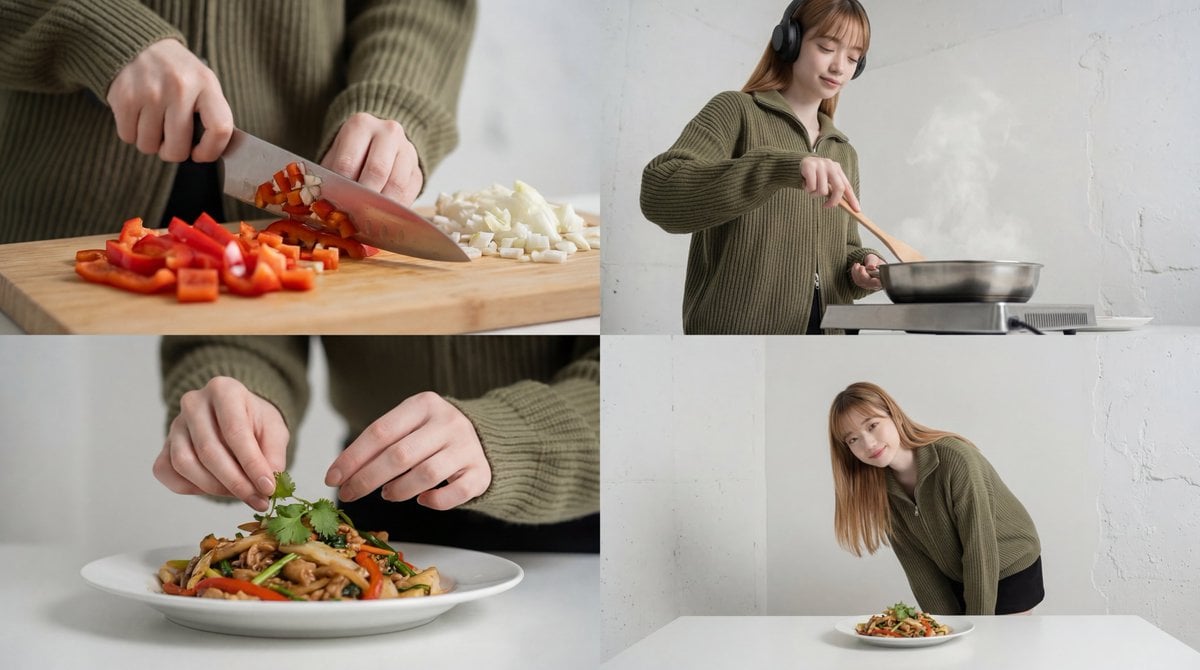
Cinematic Food Short Video Prompt (Summary)
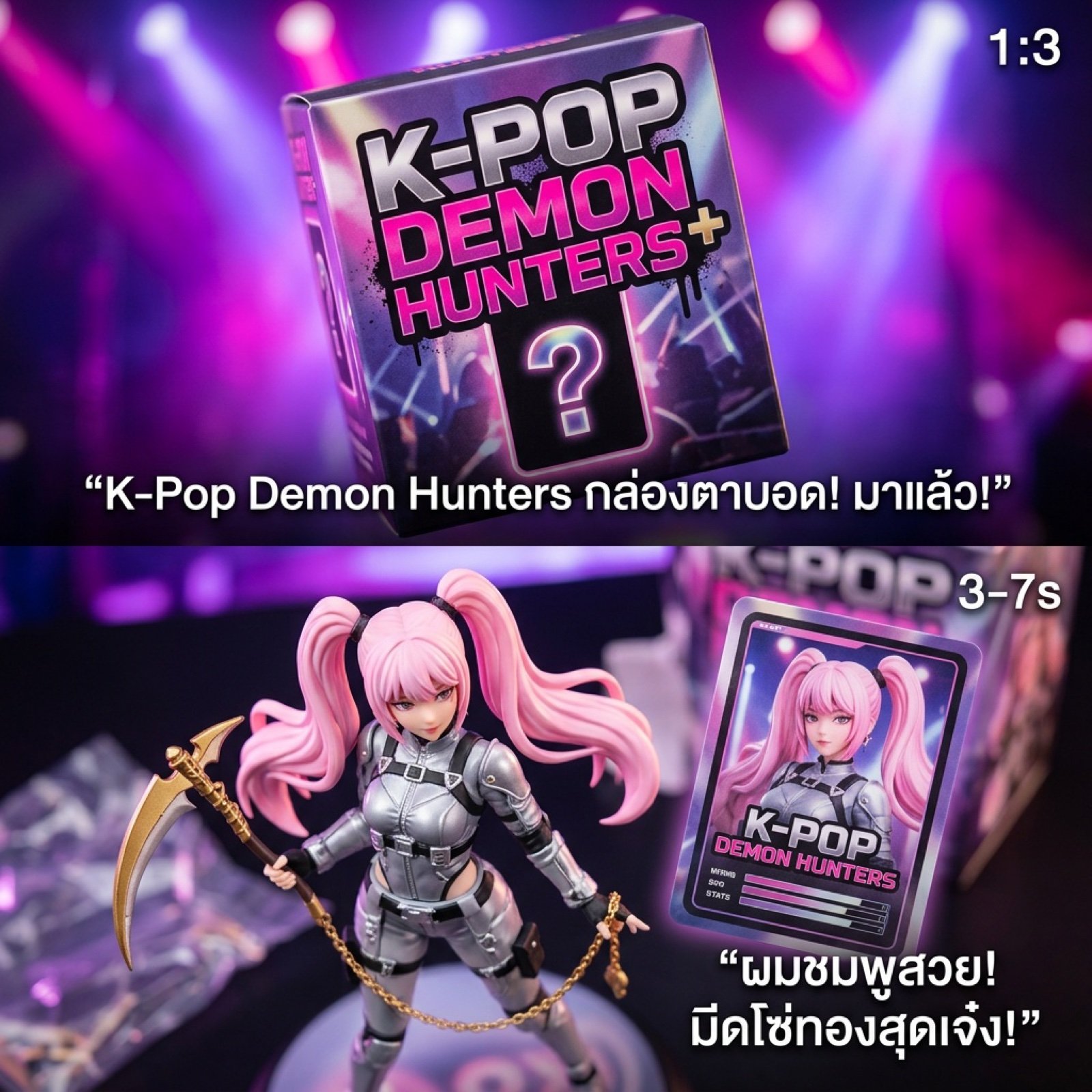
K-Pop Demon Hunters Blind Box Opening Video Script
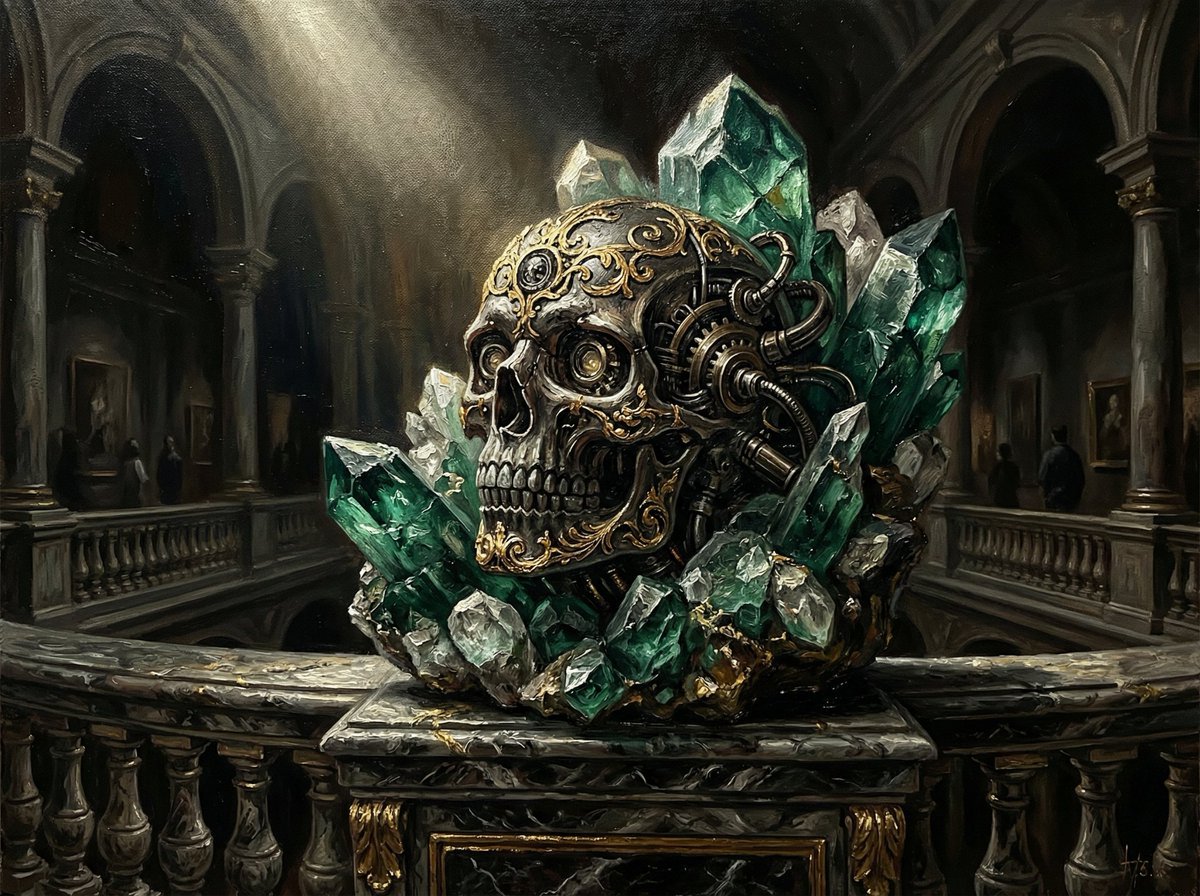
Dramatic Chiaroscuro Oil Painting of Biomechanical Skull

Image Generation with One Prompt and Reference
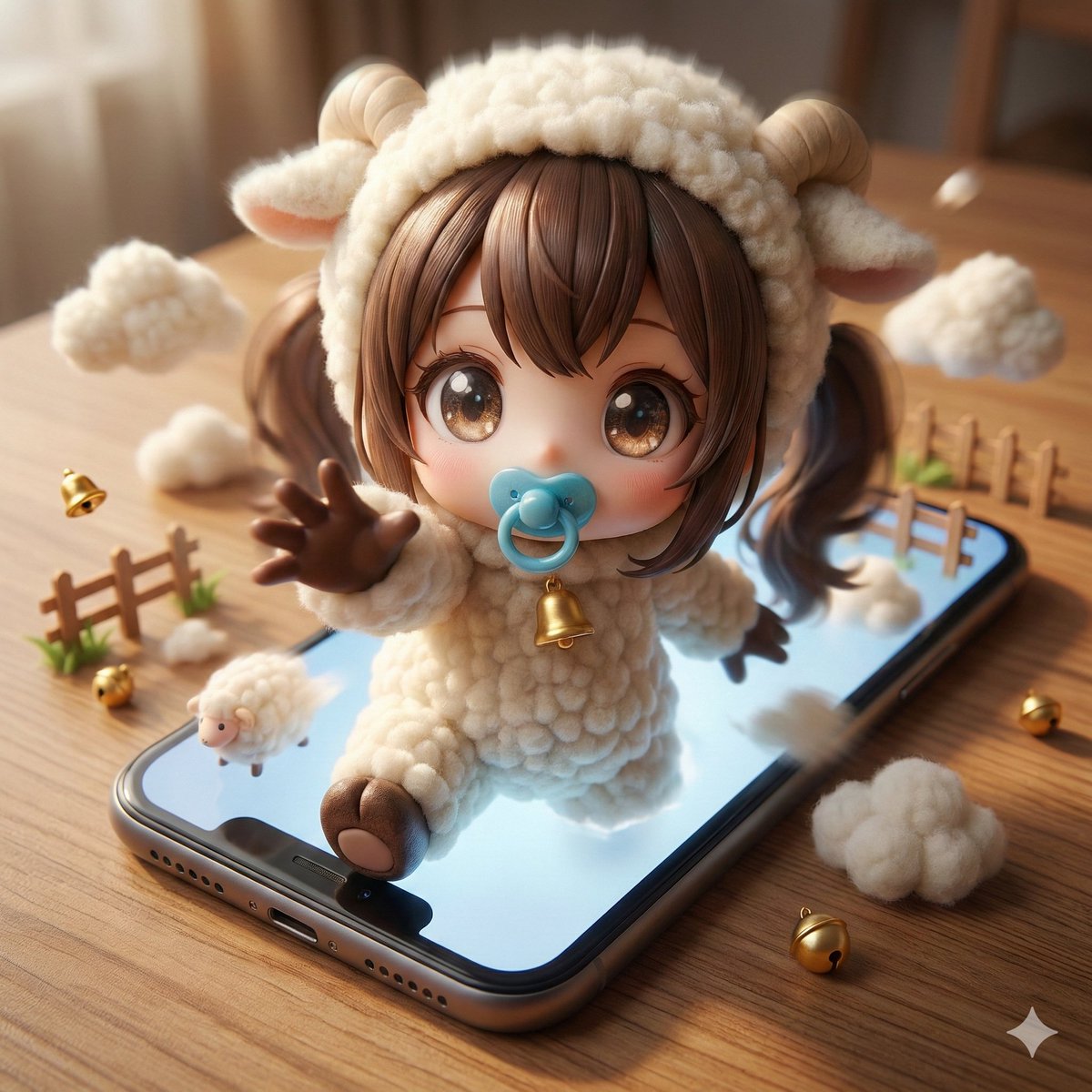
Character Emerging from Smartphone Screen (Forced Perspective)
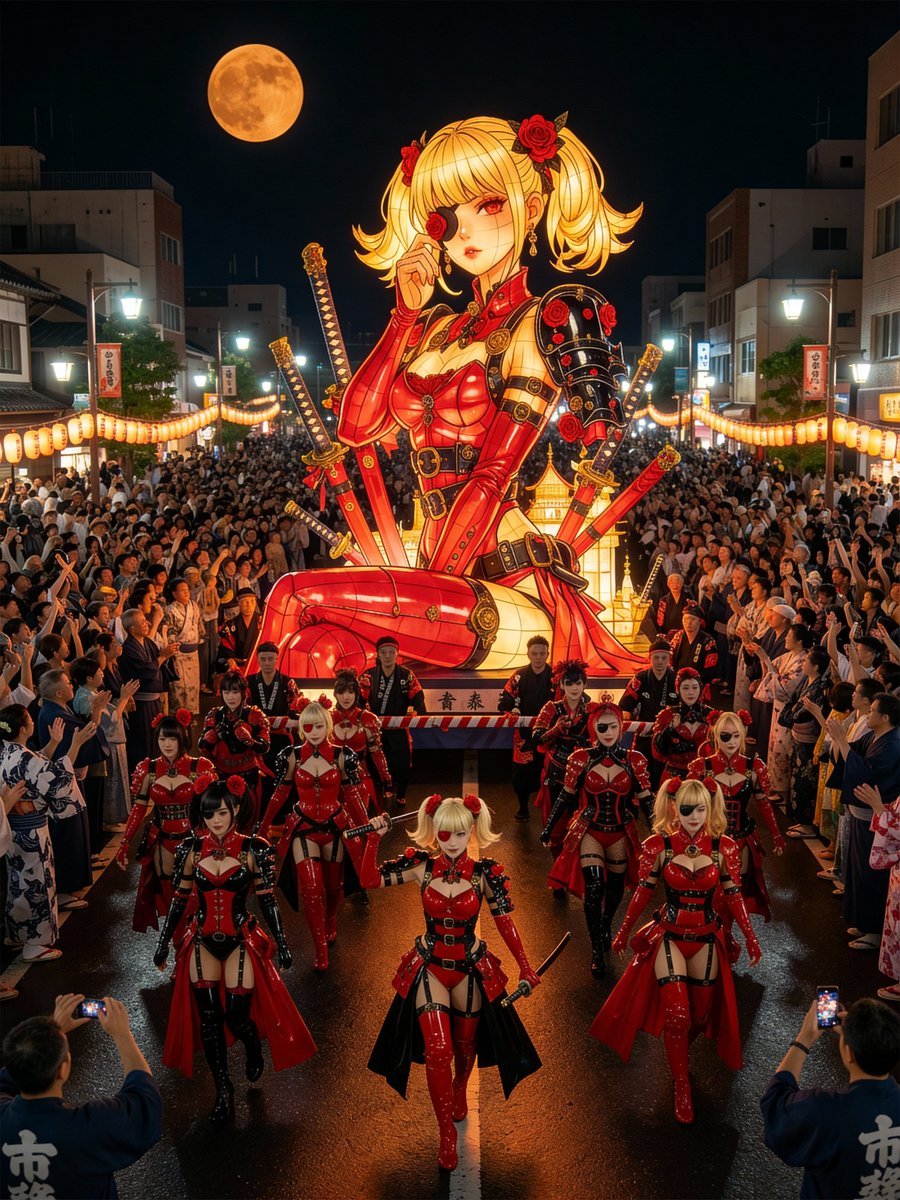
Japanese Festival Mikoshi Float Prompt Template
Browse template categories
Mechanical Keyboard Product Page Mockup questions
How do I use the Mechanical Keyboard Product Page Mockup template?
Add your photo if the template asks for one, edit the prompt if you like — the template's model and format are already selected — and press Generate. Your version opens in PicX Studio.
Can I customize the Mechanical Keyboard Product Page Mockup template?
Yes. You can change the subject, setting, lighting, mood, format, and available model controls before creating your image.
Is the Mechanical Keyboard Product Page Mockup template free?
Opening and editing this template is free. Generating uses credits, shown on the Generate button when you are signed in.
Which AI model should I use?
Start with GPT Image 2, which is the model associated with this template. You can compare another compatible model for a different finish.
Looking for something else? Browse all templates.

Your photo, any look
Thousands of ready templates for every top image and video model, from one credit balance.