
Tokyo Geofront Central Tower Rooftop
A detailed prompt for generating a dark sci-fi underground megacity tower rooftop environment for game concept art.
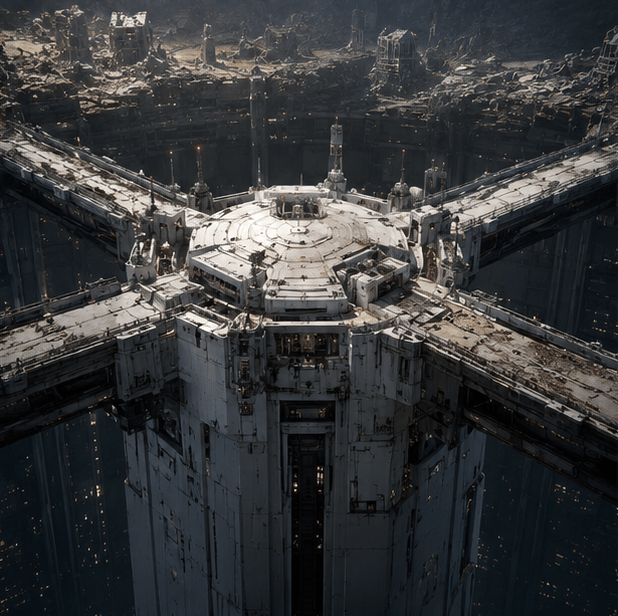
- Prompt included
- Model and format preset
- Free template
The prompt behind this image
Copy the exact prompt behind Tokyo Geofront Central Tower Rooftop, or open it in the studio and make it yours.
Create a cinematic dark sci-fi concept art scene of {argument name="location name" default="Tokyo Geofront central tower rooftop"}: an immense cylindrical white-gray industrial tower rising from a vast underground megacity cavern, viewed from a high oblique aerial angle. The tower has a broad circular rooftop platform with concentric rings, panel seams, vents, antennas, small machinery blocks, railings, and weathered modular armor plates. Exactly four massive elevated bridges extend radially from the rooftop in a cross-like layout toward the surrounding city walls, each bridge wide, damaged, layered with pipes and structural ribs. Around and below the tower is a deep vertical abyss filled with countless tiny warm yellow window lights, suggesting an enormous subterranean city shaft. In the background, show a ruined rocky cavern rim and dense decayed industrial districts built into the cliffs, with broken towers, scaffolds, and eroded concrete structures. Use a gritty hard-surface mecha/anime game background style, photorealistic concept art detail, desaturated charcoal and off-white palette, cold ambient light from above, warm pinprick lights below, heavy scale, atmospheric haze, dramatic shadows, no people, no vehicles, no readable text, no logos. Emphasize the rooftop design of the central tower, with intricate believable sci-fi architecture and a monumental dystopian mood.
How to use Tokyo Geofront Central Tower Rooftop in 3 steps
- 1Upload ImagePNG, JPG or paste
Add your photo
Upload the photo the template builds on. The prompt, model and format are already set.
- 2…a portrait of your subject in softgolden-hour light, 85mm…
Personalize
Edit the subject and creative details for your destination.
- 3Generate
Generate
Press Generate — your image is created in PicX Studio, so you can compare it with the original and refine one variable at a time.
More like this
Templates with the same subject, style or setup. Open one to see its prompt.

If We Met in 1985

Rooftop Fisheye — Cat-Ear Balaclava at Golden Hour

Spider-Man Rooftop Golden Hour Cinematic Photo

Japanese Negative Film Rooftop Summer Portrait
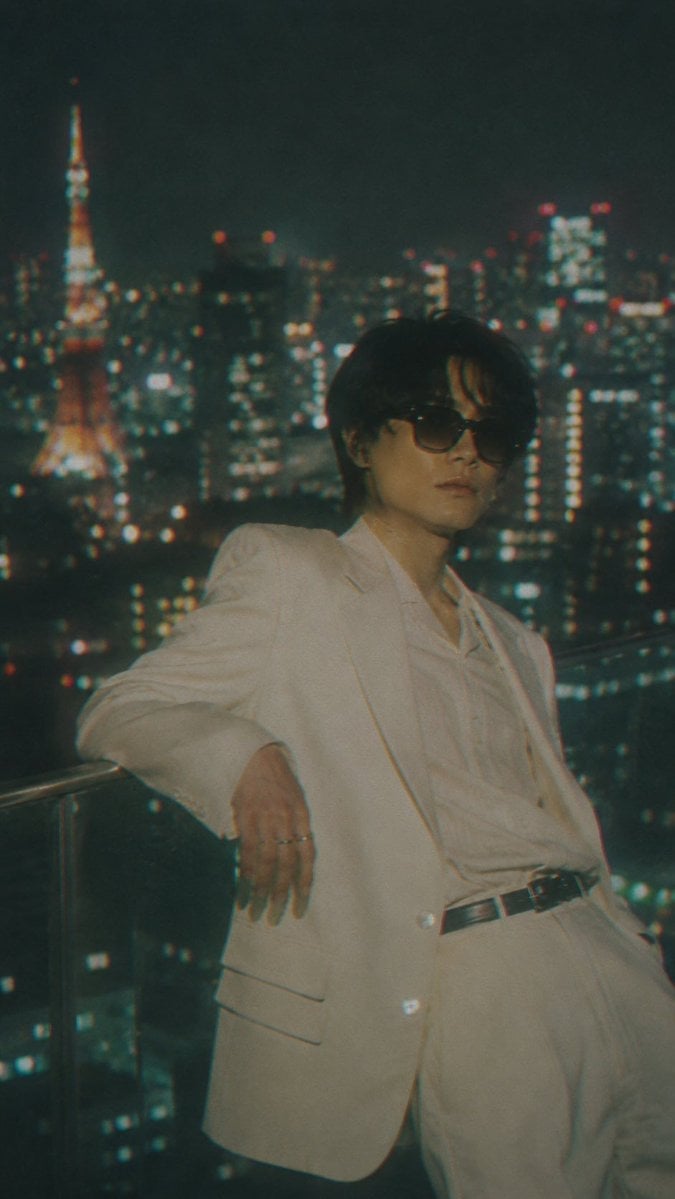
Censored Tokyo Rooftop Night Portrait
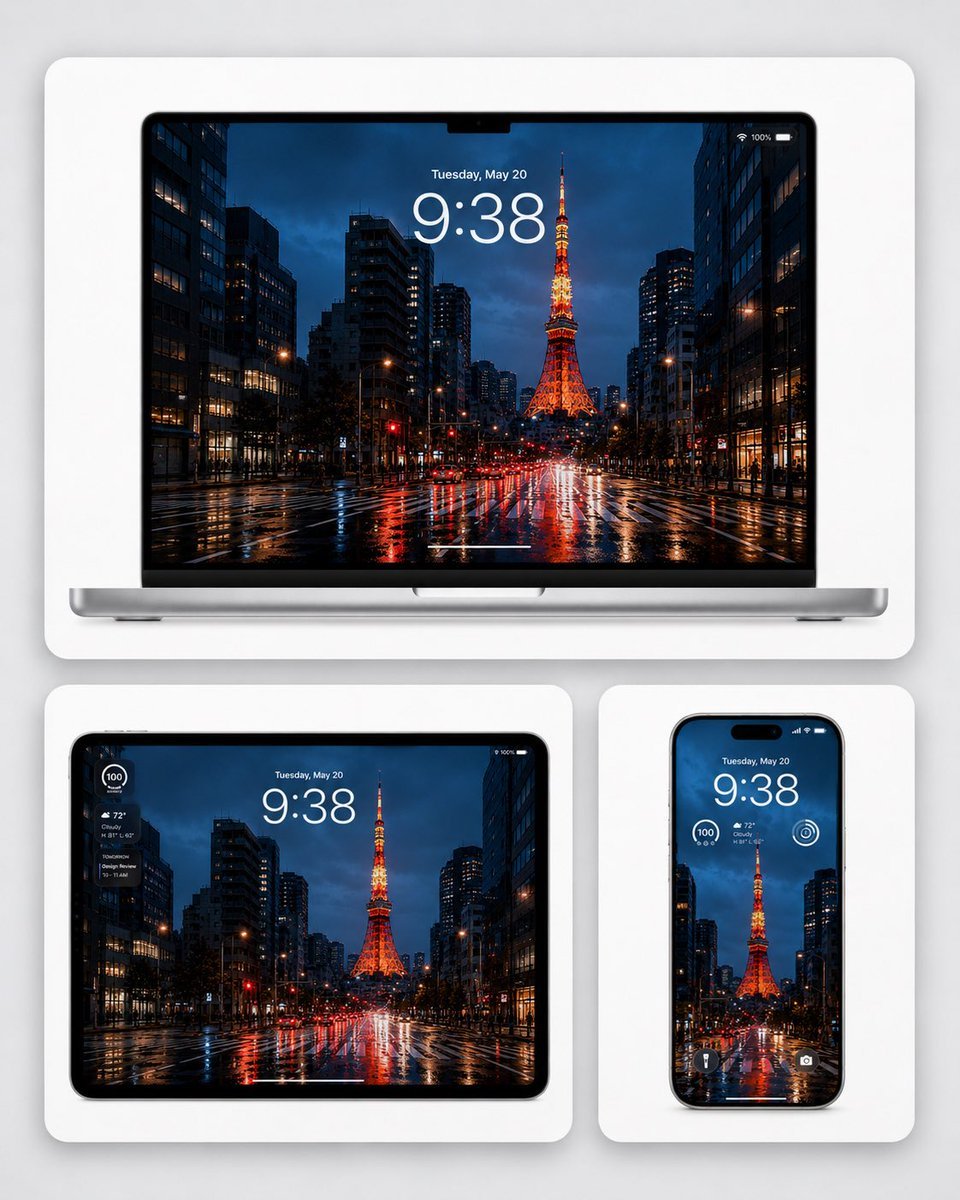
Rainy Tokyo Tower Device Mockup
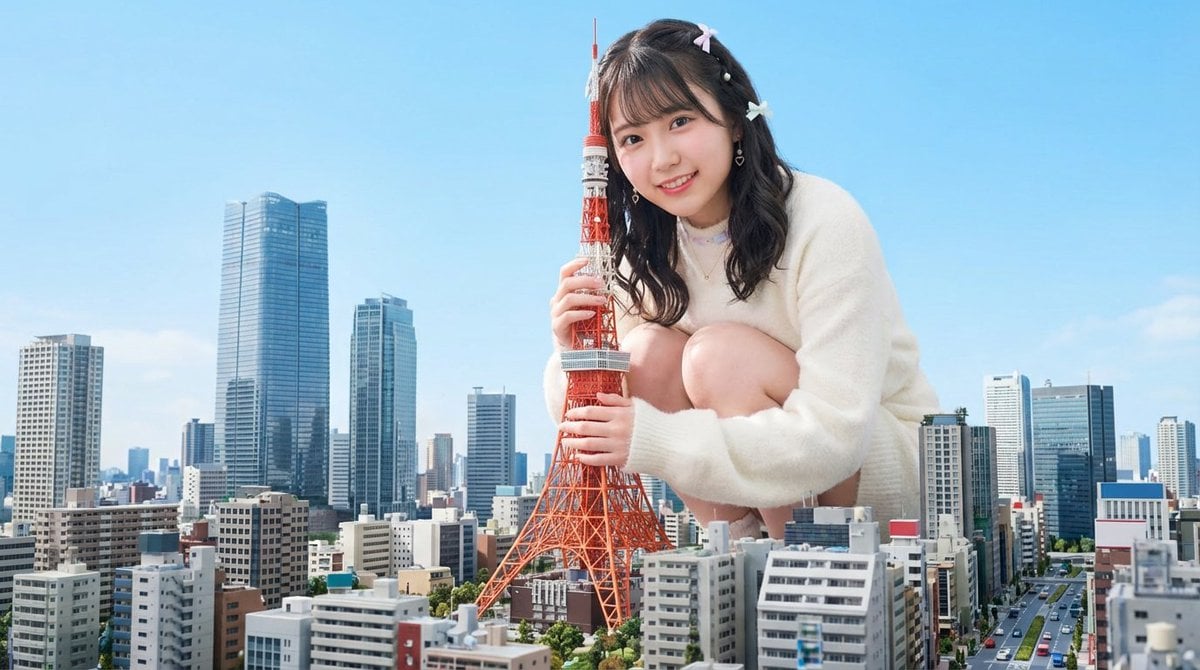
Giant Hugging Tokyo Tower Photo Prompt
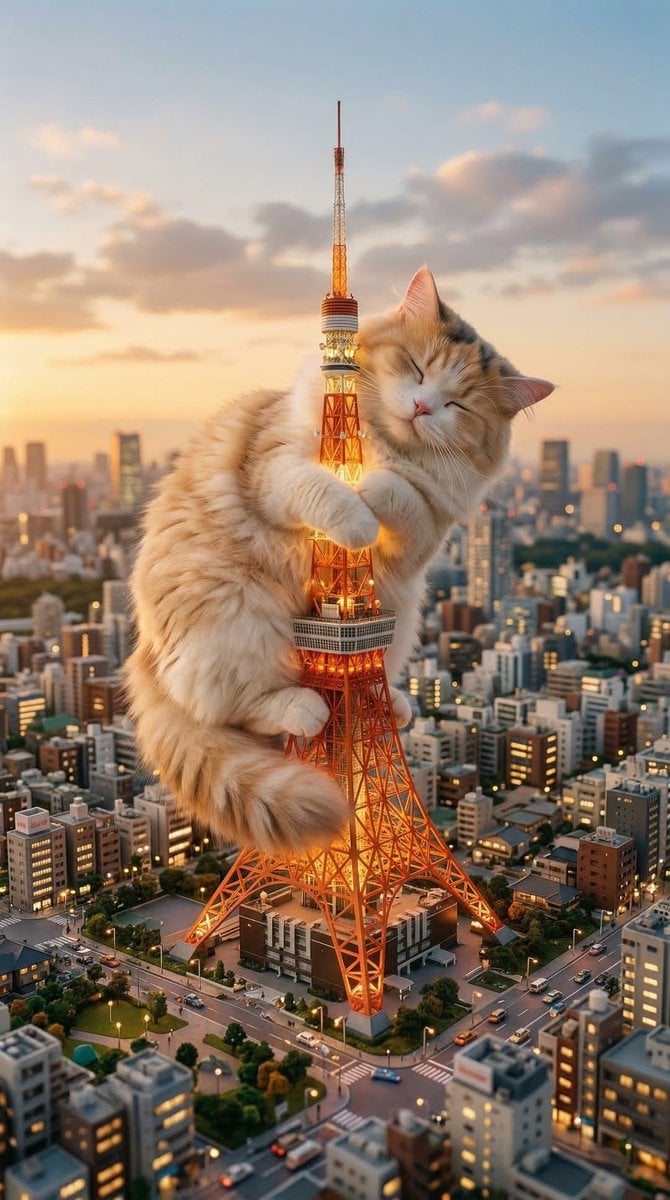
Giant Cat Occupying Tokyo Tower
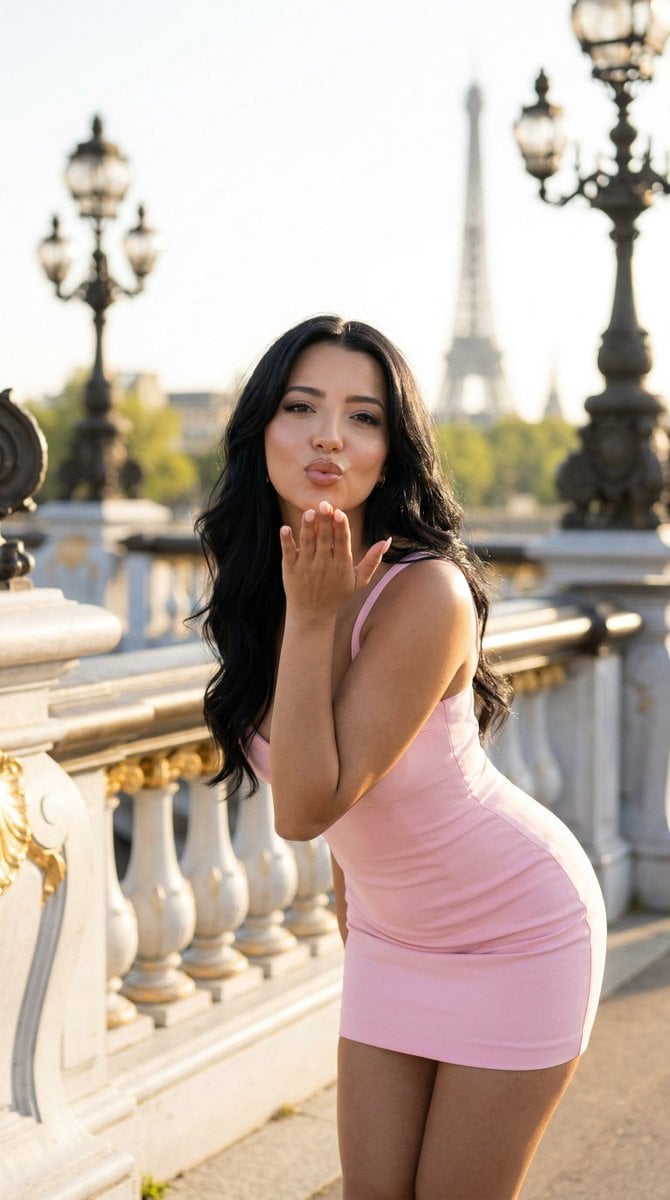
Nano Banana - Rooftop Dinner Night

80s Rooftop Couple
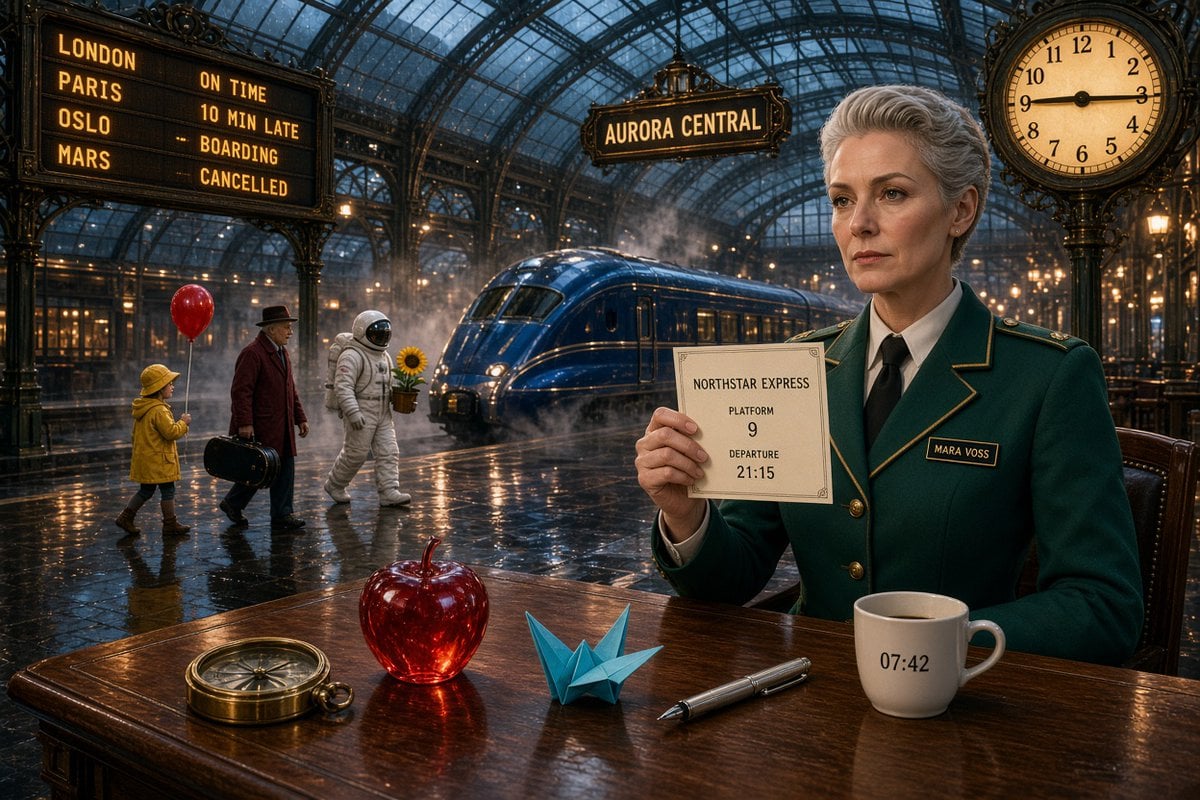
Aurora Central Station Typography Scene
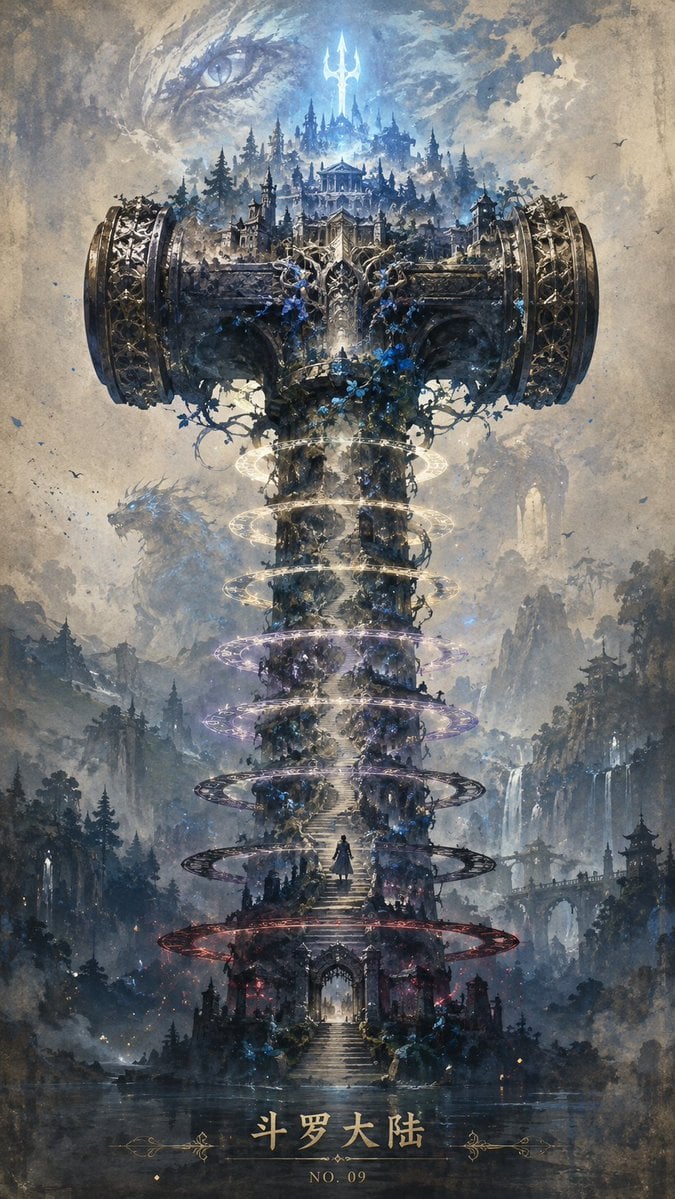
Epic Douluo Fantasy Tower Poster
Make it yours
Tokyo Geofront Central Tower Rooftop works as-is. These are the safest ways to change it without losing the look.
Change one field
Copy a single group, rewrite it, and generate again so you can see what that field is doing.
Keep the frame, change the subject
Hold the composition and light of Tokyo Geofront Central Tower Rooftop, then swap wardrobe, props or the person for a new take.
| If the result… | Why | Fix |
|---|---|---|
| The result drifts from the preview | Too many fields changed at once. | Reuse Tokyo Geofront Central Tower Rooftop as-is first, then change one group — subject, light, or setting. |
| The model over-stylizes the scene | The prose prompt leaves finish and camera underspecified. | Add one camera or lighting sentence and stay on GPT Image 2. |
More GPT Image 2 templates
Other prompts made for GPT Image 2.

Six VTuber Japanese Logo Sheet

Realistic Portrait of Woman and Deer

The Vista Modular Condo Poster

AI Model Routing Comparison Infographic

2.5D Anime Art Board

Isometric Productivity Desk Scene

New York Double Exposure Poster

Four-Panel AI Landscape Comparison

Japanese Tatami Lifestyle Magazine Cover

NESCAFÉ Coffee Map Poster
More image prompts
Fresh picks from across the catalog.

Educational Textbook Cover Design
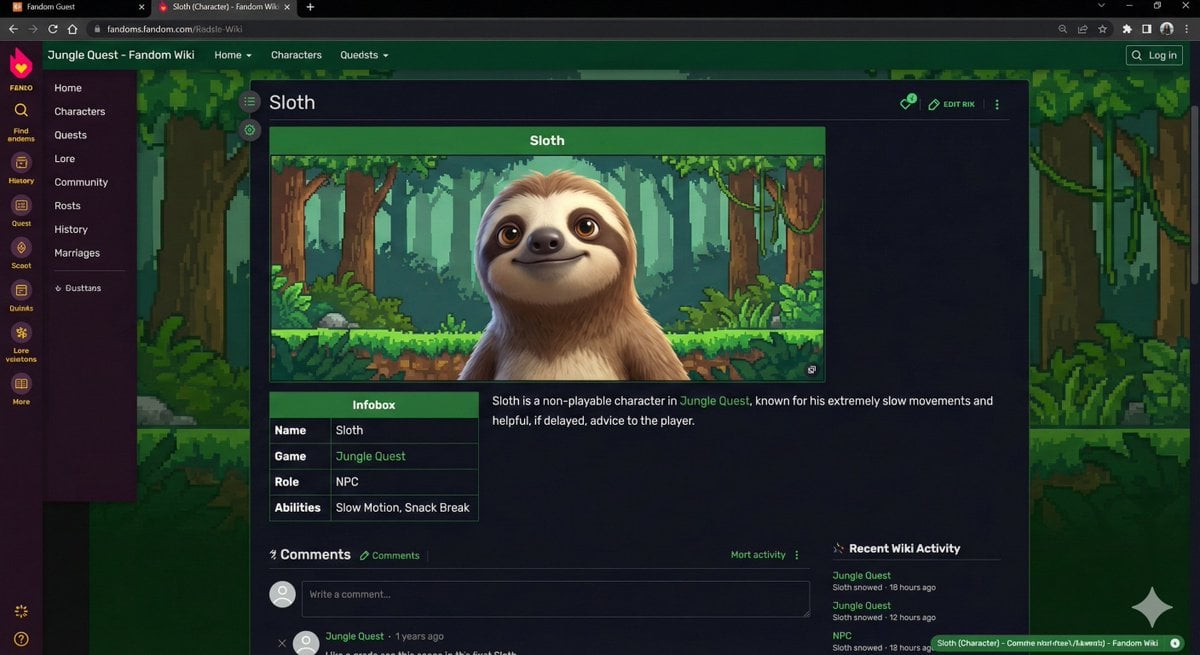
Video Game Wiki Style Image Generation
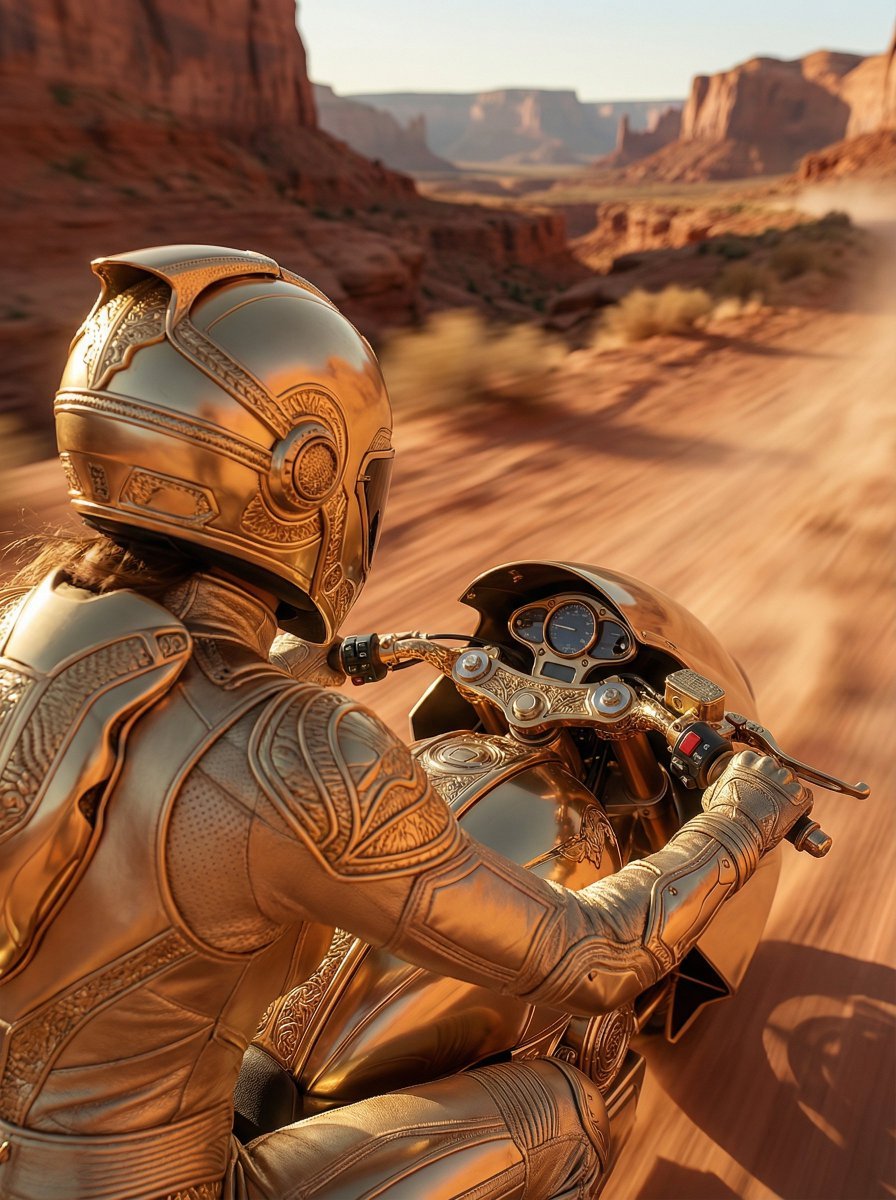
Over-the-Shoulder POV Motorbike Shot
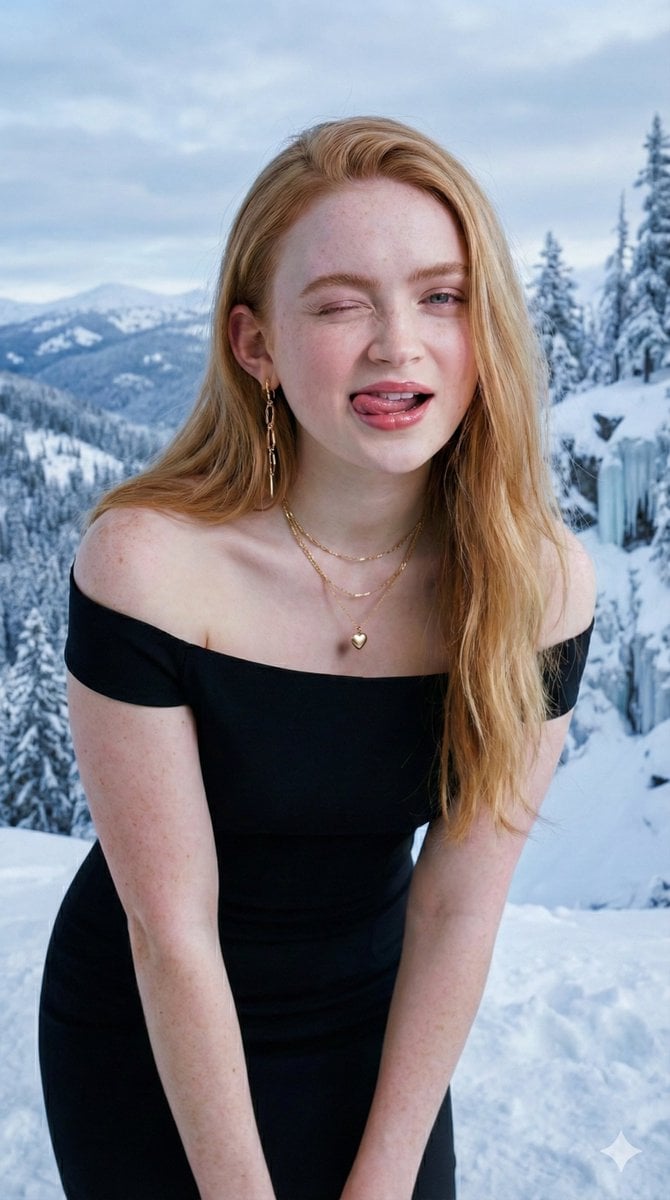
Ultra-Realistic Studio Portrait with Playful Expression
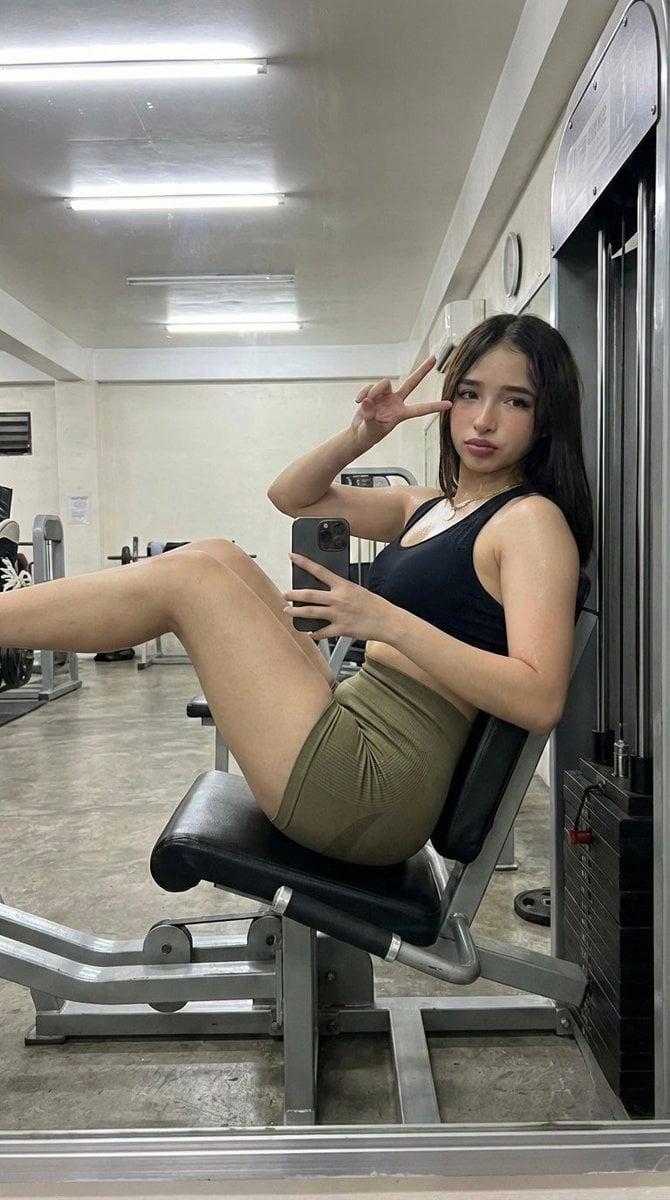
Gym Selfie with Hyper-Defined Athletic Physique
Pop Art Street Abstract Background
Surreal Landmark Dining Portrait
High fashion dress show prompt
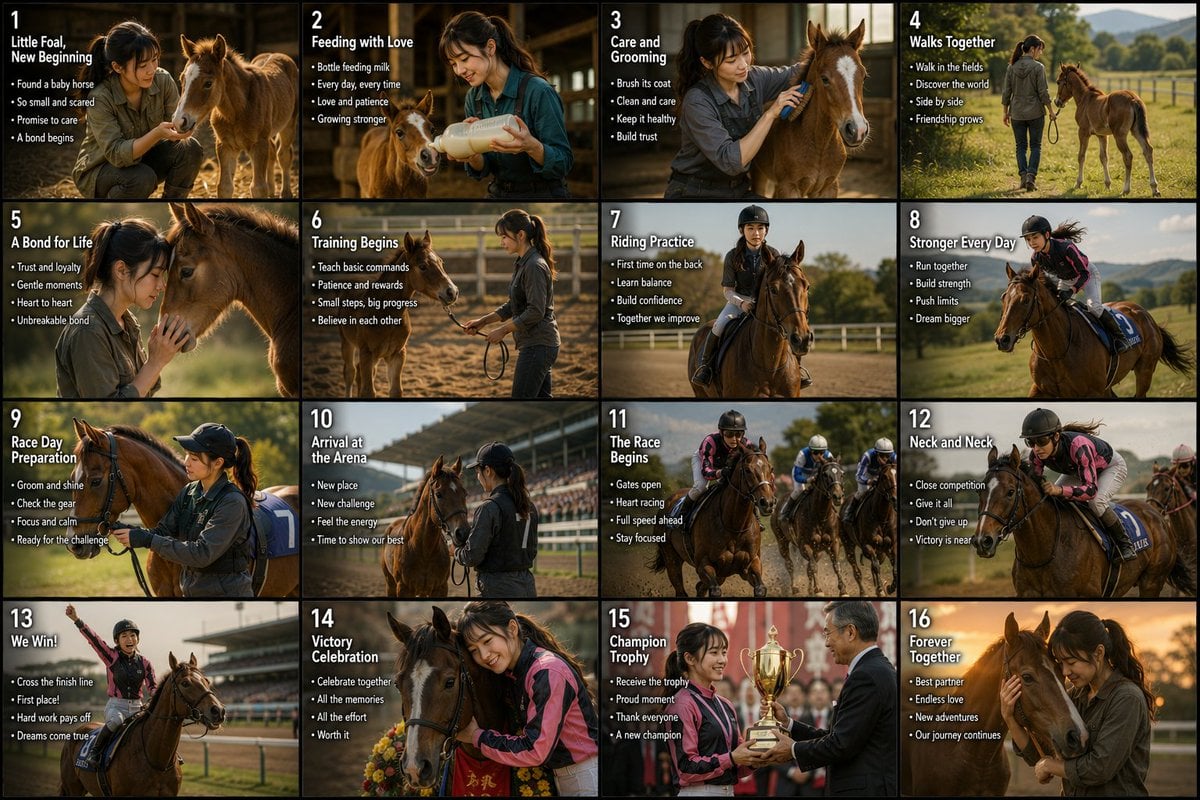
Panel Horse Racing Storyboard
Cinematic TV Still Prompt
Browse template categories
Tokyo Geofront Central Tower Rooftop questions
How do I use the Tokyo Geofront Central Tower Rooftop template?
Add your photo if the template asks for one, edit the prompt if you like — the template's model and format are already selected — and press Generate. Your version opens in PicX Studio.
Can I customize the Tokyo Geofront Central Tower Rooftop template?
Yes. You can change the subject, setting, lighting, mood, format, and available model controls before creating your image.
Is the Tokyo Geofront Central Tower Rooftop template free?
Opening and editing this template is free. Generating uses credits, shown on the Generate button when you are signed in.
Which AI model should I use?
Start with GPT Image 2, which is the model associated with this template. You can compare another compatible model for a different finish.
Looking for something else? Browse all templates.

Your photo, any look
Thousands of ready templates for every top image and video model, from one credit balance.