
Aurora Central Station Typography Scene
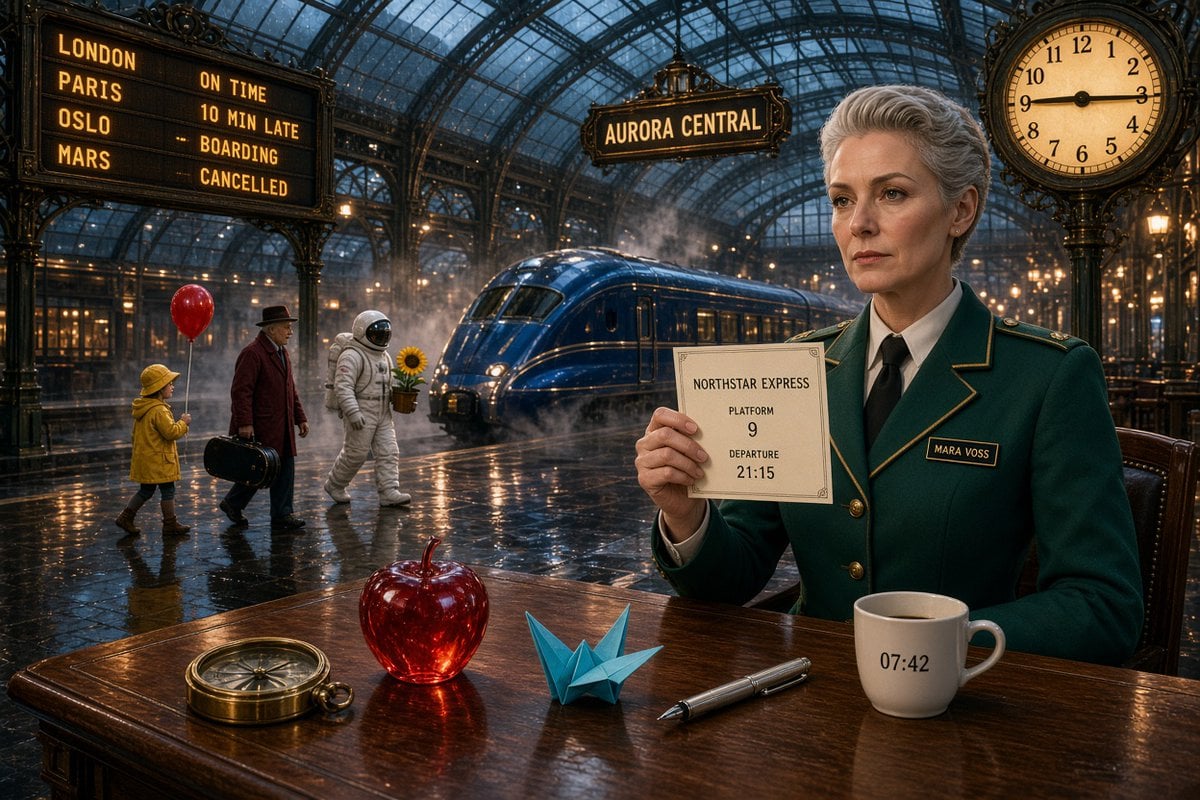
A detailed cinematic railway station prompt designed to test exact text rendering, object counts, reflections, characters, and clock accuracy.
- Prompt included
- Model and format preset
- Free template
The prompt behind this image
Copy the exact prompt behind Aurora Central Station Typography Scene, or open it in the studio and make it yours.
Goal: Create a cinematic ultra-detailed scene inside a grand Victorian glass-roof railway station at night, wet reflective floor, warm lamps, mist and steam around a sleek blue train, with exact readable typography and object counts. Canvas: 3:2 horizontal widescreen composition, photorealistic, dramatic teal-and-amber color grade, sharp foreground details, deep background perspective, rainy glass ceiling with iron arches. Main subject: On the right foreground, a stern elegant middle-aged woman station official named {argument name="character name" default="Mara Voss"} with short silver-gray hair, light skin, wearing a dark emerald-green tailored uniform jacket with gold piping, brass buttons, white shirt, and black tie. Her name badge must read "MARA VOSS". She sits at a polished wooden table and holds a cream paper ticket facing the viewer. Ticket text: The ticket must be readable and centered with exactly these lines: "NORTHSTAR EXPRESS", "PLATFORM", "9", "DEPARTURE", "21:15". Add a thin decorative border. Foreground table objects: Include exactly 5 discrete objects on the wooden table, left to right: 1 brass compass, 1 translucent red glass apple, 1 blue origami crane, 1 silver fountain pen, and 1 white coffee mug. The mug must show the exact printed time "07:42". Background people and props: Include exactly 4 walking figures on the left midground: 1 child in a yellow raincoat holding exactly 1 red balloon, 1 older man in a dark hat and burgundy coat carrying exactly 1 black suitcase, 1 astronaut in a white spacesuit carrying exactly 1 potted sunflower, and the seated station official in the foreground as the fifth human figure overall. Do not add extra people. Train and station details: Place exactly 1 glossy deep-blue streamlined train in the center background, partly surrounded by steam. Hang a station sign above it reading "AURORA CENTRAL". On the upper left, create a large departure board with exactly 4 destination rows and exact text: "LONDON — ON TIME", "PARIS — 10 MIN LATE", "OSLO — BOARDING", "MARS — CANCELLED". On the upper right, place one ornate round analog clock showing exactly {argument name="clock time" default="9:15"}. Visual style: High-end cinematic realism, precise typography, accurate reflections of lights and figures on the wet floor and glossy table, ornate black ironwork, warm golden signage, cool blue night atmosphere, shallow-to-medium depth of field but all important text legible. Constraints: Preserve all exact text strings, counts, and times. No misspellings, no extra signs with competing text, no watermark, no border, no surreal distortions beyond the astronaut and Mars destination.
How to use Aurora Central Station Typography Scene in 3 steps
- 1Upload ImagePNG, JPG or paste
Add your photo
Upload the photo the template builds on. The prompt, model and format are already set.
- 2…a portrait of your subject in softgolden-hour light, 85mm…
Personalize
Edit the subject and creative details for your destination.
- 3Generate
Generate
Press Generate — your image is created in PicX Studio, so you can compare it with the original and refine one variable at a time.
More like this
Templates with the same subject, style or setup. Open one to see its prompt.

Motion Graphics Finale Fireworks

Motion Graphics Garden Maze

Motion Graphics Castle Gate

Motion Graphics Kitchen Chaos

Motion Graphics Carnival Ride

Motion Graphics Rainy Bus Stop

Motion Graphics Space Dock
Motion Graphics Cafe Morning
Motion Graphics Mountain Summit
Motion Graphics Underwater Reef
Motion Graphics Street Festival
Motion Graphics Ballroom Dance
Make it yours
Aurora Central Station Typography Scene works as-is. These are the safest ways to change it without losing the look.
Change one field
Copy a single group, rewrite it, and generate again so you can see what that field is doing.
Keep the frame, change the subject
Hold the composition and light of Aurora Central Station Typography Scene, then swap wardrobe, props or the person for a new take.
| If the result… | Why | Fix |
|---|---|---|
| The result drifts from the preview | Too many fields changed at once. | Reuse Aurora Central Station Typography Scene as-is first, then change one group — subject, light, or setting. |
| The model over-stylizes the scene | The prose prompt leaves finish and camera underspecified. | Add one camera or lighting sentence and stay on GPT Image 2. |
More GPT Image 2 templates
Other prompts made for GPT Image 2.

Six VTuber Japanese Logo Sheet

Realistic Portrait of Woman and Deer

The Vista Modular Condo Poster

AI Model Routing Comparison Infographic

2.5D Anime Art Board

Isometric Productivity Desk Scene

New York Double Exposure Poster

Four-Panel AI Landscape Comparison

Japanese Tatami Lifestyle Magazine Cover

NESCAFÉ Coffee Map Poster
More image prompts
Fresh picks from across the catalog.
AI Generation of Custom Calligraphy Font Library
Japanese Golf Fashion Magazine Cover
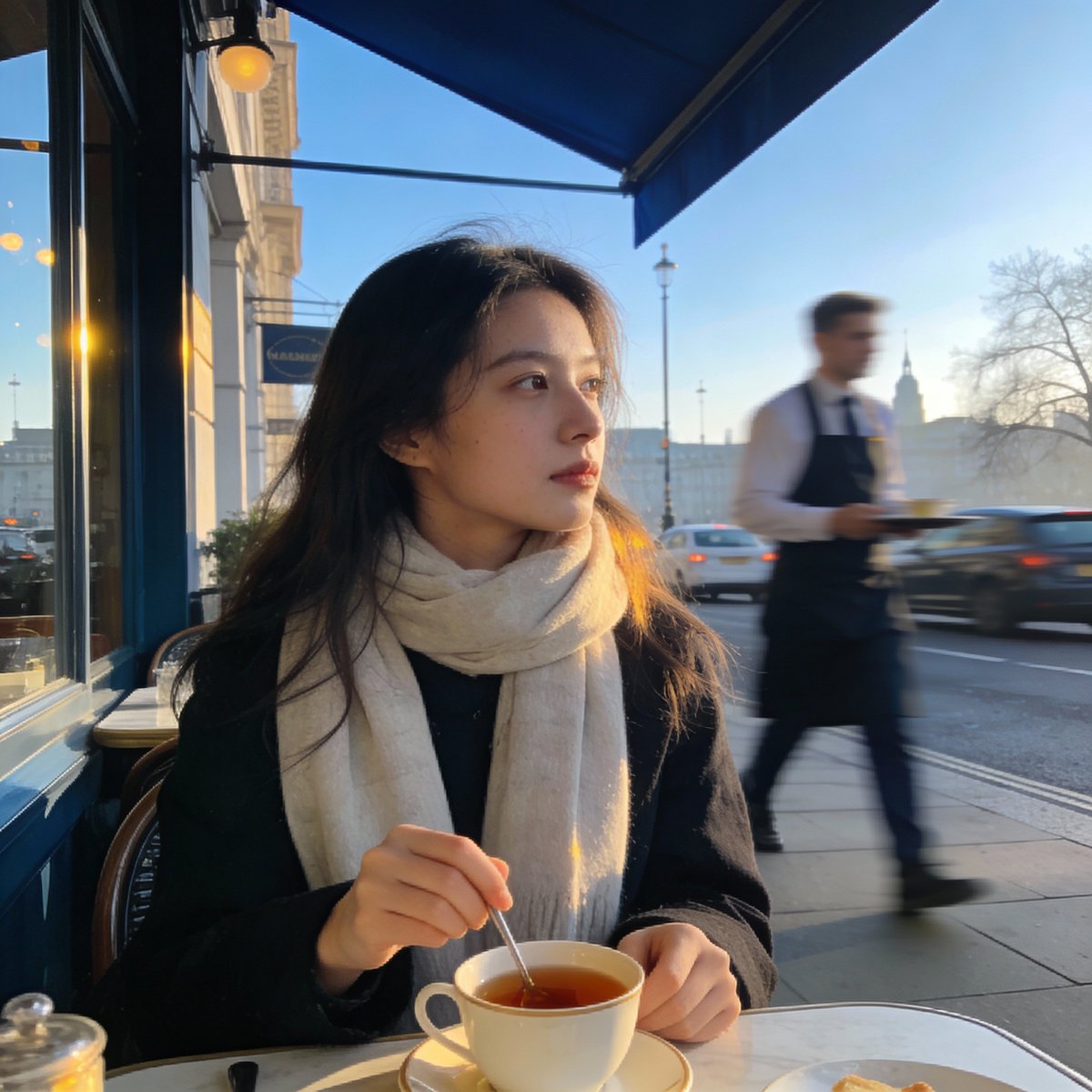
London outdoor restaurant portrait with Nano Banana Pro
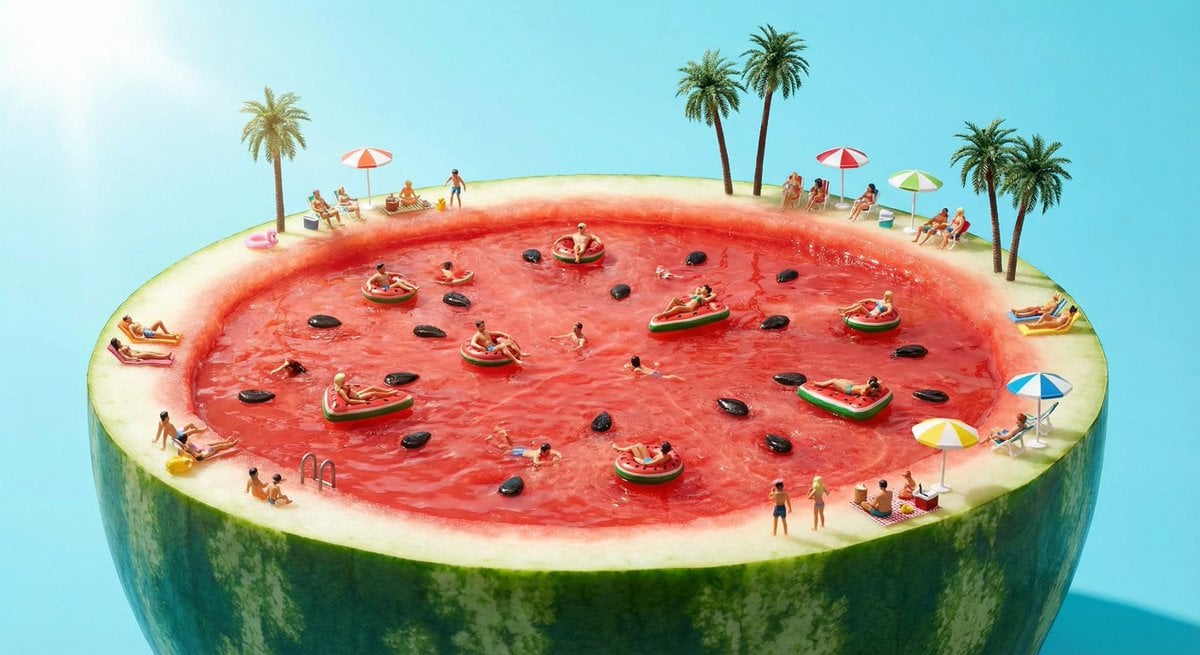
Watermelon swimming pool micro-world
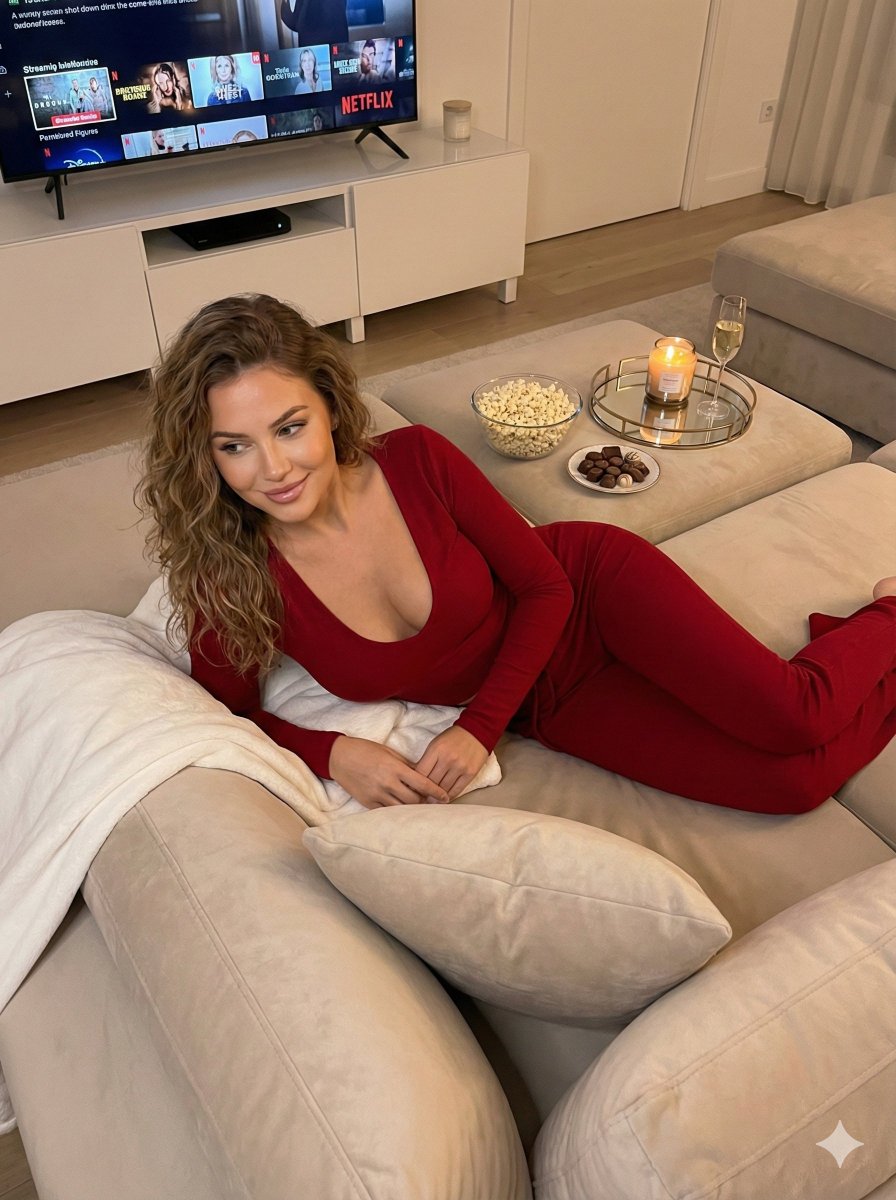
Cozy Evening Lifestyle Photography on Sofa
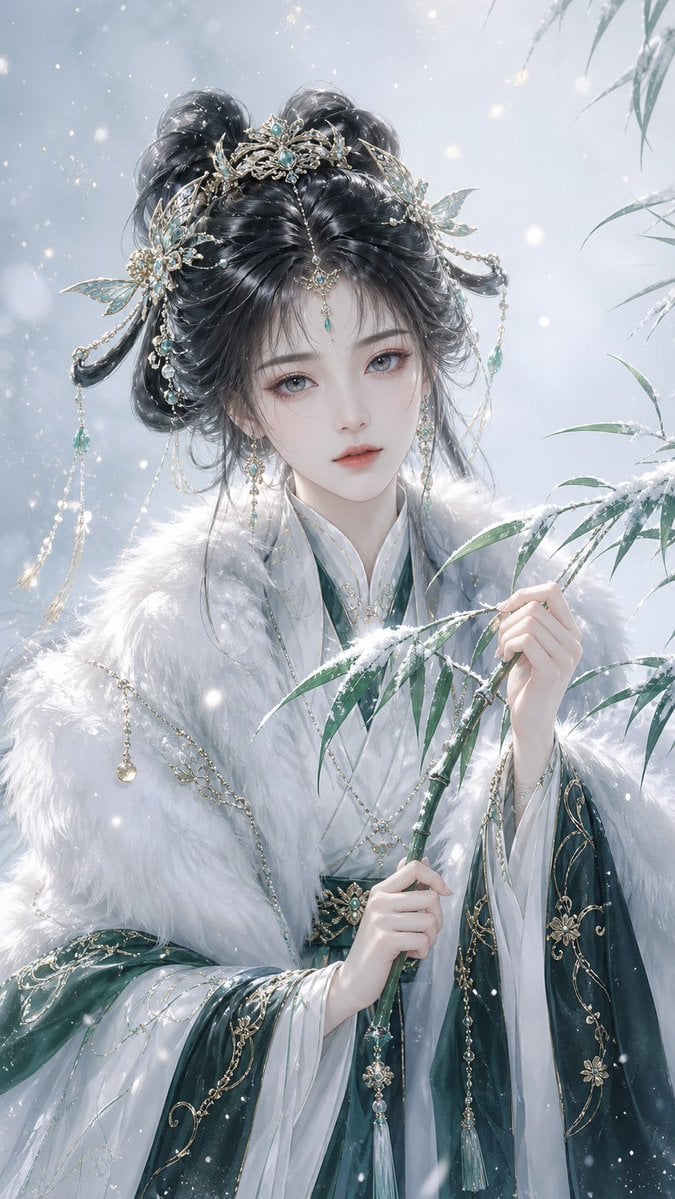
Elegant Oriental Fantasy Illustration
Dark Electro Album Cover
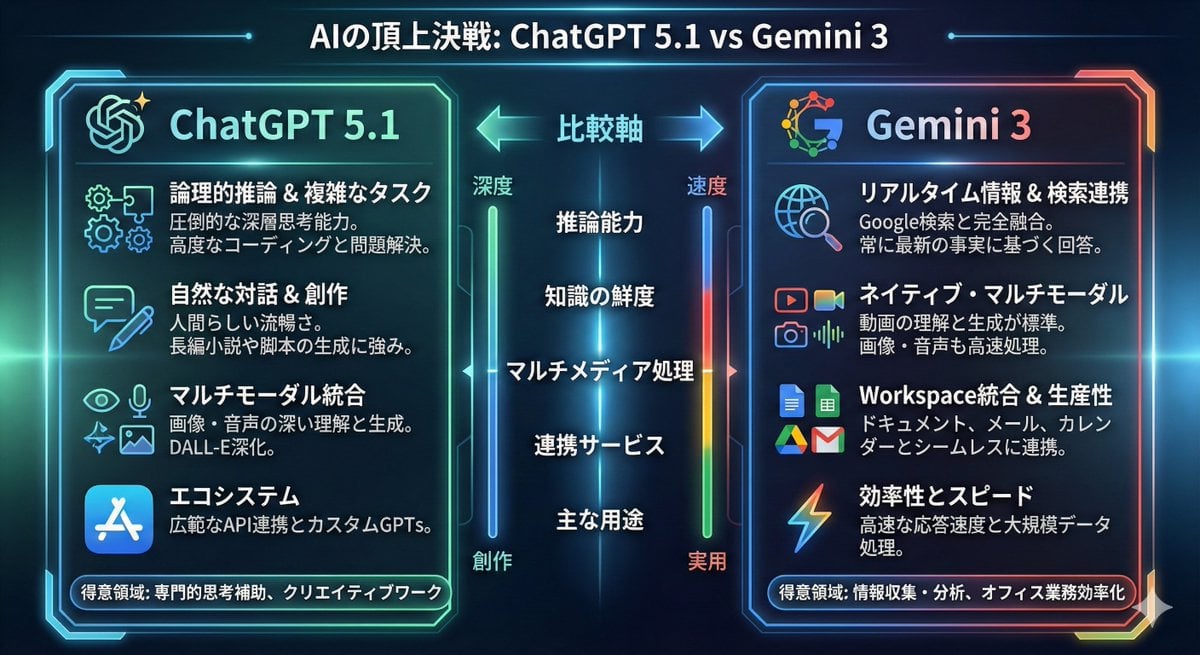
Infographic comparing ChatGPT 5.1 and Gemini 3
First Contact Sci-Fi T-Shirt Design
Cat-Eared Riders at Tokyo Bay Sunset
Browse template categories
Aurora Central Station Typography Scene questions
How do I use the Aurora Central Station Typography Scene template?
Add your photo if the template asks for one, edit the prompt if you like — the template's model and format are already selected — and press Generate. Your version opens in PicX Studio.
Can I customize the Aurora Central Station Typography Scene template?
Yes. You can change the subject, setting, lighting, mood, format, and available model controls before creating your image.
Is the Aurora Central Station Typography Scene template free?
Opening and editing this template is free. Generating uses credits, shown on the Generate button when you are signed in.
Which AI model should I use?
Start with GPT Image 2, which is the model associated with this template. You can compare another compatible model for a different finish.
Looking for something else? Browse all templates.

Your photo, any look
Thousands of ready templates for every top image and video model, from one credit balance.