
Dark Electro Album Cover
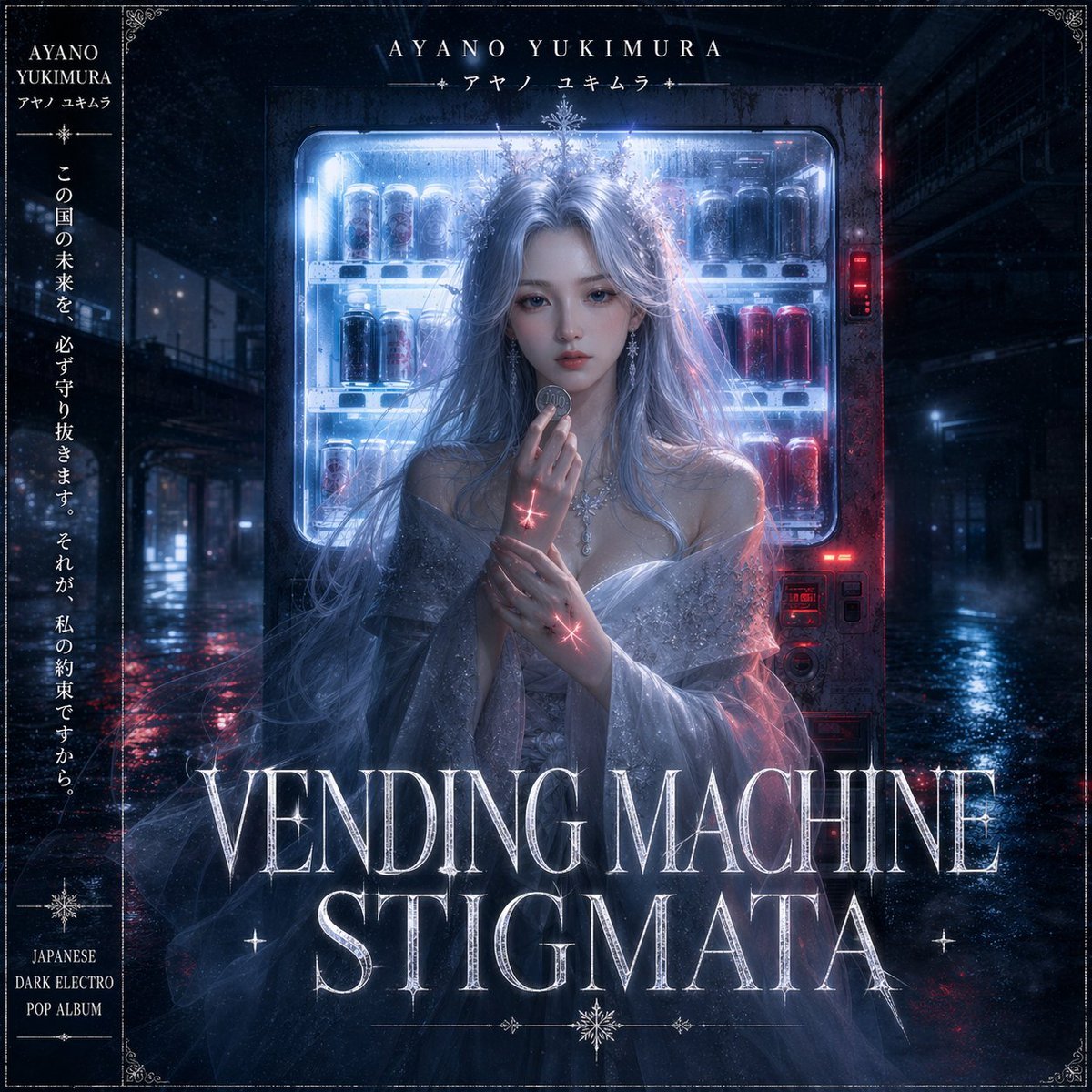
A moody fantasy-photoreal CD jacket prompt for generating a Japanese dark electro pop album cover with a mystical woman, neon vending machine, and ornate typography.
- Prompt included
- Model and format preset
- Free template
The prompt behind this image
Copy the exact prompt behind Dark Electro Album Cover, or open it in the studio and make it yours.
Square Japanese dark electro pop album cover, cinematic and ethereal, set at night in a rainy empty urban alley with wet reflective pavement and deep blue-black shadows. Center a ghostly elegant woman standing directly in front of a glowing vending machine filled with visible drink cans, the machine casting icy blue-white light around her while small red indicator lights glow on the right side. She has extremely long flowing silver-lavender hair, pale skin, and an enigmatic faceless or obscured-face treatment with the face hidden in shadow or a smooth blurred void. She wears an off-shoulder translucent {argument name="dress style" default="shimmering gray tulle gown"} with delicate sparkle texture, sheer draped sleeves, and ornate crystal jewelry at the neck and chest. Her pose is solemn and prayer-like, one hand raised holding a coin near her lips, the other hand gently clasping her wrist. Add 2 glowing red stigmata-like cross marks, one on the wrist and one on the hand, emitting subtle light. The mood is melancholic, mystical, futuristic, sacred, and slightly gothic. Use a high-contrast palette of cold neon blue, silver, black, and crimson accents, with mist, drizzle, soft bloom, fine film grain, and dramatic backlighting from the vending machine. Integrate ornate vintage border decorations in all 4 corners and a thin frame line around the cover. At the top center, place the artist name {argument name="artist name" default="AYANO YUKIMURA"} in elegant serif capitals with a smaller Japanese line beneath: {argument name="artist name in Japanese" default="アヤノ ユキムラ"}. Along the left side, create a vertical black panel with 3 text areas: the artist name at the top, a long vertical Japanese quote in white in the middle, and at the bottom the stacked genre text {argument name="genre text" default="JAPANESE DARK ELECTRO POP ALBUM"}. Across the bottom center, place the album title {argument name="album title" default="VENDING MACHINE STIGMATA"} in very large luminous cracked silver serif typography spanning 2 lines, with subtle star-like sparkles and ornamental flourishes. Premium fantasy-photoreal key art, ultra-detailed, polished CD jacket design.
How to use Dark Electro Album Cover in 3 steps
- 1Upload ImagePNG, JPG or paste
Add your photo
Upload the photo the template builds on. The prompt, model and format are already set.
- 2…a portrait of your subject in softgolden-hour light, 85mm…
Personalize
Edit the subject and creative details for your destination.
- 3Generate
Generate
Press Generate — your image is created in PicX Studio, so you can compare it with the original and refine one variable at a time.
More like this
Templates with the same subject, style or setup. Open one to see its prompt.
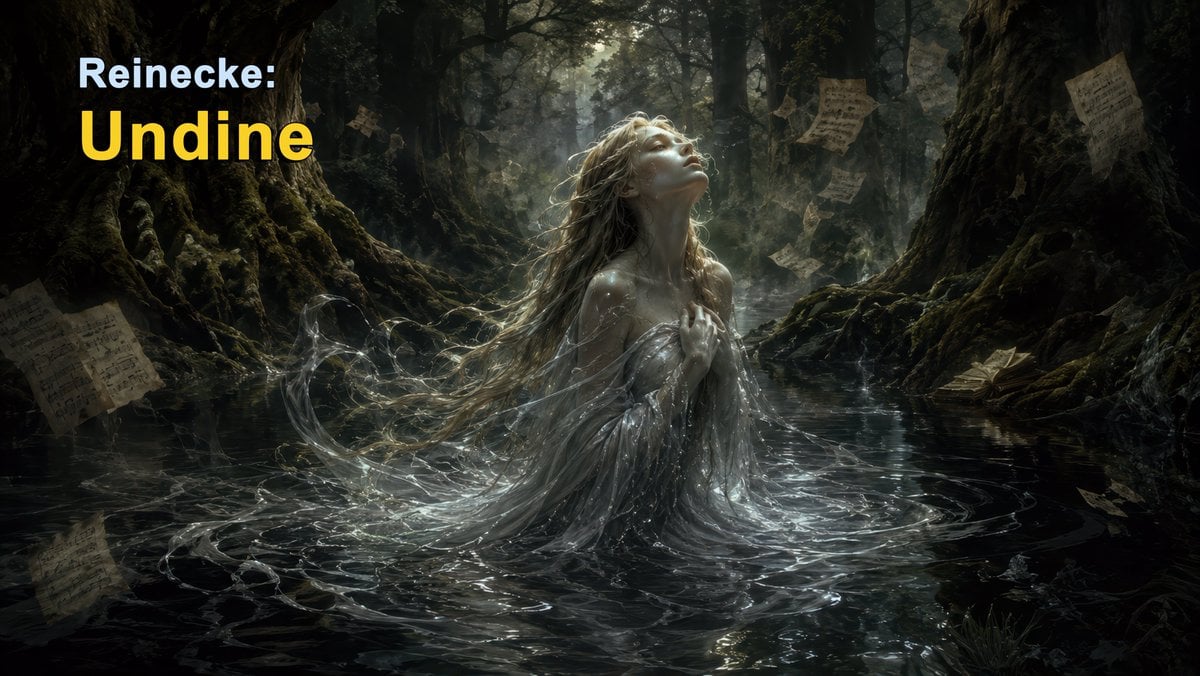
Dark Forest Undine Album Cover
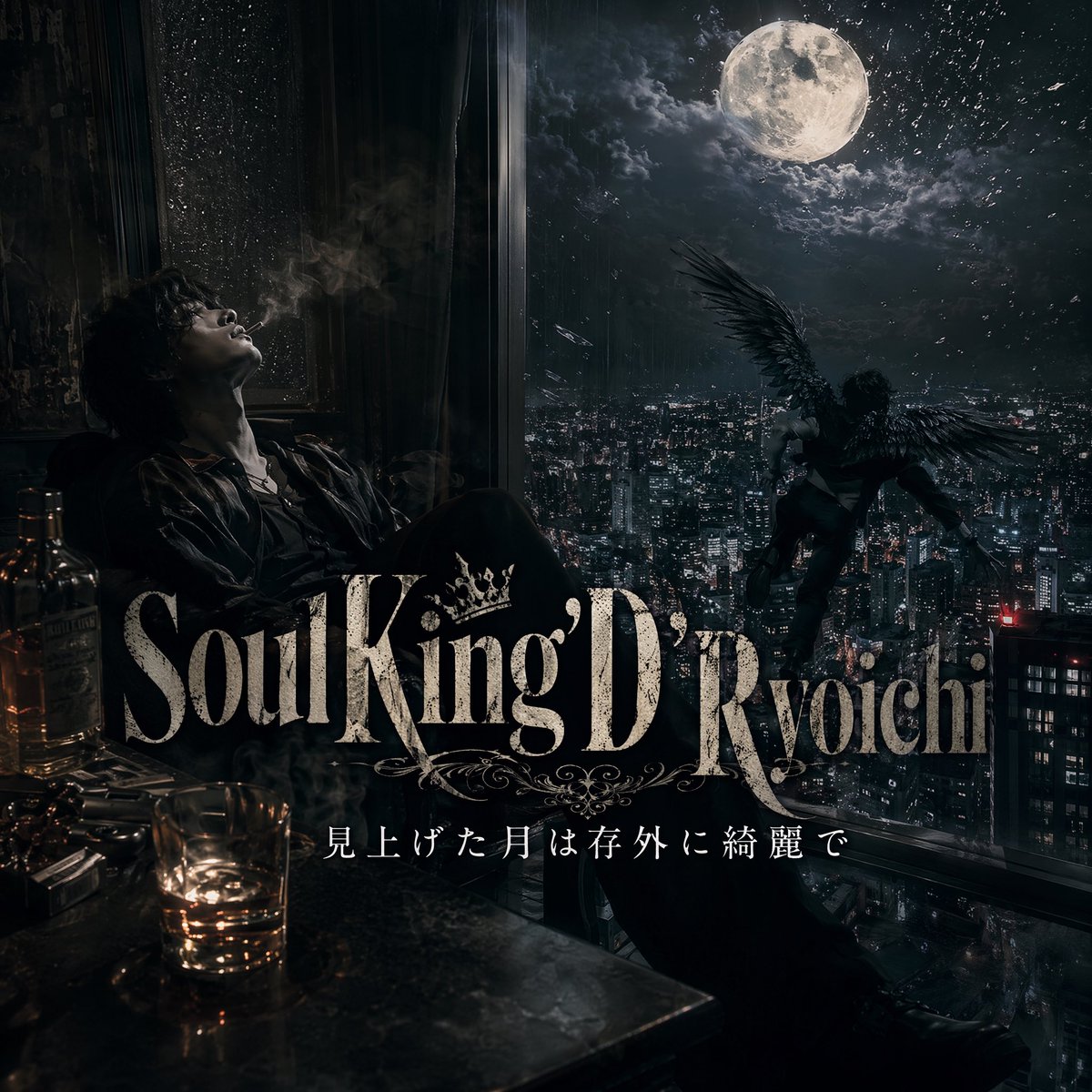
Dark Moonlit Noir Album Cover

Selective Color Monochrome Football Poster

Night Sports Car Portrait — Cinematic Moody

Cinematic Eye Light Portraits — 3 Nano Banana Prompts

Horror Cinematic Portrait
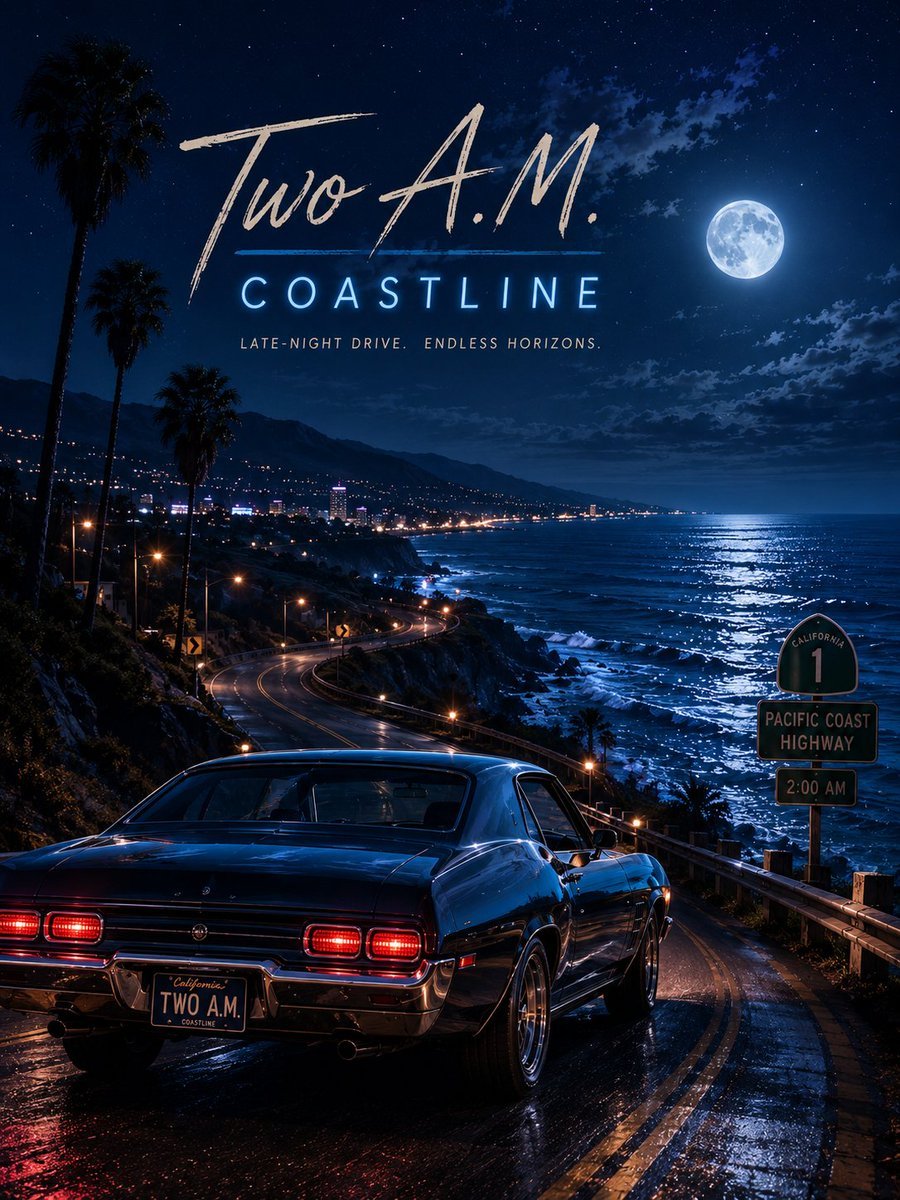
Two A.M. Coastline Album Cover

Music Album Cover Abstract Liquid Mercury

Sparkling Seaside Anime Album Cover

Japanese Musician Album Cover
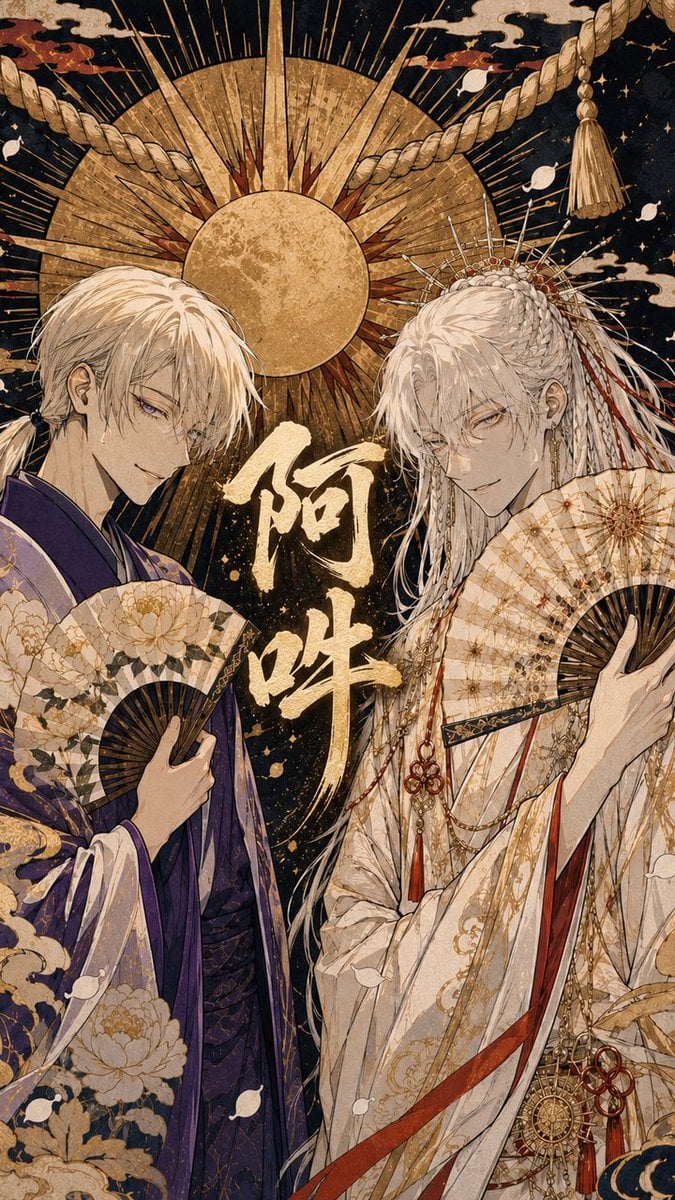
Ornate A-Un Kimono Album Cover
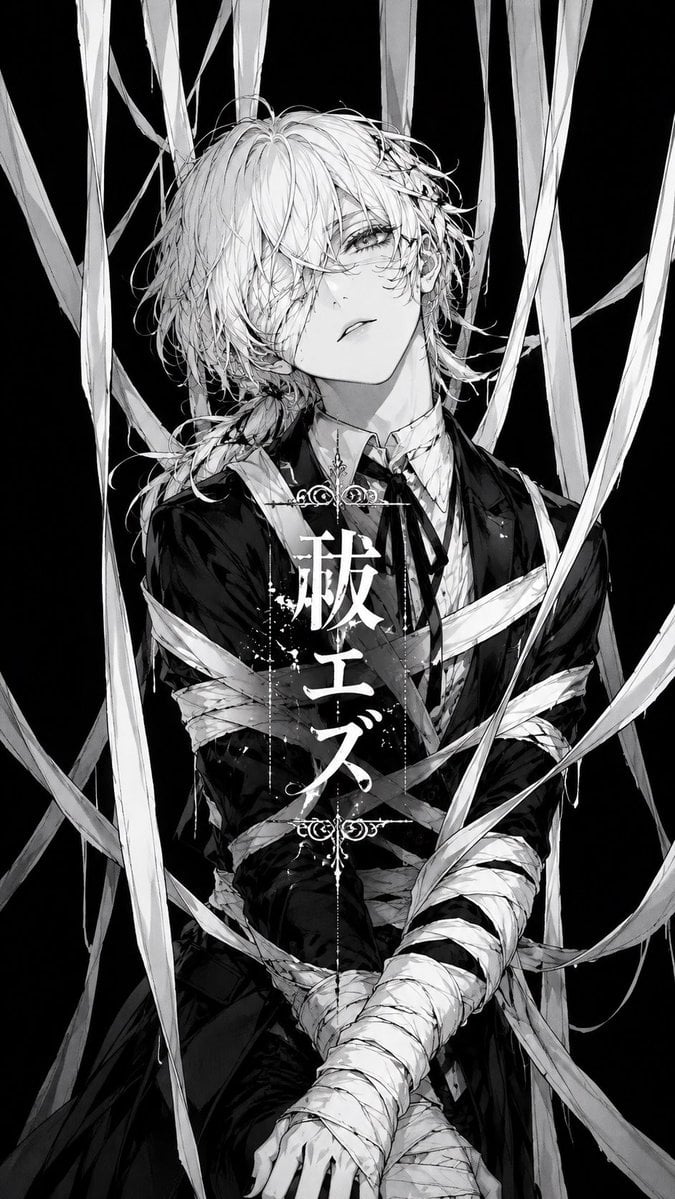
Monochrome Visual-Kei Album Cover
Make it yours
Dark Electro Album Cover works as-is. These are the safest ways to change it without losing the look.
Change one field
Copy a single group, rewrite it, and generate again so you can see what that field is doing.
Keep the frame, change the subject
Hold the composition and light of Dark Electro Album Cover, then swap wardrobe, props or the person for a new take.
| If the result… | Why | Fix |
|---|---|---|
| The result drifts from the preview | Too many fields changed at once. | Reuse Dark Electro Album Cover as-is first, then change one group — subject, light, or setting. |
| The model over-stylizes the scene | The prose prompt leaves finish and camera underspecified. | Add one camera or lighting sentence and stay on GPT Image 2. |
More GPT Image 2 templates
Other prompts made for GPT Image 2.

Six VTuber Japanese Logo Sheet

Realistic Portrait of Woman and Deer

The Vista Modular Condo Poster

AI Model Routing Comparison Infographic

2.5D Anime Art Board

Isometric Productivity Desk Scene

New York Double Exposure Poster

Four-Panel AI Landscape Comparison

Japanese Tatami Lifestyle Magazine Cover

NESCAFÉ Coffee Map Poster
More image prompts
Fresh picks from across the catalog.
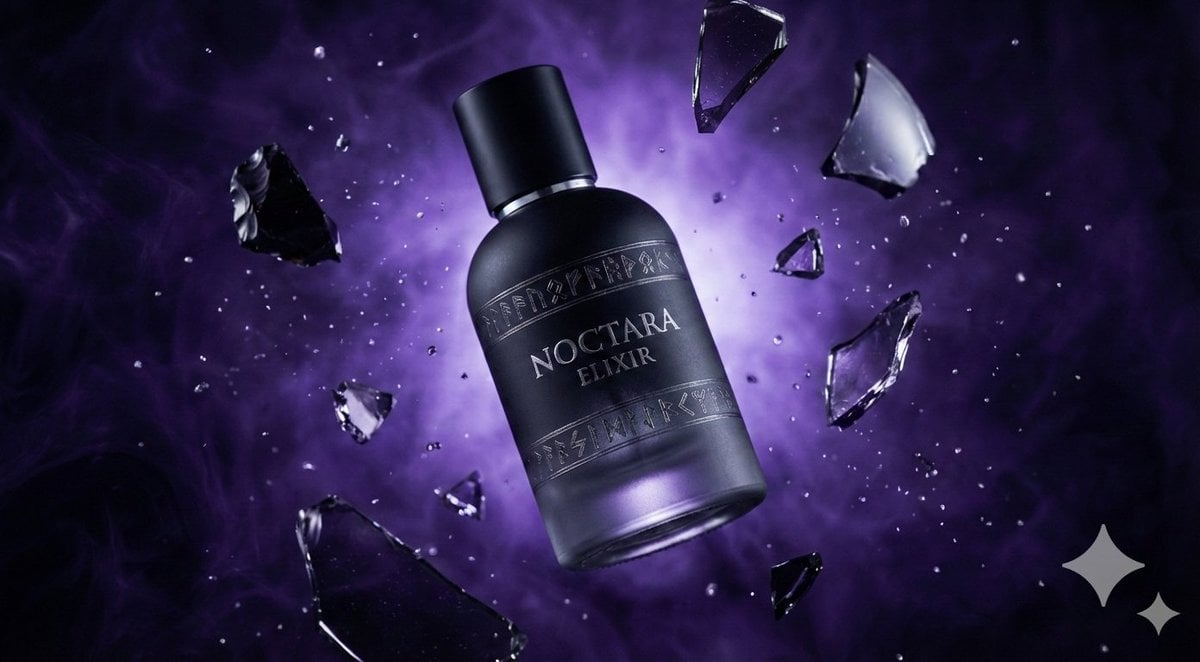
Matte Black Elixir Bottle with Purple Smoke Background
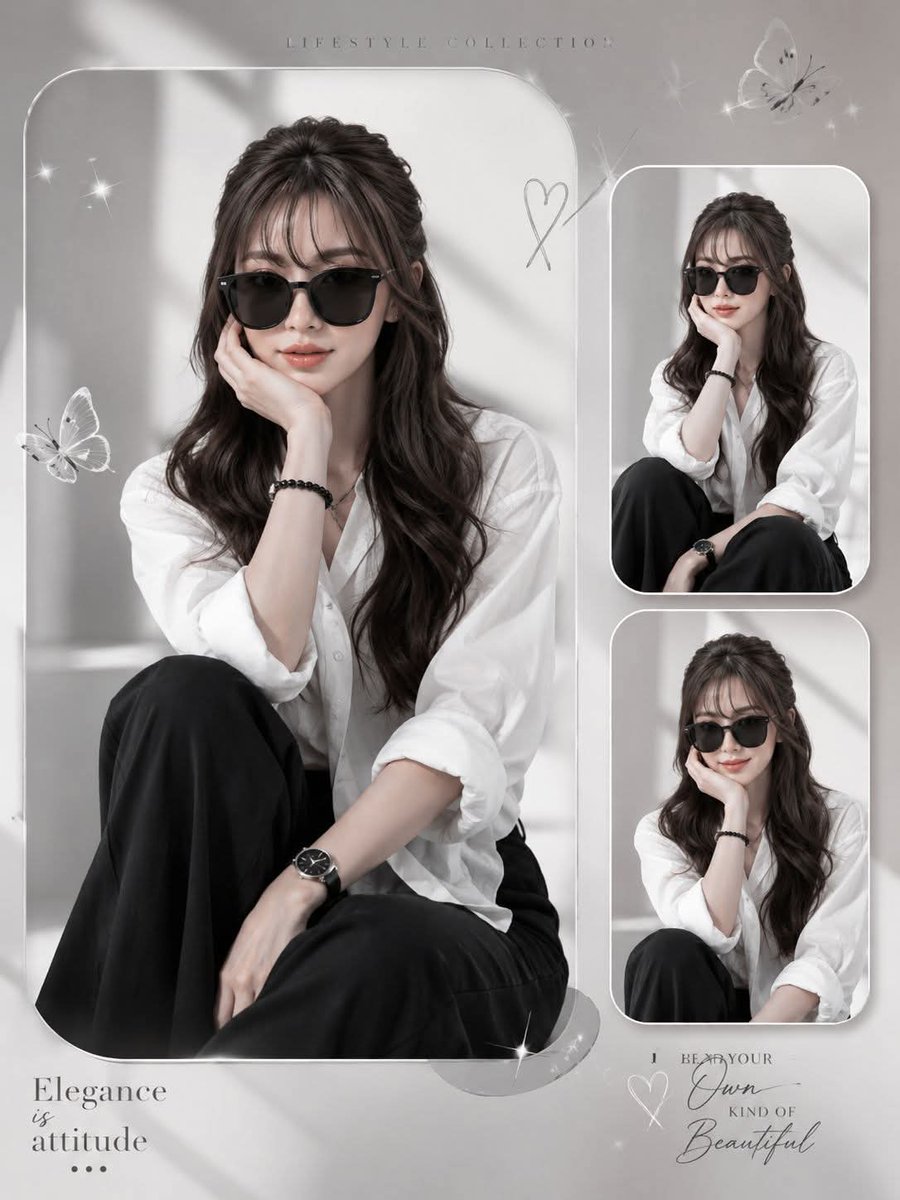
Elegant Anonymous Lifestyle Collage
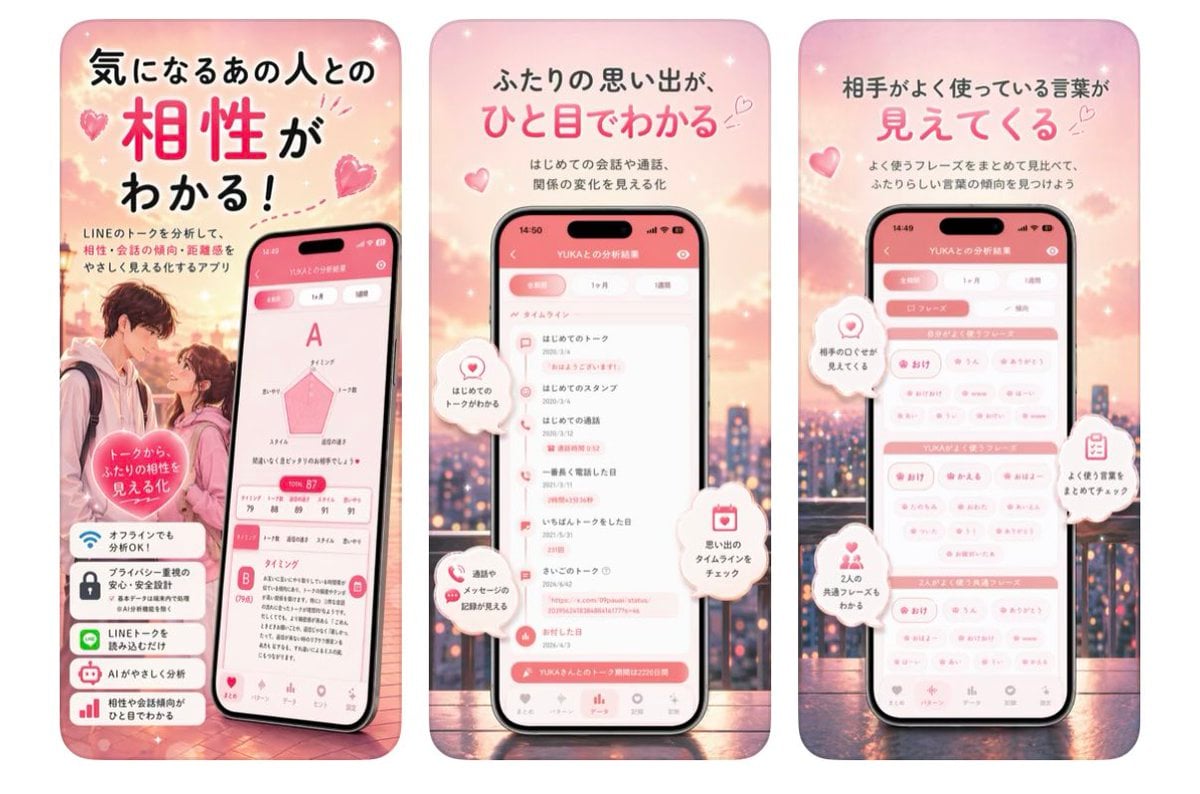
Japanese Romance App Ad Panels
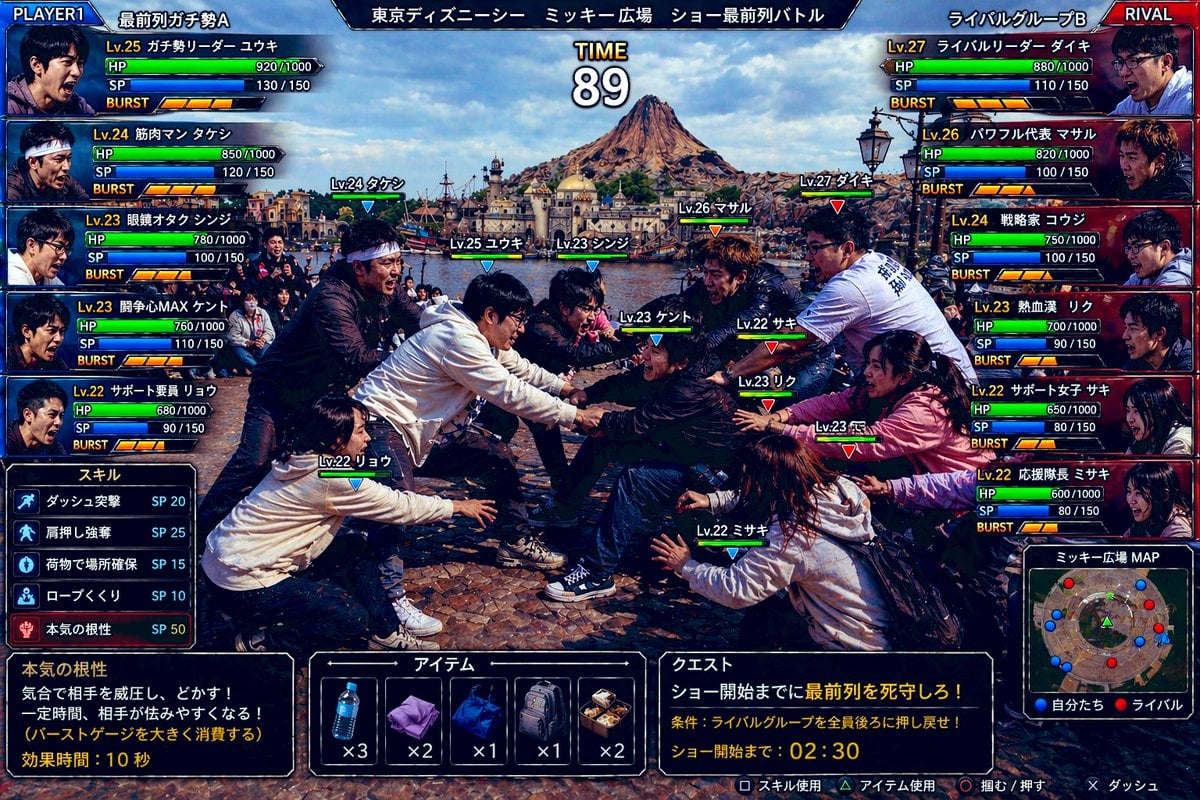
Gpt2 Youtube Thumbnail Tokyo Disneysea Front Row Battle Ui

Valentine's Day Chocolate and Roses Editorial Portrait
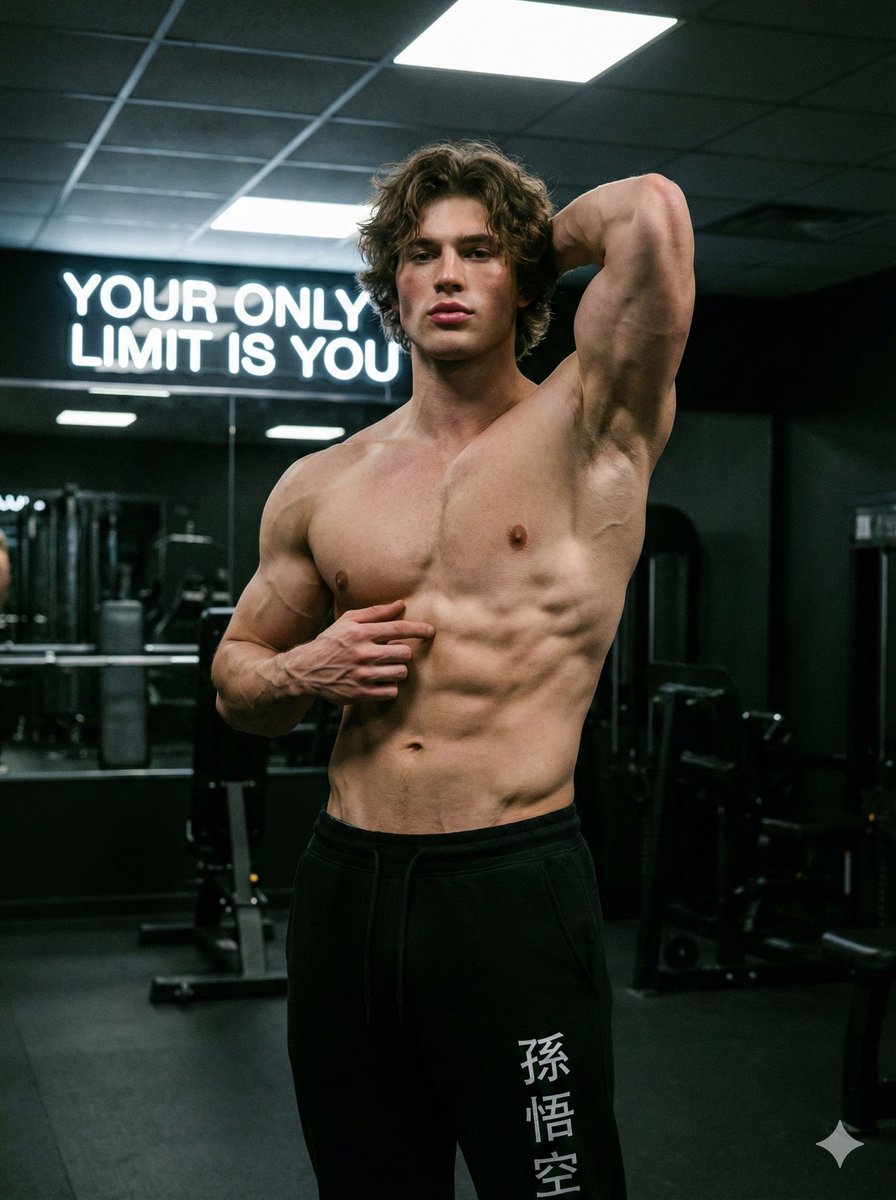
Fitness Studio Man Pose Prompt
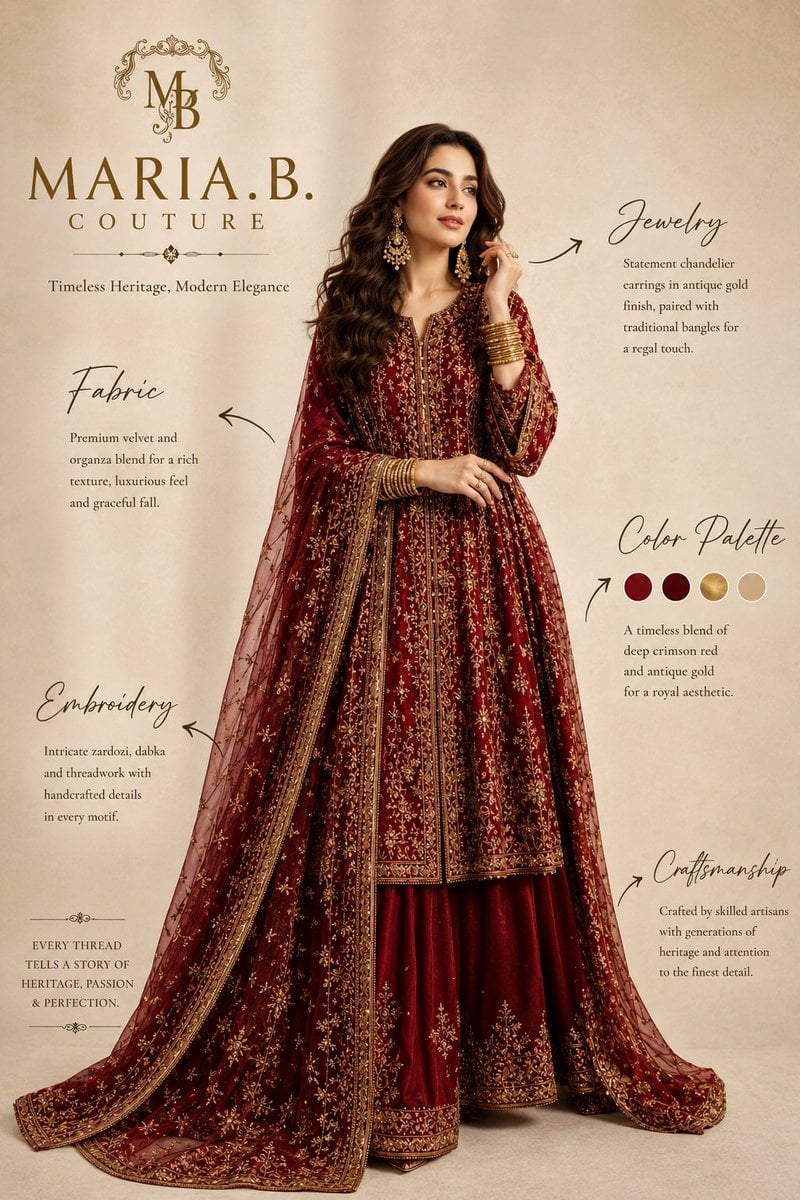
Pakistani Luxury Fashion Campaign
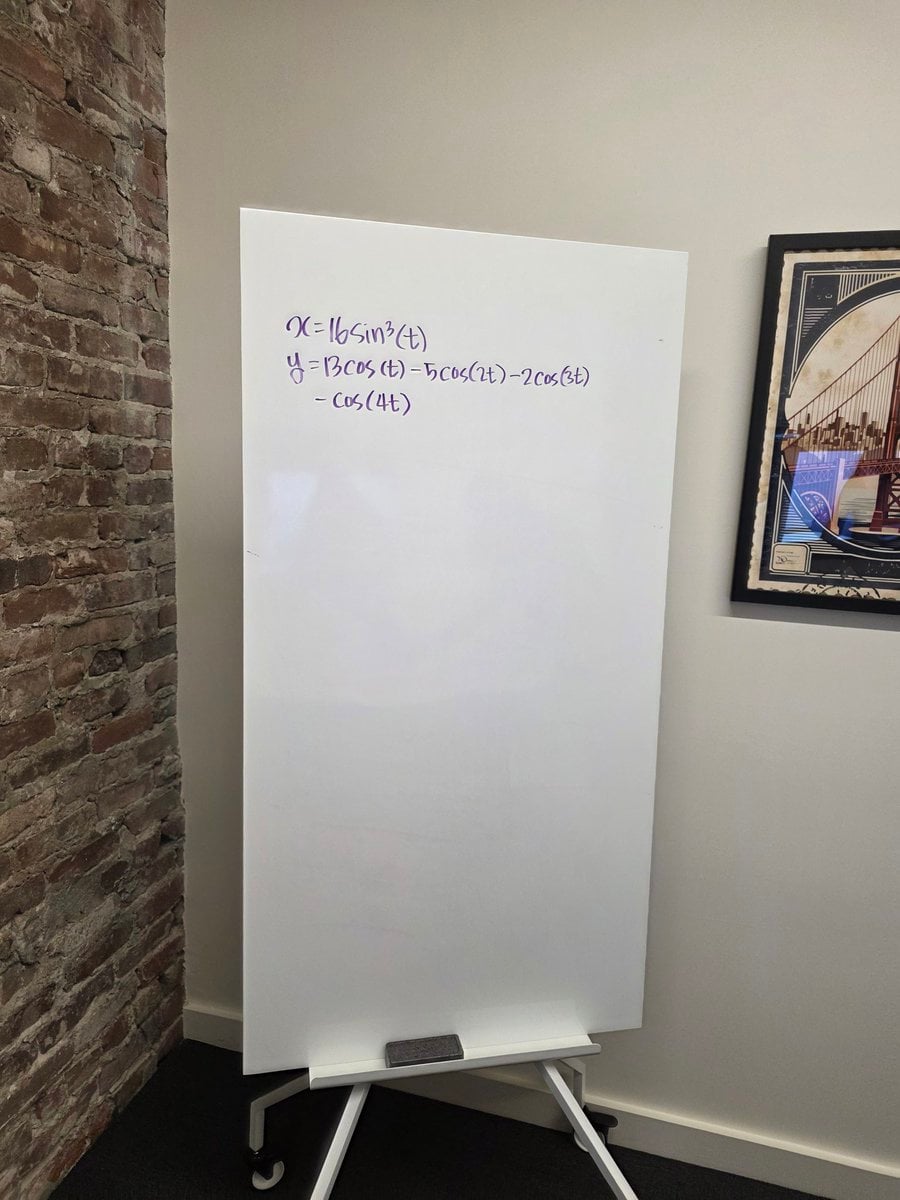
Formula graph on whiteboard
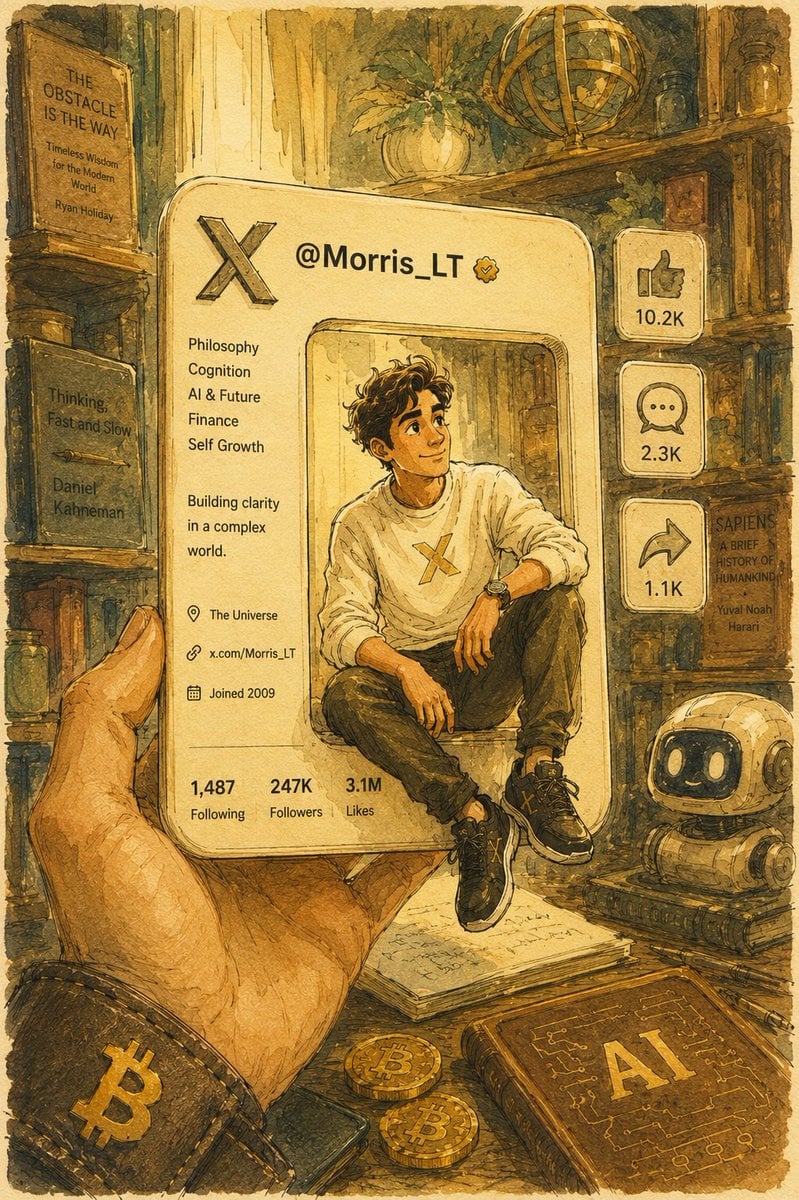
Watercolor Pixar Profile Card

Professional Male Editorial Fashion Portrait
Browse template categories
Dark Electro Album Cover questions
How do I use the Dark Electro Album Cover template?
Add your photo if the template asks for one, edit the prompt if you like — the template's model and format are already selected — and press Generate. Your version opens in PicX Studio.
Can I customize the Dark Electro Album Cover template?
Yes. You can change the subject, setting, lighting, mood, format, and available model controls before creating your image.
Is the Dark Electro Album Cover template free?
Opening and editing this template is free. Generating uses credits, shown on the Generate button when you are signed in.
Which AI model should I use?
Start with GPT Image 2, which is the model associated with this template. You can compare another compatible model for a different finish.
Looking for something else? Browse all templates.

Your photo, any look
Thousands of ready templates for every top image and video model, from one credit balance.