
Valentine's Day Chocolate and Roses Editorial Portrait
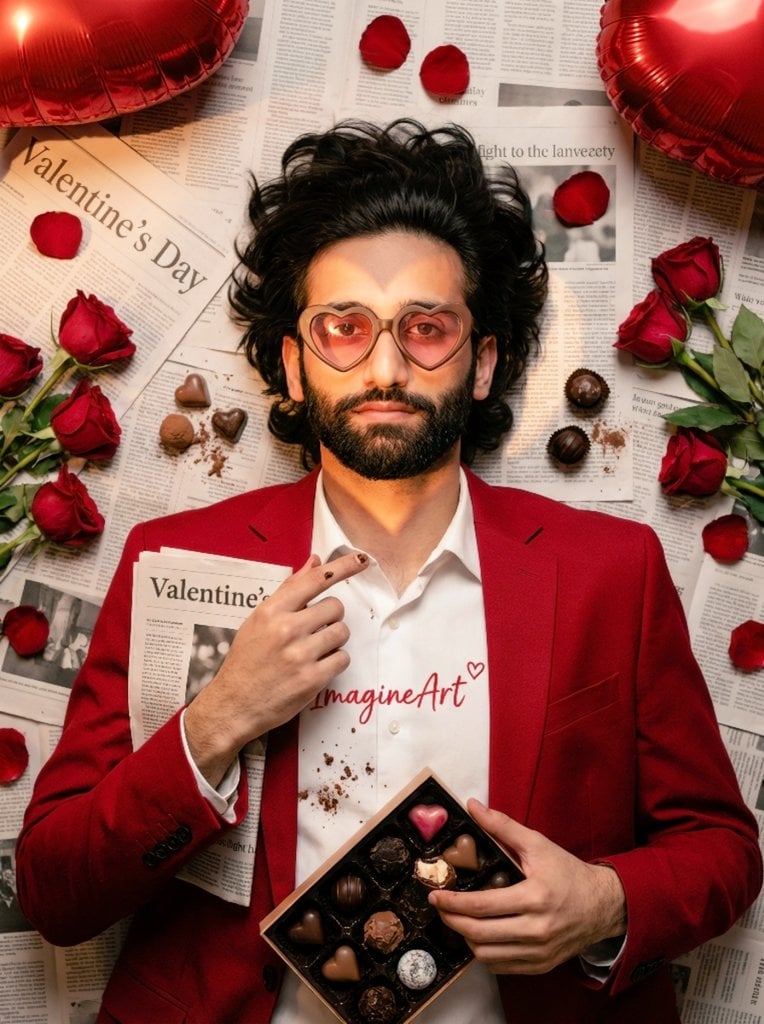
A highly specific prompt for transforming an uploaded image into a Valentine's Day-themed editorial portrait, featuring the subject lying on newspapers, surrounded by red roses and artisanal chocolates, with…
- Prompt included
- Model and format preset
- Free template
The prompt behind this image
Copy the exact prompt behind Valentine's Day Chocolate and Roses Editorial Portrait, or open it in the studio and make it yours.
Use uploaded image (face+shoulders) — preserve likeness exactly; top-down 4:5 close-up of subject lying on densely layered, readable newspapers (folded paper in hands headline "Valentine's Day"); hair fanned; tailored red blazer over white shirt with tiny red "ImagineArt" + heart; scattered deep-red roses, loose petals, open artisanal chocolate box near hands with assorted chocolates (one truffle bitten revealing creamy filling), loose chocolates, crumbs, cocoa dusting and faint cocoa speck on fingertips; two red heart foil balloons at top corners; heart-shaped gobo/flash across face & half body; subject wears heart-shaped chocolate-frame glasses with pink translucent lenses (eyes visible); pin-sharp face, hands, main chocolates/rose cluster with creamy bokeh (85mm/100mm, f/1.8–2.8), ISO100–200, ~1/125s, full-frame, 4K+; warm top-left softbox + subtle warm rim from right; Kodak-Portra warm toning, rich saturated reds, slight film grain; microdetail: hair strands, fabric weave, skin pores, petal veins, chocolate gloss/speculars, tiny melted gloss bead, cocoa powder texture, crumbs, faint foil fingerprint; subtle imperfections: one slightly crushed petal, small cocoa smudge on newspaper edge; ultra-realistic magazine-editorial — no added text or watermark.
How to use Valentine's Day Chocolate and Roses Editorial Portrait in 3 steps
- 1Upload ImagePNG, JPG or paste
Add your photo
Upload the photo the template builds on. The prompt, model and format are already set.
- 2…a portrait of your subject in softgolden-hour light, 85mm…
Personalize
Edit the subject and creative details for your destination.
- 3Generate
Generate
Press Generate — your image is created in PicX Studio, so you can compare it with the original and refine one variable at a time.
More like this
Templates with the same subject, style or setup. Open one to see its prompt.

untitled
Valentine S Day Couple Portraits

Gpt Image 2 Fashion Portrait

Caution Tape Fashion — Industrial Editorial
Photorealistic Couple Portrait with Harsh Midday Sun and Red Roses
Valentine's Day Baby Boy Portrait Prompt
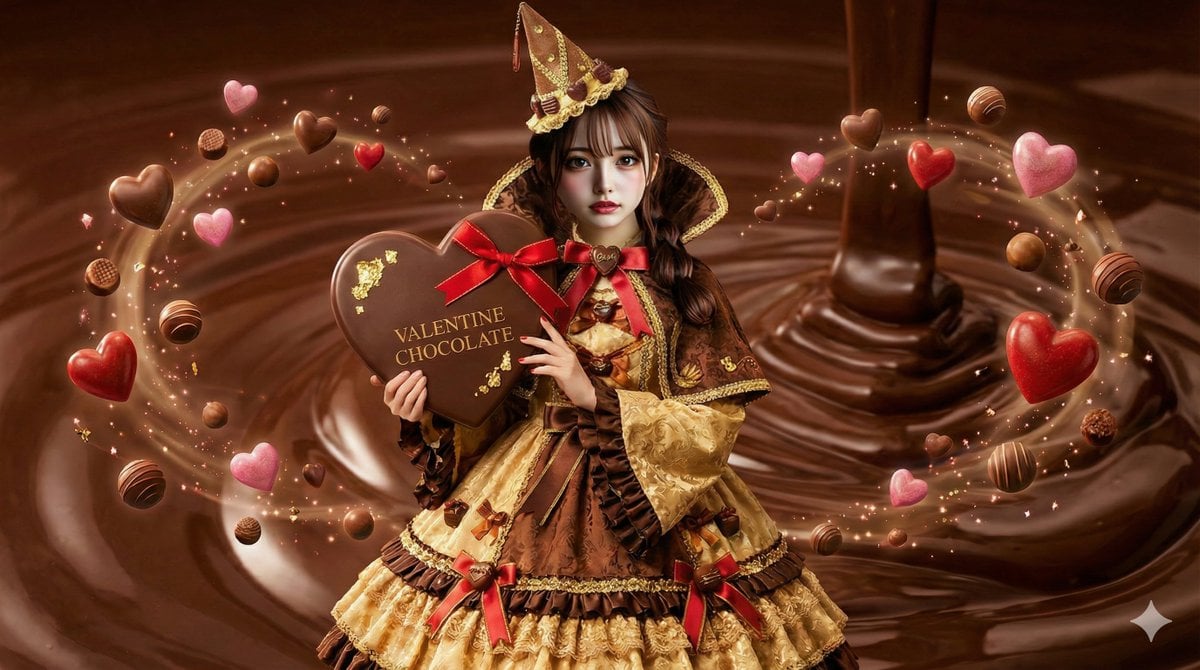
AI Illustration of a Wizard Making Valentine's Day Chocolate
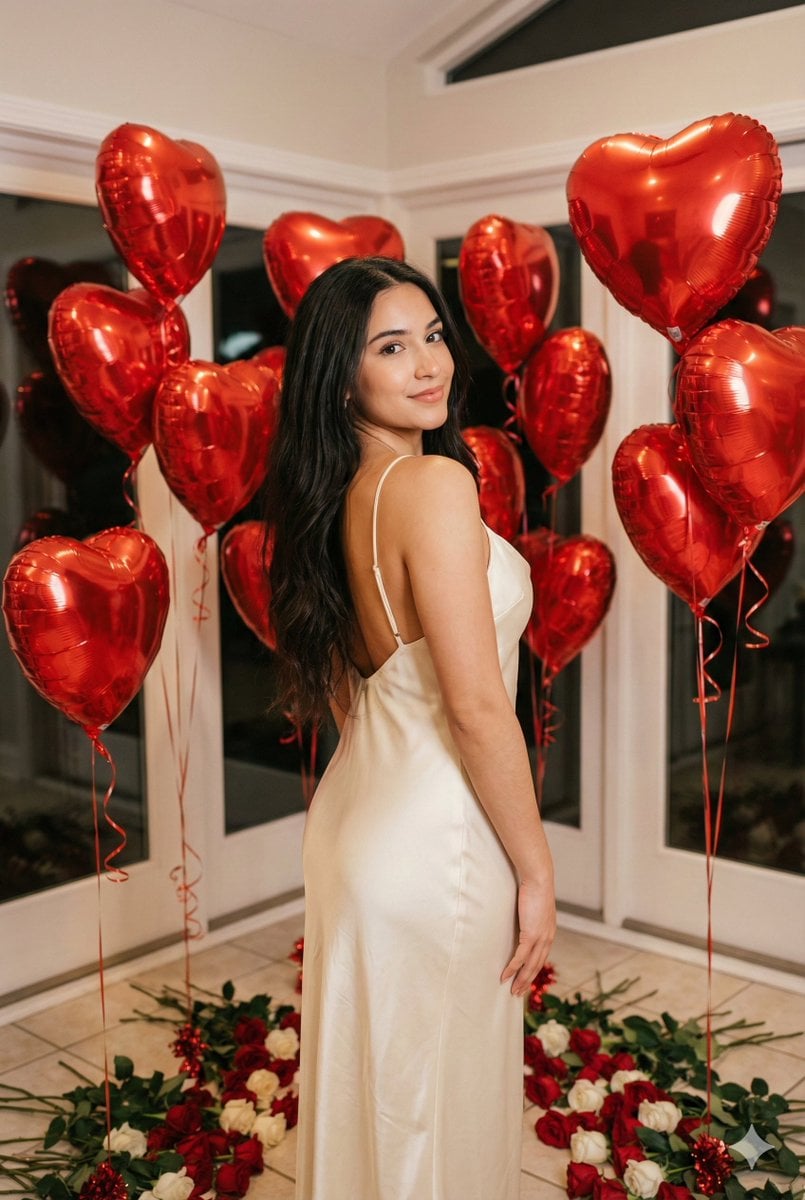
Romantic Valentine's Day Influencer Portrait

Couture Fashion Editorial Woman and Drag

Nano Banana 2 Editorial Fashion Portrait
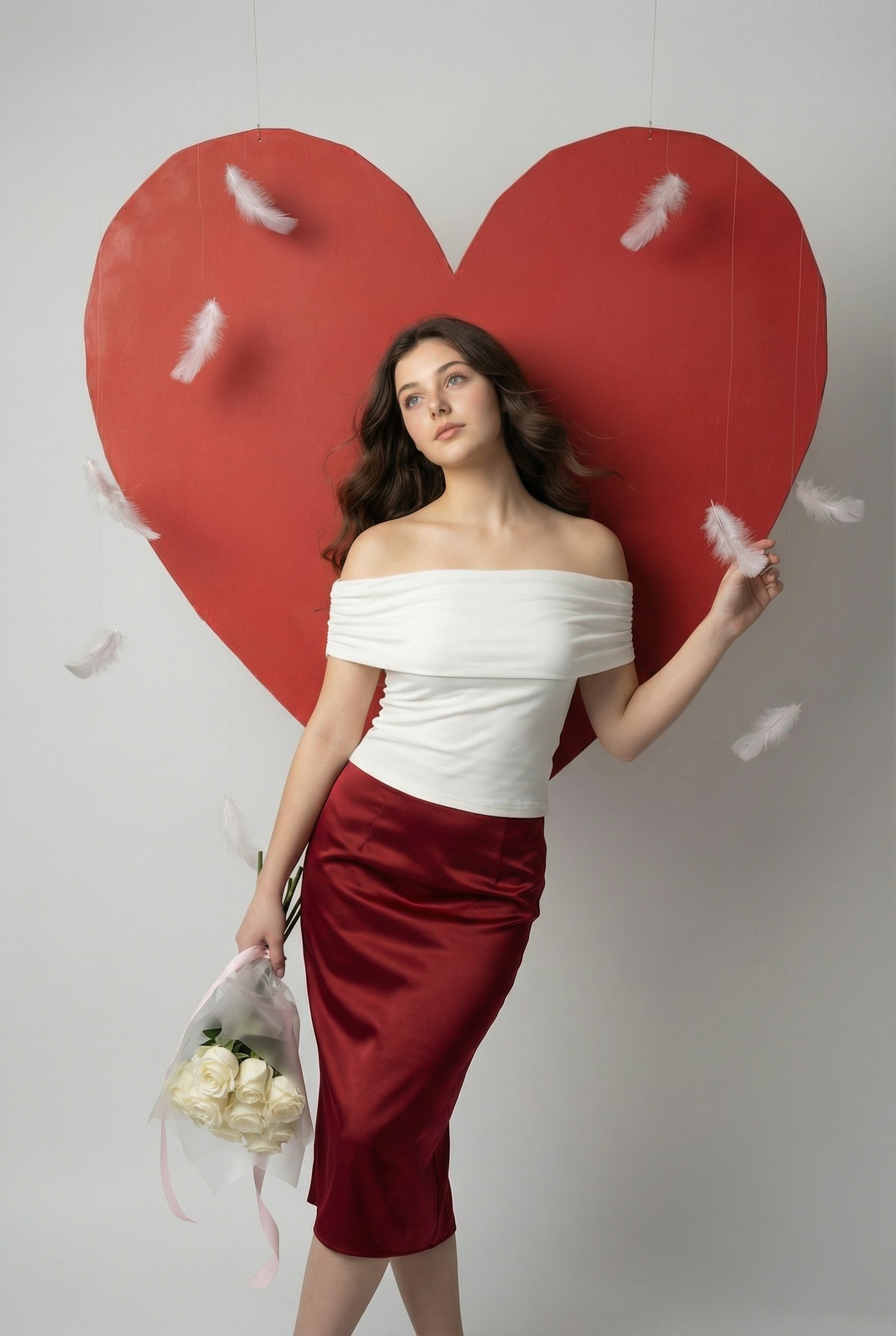
Serene Valentine Editorial Portrait
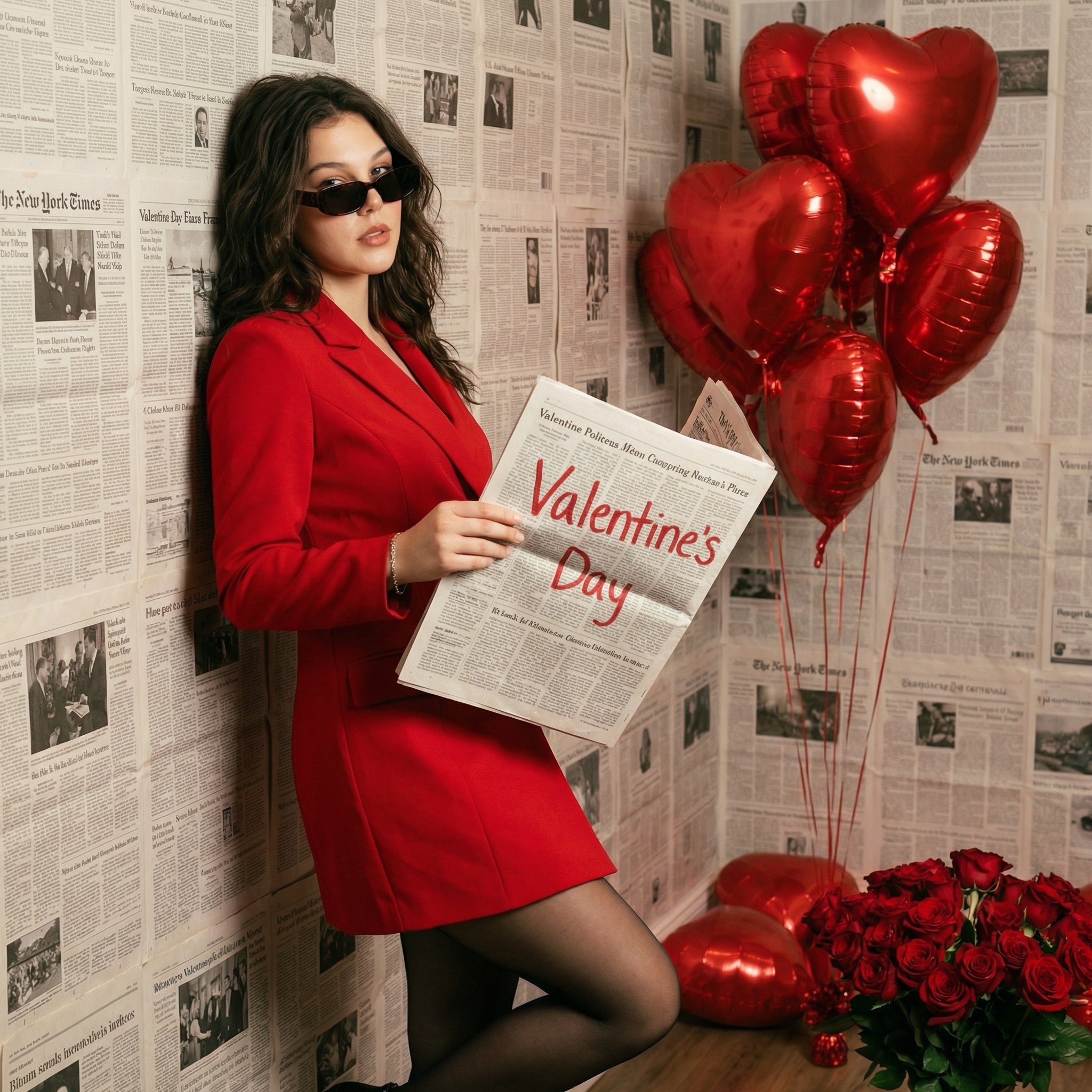
Chic Valentine Editorial Portrait
Make it yours
Valentine's Day Chocolate and Roses Editorial Portrait works as-is. These are the safest ways to change it without losing the look.
Change one field
Copy a single group, rewrite it, and generate again so you can see what that field is doing.
Keep the frame, change the subject
Hold the composition and light of Valentine's Day Chocolate and Roses Editorial Portrait, then swap wardrobe, props or the person for a new take.
| If the result… | Why | Fix |
|---|---|---|
| The result drifts from the preview | Too many fields changed at once. | Reuse Valentine's Day Chocolate and Roses Editorial Portrait as-is first, then change one group — subject, light, or setting. |
| The model over-stylizes the scene | The prose prompt leaves finish and camera underspecified. | Add one camera or lighting sentence and stay on Nano Banana 2. |
More Nano Banana 2 templates
Other prompts made for Nano Banana 2.

Photorealistic Leaf Shaped Like a Dragon

K-Pop Idol Portrait Grid for Rapid Selection

Poetic Rain Forest Portrait During Golden Hour

Urban Street Portrait with Cartoon Inner Self Duo

Candid Nighttime Photo with Cat Prompt

High-Concept 3D Diorama Generation Prompt

Cinematic Futuristic Studio Portrait Template

Skincare Editorial Photography Collage Prompt

Hyper-Realistic Commercial Product Photography (Splash Effect)

Hyper-Realistic Nightclub Portrait Prompt
More image prompts
Fresh picks from across the catalog.
Kids Bath Product Advertisement Poster
Ultra-realistic Studio Fashion Portrait
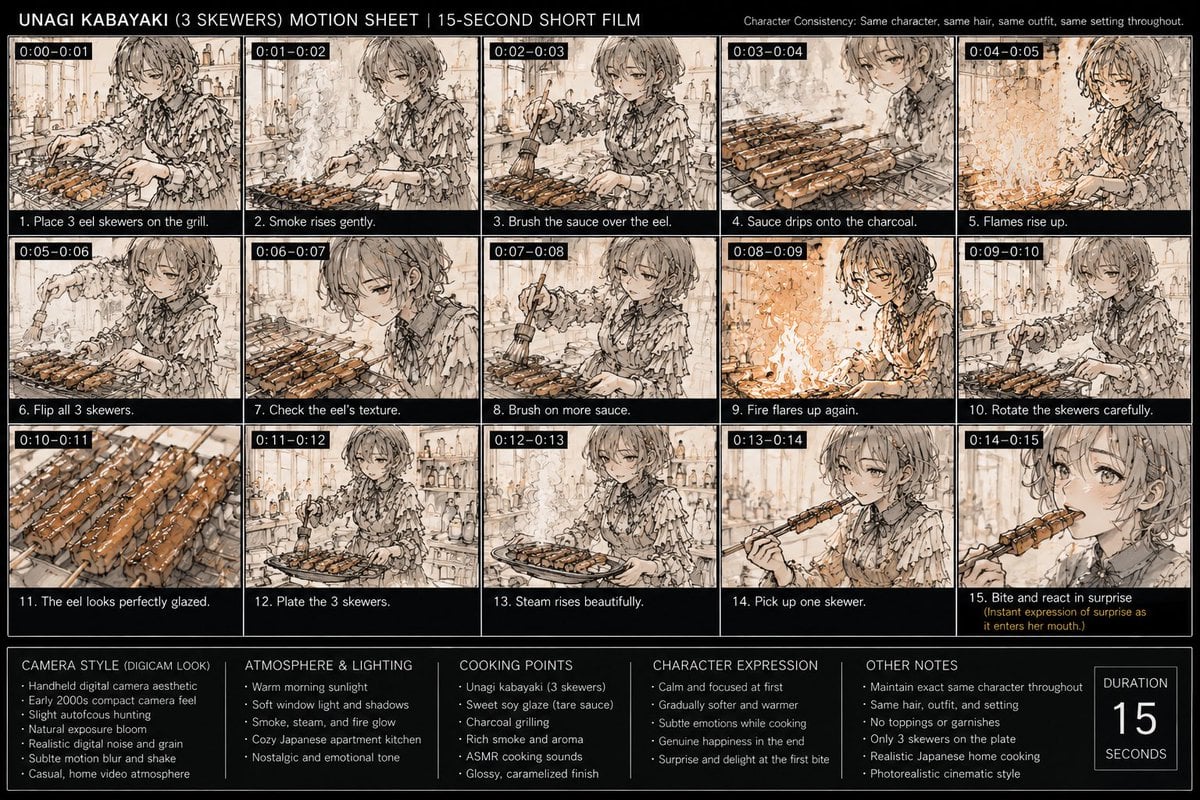
Unagi Kabayaki Motion Sheet
Adding Fabric Texture to Clothing
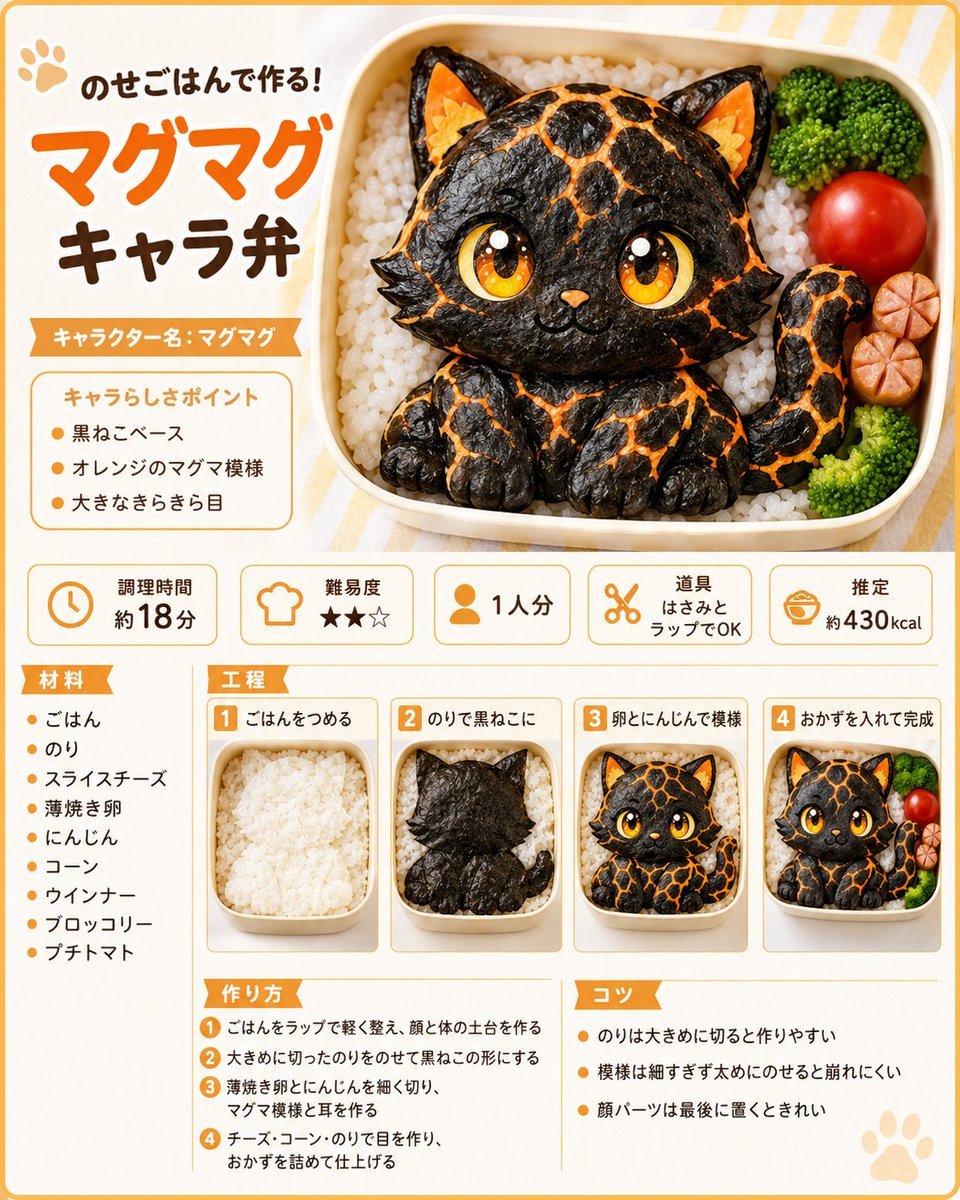
Magma Cat Bento Recipe Infographic
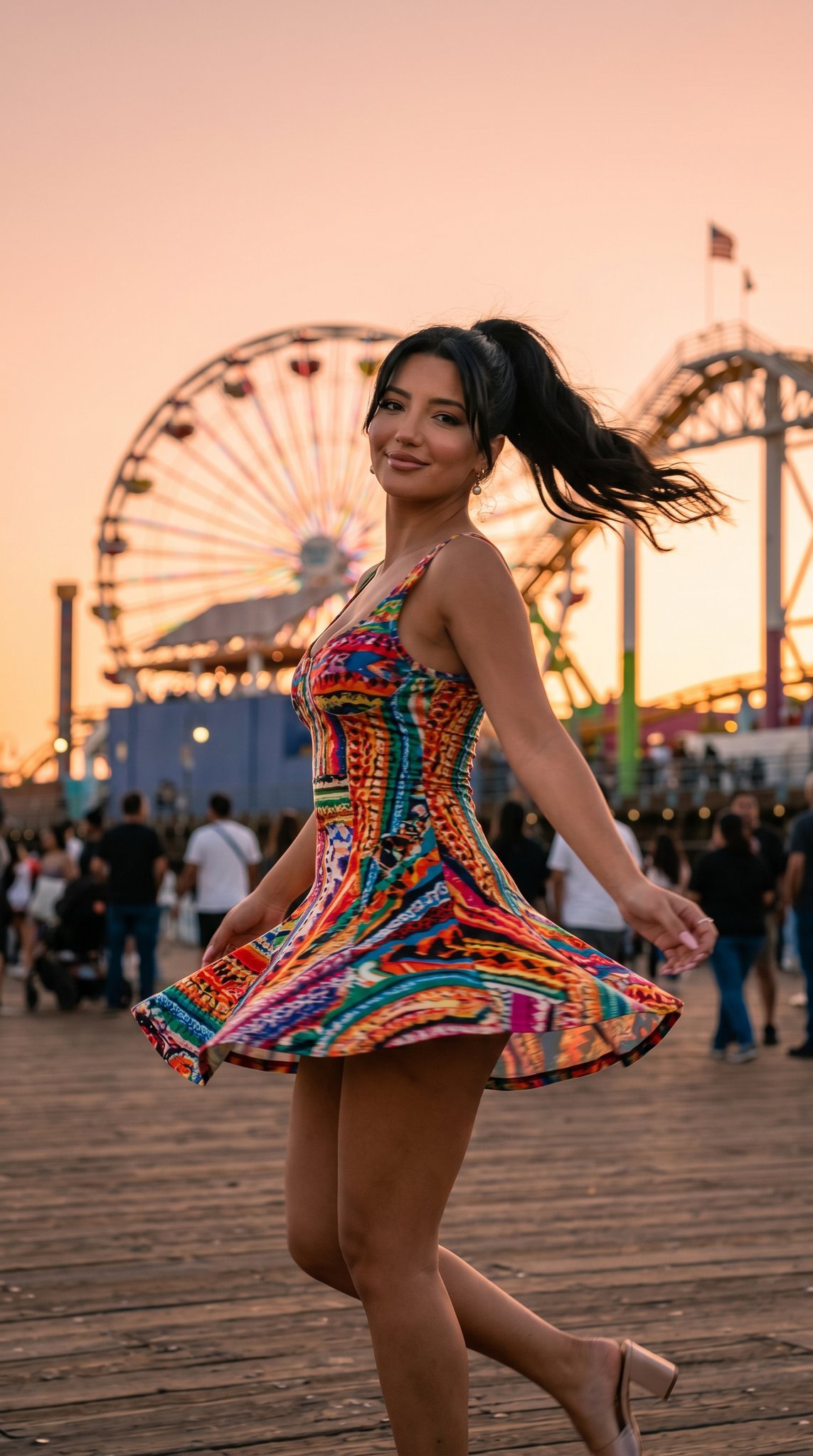
05 Santa Monica Pier — California Series
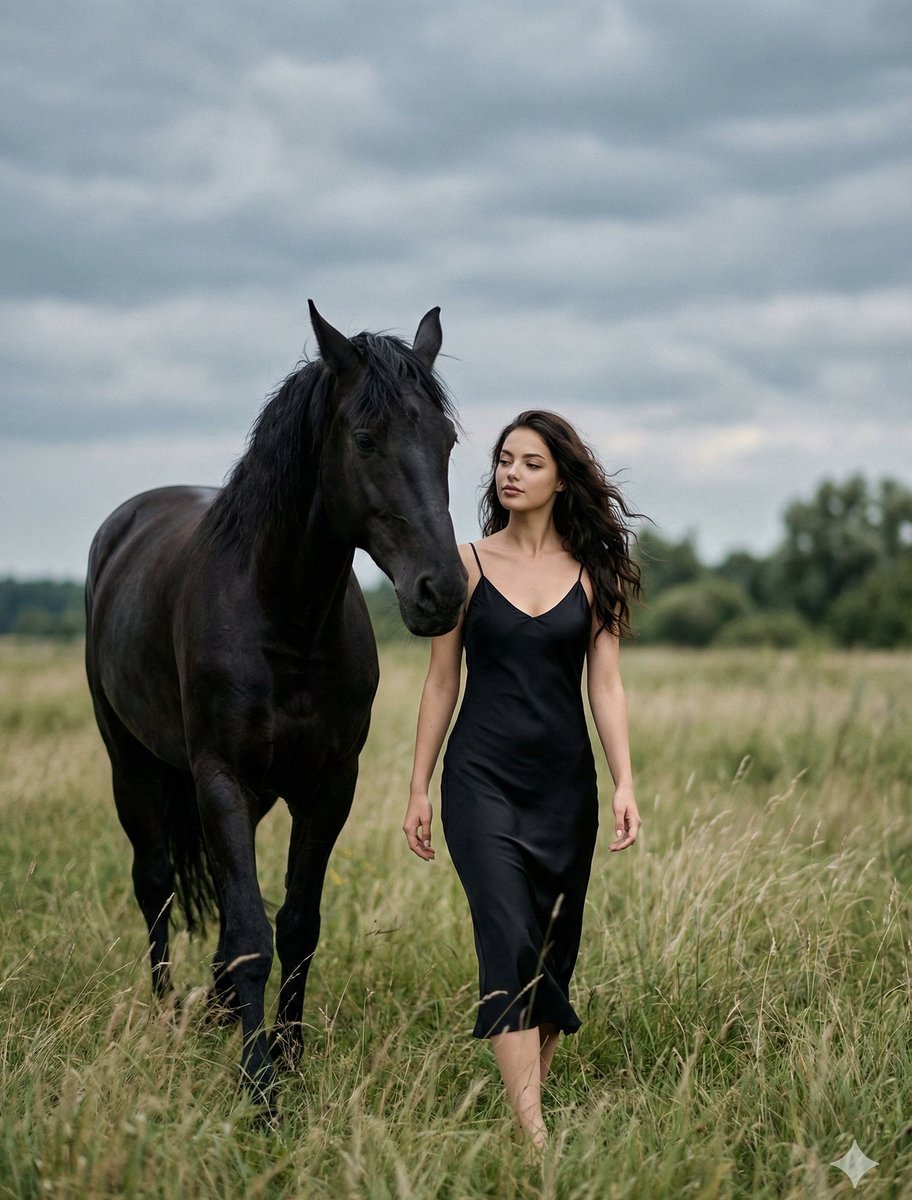
Cinematic Photorealistic Scene of Woman and Black Horse
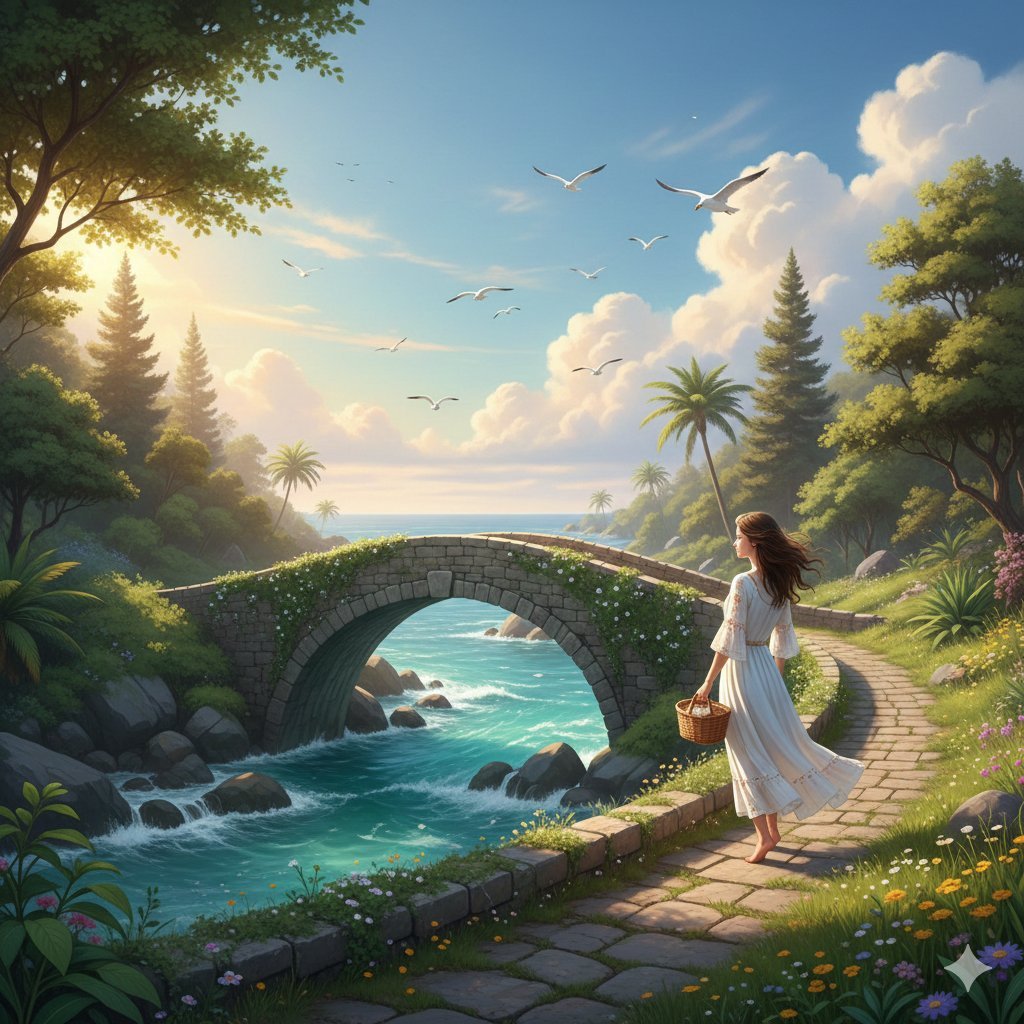
Fantasy Landscape Image Prompt for Gemini Nano 3 Pro
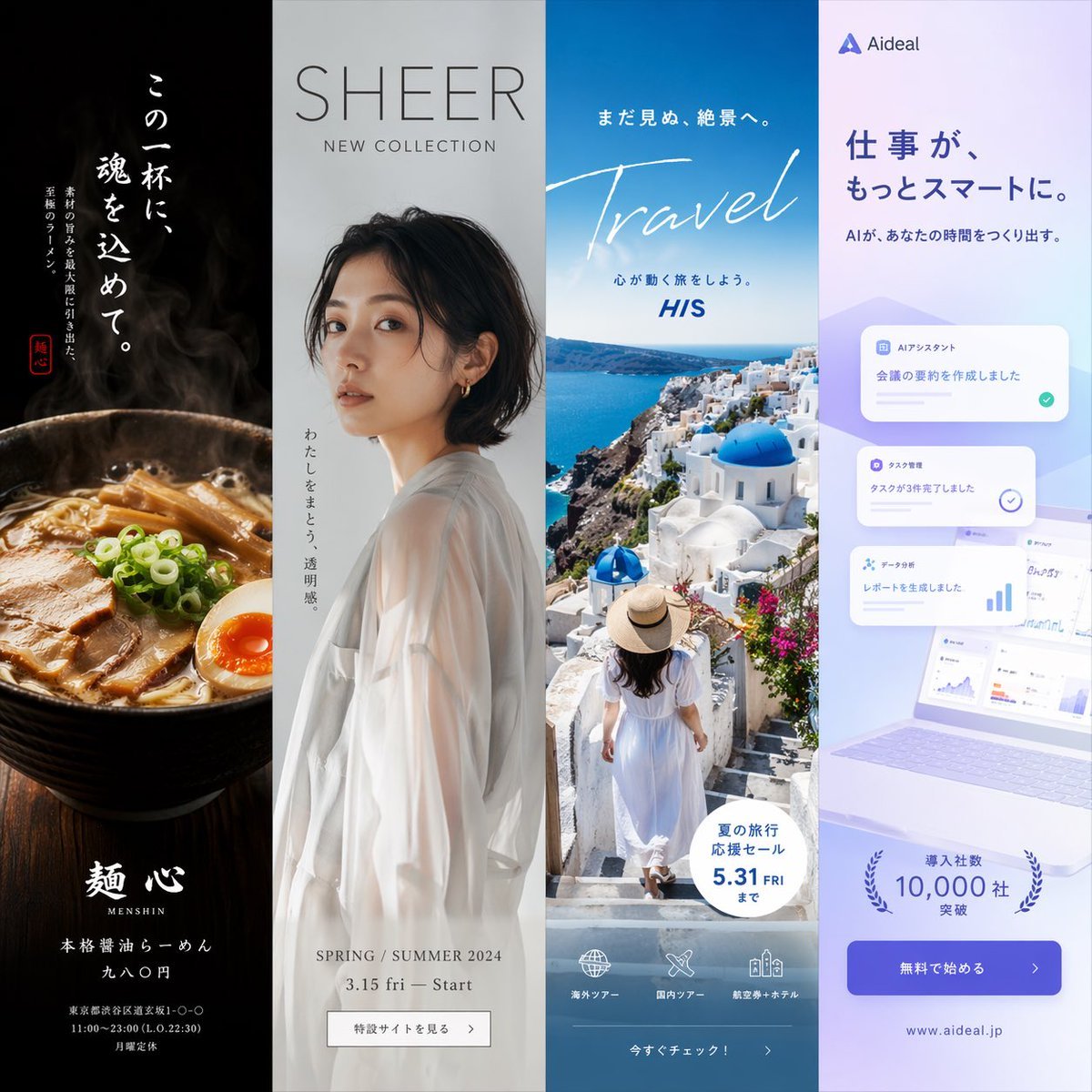
Four-Panel Vertical Advertisement Mockups
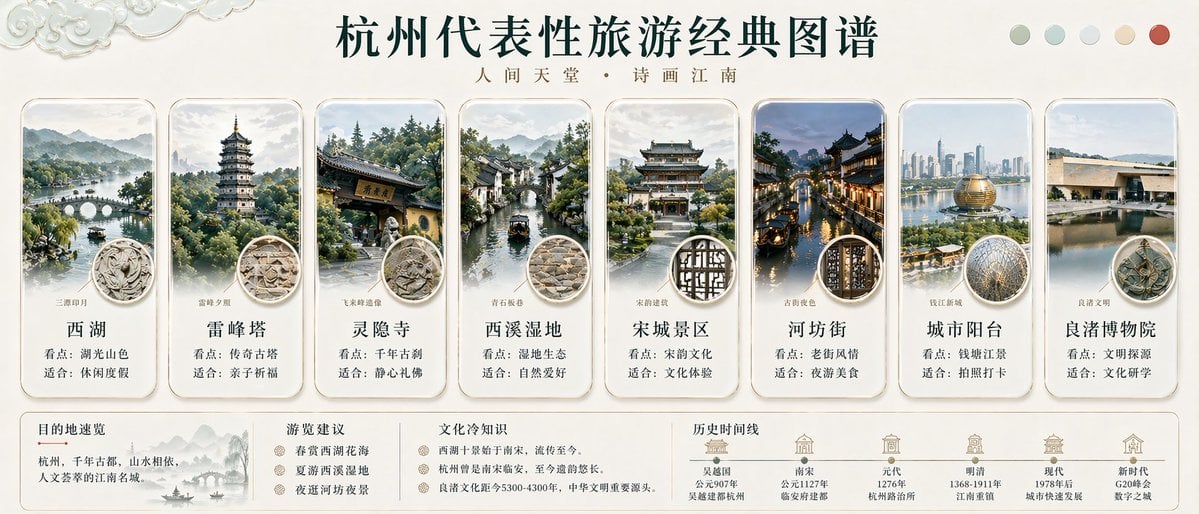
Hangzhou Travel Infographic Poster
Browse template categories
Valentine's Day Chocolate and Roses Editorial Portrait questions
How do I use the Valentine's Day Chocolate and Roses Editorial Portrait template?
Add your photo if the template asks for one, edit the prompt if you like — the template's model and format are already selected — and press Generate. Your version opens in PicX Studio.
Can I customize the Valentine's Day Chocolate and Roses Editorial Portrait template?
Yes. You can change the subject, setting, lighting, mood, format, and available model controls before creating your image.
Is the Valentine's Day Chocolate and Roses Editorial Portrait template free?
Opening and editing this template is free. Generating uses credits, shown on the Generate button when you are signed in.
Which AI model should I use?
Start with Nano Banana 2, which is the model associated with this template. You can compare another compatible model for a different finish.
Looking for something else? Browse all templates.

Your photo, any look
Thousands of ready templates for every top image and video model, from one credit balance.