How do I use the Serene Valentine Editorial Portrait template?
Edit the prompt in the box under the preview — the template's model and format are already selected — and press Generate. Your version appears right on this page.
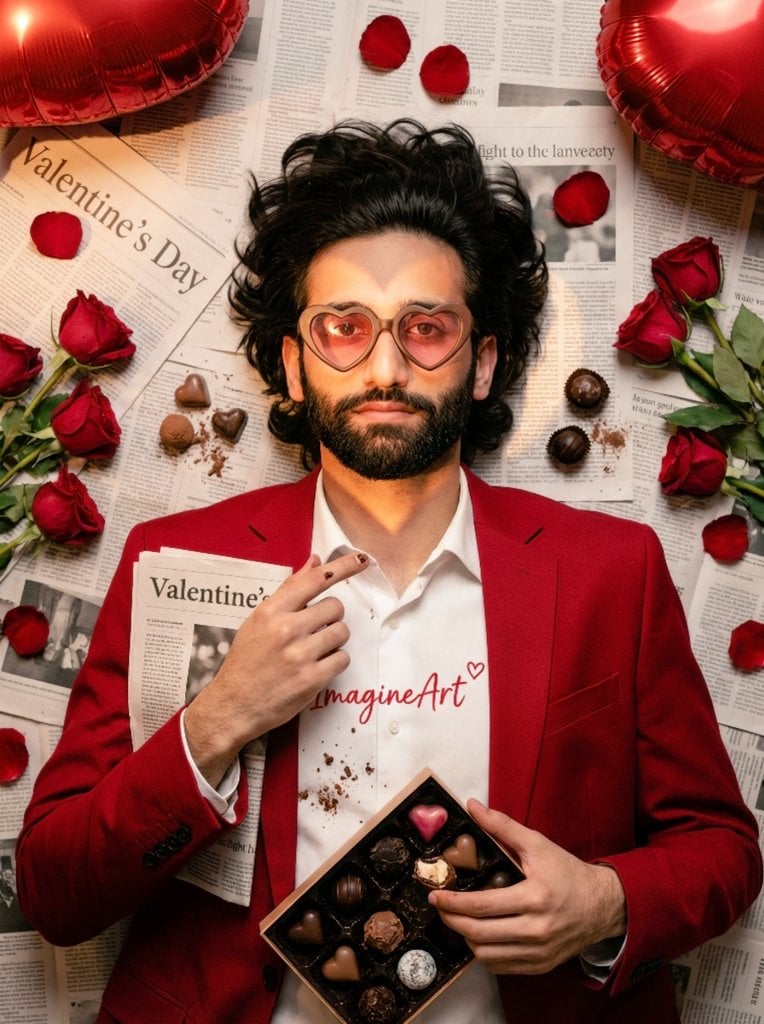
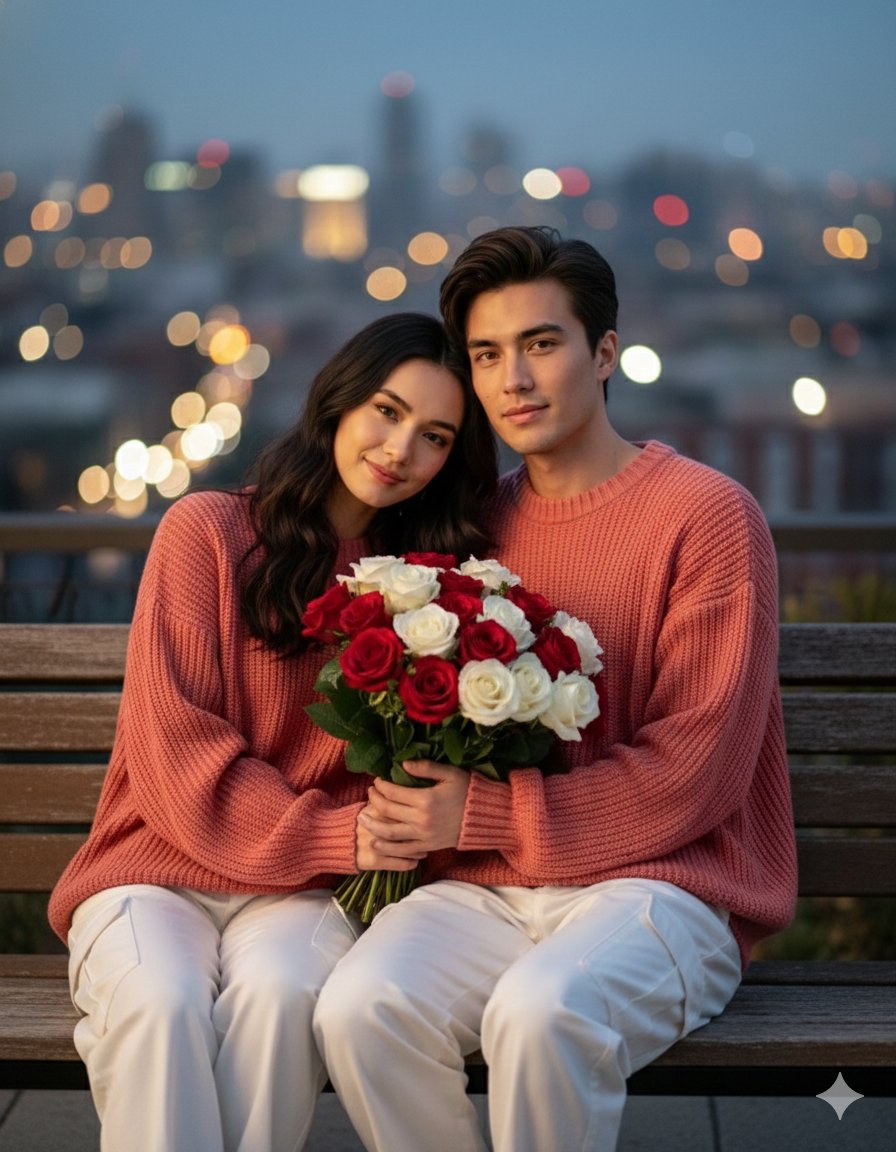
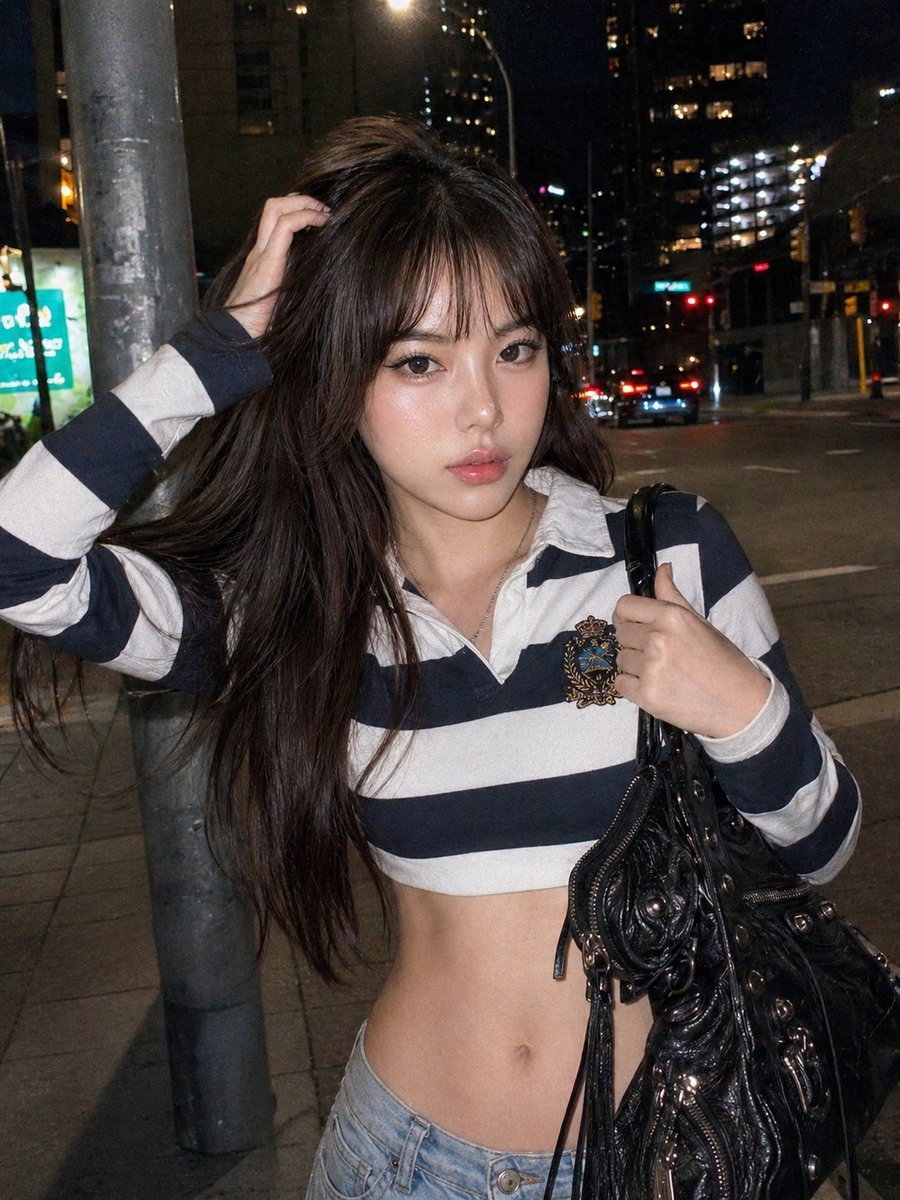
Serene Valentine Editorial Portrait is a ready photo look.

Edit the image to change only the pose: woman leaning slightly back against the heart prop, crossed ankles, one arm draped along the heart edge, other hand holding bouquet low near thigh with ribbon ends curling free, head tilted back softly with serene thoughtful gaze upward. Keep the exact same face/features, hair volume/flyaways, editorial makeup/skin texture, outfit fit/sheen/folds, bouquet details/bruising, backdrop, feathers with gravity/motion, studio lighting/shadows, full-frame 85mm realism, proportions perfect and unchanged.
Edit the image to change only the pose: woman leaning slightly back against the heart prop, crossed ankles, one arm draped along the heart edge, other hand holding bouquet low near thigh with ribbon ends curling free, head tilted back softly with serene thoughtful gaze upward. Keep the exact same face/features, hair volume/flyaways, editorial makeup/skin texture, outfit fit/sheen/folds, bouquet details/bruising, backdrop, feathers with gravity/motion, studio lighting/shadows, full-frame 85mm realism, proportions perfect and unchanged.
Edit the prompt in the box under the preview — the template's model and format are already selected — and press Generate. Your version appears right on this page.
Yes. You can change the subject, setting, lighting, mood, format, and available model controls before creating your image.
Opening and editing this template is free. Generating uses credits, shown on the Generate button when you are signed in.
Choose a compatible model in PicX Studio based on the style, speed, and output controls your project needs.
Follow a topic to a crawlable collection of related PicX Studio templates.