
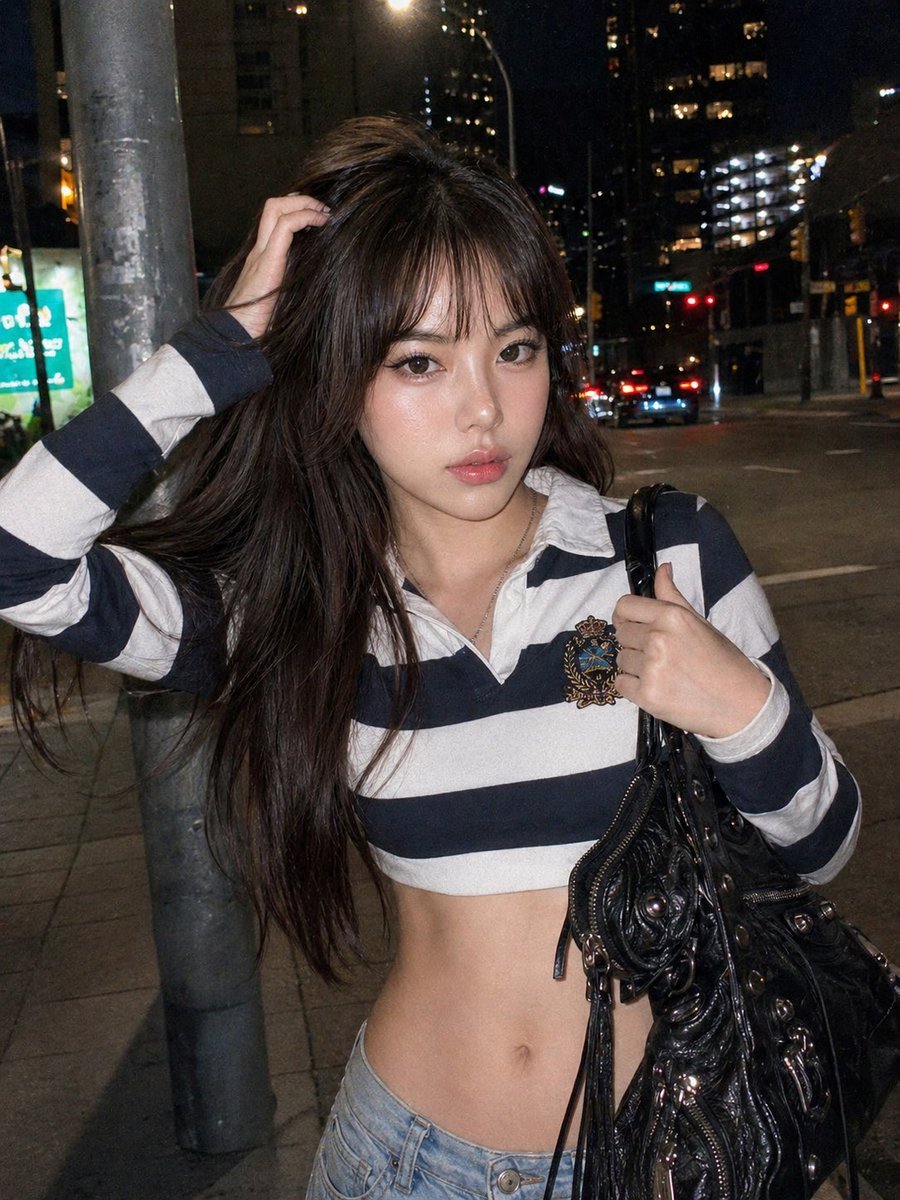
Y2K Urban Twilight Portrait
A detailed prompt recreating an early-2000s digital photo aesthetic with a reference image base.
- Prompt included
- Model and format preset
- Free template
The prompt behind this image
Copy the exact prompt behind Y2K Urban Twilight Portrait, or open it in the studio and make it yours.
Create image: Use the attached reference image as a visual guide for the character’s appearance, maintaining strong resemblance to the person in the reference. Preserve key visual traits such as facial structure and overall proportions, while allowing small natural variations typical of real photography. The generated subject should clearly resemble the reference while remaining a natural photographic interpretation. **Scene & Style Paragraph** The scene is set against a {argument name="background" default="bustling urban backdrop at twilight, where towering concrete structures and glowing streetlights create a sense of late-night city energy"}. The photography captures a classic early-2000s digital aesthetic, characterized by a harsh direct flash that sharply illuminates the subject while casting deep, dramatic shadows behind her. A fine layer of low-fidelity grain covers the image, mimicking the output of a vintage point-and-shoot camera. The color palette is dominated by cool city blues and stark whites, contrasted by the warm, amber glow of distant office windows and traffic signals, giving the entire composition a spontaneous, lo-fi cinematic grade. **Pose & Expression** The subject embodies a candid, high-energy Y2K persona. She is captured in a mid-motion stance, with her head tilted playfully toward her shoulder and a soft, magnetic gaze directed at the lens. Her right arm is raised, with fingers delicately threaded through her long, raven-colored hair as if caught in a spontaneous adjustment. Her left hand firmly grips the handle of a heavy tote bag, while her torso is slightly arched to emphasize the silhouette of her outfit. The expression is one of effortless confidence, featuring a slight pout and a youthful, fresh-faced glow that enhances the snapshot's authentic, unposed feel. **Fashion & Accessories** The outfit is a masterclass in turn-of-the-millennium street style. She wears a {argument name="outfit" default="navy and white horizontally striped long-sleeved polo shirt, crafted from a structured cotton piqué"}. The shirt features a crisp white collar and a prominent, intricately embroidered heraldic crest on the chest in shades of gold, emerald, and cerulean. The garment is cut in an ultra-cropped style, leaving the midriff uncovered to meet a pair of low-slung, light-wash denim jeans with a relaxed, straight-leg fit. Hanging from her hand is a large, black leather moto-style bag, adorned with burnished silver studs, long leather tassels, and heavy metallic buckles. Her long, straight hair cascades down her back, and her makeup is finished with a dewy, high-shine lip gloss and a soft pink flush across the cheekbones, completing the quintessential Y2K aesthetic. Negative: {argument name="negative prompt" default="extra limbs, extra hands, extra fingers, missing fingers, fused fingers, dislocated hands, broken wrists, unnatural hand pose, twisted arms, duplicated body parts, bad anatomy, incorrect anatomy, broken anatomy, impossible pose, warped body, distorted proportions, ai ar"}
How to use Y2K Urban Twilight Portrait in 3 steps
- 1Upload ImagePNG, JPG or paste
Add your photo
Upload the photo the template builds on. The prompt, model and format are already set.
- 2…a portrait of your subject in softgolden-hour light, 85mm…
Personalize
Edit the subject and creative details for your destination.
- 3Generate
Generate
Press Generate — your image is created in PicX Studio, so you can compare it with the original and refine one variable at a time.
More like this
Templates with the same subject, style or setup. Open one to see its prompt.
Cinematic Urban Twilight Portrait

Found Photograph: Us, 1970

80s Couple Studio Portrait

80s Bollywood Star

80s Golden Hour Cinema

Me in 1985

1985 Studio Portrait

Hyper-Realistic Minecraft POV Portrait

Rooftop Fisheye — Cat-Ear Balaclava at Golden Hour

Rainy Café Window Moody Portrait

untitled

2025 Aesthetic Photography
Make it yours
Y2K Urban Twilight Portrait works as-is. These are the safest ways to change it without losing the look.
Change one field
Copy a single group, rewrite it, and generate again so you can see what that field is doing.
Keep the frame, change the subject
Hold the composition and light of Y2K Urban Twilight Portrait, then swap wardrobe, props or the person for a new take.
| If the result… | Why | Fix |
|---|---|---|
| The result drifts from the preview | Too many fields changed at once. | Reuse Y2K Urban Twilight Portrait as-is first, then change one group — subject, light, or setting. |
| The model over-stylizes the scene | The prose prompt leaves finish and camera underspecified. | Add one camera or lighting sentence and stay on Nano Banana 2. |
More Nano Banana 2 templates
Other prompts made for Nano Banana 2.

Photorealistic Leaf Shaped Like a Dragon

K-Pop Idol Portrait Grid for Rapid Selection

Poetic Rain Forest Portrait During Golden Hour

Urban Street Portrait with Cartoon Inner Self Duo

Candid Nighttime Photo with Cat Prompt

High-Concept 3D Diorama Generation Prompt

Cinematic Futuristic Studio Portrait Template

Skincare Editorial Photography Collage Prompt

Hyper-Realistic Commercial Product Photography (Splash Effect)

Hyper-Realistic Nightclub Portrait Prompt
More image prompts
Fresh picks from across the catalog.
Maximalist Grain Art Prompt for Nano Banana 2
Japanese Text Prompt about Quick Replies and Trust

Futuristic 3D Food Printer Landing Page
Existential Exhaustion Photorealistic Portrait
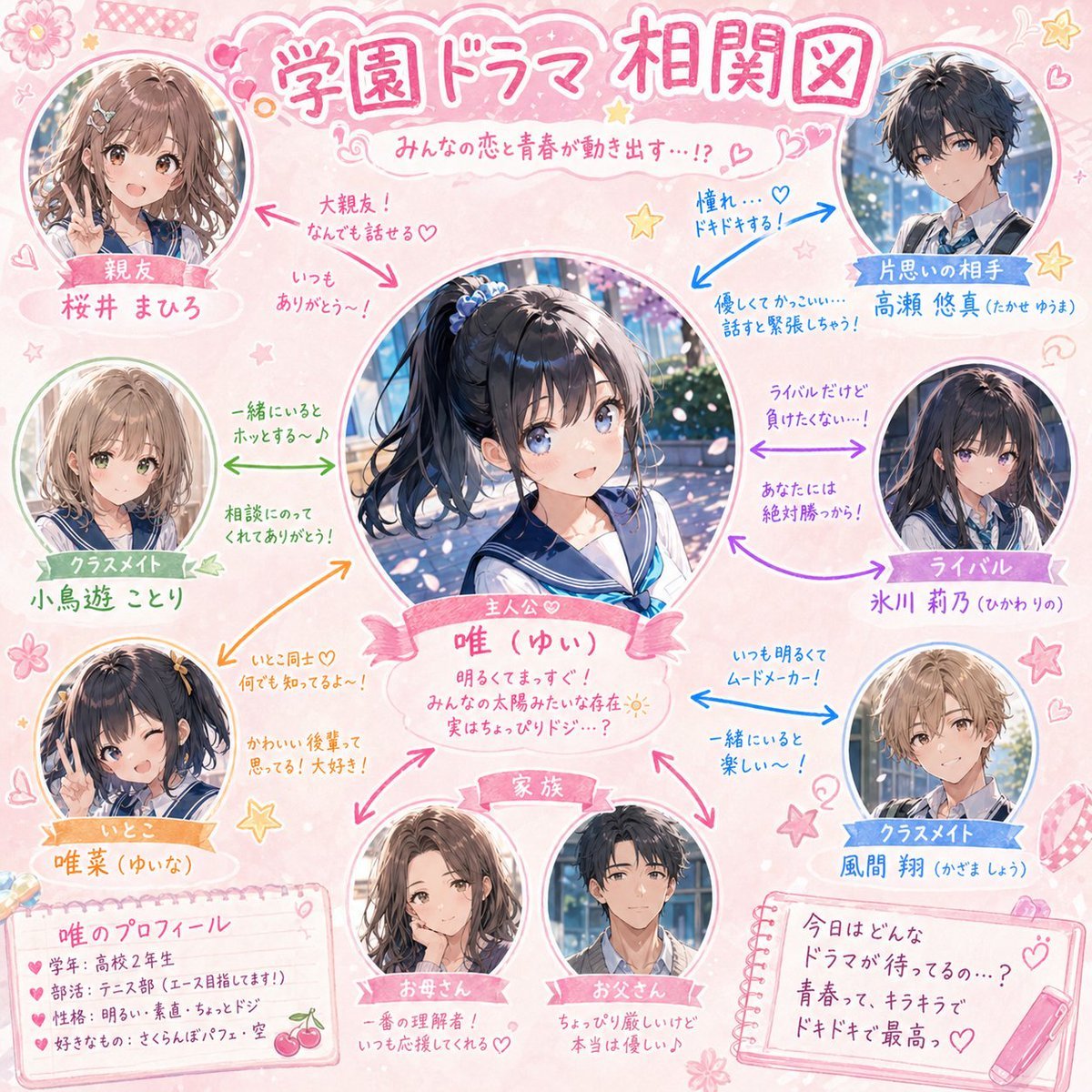
School Drama Relationship Chart Generator
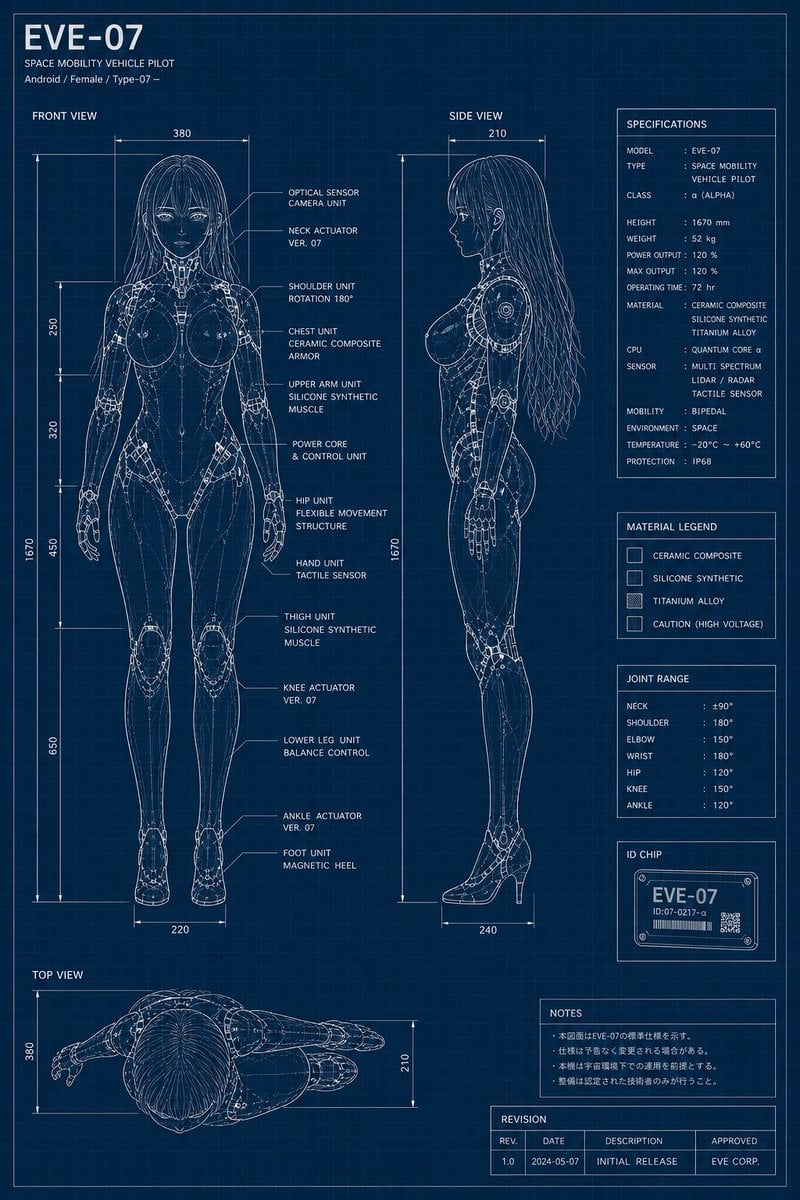
EVE-07 Android Blueprint Sheet
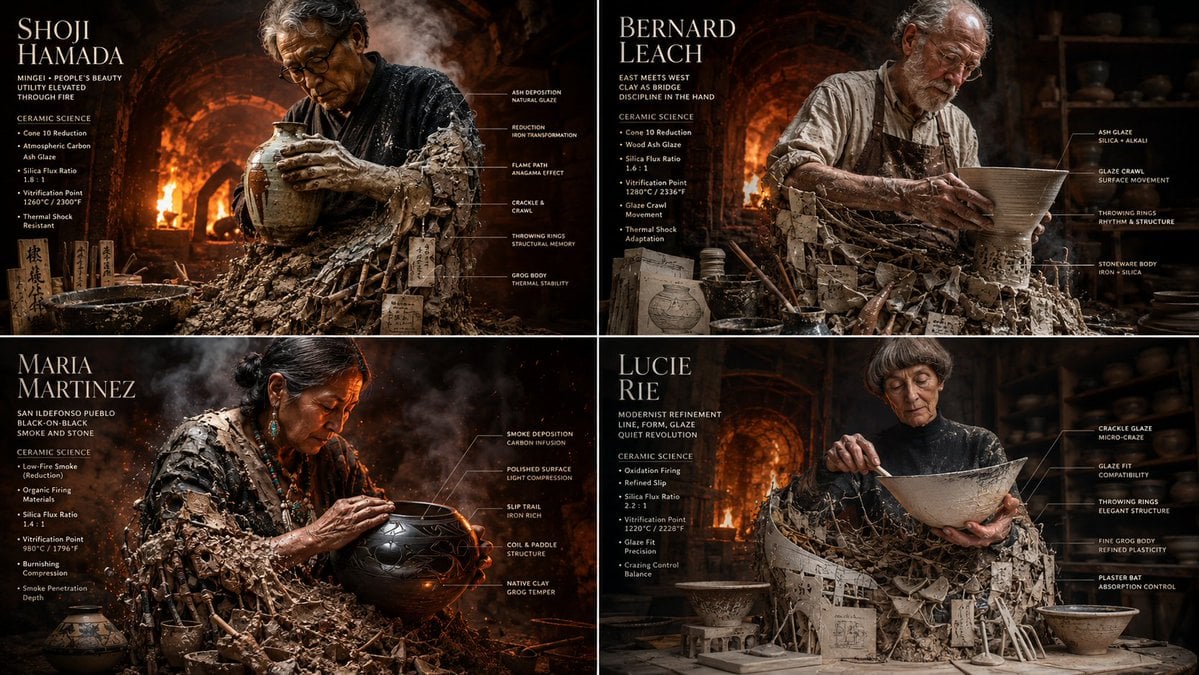
Master Potter Ceramic Infographic Grid
Voxel Survival Game Crossover UI
Nine-character group scene in living room background
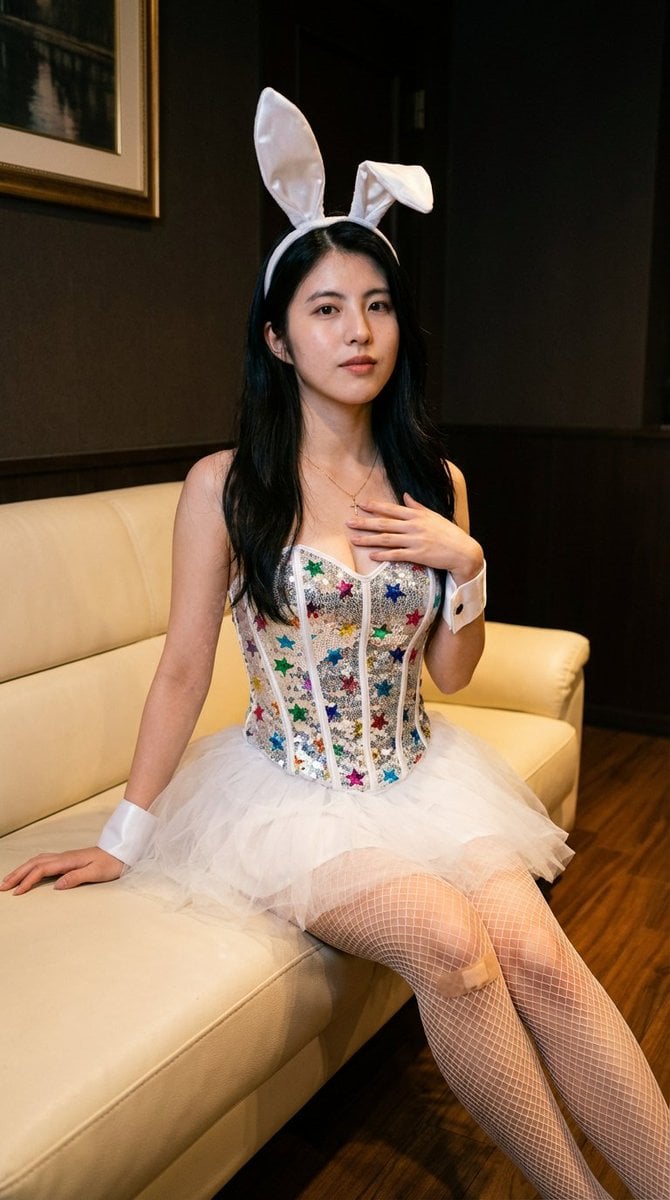
Simple image integration prompt
Browse template categories
Y2K Urban Twilight Portrait questions
How do I use the Y2K Urban Twilight Portrait template?
Add your photo if the template asks for one, edit the prompt if you like — the template's model and format are already selected — and press Generate. Your version opens in PicX Studio.
Can I customize the Y2K Urban Twilight Portrait template?
Yes. You can change the subject, setting, lighting, mood, format, and available model controls before creating your image.
Is the Y2K Urban Twilight Portrait template free?
Opening and editing this template is free. Generating uses credits, shown on the Generate button when you are signed in.
Which AI model should I use?
Start with Nano Banana 2, which is the model associated with this template. You can compare another compatible model for a different finish.
Looking for something else? Browse all templates.

Your photo, any look
Thousands of ready templates for every top image and video model, from one credit balance.