
Futuristic 3D Food Printer Landing Page
Generates a website mockup for a sci-fi appliance that prints memories as magical desserts, featuring UI elements and detailed product visuals.
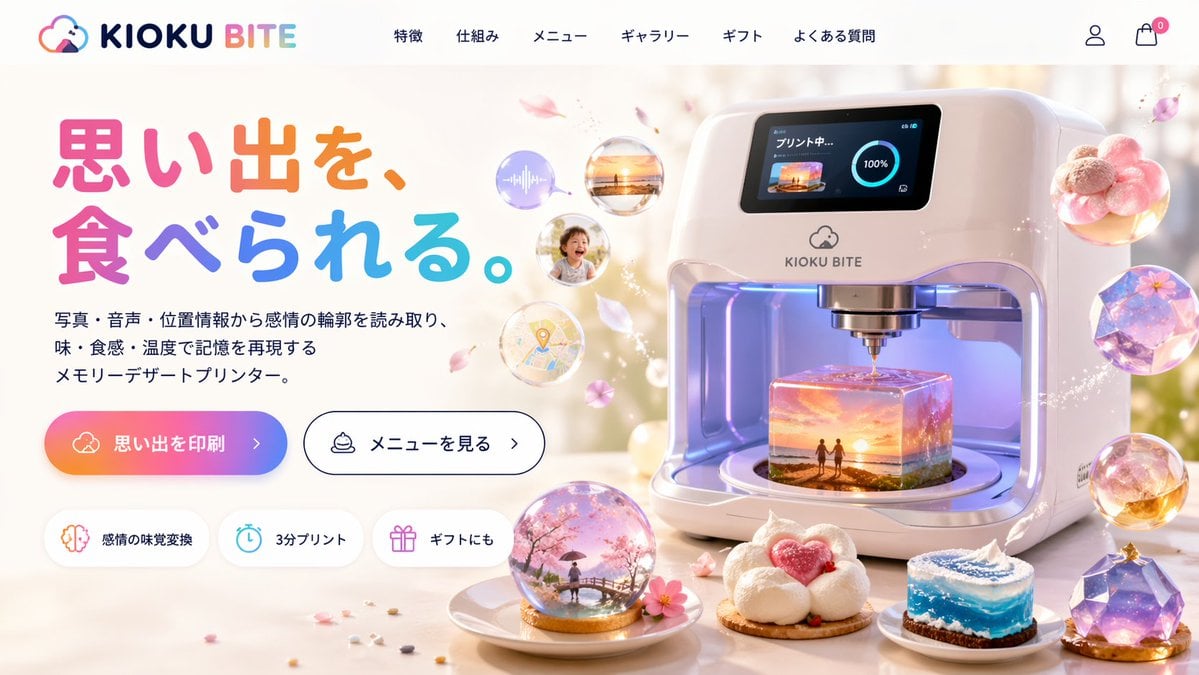
- Prompt included
- Model and format preset
- Free template
The prompt behind this image
Copy the exact prompt behind Futuristic 3D Food Printer Landing Page, or open it in the studio and make it yours.
- Type
- website landing page mockup
- Theme
- futuristic memory-to-food 3D printer
- Header › Logo
- {argument name="brand name" default="KIOKU BITE"} with a cloud and bite mark icon
- Header › Navigation Links › Count
- 6
- Header › Navigation Links › Labels
- 特徴, 仕組み, メニュー, ギャラリー, ギフト, よくある質問
- Header › Icons
- user profile, shopping cart with a zero badge
- Layout › Left Column › Headline
- {argument name="headline text" default="思い出を、食べられる。"}
- Layout › Left Column › Headline Style
- large, colorful, rounded font
- Layout › Left Column › Subheadline
- {argument name="product description" default="写真・音声・位置情報から感情の輪郭を読み取り、味・食感・温度で記憶を再現するメモリーデザートプリンター。"}
- Layout › Left Column › Call To Action Buttons › Count
- 2
- Layout › Left Column › Call To Action Buttons › Primary
- gradient background with text '{argument name="primary button text" default="思い出を印刷"} >'
- Layout › Left Column › Call To Action Buttons › Secondary
- white background, black border, text 'メニューを見る >'
- Layout › Left Column › Feature Badges › Count
- 3
- Layout › Left Column › Feature Badges › Style
- pill-shaped with icons
- Layout › Left Column › Feature Badges › Labels
- 感情の味覚変換 (brain icon), 3分プリント (clock icon), ギフトにも (gift icon)
- Layout › Right Column › Main Product
- sleek, white, futuristic 3D food printer appliance
- Layout › Right Column › Printer Screen
- digital display showing 'プリント中...' (Printing...), a 100% progress circle, and a thumbnail of a {argument name="printing scene" default="sunset beach with two figures"}
- Layout › Right Column › Printer Interior
- glowing, translucent cube-shaped dessert being printed, containing a miniature 3D diorama of the {argument name="printing scene" default="sunset beach with two figures"}
- Layout › Right Column › Floating Elements › Count
- 4
- Layout › Right Column › Floating Elements › Description
- translucent memory bubbles containing an audio wave, a sunset photo, a smiling child, and a map pin, surrounded by floating pink flower petals
- Layout › Foreground › Plated Desserts › Count
- 4
- Layout › Foreground › Plated Desserts › Descriptions
- snow globe dome containing a cherry blossom scene with a person on a bridge, cloud-like white dessert with a pink heart center, cylindrical cake resembling a swirling blue ocean wave, faceted, gem-like purple galaxy dessert
Raw JSON
{
  "type": "website landing page mockup",
  "theme": "futuristic memory-to-food 3D printer",
  "header": {
    "logo": "{argument name=\"brand name\" default=\"KIOKU BITE\"} with a cloud and bite mark icon",
    "navigation_links": {
      "count": 6,
      "labels": ["特徴", "仕組み", "メニュー", "ギャラリー", "ギフト", "よくある質問"]
    },
    "icons": ["user profile", "shopping cart with a zero badge"]
  },
  "layout": {
    "left_column": {
      "headline": "{argument name=\"headline text\" default=\"思い出を、食べられる。\"}",
      "headline_style": "large, colorful, rounded font",
      "subheadline": "{argument name=\"product description\" default=\"写真・音声・位置情報から感情の輪郭を読み取り、味・食感・温度で記憶を再現するメモリーデザートプリンター。\"}",
      "call_to_action_buttons": {
        "count": 2,
        "primary": "gradient background with text '{argument name=\"primary button text\" default=\"思い出を印刷\"} >'",
        "secondary": "white background, black border, text 'メニューを見る >'"
      },
      "feature_badges": {
        "count": 3,
        "style": "pill-shaped with icons",
        "labels": ["感情の味覚変換 (brain icon)", "3分プリント (clock icon)", "ギフトにも (gift icon)"]
      }
    },
    "right_column": {
      "main_product": "sleek, white, futuristic 3D food printer appliance",
      "printer_screen": "digital display showing 'プリント中...' (Printing...), a 100% progress circle, and a thumbnail of a {argument name=\"printing scene\" default=\"sunset beach with two figures\"}",
      "printer_interior": "glowing, translucent cube-shaped dessert being printed, containing a miniature 3D diorama of the {argument name=\"printing scene\" default=\"sunset beach with two figures\"}",
      "floating_elements": {
        "count": 4,
        "description": "translucent memory bubbles containing an audio wave, a sunset photo, a smiling child, and a map pin, surrounded by floating pink flower petals"
      }
    },
    "foreground": {
      "plated_desserts": {
        "count": 4,
        "descriptions": [
          "snow globe dome containing a cherry blossom scene with a person on a bridge",
          "cloud-like white dessert with a pink heart center",
          "cylindrical cake resembling a swirling blue ocean wave",
          "faceted, gem-like purple galaxy dessert"
        ]
      }
    }
  }
}How to use Futuristic 3D Food Printer Landing Page in 3 steps
- 1Upload ImagePNG, JPG or paste
Add your photo
Upload the photo the template builds on. The prompt, model and format are already set.
- 2…a portrait of your subject in softgolden-hour light, 85mm…
Personalize
Edit the subject and creative details for your destination.
- 3Generate
Generate
Press Generate — your image is created in PicX Studio, so you can compare it with the original and refine one variable at a time.
More like this
Templates with the same subject, style or setup. Open one to see its prompt.
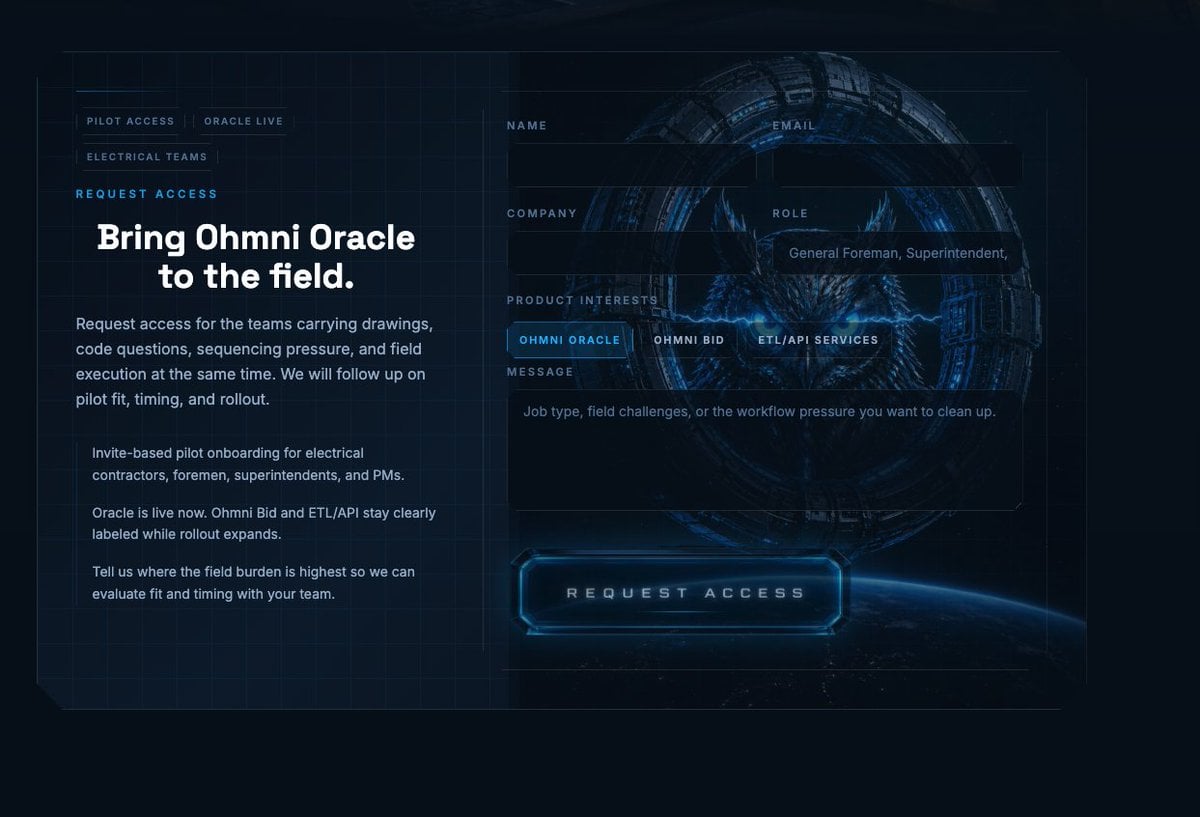
Futuristic Ohmni Access Landing Page
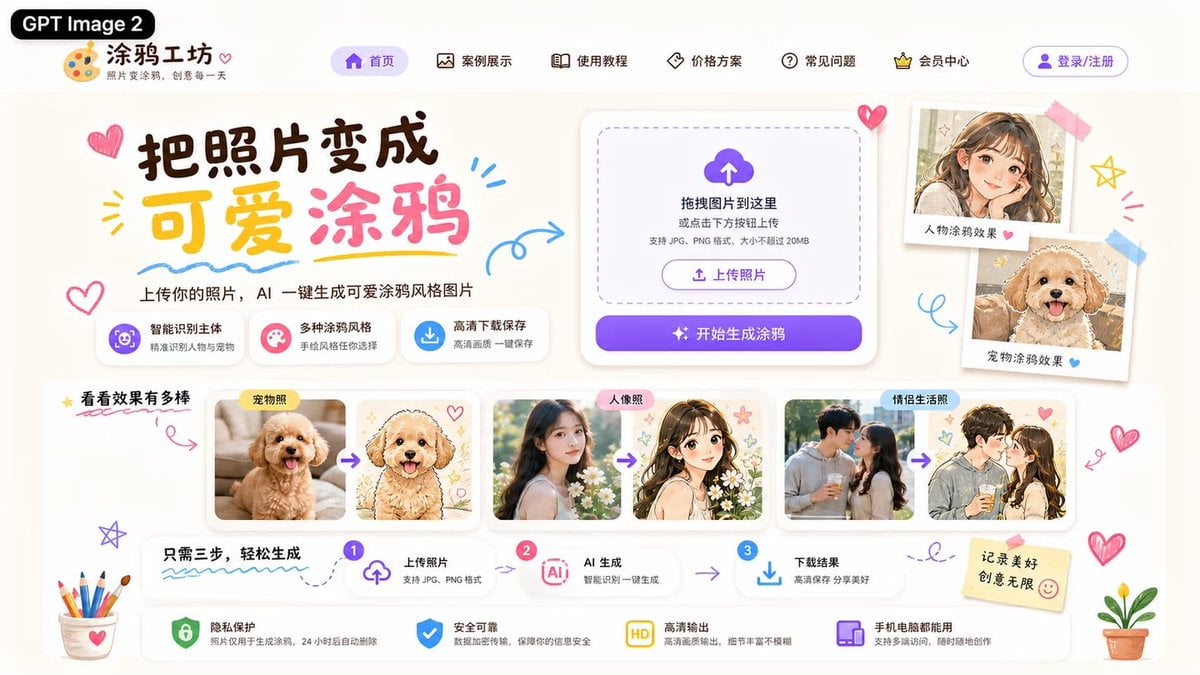
Cute AI Doodle Generator Landing Page
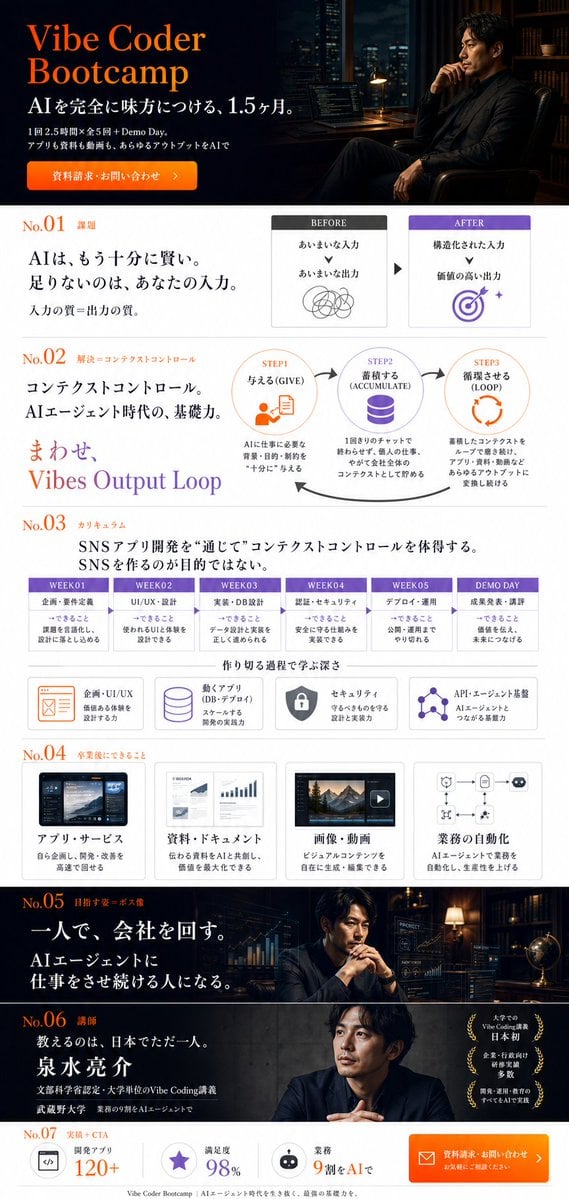
Vibe Coder Bootcamp Landing Page

Futuristic Chrome Helmet Fashion Portrait

Futuristic Studio Neon Ring Minimalist Portrait
Futuristic Chrome Helmet Fashion Portrait
Futuristic Studio Neon Ring Minimalist Portrait

Black Liquid Cyberpunk Portrait Poster

Cyberpunk Neon Brazil World Cup Poster

Playful Futuristic Brand Kit Board

Cozy Food Flat Lay Doodle Labels
Atlas GTM SaaS Hero Landing Page
Make it yours
Futuristic 3D Food Printer Landing Page works as-is. These are the safest ways to change it without losing the look.
Change one field
Copy a single group, rewrite it, and generate again so you can see what that field is doing.
Keep the frame, change the subject
Hold the composition and light of Futuristic 3D Food Printer Landing Page, then swap wardrobe, props or the person for a new take.
| If the result… | Why | Fix |
|---|---|---|
| The result drifts from the preview | Too many fields changed at once. | Reuse Futuristic 3D Food Printer Landing Page as-is first, then change one group — subject, light, or setting. |
| GPT Image 2 ignores part of the JSON | Some models flatten or skip nested keys. | Keep the same values and paste them as a short paragraph instead. |
More GPT Image 2 templates
Other prompts made for GPT Image 2.

Six VTuber Japanese Logo Sheet

Realistic Portrait of Woman and Deer

The Vista Modular Condo Poster

AI Model Routing Comparison Infographic

2.5D Anime Art Board

Isometric Productivity Desk Scene

New York Double Exposure Poster

Four-Panel AI Landscape Comparison

Japanese Tatami Lifestyle Magazine Cover

NESCAFÉ Coffee Map Poster
More image prompts
Fresh picks from across the catalog.

Ethereal Fantasy Portrait with Swans and Golden Hour Light

Clumsy MS Paint Style Redraw

Astronaut Drifting Above Shattered Lunar Surface
Night Rain Storyboard Infographic
Nintendo Switch Game Cover Design
Japanese Vacuum Design Sketch Board
Chubby Woman Mirror Selfie in Christmas Pajamas
Dua Lipa Cozy Portrait with Maltese Dog Prompt
Sunset Window Silhouette
Premium Japanese Sake Poster
Browse template categories
Futuristic 3D Food Printer Landing Page questions
How do I use the Futuristic 3D Food Printer Landing Page template?
Add your photo if the template asks for one, edit the prompt if you like — the template's model and format are already selected — and press Generate. Your version opens in PicX Studio.
Can I customize the Futuristic 3D Food Printer Landing Page template?
Yes. You can change the subject, setting, lighting, mood, format, and available model controls before creating your image.
Is the Futuristic 3D Food Printer Landing Page template free?
Opening and editing this template is free. Generating uses credits, shown on the Generate button when you are signed in.
Which AI model should I use?
Start with GPT Image 2, which is the model associated with this template. You can compare another compatible model for a different finish.
Looking for something else? Browse all templates.

Your photo, any look
Thousands of ready templates for every top image and video model, from one credit balance.