
Futuristic Ohmni Access Landing Page
This prompt generates a polished sci-fi website hero mockup for a product access request page, ideal for AI startup branding, landing page concepts, or enterprise SaaS UI presentations.
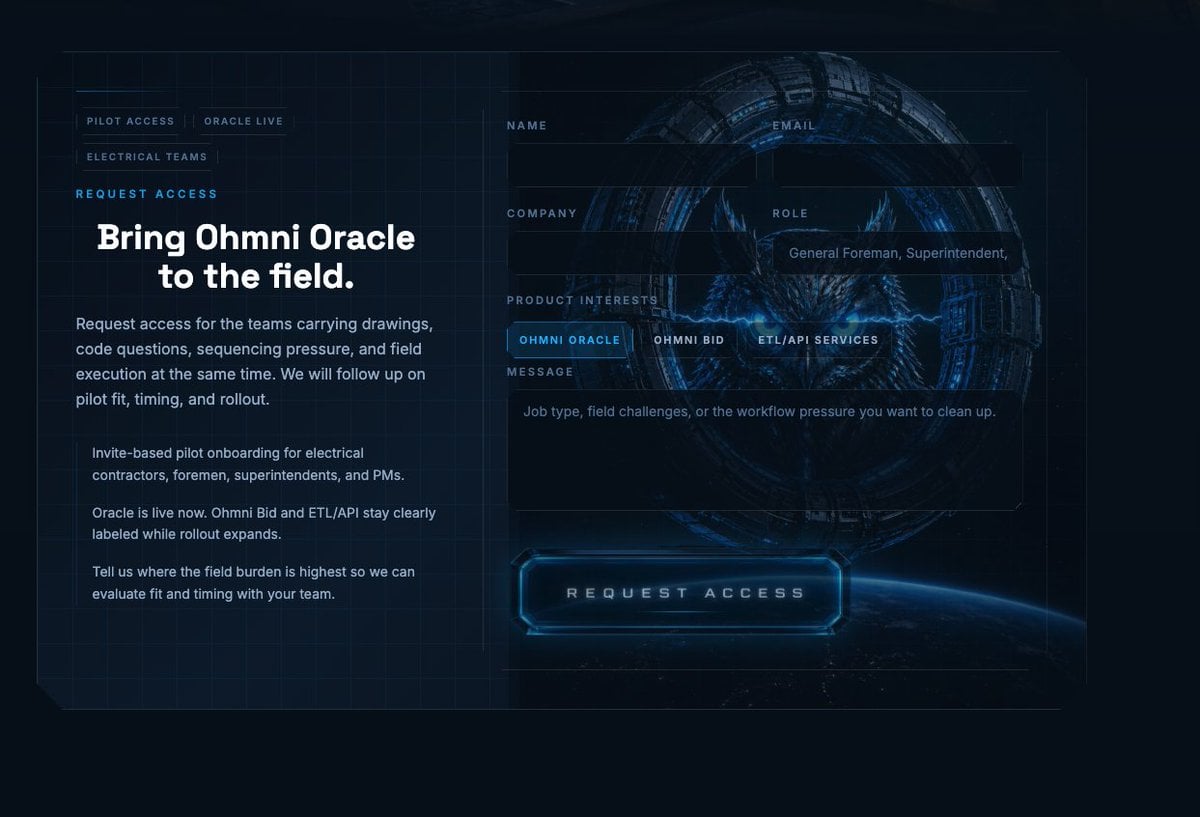
- Prompt included
- Model and format preset
- Free template
The prompt behind this image
Copy the exact prompt behind Futuristic Ohmni Access Landing Page, or open it in the studio and make it yours.
- Type
- futuristic landing page mockup
- Style
- high-end sci-fi web homepage, dark navy and black interface, luminous electric-blue accents, cinematic HUD overlay, sleek enterprise tech branding, polished UI design
- Scene › Background
- deep space-like dark background with subtle blueprint grid lines across the entire canvas, faint interface framing lines, a glowing view of Earth’s curved horizon at the bottom right, and a large circular mechanical portal or ring centered behind the form
- Scene › Center Graphic
- inside the ring, a fierce owl face with glowing blue eyes and crackling blue lightning, semi-transparent behind the UI panels
- Layout › Composition
- two-column website hero section
- Layout › Sections › 0 › Title
- left navigation and copy block
- Layout › Sections › 0 › Position
- left
- Layout › Sections › 0 › Count
- 6
- Layout › Sections › 0 › Labels
- PILOT ACCESS, ORACLE LIVE, ELECTRICAL TEAMS, REQUEST ACCESS, Bring Ohmni Oracle to the field., body copy
- Layout › Sections › 1 › Title
- form labels
- Layout › Sections › 1 › Position
- right upper and middle
- Layout › Sections › 1 › Count
- 6
- Layout › Sections › 1 › Labels
- NAME, EMAIL, COMPANY, ROLE, PRODUCT INTERESTS, MESSAGE
- Layout › Sections › 2 › Title
- product interest tabs
- Layout › Sections › 2 › Position
- right middle
- Layout › Sections › 2 › Count
- 3
- Layout › Sections › 2 › Labels
- OHMNI ORACLE, OHMNI BID, ETL/API SERVICES
- Layout › Sections › 3 › Title
- primary call-to-action
- Layout › Sections › 3 › Position
- bottom center-right
- Layout › Sections › 3 › Count
- 1
- Layout › Sections › 3 › Labels
- REQUEST ACCESS
- Layout › Left Panel › Eyebrow
- REQUEST ACCESS
- Layout › Left Panel › Headline
- Bring {argument name="product name" default="Ohmni Oracle"} to the field.
- Layout › Left Panel › Paragraphs
- Request access for the teams carrying drawings, code questions, sequencing pressure, and field execution at the same time. We will follow up on pilot fit, timing, and rollout., Invite-based pilot onboarding for electrical contractors, foremen, superintendents, and PMs., Oracle is live now. Ohmni Bid and ETL/API stay clearly labeled while rollout expands., Tell us where the field burden is highest so we can evaluate fit and timing with your team.
Raw JSON
{"type":"futuristic landing page mockup","style":"high-end sci-fi web homepage, dark navy and black interface, luminous electric-blue accents, cinematic HUD overlay, sleek enterprise tech branding, polished UI design","scene":{"background":"deep space-like dark background with subtle blueprint grid lines across the entire canvas, faint interface framing lines, a glowing view of Earth’s curved horizon at the bottom right, and a large circular mechanical portal or ring centered behind the form","center graphic":"inside the ring, a fierce owl face with glowing blue eyes and crackling blue lightning, semi-transparent behind the UI panels"},"layout":{"composition":"two-column website hero section","sections":[{"title":"left navigation and copy block","position":"left","count":6,"labels":["PILOT ACCESS","ORACLE LIVE","ELECTRICAL TEAMS","REQUEST ACCESS","Bring Ohmni Oracle to the field.","body copy"]},{"title":"form labels","position":"right upper and middle","count":6,"labels":["NAME","EMAIL","COMPANY","ROLE","PRODUCT INTERESTS","MESSAGE"]},{"title":"product interest tabs","position":"right middle","count":3,"labels":["OHMNI ORACLE","OHMNI BID","ETL/API SERVICES"]},{"title":"primary call-to-action","position":"bottom center-right","count":1,"labels":["REQUEST ACCESS"]}],"left panel":{"eyebrow":"REQUEST ACCESS","headline":"Bring {argument name=\"product name\" default=\"Ohmni Oracle\"} to the field.","paragraphs":["Request access for the teams carrying drawings, code questions, sequencing pressure, and field execution at the same time. We will follow up on pilot fit, timing, and rollout.","Invite-based pilot onboarding for electrical contractors, foremen, superintendents, and PMs.","Oracle is live now. Ohmni Bid and ETL/API stay clearly labeled while rollout expands.","Tell us where the field burden is highest so we can evaluate fit and timing with your team."],"small nav count":3},"right panel":{"form":{"fields":[{"label":"NAME","type":"text","value":""},{"label":"EMAIL","type":"text","value":""},{"label":"COMPANY","type":"text","value":""},{"label":"ROLE","type":"text","value":"General Foreman, Superintendent,"},{"label":"PRODUCT INTERESTS","type":"segmented control","options":["OHMNI ORACLE","OHMNI BID","ETL/API SERVICES"],"selected":"OHMNI ORACLE"},{"label":"MESSAGE","type":"textarea","value":"Job type, field challenges, or the workflow pressure you want to clean up."}],"button":"REQUEST ACCESS"}}},"visual details":{"color palette":["midnight navy","black","electric blue","cyan glow","cool gray-white text"],"materials":"glassmorphism panels, translucent dark overlays, neon edge lighting, metallic sci-fi ring structure","typography":"bold modern sans-serif headline, compact uppercase labels with wide letter spacing, clean UI body text","lighting":"low-key dark scene with strong blue neon bloom and subtle reflections","aspect ratio":"16:9"}}How to use Futuristic Ohmni Access Landing Page in 3 steps
- 1Upload ImagePNG, JPG or paste
Add your photo
Upload the photo the template builds on. The prompt, model and format are already set.
- 2…a portrait of your subject in softgolden-hour light, 85mm…
Personalize
Edit the subject and creative details for your destination.
- 3Generate
Generate
Press Generate — your image is created in PicX Studio, so you can compare it with the original and refine one variable at a time.
More like this
Templates with the same subject, style or setup. Open one to see its prompt.

Futuristic Chrome Helmet Fashion Portrait

Futuristic Studio Neon Ring Minimalist Portrait
Futuristic Chrome Helmet Fashion Portrait
Futuristic Studio Neon Ring Minimalist Portrait

Black Liquid Cyberpunk Portrait Poster

Cyberpunk Neon Brazil World Cup Poster

Playful Futuristic Brand Kit Board

Cute AI Doodle Generator Landing Page
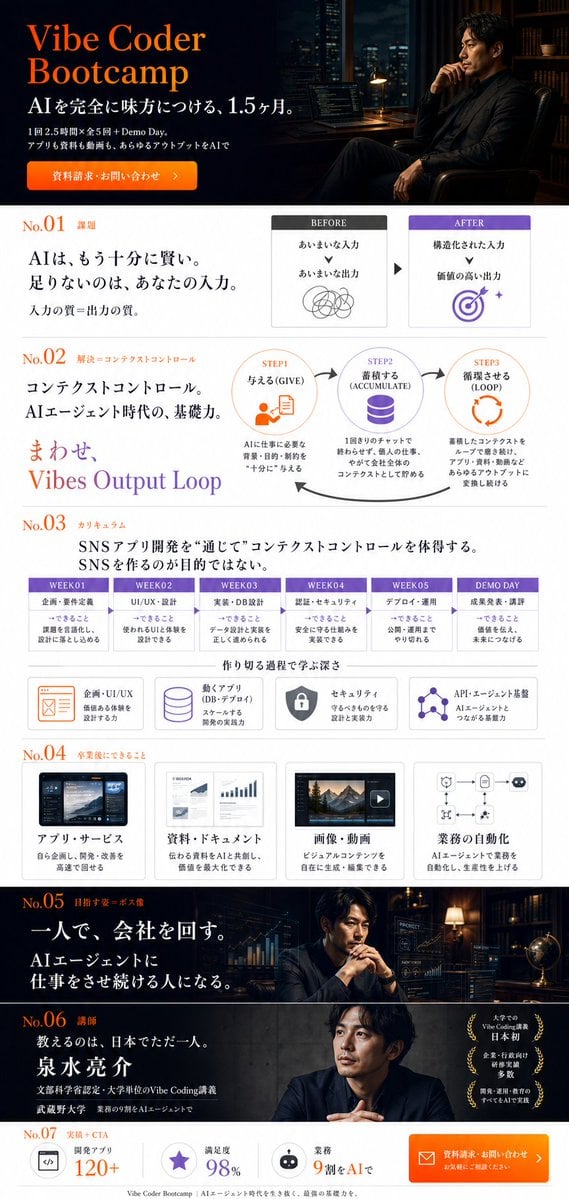
Vibe Coder Bootcamp Landing Page
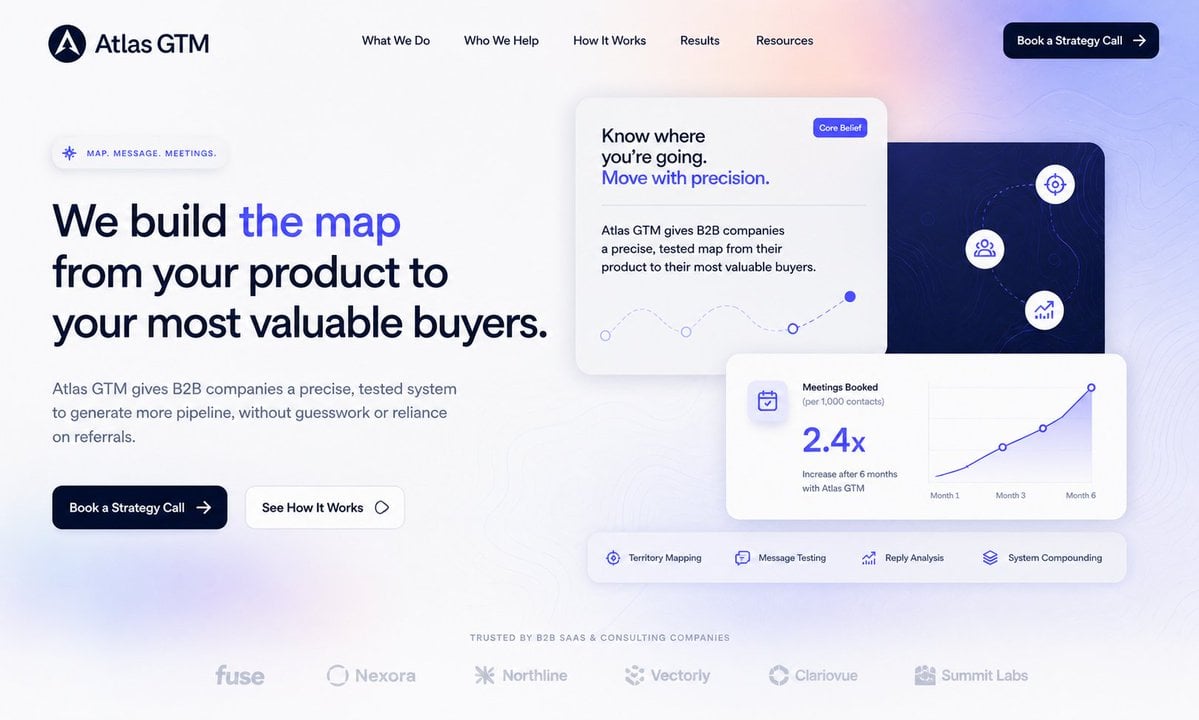
Atlas GTM SaaS Hero Landing Page

Luxury E-Commerce Landing Page Mockup
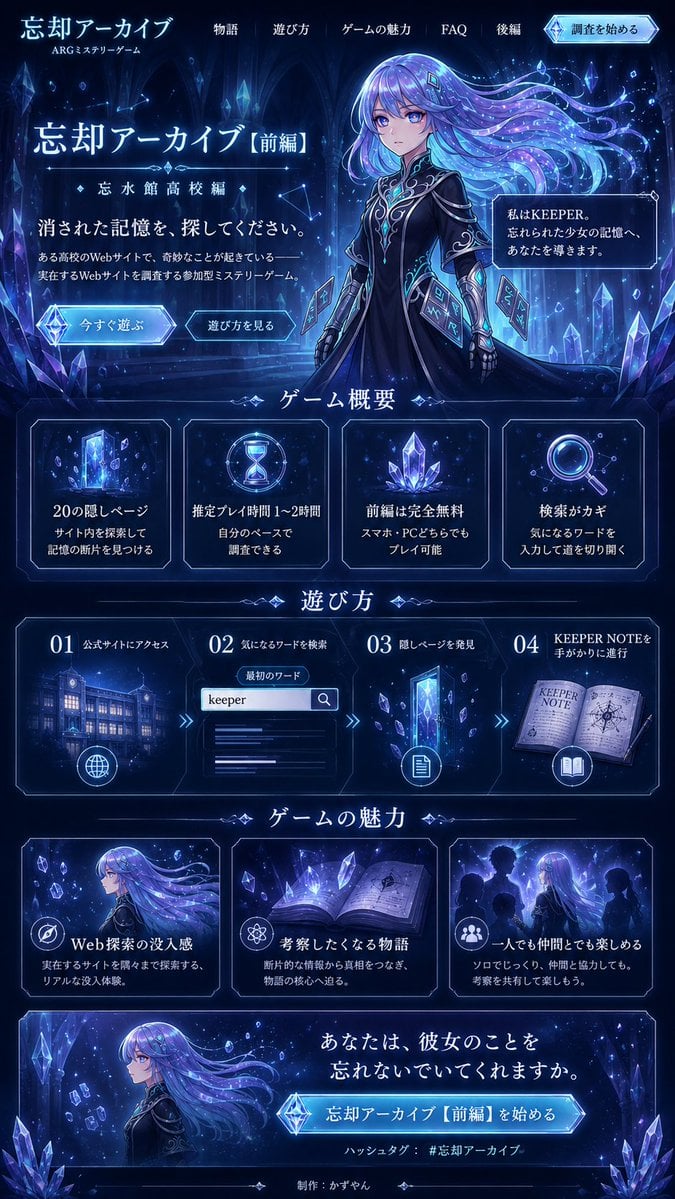
Forgotten Archive ARG Landing Page
Make it yours
Futuristic Ohmni Access Landing Page works as-is. These are the safest ways to change it without losing the look.
Swap the setting
Keep the rest of the prompt and replace the location block. The current setting is “deep space-like dark background with subtle blueprint grid lines across the enti”.
Swap the light
One lighting change is enough to compare takes. Current light: “low-key dark scene with strong blue neon bloom and subtle reflections”.
Change one field
Copy a single group, rewrite it, and generate again so you can see what that field is doing.
| If the result… | Why | Fix |
|---|---|---|
| The result drifts from the preview | Too many fields changed at once. | Reuse Futuristic Ohmni Access Landing Page as-is first, then change one group — subject, light, or setting. |
| GPT Image 2 ignores part of the JSON | Some models flatten or skip nested keys. | Keep the same values and paste them as a short paragraph instead. |
More GPT Image 2 templates
Other prompts made for GPT Image 2.

Six VTuber Japanese Logo Sheet

Realistic Portrait of Woman and Deer

The Vista Modular Condo Poster

AI Model Routing Comparison Infographic

2.5D Anime Art Board

Isometric Productivity Desk Scene

New York Double Exposure Poster

Four-Panel AI Landscape Comparison

Japanese Tatami Lifestyle Magazine Cover

NESCAFÉ Coffee Map Poster
More image prompts
Fresh picks from across the catalog.
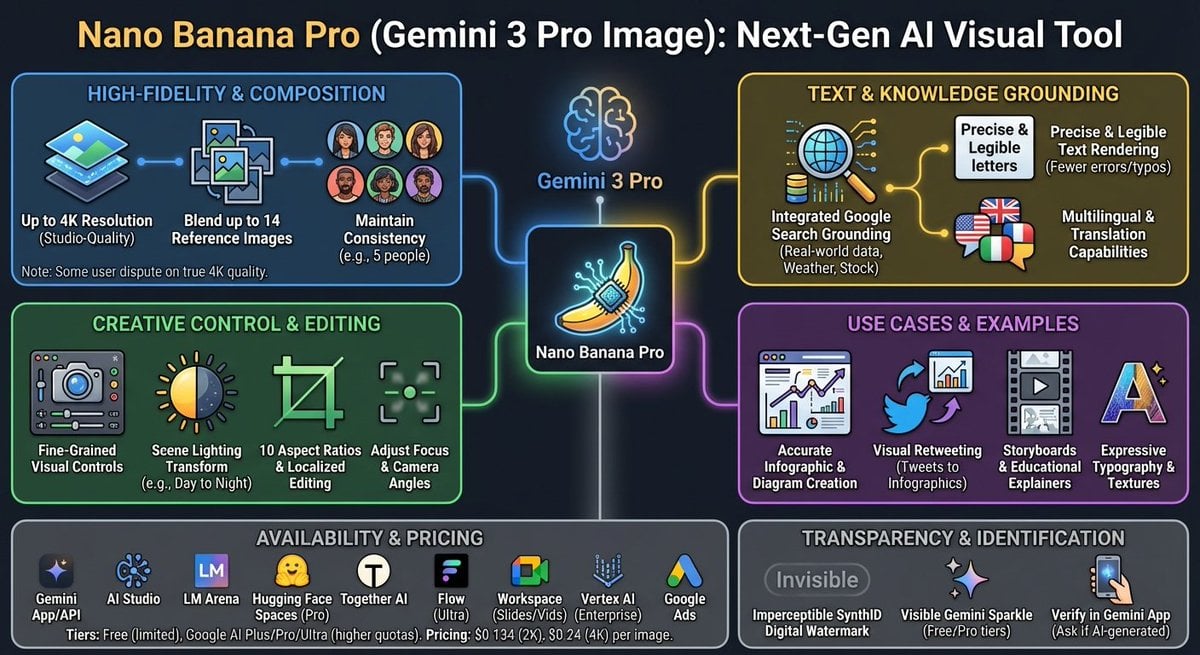
Nano Banana Pro Tesla FSD infographic

Futuristic Sakura Itasha Supercar
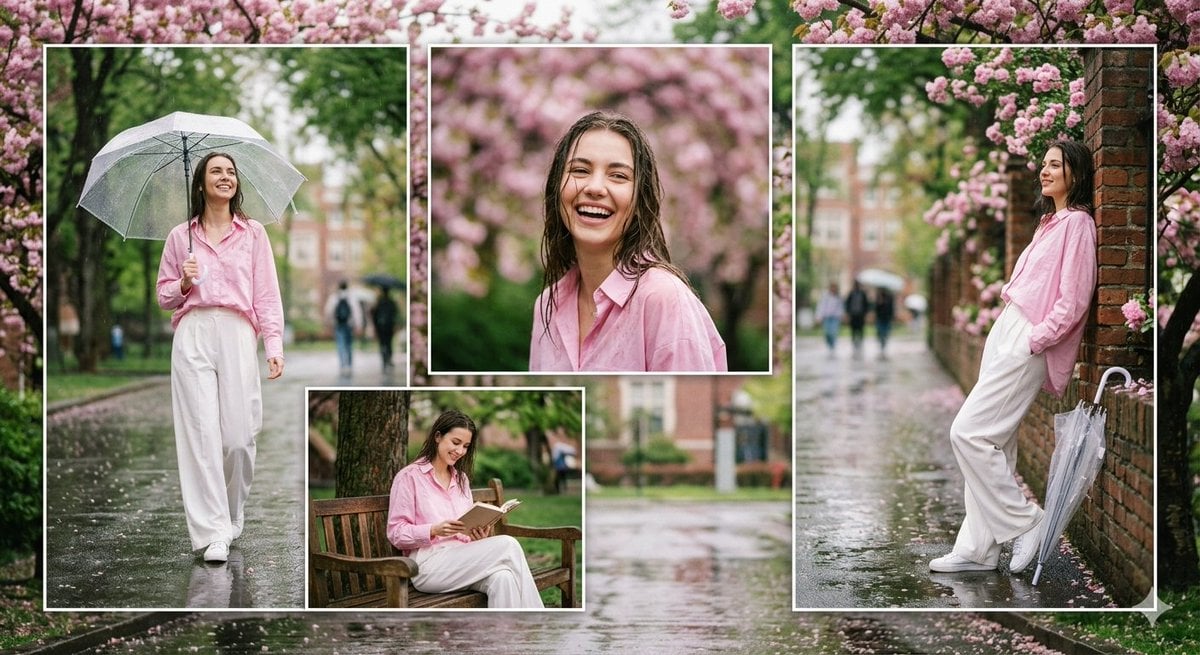
Rainy Campus Fashion Portrait Collage
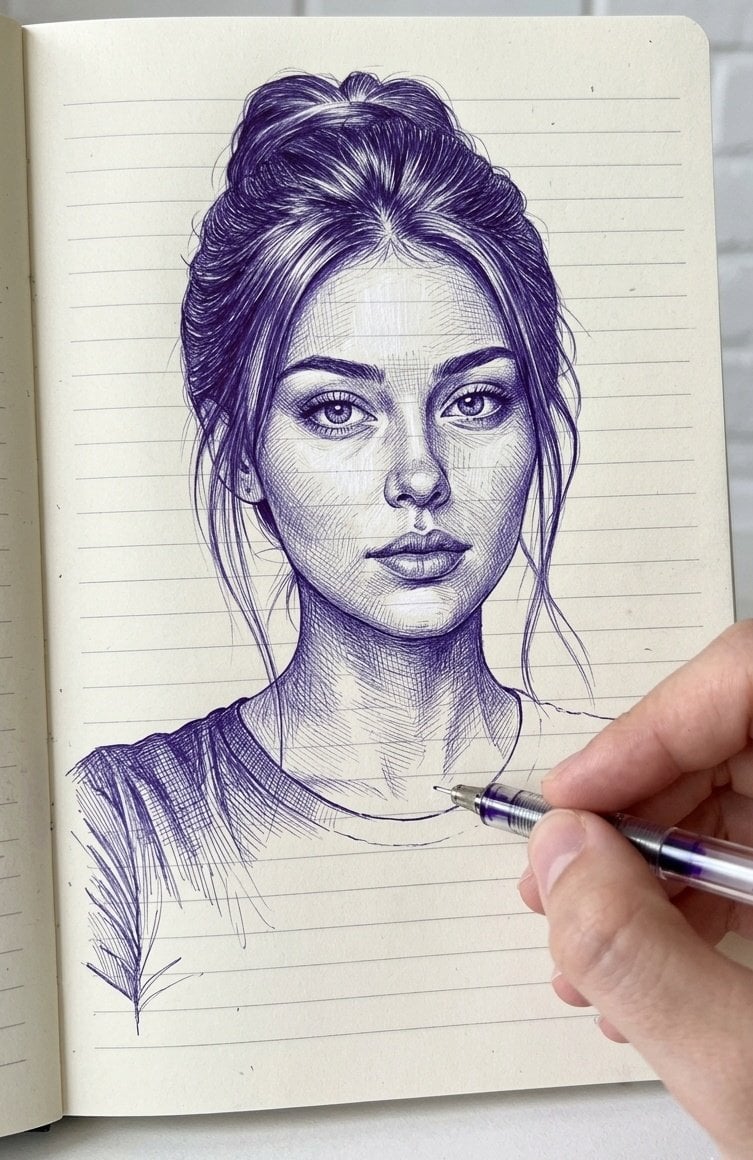
Notebook Ink Sketch Transformation

Casual Bunny Influencer Selfie
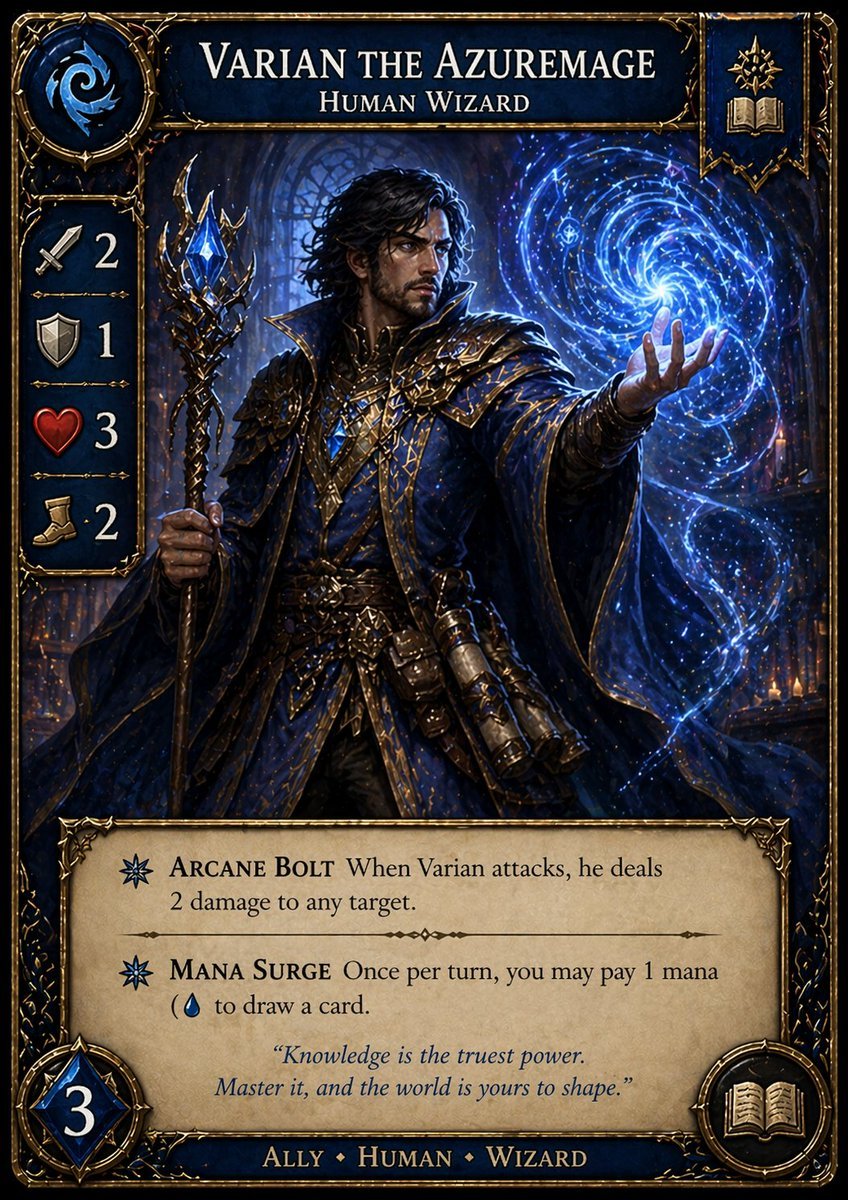
Fantasy Wizard Trading Card

Nano Banana Prompt for Consistent Character Jumpshots
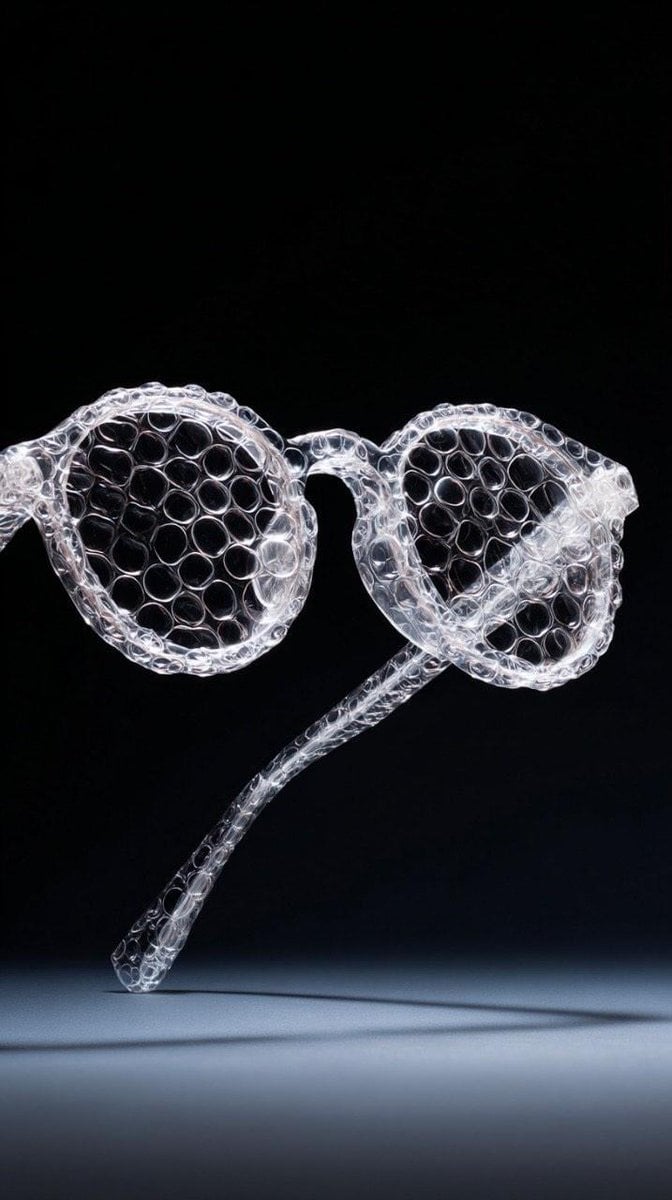
Minimalist studio shot of transparent bubble wrap fashion item
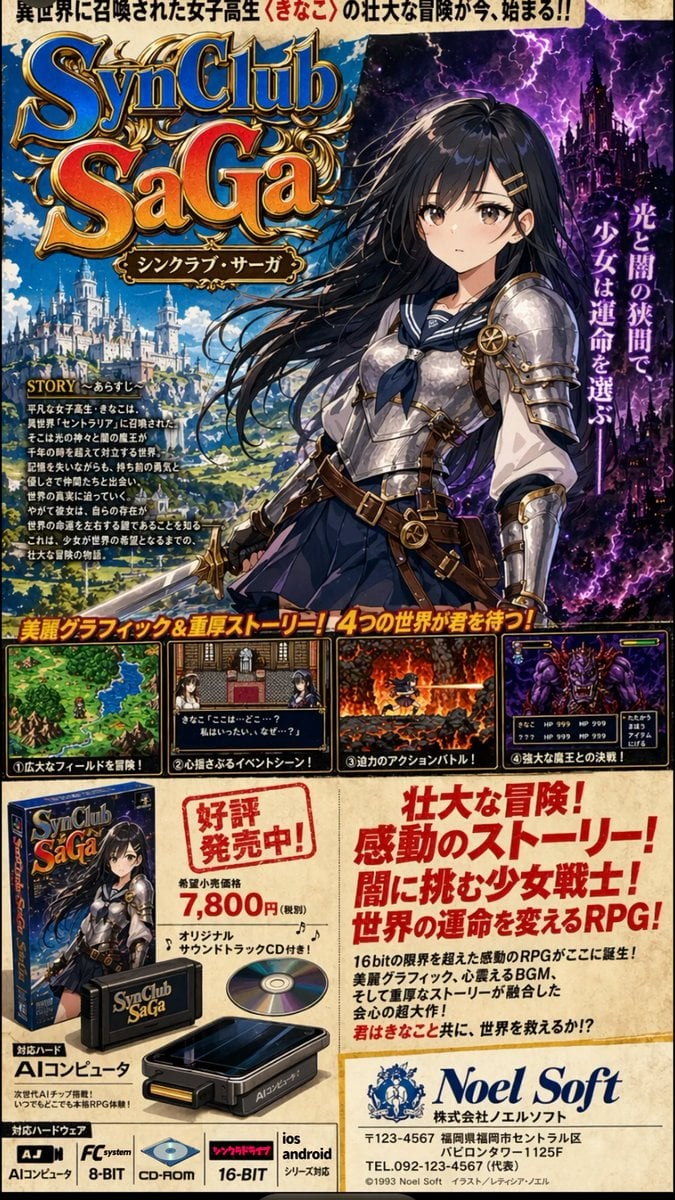
Retro JRPG Magazine Ad
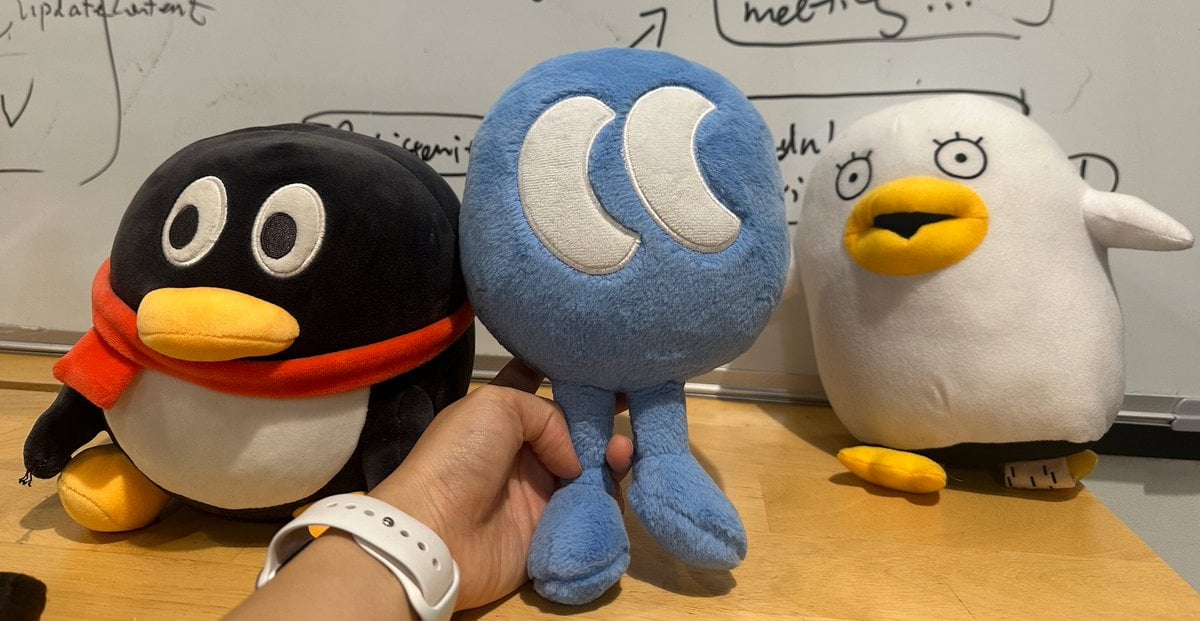
Nano Banana Pro Multi-Panel Generation
Browse template categories
Futuristic Ohmni Access Landing Page questions
How do I use the Futuristic Ohmni Access Landing Page template?
Add your photo if the template asks for one, edit the prompt if you like — the template's model and format are already selected — and press Generate. Your version opens in PicX Studio.
Can I customize the Futuristic Ohmni Access Landing Page template?
Yes. You can change the subject, setting, lighting, mood, format, and available model controls before creating your image.
Is the Futuristic Ohmni Access Landing Page template free?
Opening and editing this template is free. Generating uses credits, shown on the Generate button when you are signed in.
Which AI model should I use?
Start with GPT Image 2, which is the model associated with this template. You can compare another compatible model for a different finish.
Looking for something else? Browse all templates.

Your photo, any look
Thousands of ready templates for every top image and video model, from one credit balance.