
Fantasy Wizard Trading Card
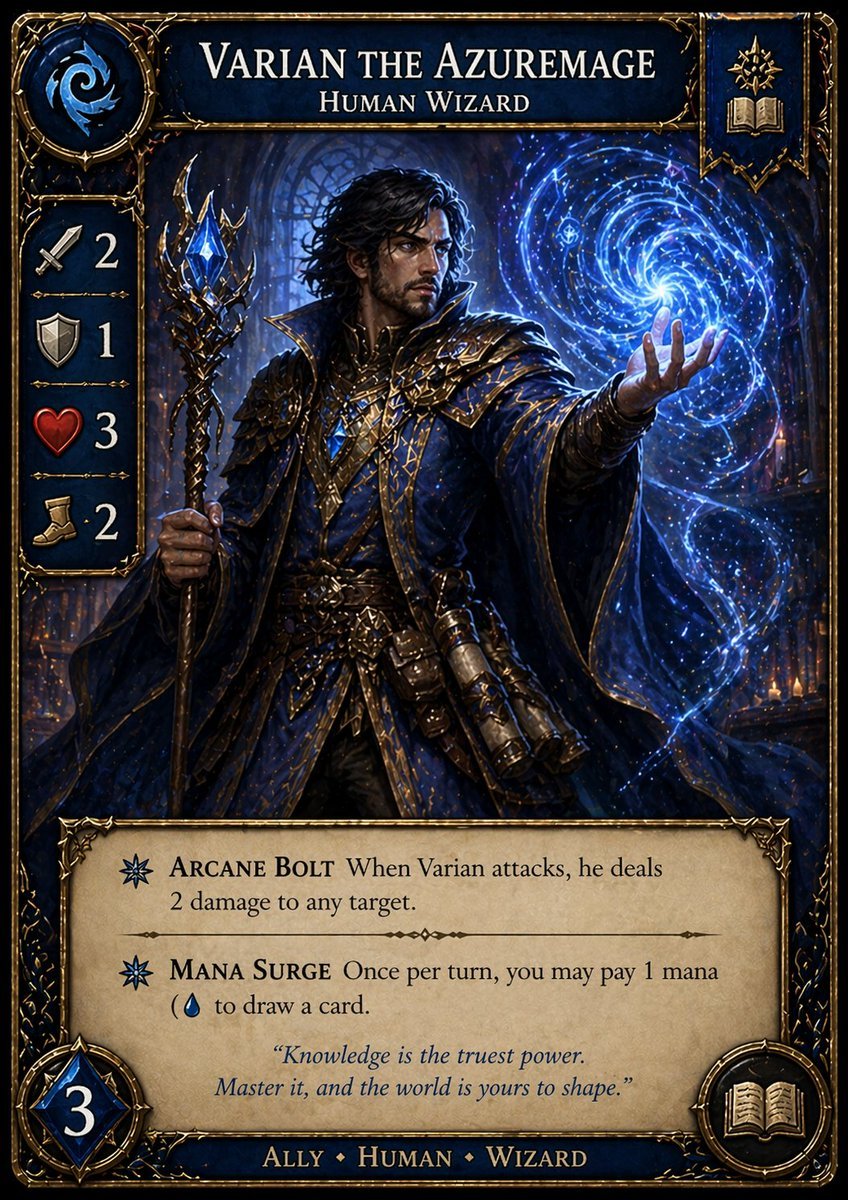
This prompt generates a polished collectible fantasy trading card for a human wizard character, suitable for custom card game concepts and mockups.
- Prompt included
- Model and format preset
- Premium template
The prompt behind this image
Copy the exact prompt behind Fantasy Wizard Trading Card, or open it in the studio and make it yours.
A single vertically oriented fantasy trading card in a richly ornamented high-fantasy style, designed like a premium collectible TCG card with fully legible printed text and icons. The card has an elaborate dark navy and antique gold frame with filigree corners, embossed metallic trim, and a painterly realistic illustration in the center. At the top center, large serif title text reads {argument name="character name" default="VARIAN THE AZUREMAGE"}, with a smaller subtitle beneath reading {argument name="class line" default="HUMAN WIZARD"}. In the top left corner, place a circular blue mana-like emblem containing a white swirling arcane symbol. In the top right corner, place a small heraldic banner panel with 2 gold icons stacked vertically: an arcane starburst above an open book. Along the left edge, create a vertical stat column with exactly 4 icon-and-number rows on dark blue plaques: a sword icon with the number 2, a shield icon with the number 1, a red heart icon with the number 3, and a boot icon with the number 2. The central artwork shows a male human wizard in a cathedral-like magical interior filled with blue light and faint candles, wearing layered royal-blue robes and cloak with intricate gold embroidery, gilded armor accents, leather belts, pouches, scroll cases, and jeweled ornaments. He has dark wavy medium-length hair and a dramatic heroic pose, gripping an ornate staff in his left hand; the staff is black-gold with branching prongs and a glowing blue crystal near the top. His right arm is extended outward, conjuring a luminous spiral galaxy of blue arcane energy, star-like particles, and trailing magical ribbons that swirl around his hand. The mood is majestic, mystical, and cinematic, with intense sapphire highlights, deep shadows, painterly detail, and premium fantasy card-game illustration quality. At the bottom, add a parchment-colored rules text box with ornate corners and 2 abilities, each preceded by a blue arcane symbol bullet. The first ability title is bold serif text: ARCANE BOLT, followed by the rules text: When Varian attacks, he deals 2 damage to any target. The second ability title is bold serif text: MANA SURGE, followed by the rules text: Once per turn, you may pay 1 mana (with a blue water-drop mana icon) to draw a card. Beneath the abilities, add an italic flavor quote in blue-gray text: “Knowledge is the truest power. Master it, and the world is yours to shape.” In the lower left corner, place a large blue faceted gem badge with the number {argument name="mana cost" default="3"}. In the lower right corner, place a circular gold-framed open book icon. Along the bottom border, centered in gold serif text on a blue strip, write: {argument name="type line" default="ALLY • HUMAN • WIZARD"}. Make the whole card look like a polished professional TCG product mockup, crisp typography, balanced layout, ornate fantasy UI, and fully readable English text.
How to use Fantasy Wizard Trading Card in 3 steps
- 1Upload ImagePNG, JPG or paste
Add your photo
Upload the photo the template builds on. The prompt, model and format are already set.
- 2…a portrait of your subject in softgolden-hour light, 85mm…
Personalize
Edit the subject and creative details for your destination.
- 3Generate
Generate
Press Generate — your image is created in PicX Studio, so you can compare it with the original and refine one variable at a time.
More like this
Templates with the same subject, style or setup. Open one to see its prompt.
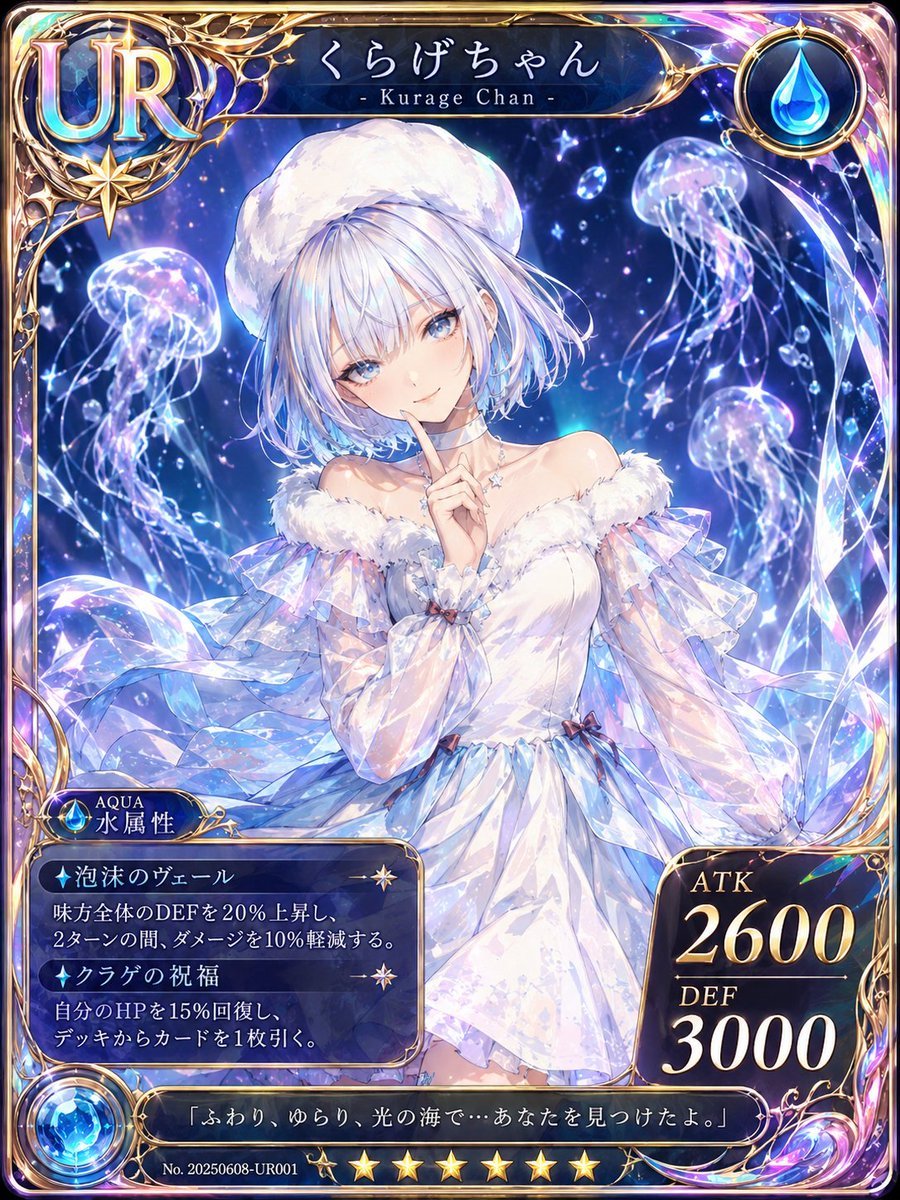
Kurage Chan Fantasy Trading Card
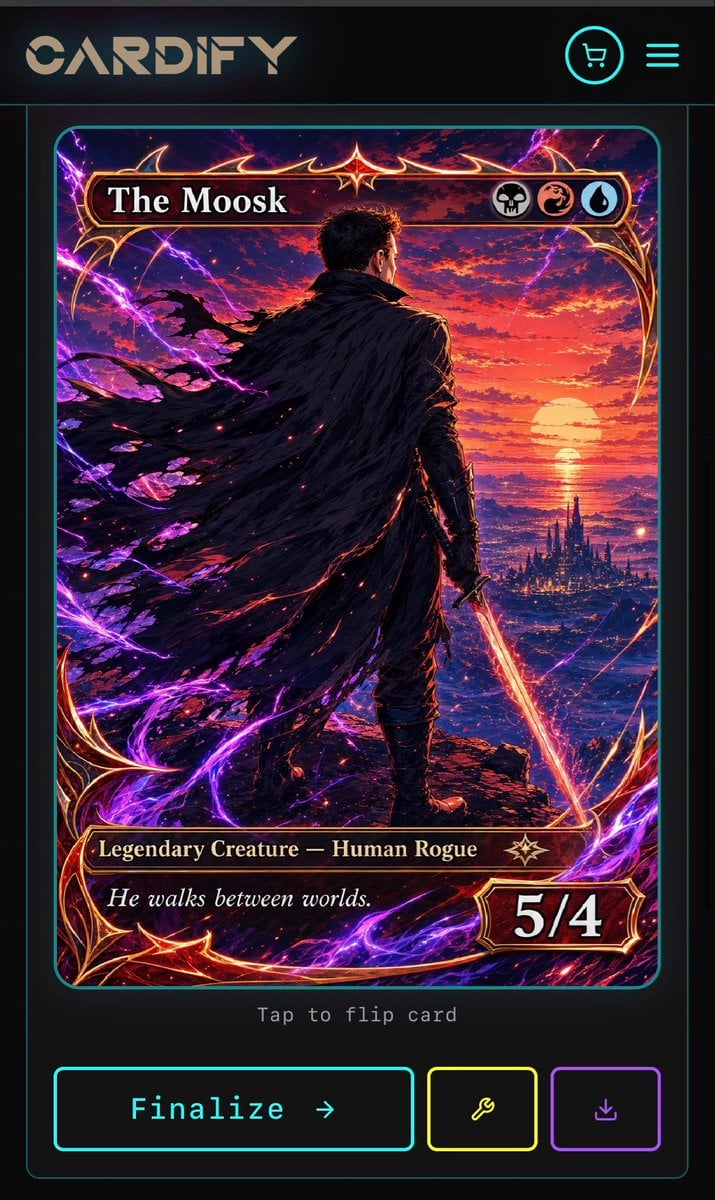
Cyberpunk Fantasy Trading Card App
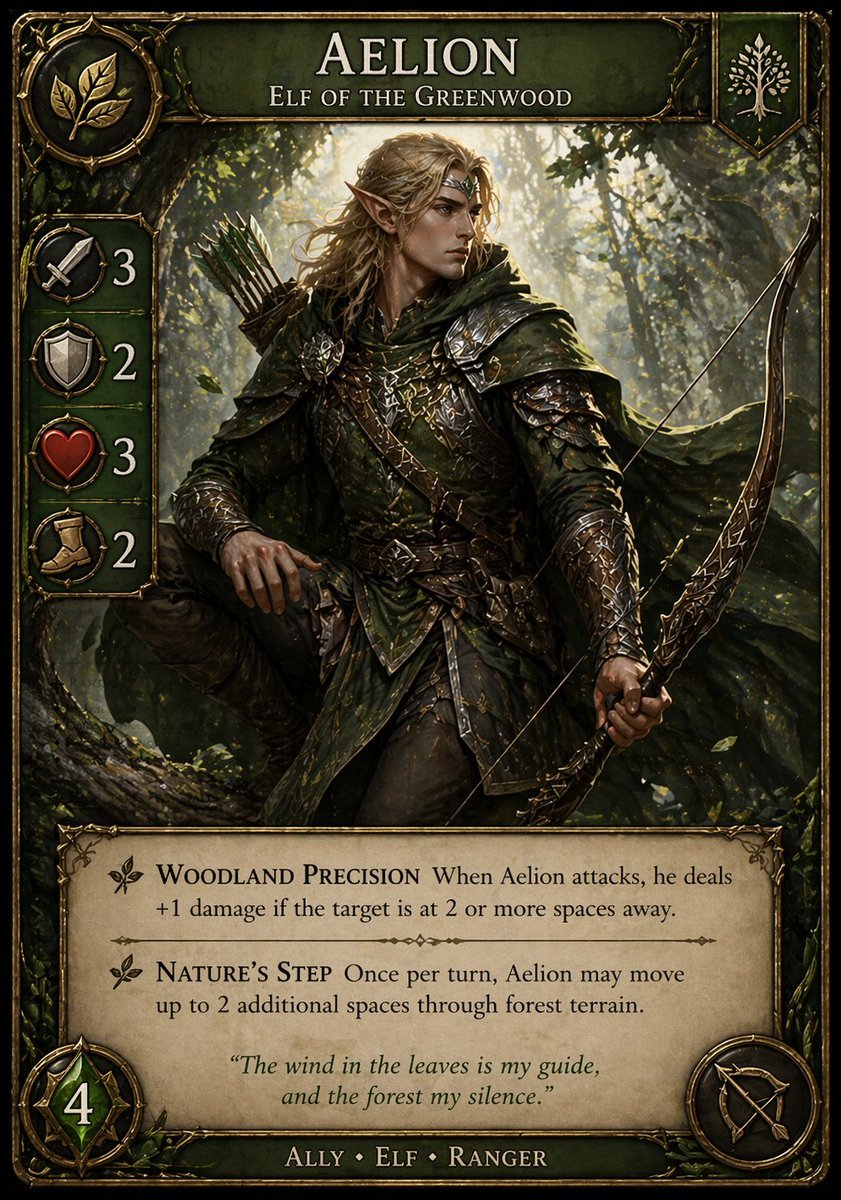
Fantasy Elf Ranger Trading Card
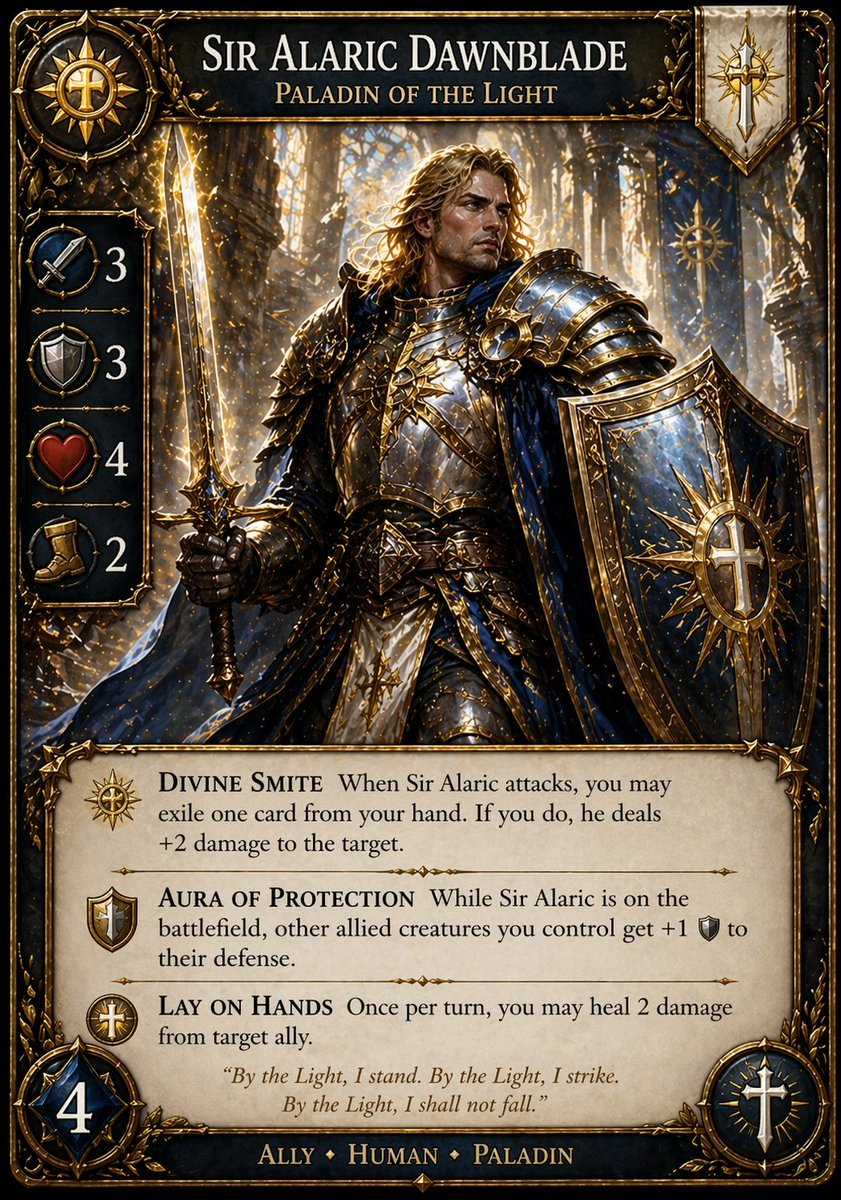
Fantasy Paladin Trading Card

Anime Fantasy Celestial Movie Poster
Anime Fantasy Celestial Movie Poster

Minecraft Fantasy Kingdom Voxel Landscape

Unfinished Sketch Comes Alive Portrait

Open Travel Journal Overhead Still Life

Tiny Woman Miniature Fantasy Macro Scene

Dark Fantasy Wizard Podcast Poster
JSON Seedance - Fairy Macro Flight
Make it yours
Fantasy Wizard Trading Card works as-is. These are the safest ways to change it without losing the look.
Change one field
Copy a single group, rewrite it, and generate again so you can see what that field is doing.
Keep the frame, change the subject
Hold the composition and light of Fantasy Wizard Trading Card, then swap wardrobe, props or the person for a new take.
| If the result… | Why | Fix |
|---|---|---|
| The result drifts from the preview | Too many fields changed at once. | Reuse Fantasy Wizard Trading Card as-is first, then change one group — subject, light, or setting. |
| The model over-stylizes the scene | The prose prompt leaves finish and camera underspecified. | Add one camera or lighting sentence and stay on GPT Image 2. |
More GPT Image 2 templates
Other prompts made for GPT Image 2.

Six VTuber Japanese Logo Sheet

Realistic Portrait of Woman and Deer

The Vista Modular Condo Poster

AI Model Routing Comparison Infographic

2.5D Anime Art Board

Isometric Productivity Desk Scene

New York Double Exposure Poster

Four-Panel AI Landscape Comparison

Japanese Tatami Lifestyle Magazine Cover

NESCAFÉ Coffee Map Poster
More image prompts
Fresh picks from across the catalog.
F1 Heiress Editorial Portrait with Racing Helmet and Pearls

Nostalgic Japanese Suburban Portrait
Pale Watercolor Line Art Transformation
Vogue campaign aesthetic in a golden citrus orchard
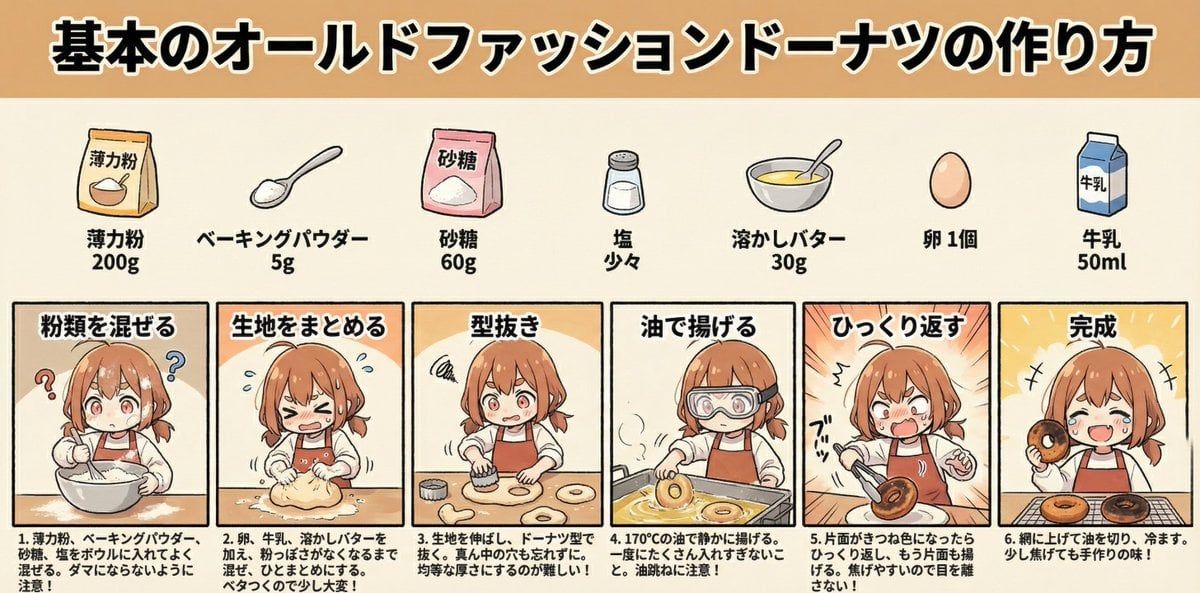
Infographic Generation for Old-Fashioned Donuts with Character Skill Variation
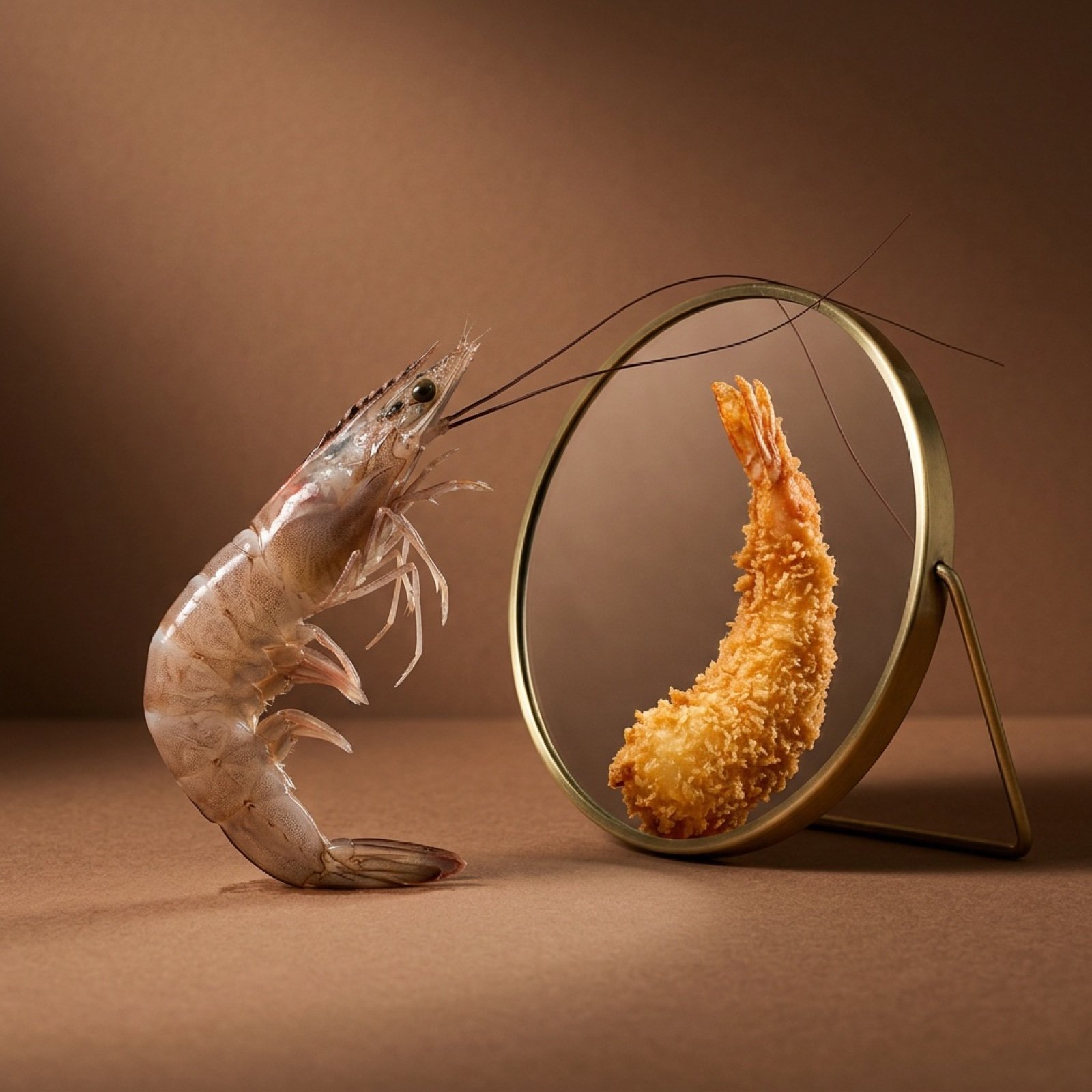
Surreal Food Still Life Prompt (Shrimp Transformation)
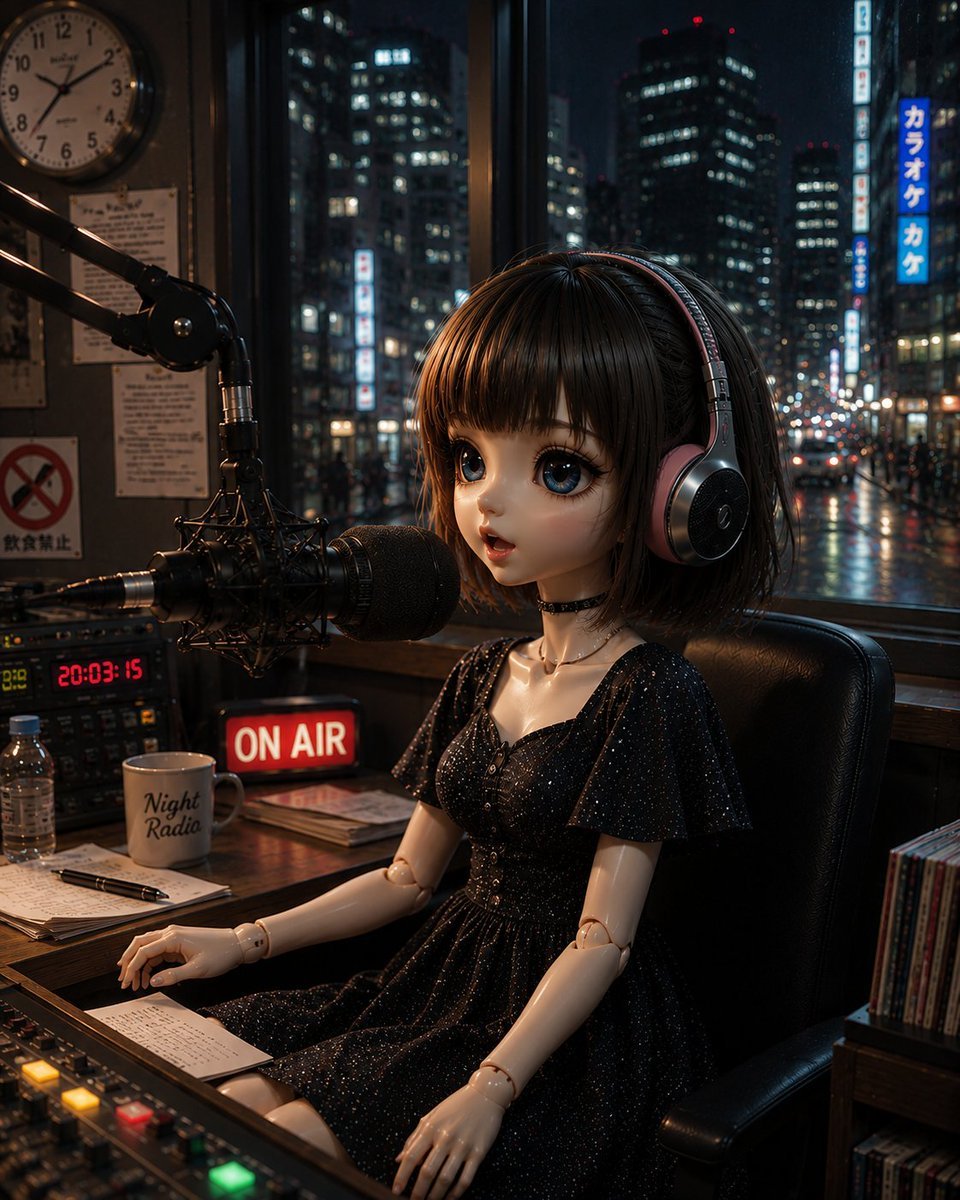
Anonymous Night Radio Doll Host
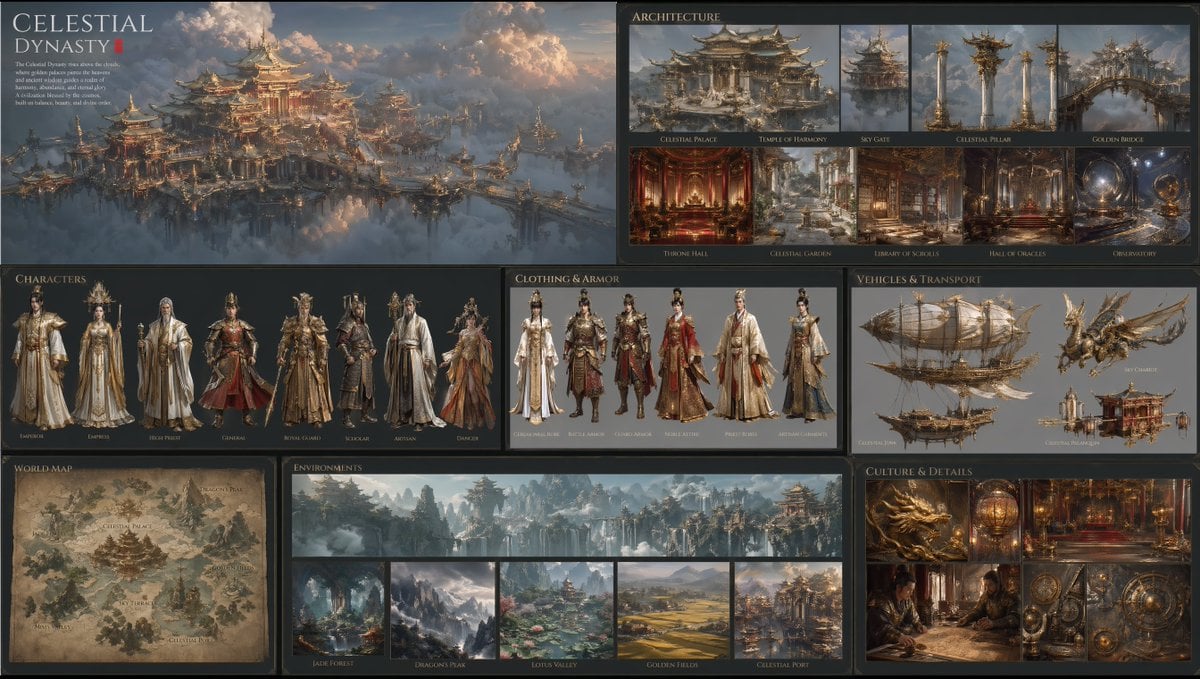
Celestial Dynasty World Bible Board
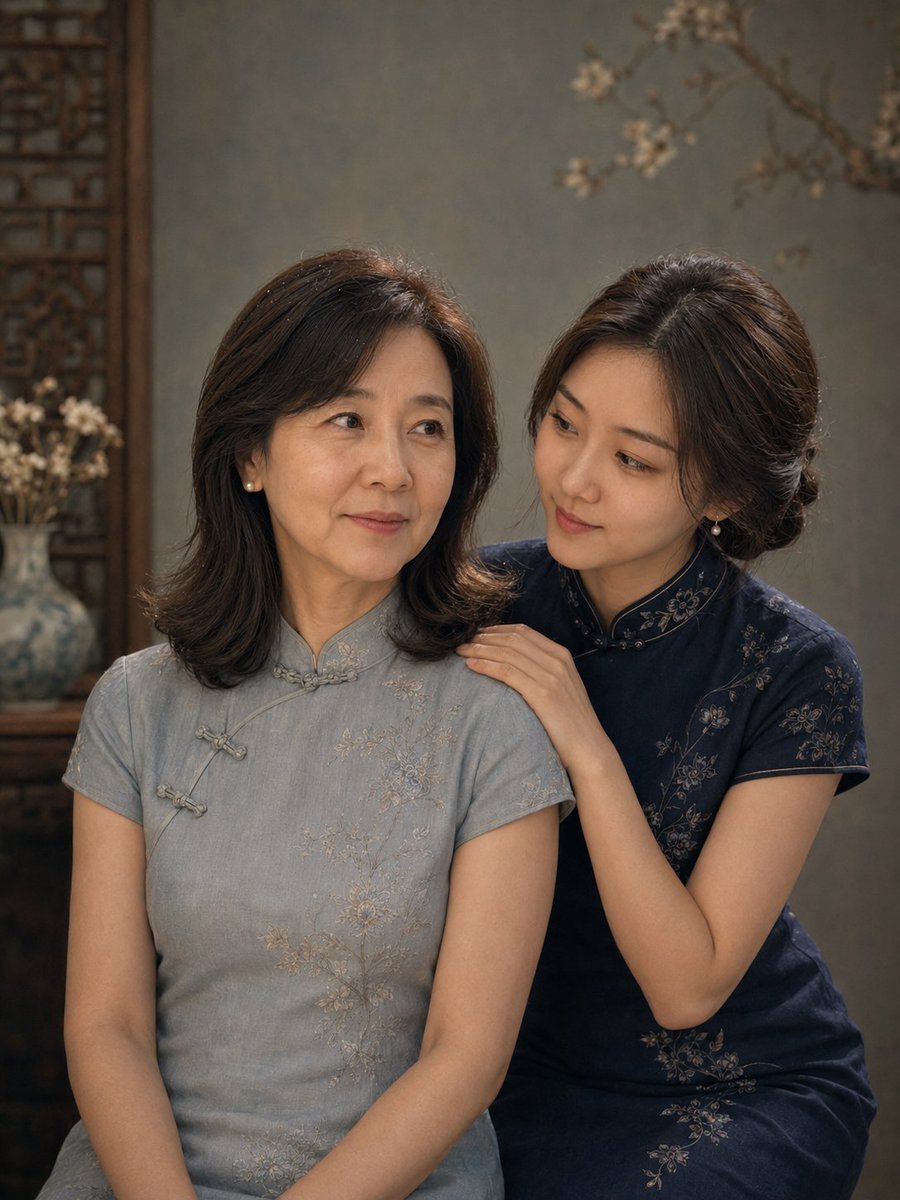
Vintage Qipao Mother and Daughter Portrait
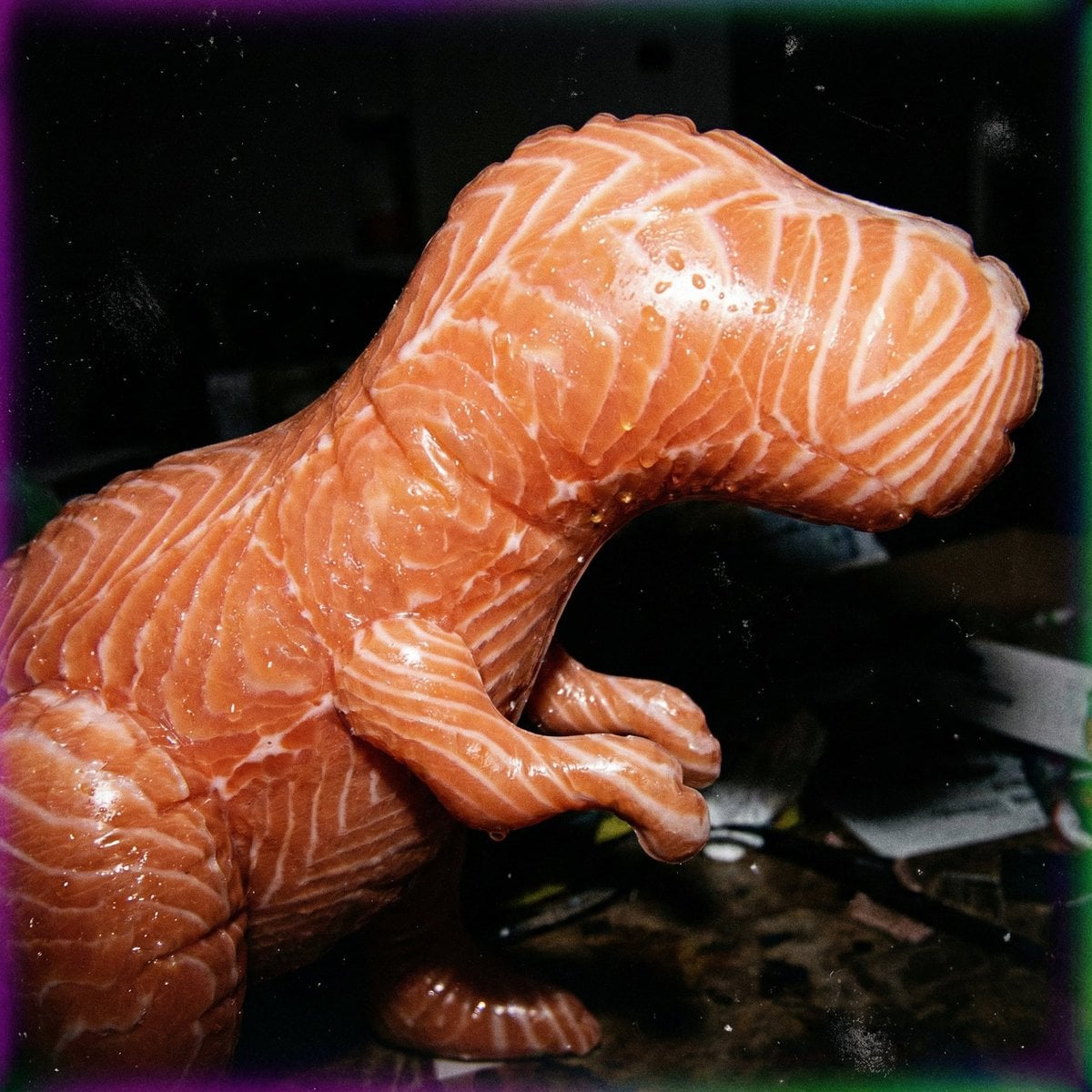
Macro Food Horror Prompt
Browse template categories
Fantasy Wizard Trading Card questions
How do I use the Fantasy Wizard Trading Card template?
Add your photo if the template asks for one, edit the prompt if you like — the template's model and format are already selected — and press Generate. Your version opens in PicX Studio.
Can I customize the Fantasy Wizard Trading Card template?
Yes. You can change the subject, setting, lighting, mood, format, and available model controls before creating your image.
Is the Fantasy Wizard Trading Card template free?
Opening and editing this template is free. Generating uses credits, shown on the Generate button when you are signed in.
Which AI model should I use?
Start with GPT Image 2, which is the model associated with this template. You can compare another compatible model for a different finish.
Looking for something else? Browse all templates.

Your photo, any look
Thousands of ready templates for every top image and video model, from one credit balance.