
Nostalgic Japanese Suburban Portrait
A highly detailed cinematic prompt for creating nostalgic Japanese summer film-style portraits in a suburban setting during the golden hour.
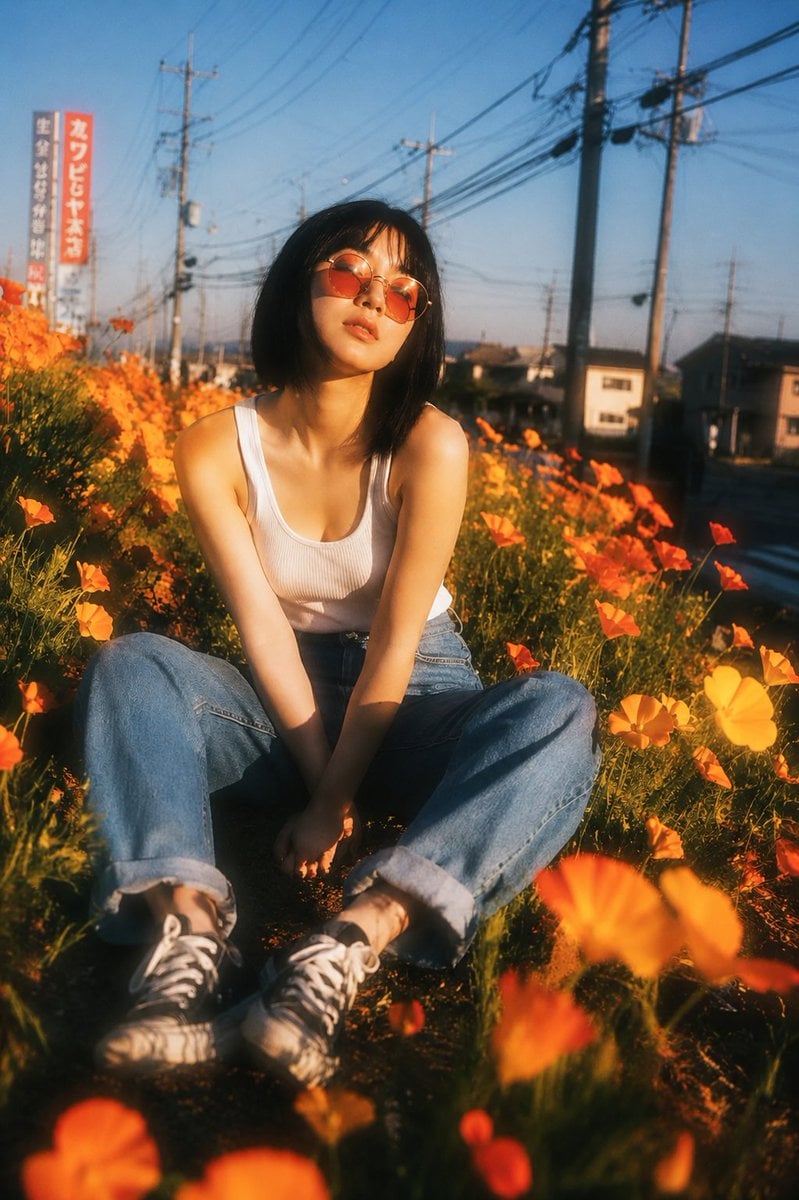
- Prompt included
- Model and format preset
- Free template
The prompt behind this image
Copy the exact prompt behind Nostalgic Japanese Suburban Portrait, or open it in the studio and make it yours.
{ "subject": "uploaded_image", "scene": { "location": "{argument name="location" default="narrow flower-lined path in a suburban Japanese neighborhood"}", "environment": "dense field of vibrant orange California poppies, utility poles, overhead power lines, distant residential buildings", "season": "late spring", "time_of_day": "golden hour" }, "composition": { "aspect_ratio": "2:3", "camera_angle": "low angle, slightly upward", "framing": "full body portrait seated on the ground", "subject_position": "centered", "foreground": "large out-of-focus orange flowers creating dreamy depth", "background": "softly blurred suburban streetscape", "depth_of_field": "very shallow" }, "subject_details": { "pose": "sitting casually on a dirt path, knees bent outward, hands loosely clasped between legs", "expression": "relaxed, contemplative, slightly dreamy", "gaze": "toward camera", "hair": "short black bob haircut with wispy bangs", "clothing": { "top": "{argument name="top clothing" default="white ribbed tank top"}", "bottom": "relaxed blue jeans with rolled cuffs", "shoes": "worn canvas sneakers" }, "accessories": [ "round vintage sunglasses with warm orange-tinted lenses" ] }, "lighting": { "type": "natural sunlight", "quality": "soft, glowing, diffused", "direction": "low side light", "color_temperature": "warm golden-orange", "highlights": "gentle bloom around skin and flowers" }, "style": { "photography": "cinematic portrait photography", "aesthetic": "nostalgic Japanese summer film", "mood": "{argument name="mood" default="dreamy, youthful, serene, romantic"}", "color_palette": [ "warm orange", "golden yellow", "soft blue", "cream white" ] }, "camera": { "lens": "50mm vintage lens", "aperture": "f/1.4", "focus": "sharp on face, soft falloff throughout frame", "effects": [ "lens bloom", "halation", "film grain", "subtle chromatic aberration", "soft focus glow", "analog film texture" ] }, "quality": { "resolution": "high", "detail": "photorealistic", "rendering": "natural skin texture, realistic flower details, cinematic depth" }, "negative_prompt": [ "oversharpening", "HDR look", "harsh contrast", "plastic skin", "extra limbs", "distorted anatomy", "low resolution", "watermark", "text", "logo", "oversaturated colors", "artificial lighting" ] }
How to use Nostalgic Japanese Suburban Portrait in 3 steps
- 1Upload ImagePNG, JPG or paste
Add your photo
Upload the photo the template builds on. The prompt, model and format are already set.
- 2…a portrait of your subject in softgolden-hour light, 85mm…
Personalize
Edit the subject and creative details for your destination.
- 3Generate
Generate
Press Generate — your image is created in PicX Studio, so you can compare it with the original and refine one variable at a time.
More like this
Templates with the same subject, style or setup. Open one to see its prompt.

Found Photograph: Us, 1970

80s Couple Studio Portrait

80s Bollywood Star

80s Golden Hour Cinema

Me in 1985

1985 Studio Portrait

Hyper-Realistic Minecraft POV Portrait

Minecraft Japanese Research Lab Exploration
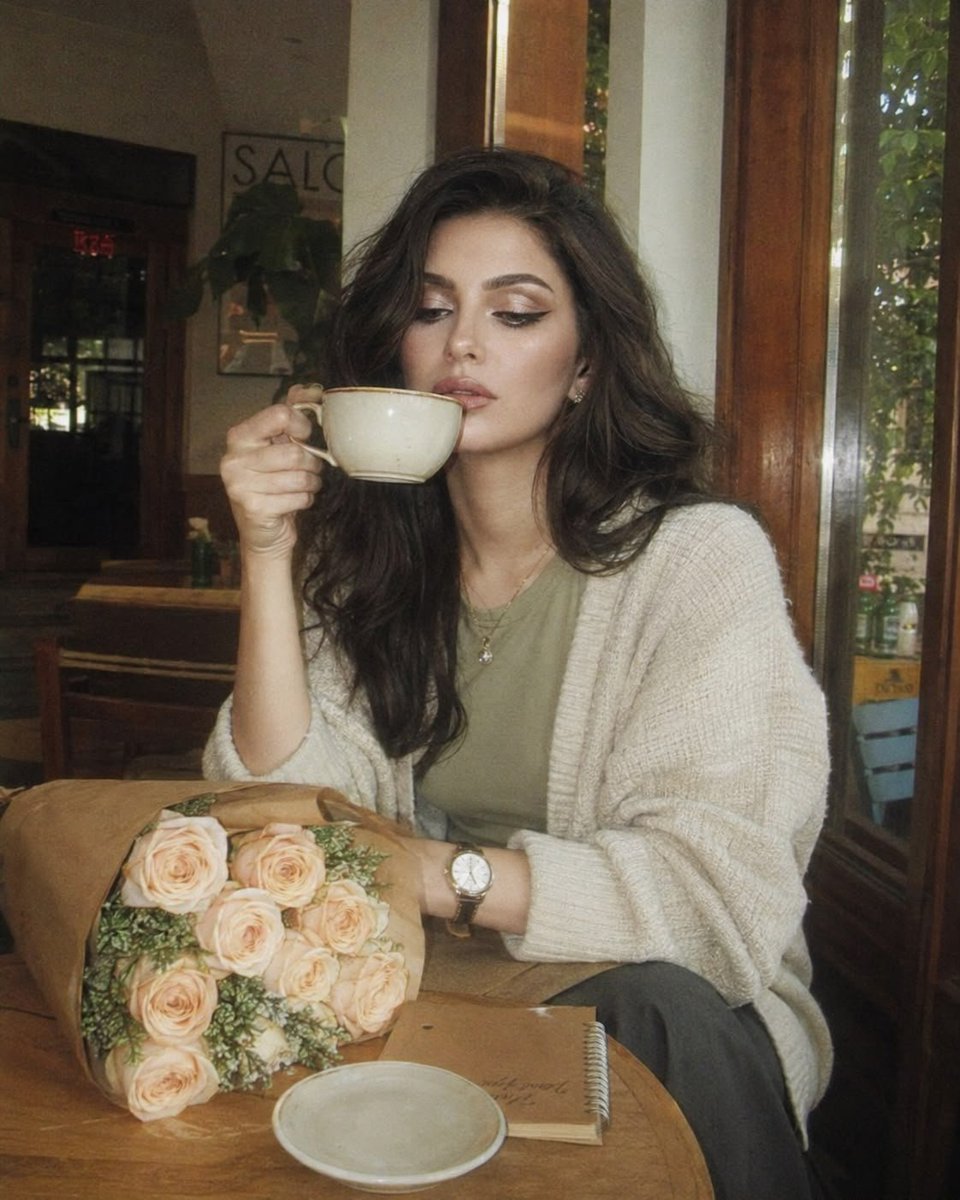
Nostalgic 2000s Digicam Café Portrait

Rooftop Fisheye — Cat-Ear Balaclava at Golden Hour
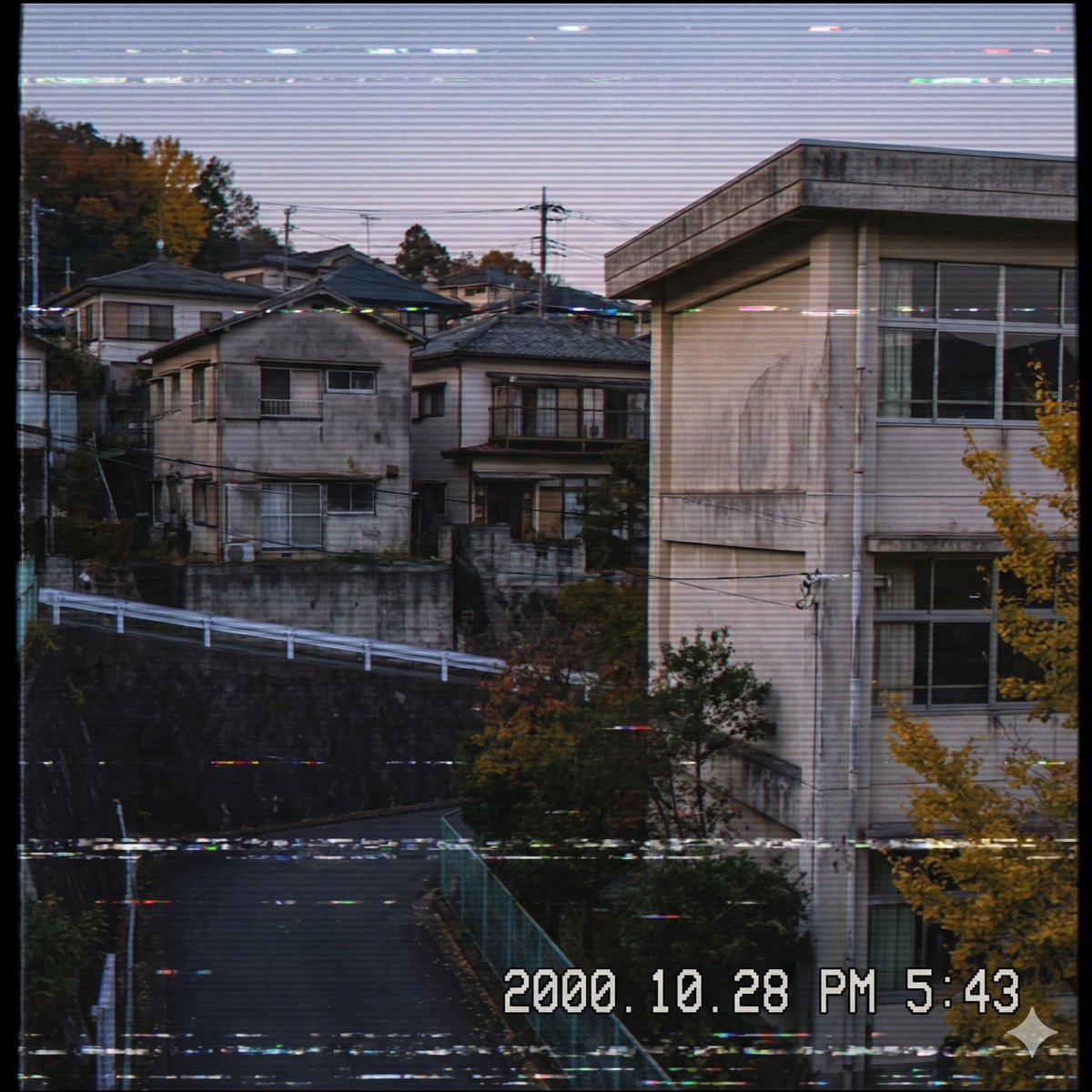
Nostalgic Japanese Suburb Footage
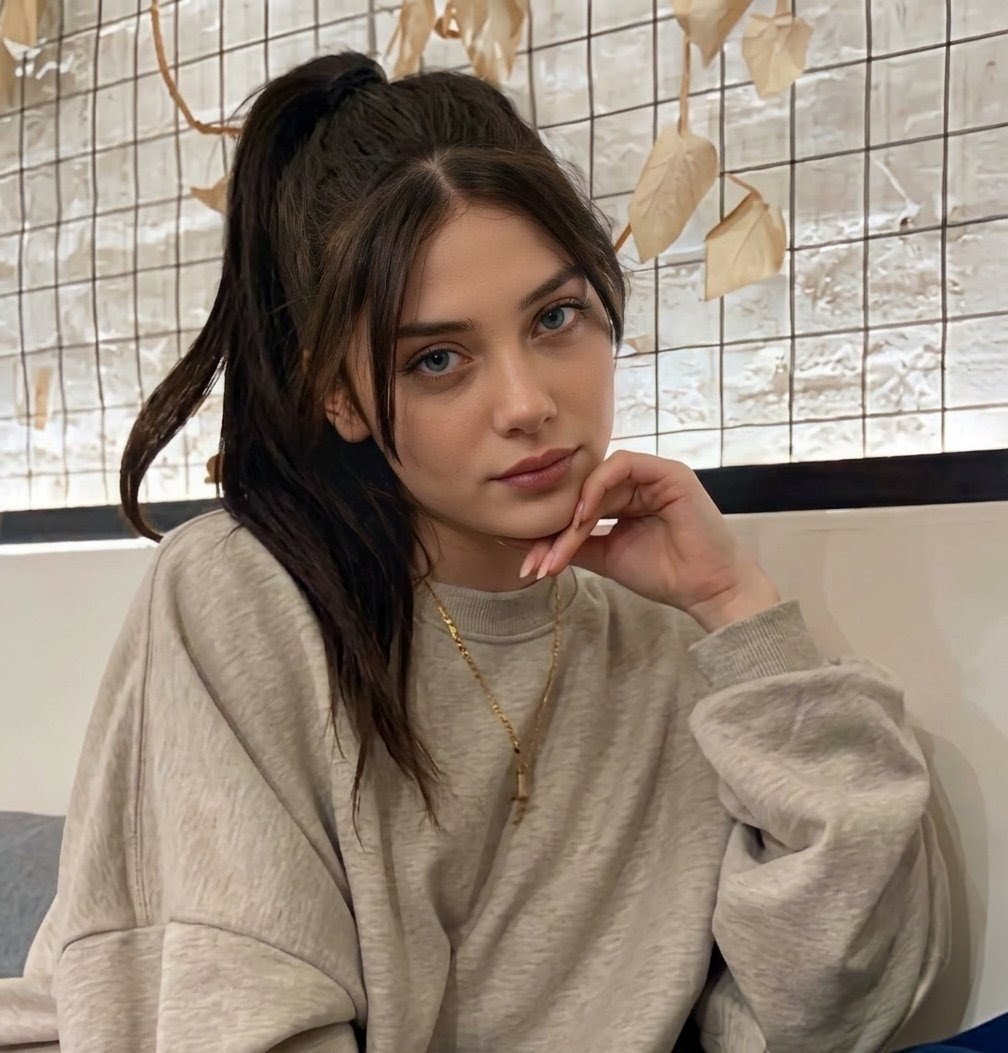
Nostalgic Vinyl Bedroom Portrait
Make it yours
Nostalgic Japanese Suburban Portrait works as-is. These are the safest ways to change it without losing the look.
Change one field
Copy a single group, rewrite it, and generate again so you can see what that field is doing.
Keep the frame, change the subject
Hold the composition and light of Nostalgic Japanese Suburban Portrait, then swap wardrobe, props or the person for a new take.
| If the result… | Why | Fix |
|---|---|---|
| The result drifts from the preview | Too many fields changed at once. | Reuse Nostalgic Japanese Suburban Portrait as-is first, then change one group — subject, light, or setting. |
| The model over-stylizes the scene | The prose prompt leaves finish and camera underspecified. | Add one camera or lighting sentence and stay on GPT Image 2. |
More GPT Image 2 templates
Other prompts made for GPT Image 2.

Six VTuber Japanese Logo Sheet

Realistic Portrait of Woman and Deer

The Vista Modular Condo Poster

AI Model Routing Comparison Infographic

2.5D Anime Art Board

Isometric Productivity Desk Scene

New York Double Exposure Poster

Four-Panel AI Landscape Comparison

Japanese Tatami Lifestyle Magazine Cover

NESCAFÉ Coffee Map Poster
More image prompts
Fresh picks from across the catalog.
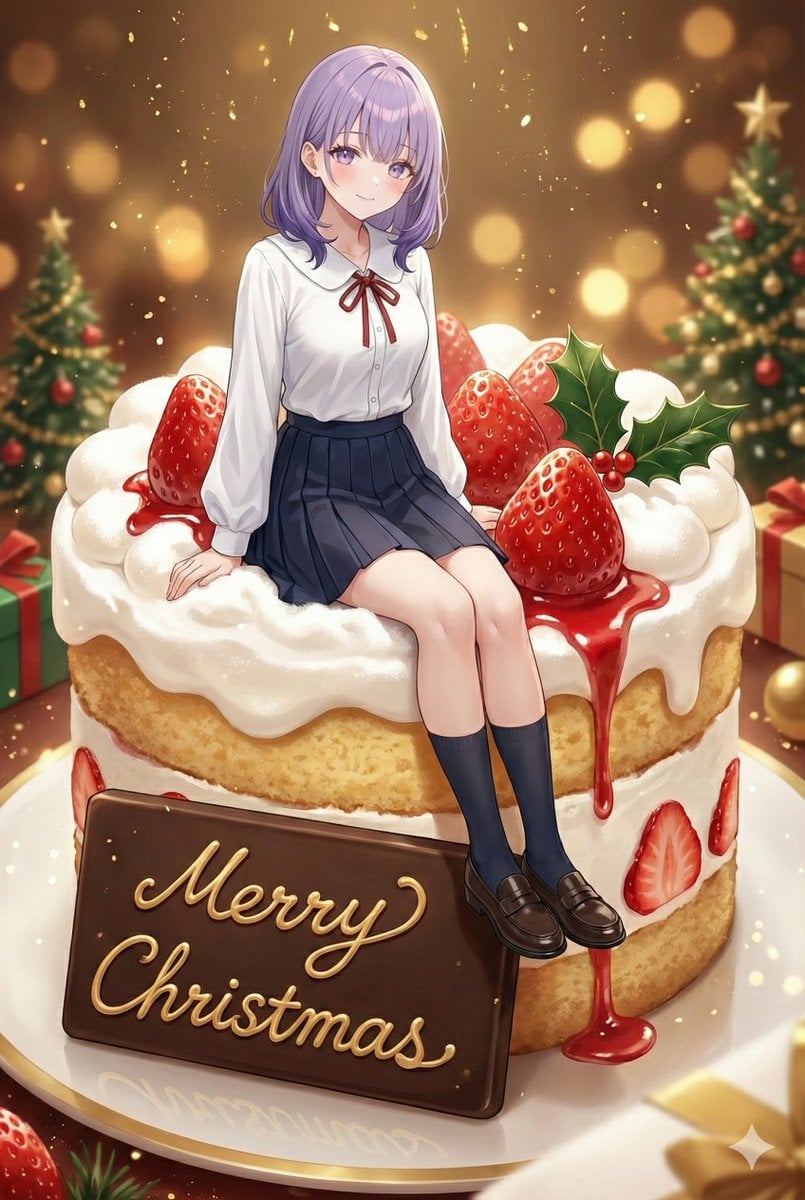
Christmas Cake with Text Plate Prompt

Dark Samurai Ink Wash Poster
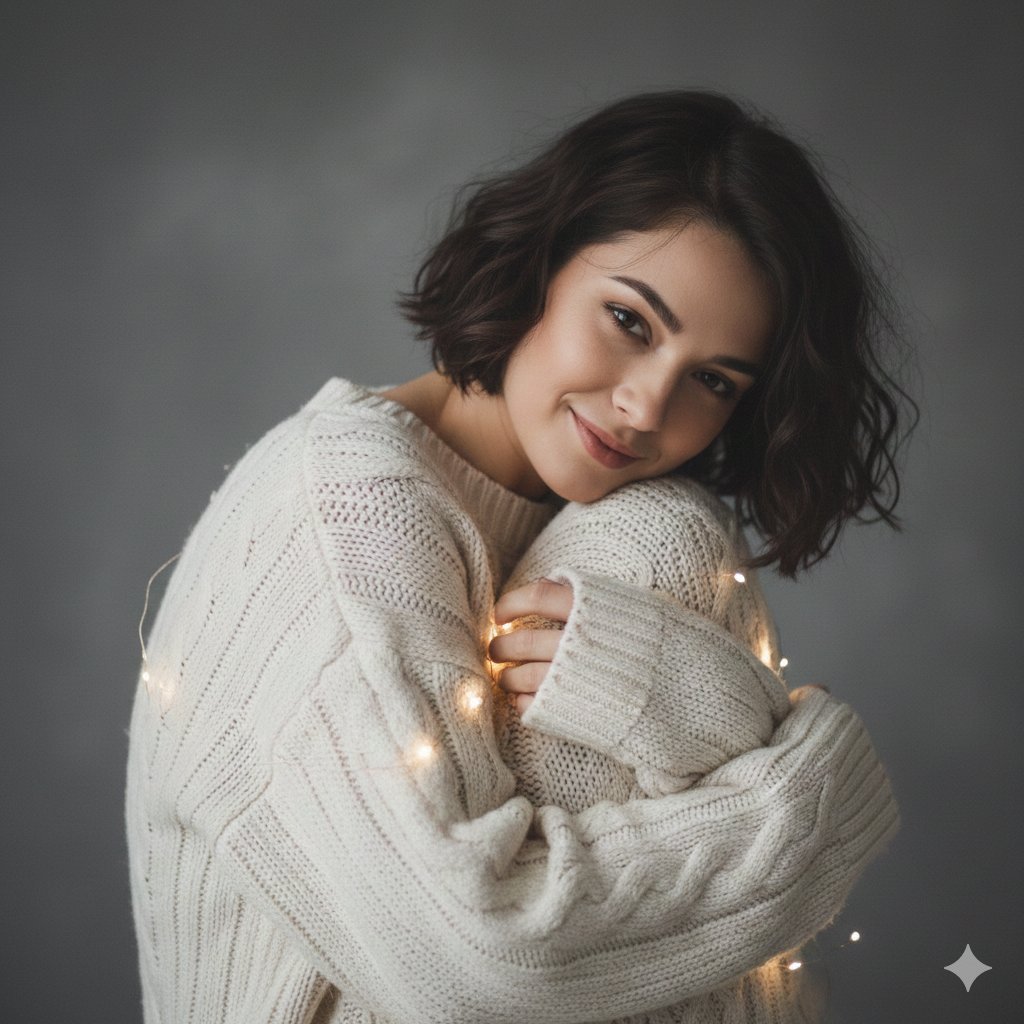
Intimate Studio Portrait with Fairy Lights Prompt
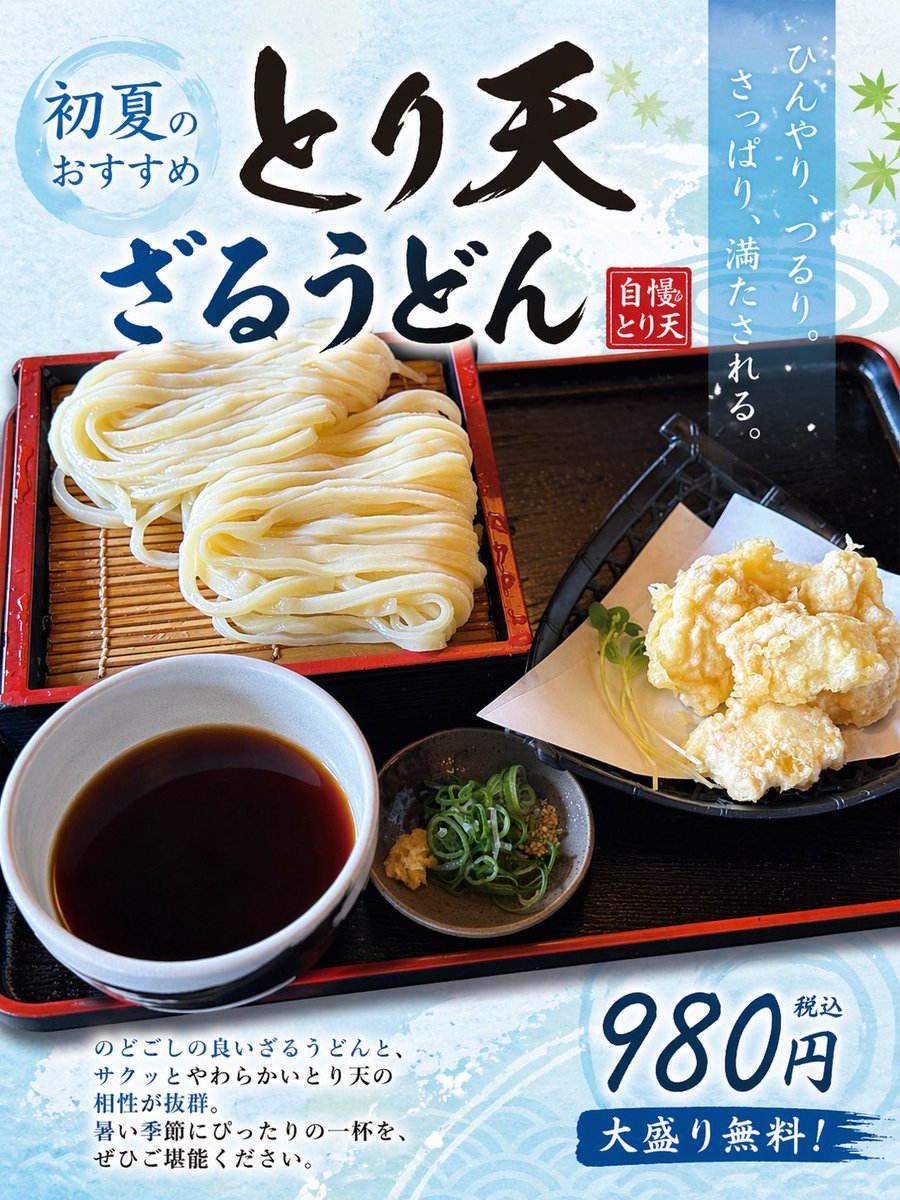
Turn Food Photo Into Japanese Poster
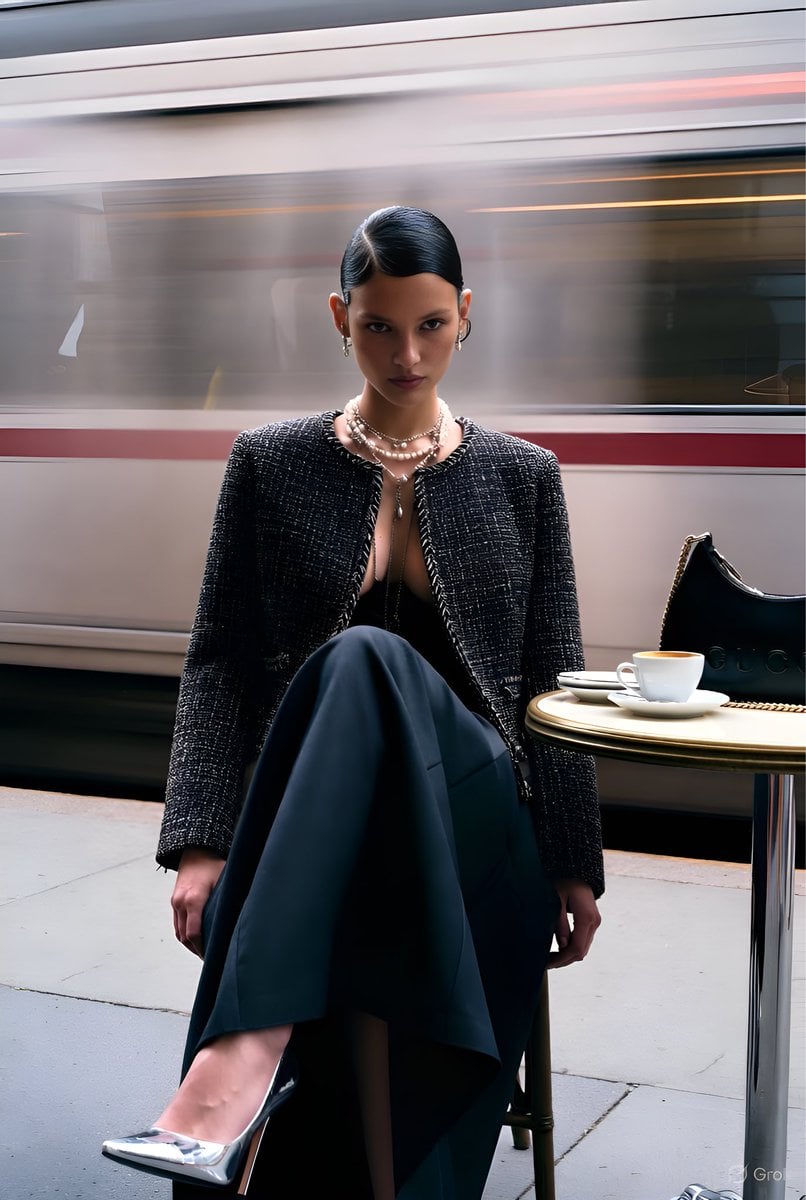
Gucci Campaign Subway Platform Fashion Prompt
Collage Style Cartoon Portrait
Romantic Studio Portrait of a Young Woman with a Rose
Alpine Travel Diary Photo
OOTD Fashion Infographic
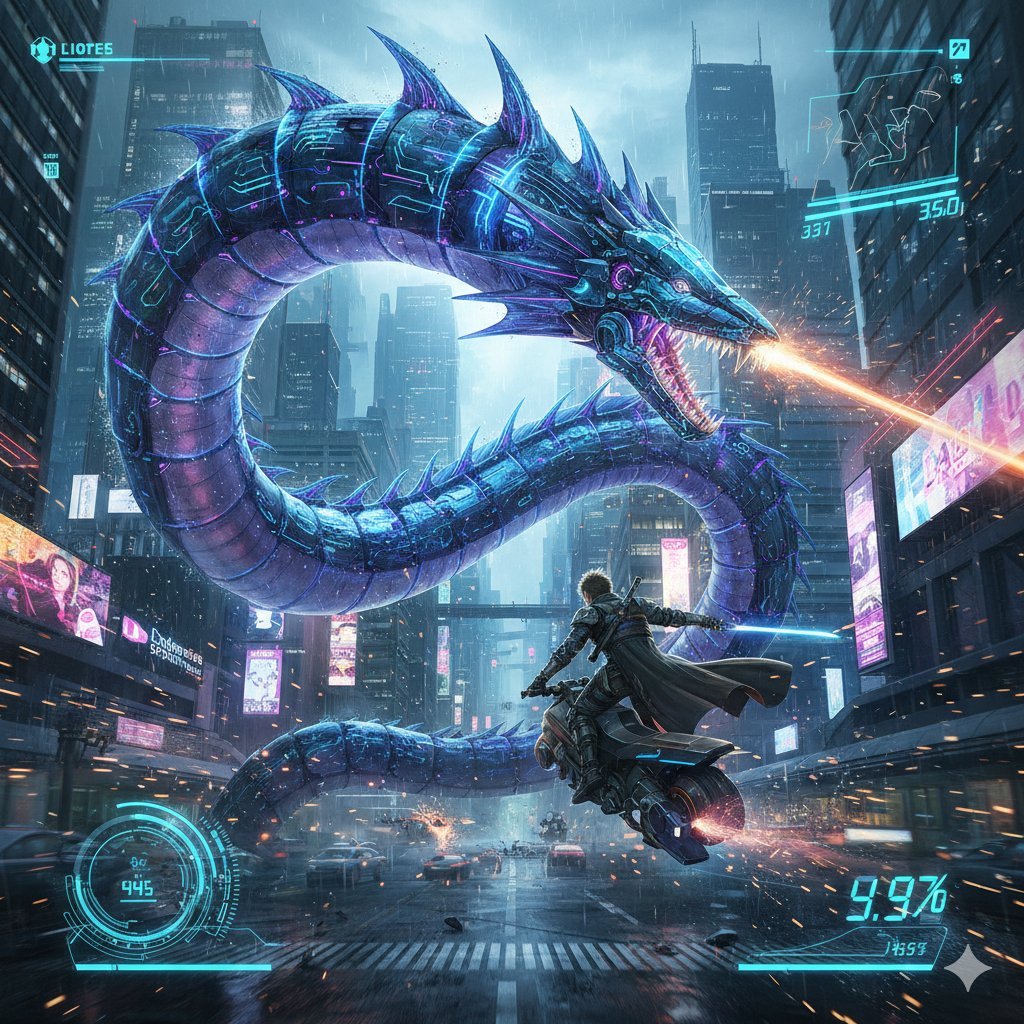
Nano Banana Pro Prompt: Final Fantasy Leviathan vs Player (Cyberpunk)
Browse template categories
Nostalgic Japanese Suburban Portrait questions
How do I use the Nostalgic Japanese Suburban Portrait template?
Add your photo if the template asks for one, edit the prompt if you like — the template's model and format are already selected — and press Generate. Your version opens in PicX Studio.
Can I customize the Nostalgic Japanese Suburban Portrait template?
Yes. You can change the subject, setting, lighting, mood, format, and available model controls before creating your image.
Is the Nostalgic Japanese Suburban Portrait template free?
Opening and editing this template is free. Generating uses credits, shown on the Generate button when you are signed in.
Which AI model should I use?
Start with GPT Image 2, which is the model associated with this template. You can compare another compatible model for a different finish.
Looking for something else? Browse all templates.

Your photo, any look
Thousands of ready templates for every top image and video model, from one credit balance.