
Nostalgic 2000s Digicam Café Portrait
A complex prompt that recreates the look of an early-2000s compact digital camera, complete with JPEG softness and CCD color rendering, applied to a candid café scene.
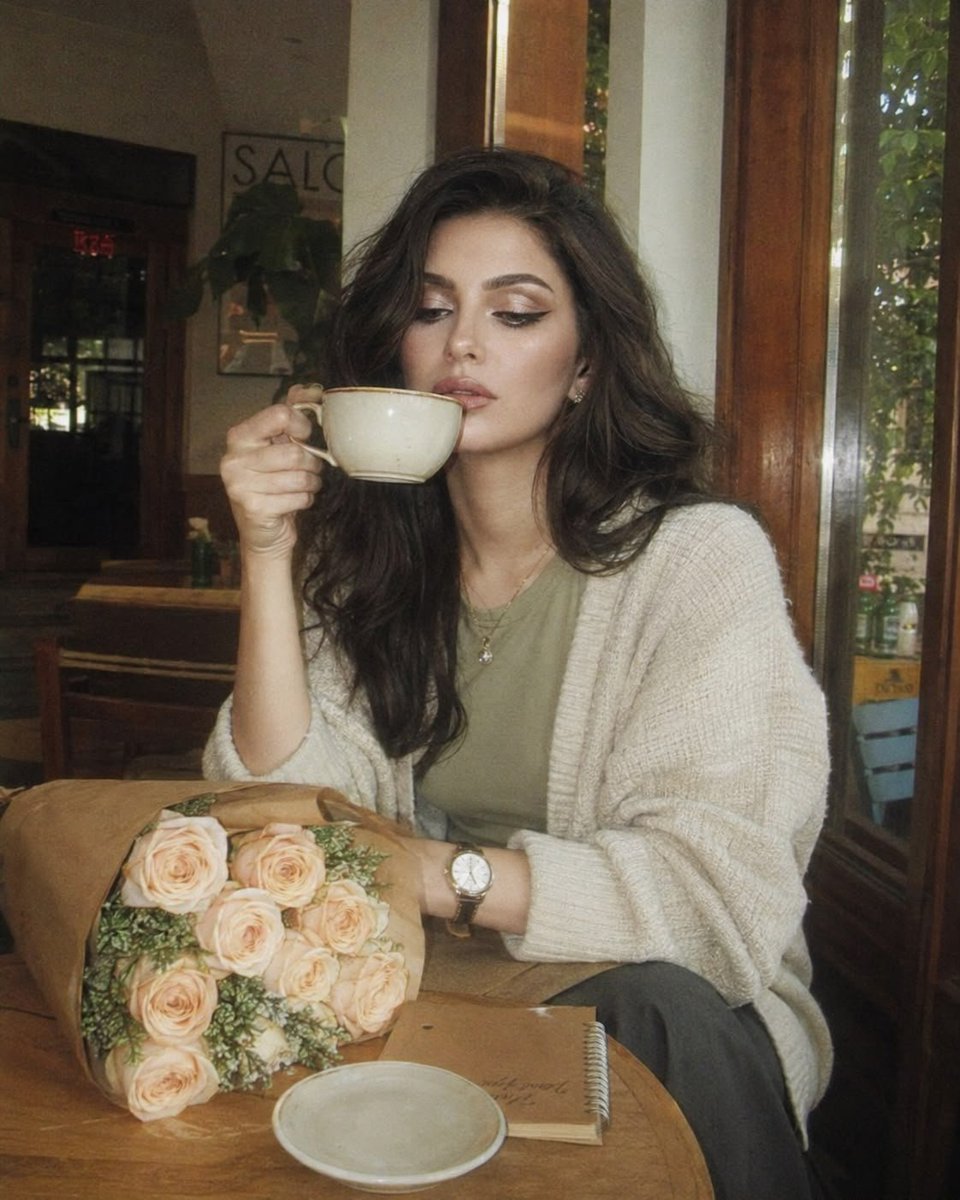
- Prompt included
- Model and format preset
- Premium template
The prompt behind this image
Copy the exact prompt behind Nostalgic 2000s Digicam Café Portrait, or open it in the studio and make it yours.
Use the attached image as the primary facial reference. Preserve the exact facial identity, recognizable facial structure, facial proportions, eye shape, nose shape, lip shape, jawline, cheekbone structure, natural asymmetry, skin characteristics, facial harmony, and overall appearance with maximum accuracy. Maintain realistic skin texture, pores, and natural facial details. Do not beautify, alter ethnicity, change age, modify facial features, or generate a different person. The final image should clearly resemble the reference subject while naturally fitting the scene, lighting, expression, and camera characteristics described below. Create an ultra-realistic nostalgic café portrait captured on a premium early-2000s compact digital camera, blending direct flash with soft afternoon daylight. The image has a dreamy, imperfect snapshot quality with gentle motion softness caused by natural handheld camera movement, subtle subject motion, and shifting strands of hair. The atmosphere feels candid, intimate, and effortlessly authentic. The {argument name="subject" default="woman"} sits alone at a cozy café table beside a large sunlit window. Instead of facing outward, she is turned slightly toward the camera while lowering her gaze with a quiet, thoughtful expression. One hand loosely holds a ceramic coffee cup near her lips while the other rests naturally on the table. A few strands of hair move softly across her face as if caught by a subtle indoor breeze. The small hand movement, shifting hair, changing window reflections, and slight camera sway create realistic dream-like motion softness. She wears an oversized cream-colored knit cardigan layered over a soft sage-green top, loose charcoal trousers, a slim vintage wristwatch, and delicate minimalist jewelry. On the table sits a {argument name="beverage" default="cappuccino with foam art"}, a small notebook, and a bouquet of {argument name="flowers" default="pale peach roses"} wrapped in kraft paper. Warm wooden furniture, indoor plants, window reflections, and softly blurred café details create a calm and intimate everyday atmosphere. Photographed through premium vintage thick optics with low resolving power, pronounced spherical aberration, gentle focus drift, optical halation, subtle veiling flare, lifted shadows, lifted blacks, soft blooming highlights, reduced micro-contrast, JPEG softness, and authentic CCD digicam color rendering. The image feels naturally imperfect rather than artificially filtered. Controlled blown-out micro highlights appear naturally along hair edges, glossy lips, watch crystal, jewelry, coffee cup rims, flower petals, notebook edges, window reflections, cardigan fibers, and bright outdoor light. Flash and sunlight softly bloom into surrounding tones through the vintage optics while remaining physically realistic. No glitter effects, sparkle overlays, or starburst artifacts.
How to use Nostalgic 2000s Digicam Café Portrait in 3 steps
- 1Upload ImagePNG, JPG or paste
Add your photo
Upload the photo the template builds on. The prompt, model and format are already set.
- 2…a portrait of your subject in softgolden-hour light, 85mm…
Personalize
Edit the subject and creative details for your destination.
- 3Generate
Generate
Press Generate — your image is created in PicX Studio, so you can compare it with the original and refine one variable at a time.
More like this
Templates with the same subject, style or setup. Open one to see its prompt.

Nostalgic Digicam Café Afternoon Portrait
Nostalgic Digicam Café Afternoon Portrait

Nostalgic Early-2000s Cafe Snapshot

Rainy Café Window Moody Portrait
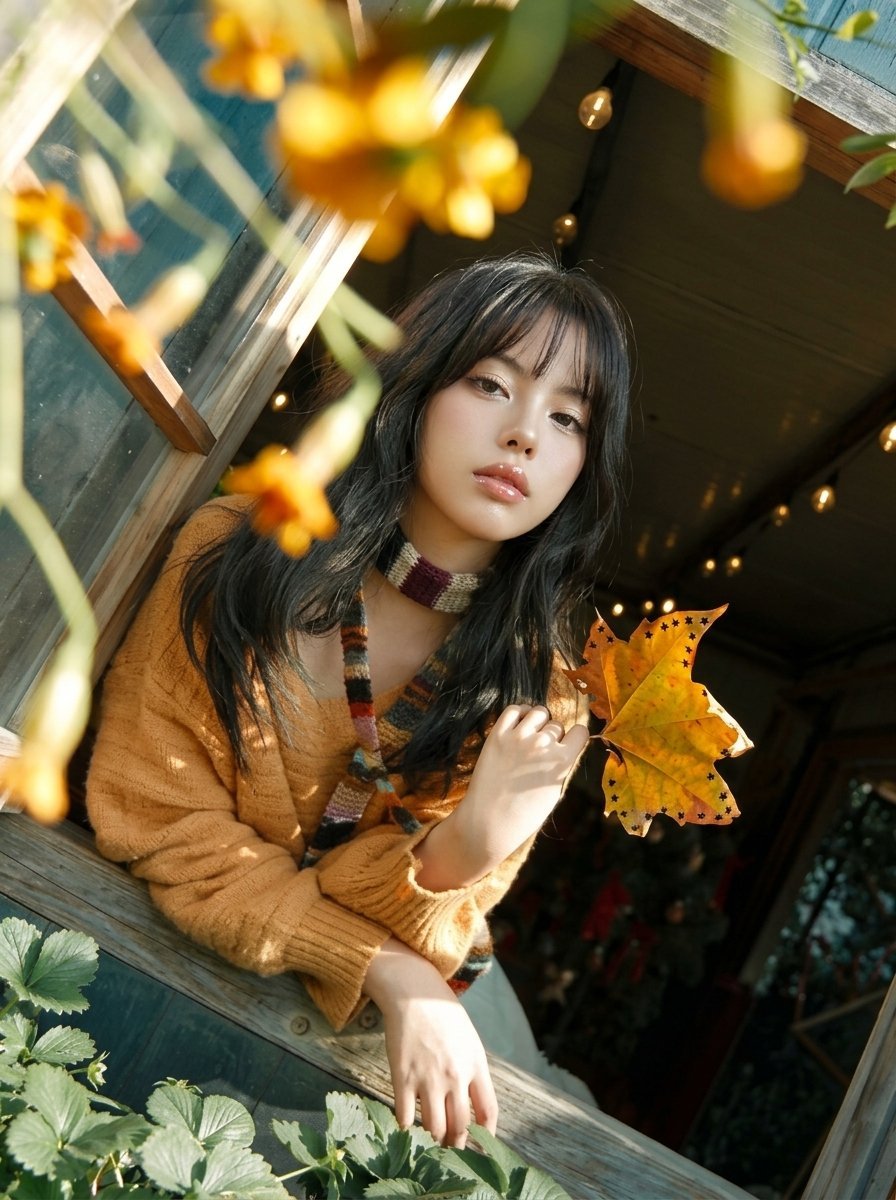
Y2K Windowsill Maple Leaf — Early 2000s Digital Photo
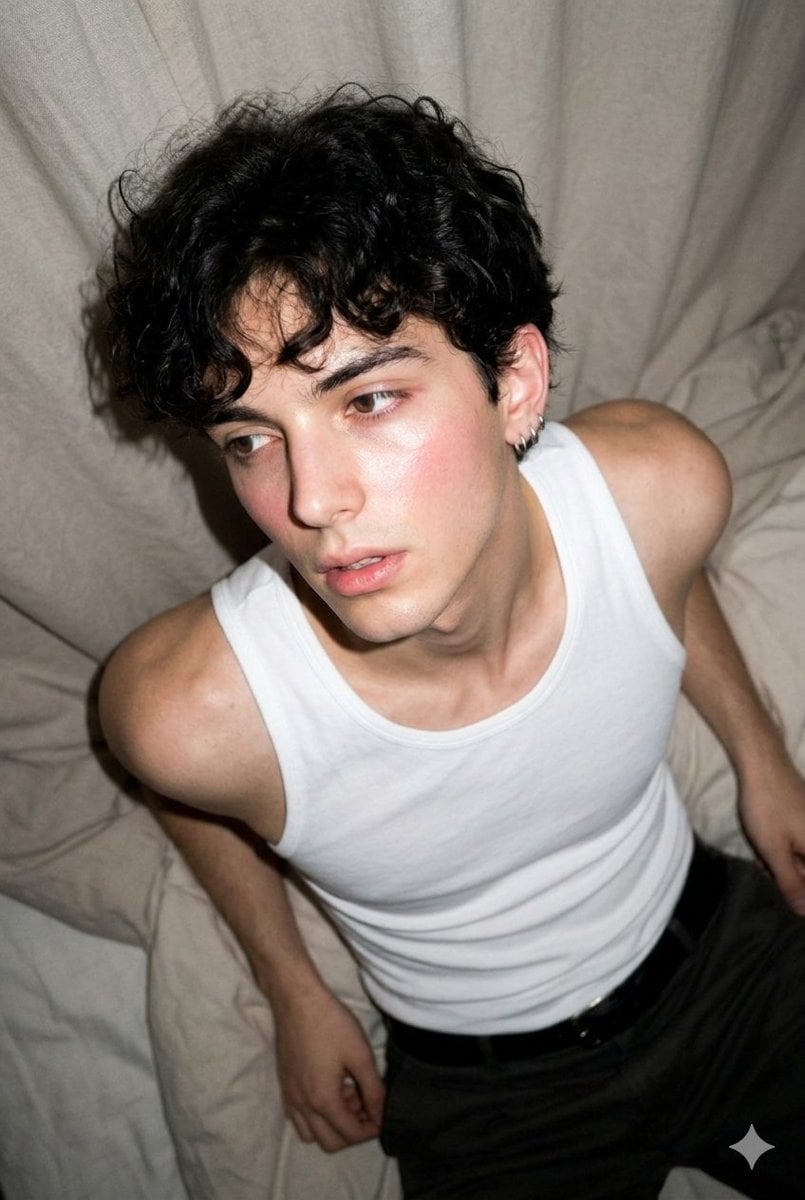
2000s Digicam Flash Portrait
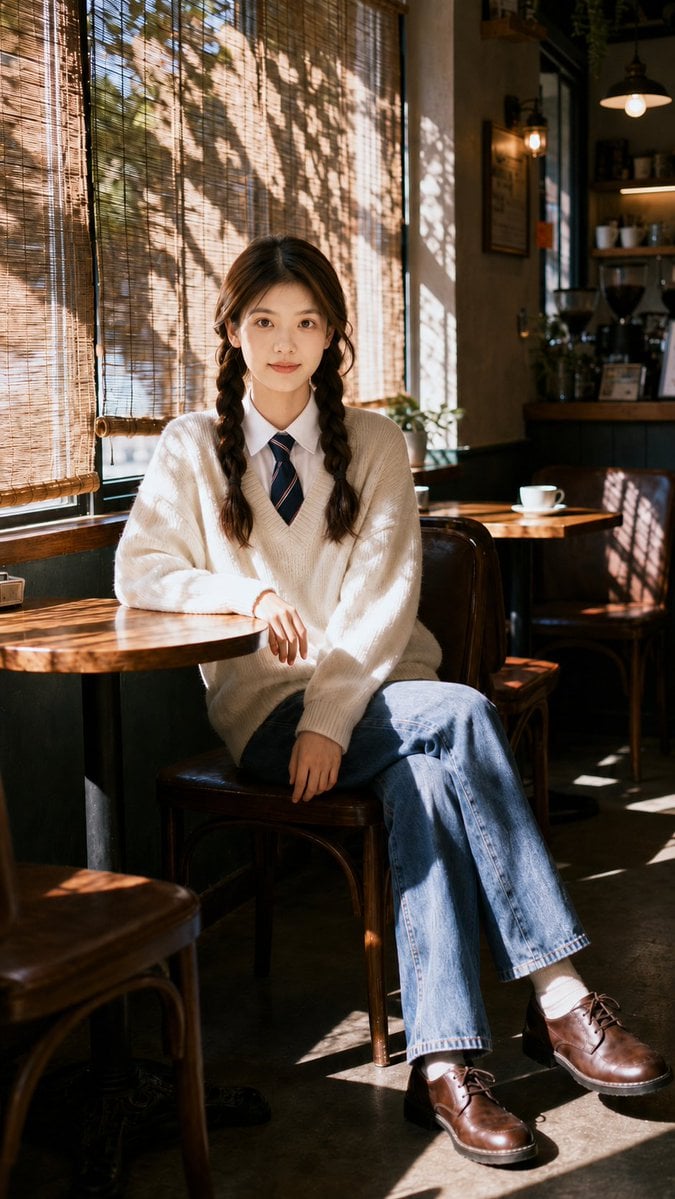
Nostalgic Cafe Identity Reference Portrait
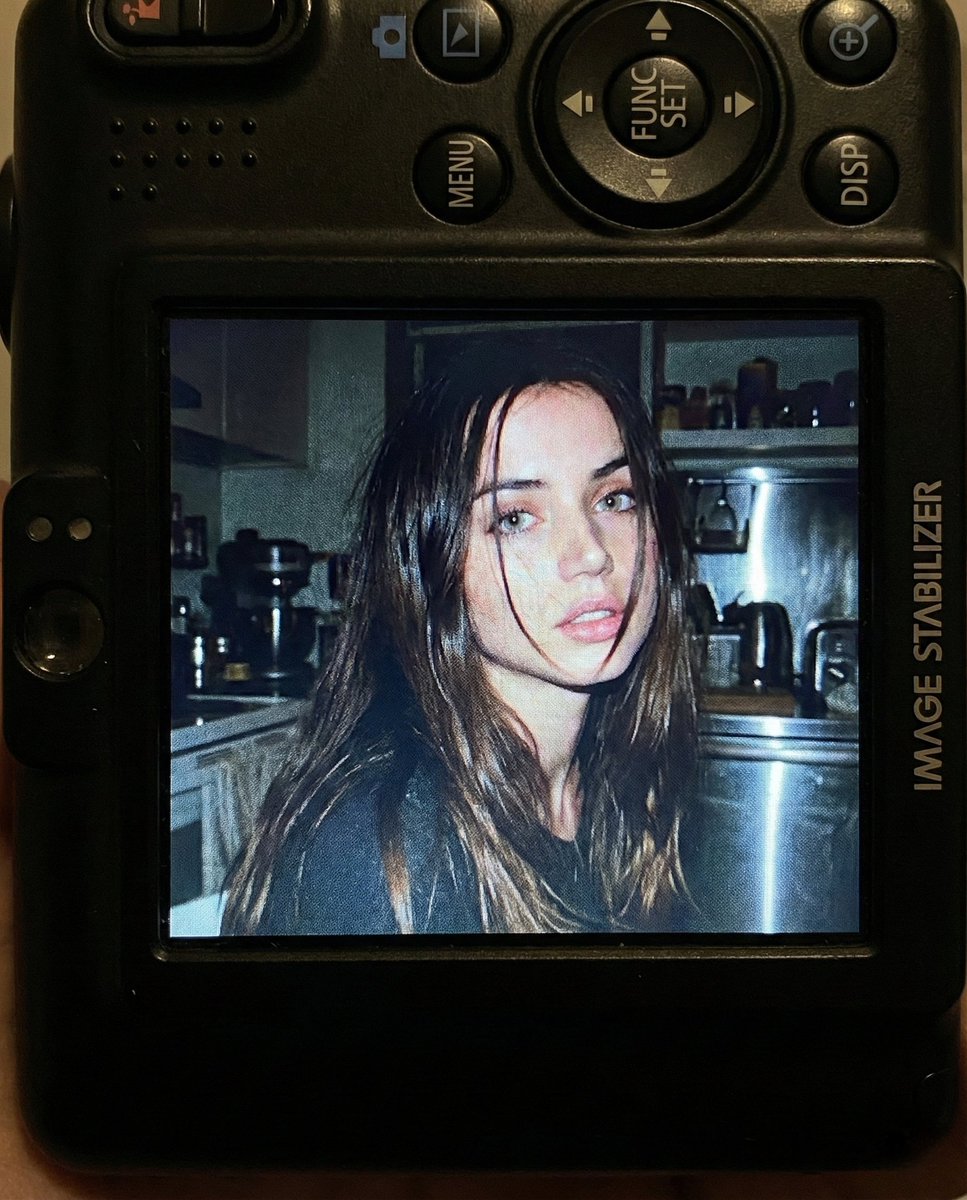
Nostalgic Early 2000s Digital Camera Portrait Prompt

Found Photograph: Us, 1970

80s Couple Studio Portrait

80s Bollywood Star

80s Golden Hour Cinema
Make it yours
Nostalgic 2000s Digicam Café Portrait works as-is. These are the safest ways to change it without losing the look.
Change one field
Copy a single group, rewrite it, and generate again so you can see what that field is doing.
Keep the frame, change the subject
Hold the composition and light of Nostalgic 2000s Digicam Café Portrait, then swap wardrobe, props or the person for a new take.
| If the result… | Why | Fix |
|---|---|---|
| The result drifts from the preview | Too many fields changed at once. | Reuse Nostalgic 2000s Digicam Café Portrait as-is first, then change one group — subject, light, or setting. |
| The model over-stylizes the scene | The prose prompt leaves finish and camera underspecified. | Add one camera or lighting sentence and stay on GPT Image 2. |
More GPT Image 2 templates
Other prompts made for GPT Image 2.

Six VTuber Japanese Logo Sheet

Realistic Portrait of Woman and Deer

The Vista Modular Condo Poster

AI Model Routing Comparison Infographic

2.5D Anime Art Board

Isometric Productivity Desk Scene

New York Double Exposure Poster

Four-Panel AI Landscape Comparison

Japanese Tatami Lifestyle Magazine Cover

NESCAFÉ Coffee Map Poster
More image prompts
Fresh picks from across the catalog.

Ultra-Realistic Beverage Advertising Photography
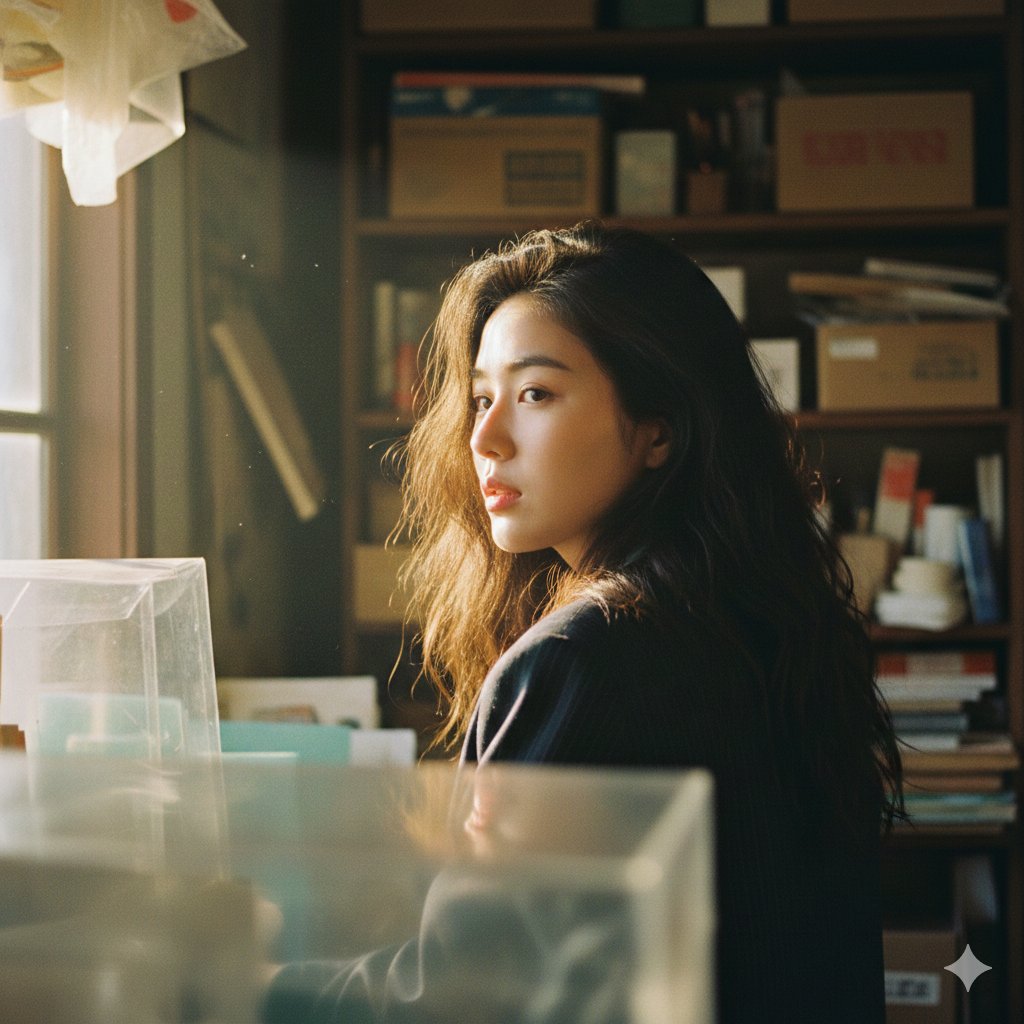
Cinematic Portrait with Strong Backlighting and Foreground Clutter
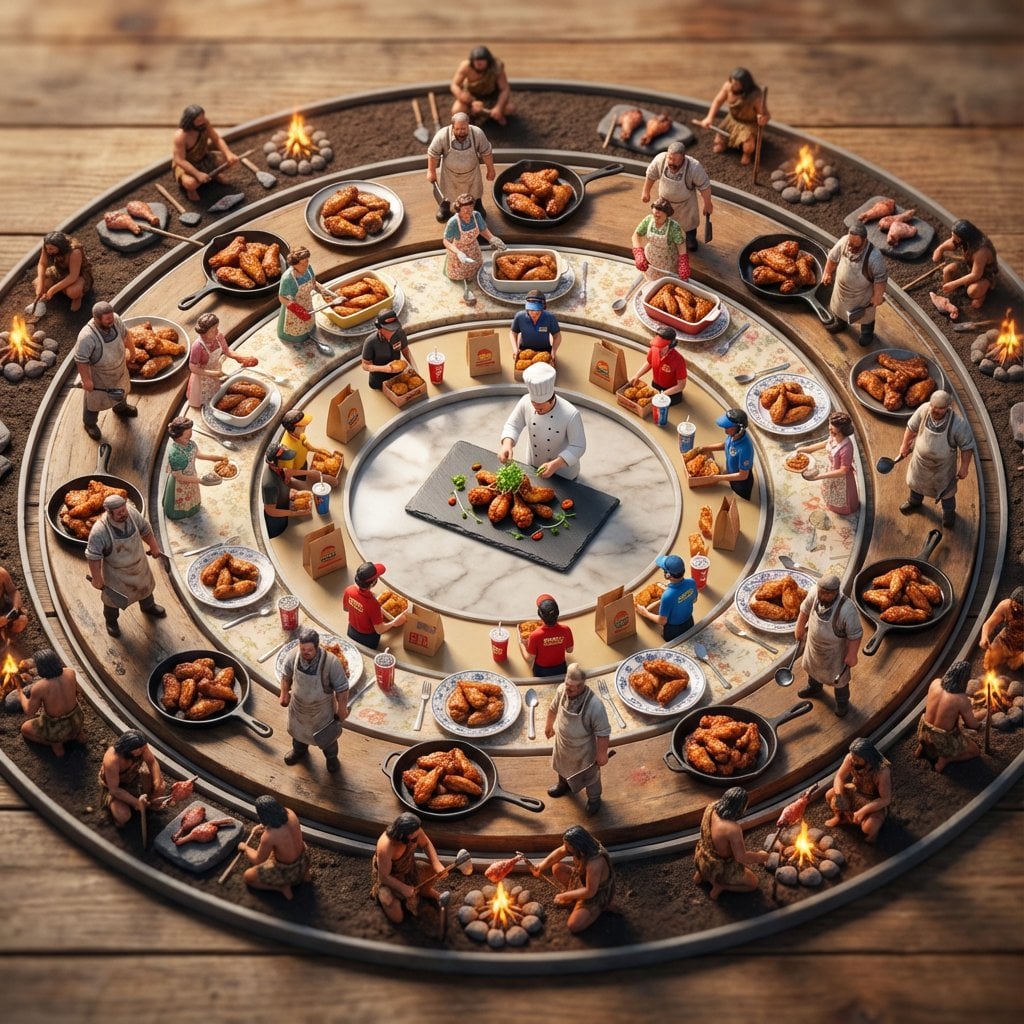
Food History Diorama in Mandala Format (Spicy Chicken Wings)
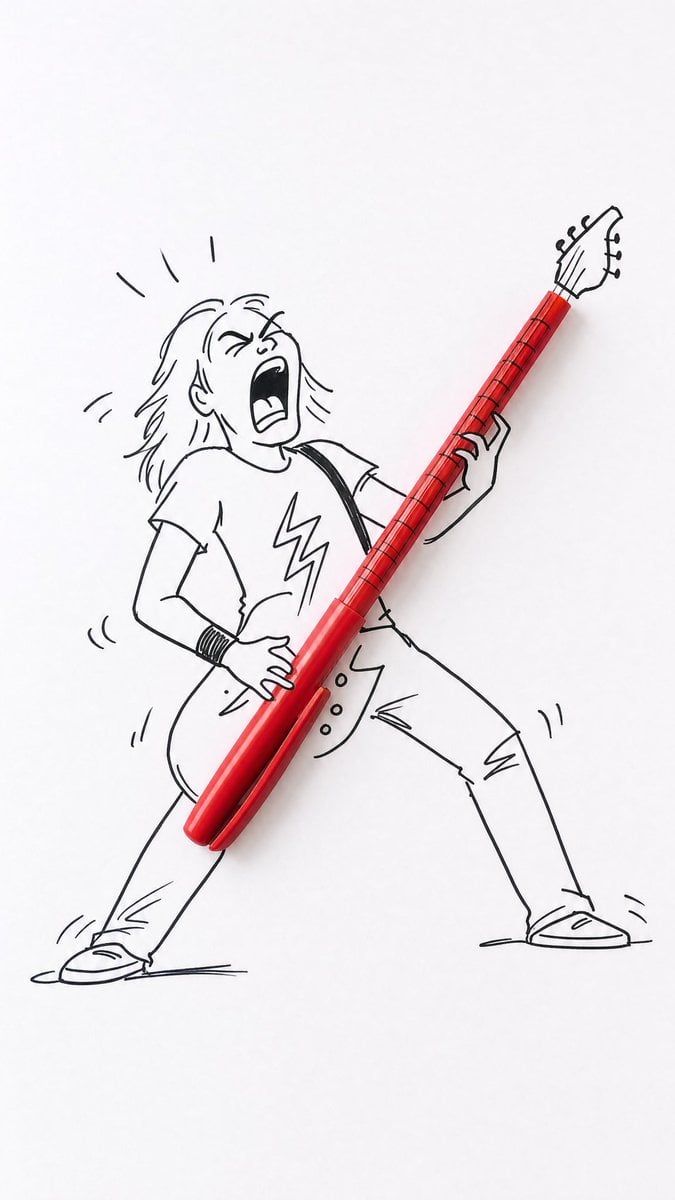
Real Object and Doodle Composite Art
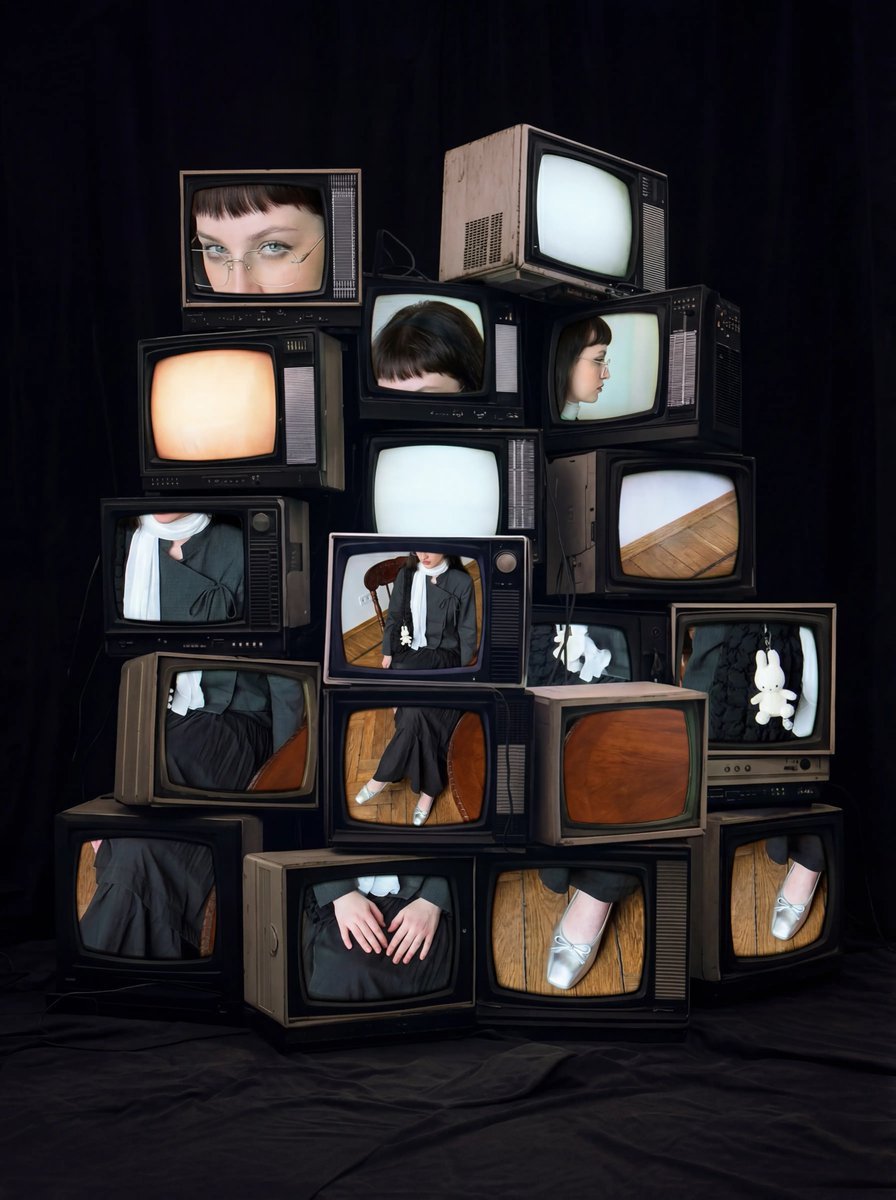
Retro CRT TV Display Portrait Collage
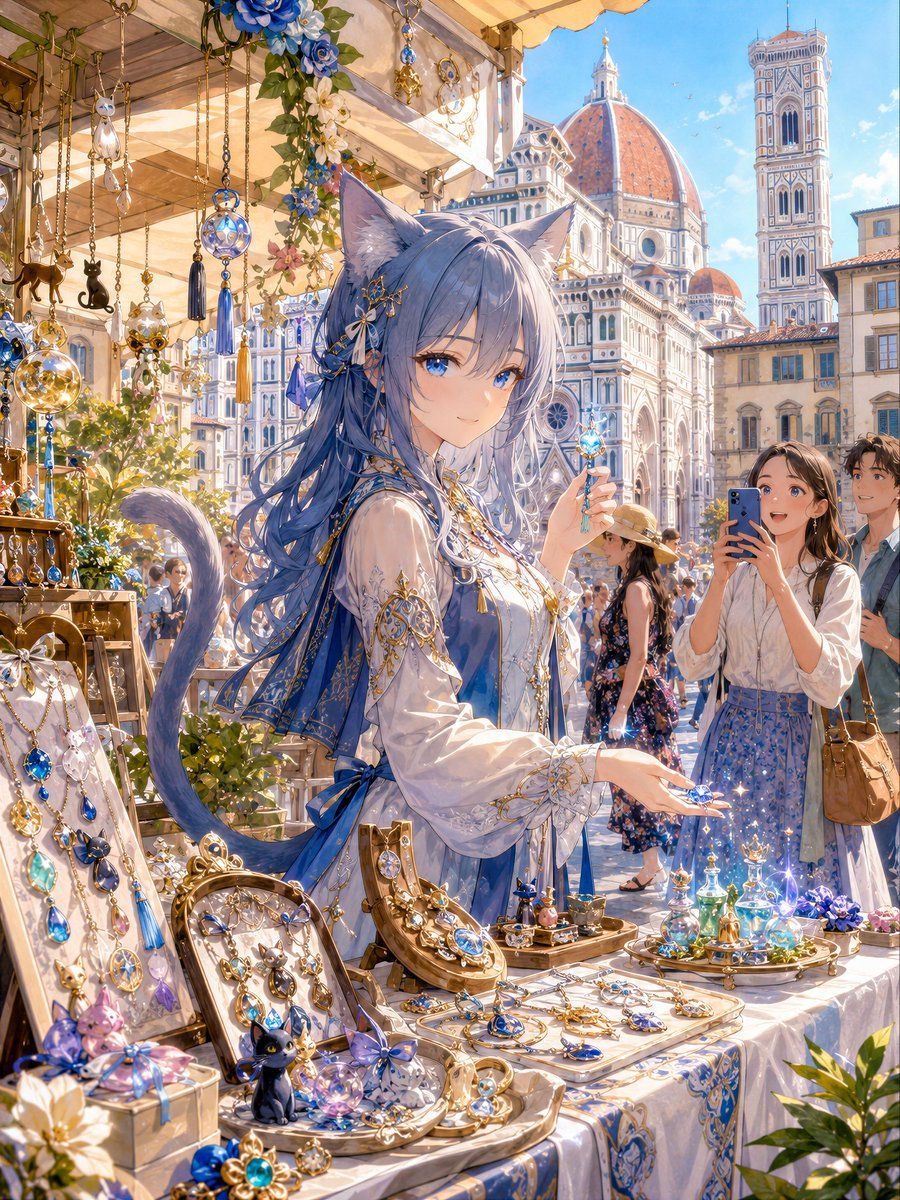
Blue Cat-Ear Shopkeeper Portrait
Image Style Transfer: Converting Photo to Seurat's Pointillism

Music-Themed Tokusatsu Kaijin
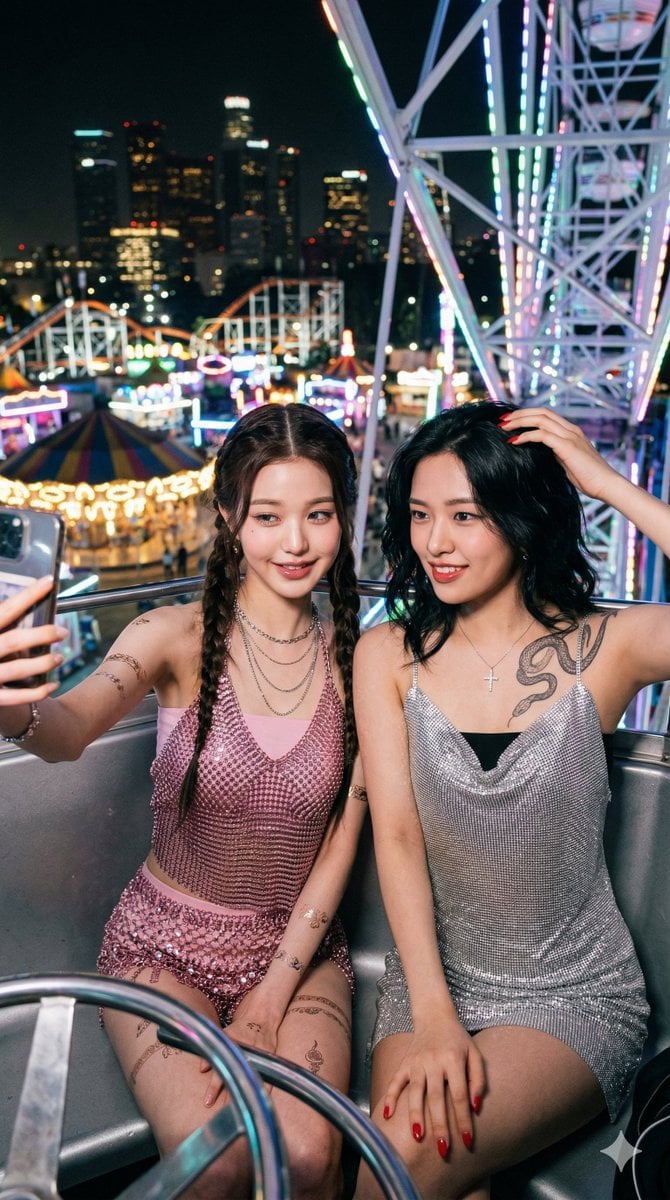
Photorealistic Night Selfie on a Ferris Wheel
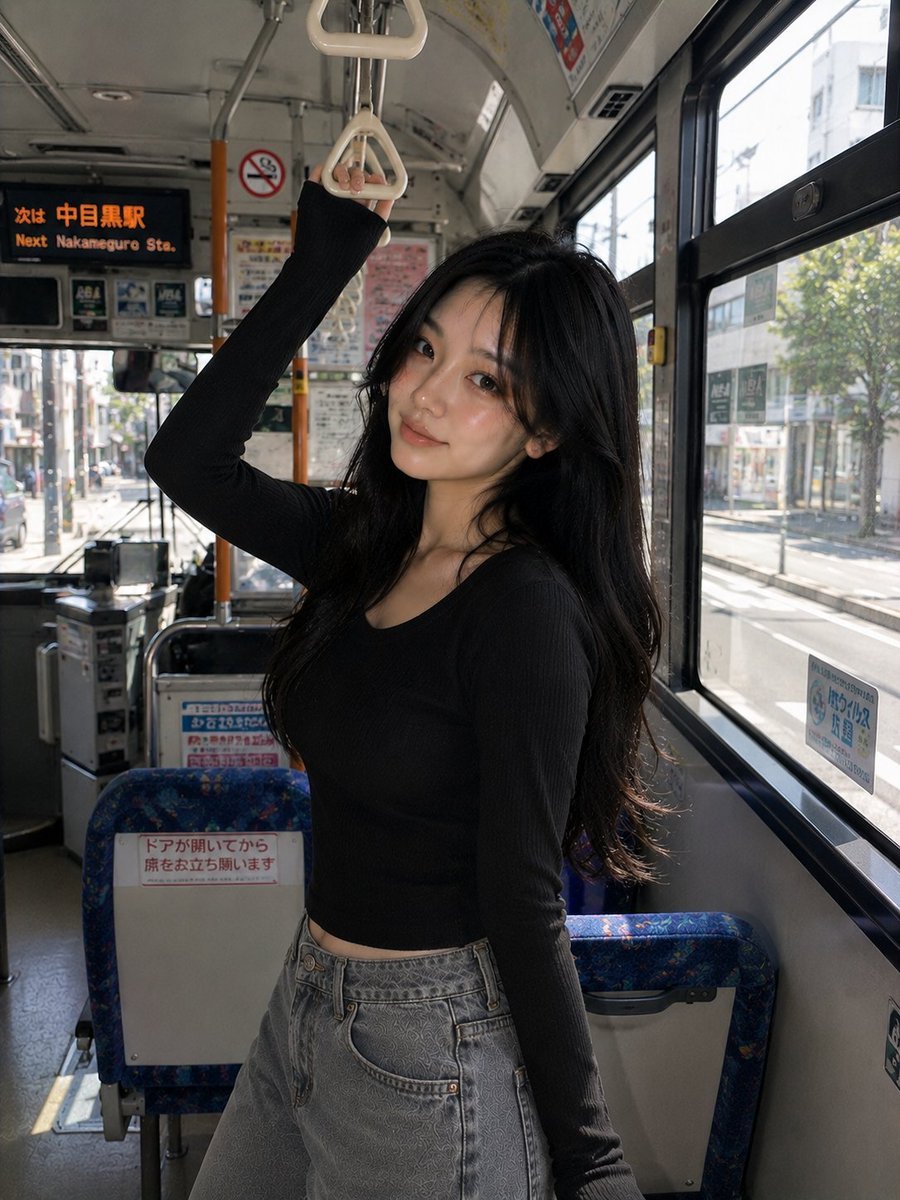
Korean Girl Urban Bus Candid
Browse template categories
Nostalgic 2000s Digicam Café Portrait questions
How do I use the Nostalgic 2000s Digicam Café Portrait template?
Add your photo if the template asks for one, edit the prompt if you like — the template's model and format are already selected — and press Generate. Your version opens in PicX Studio.
Can I customize the Nostalgic 2000s Digicam Café Portrait template?
Yes. You can change the subject, setting, lighting, mood, format, and available model controls before creating your image.
Is the Nostalgic 2000s Digicam Café Portrait template free?
Opening and editing this template is free. Generating uses credits, shown on the Generate button when you are signed in.
Which AI model should I use?
Start with GPT Image 2, which is the model associated with this template. You can compare another compatible model for a different finish.
Looking for something else? Browse all templates.

Your photo, any look
Thousands of ready templates for every top image and video model, from one credit balance.