
Nostalgic Digicam Café Afternoon Portrait
Curated from MeiGen gallery ID 2072362189953159388: Nostalgic Digicam Café Afternoon Portrait.

- Prompt included
- Model and format preset
- Free template
The prompt behind this image
Copy the exact prompt behind Nostalgic Digicam Café Afternoon Portrait, or open it in the studio and make it yours.
Create an ultra-realistic nostalgic café portrait captured on a premium early-2000s compact digital camera, blending direct flash with soft afternoon daylight. Dreamy imperfect snapshot quality with gentle motion softness from natural handheld movement, subtle subject motion, and shifting strands of hair. A young woman sits alone at a cozy café table beside a large sunlit window, turned slightly toward the camera, quiet thoughtful expression, one hand loosely holding a ceramic coffee cup near her lips while the other rests against the table. She wears an oversized cream-colored knit cardigan over a soft sage-green top, loose charcoal trousers, slim vintage wristwatch, understated jewelry. On the table: cappuccino with delicate foam art, small notebook, bundle of pale peach roses wrapped in kraft paper. Warm wooden furniture, softly blurred indoor plants, scattered reflections, muted café décor. Vintage optics with pronounced spherical aberration, reduced edge sharpness, soft focus drift, blooming highlights, lens haze, veiling flare, lifted blacks, low micro-contrast, CCD color rendering. Colors remain rich and distinct: cream knitwear, sage-green fabric, warm wood tones, peach roses, coffee browns, natural skin tones.
How to use Nostalgic Digicam Café Afternoon Portrait in 3 steps
- 1
Open
The prompt is already in the box next to the preview, with the template's model and format selected.
- 2…a portrait of your subject in softgolden-hour light, 85mm…
Personalize
Edit the subject and creative details for your destination.
- 3Generate
Generate
Press Generate — your image is created in PicX Studio, so you can compare it with the original and refine one variable at a time.
More like this
Templates with the same subject, style or setup. Open one to see its prompt.
Nostalgic Digicam Café Afternoon Portrait

Warm Window Side Café Studio Portrait

Nostalgic 2000s Digicam Café Portrait

Nostalgic Early-2000s Cafe Snapshot
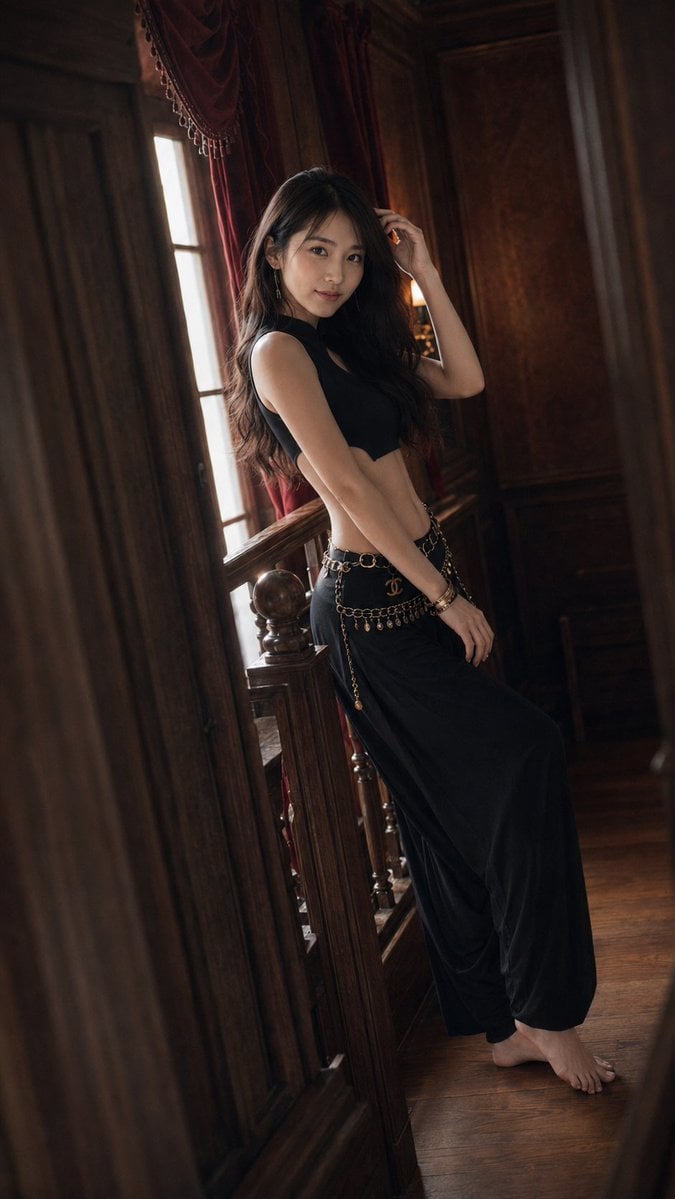
Warm Vintage Manor Bohemian Fashion Editorial
Warm Window Side Café Studio Portrait

Rainy Café Window Moody Portrait

Nostalgic Cafe Identity Reference Portrait

Elegant European Cafe Lifestyle Portrait

Cafe Phone Camera Food Snapshot
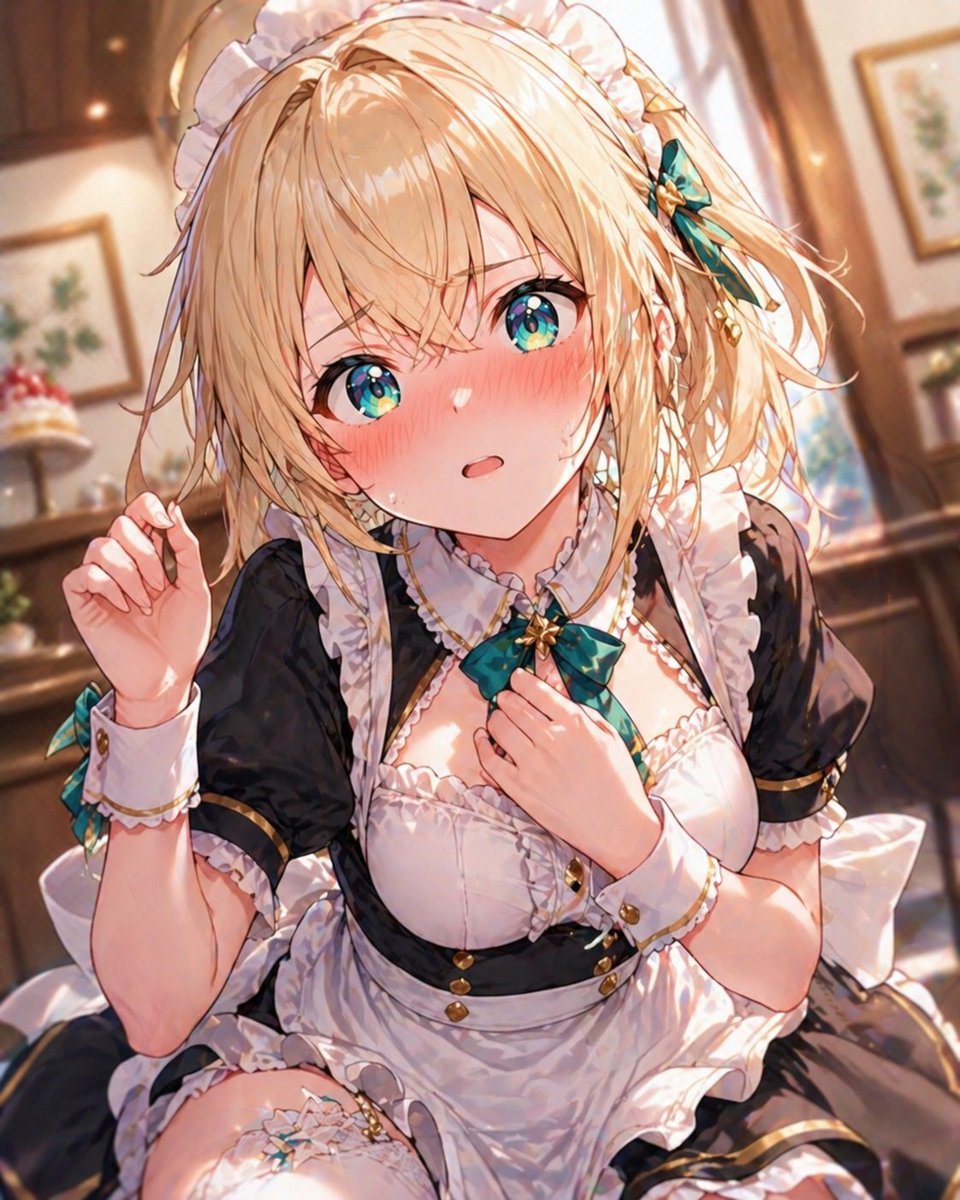
Blonde Maid in Warm Cafe

Found Photograph: Us, 1970
Make it yours
Nostalgic Digicam Café Afternoon Portrait works as-is. These are the safest ways to change it without losing the look.
Change one field
Copy a single group, rewrite it, and generate again so you can see what that field is doing.
Keep the frame, change the subject
Hold the composition and light of Nostalgic Digicam Café Afternoon Portrait, then swap wardrobe, props or the person for a new take.
| If the result… | Why | Fix |
|---|---|---|
| The result drifts from the preview | Too many fields changed at once. | Reuse Nostalgic Digicam Café Afternoon Portrait as-is first, then change one group — subject, light, or setting. |
| The model over-stylizes the scene | The prose prompt leaves finish and camera underspecified. | Add one camera or lighting sentence and stay on PicX Studio. |
More image prompts
Fresh picks from across the catalog.

Futuristic Shenzhen City Poster

Christmas Snow Globe Prompt

Japanese AI Product Landing Page Hero
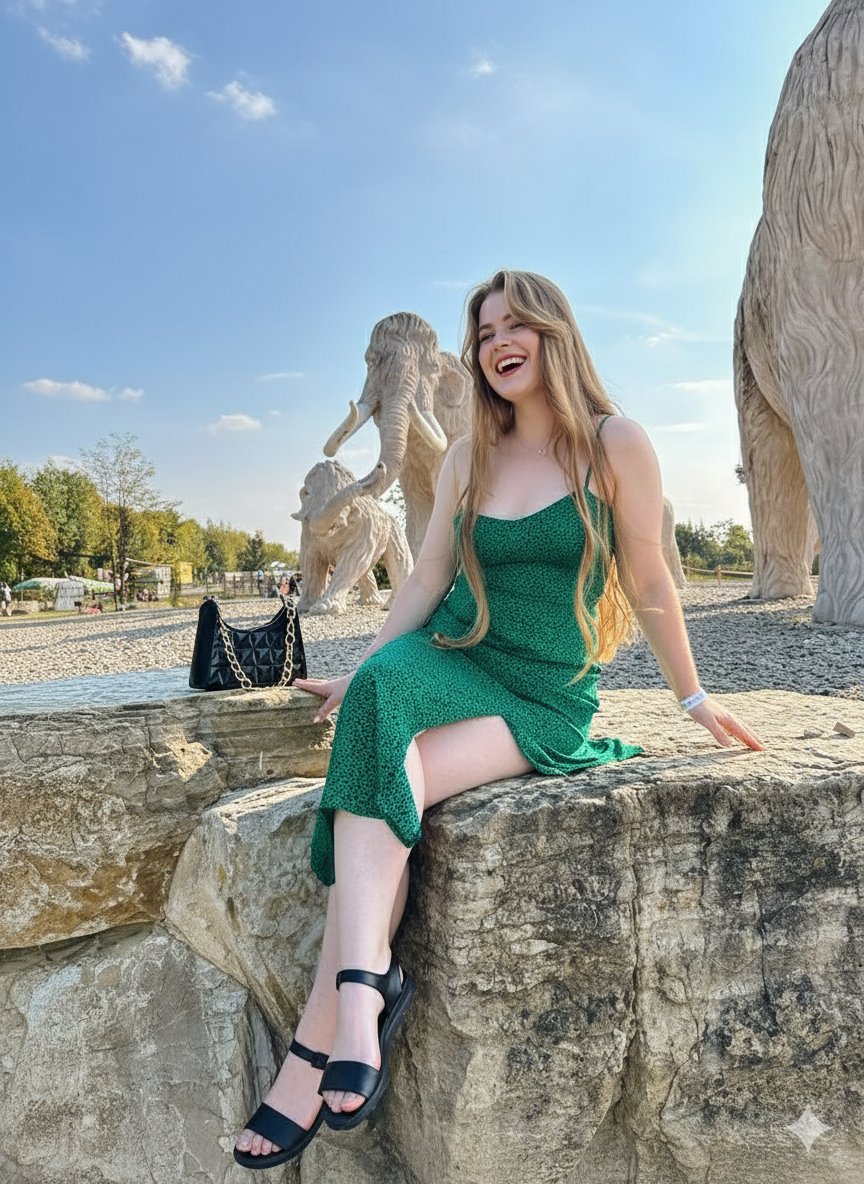
Joyful Woman at Prehistoric Mammoth Park
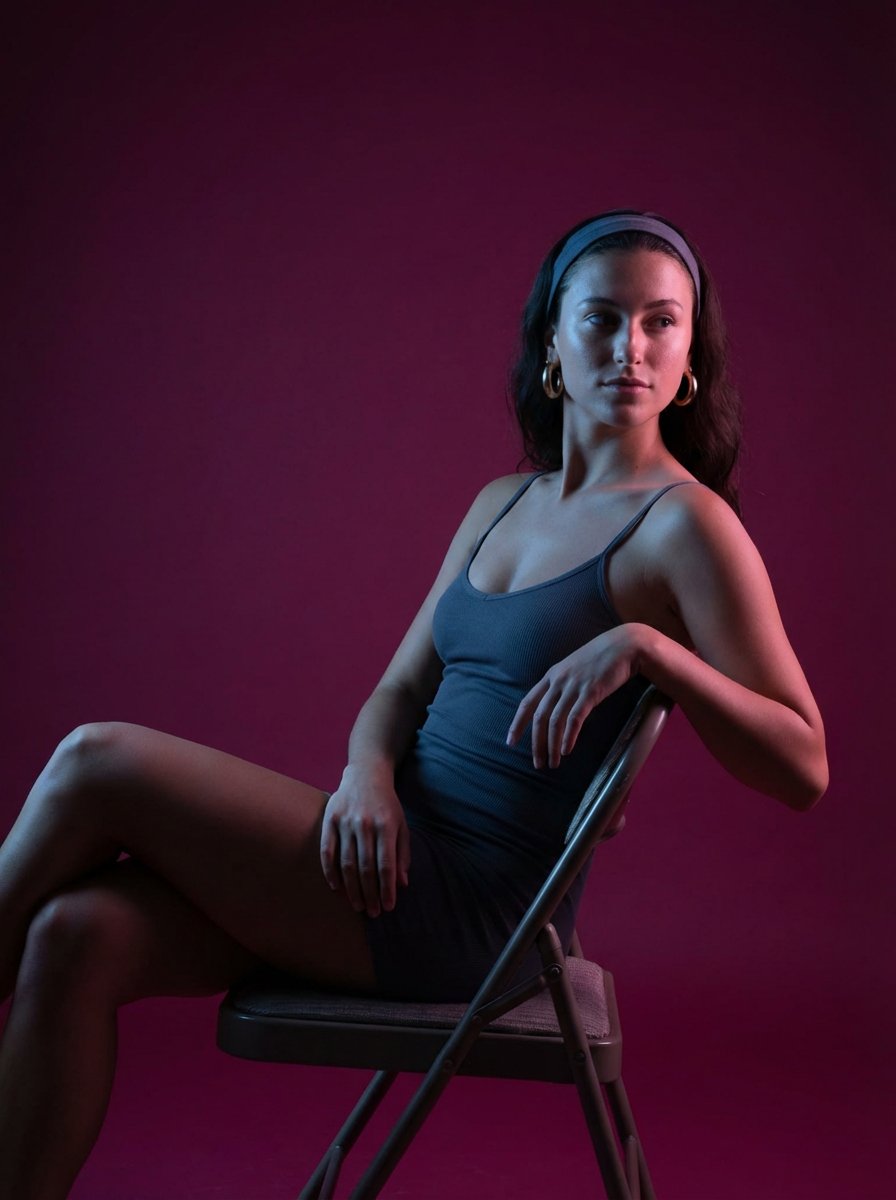
Looking Back Portrait

High Fashion Action Nike Nano Banana

Bitter Melon Lemon Soda Poster
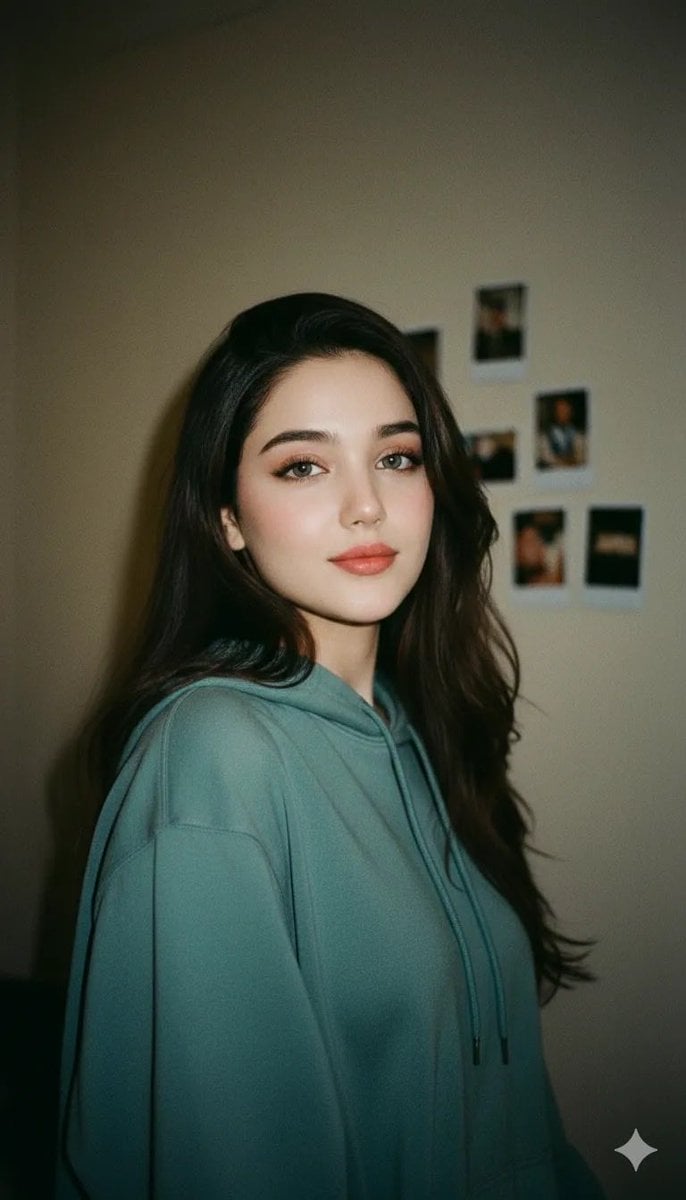
Cinematic Indoor Portrait of a Woman in a Teal Hoodie (Two Variations)
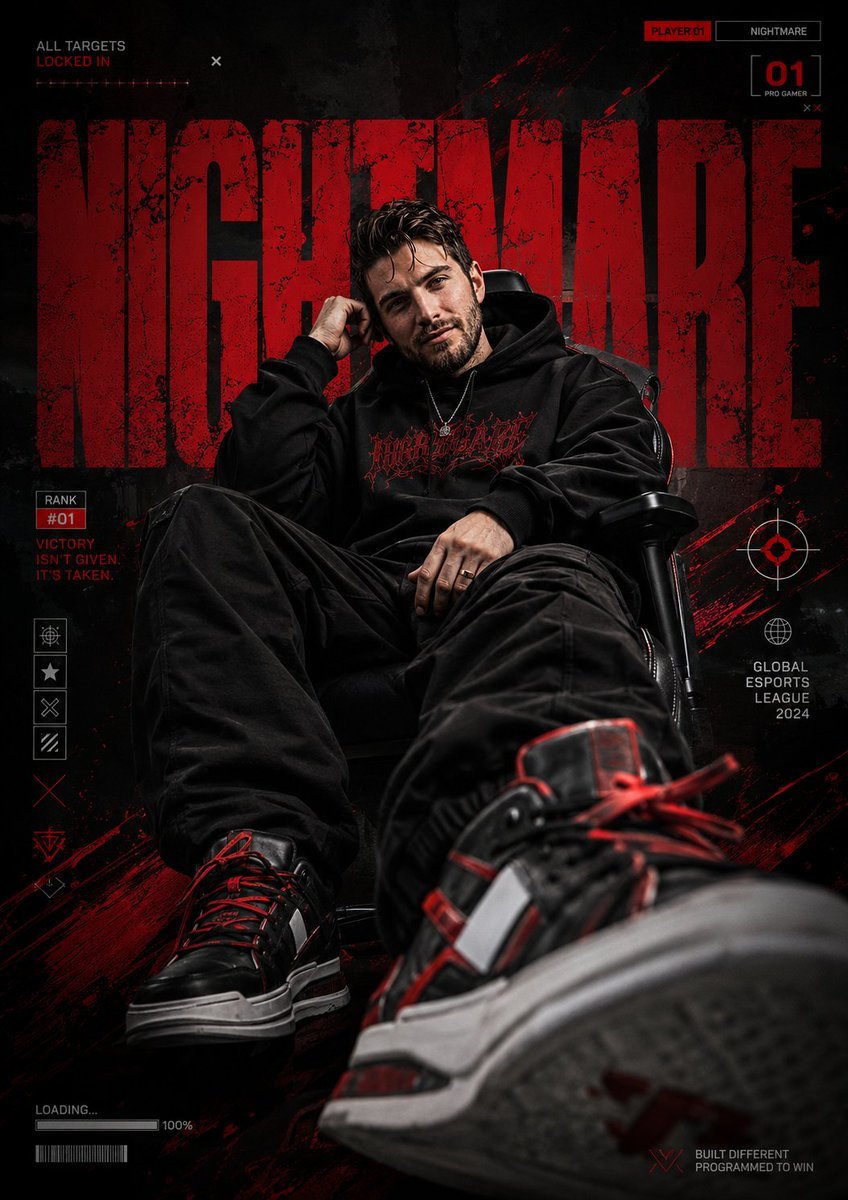
Bold Esports Editorial Poster
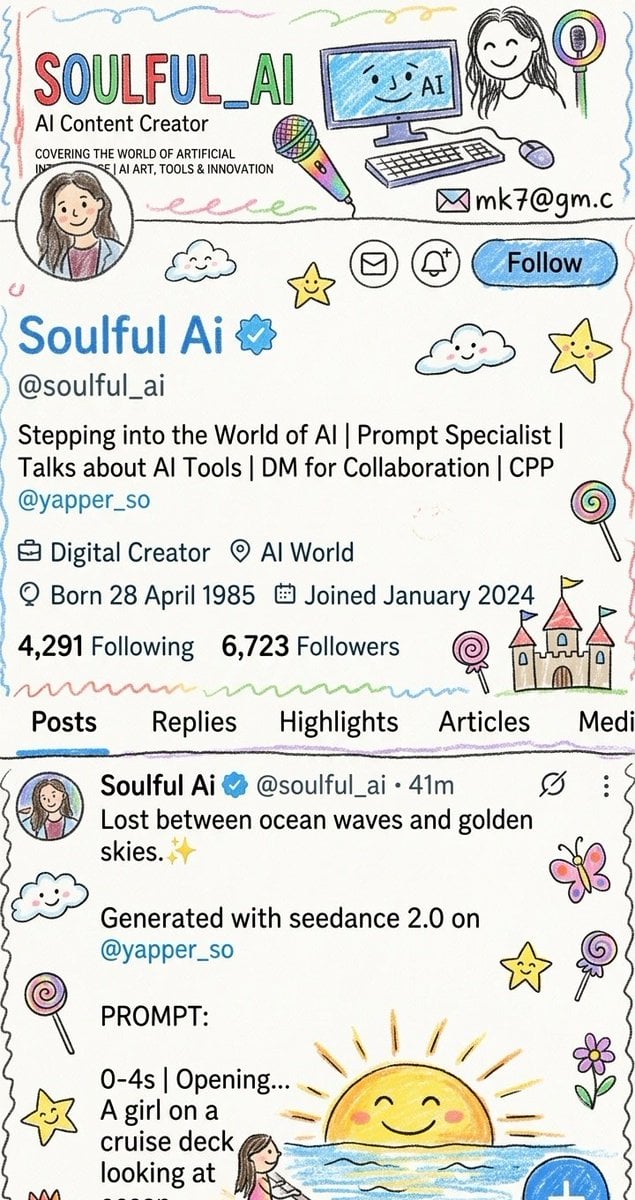
Childhood Memory Crayon Art
Browse template categories
Nostalgic Digicam Café Afternoon Portrait questions
How do I use the Nostalgic Digicam Café Afternoon Portrait template?
Add your photo if the template asks for one, edit the prompt if you like — the template's model and format are already selected — and press Generate. Your version opens in PicX Studio.
Can I customize the Nostalgic Digicam Café Afternoon Portrait template?
Yes. You can change the subject, setting, lighting, mood, format, and available model controls before creating your image.
Is the Nostalgic Digicam Café Afternoon Portrait template free?
Opening and editing this template is free. Generating uses credits, shown on the Generate button when you are signed in.
Which AI model should I use?
Choose a compatible model in PicX Studio based on the style, speed, and output controls your project needs.
Looking for something else? Browse all templates.

Your photo, any look
Thousands of ready templates for every top image and video model, from one credit balance.