
Warm Window Side Café Studio Portrait
Curated from MeiGen gallery ID 2073740040229061014: Warm Window Side Café Studio Portrait.

- Prompt included
- Model and format preset
- Free template
The prompt behind this image
Copy the exact prompt behind Warm Window Side Café Studio Portrait, or open it in the studio and make it yours.
A warm cinematic lifestyle portrait of a young male figure seated at a window table inside a cozy café, holding a plain white ceramic coffee cup with both hands raised to chest level, gazing off to the side with a soft contemplative slightly wistful expression, faint gentle smile. He wears a plain white fitted crew-neck t-shirt layered under an open loose-knit camel-brown cardigan with sleeves pushed up. Medium-length dark hair with subtle warm highlights, naturally tousled. Light stubble. A second white cup and saucer on table lower left. Large café window on left with soft diffused daylight, bright natural backlight and side light. Background is warmly blurred café interior with wooden tones, pendant lights as soft bokeh orbs, blurred rustic décor and furniture. Bright airy warm natural window light, 50mm lens, shallow depth of field, photorealistic, 8K.
How to use Warm Window Side Café Studio Portrait in 3 steps
- 1
Open
The prompt is already in the box next to the preview, with the template's model and format selected.
- 2…a portrait of your subject in softgolden-hour light, 85mm…
Personalize
Edit the subject and creative details for your destination.
- 3Generate
Generate
Press Generate — your image is created in PicX Studio, so you can compare it with the original and refine one variable at a time.
More like this
Templates with the same subject, style or setup. Open one to see its prompt.
Warm Window Side Café Studio Portrait
Warm Vintage Manor Bohemian Fashion Editorial

Rainy Café Window Moody Portrait

Nano Banana - Paris Cafe Editorial

untitled

Caution Tape Fashion — Industrial Editorial

Couture Fashion Editorial Woman and Drag

Nano Banana 2 Editorial Fashion Portrait
Aesthetic Window Light Portrait
Dark Cinematic Window Lighting Portrait

Dramatic Low-Key Portrait with Window Light
Reflective Urban Cafe Window Portrait
Make it yours
Warm Window Side Café Studio Portrait works as-is. These are the safest ways to change it without losing the look.
Change one field
Copy a single group, rewrite it, and generate again so you can see what that field is doing.
Keep the frame, change the subject
Hold the composition and light of Warm Window Side Café Studio Portrait, then swap wardrobe, props or the person for a new take.
| If the result… | Why | Fix |
|---|---|---|
| The result drifts from the preview | Too many fields changed at once. | Reuse Warm Window Side Café Studio Portrait as-is first, then change one group — subject, light, or setting. |
| The model over-stylizes the scene | The prose prompt leaves finish and camera underspecified. | Add one camera or lighting sentence and stay on PicX Studio. |
More image prompts
Fresh picks from across the catalog.
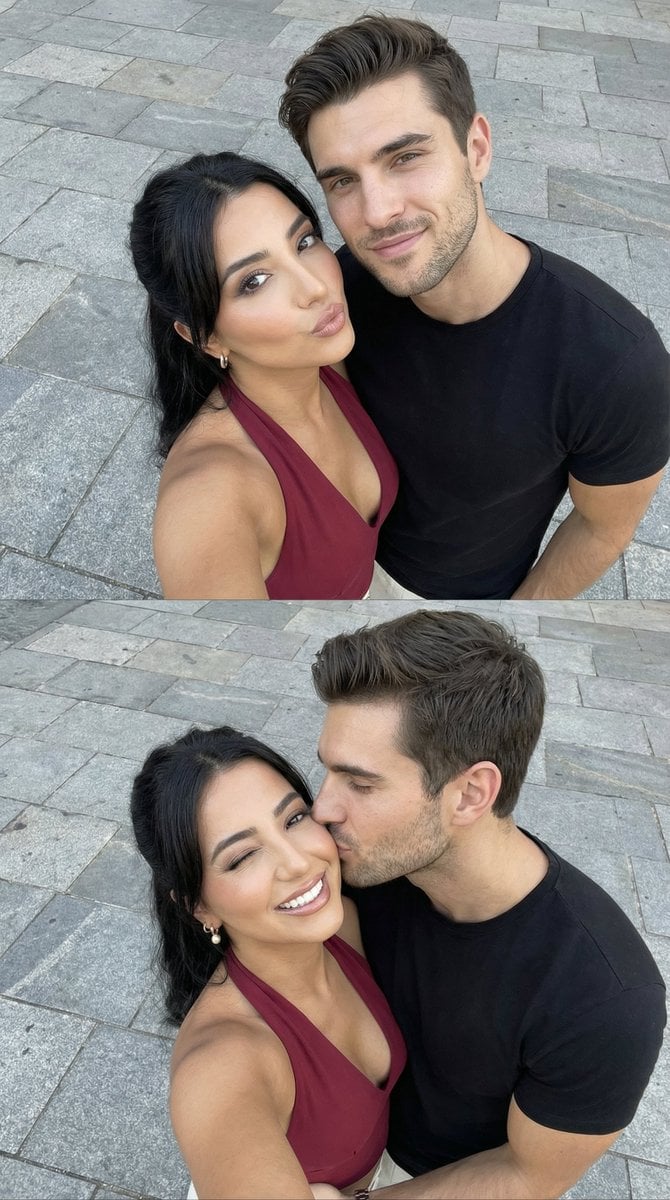
Photorealistic Couple Selfie Grid with Identity Lock
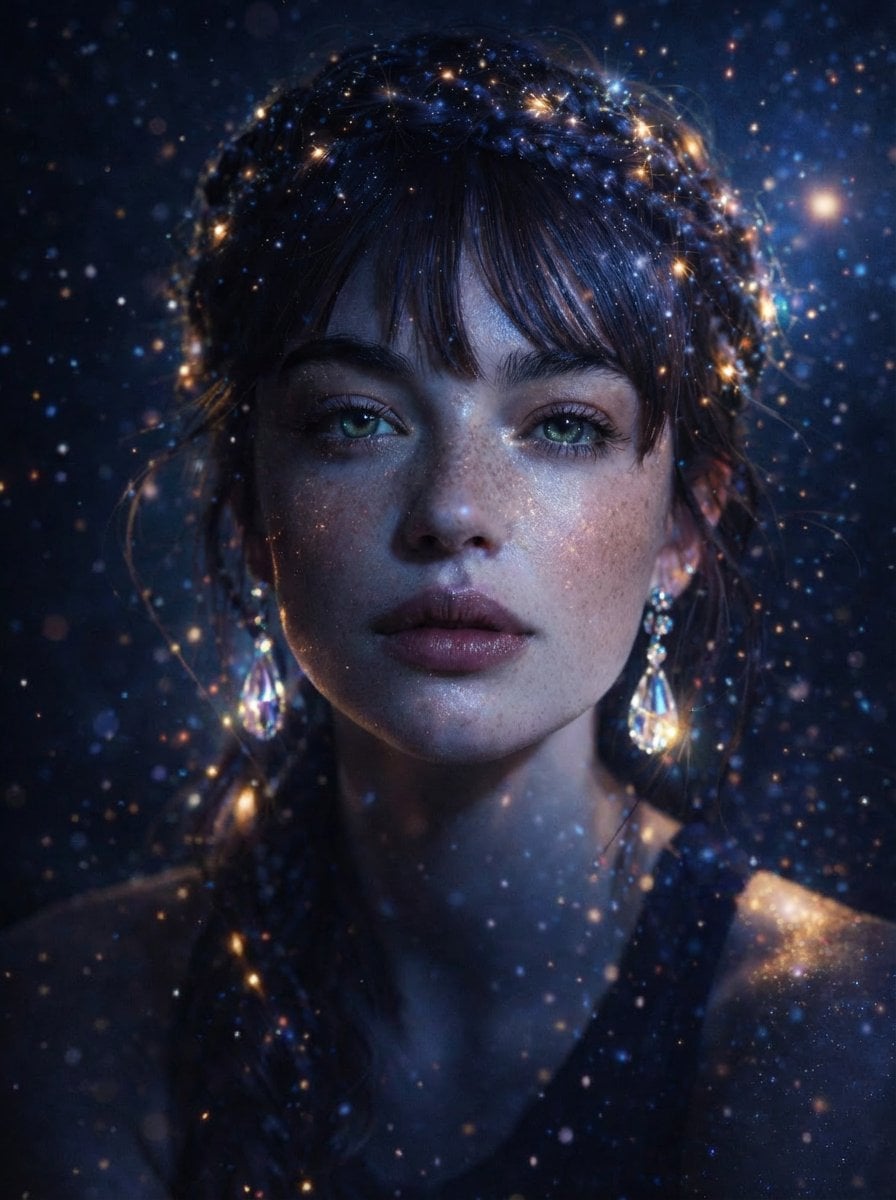
Magical Cinematic Portrait with Bioluminescent Light
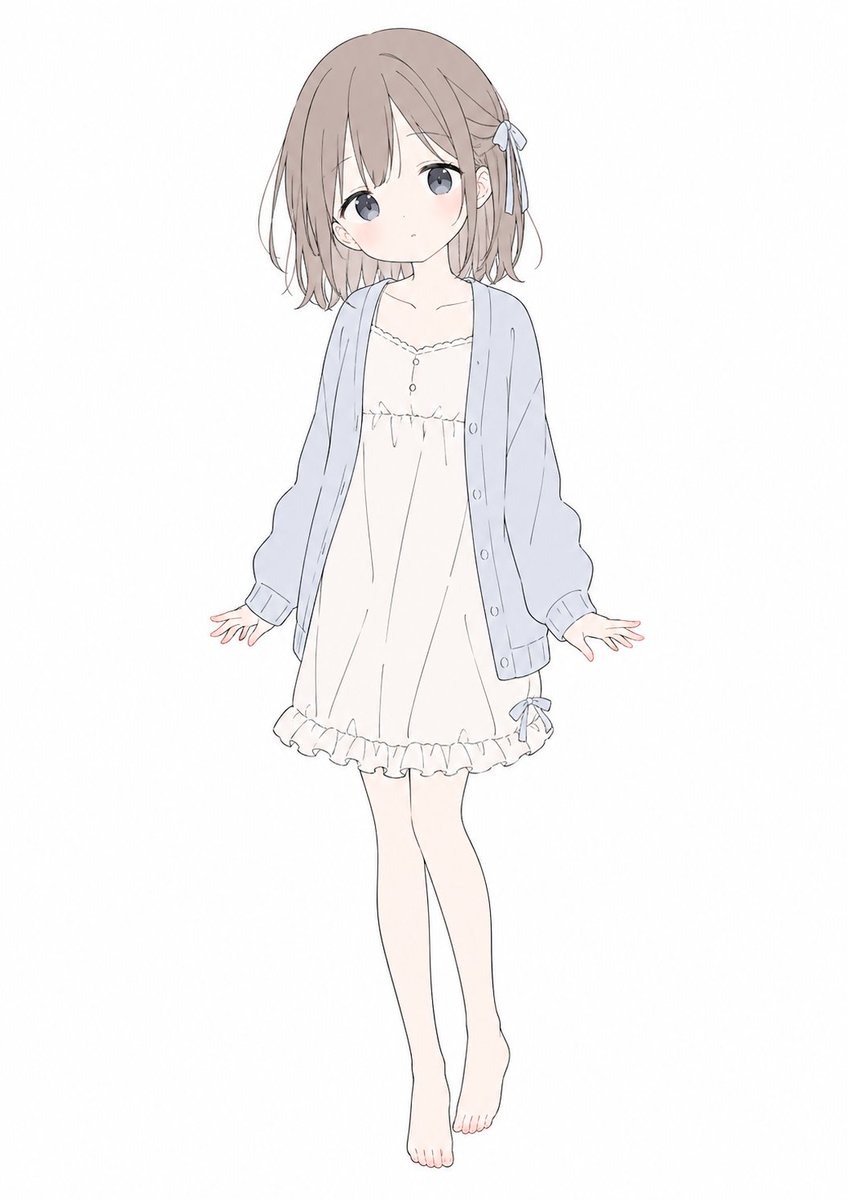
Soft Pastel Anime Girl Full Body

Universal Pet Feeding Guide Generator

untitled

Fantasy Huntress and Ancient Beast
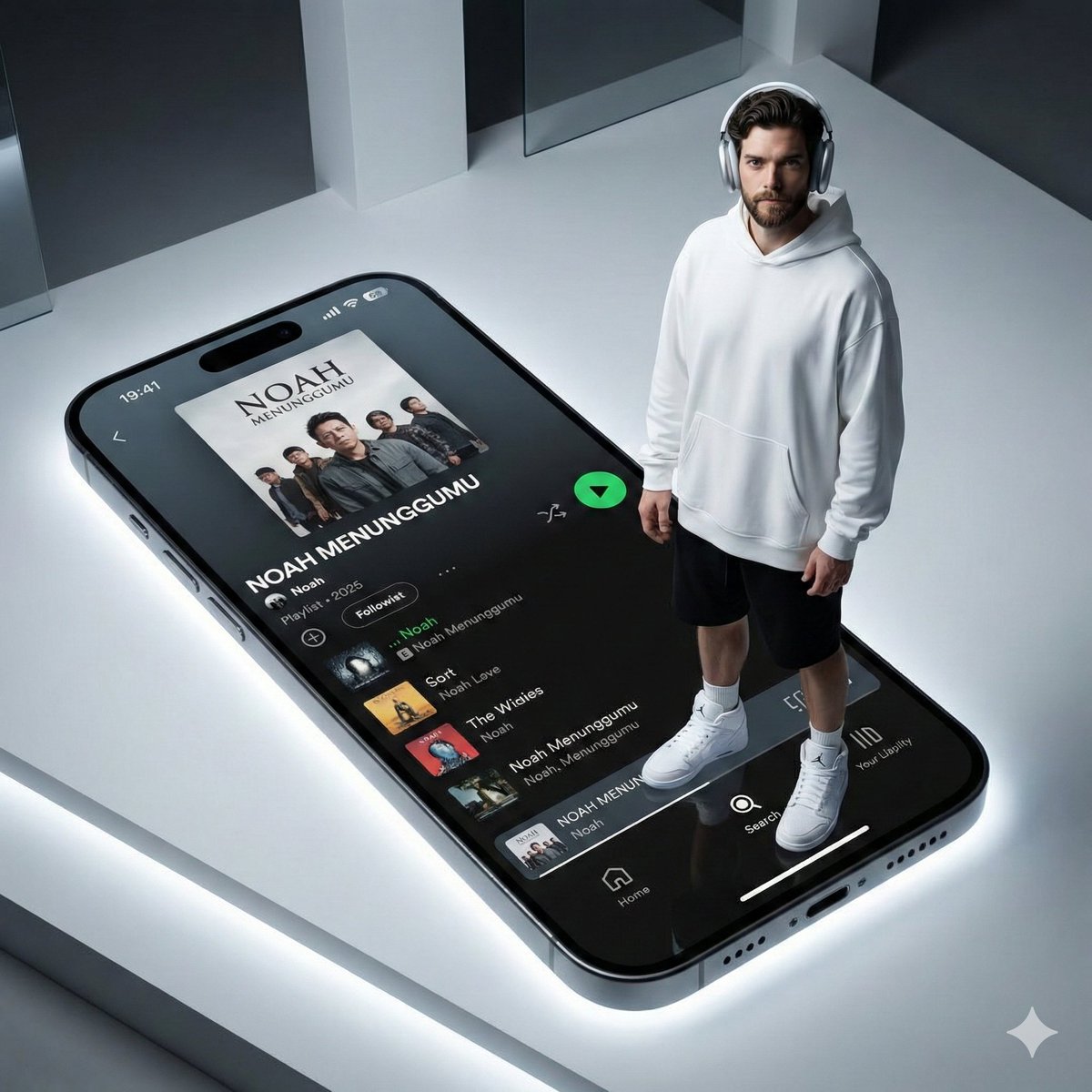
Futuristic Fashion Shot on Giant Smartphone Screen
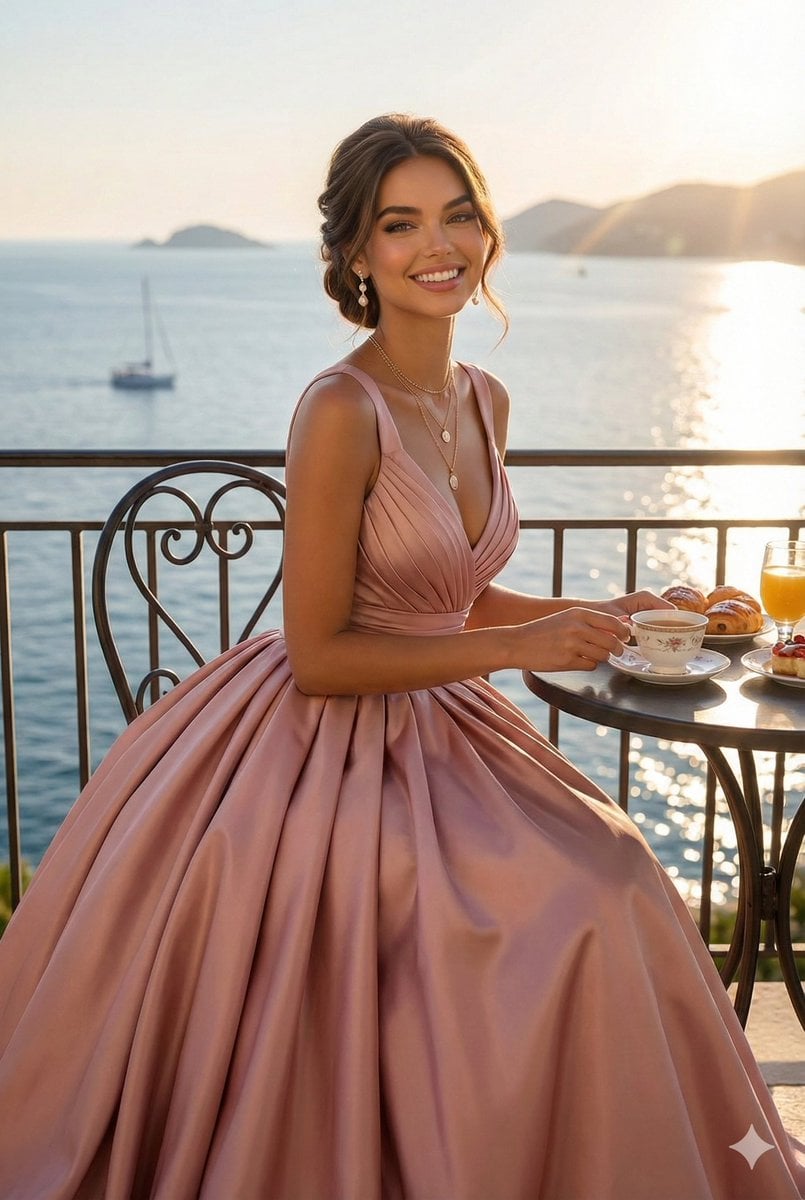
Cinematic Balcony Ballgown Portrait at Golden Hour
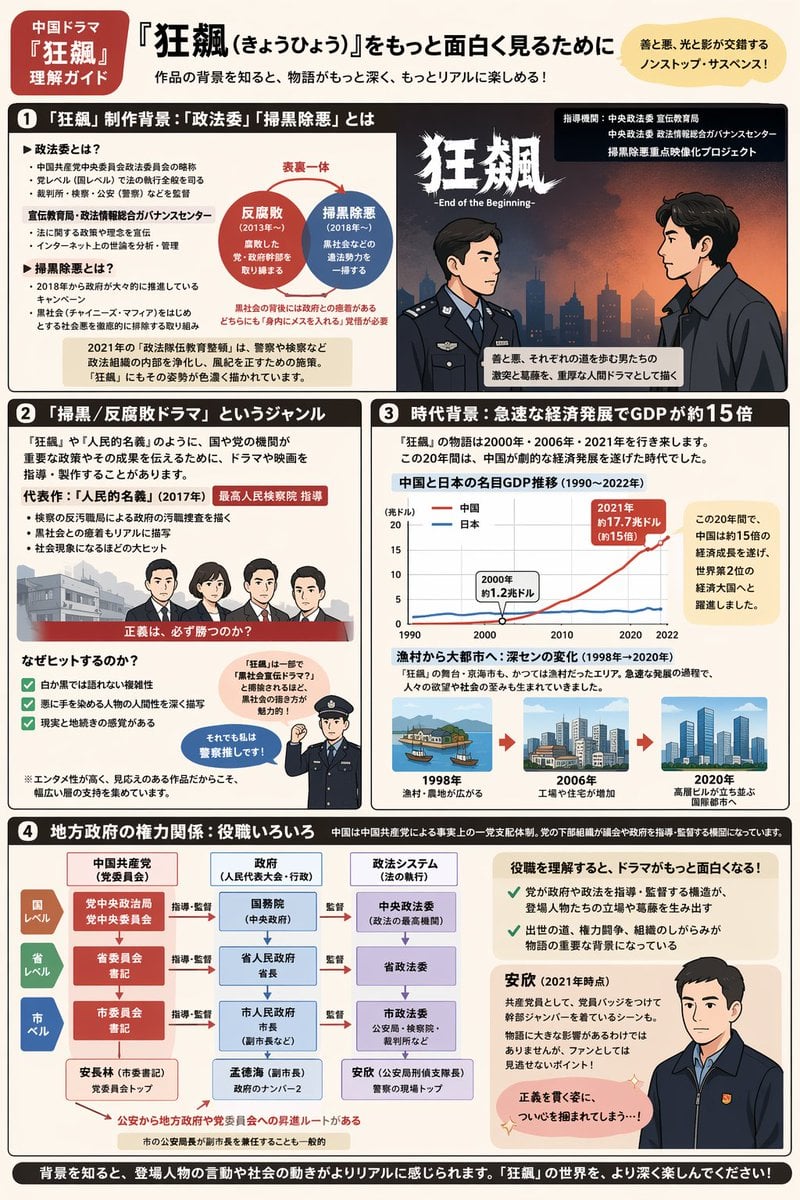
Complex Infographic Explainer Sheet
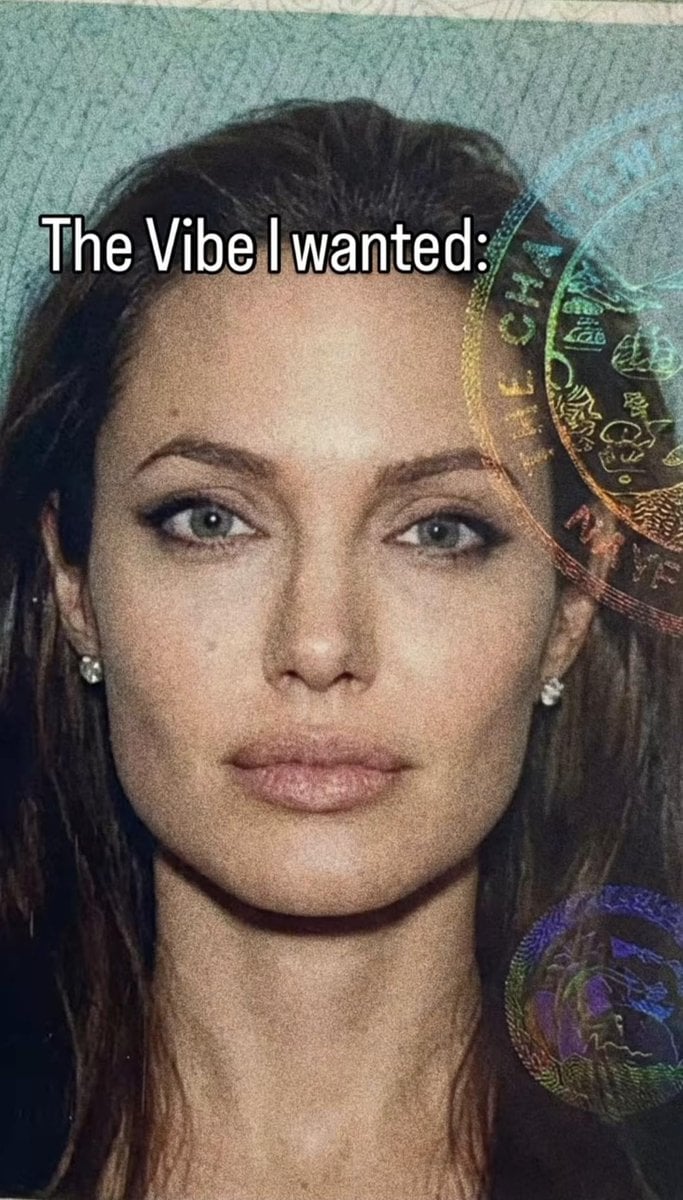
Passport Photo Aesthetic Portrait
Browse template categories
Warm Window Side Café Studio Portrait questions
How do I use the Warm Window Side Café Studio Portrait template?
Add your photo if the template asks for one, edit the prompt if you like — the template's model and format are already selected — and press Generate. Your version opens in PicX Studio.
Can I customize the Warm Window Side Café Studio Portrait template?
Yes. You can change the subject, setting, lighting, mood, format, and available model controls before creating your image.
Is the Warm Window Side Café Studio Portrait template free?
Opening and editing this template is free. Generating uses credits, shown on the Generate button when you are signed in.
Which AI model should I use?
Choose a compatible model in PicX Studio based on the style, speed, and output controls your project needs.
Looking for something else? Browse all templates.

Your photo, any look
Thousands of ready templates for every top image and video model, from one credit balance.