
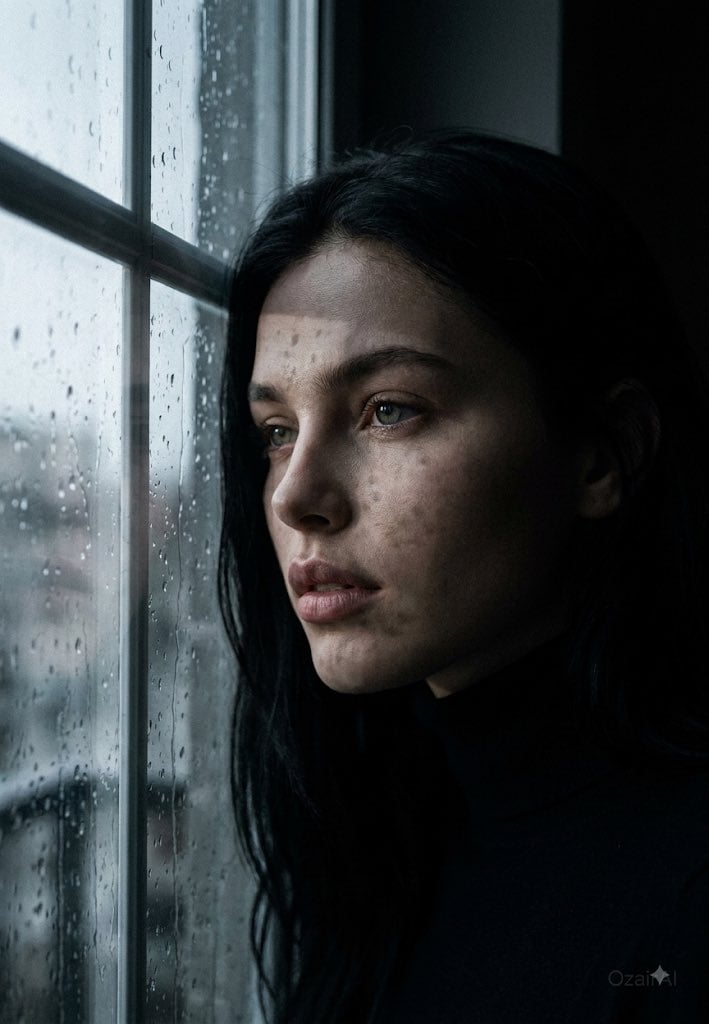
Dark Cinematic Window Lighting Portrait
A sophisticated prompt designed for high-contrast indoor portraits where a single window serves as the sole light source, creating dramatic shadows and architectural geometry on the subject.
- Prompt included
- Model and format preset
- Free template
The prompt behind this image
Copy the exact prompt behind Dark Cinematic Window Lighting Portrait, or open it in the studio and make it yours.
Use the exact same face from the reference image and generate a dark cinematic portrait where a single window is the only light source in the world — the room in absolute darkness except for the precise column of natural light falling through the glass and striking the face with surgical beauty. The subject positioned close to a large window — body at a natural angle, one shoulder almost touching the window frame, the face turned partially toward the glass so the window light strikes at a precise 45 to 60 degree angle across the facial planes. Not standing formally — leaning very slightly, completely natural, the specific body language of someone drawn unconsciously toward the only light in a dark room. Wearing a {argument name="clothing" default="dark fitted turtleneck"} or {argument name="alternative clothing" default="heavy dark shirt"} — the clothing dissolving completely into the surrounding darkness, only the face and the very edge of the shoulder existing in the light. The window itself is the silent protagonist — large steel-framed industrial panes or old wooden-framed glass, the glass slightly imperfect with natural waviness creating very subtle light distortion, the exterior beyond the glass completely overcast or pre-dawn — a flat grey-white light source outside that is bright without being warm, cold natural daylight pressing through the glass into the dark interior. The window frame casting its own precise shadow geometry across the face and wall — the vertical and horizontal frame bars creating a cross-shadow pattern that falls across the cheek and forehead, the window grid shadow dividing the face into geometric light and shadow zones. The specific graphic beauty of window frame shadows on a human face — architectural geometry imposed on biological curves. Expression is the most quietly devastating yet — eyes directed toward the window light rather than the camera, not looking out but looking at the light itself, the specific expression of someone who has been sitting in darkness for a long time and is feeling the first light touch their face. Lips slightly parted, jaw completely relaxed, every guard completely down. The most private and human expression possible — caught in a moment of solitary communion with natural light. Skin at full forensic obsession under the specific quality of cold window light — the most honest and unforgiving light that exists, the flat grey natural light from an overcast exterior revealing every skin surface detail simultaneously from every direction without creating harsh shadows that obscure detail. Every individual pore in three-dimensional relief under the window light. Stubble hairs casting micro-shadows across the surrounding skin. The window frame shadow lines crossing the face — the skin texture equally visible in the light zones and the frame-shadow zones, the shadow not obscuring detail but simply darkening it. The specific way cold northern window light renders real skin
How to use Dark Cinematic Window Lighting Portrait in 3 steps
- 1Upload ImagePNG, JPG or paste
Add your photo
Upload the photo the template builds on. The prompt, model and format are already set.
- 2…a portrait of your subject in softgolden-hour light, 85mm…
Personalize
Edit the subject and creative details for your destination.
- 3Generate
Generate
Press Generate — your image is created in PicX Studio, so you can compare it with the original and refine one variable at a time.
More like this
Templates with the same subject, style or setup. Open one to see its prompt.

Rainy Café Window Moody Portrait

Nano Banana Pro Photoreal Playful Couple

Underwater Macro Face Portrait

Noir Punk Street Portrait

High Contrast Cinematic Face Portrait

Monochrome Studio Portrait with Colored Lens

Found Photograph: Us, 1970

80s Couple Studio Portrait

80s Bollywood Star

80s Golden Hour Cinema

Me in 1985

1985 Studio Portrait
Make it yours
Dark Cinematic Window Lighting Portrait works as-is. These are the safest ways to change it without losing the look.
Change one field
Copy a single group, rewrite it, and generate again so you can see what that field is doing.
Keep the frame, change the subject
Hold the composition and light of Dark Cinematic Window Lighting Portrait, then swap wardrobe, props or the person for a new take.
| If the result… | Why | Fix |
|---|---|---|
| The result drifts from the preview | Too many fields changed at once. | Reuse Dark Cinematic Window Lighting Portrait as-is first, then change one group — subject, light, or setting. |
| The model over-stylizes the scene | The prose prompt leaves finish and camera underspecified. | Add one camera or lighting sentence and stay on Gemini 3 Pro Image Preview. |
More Gemini 3 Pro Image Preview templates
Other prompts made for Gemini 3 Pro Image Preview.

Ultra-Realistic Yacht Sunset Portrait

Mushroom Still Life Composition

Whimsical Anthropomorphic Friendly Insect

Cinematic Urban Night Billboard Portrait

Pop Art Summer Fruit Fashion Illustration

Ultra-Realistic iPhone Selfie with Motion Blur

Cinematic Mirror Reflection Portrait

Elegant Men's Twilight Editorial

Coastal Freedom Sunset Portrait

Ergonomic Office Chair E-commerce Mobile Detail Page
More image prompts
Fresh picks from across the catalog.
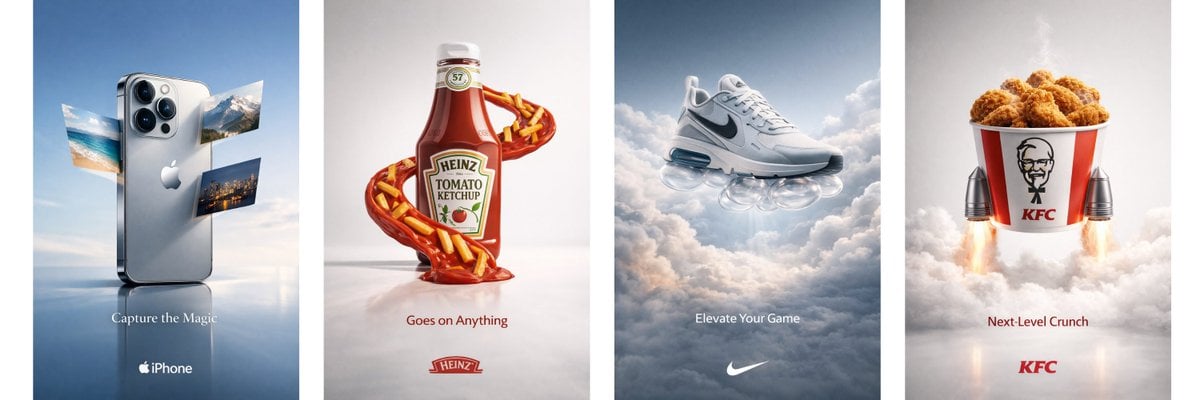
Object Print Ad Generation Framework
Massive Truck Launch and Landing Video Prompt
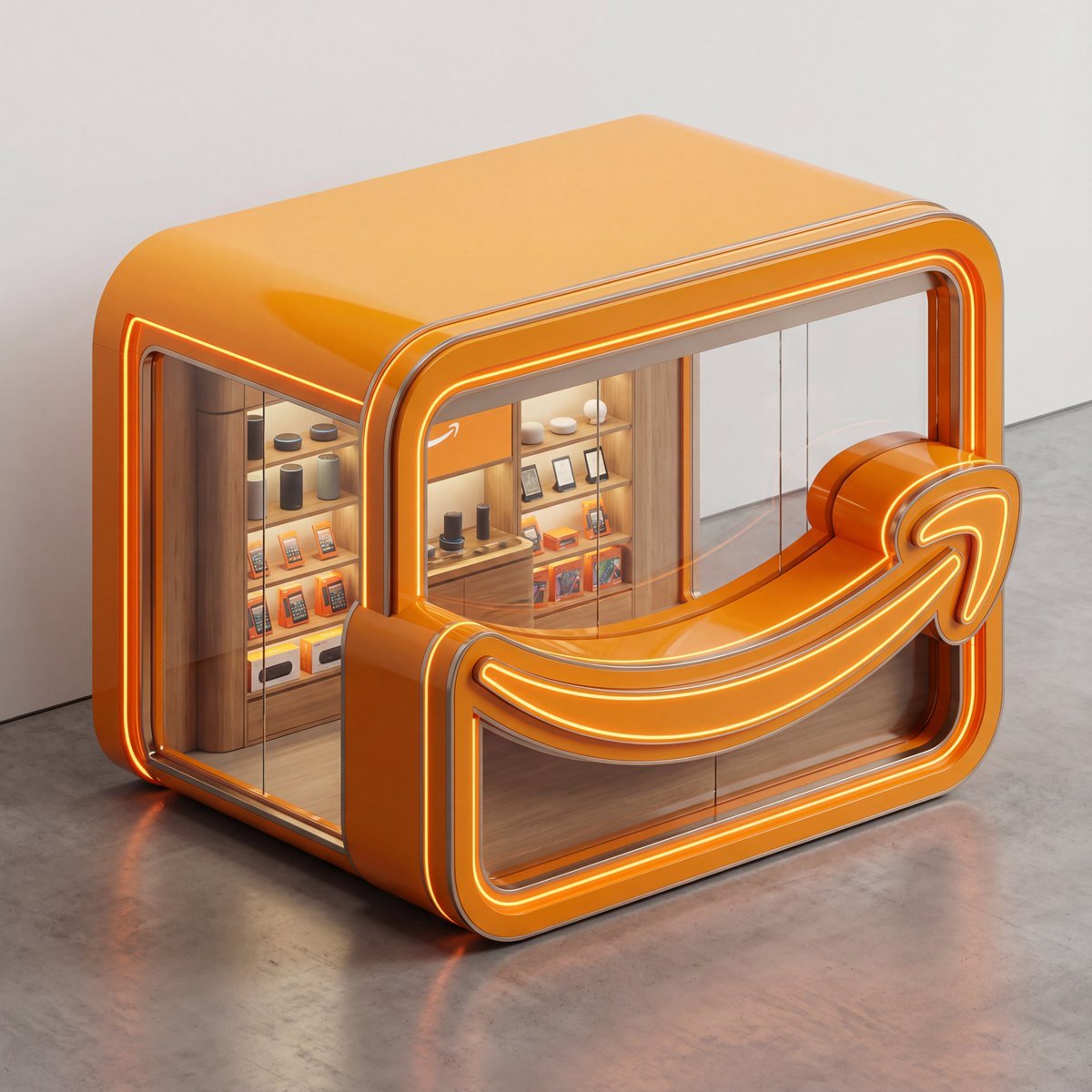
3D Isometric Luxury Pop-Up Kiosk Render
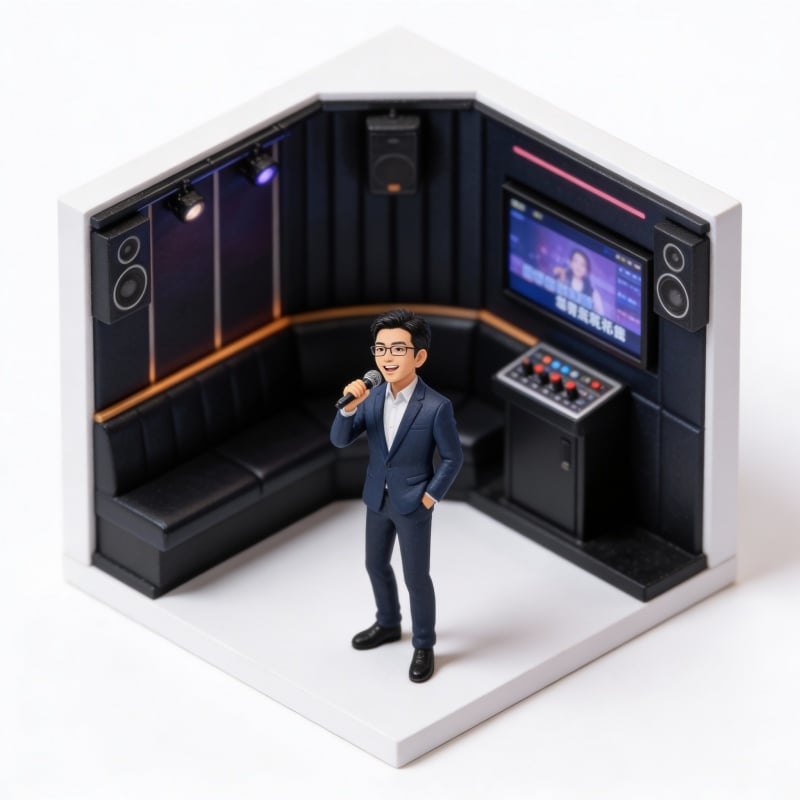
Miniature Figure Generation: Everyday Life of 'Scissors Old Man'
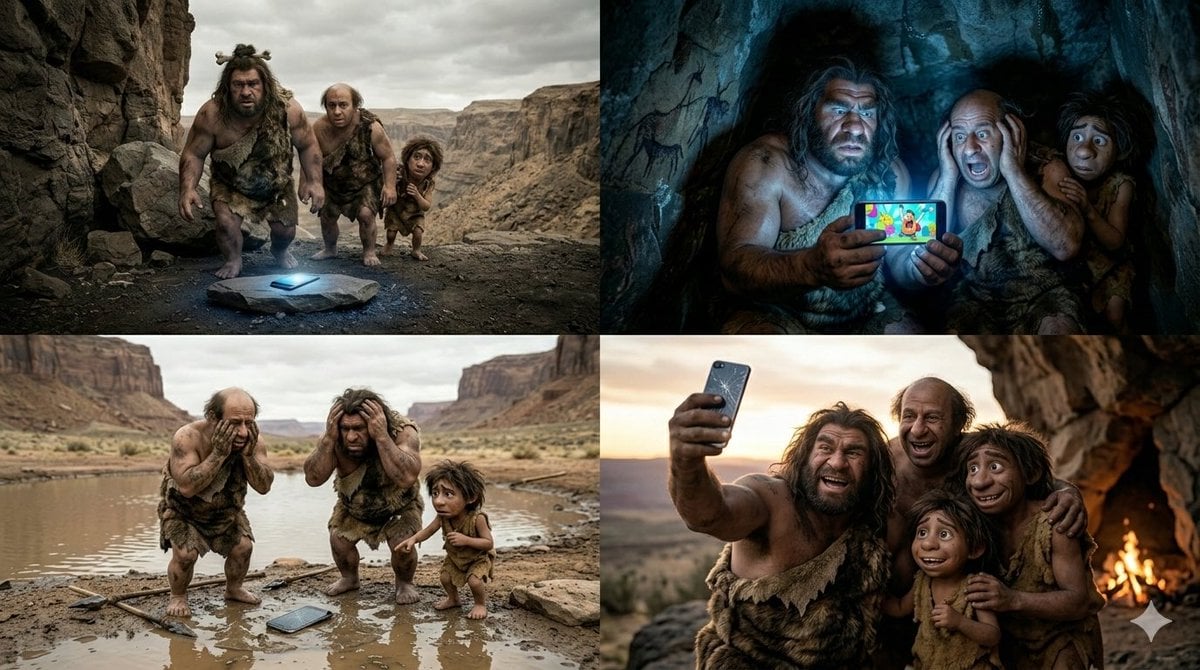
Funny 4-Part Story: Primitive Men and a Mobile Phone
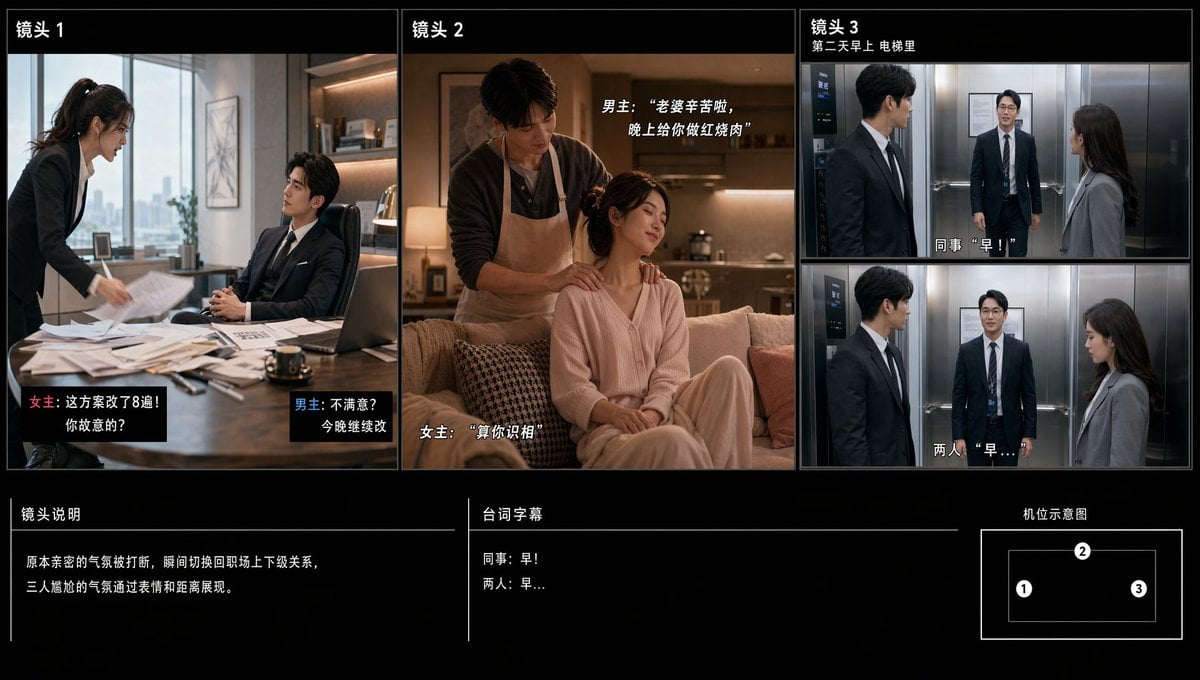
Chinese Drama Storyboard Sheet
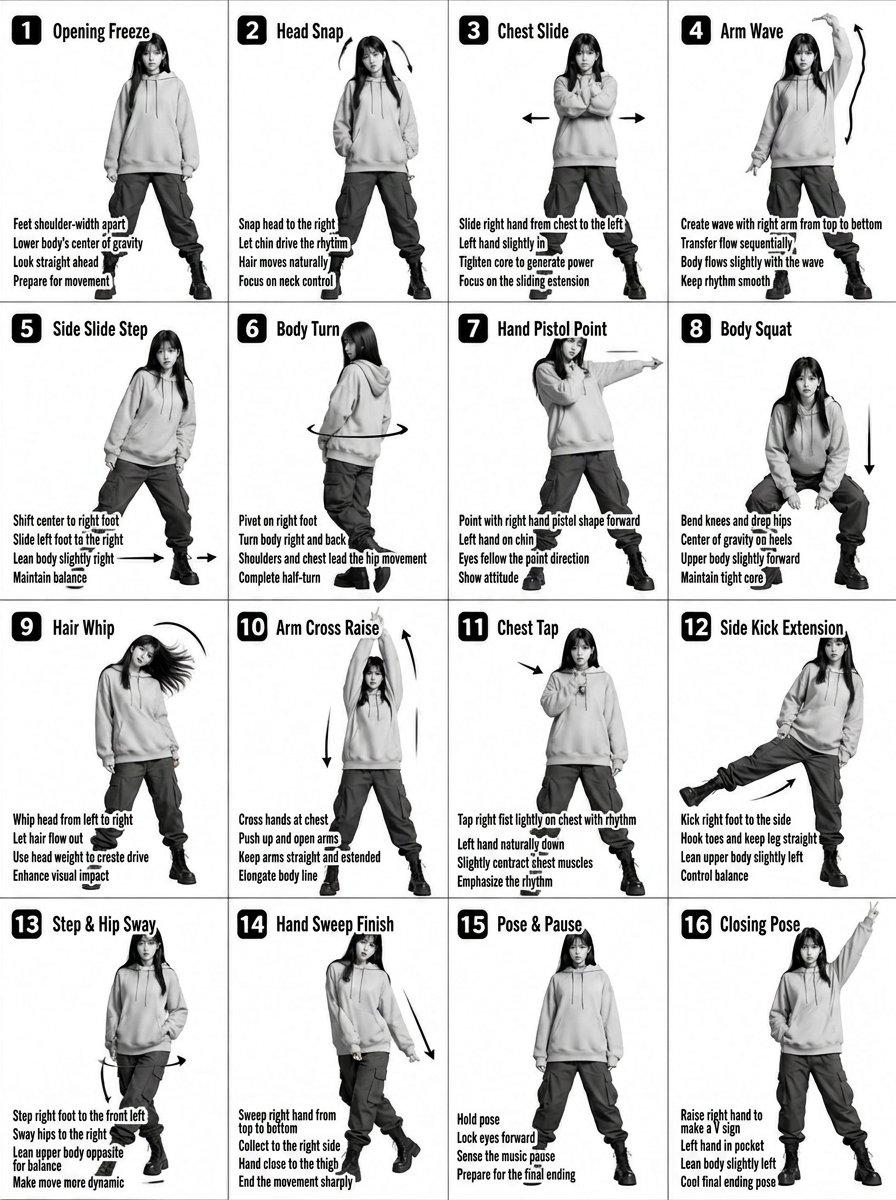
K-pop Dance Tutorial Poster Generator
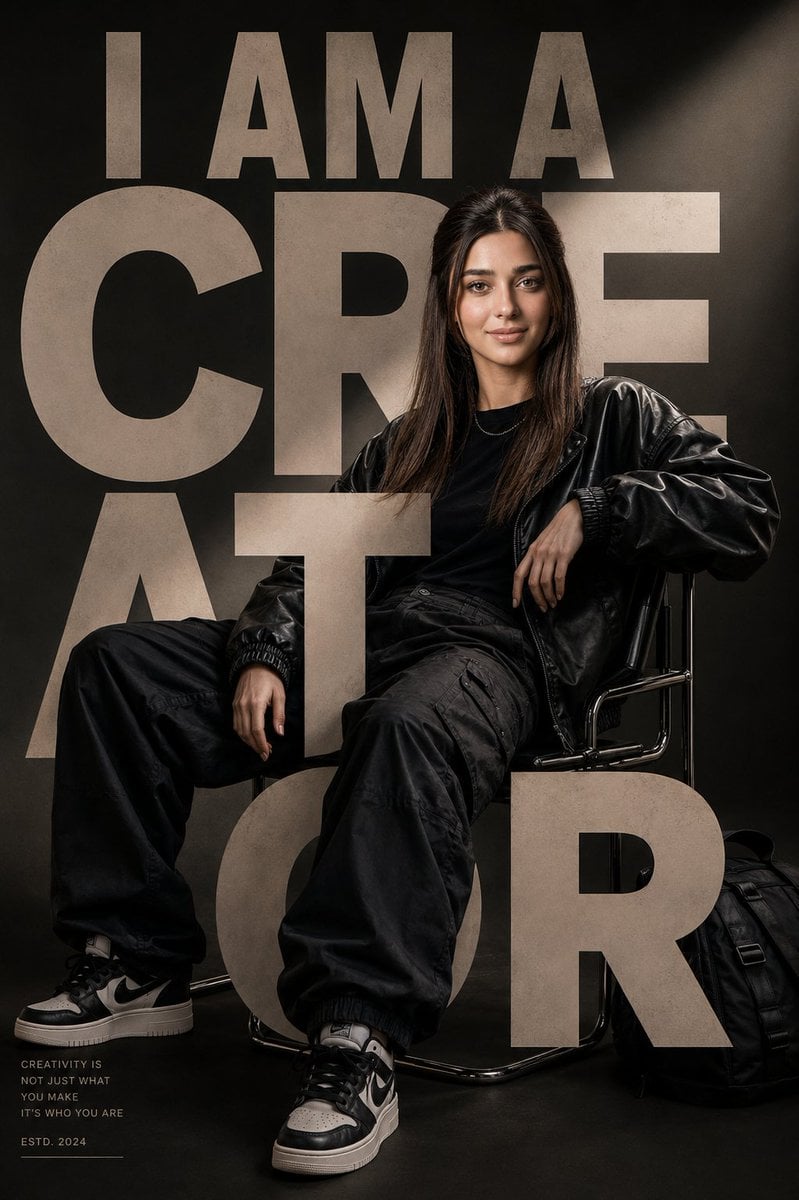
Luxury Streetwear Editorial Poster
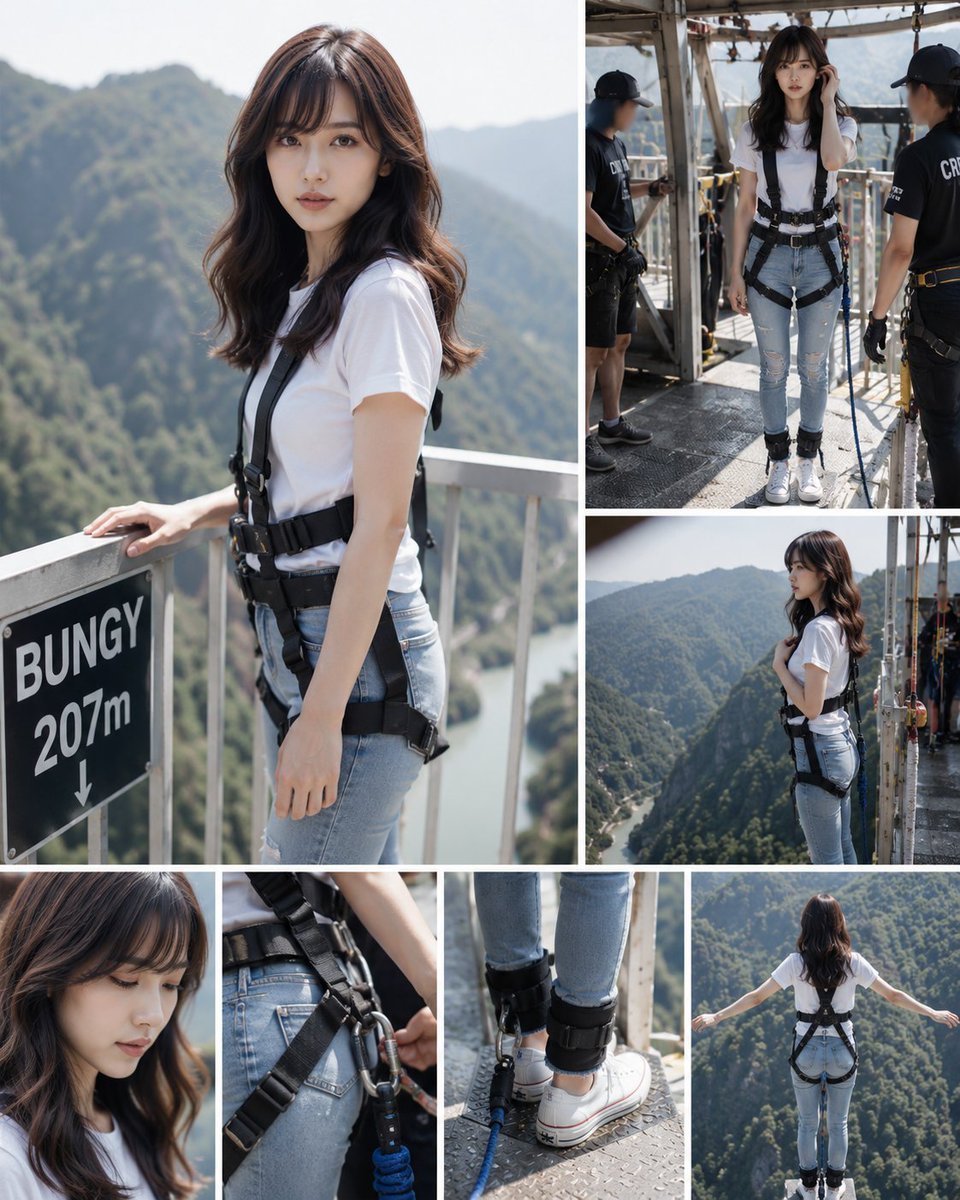
Bungee Jump Collage
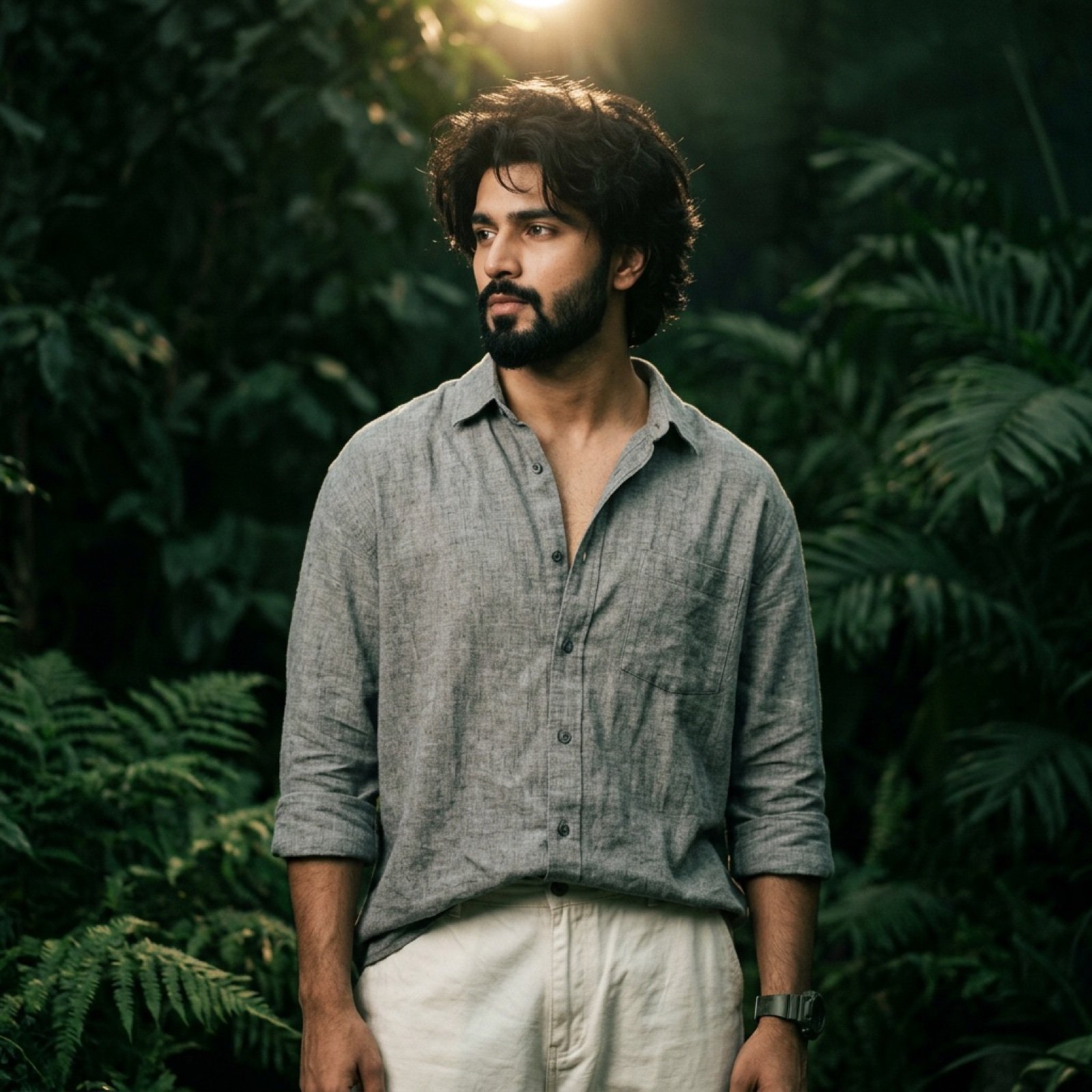
Dark Green Cinematic Male Portrait with Identity Lock
Browse template categories
Dark Cinematic Window Lighting Portrait questions
How do I use the Dark Cinematic Window Lighting Portrait template?
Add your photo if the template asks for one, edit the prompt if you like — the template's model and format are already selected — and press Generate. Your version opens in PicX Studio.
Can I customize the Dark Cinematic Window Lighting Portrait template?
Yes. You can change the subject, setting, lighting, mood, format, and available model controls before creating your image.
Is the Dark Cinematic Window Lighting Portrait template free?
Opening and editing this template is free. Generating uses credits, shown on the Generate button when you are signed in.
Which AI model should I use?
Start with Gemini 3 Pro Image Preview, which is the model associated with this template. You can compare another compatible model for a different finish.
Looking for something else? Browse all templates.

Your photo, any look
Thousands of ready templates for every top image and video model, from one credit balance.