
Bungee Jump Collage
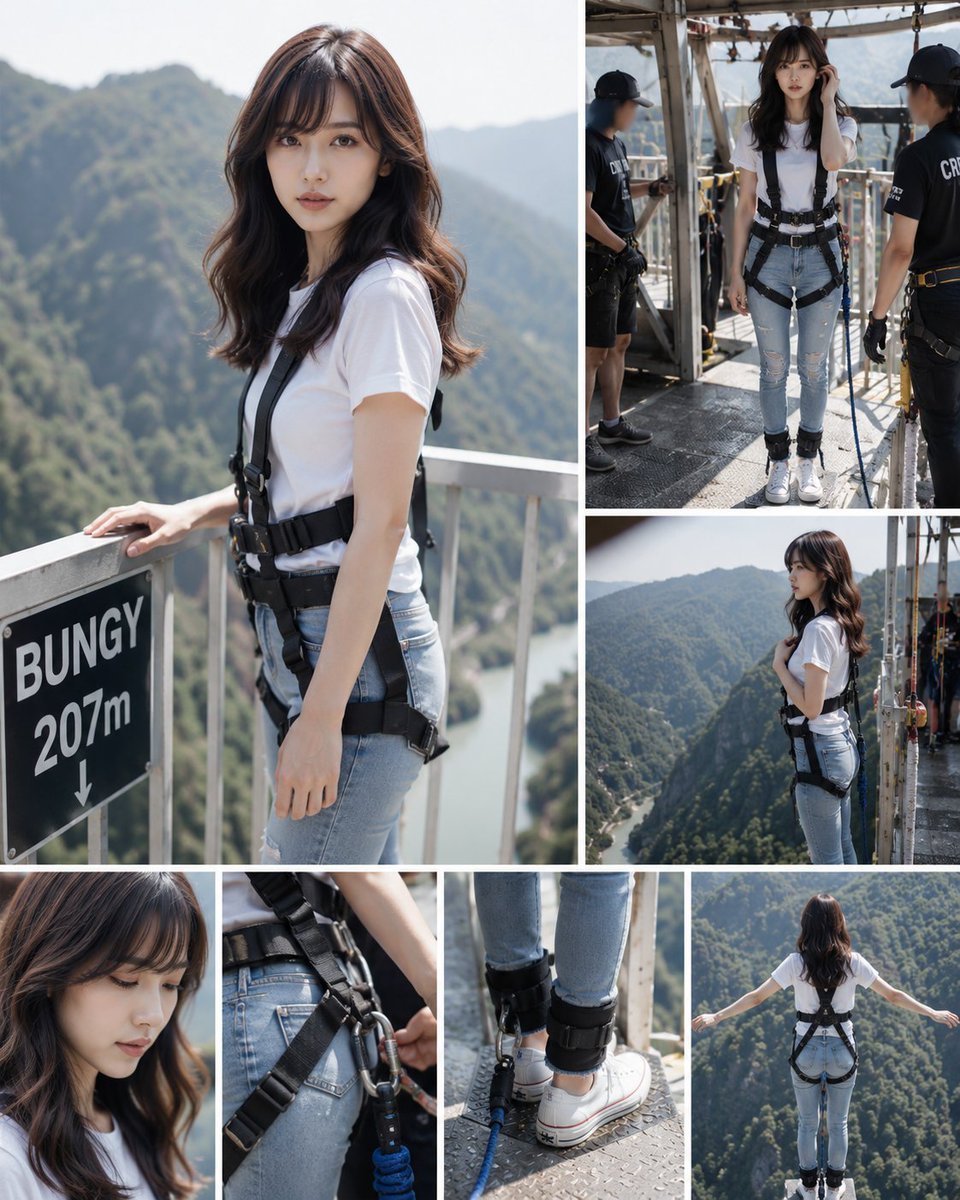
Creates a photorealistic multi-panel collage documenting a young woman preparing for a high bridge bungee jump, useful for travel, adventure, or storyboard visuals.
- Prompt included
- Model and format preset
- Free template
The prompt behind this image
Copy the exact prompt behind Bungee Jump Collage, or open it in the studio and make it yours.
- Type
- photorealistic multi-panel adventure collage
- Subject › Gender
- young adult woman
- Subject › Appearance
- long wavy medium-brown hair, face intentionally obscured with a soft rectangular blur for privacy
- Subject › Outfit › Top
- {argument name="shirt color" default="plain white fitted T-shirt"}
- Subject › Outfit › Bottom
- {argument name="pants style" default="light blue ripped skinny jeans"}
- Subject › Outfit › Shoes
- white low-top sneakers
- Subject › Outfit › Gear
- black full-body bungee jumping harness with waist belt, shoulder straps, thigh straps, ankle cuffs, carabiners, safety ropes and blue bungee cord
- Setting › Location
- {argument name="bungee location" default="high mountain bridge bungee platform"}
- Setting › Height Sign
- black sign reading BUNGY 207m with a downward arrow
- Setting › Background
- deep green forested mountains, river gorge far below, bright midday sunlight, hazy distant ridgelines
- Setting › Platform
- industrial metal walkway with railings, gridded floor, beams, cables and safety equipment
- Layout › Format
- vertical collage contact sheet with clean white gutters, editorial travel-documentary style
- Layout › Panel Count
- 6
- Layout › Panels › 0 › Position
- large left panel occupying about half the canvas height
- Layout › Panels › 0 › Description
- three-quarter portrait of the woman standing beside the railing, one hand resting near the black BUNGY 207m sign, harness clearly visible, mountains blurred behind her
- Layout › Panels › 1 › Position
- top right panel
- Layout › Panels › 1 › Description
- full-body preparation scene on the metal platform, woman facing forward while two black-uniformed crew members check her harness and ropes
- Layout › Panels › 2 › Position
- middle right panel
- Layout › Panels › 2 › Description
- side profile of the woman standing near the platform edge, holding a harness strap, looking out over the gorge
- Layout › Panels › 3 › Position
- bottom left panel
- Layout › Panels › 3 › Description
- close-up portrait crop of her hair, shoulders and blurred face, emphasizing nervous anticipation
- Layout › Panels › 4 › Position
- bottom center panel
- Layout › Panels › 4 › Description
- tight detail shot of harness hardware at the waist and hips plus another tight detail of ankle cuffs, white sneakers and blue bungee cord on the metal floor
- Layout › Panels › 5 › Position
- bottom right panel
Raw JSON
{"type":"photorealistic multi-panel adventure collage","subject":{"gender":"young adult woman","appearance":"long wavy medium-brown hair, face intentionally obscured with a soft rectangular blur for privacy","outfit":{"top":"{argument name=\"shirt color\" default=\"plain white fitted T-shirt\"}","bottom":"{argument name=\"pants style\" default=\"light blue ripped skinny jeans\"}","shoes":"white low-top sneakers","gear":"black full-body bungee jumping harness with waist belt, shoulder straps, thigh straps, ankle cuffs, carabiners, safety ropes and blue bungee cord"}},"setting":{"location":"{argument name=\"bungee location\" default=\"high mountain bridge bungee platform\"}","height sign":"black sign reading BUNGY 207m with a downward arrow","background":"deep green forested mountains, river gorge far below, bright midday sunlight, hazy distant ridgelines","platform":"industrial metal walkway with railings, gridded floor, beams, cables and safety equipment"},"layout":{"format":"vertical collage contact sheet with clean white gutters, editorial travel-documentary style","panel count":6,"panels":[{"position":"large left panel occupying about half the canvas height","description":"three-quarter portrait of the woman standing beside the railing, one hand resting near the black BUNGY 207m sign, harness clearly visible, mountains blurred behind her"},{"position":"top right panel","description":"full-body preparation scene on the metal platform, woman facing forward while two black-uniformed crew members check her harness and ropes"},{"position":"middle right panel","description":"side profile of the woman standing near the platform edge, holding a harness strap, looking out over the gorge"},{"position":"bottom left panel","description":"close-up portrait crop of her hair, shoulders and blurred face, emphasizing nervous anticipation"},{"position":"bottom center panel","description":"tight detail shot of harness hardware at the waist and hips plus another tight detail of ankle cuffs, white sneakers and blue bungee cord on the metal floor"},{"position":"bottom right panel","description":"rear view at the jump point, woman standing at the edge with arms stretched wide, harness straps and ankle attachments visible, vast green valley below"}]},"style":{"camera":"realistic DSLR photography, shallow depth of field in close-ups, crisp action-documentary framing","lighting":"natural bright daylight with soft shadows","color":"clean natural colors, white shirt and blue jeans contrasting with black safety gear and green mountains","mood":"preparation, anticipation, courage before a bungee jump"},"quality":"high-resolution, believable human proportions, realistic harness rigging, no cartoon or illustration style"}How to use Bungee Jump Collage in 3 steps
- 1Upload ImagePNG, JPG or paste
Add your photo
Upload the photo the template builds on. The prompt, model and format are already set.
- 2…a portrait of your subject in softgolden-hour light, 85mm…
Personalize
Edit the subject and creative details for your destination.
- 3Generate
Generate
Press Generate — your image is created in PicX Studio, so you can compare it with the original and refine one variable at a time.
More like this
Templates with the same subject, style or setup. Open one to see its prompt.












Make it yours
Bungee Jump Collage works as-is. These are the safest ways to change it without losing the look.
Swap the setting
Keep the rest of the prompt and replace the location block. The current setting is “{argument name="bungee location" default="high mountain bridge bungee platform"}”.
Swap the light
One lighting change is enough to compare takes. Current light: “natural bright daylight with soft shadows”.
Change one field
Copy a single group, rewrite it, and generate again so you can see what that field is doing.
| If the result… | Why | Fix |
|---|---|---|
| The result drifts from the preview | Too many fields changed at once. | Reuse Bungee Jump Collage as-is first, then change one group — subject, light, or setting. |
| GPT Image 2 ignores part of the JSON | Some models flatten or skip nested keys. | Keep the same values and paste them as a short paragraph instead. |
More GPT Image 2 templates
Other prompts made for GPT Image 2.

Six VTuber Japanese Logo Sheet

Realistic Portrait of Woman and Deer

The Vista Modular Condo Poster

AI Model Routing Comparison Infographic

2.5D Anime Art Board

Isometric Productivity Desk Scene

New York Double Exposure Poster

Four-Panel AI Landscape Comparison

Japanese Tatami Lifestyle Magazine Cover

NESCAFÉ Coffee Map Poster
More image prompts
Fresh picks from across the catalog.
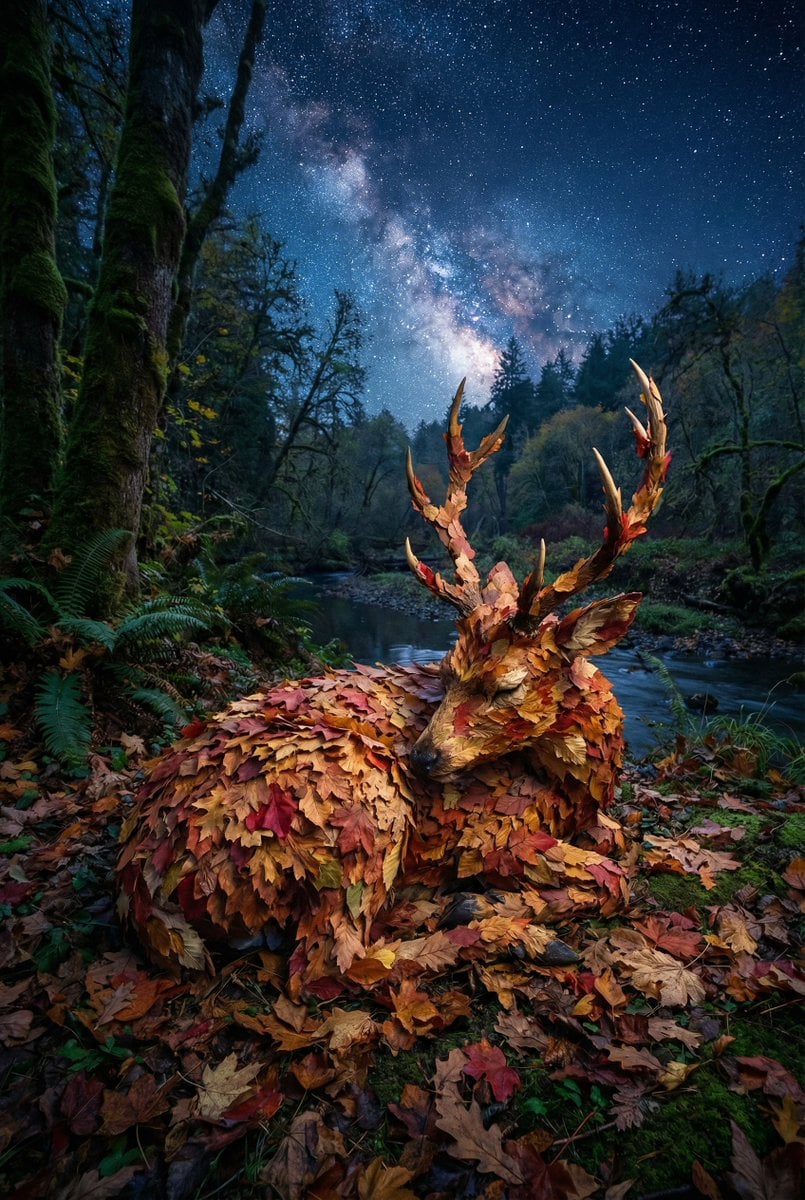
Surreal Deer Made of Autumn Leaves
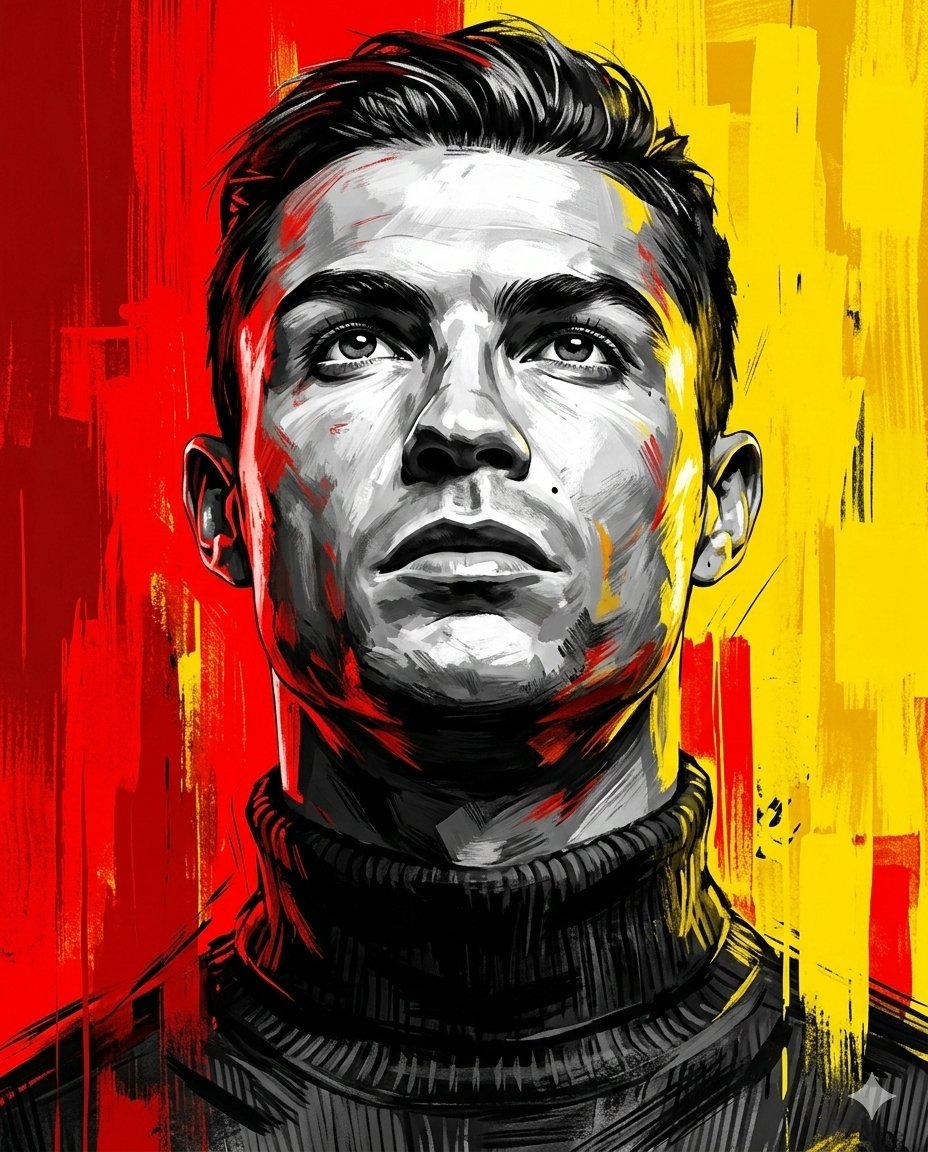
Dramatic Digital Painting Portrait Prompt
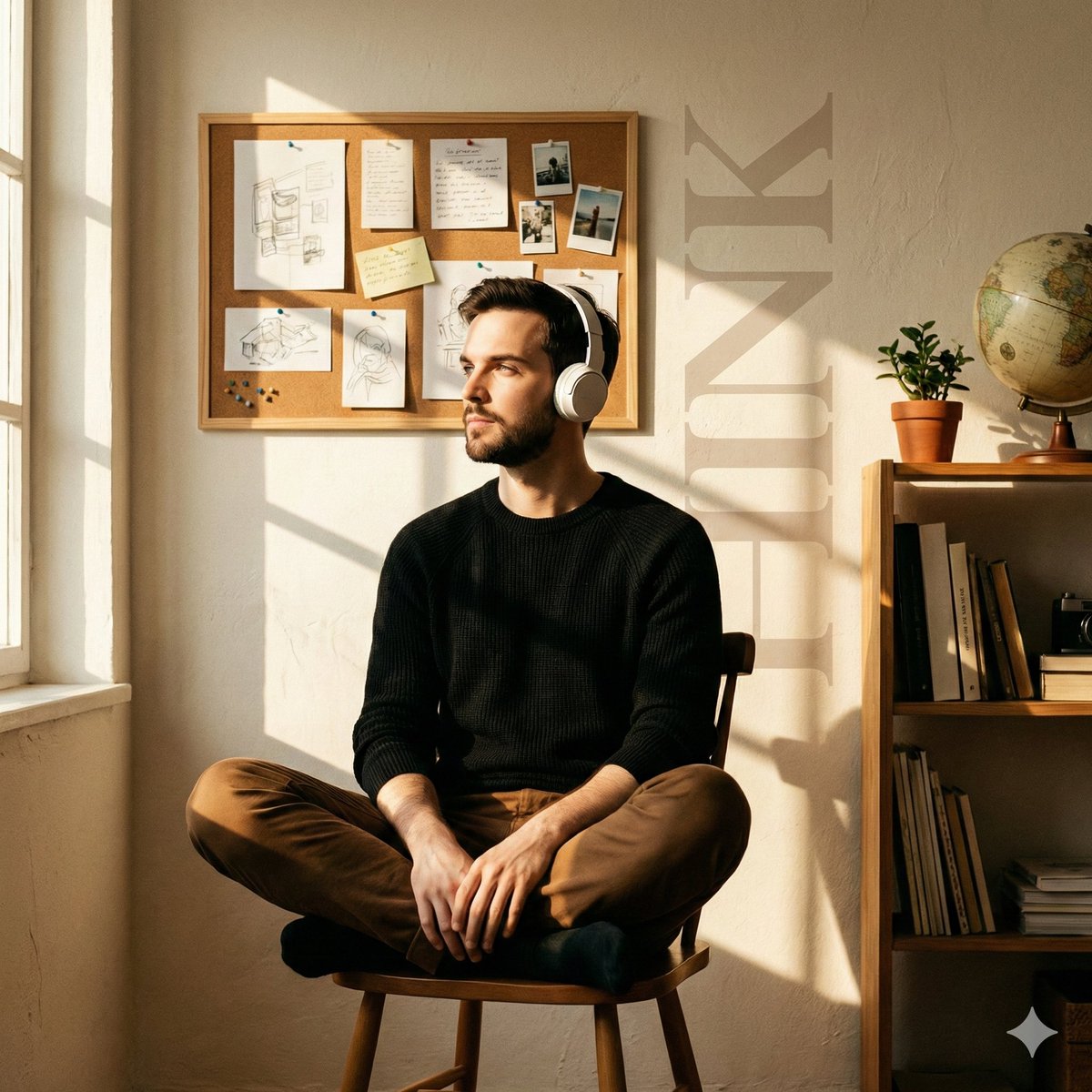
Cinematic Editorial Portrait in a Cafe with Window Shadows
Luxury Kaiseki Wagyu and Sashimi Plate
Gothic Mourners on Cathedral Steps
Otter scientists explaining the WiFi plane test
Modern Streetwear and Luxury T-Shirt Designs
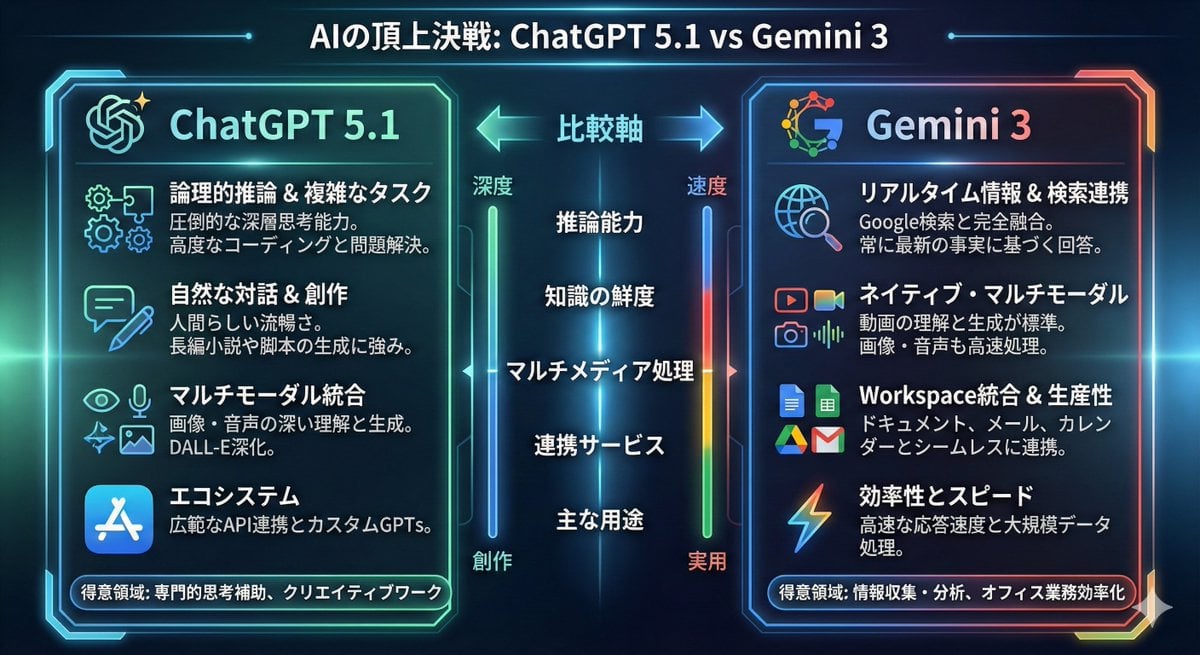
Infographic comparing ChatGPT 5.1 and Gemini 3
Cinematic Wide Shot of Girl in Dewy Meadow at Sunrise
Nano Banana 2 Prompt Failure and Comparison
Browse template categories
Bungee Jump Collage questions
How do I use the Bungee Jump Collage template?
Add your photo if the template asks for one, edit the prompt if you like — the template's model and format are already selected — and press Generate. Your version opens in PicX Studio.
Can I customize the Bungee Jump Collage template?
Yes. You can change the subject, setting, lighting, mood, format, and available model controls before creating your image.
Is the Bungee Jump Collage template free?
Opening and editing this template is free. Generating uses credits, shown on the Generate button when you are signed in.
Which AI model should I use?
Start with GPT Image 2, which is the model associated with this template. You can compare another compatible model for a different finish.
Looking for something else? Browse all templates.

Your photo, any look
Thousands of ready templates for every top image and video model, from one credit balance.