
Luxury Kaiseki Wagyu and Sashimi Plate
A photorealistic fine-dining Japanese kaiseki dish featuring wagyu, sashimi, autumn garnishes, gold accents, and dramatic black lacquer presentation.
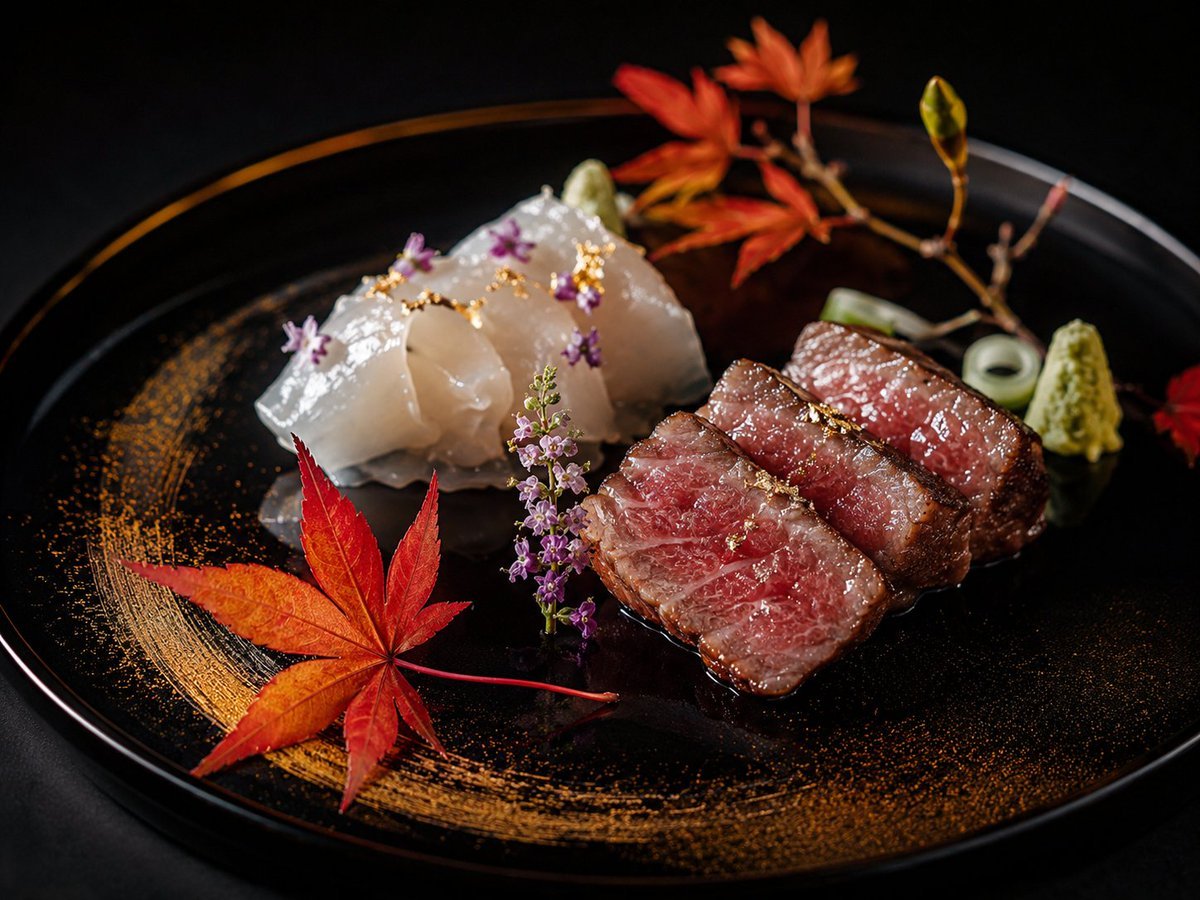
- Prompt included
- Model and format preset
- Free template
The prompt behind this image
Copy the exact prompt behind Luxury Kaiseki Wagyu and Sashimi Plate, or open it in the studio and make it yours.
Create a high-end Japanese kaiseki food photograph on a glossy black lacquer plate against a dark black background, dramatic low-key studio lighting, shallow depth of field, macro lens realism. The composition is diagonal and elegant: on the right foreground place exactly 3 thick slices of medium-rare wagyu beef steak, seared brown edges, pink marbled centers, glossy sauce pooling beneath, topped with tiny flecks of gold leaf. On the left midground place exactly 4 translucent white sashimi slices of {argument name="fish type" default="white fish"}, folded and overlapping, with wet reflective highlights, tiny purple edible flowers, and scattered gold leaf. Add exactly 1 large red-orange maple leaf in the front left foreground, exactly 1 curved dry-brushed gold powder arc sweeping around the left and bottom of the plate, exactly 1 upright purple herb flower sprig between the fish and beef, exactly 2 small green wasabi mounds near the back right and back center, exactly 2 pale green rolled garnish rings behind the beef, and exactly 1 small autumn branch in the back with red maple leaves and a green bud. Use {argument name="plate style" default="glossy black lacquer plate"}, {argument name="lighting mood" default="dramatic low-key luxury restaurant lighting"}, and {argument name="background color" default="deep black"}. Make it photorealistic, luxurious, refined, with crisp textures on the food, soft bokeh in the rear decorations, no text, no hands, no utensils, no watermark.
How to use Luxury Kaiseki Wagyu and Sashimi Plate in 3 steps
- 1Upload ImagePNG, JPG or paste
Add your photo
Upload the photo the template builds on. The prompt, model and format are already set.
- 2…a portrait of your subject in softgolden-hour light, 85mm…
Personalize
Edit the subject and creative details for your destination.
- 3Generate
Generate
Press Generate — your image is created in PicX Studio, so you can compare it with the original and refine one variable at a time.
More like this
Templates with the same subject, style or setup. Open one to see its prompt.











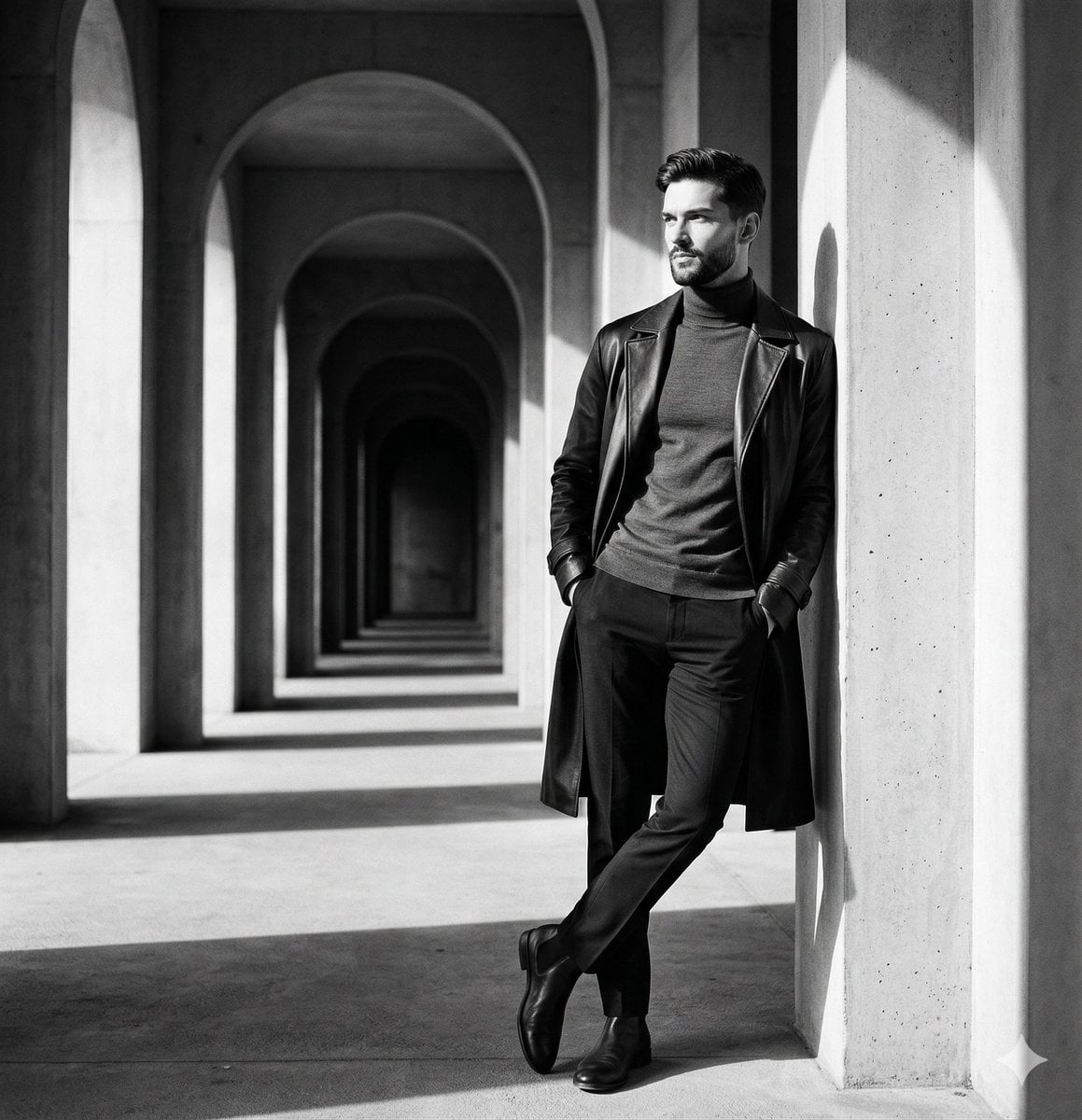
Make it yours
Luxury Kaiseki Wagyu and Sashimi Plate works as-is. These are the safest ways to change it without losing the look.
Change one field
Copy a single group, rewrite it, and generate again so you can see what that field is doing.
Keep the frame, change the subject
Hold the composition and light of Luxury Kaiseki Wagyu and Sashimi Plate, then swap wardrobe, props or the person for a new take.
| If the result… | Why | Fix |
|---|---|---|
| The result drifts from the preview | Too many fields changed at once. | Reuse Luxury Kaiseki Wagyu and Sashimi Plate as-is first, then change one group — subject, light, or setting. |
| The model over-stylizes the scene | The prose prompt leaves finish and camera underspecified. | Add one camera or lighting sentence and stay on GPT Image 2. |
More GPT Image 2 templates
Other prompts made for GPT Image 2.

Six VTuber Japanese Logo Sheet

Realistic Portrait of Woman and Deer

The Vista Modular Condo Poster

AI Model Routing Comparison Infographic

2.5D Anime Art Board

Isometric Productivity Desk Scene

New York Double Exposure Poster

Four-Panel AI Landscape Comparison

Japanese Tatami Lifestyle Magazine Cover

NESCAFÉ Coffee Map Poster
More image prompts
Fresh picks from across the catalog.

Maximalist 'Clean Girl' Aesthetic Portrait with Blep Expression
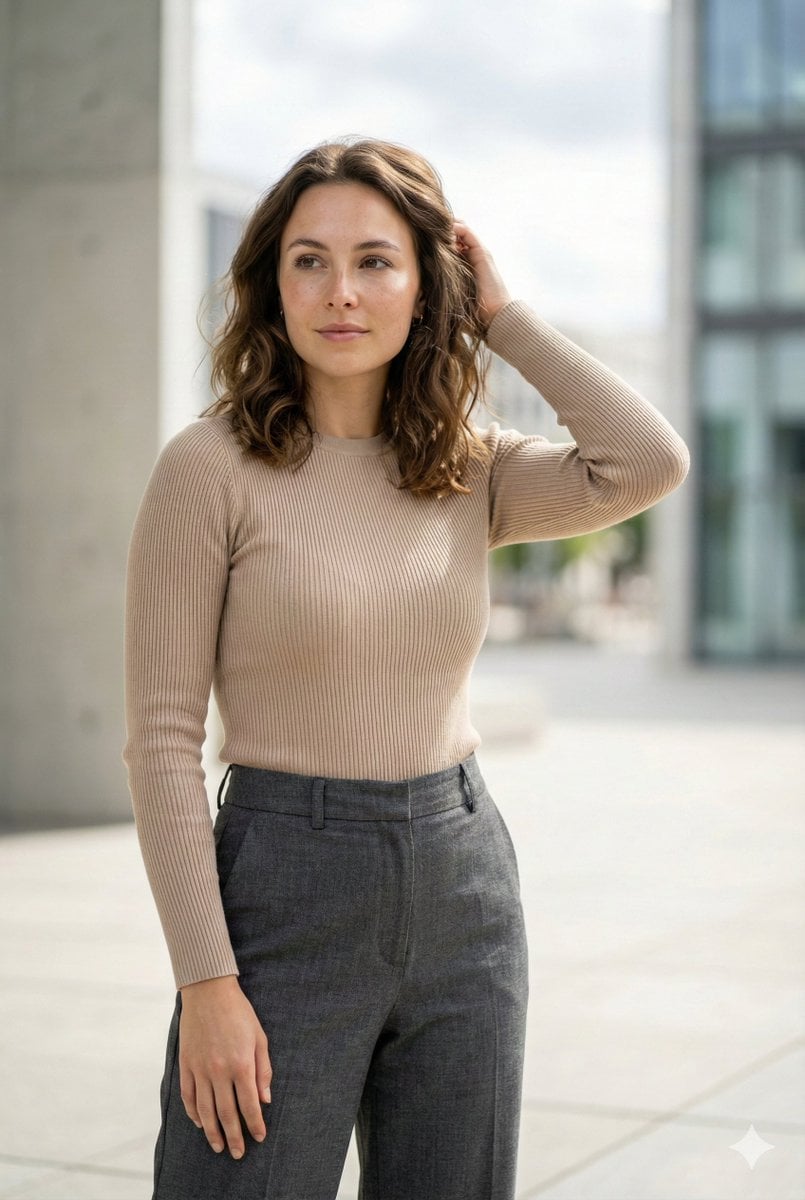
Editorial Urban Fashion Portrait Prompt

Image Restoration and Enhancement Prompt
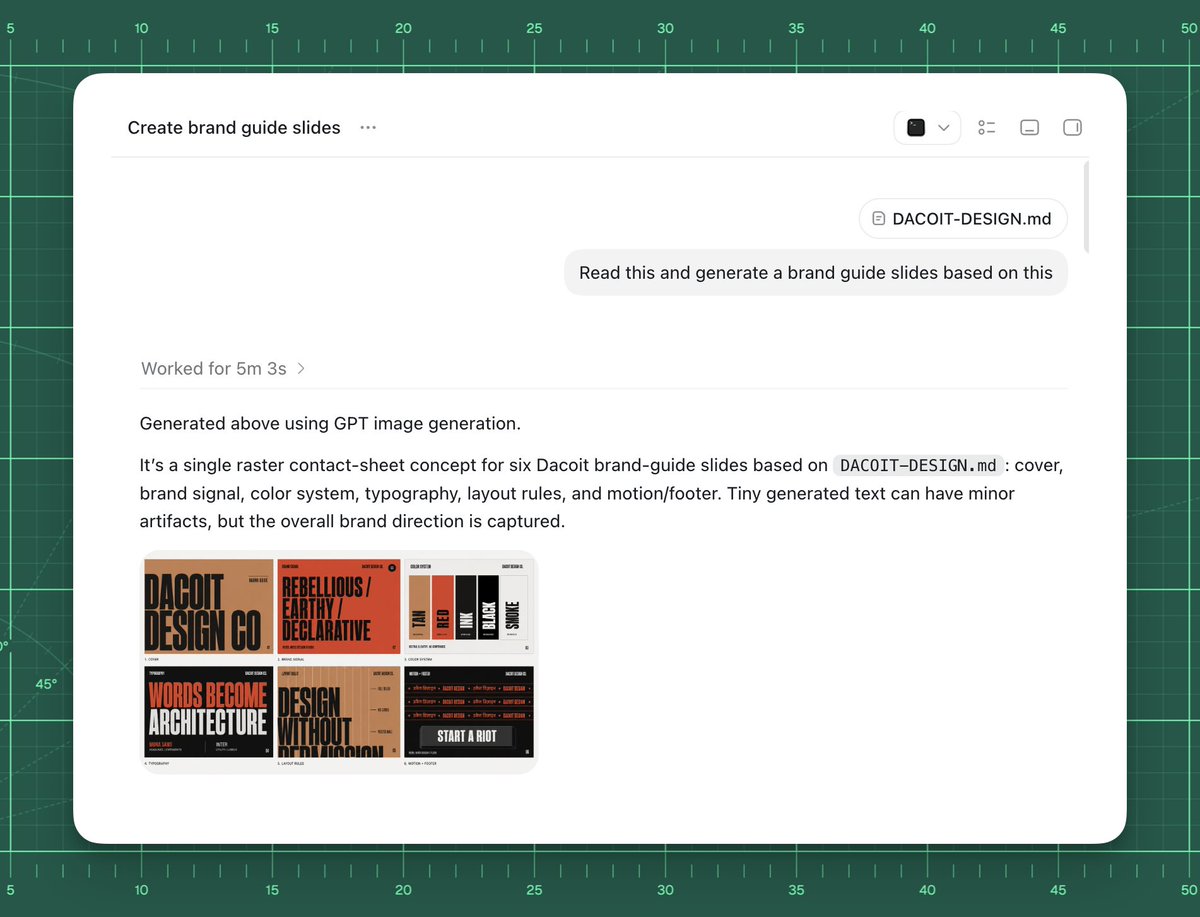
AI Brand Guide Generation UI

Trompe L'oeil Sketchbook Drawing

Pixelated Cartoon Animal Image
Whimsygoth Goose Illustration

Streetwear Portrait in Red Puffer Jacket
Futuristic Ice DJ Setup Prompt

X Sumiturkude007 Image Description Subject
Browse template categories
Luxury Kaiseki Wagyu and Sashimi Plate questions
How do I use the Luxury Kaiseki Wagyu and Sashimi Plate template?
Add your photo if the template asks for one, edit the prompt if you like — the template's model and format are already selected — and press Generate. Your version opens in PicX Studio.
Can I customize the Luxury Kaiseki Wagyu and Sashimi Plate template?
Yes. You can change the subject, setting, lighting, mood, format, and available model controls before creating your image.
Is the Luxury Kaiseki Wagyu and Sashimi Plate template free?
Opening and editing this template is free. Generating uses credits, shown on the Generate button when you are signed in.
Which AI model should I use?
Start with GPT Image 2, which is the model associated with this template. You can compare another compatible model for a different finish.
Looking for something else? Browse all templates.

Your photo, any look
Thousands of ready templates for every top image and video model, from one credit balance.