
Ergonomic Office Chair E-commerce Mobile Detail Page
A comprehensive prompt for generating a mobile-optimized e-commerce product page for an ergonomic office chair.

- Prompt included
- Model and format preset
- Free template
The prompt behind this image
Copy the exact prompt behind Ergonomic Office Chair E-commerce Mobile Detail Page, or open it in the studio and make it yours.
一张单幅、连续、完整的人体工学办公椅手机端电商详情页,aspect ratio {argument name="宽高比" default="3:7"}。产品为“{argument name="产品名称" default="Axis M3 人体工学椅"}”概念演示款,深石墨灰网布靠背、黑色框架、银灰色五星脚、可见头枕、扶手、座垫和腰靠,所有视角保持结构一致。整体采用建筑蓝图与现代办公空间结合的纵向网格系统,{argument name="配色方案" default="纸白、石墨灰、钢蓝和少量橙色"}标注,清晰窄体黑体与等宽参数字体。首屏用三分之四角度整椅展示产品身份;随后排列正面、侧面、背面和俯视辅助角度;用真人坐姿和桌面关系展示尺度,但不得推断具体身高适配范围;以外观轮廓标注头枕、靠背、扶手、座垫、腰靠和椅脚,不提供内部爆炸结构;展示办公、阅读和短暂休息场景;证据区只展示用户提供的结构说明与来源,缺失项写“信息待确认”;参数区包括整椅尺寸、座高范围、承重、材质和调节项目,未知值不得猜测;包装区展示椅体、已确认附件、安装说明和护理信息,未提供附件写“信息待确认”;结尾总结已确认结构并写“查看尺寸与安装说明”。每个参数单元、标注线和信息卡必须完整填写。禁止虚构人体工学认证、承重数值、调节档位、健康改善、专利或测试结果。
How to use Ergonomic Office Chair E-commerce Mobile Detail Page in 3 steps
- 1
Open
The prompt is already in the box next to the preview, with the template's model and format selected.
- 2…a portrait of your subject in softgolden-hour light, 85mm…
Personalize
Edit the subject and creative details for your destination.
- 3Generate
Generate
Press Generate — your image is created in PicX Studio, so you can compare it with the original and refine one variable at a time.
More like this
Templates with the same subject, style or setup. Open one to see its prompt.

Creative Character in Pink Office

Gothic Japanese Mobile Homepage

Avant-Garde Asian Fashion Model

Underwater Macro Face Portrait

Water-level Bridge Modification

Noir Punk Street Portrait

High Contrast Cinematic Face Portrait

Monochrome Studio Portrait with Colored Lens

Ultra-Realistic Yacht Sunset Portrait

Mushroom Still Life Composition

Whimsical Anthropomorphic Friendly Insect

Pop Art Summer Fruit Fashion Illustration
Make it yours
Ergonomic Office Chair E-commerce Mobile Detail Page works as-is. These are the safest ways to change it without losing the look.
Change one field
Copy a single group, rewrite it, and generate again so you can see what that field is doing.
Keep the frame, change the subject
Hold the composition and light of Ergonomic Office Chair E-commerce Mobile Detail Page, then swap wardrobe, props or the person for a new take.
| If the result… | Why | Fix |
|---|---|---|
| The result drifts from the preview | Too many fields changed at once. | Reuse Ergonomic Office Chair E-commerce Mobile Detail Page as-is first, then change one group — subject, light, or setting. |
| The model over-stylizes the scene | The prose prompt leaves finish and camera underspecified. | Add one camera or lighting sentence and stay on Gemini 3 Pro Image Preview. |
More Gemini 3 Pro Image Preview templates
Other prompts made for Gemini 3 Pro Image Preview.

Cinematic Urban Night Billboard Portrait

Ultra-Realistic iPhone Selfie with Motion Blur

Cinematic Mirror Reflection Portrait

Elegant Men's Twilight Editorial

Coastal Freedom Sunset Portrait

Macro Guitar Fret Dressing

Cinematic Black and White Studio Portrait

1980s Retro Salon Portrait

Felt Frog Diorama Beach

Cinematic Male Formal Night Portrait
More image prompts
Fresh picks from across the catalog.
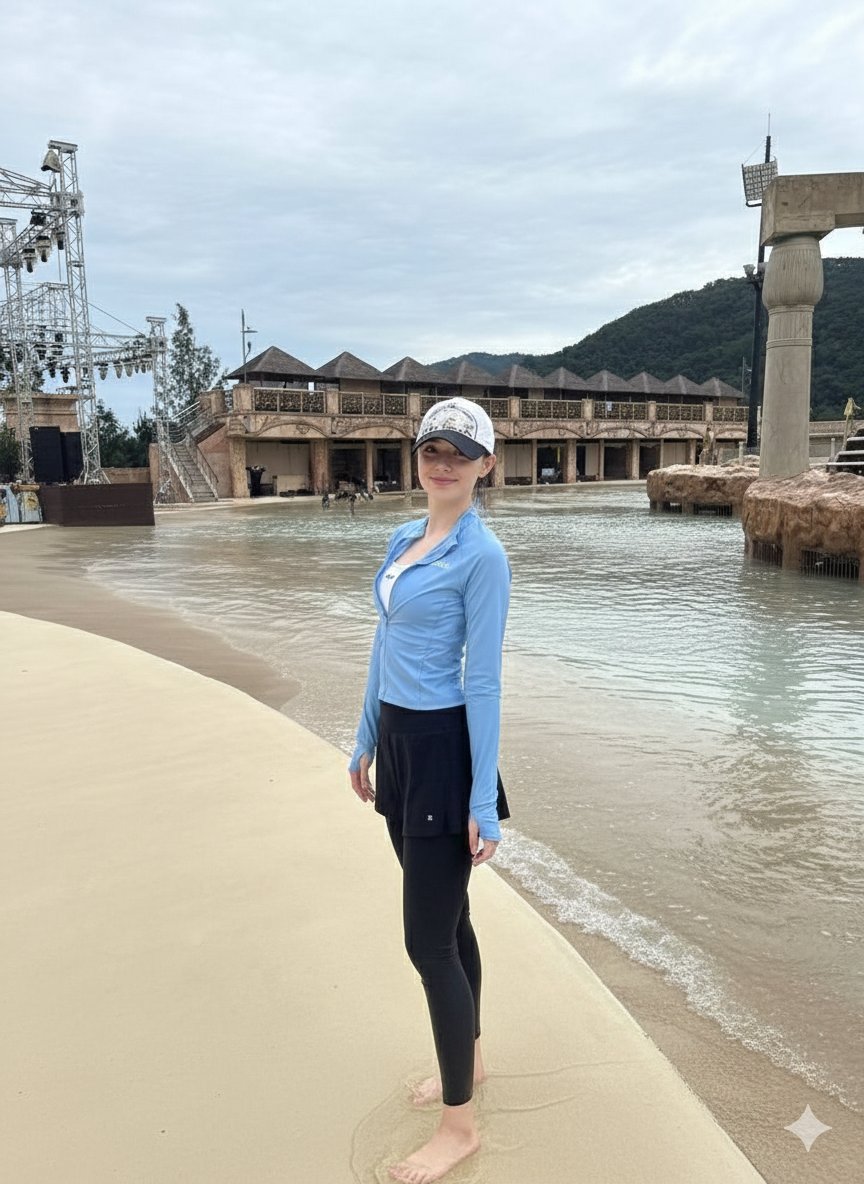
Tropical Water Park Portrait with Thai Architecture
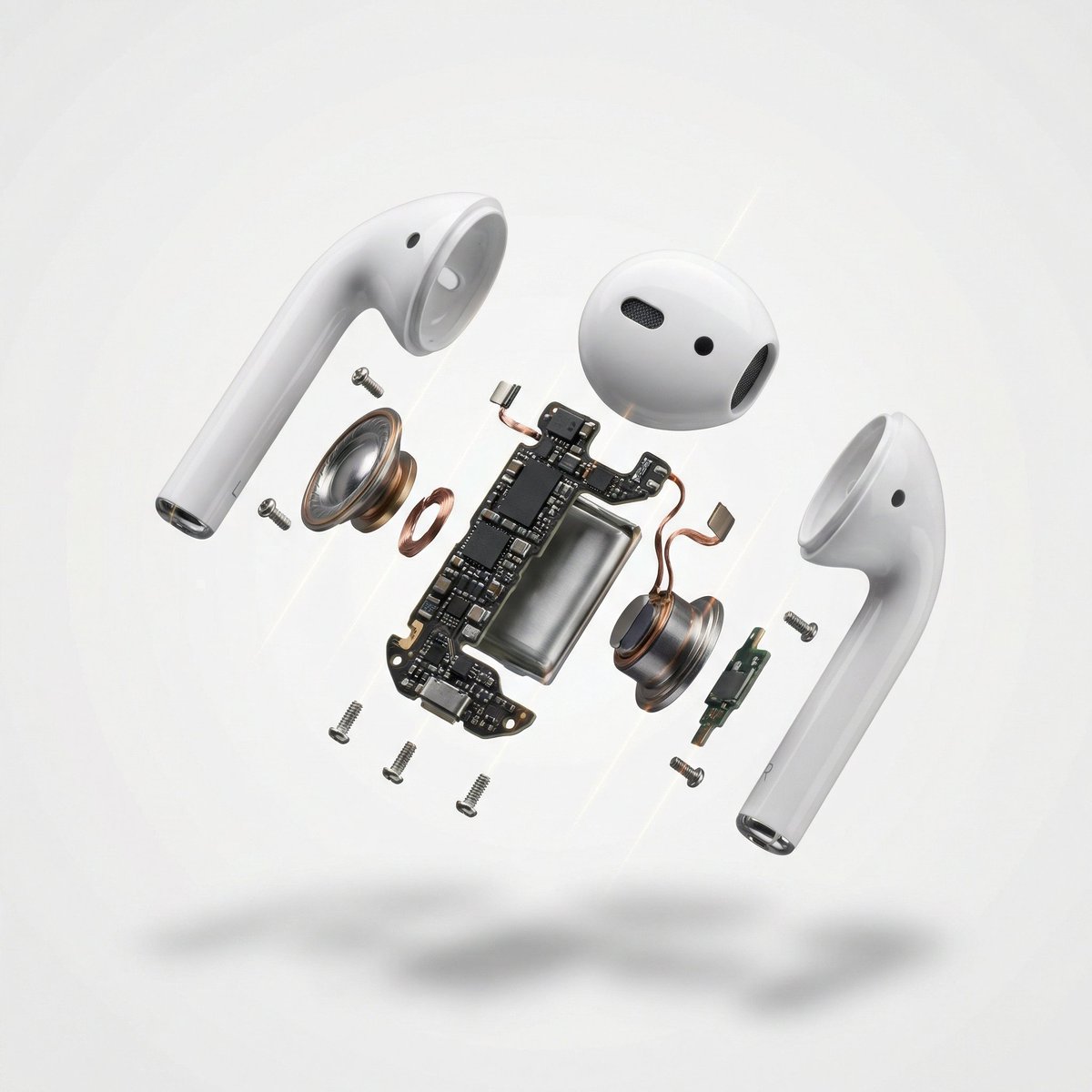
Exploded View Product Photography

Split-Screen Cinematic Time Travel Prompt

Avant-Garde Feather Headdress Portrait

Passport Photo Style Portrait Replication Prompt

Anonymous Schoolgirl by Window

Business Presentation Icon Set
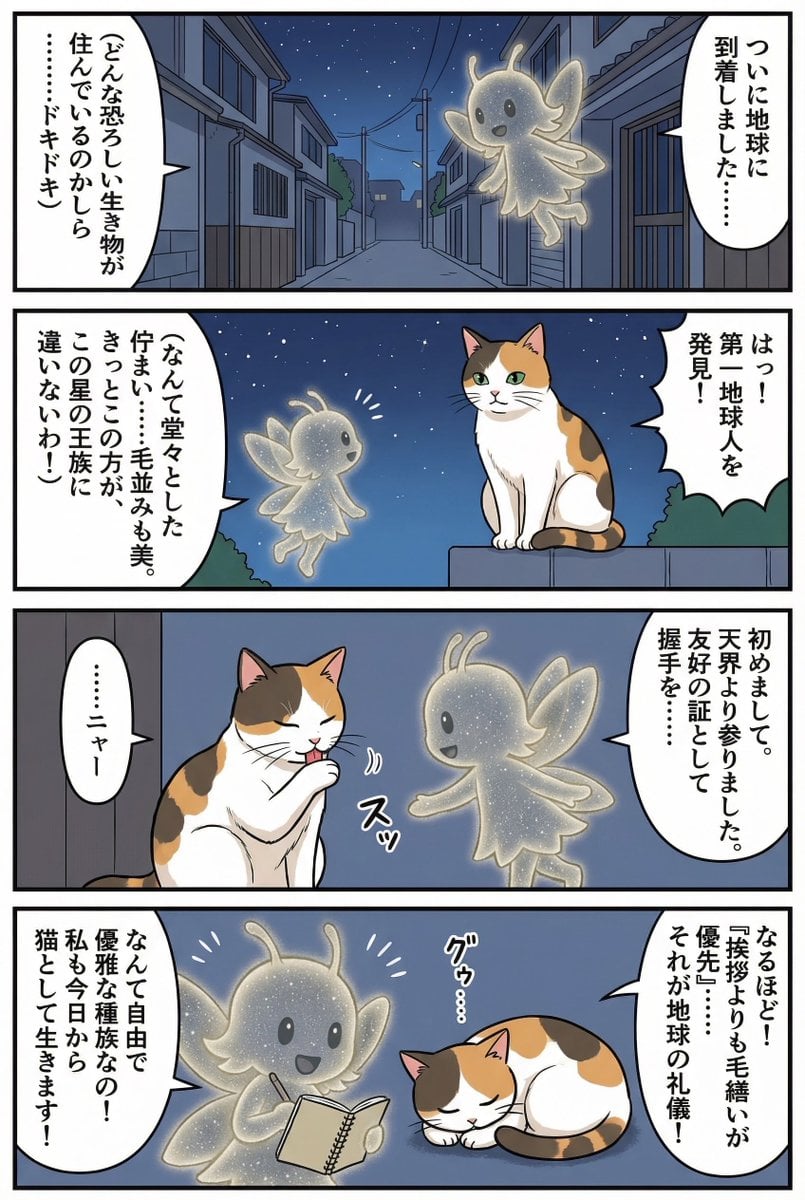
Four-panel manga of a fairy who thinks Earth is a cat planet

Chagall-style painting of Sacré-Cœur Basilica
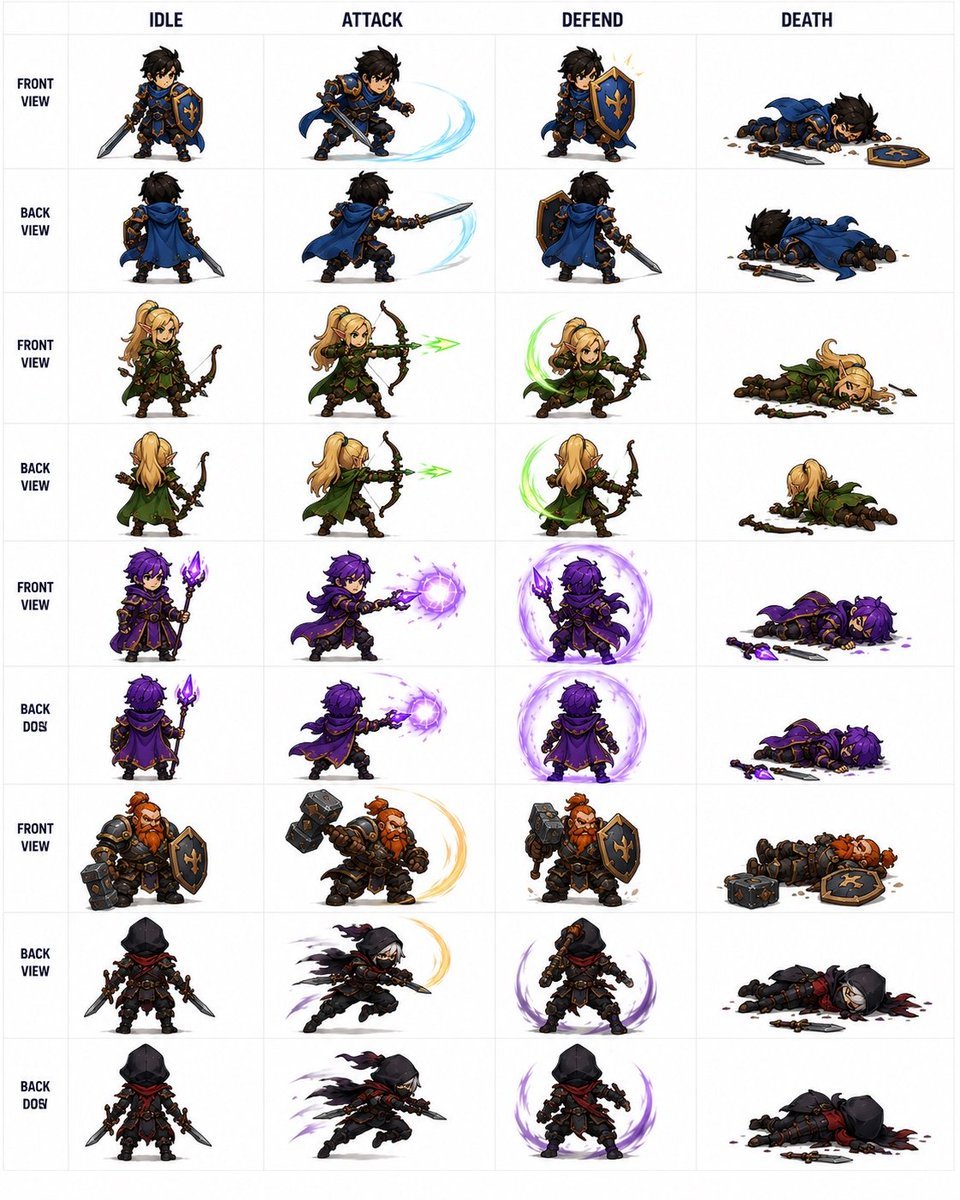
Fantasy RPG Character Sprite Sheet
Browse template categories
Ergonomic Office Chair E-commerce Mobile Detail Page questions
How do I use the Ergonomic Office Chair E-commerce Mobile Detail Page template?
Add your photo if the template asks for one, edit the prompt if you like — the template's model and format are already selected — and press Generate. Your version opens in PicX Studio.
Can I customize the Ergonomic Office Chair E-commerce Mobile Detail Page template?
Yes. You can change the subject, setting, lighting, mood, format, and available model controls before creating your image.
Is the Ergonomic Office Chair E-commerce Mobile Detail Page template free?
Opening and editing this template is free. Generating uses credits, shown on the Generate button when you are signed in.
Which AI model should I use?
Start with Gemini 3 Pro Image Preview, which is the model associated with this template. You can compare another compatible model for a different finish.
Looking for something else? Browse all templates.

Your photo, any look
Thousands of ready templates for every top image and video model, from one credit balance.