
1980s Retro Salon Portrait
A stylized vintage photography prompt for a 1980s aesthetic with specific clothing and camera flash instructions.

- Prompt included
- Model and format preset
- Free template
The prompt behind this image
Copy the exact prompt behind 1980s Retro Salon Portrait, or open it in the studio and make it yours.
{ "subject": "{argument name="subject description" default="Woman in her late twenties, auburn-chestnut hair cut short and swept up and back off the face with sculpted 1980s volume at the crown and sides, finished with a black grosgrain bow pinned at the back. Fair skin with a warm peachy tone. Period makeup: soft bronze-mauve shadow blended to the brow bone, strong arched brows, sculpted blusher high on the cheekbone, glossy brick-red lip. Slender build, elegant long neck. Chin lifted, gaze angled off toward the light, composed and aloof."}", "outfit": { "dress": "{argument name="dress style" default="Cobalt-blue metallic brocade cocktail dress with an allover shifting lamé sheen, strongly padded shoulders tapering to a narrow waist, gathered blouson bodice with a rounded yoke, long full sleeves, slim knee-length skirt"}", "hosiery": "Sheer smoke-grey tights with a soft period sheen", "shoes": "Black suede pointed-toe pumps with a slim stiletto heel and a small bow at the vamp", "jewellery": "Stacked wide gold bangles on both wrists, gold drop earrings", "props": "A slim crystal champagne flute held loosely in one hand" }, "pose": "Seated in a clear lucite armchair, torso upright and turned three-quarters to the camera. Legs crossed high at the knee and extended long toward the floor, toes pointed, feet angled together. One arm resting along the chair arm holding the champagne flute out at chest height; the other hand relaxed on the thigh. Shoulders squared back, spine straight, head tilted slightly away.", "setting": "{argument name="interior style" default="A pale 1980s salon interior. A transparent lucite armchair with a woven cream cushion, a matching lucite side table, and a low cream boucle sofa behind. Soft beige-grey walls, a sheer curtained window casting a broad wash of light, warm oak flooring beneath."} Sparse and elegant — nothing else in frame. Absolutely no text, lettering or signage anywhere.", "camera": "35mm crisp direct flash. Hard frontal light throwing a defined shadow behind the chair, fierce specular blowout across the metallic brocade so the dress ignites, hot glints on the gold bangles and champagne glass. Warm saturated period grade, cobalt pushed rich against neutral cream. Lifted blacks, medium-high contrast, fine 35mm grain, gentle halation, corner vignette.", "framing": "Vertical 2:3. ANGLE — low view from the subject's left, lens near seat height and tilted up. The crossed legs foreshorten toward the camera and read longer, the lucite chair reads at a three-quarter turn with its transparent frame catching flash, and more wall and ceiling opens above her head." }
How to use 1980s Retro Salon Portrait in 3 steps
- 1
Open
The prompt is already in the box next to the preview, with the template's model and format selected.
- 2…a portrait of your subject in softgolden-hour light, 85mm…
Personalize
Edit the subject and creative details for your destination.
- 3Generate
Generate
Press Generate — your image is created in PicX Studio, so you can compare it with the original and refine one variable at a time.
More like this
Templates with the same subject, style or setup. Open one to see its prompt.












Make it yours
1980s Retro Salon Portrait works as-is. These are the safest ways to change it without losing the look.
Change one field
Copy a single group, rewrite it, and generate again so you can see what that field is doing.
Keep the frame, change the subject
Hold the composition and light of 1980s Retro Salon Portrait, then swap wardrobe, props or the person for a new take.
| If the result… | Why | Fix |
|---|---|---|
| The result drifts from the preview | Too many fields changed at once. | Reuse 1980s Retro Salon Portrait as-is first, then change one group — subject, light, or setting. |
| The model over-stylizes the scene | The prose prompt leaves finish and camera underspecified. | Add one camera or lighting sentence and stay on Gemini 3 Pro Image Preview. |
More Gemini 3 Pro Image Preview templates
Other prompts made for Gemini 3 Pro Image Preview.

Creative Character in Pink Office

Avant-Garde Asian Fashion Model

Underwater Macro Face Portrait

Water-level Bridge Modification

Noir Punk Street Portrait

High Contrast Cinematic Face Portrait

Monochrome Studio Portrait with Colored Lens

Ultra-Realistic Yacht Sunset Portrait

Mushroom Still Life Composition

Whimsical Anthropomorphic Friendly Insect
More image prompts
Fresh picks from across the catalog.
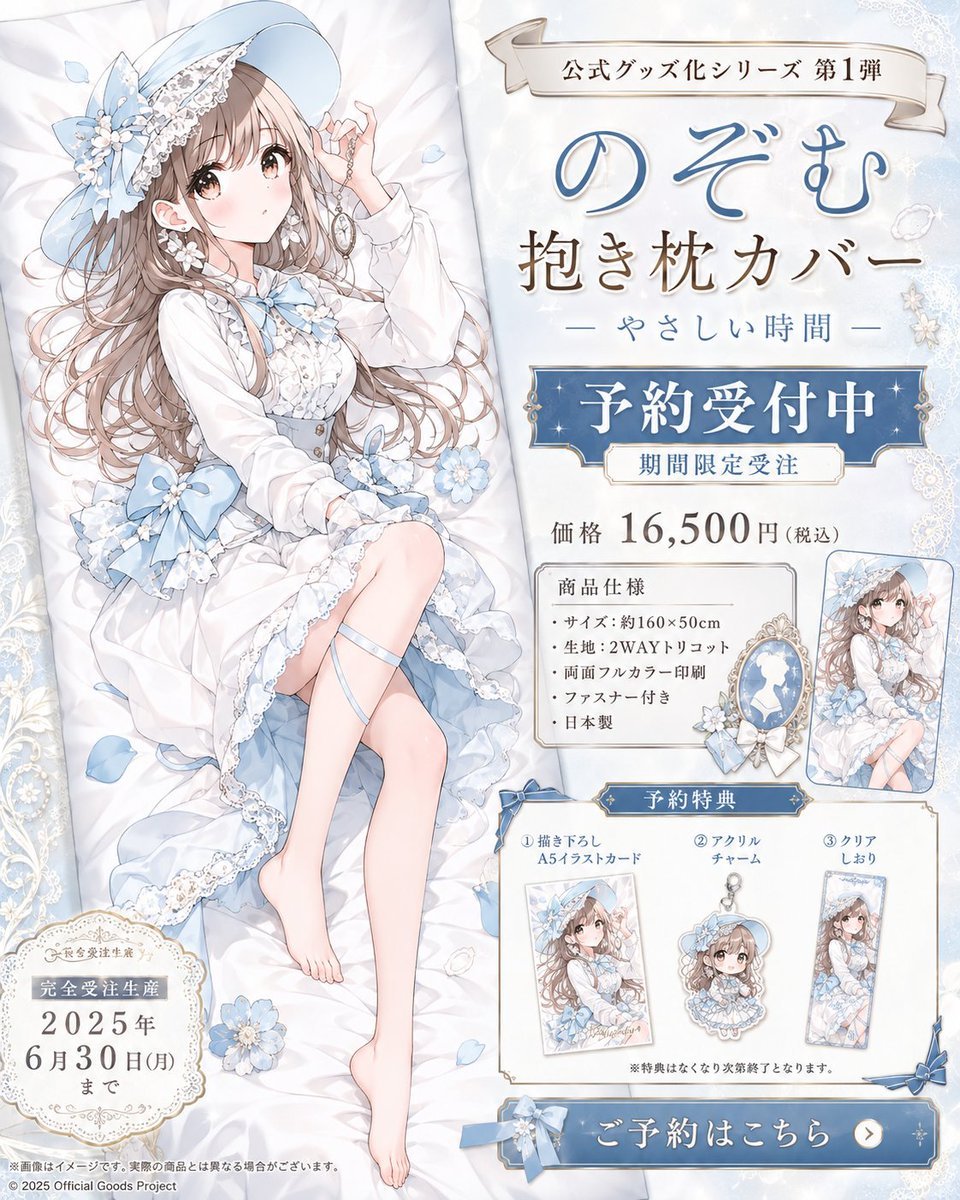
Anime Dakimakura Preorder Poster
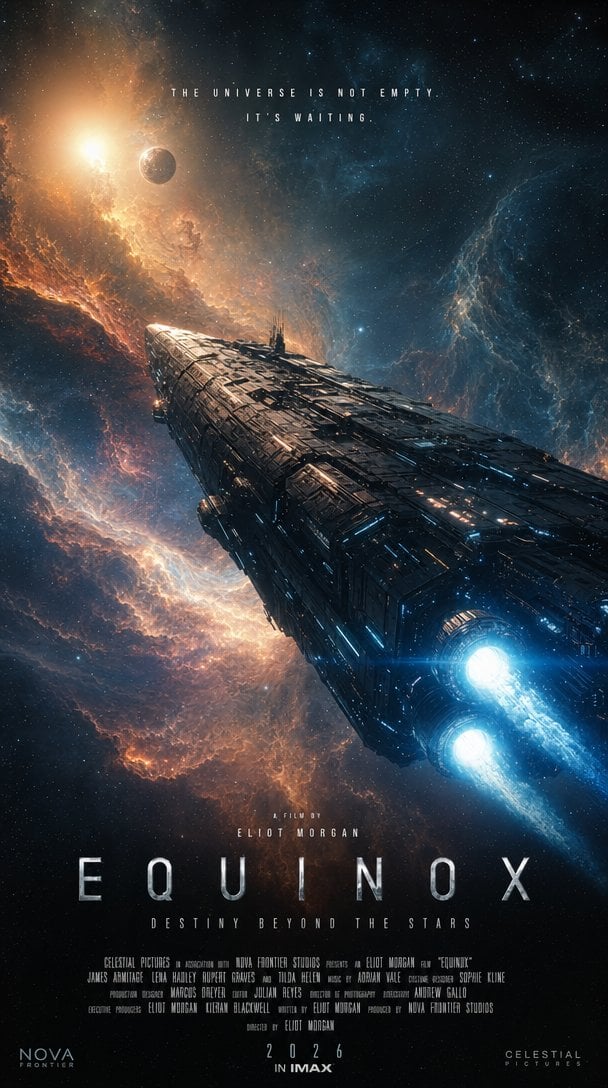
IMAX Sci-Fi Movie Poster
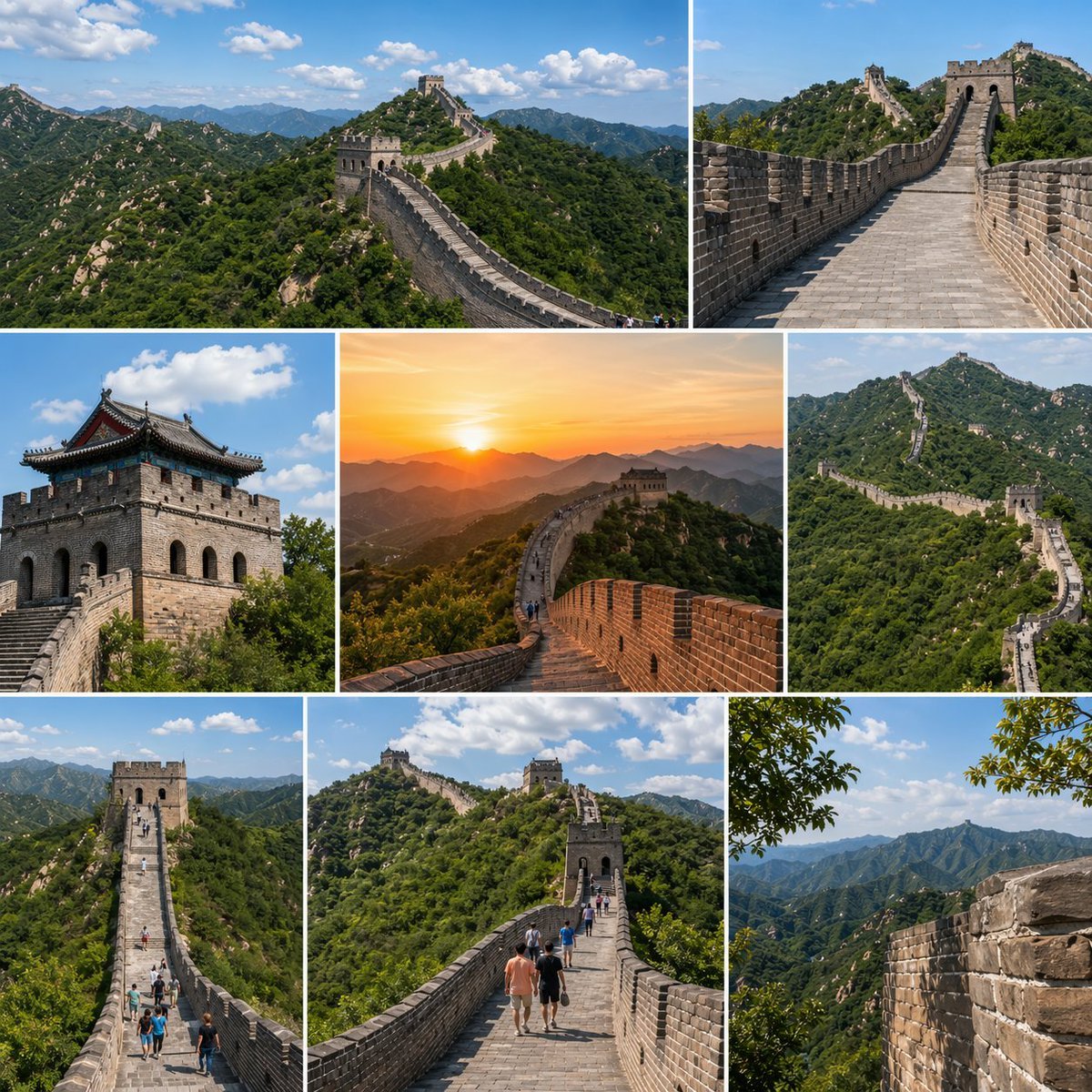
Great Wall Travel Collage

Angelic Android Over Land Aircraft Carrier
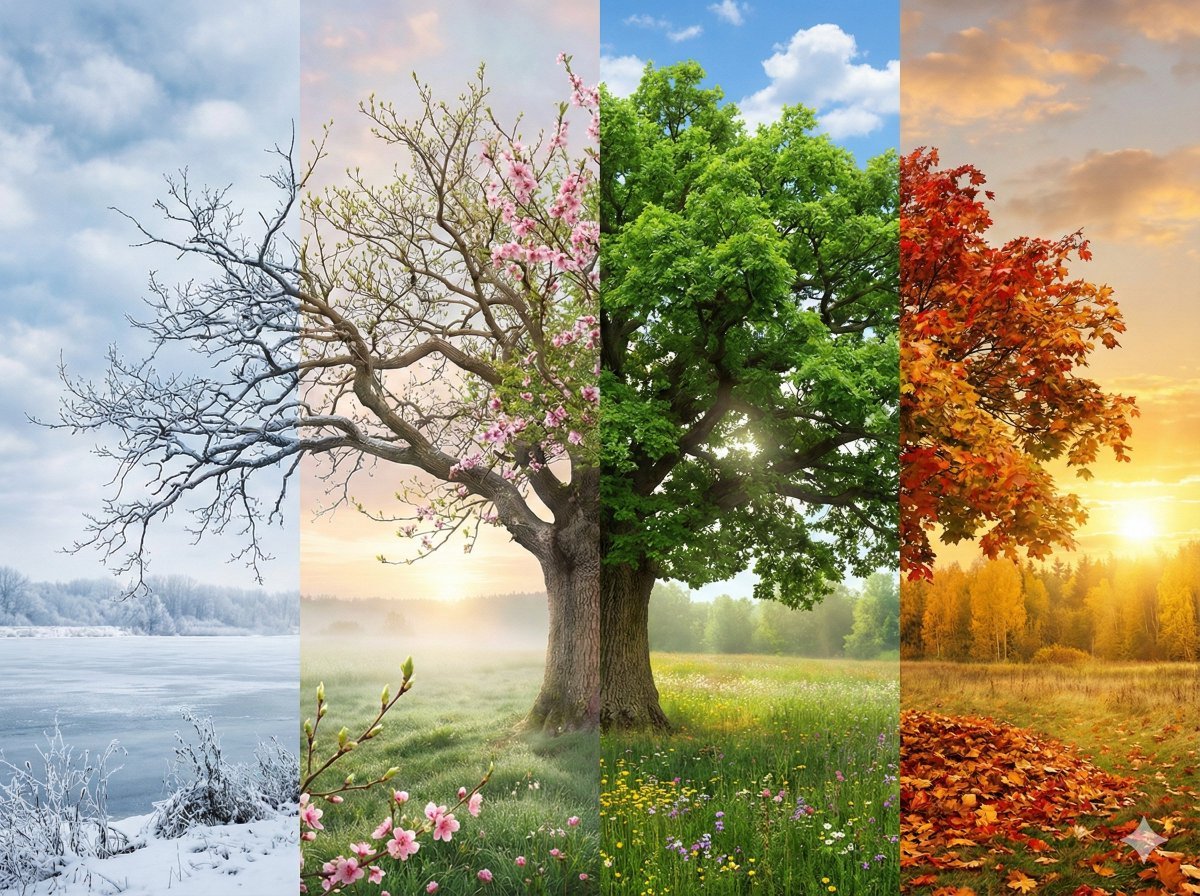
Four Seasons Transition Prompt
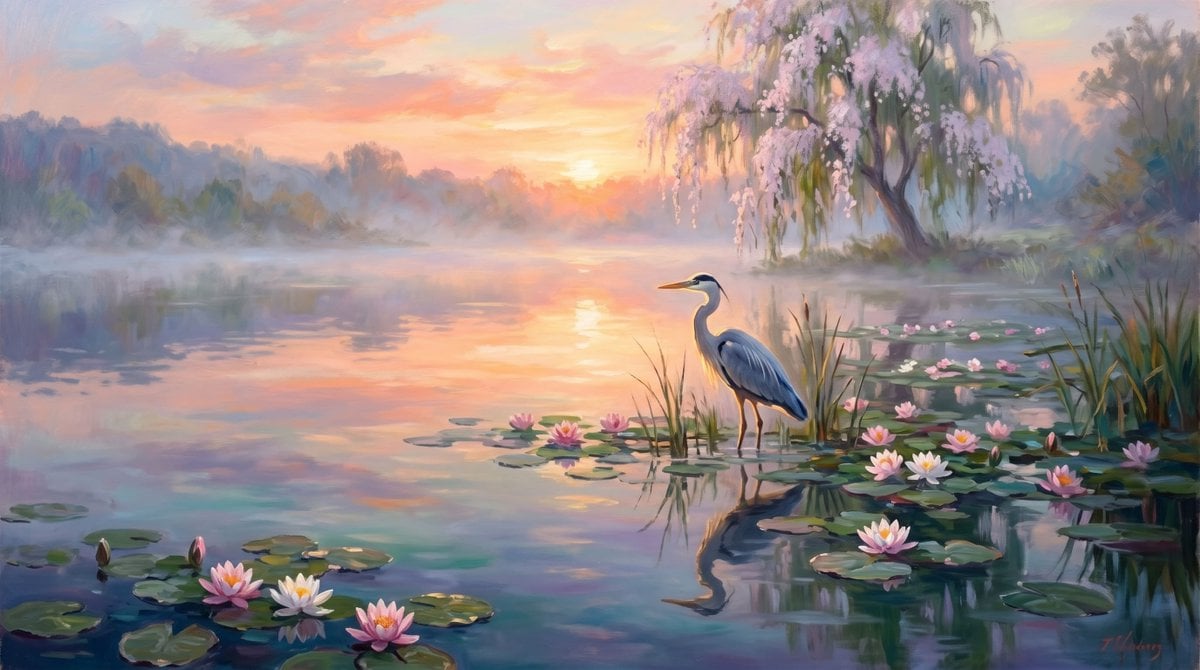
Misty Sunrise Heron Lake
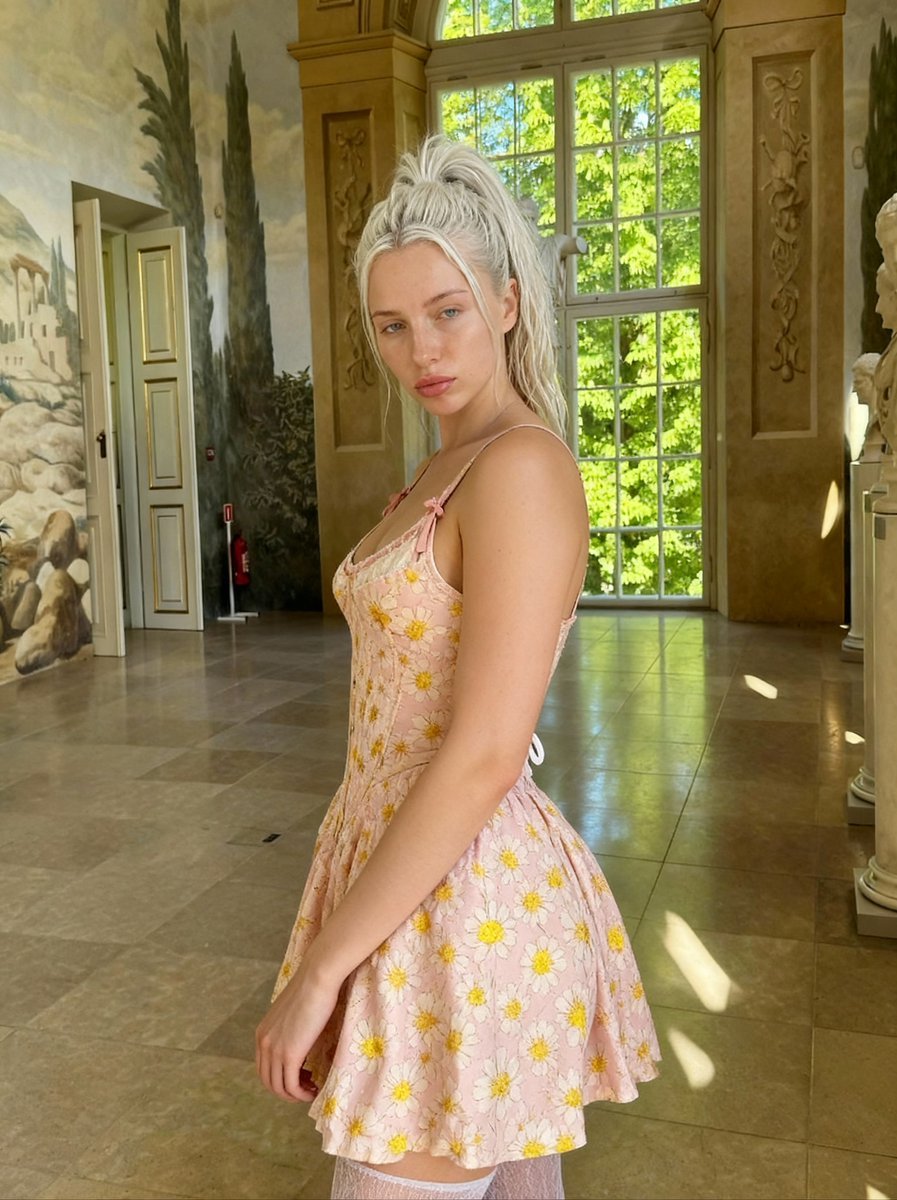
Renaissance Painting Style Portrait in an Italian Palazzo
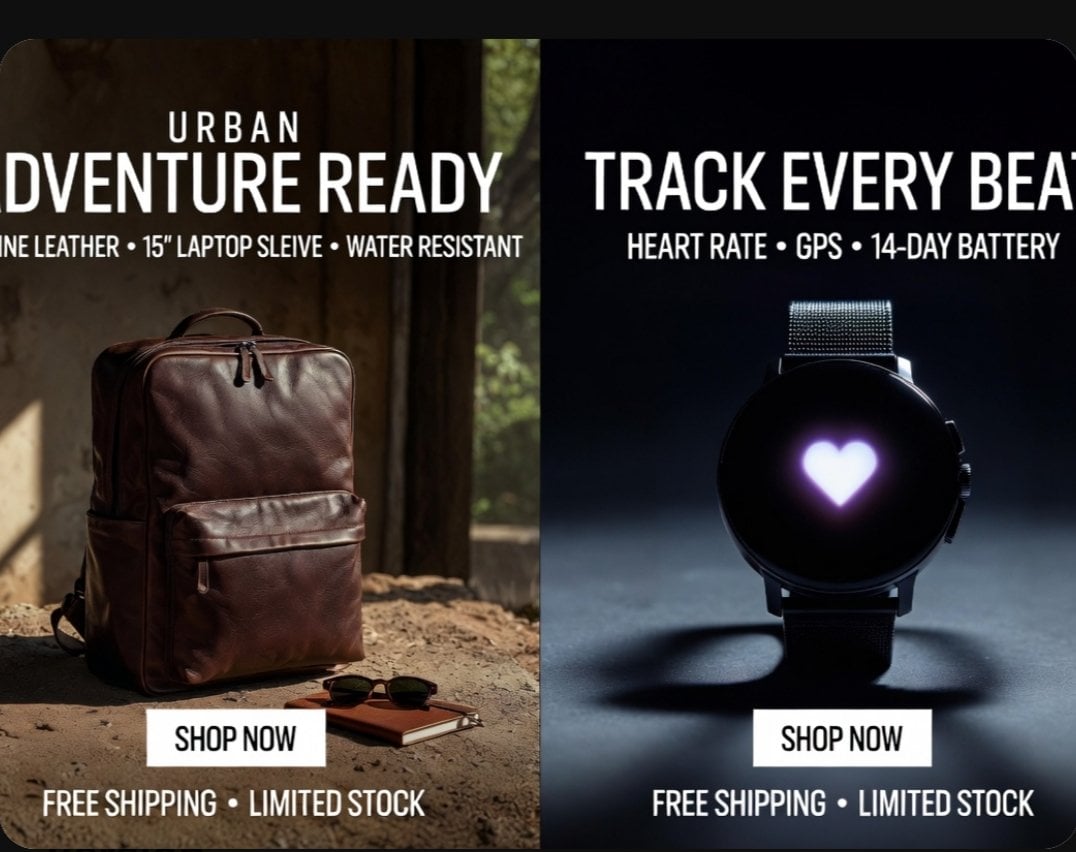
Split-Screen Product Ad Poster
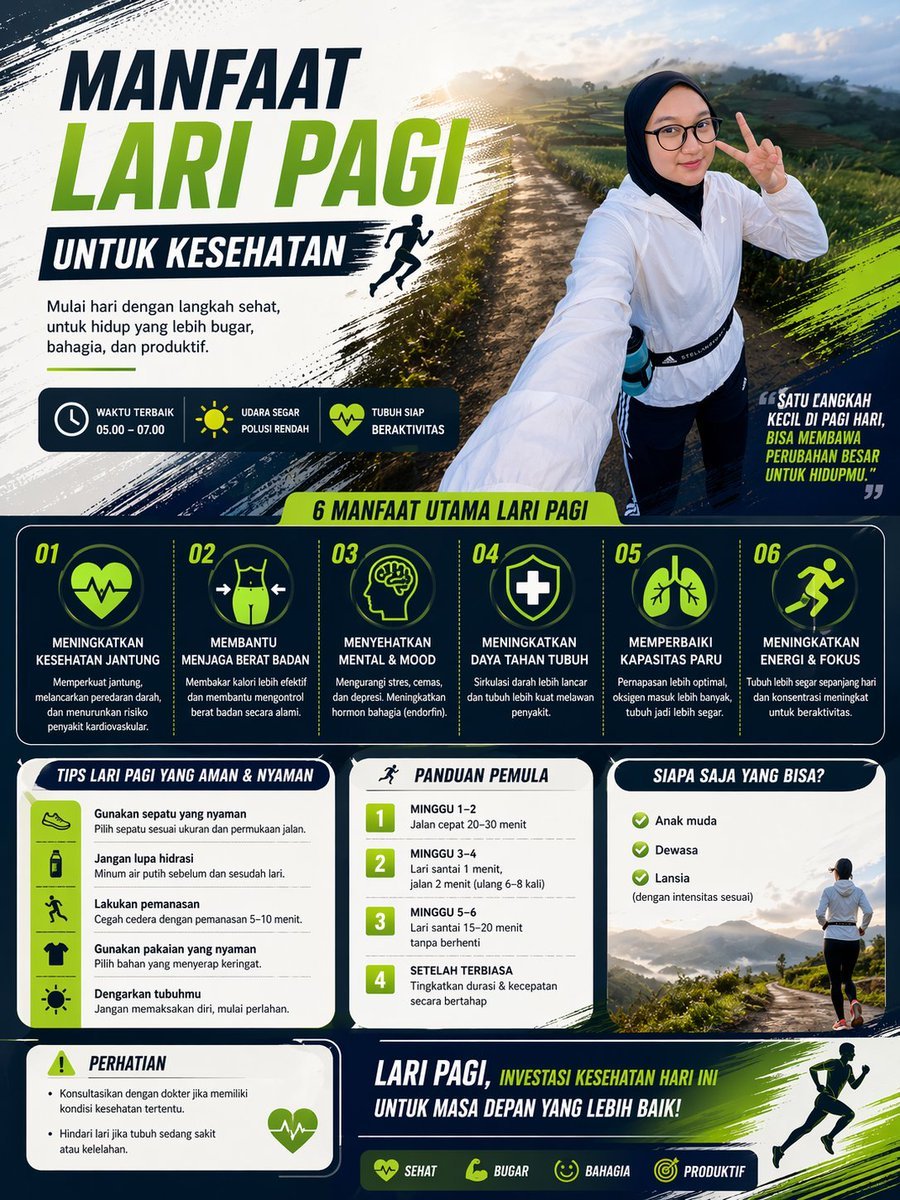
Morning Run Benefits Infographic
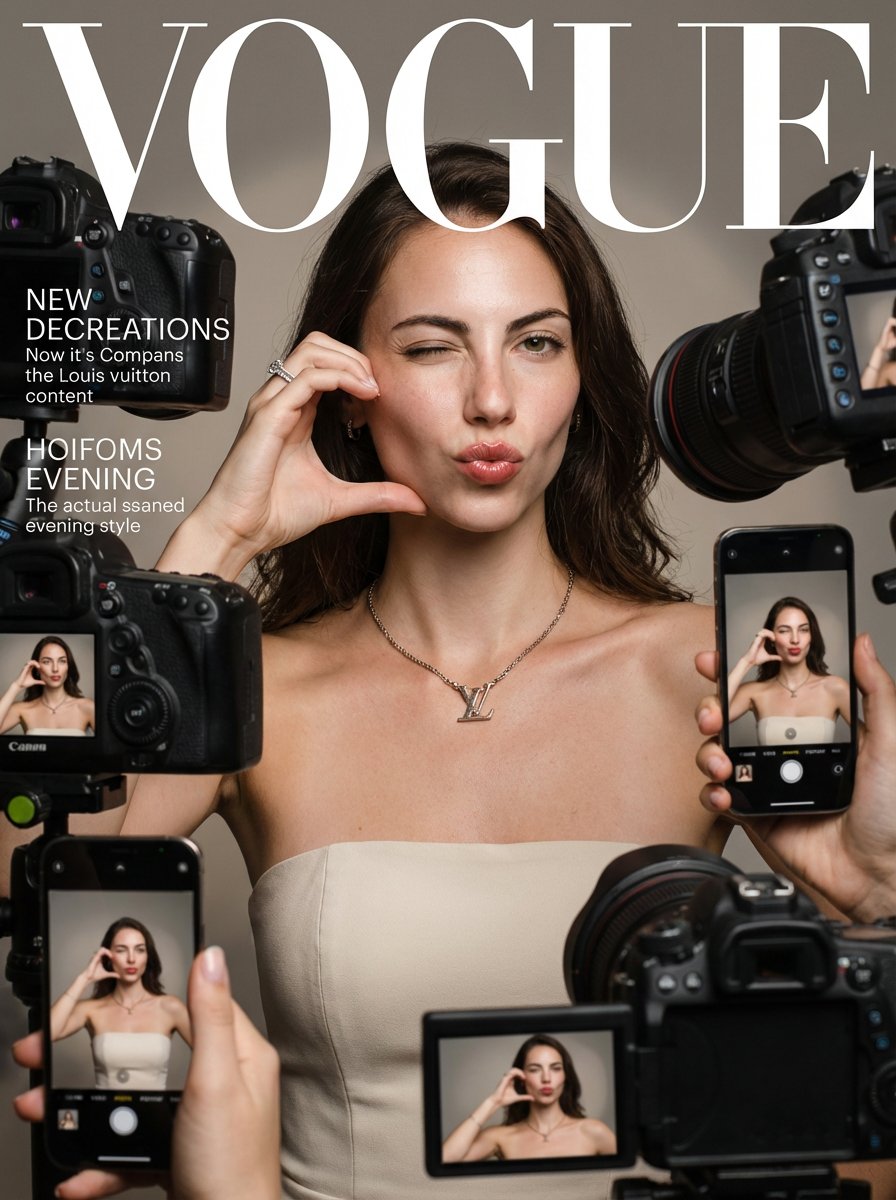
Vogue Magazine Cover Style Fashion Portrait
Featured in prompt roundups
Hand-picked collections that include this template.
Browse template categories
1980s Retro Salon Portrait questions
How do I use the 1980s Retro Salon Portrait template?
Add your photo if the template asks for one, edit the prompt if you like — the template's model and format are already selected — and press Generate. Your version opens in PicX Studio.
Can I customize the 1980s Retro Salon Portrait template?
Yes. You can change the subject, setting, lighting, mood, format, and available model controls before creating your image.
Is the 1980s Retro Salon Portrait template free?
Opening and editing this template is free. Generating uses credits, shown on the Generate button when you are signed in.
Which AI model should I use?
Start with Gemini 3 Pro Image Preview, which is the model associated with this template. You can compare another compatible model for a different finish.
Looking for something else? Browse all templates.

Your photo, any look
Thousands of ready templates for every top image and video model, from one credit balance.