
Anime Dakimakura Preorder Poster
Generates a refined Japanese-style official dakimakura cover preorder announcement poster for a cute anime character merchandise release.
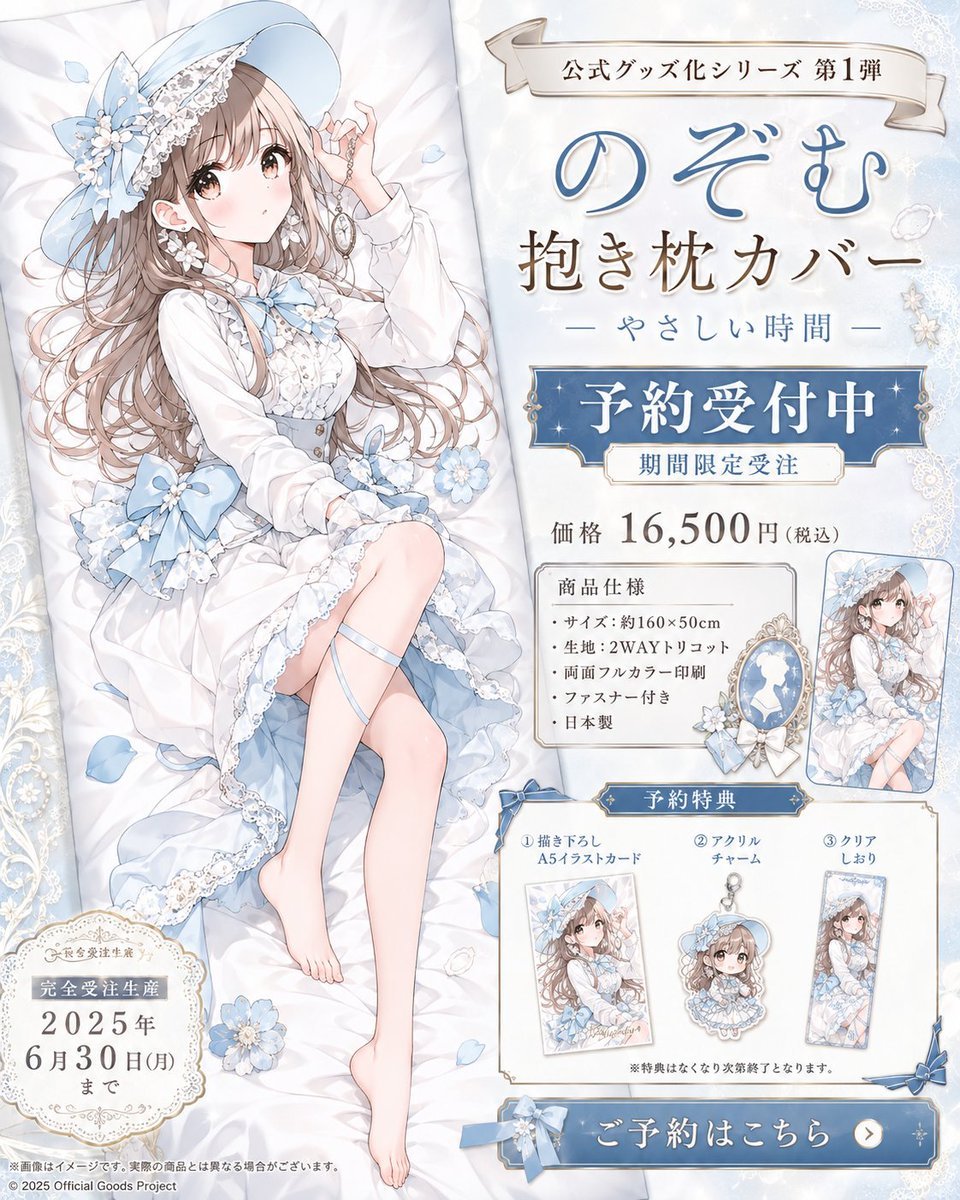
- Prompt included
- Model and format preset
- Free template
The prompt behind this image
Copy the exact prompt behind Anime Dakimakura Preorder Poster, or open it in the studio and make it yours.
Goal: Create a polished Japanese anime merchandise announcement poster for an official dakimakura body pillow cover featuring {argument name="character name" default="のぞむ"}, styled like a real preorder sales visual for a limited official goods release. Canvas: Vertical 4:5 poster, soft ivory and pale powder-blue palette, elegant lace borders, faint floral patterns, sparkles, satin fabric texture, ornate gold trim, high-resolution commercial key visual. Layout: Split composition with the character occupying the left half and product information on the right half. On the left, show a full-body anime girl reclining diagonally on a white dakimakura pillow, surrounded by pale blue flowers, ribbon bows, lace, petals, and soft bedding folds. Add a small ornate circular deadline badge at bottom left. On the right, place stacked promotional typography and boxed information panels: a ribbon banner at top, large product title, preorder banner, price line, specification box, sample product thumbnail, bonus section with three items, and a large blue call-to-action button at the bottom. Main character: A beautiful delicate anime girl with long wavy light brown hair, fair skin, soft romantic expression, and an elegant white-and-sky-blue lolita dress. She wears a wide pale blue hat with lace, flowers, and ribbons, a white blouse with puff sleeves, blue bow accents, layered frilled skirt, lace trim, thigh ribbon detail, and bare feet. She reclines gracefully on the pillow with one hand lifted near her face holding a small ornate accessory or chain, legs extended naturally. Place a vertical soft beige rectangular privacy/name-input mask over the face area, obscuring the face while leaving hair, hat, pose, and outfit visible. Text content: Use Japanese promotional copy in refined Mincho-style and handwritten-style fonts. Top ribbon: {argument name="series label" default="公式グッズ化シリーズ 第1弾"}. Large title: {argument name="product title" default="のぞむ 抱き枕カバー"}. Subtitle: 「— やさしい時間 —」. Main blue banner: {argument name="preorder headline" default="予約受付中"}. Smaller label beneath: 「期間限定受注」. Price line: {argument name="price" default="価格 16,500円(税込)"}. Bottom-left deadline badge: 「完全受注生産 2025年 6月30日(月)まで」. Product specification panel title: 「商品仕様」 with exactly 5 bullet points: 「サイズ:約160×50cm」, 「生地:2WAYトリコット」, 「両面フルカラー印刷」, 「ファスナー付き」, 「日本製」. Reservation bonus panel title: 「予約特典」 with exactly 3 numbered bonus items: ① 「描き下ろし A5イラストカード」, ② 「アクリルチャーム」, ③ 「クリアしおり」. Bottom button: 「ご予約はこちら」 with a white arrow icon. Add tiny legal footer text and copyright line at the bottom edge. Bonus and product visuals: Include exactly 1 small product thumbnail near the specification box showing the same reclining character art. Include exactly 3 bonus preview images in the bonus panel: one A5 illustration card, one acrylic charm with a small chain, and one clear bookmark, all using miniature versions of the same character artwork; the acrylic charm preview also has a small beige face mask over the face. Visual style: Premium shojo-anime illustration, airy watercolor shading, soft highlights, delicate linework, ornate feminine packaging design, blue-and-gold commercial banner elements, clean readable Japanese typography, realistic official preorder poster feel. Constraints: Keep the poster information-dense but elegant, preserve the exact count of 5 product specification bullets and 3 preorder bonus items, do not add extra characters, avoid logos or watermarks beyond the small copyright/footer, and make the face-obscuring beige rectangle intentional and centered over the main face.
How to use Anime Dakimakura Preorder Poster in 3 steps
- 1Upload ImagePNG, JPG or paste
Add your photo
Upload the photo the template builds on. The prompt, model and format are already set.
- 2…a portrait of your subject in softgolden-hour light, 85mm…
Personalize
Edit the subject and creative details for your destination.
- 3Generate
Generate
Press Generate — your image is created in PicX Studio, so you can compare it with the original and refine one variable at a time.
More like this
Templates with the same subject, style or setup. Open one to see its prompt.

Captain Tsubasa Anime World Cup Poster

Gpt2 Youtube Thumbnail Anime Music Bootcamp Promo Poster

Japan Travel Brochure Poster

Cel 2D Finale Fireworks

Cel 2D Garden Maze

Cel 2D Rooftop Concert

Cel 2D Bicycle Coast

Cel 2D Castle Gate

Cel 2D Kitchen Chaos

Cel 2D Carnival Ride

Cel 2D Rainy Bus Stop

Cel 2D Space Dock
Make it yours
Anime Dakimakura Preorder Poster works as-is. These are the safest ways to change it without losing the look.
Change one field
Copy a single group, rewrite it, and generate again so you can see what that field is doing.
Keep the frame, change the subject
Hold the composition and light of Anime Dakimakura Preorder Poster, then swap wardrobe, props or the person for a new take.
| If the result… | Why | Fix |
|---|---|---|
| The result drifts from the preview | Too many fields changed at once. | Reuse Anime Dakimakura Preorder Poster as-is first, then change one group — subject, light, or setting. |
| The model over-stylizes the scene | The prose prompt leaves finish and camera underspecified. | Add one camera or lighting sentence and stay on GPT Image 2. |
More GPT Image 2 templates
Other prompts made for GPT Image 2.

Six VTuber Japanese Logo Sheet

Realistic Portrait of Woman and Deer

The Vista Modular Condo Poster

AI Model Routing Comparison Infographic

2.5D Anime Art Board

Isometric Productivity Desk Scene

New York Double Exposure Poster

Four-Panel AI Landscape Comparison

Japanese Tatami Lifestyle Magazine Cover

NESCAFÉ Coffee Map Poster
More image prompts
Fresh picks from across the catalog.
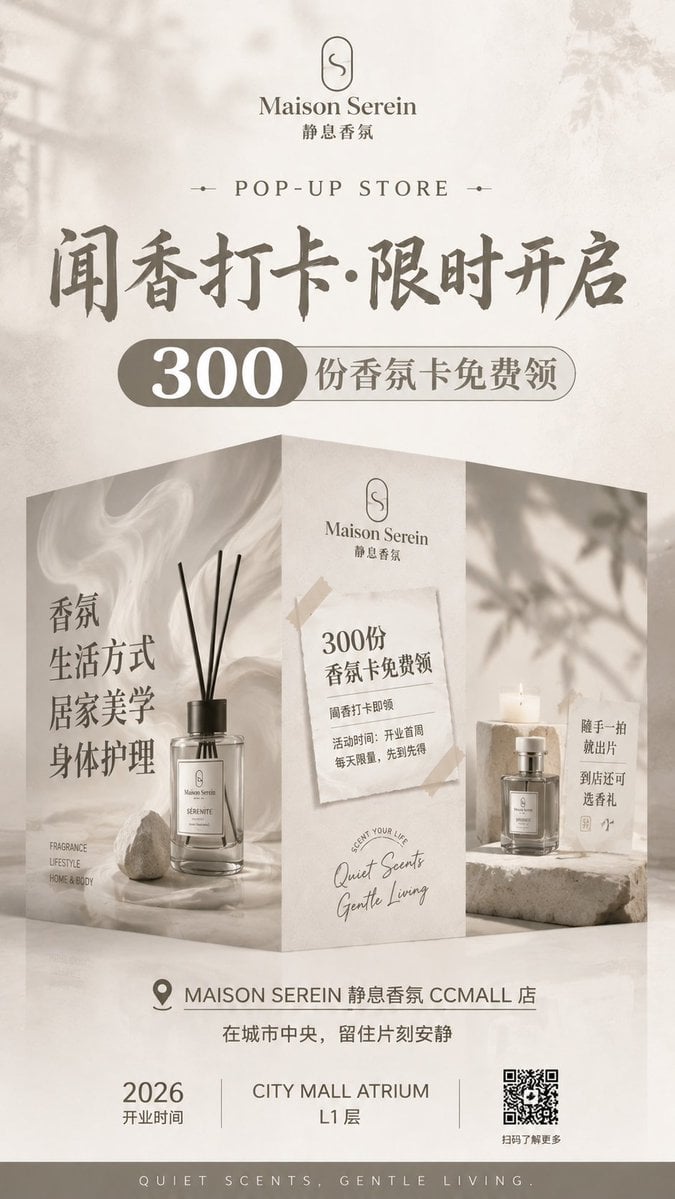
Luxury Fragrance Pop-Up Poster
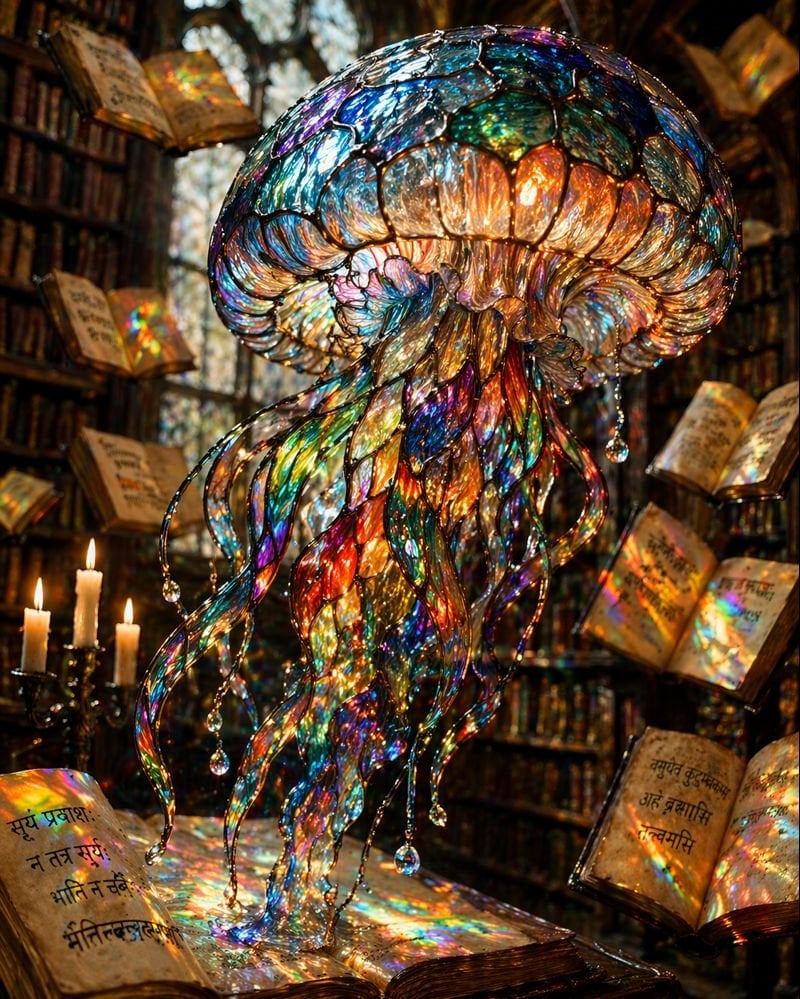
Macro Stained Glass Jellyfish

High-Contrast Sports Editorial Portrait with Grillz and Oakley
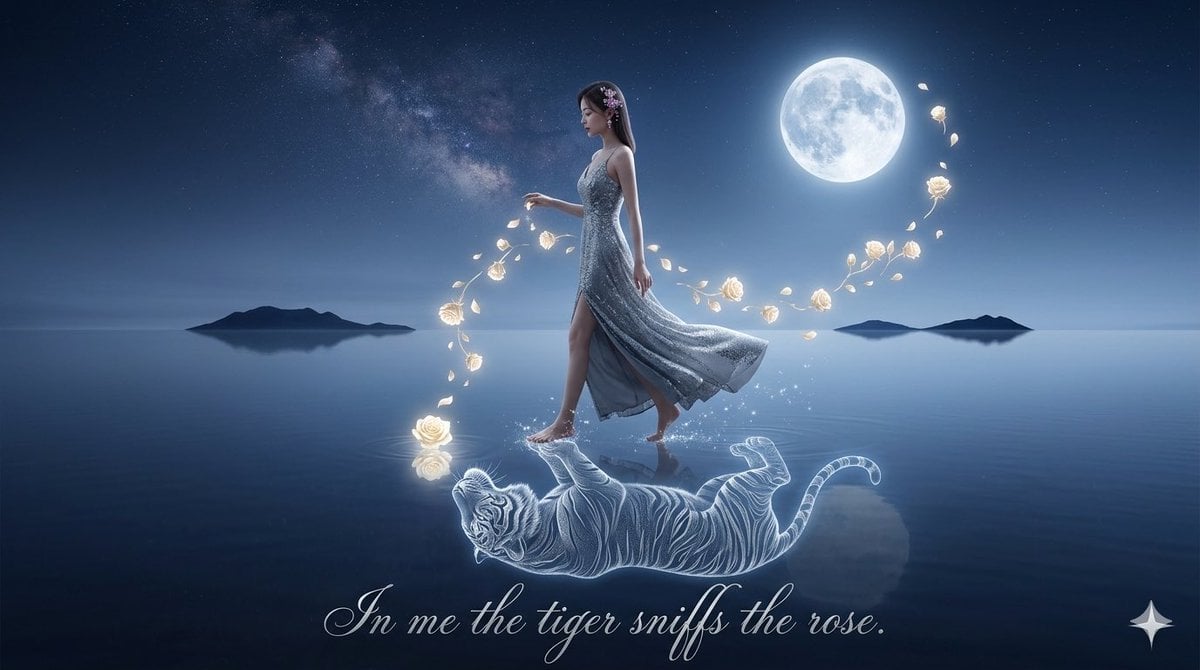
Spirit-Tiger Water Walk

untitled
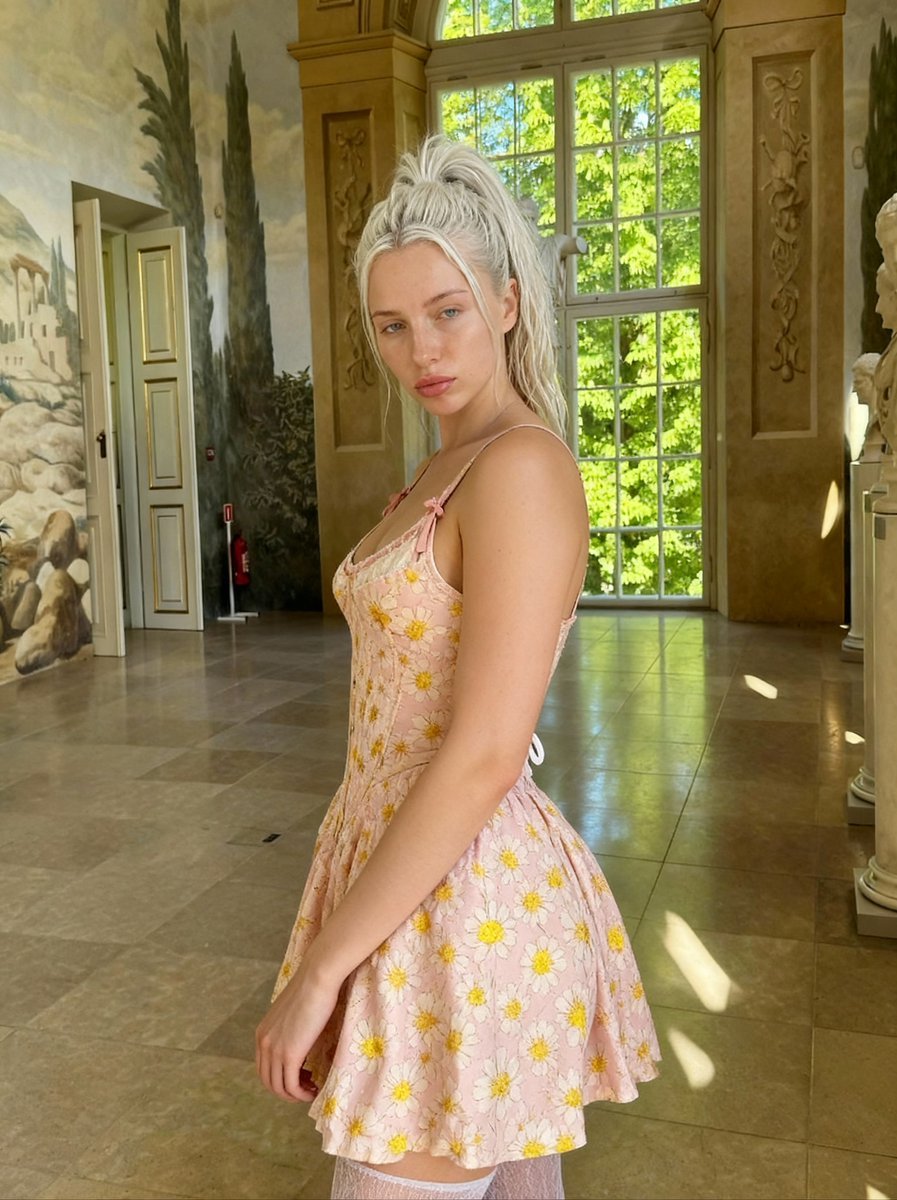
Renaissance Painting Style Portrait in an Italian Palazzo
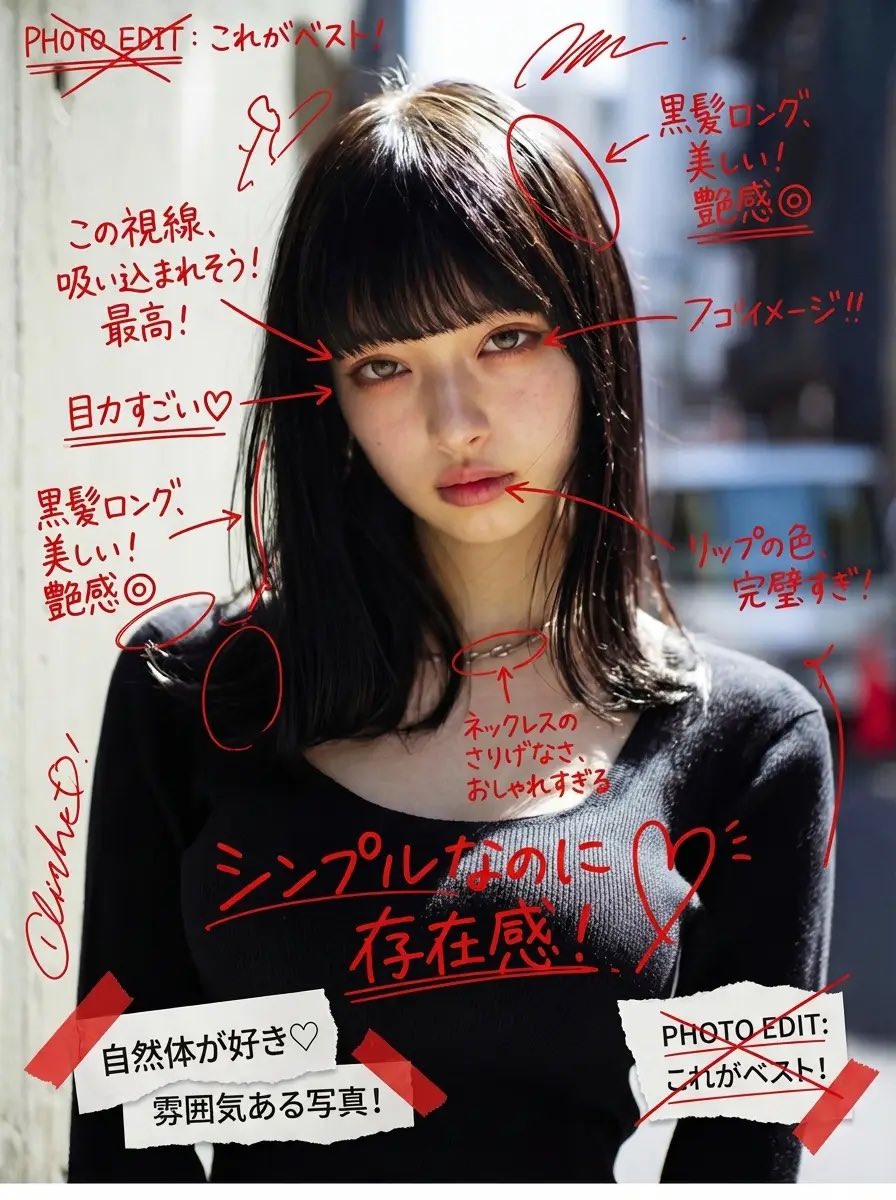
Image Annotation and Praise Commentary Prompt

Surreal Molten Gold Liquid Portrait
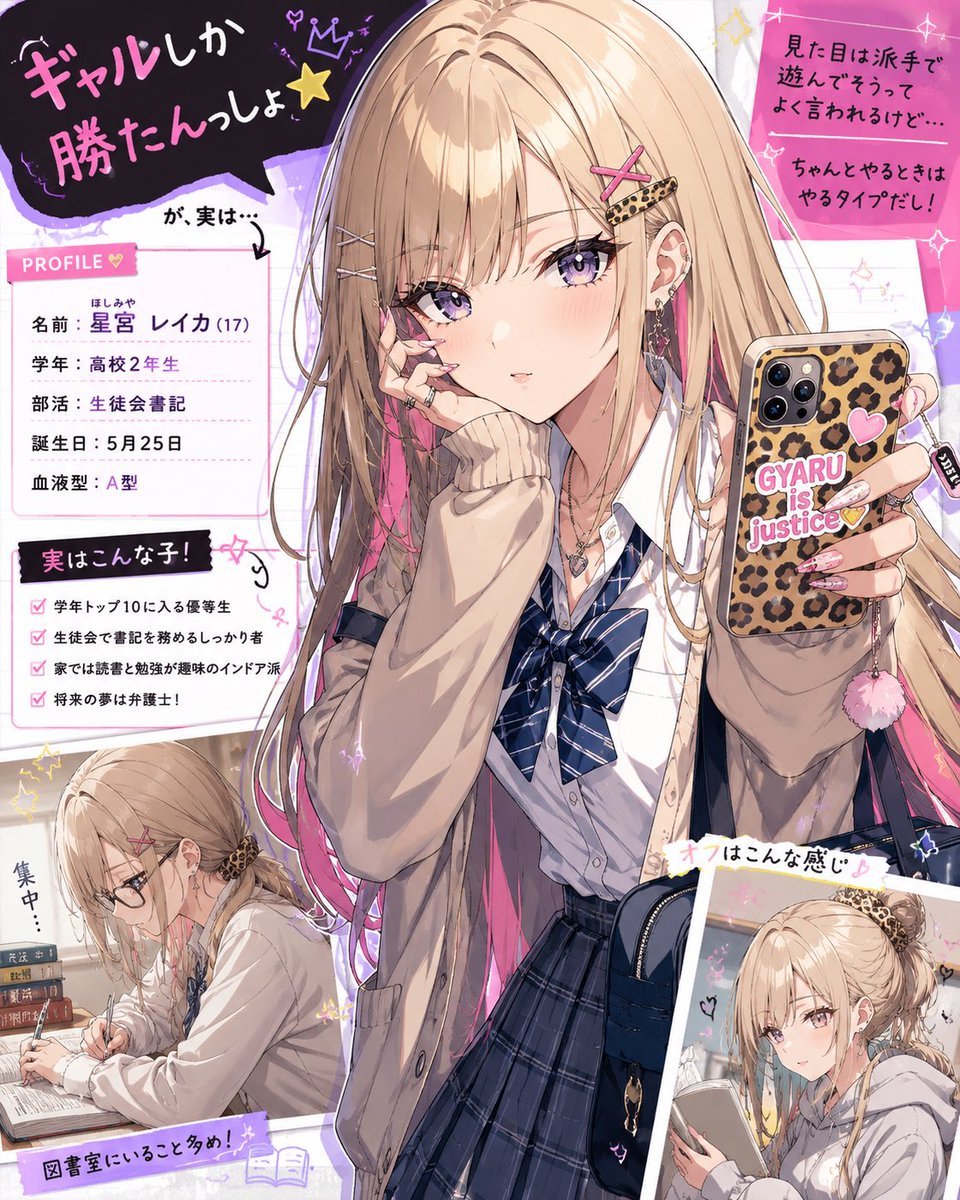
Gal Style High School Girl Digital Illustration

Floating Instagram Creator Portrait
Browse template categories
Anime Dakimakura Preorder Poster questions
How do I use the Anime Dakimakura Preorder Poster template?
Add your photo if the template asks for one, edit the prompt if you like — the template's model and format are already selected — and press Generate. Your version opens in PicX Studio.
Can I customize the Anime Dakimakura Preorder Poster template?
Yes. You can change the subject, setting, lighting, mood, format, and available model controls before creating your image.
Is the Anime Dakimakura Preorder Poster template free?
Opening and editing this template is free. Generating uses credits, shown on the Generate button when you are signed in.
Which AI model should I use?
Start with GPT Image 2, which is the model associated with this template. You can compare another compatible model for a different finish.
Looking for something else? Browse all templates.

Your photo, any look
Thousands of ready templates for every top image and video model, from one credit balance.