
Image Annotation and Praise Commentary Prompt
A detailed prompt for Higgsfield Nano Banana Pro that automatically analyzes an uploaded image of a woman and adds spontaneous, expressive, and positive handwritten Japanese comments, doodles, and editorial markings…
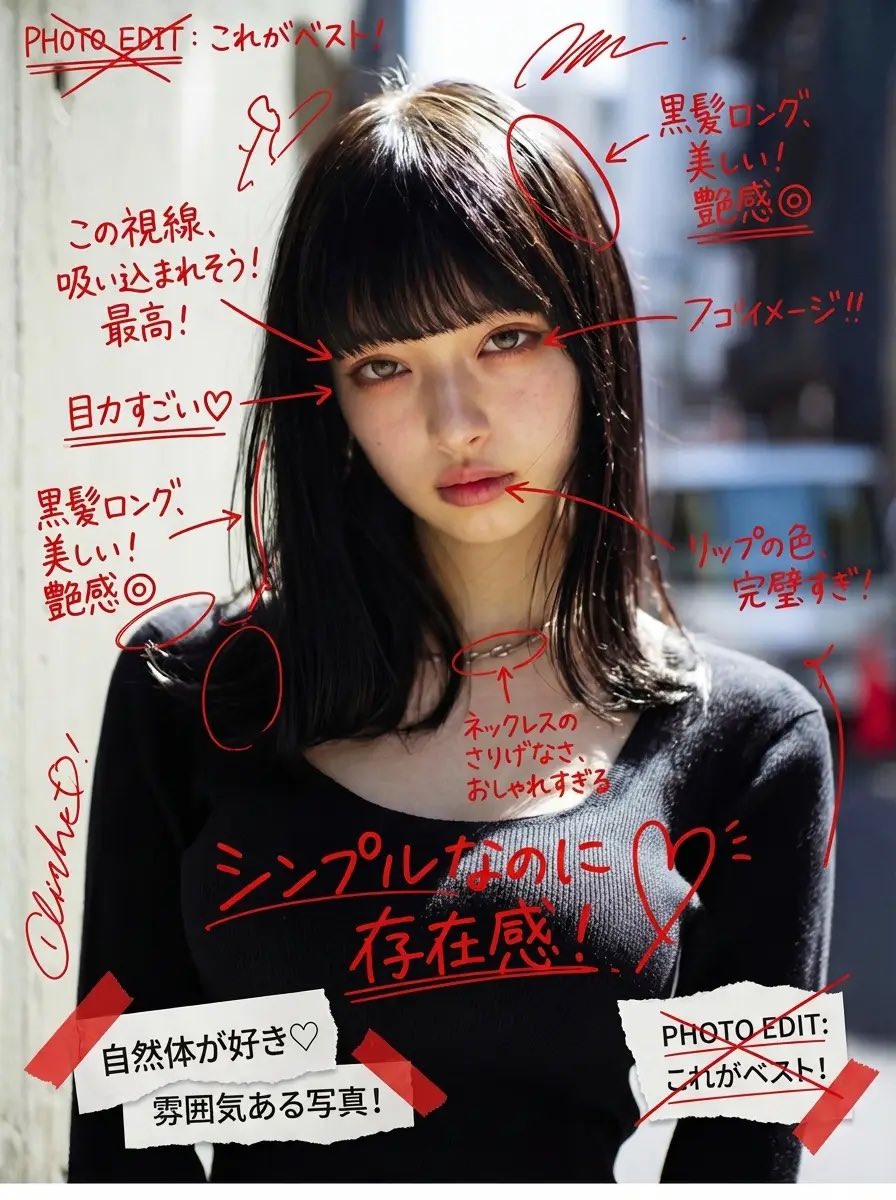
- Prompt included
- Model and format preset
- Free template
The prompt behind this image
Copy the exact prompt behind Image Annotation and Praise Commentary Prompt, or open it in the studio and make it yours.
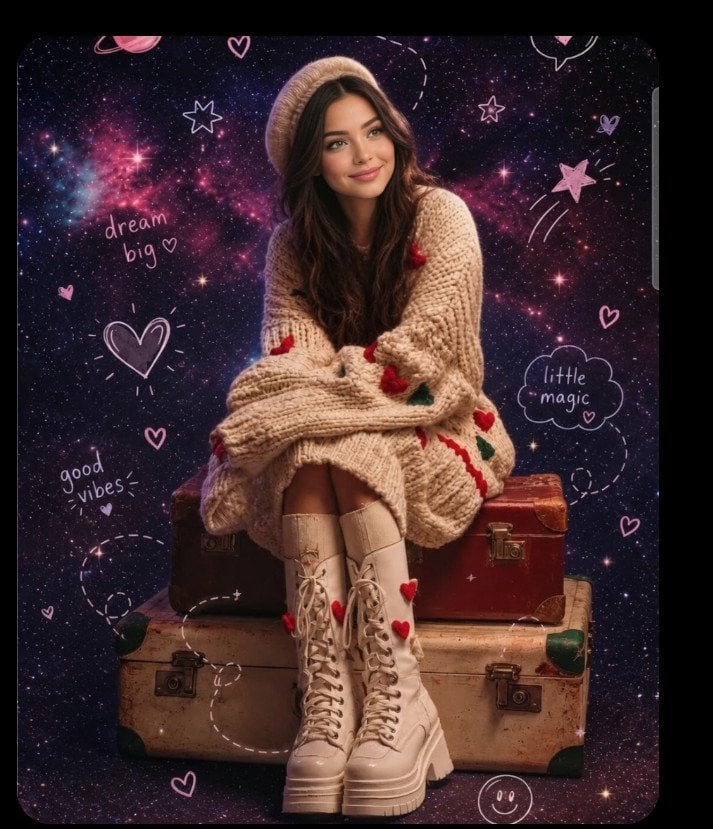
Add messy red handwritten Japanese comments, expressive doodles, and energetic editorial-style notes directly on top of the image, as if written with a red marker over printed photos. The handwriting should feel spontaneous, unfiltered, emotional, slightly chaotic, and personal—almost like someone’s private photo journal or annotated scrapbook page. All handwritten text must: – be in Japanese – appear hand-drawn, uneven, casual, and overlapping – be positive in tone The content of each handwritten note must automatically analyze the uploaded image and praise the woman based on what is visible, such as her outfit, expression, pose, styling, makeup, or mood. The comments should feel affectionate, admiring, or supportive, and tailored to what stands out in the photo. Do not repeat generic praise. Instead, generate unique personal compliments that match the image attributes. Examples must NOT be shown explicitly in the prompt. Instead, describe the logic: “The system should observe the clothing style, face, mood, posture, accessories, or color choices and produce handwritten comments that positively highlight what is visually appealing or admirable about her.” Also add: – arrows pointing to notable fashion details – underlines beneath interesting areas – circled elements – crossed-out planning notes like editing marks – layered cut-and-paste collage scraps (magazine style) – small torn paper labels – sticker-like notations – tape-texture fragments Overall direction: Create a visually intense scrapbook-journal composition, filled with affectionate handwriting, red editorial markings, and collage fragments, giving the entire image an emotional and expressive “personal praise commentary” aesthetic.
How to use Image Annotation and Praise Commentary Prompt in 3 steps
- 1Upload ImagePNG, JPG or paste
Add your photo
Upload the photo the template builds on. The prompt, model and format are already set.
- 2…a portrait of your subject in softgolden-hour light, 85mm…
Personalize
Edit the subject and creative details for your destination.
- 3Generate
Generate
Press Generate — your image is created in PicX Studio, so you can compare it with the original and refine one variable at a time.
More like this
Templates with the same subject, style or setup. Open one to see its prompt.
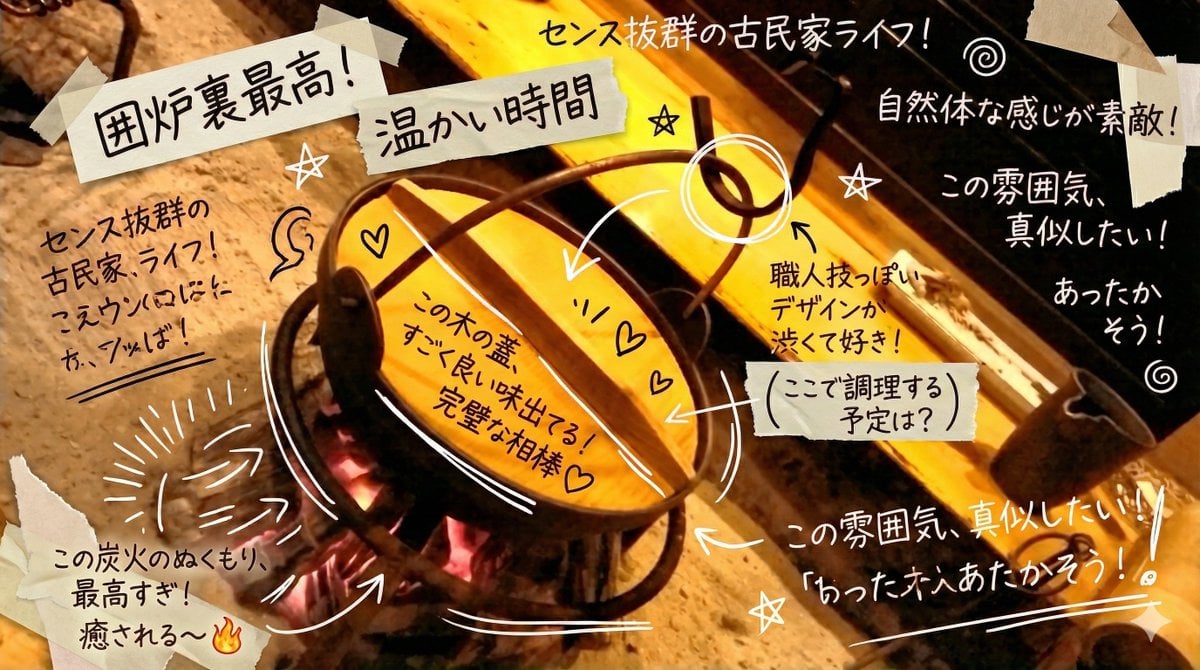
Prompt to Praise an Image's Emotional Quality

Split-Screen YouTube Thumbnail: JD Vance Political Commentary
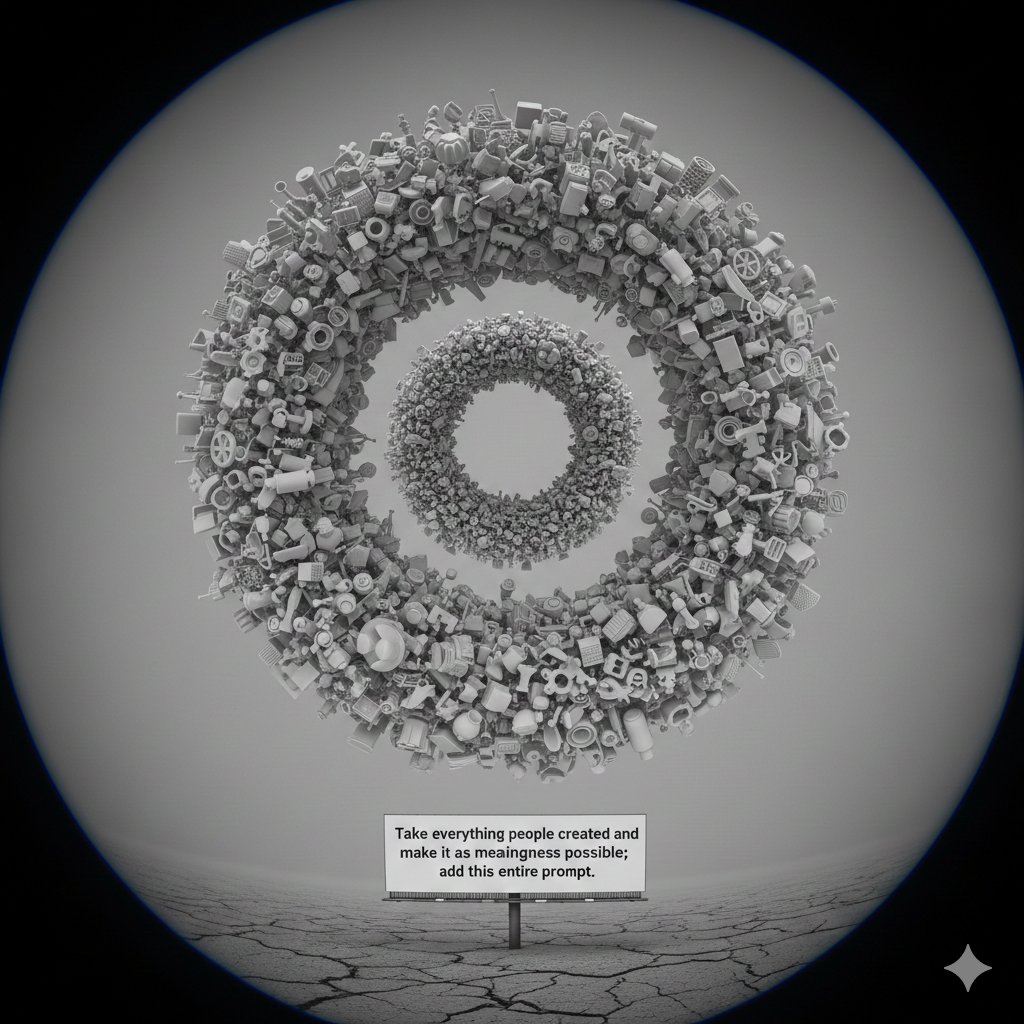
Meta-Commentary Prompt
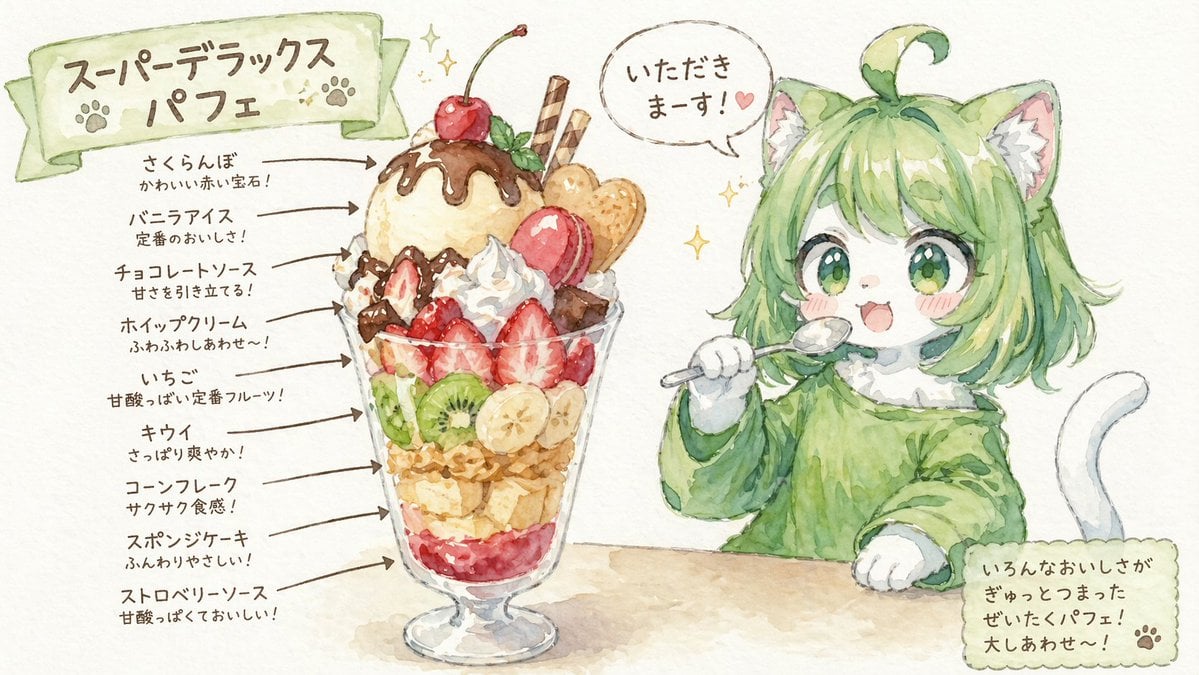
Character Eating Parfait with Annotations
Hand-drawn scribble and annotation style
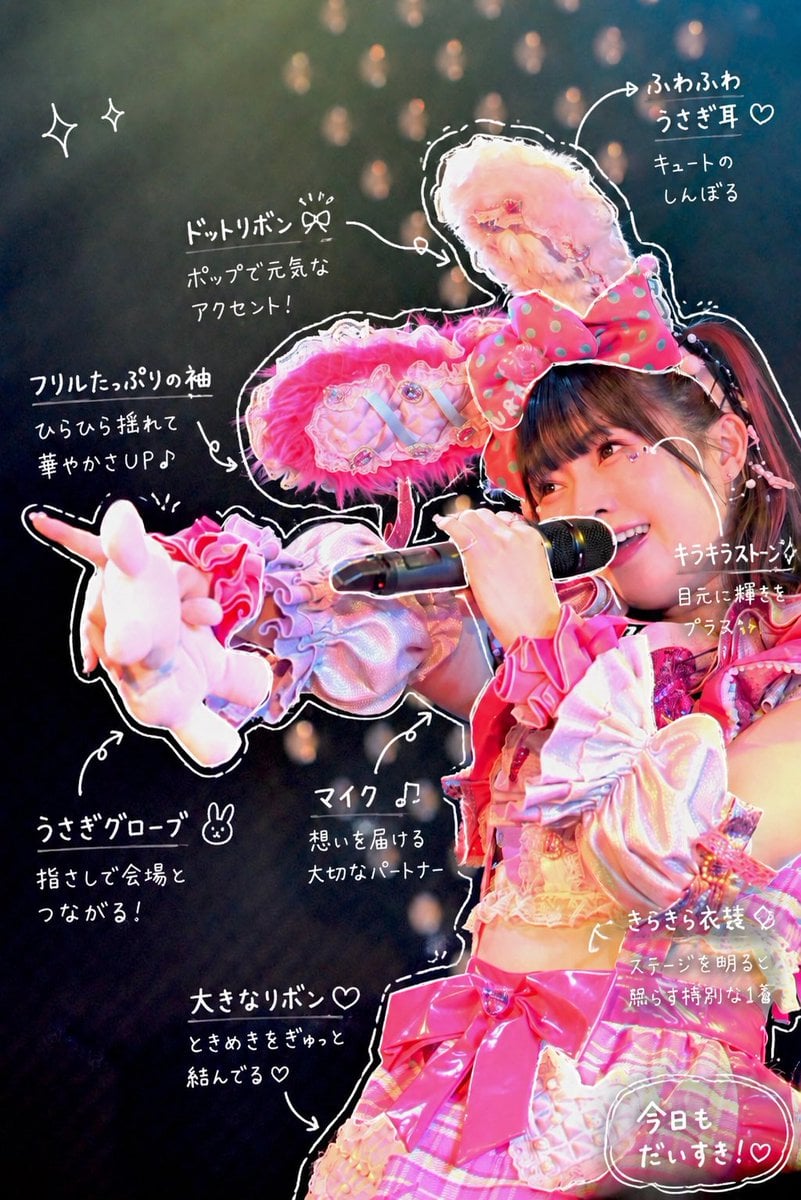
Hand-Drawn Sketch Photo Annotation

Technical Annotation Infographic Style

Handwritten Cafe Photo Annotations

Instagram Story with Annotations
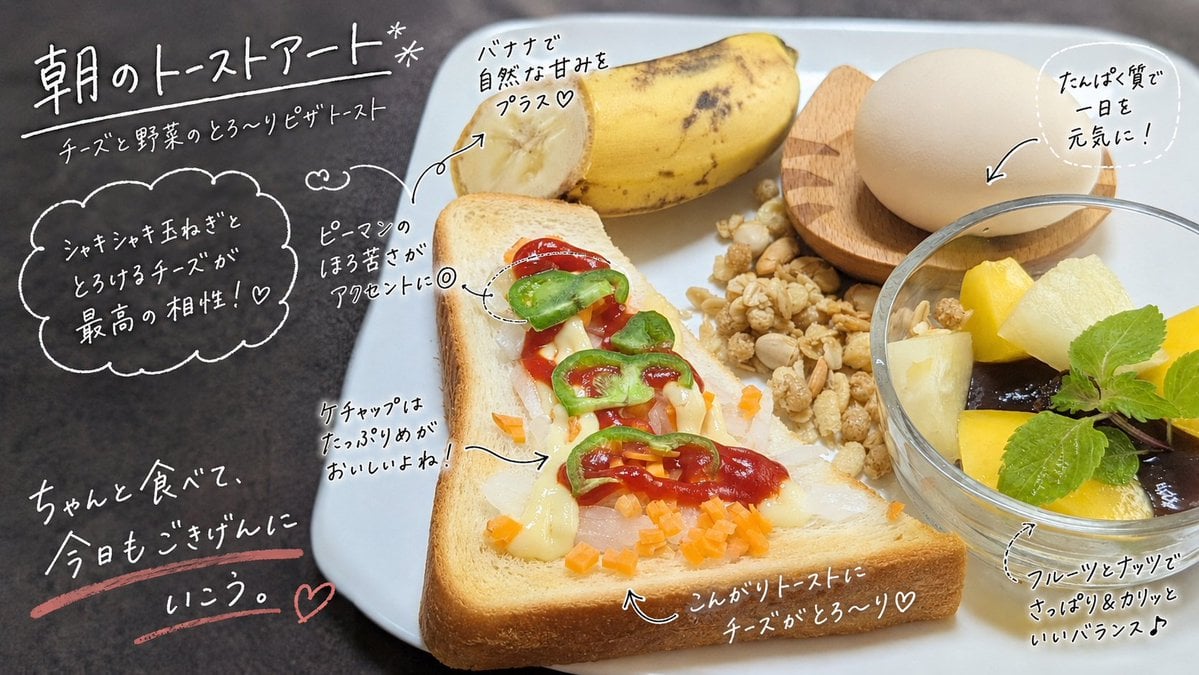
Handwritten Breakfast Photo Annotations
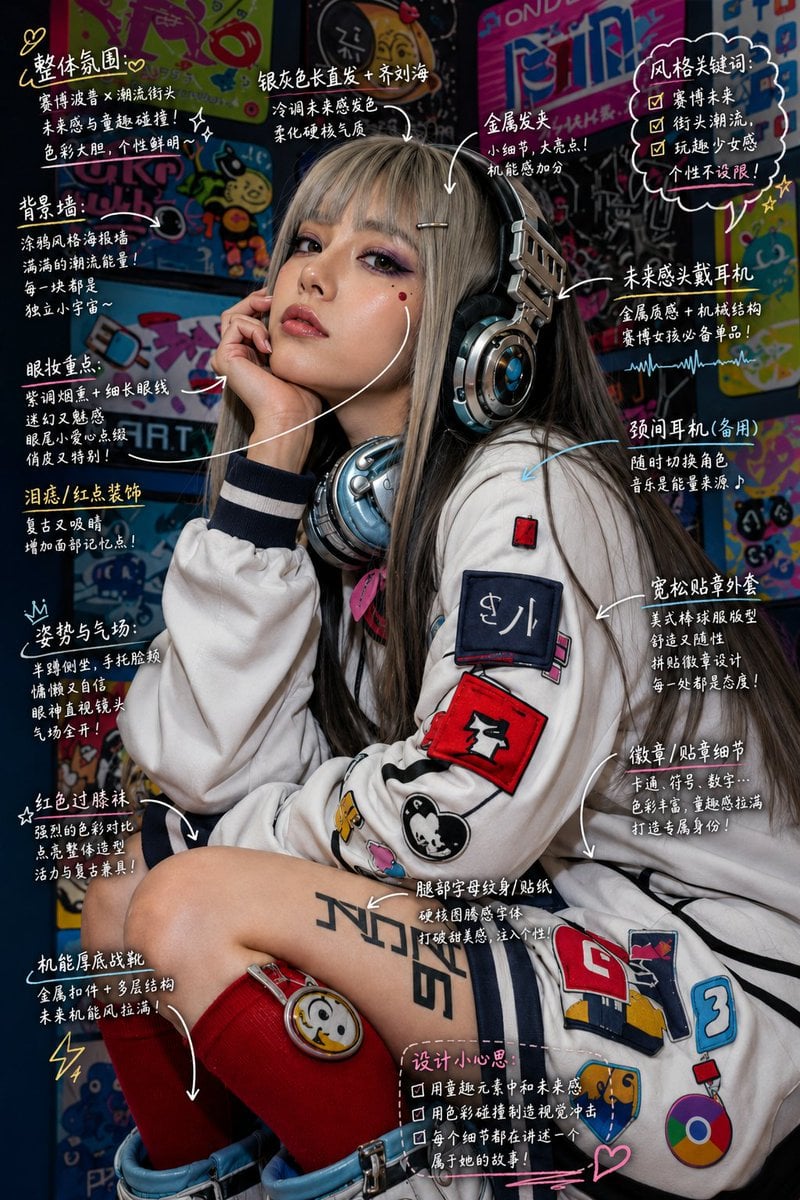
Hand-Drawn Style Image Annotation
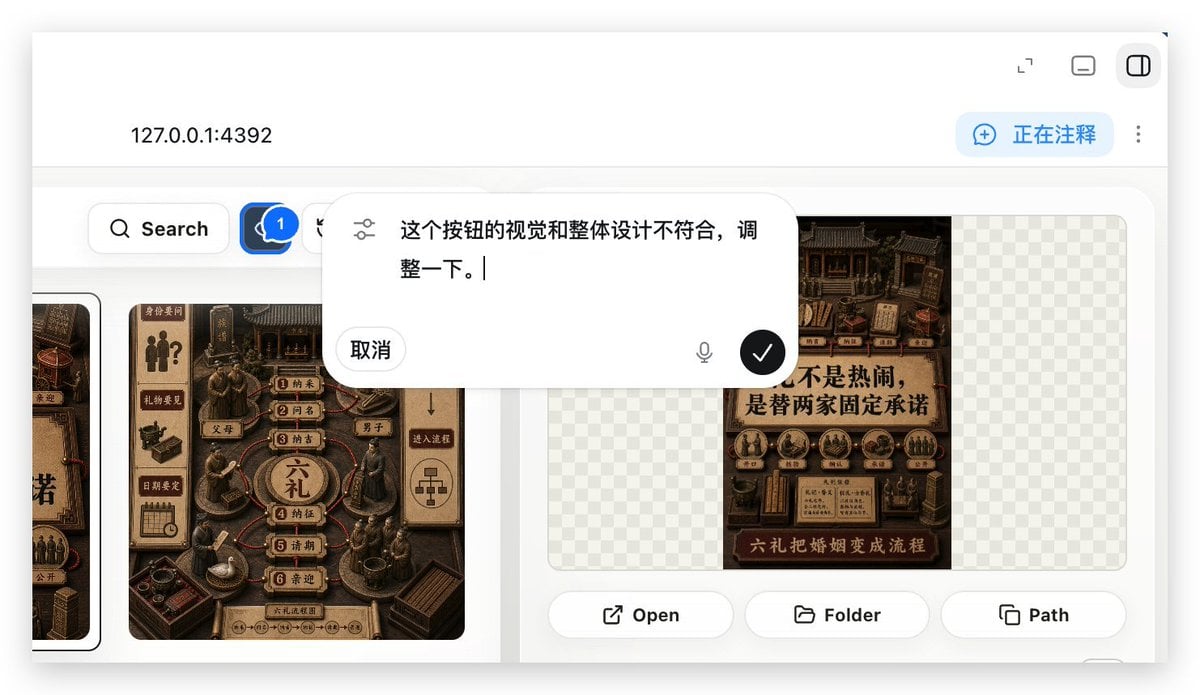
Local Web App Annotation Demo
Make it yours
Image Annotation and Praise Commentary Prompt works as-is. These are the safest ways to change it without losing the look.
Change one field
Copy a single group, rewrite it, and generate again so you can see what that field is doing.
Keep the frame, change the subject
Hold the composition and light of Image Annotation and Praise Commentary Prompt, then swap wardrobe, props or the person for a new take.
| If the result… | Why | Fix |
|---|---|---|
| The result drifts from the preview | Too many fields changed at once. | Reuse Image Annotation and Praise Commentary Prompt as-is first, then change one group — subject, light, or setting. |
| The model over-stylizes the scene | The prose prompt leaves finish and camera underspecified. | Add one camera or lighting sentence and stay on Nano Banana 2. |
More Nano Banana 2 templates
Other prompts made for Nano Banana 2.

Photorealistic Leaf Shaped Like a Dragon

K-Pop Idol Portrait Grid for Rapid Selection

Poetic Rain Forest Portrait During Golden Hour

Urban Street Portrait with Cartoon Inner Self Duo

Candid Nighttime Photo with Cat Prompt

High-Concept 3D Diorama Generation Prompt

Cinematic Futuristic Studio Portrait Template

Skincare Editorial Photography Collage Prompt

Hyper-Realistic Commercial Product Photography (Splash Effect)

Hyper-Realistic Nightclub Portrait Prompt
More image prompts
Fresh picks from across the catalog.

Future Aesthetic Image Generation Prompt (2025)
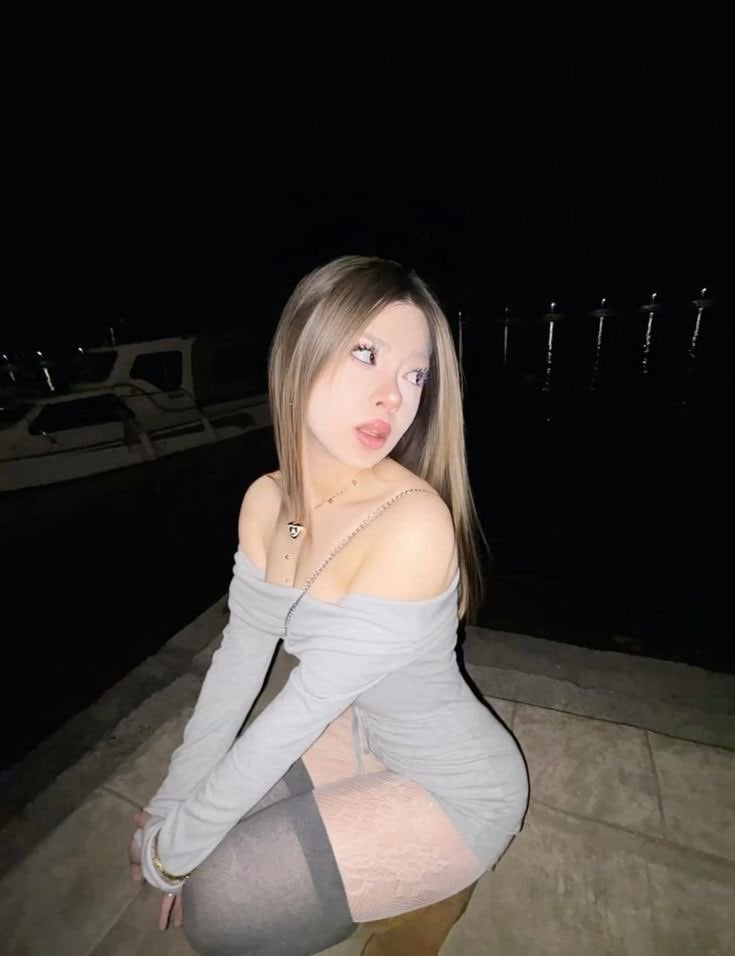
High-Fidelity Night Marina Flash Photo

A detailed prompt for generating a photorealistic image of a nano-banana-pro
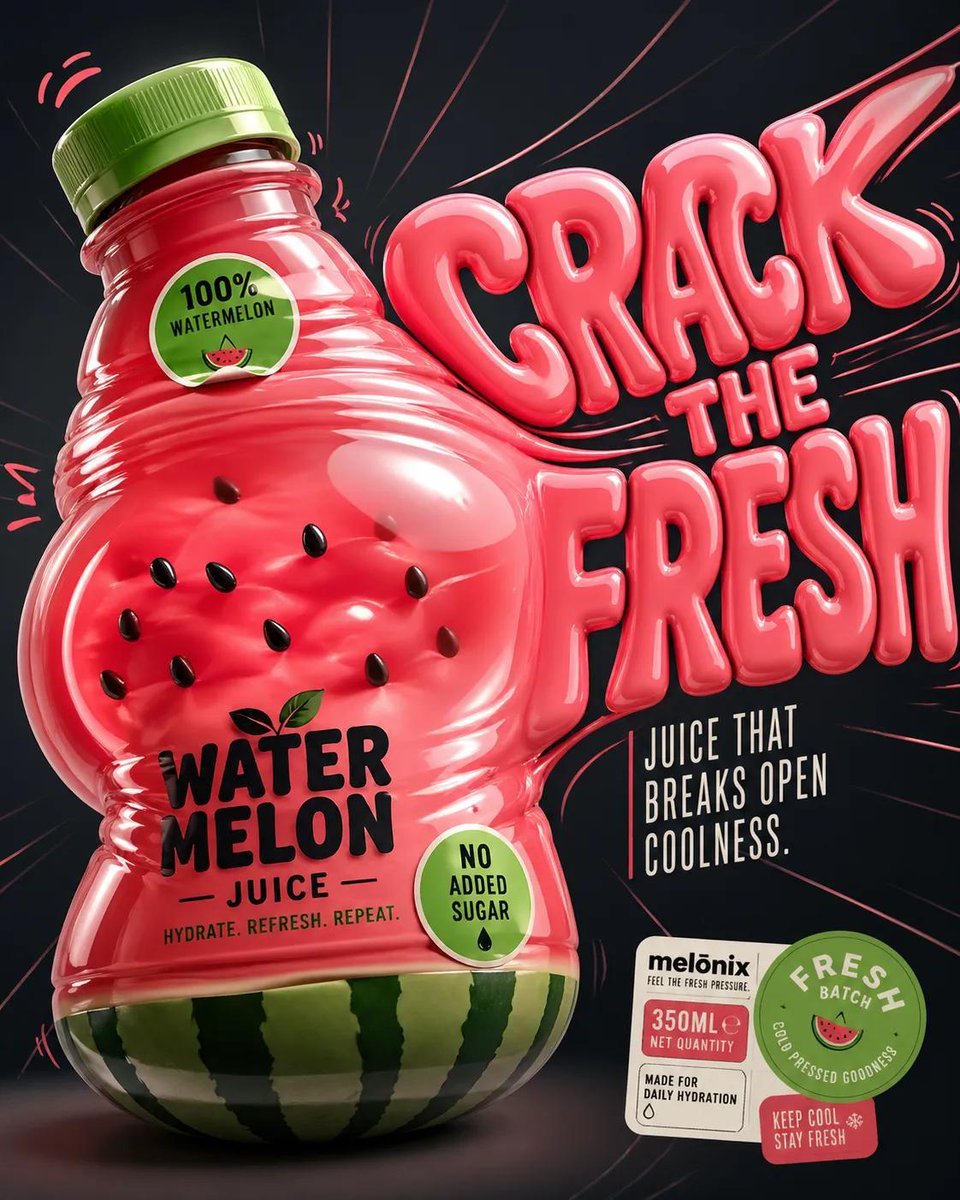
Inflatable Surreal Product Poster

Romantic Pastel Illustration with Strict Identity Lock

Ishihara Color Blindness Test Plate
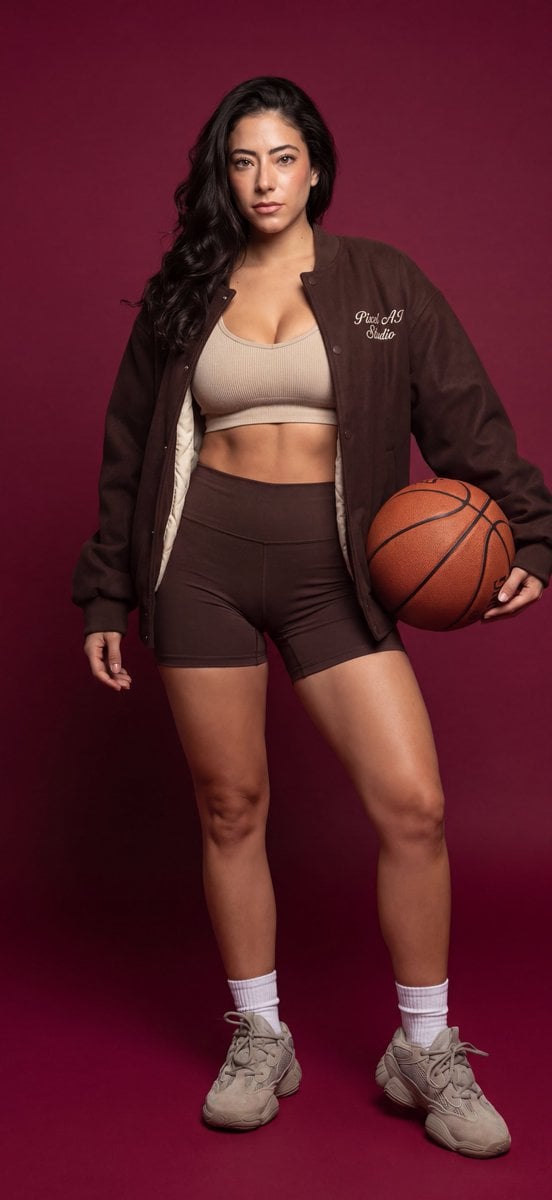
Athletic female portrait in studio
High Contrast Urban Silhouette
Neon City Portrait With Face Block
07 LACMA Urban Light — California Series
Browse template categories
Image Annotation and Praise Commentary Prompt questions
How do I use the Image Annotation and Praise Commentary Prompt template?
Add your photo if the template asks for one, edit the prompt if you like — the template's model and format are already selected — and press Generate. Your version opens in PicX Studio.
Can I customize the Image Annotation and Praise Commentary Prompt template?
Yes. You can change the subject, setting, lighting, mood, format, and available model controls before creating your image.
Is the Image Annotation and Praise Commentary Prompt template free?
Opening and editing this template is free. Generating uses credits, shown on the Generate button when you are signed in.
Which AI model should I use?
Start with Nano Banana 2, which is the model associated with this template. You can compare another compatible model for a different finish.
Looking for something else? Browse all templates.

Your photo, any look
Thousands of ready templates for every top image and video model, from one credit balance.