
Handwritten Breakfast Photo Annotations
Transforms a casual breakfast photo into a stylish annotated Japanese social-media food post with hand-drawn callouts.
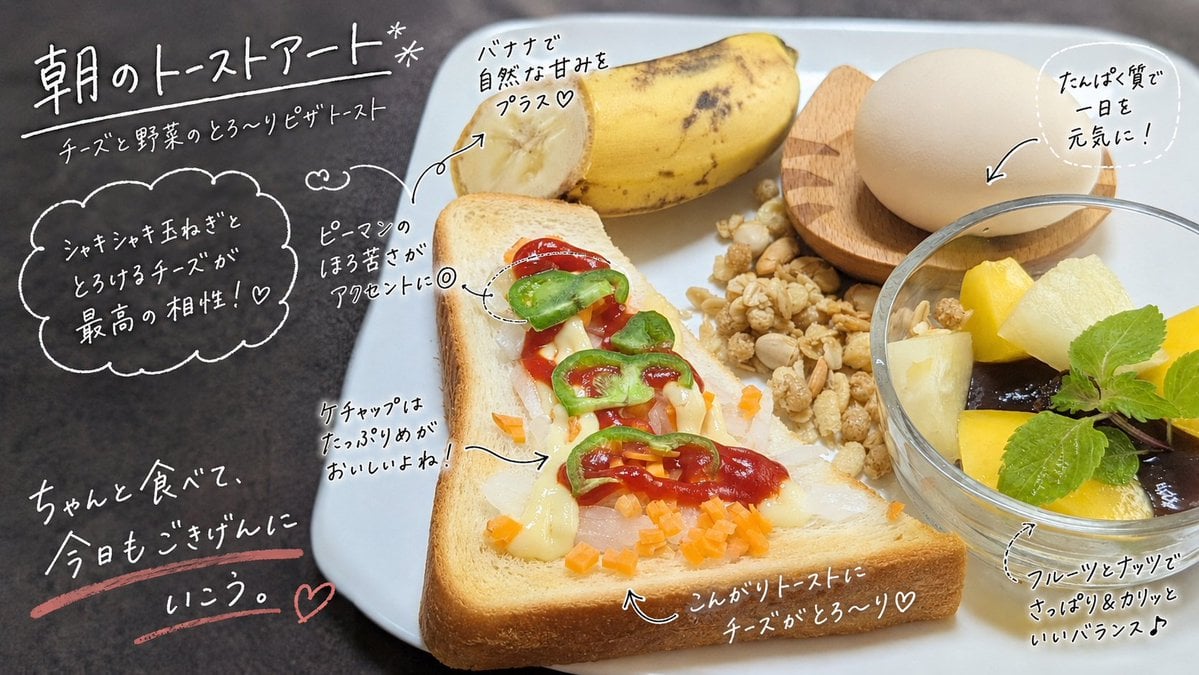
- Prompt included
- Model and format preset
- Free template
The prompt behind this image
Copy the exact prompt behind Handwritten Breakfast Photo Annotations, or open it in the studio and make it yours.
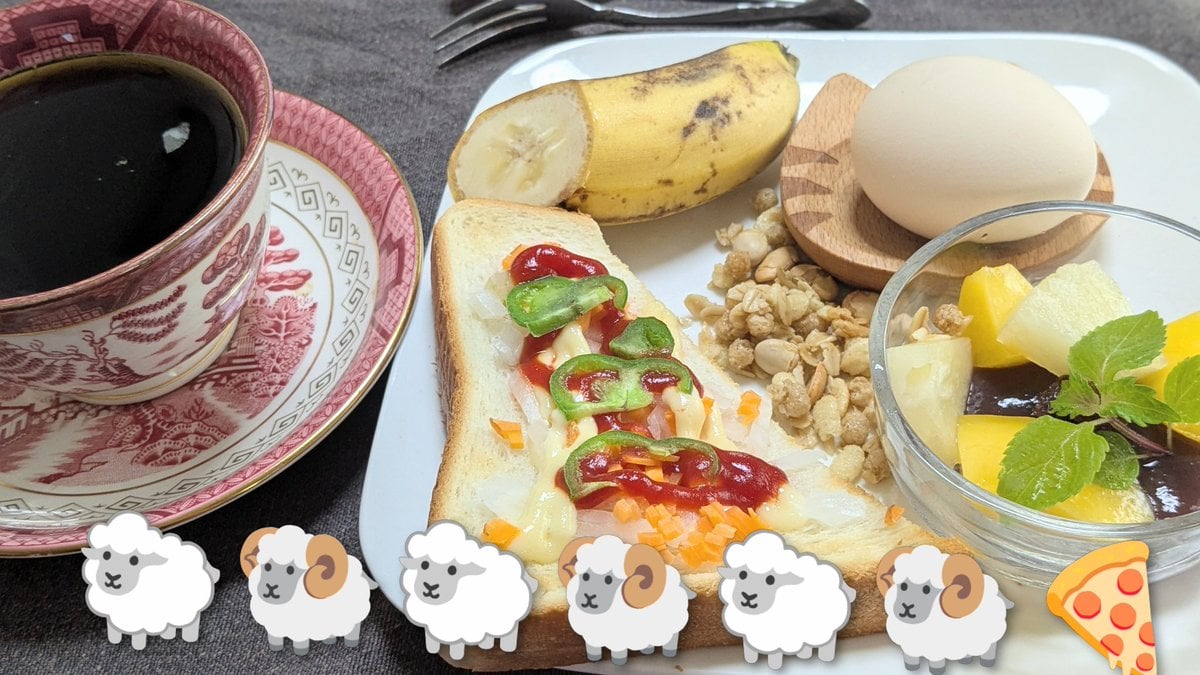
Using REFERENCE_0 as the base breakfast photo, transform it into a stylish social-media morning breakfast post. Keep the actual meal, plate, cup, and tabletop composition essentially the same, but remove the decorative sticker row at the bottom: exactly 6 sheep stickers and 1 pizza sticker must be gone. Add a warm, magazine-like food-photo finish with slightly cleaner lighting and sharper appetizing detail. Overlay casual white handwritten Japanese annotations directly on the photo, as if drawn with a marker pen, with thin arrows, dotted circles, hearts, underline strokes, and one cloud-shaped callout. Use exactly 10 visible annotation text groups: 1. Large top-left headline: {argument name="headline text" default="朝のトーストアート*"} 2. Small subtitle under it: {argument name="subtitle text" default="チーズと野菜のとろ〜りピザトースト"} 3. Left cloud callout about onion and melted cheese: 「シャキシャキ玉ねぎと とろけるチーズが 最高の相性!♡」 4. Small note near the green pepper with a dotted circle: 「ピーマンのほろ苦さがアクセントに◎」 5. Note pointing to the banana: 「バナナで自然な甘みをプラス♡」 6. Circular note near the egg: 「たんぱく質で一日を元気に!」 7. Note pointing to ketchup on the toast: 「ケチャップはたっぷりめがおいしいよね!」 8. Bottom-left motivational handwritten message with pink underline and heart: {argument name="motivational message" default="ちゃんと食べて、今日もごきげんにいこう。"} 9. Bottom-center note pointing to the toast crust: 「こんがりトーストにチーズがとろ〜り♡」 10. Bottom-right note pointing to the fruit bowl: 「フルーツとナッツでさっぱり&カリッといいバランス♪」 Style constraints: make the handwriting look natural, playful, and hand-drawn; keep all text legible in white except the pink underline and heart accent at bottom left. Do not add any new food items, people, logos, watermarks, borders, or extra stickers.
Reference images included
Handwritten Breakfast Photo Annotations needs input media to work. They load alongside the prompt when you open it in the studio.
How to use Handwritten Breakfast Photo Annotations in 3 steps
- 1Upload ImagePNG, JPG or paste
Add your photo
Upload the photo the template builds on. The prompt, model and format are already set.
- 2…a portrait of your subject in softgolden-hour light, 85mm…
Personalize
Edit the subject and creative details for your destination.
- 3Generate
Generate
Press Generate — your image is created in PicX Studio, so you can compare it with the original and refine one variable at a time.
More like this
Templates with the same subject, style or setup. Open one to see its prompt.

Handwritten Cafe Photo Annotations
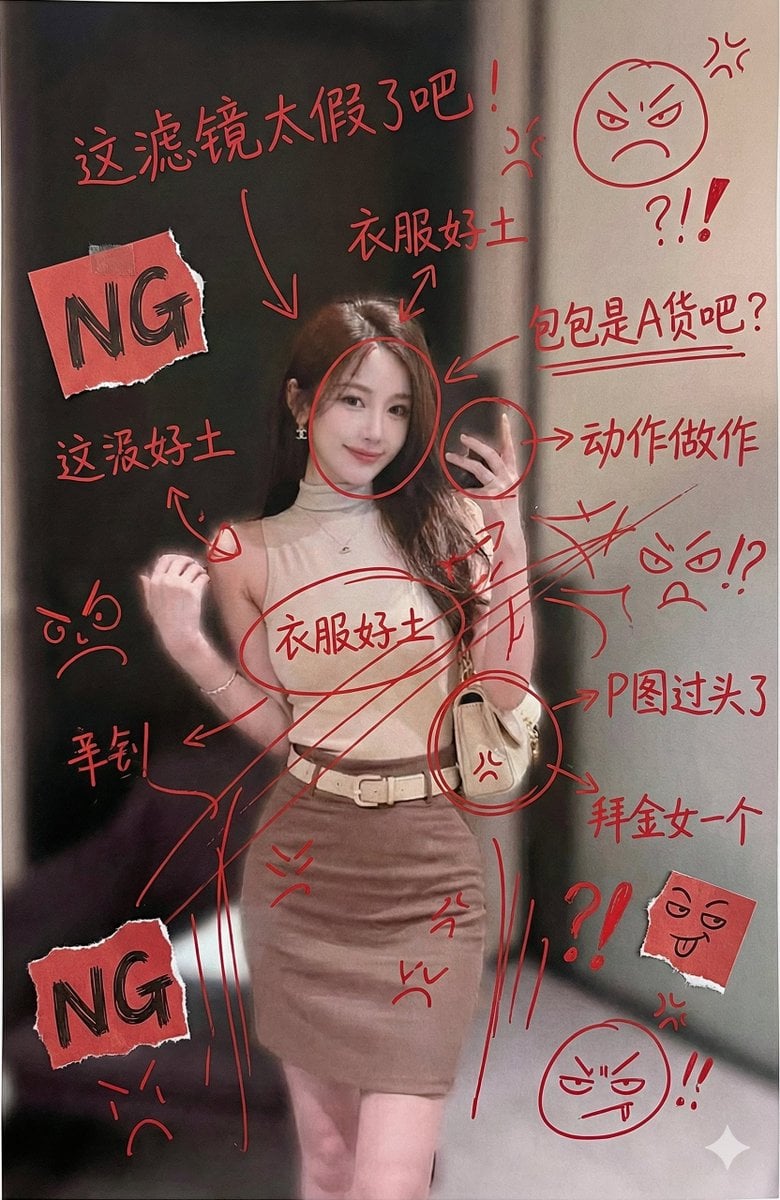
Image Generation with Handwritten Chinese Annotations and Trolling

Character Archive — Blueprint Concept Sheet
Elderly Couple Diner Breakfast
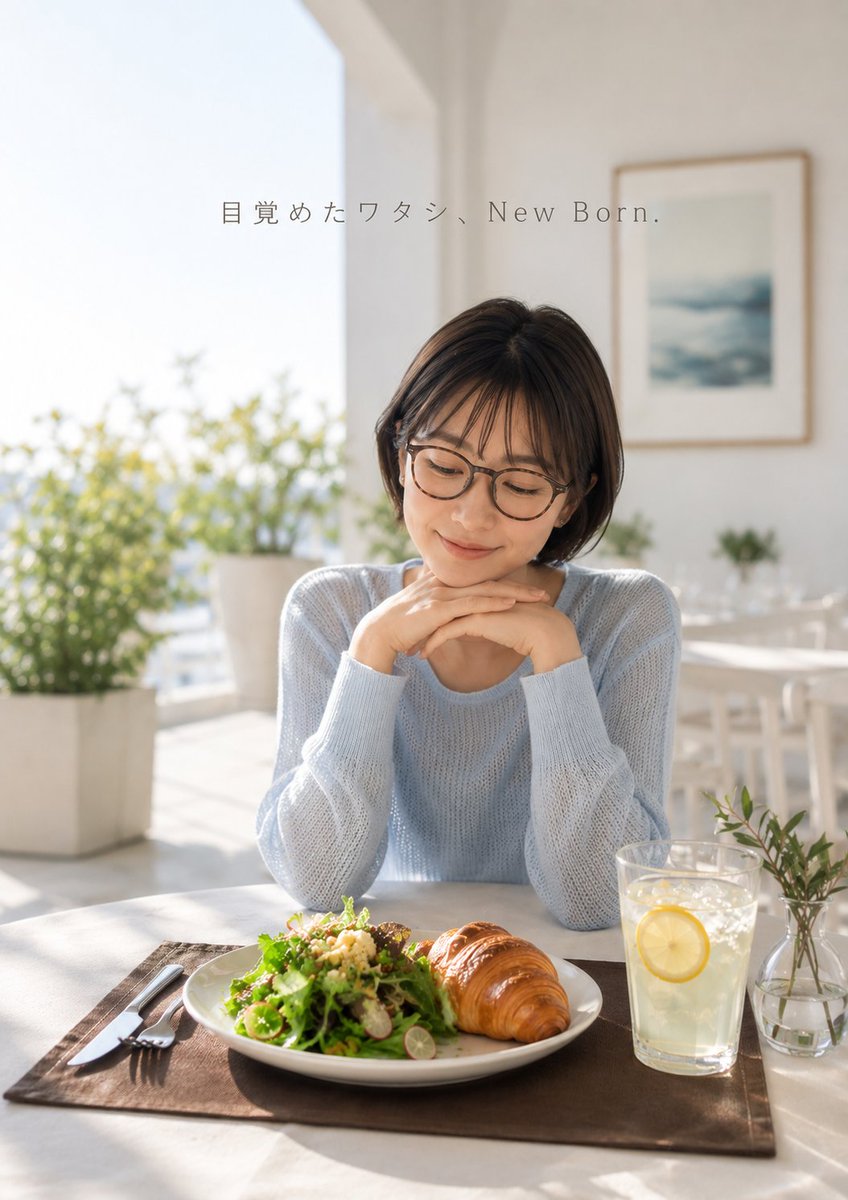
Fresh Morning Café Breakfast Ad
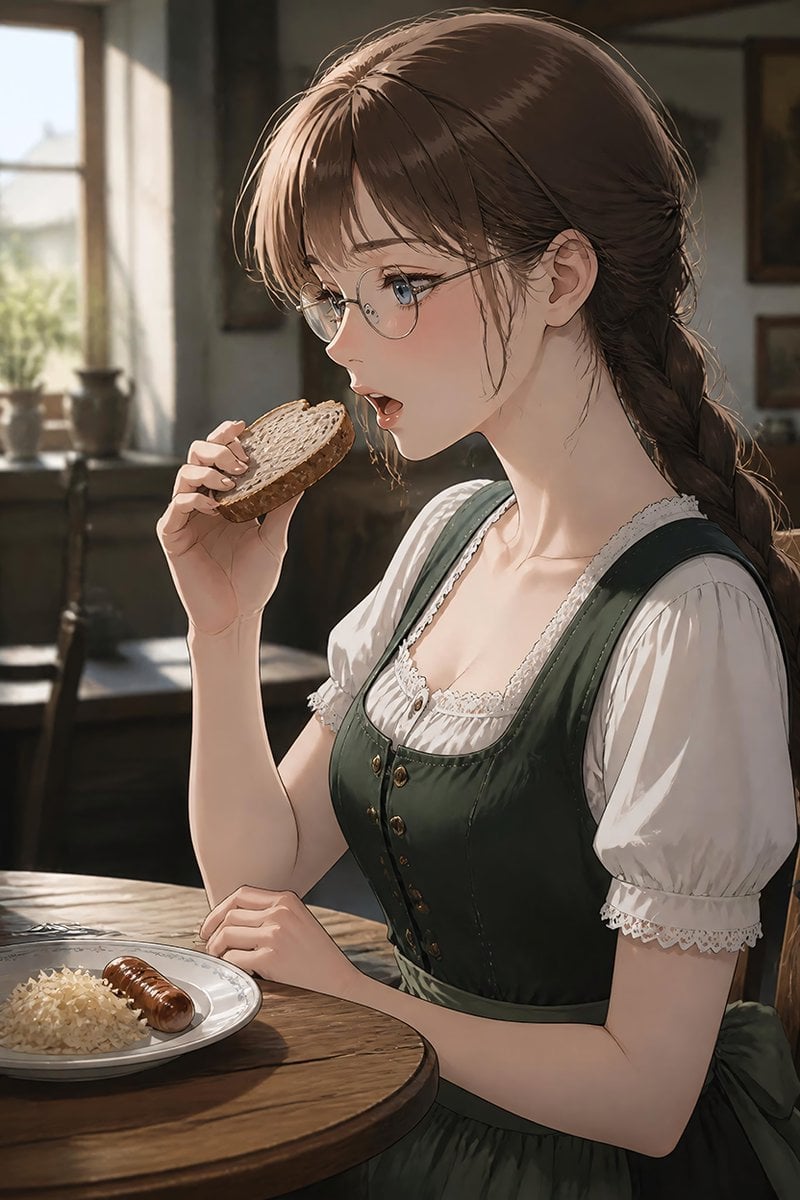
German Sausage Breakfast Plate
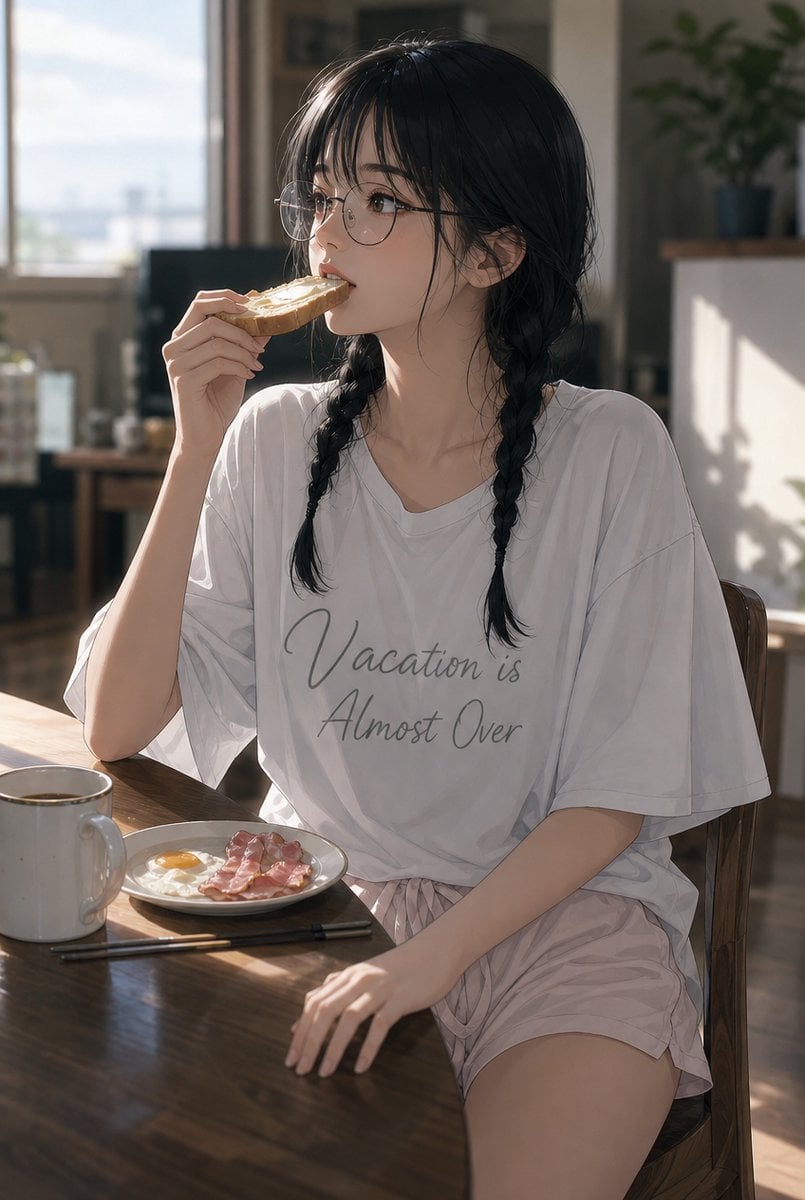
Sunlit Breakfast Anime Portrait
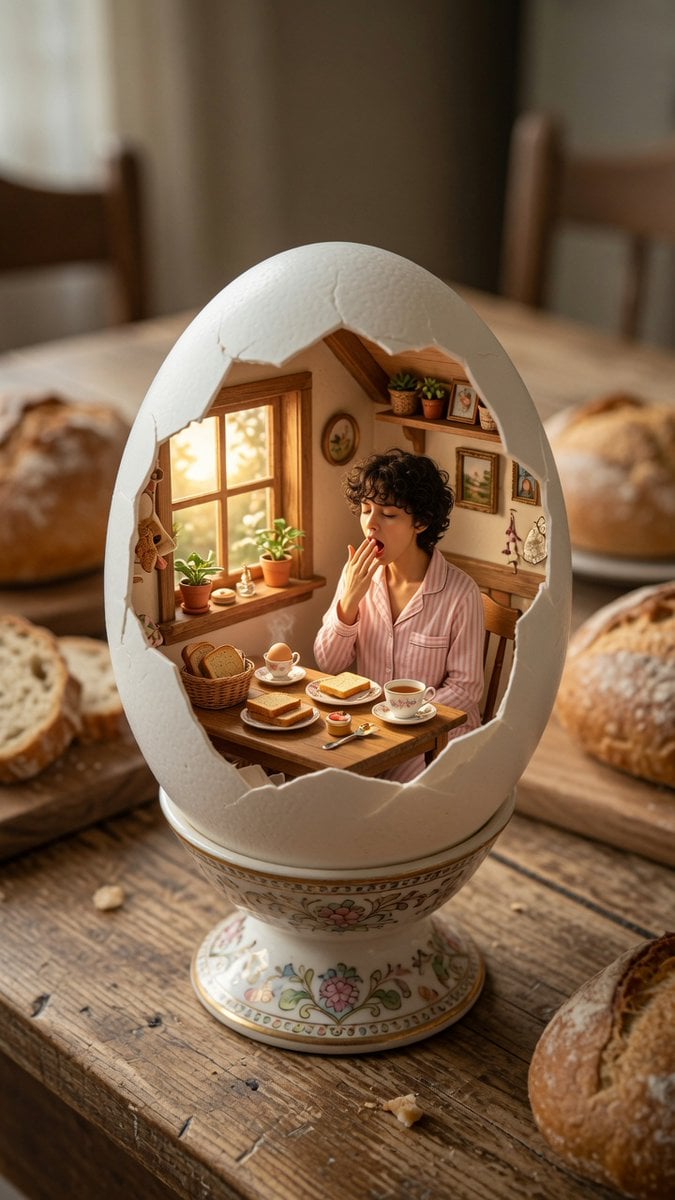
Miniature Breakfast Room Inside Eggshell
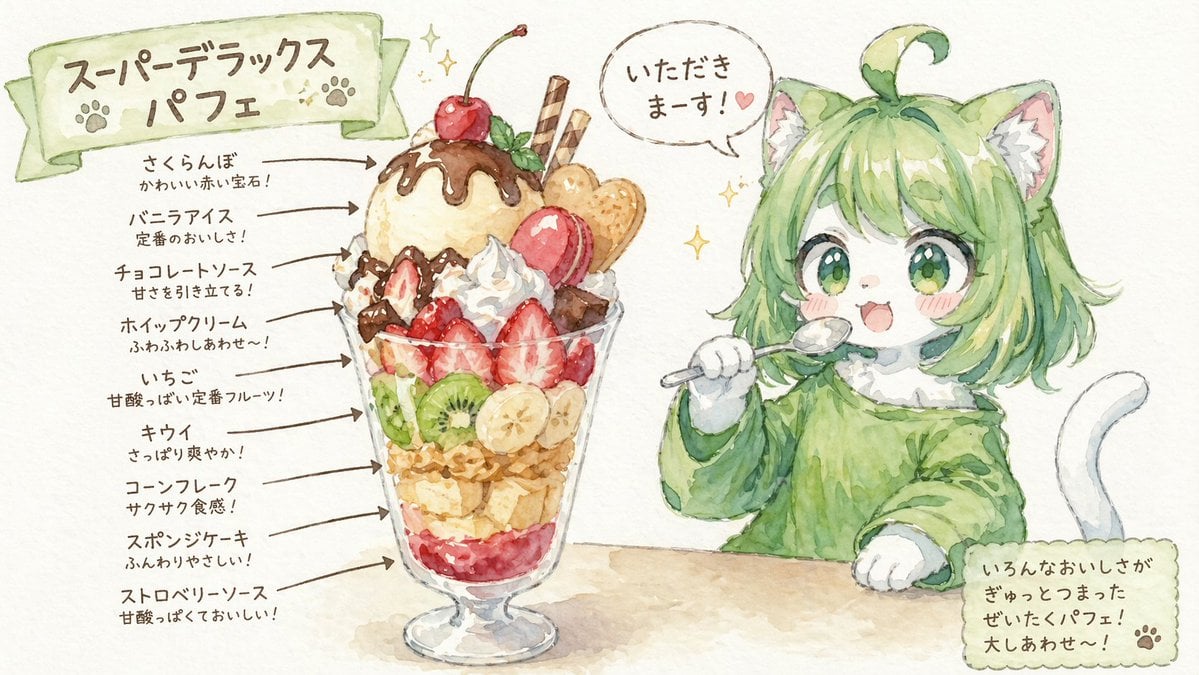
Character Eating Parfait with Annotations

Teal Japanese Handwritten Lyric Card
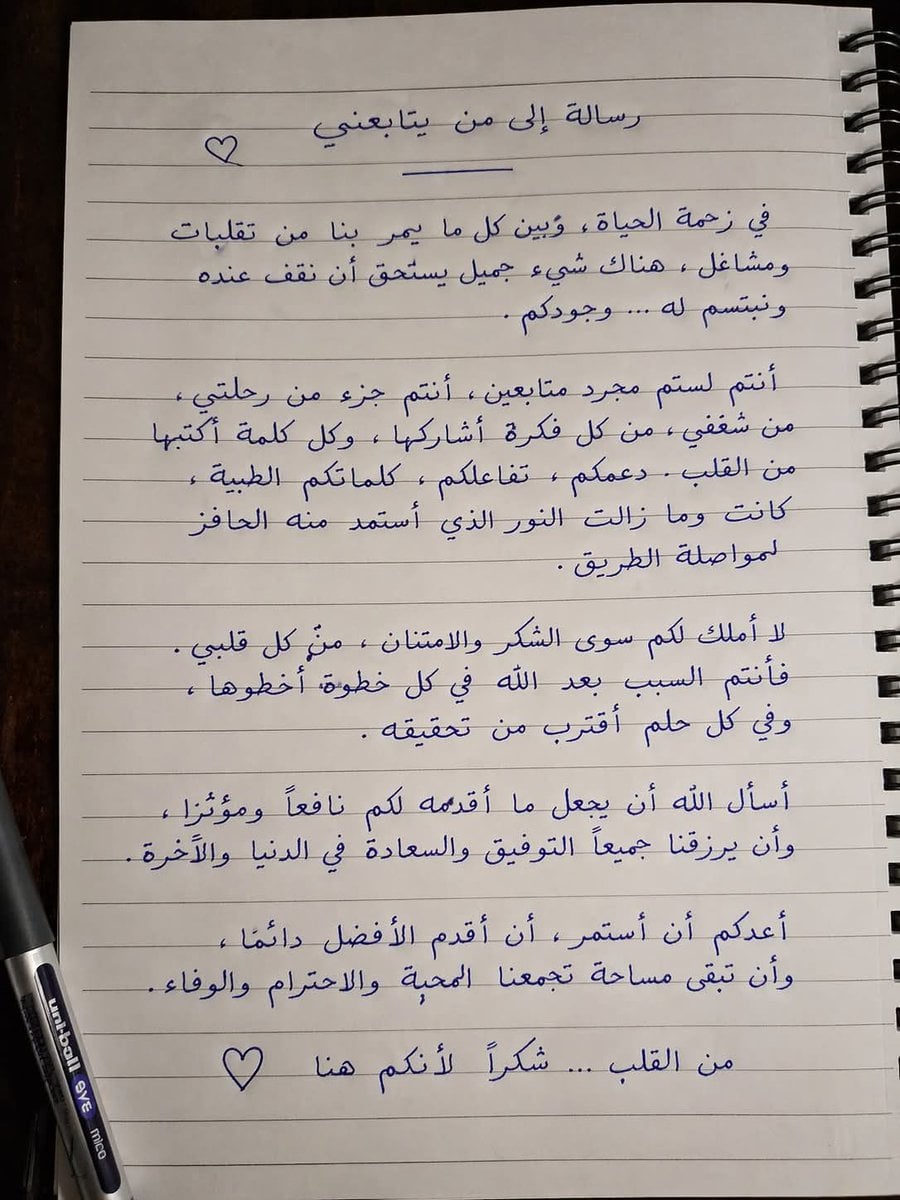
Handwritten Realistic Letter

Hand-drawn Breakfast Journal Aesthetic Poster
Make it yours
Handwritten Breakfast Photo Annotations works as-is. These are the safest ways to change it without losing the look.
Change one field
Copy a single group, rewrite it, and generate again so you can see what that field is doing.
Keep the frame, change the subject
Hold the composition and light of Handwritten Breakfast Photo Annotations, then swap wardrobe, props or the person for a new take.
| If the result… | Why | Fix |
|---|---|---|
| The result drifts from the preview | Too many fields changed at once. | Reuse Handwritten Breakfast Photo Annotations as-is first, then change one group — subject, light, or setting. |
| The model over-stylizes the scene | The prose prompt leaves finish and camera underspecified. | Add one camera or lighting sentence and stay on GPT Image 2. |
More GPT Image 2 templates
Other prompts made for GPT Image 2.

Six VTuber Japanese Logo Sheet

Realistic Portrait of Woman and Deer

The Vista Modular Condo Poster

AI Model Routing Comparison Infographic

2.5D Anime Art Board

Isometric Productivity Desk Scene

New York Double Exposure Poster

Four-Panel AI Landscape Comparison

Japanese Tatami Lifestyle Magazine Cover

NESCAFÉ Coffee Map Poster
More image prompts
Fresh picks from across the catalog.
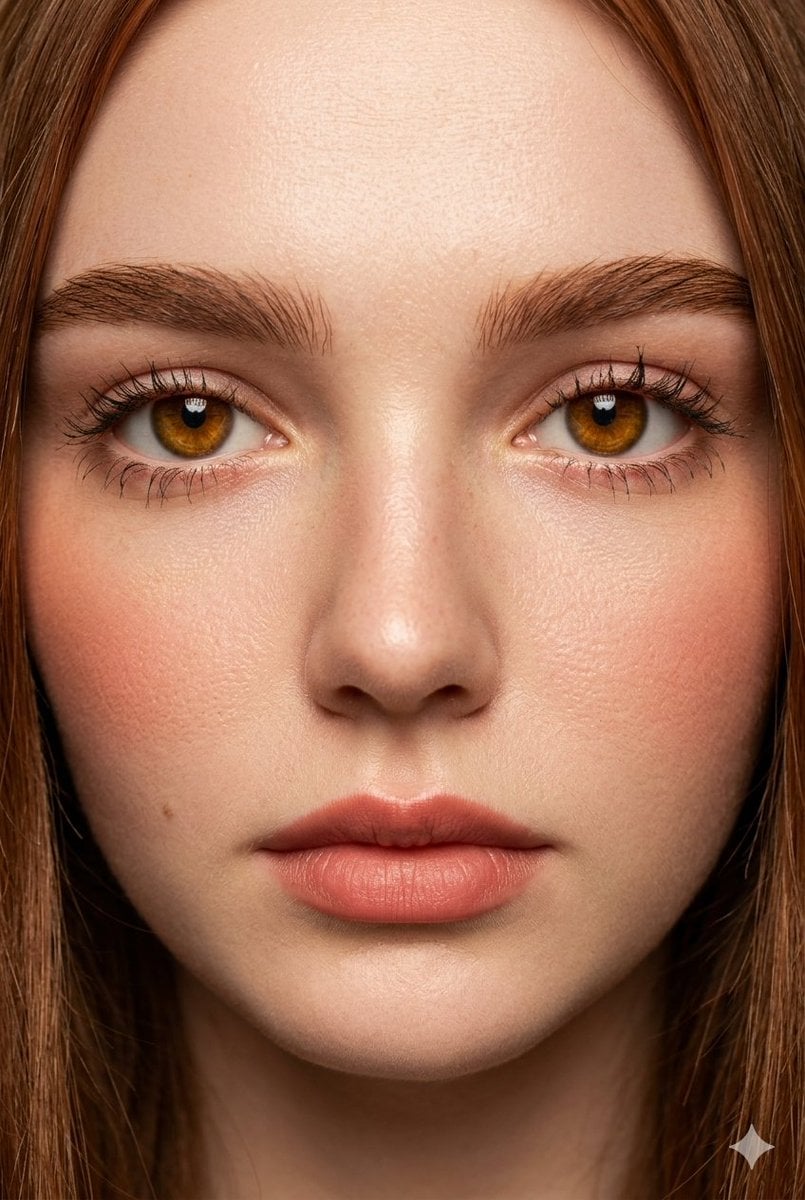
Extreme Close-Up Fashion Beauty Portrait
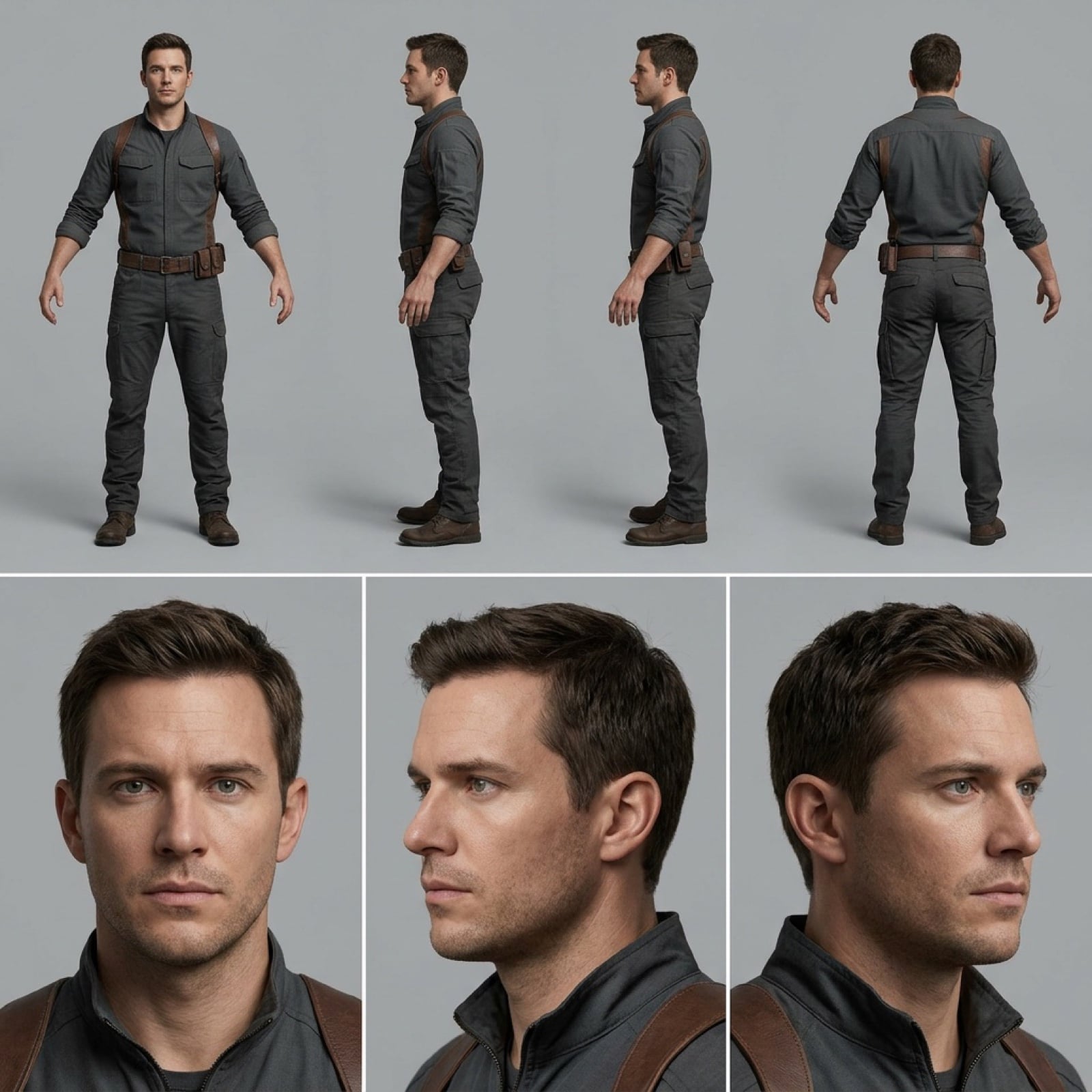
Character Reference Sheet for Consistency

Shadow Ensemble Movie Poster Template
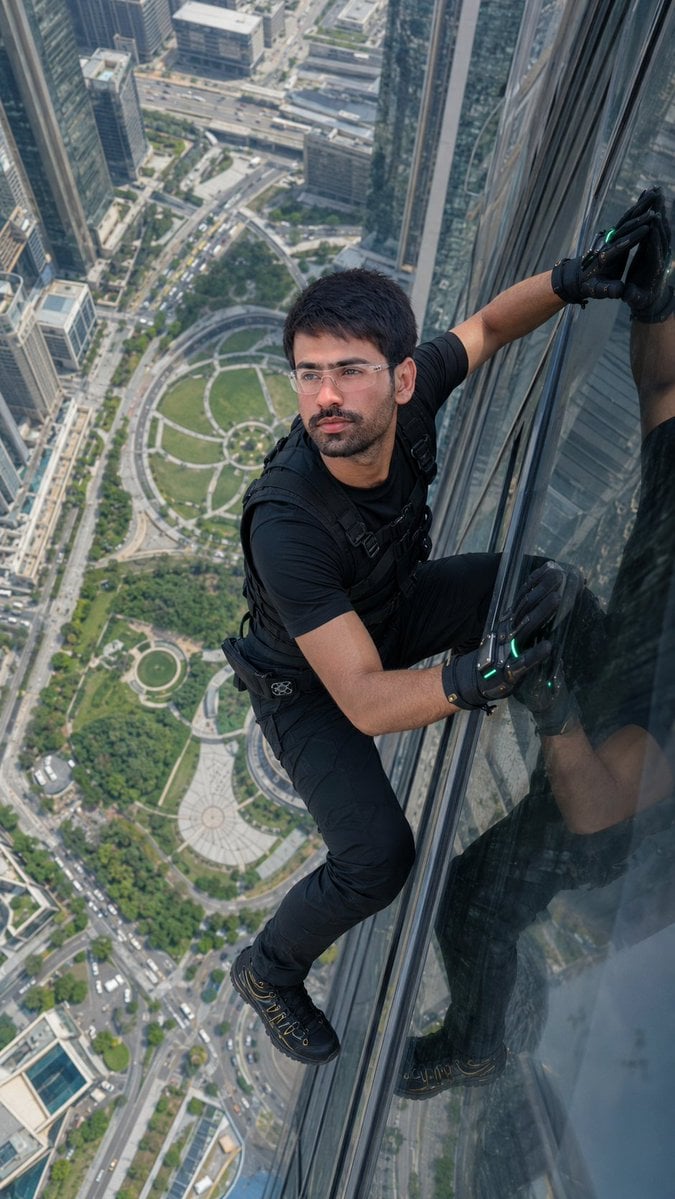
Skyscraper Climbing Action Shot
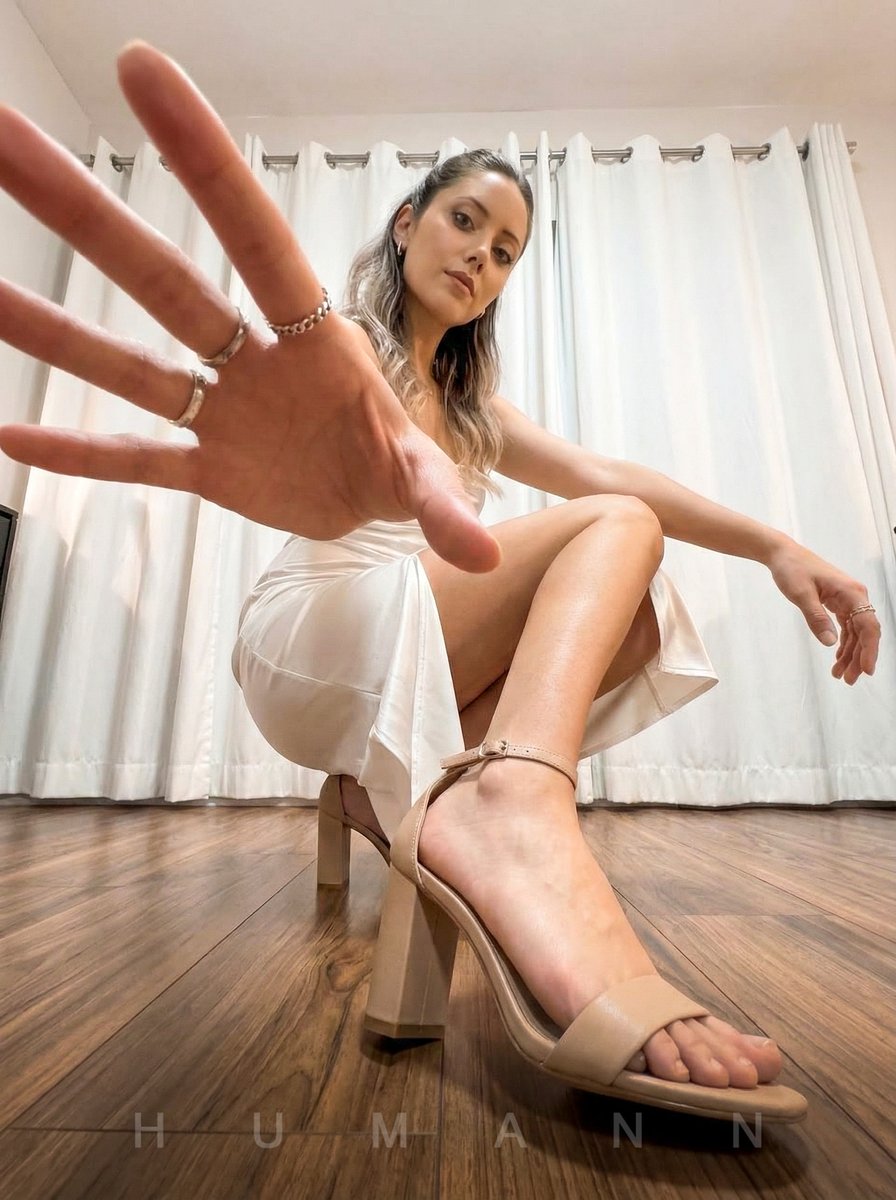
Extreme Wide-Angle Dynamic Perspective Prompt
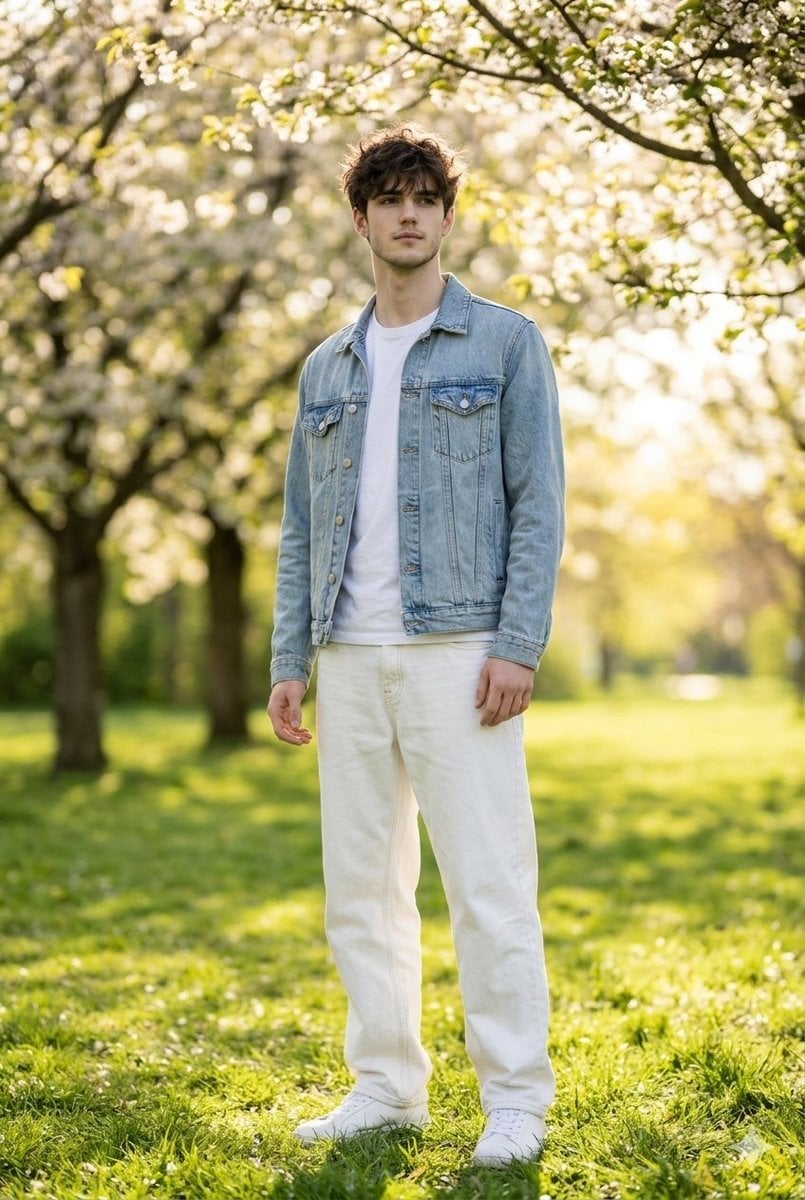
Photorealistic Portrait Generation Prompt
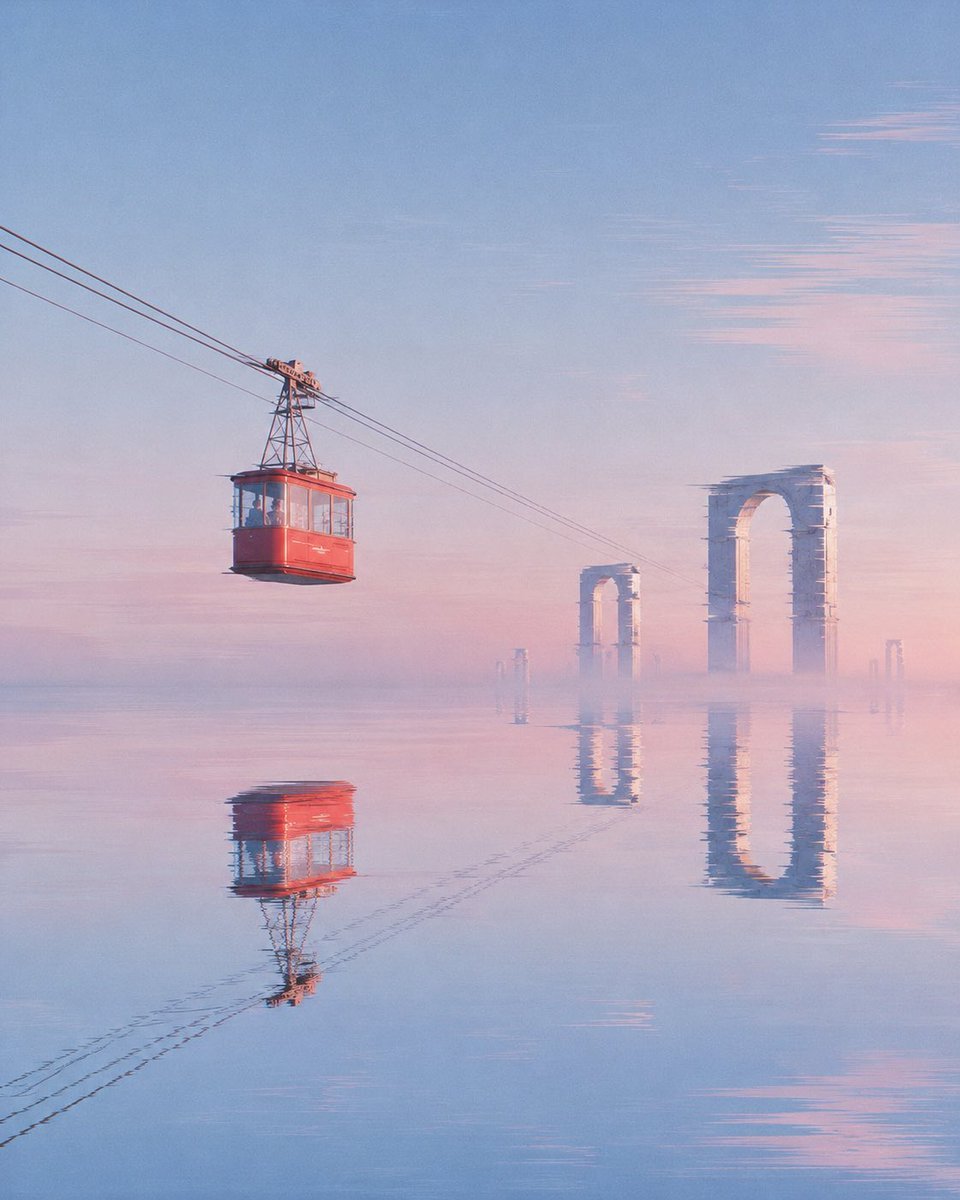
Red Cable Car Over Misty Water
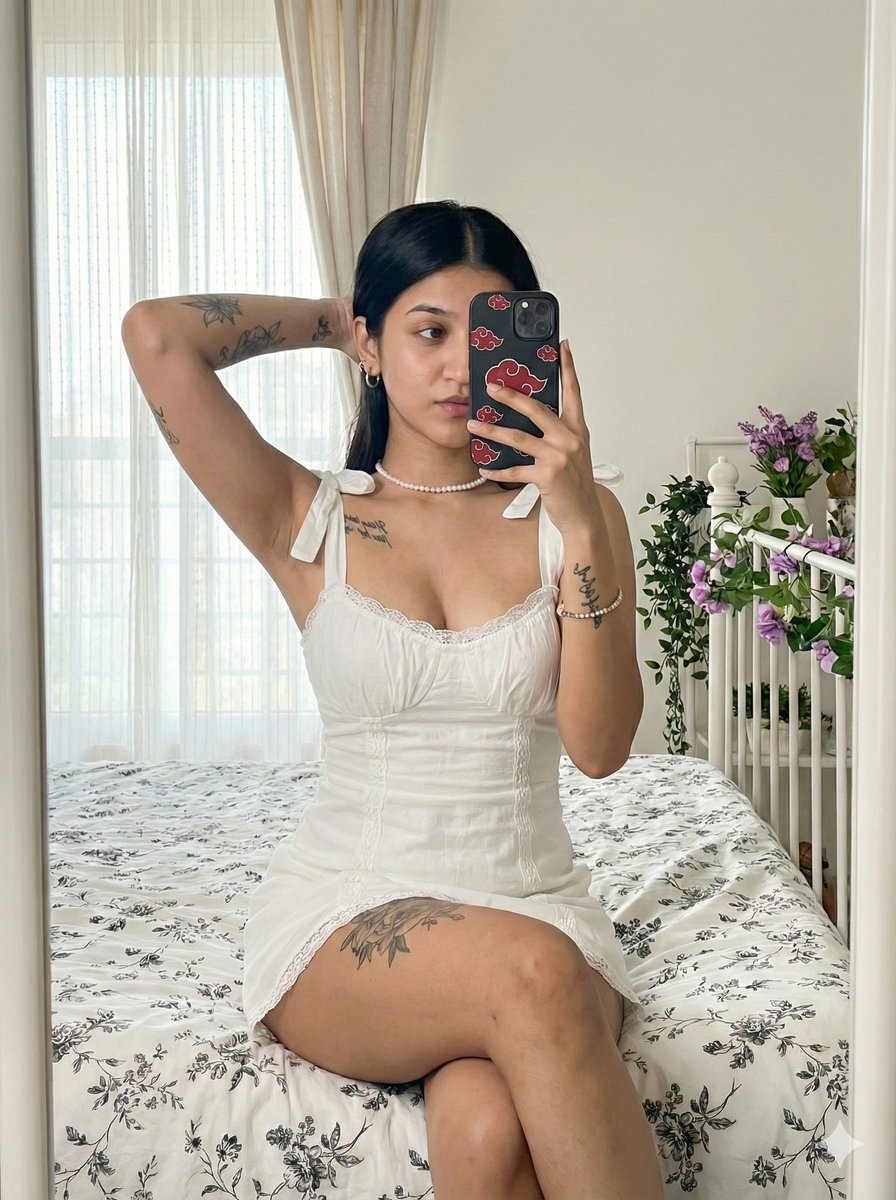
Akatsuki Mirror Selfie Prompt
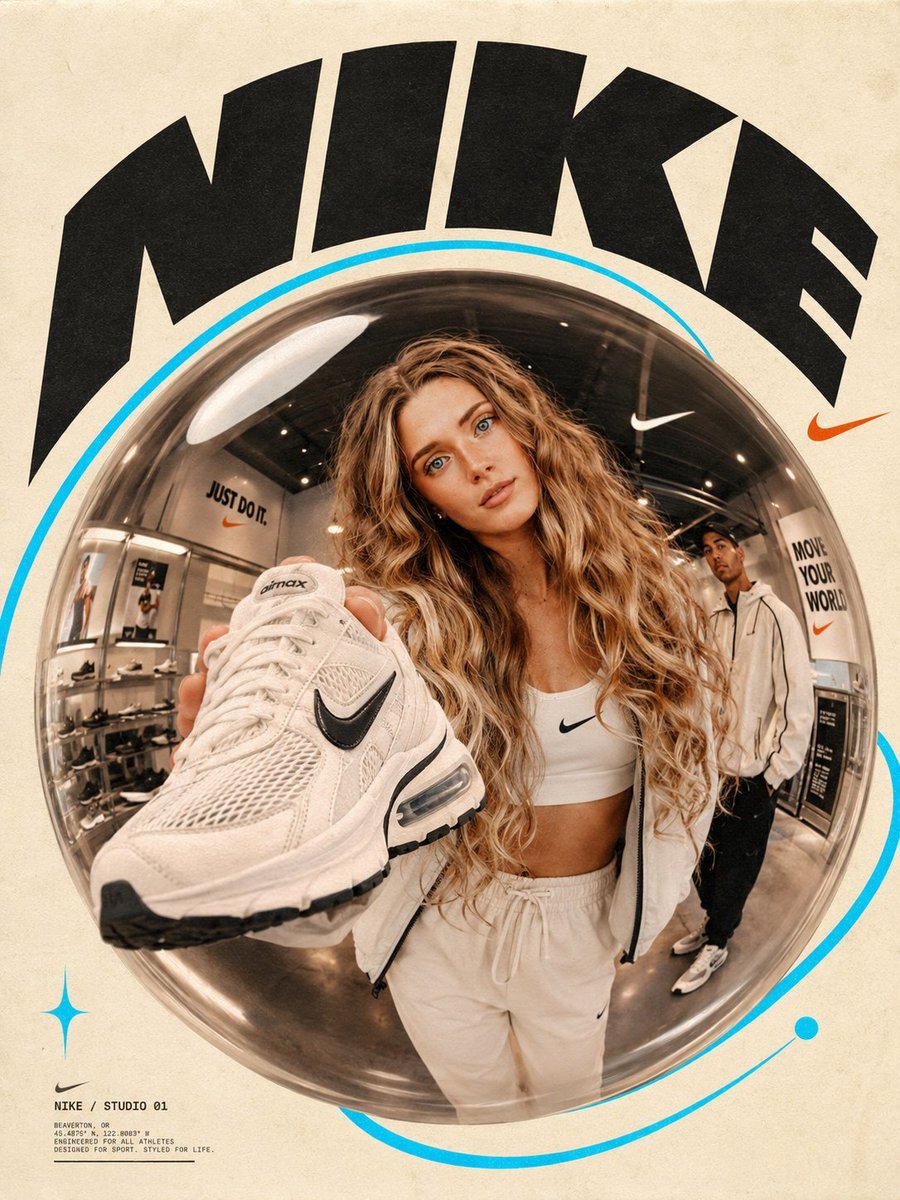
Fisheye Lens Branded Universe Poster
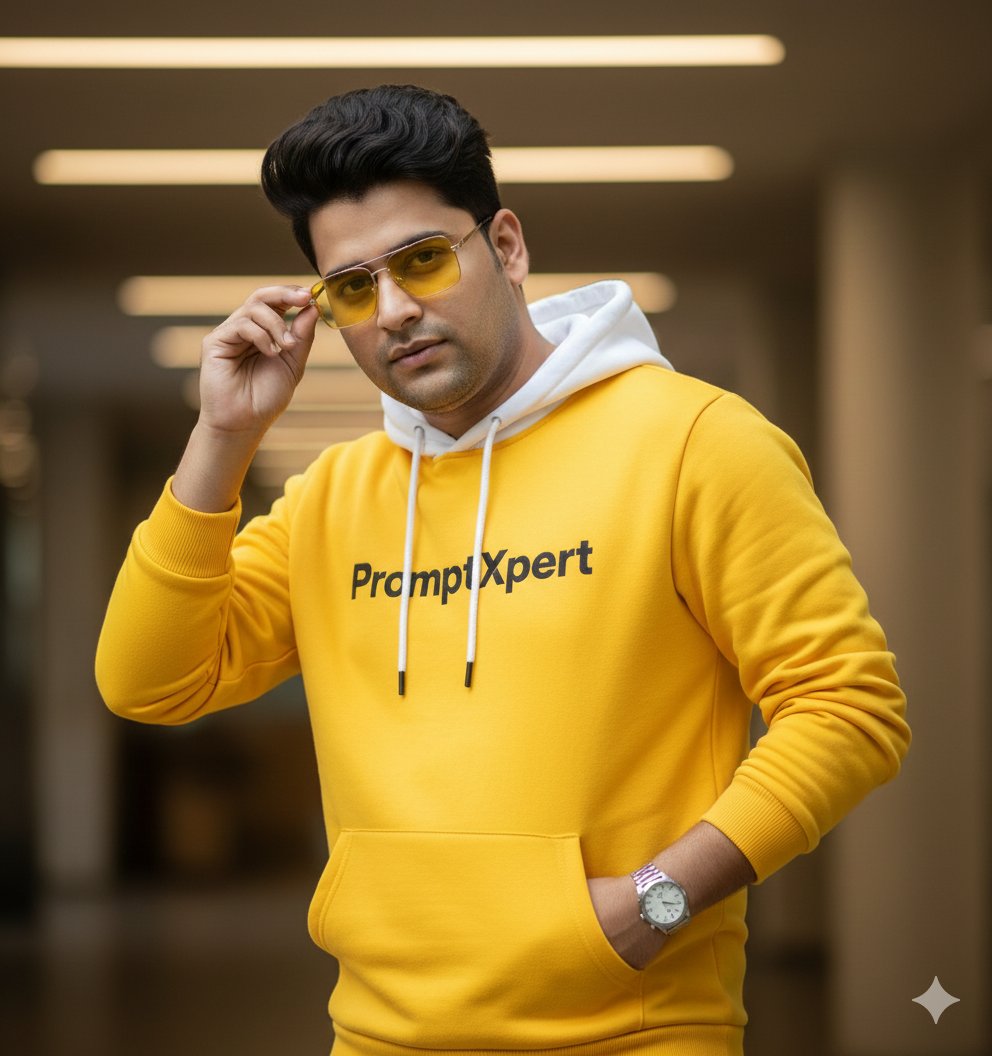
16K Cinematic Portrait with Identity Lock and Yellow Hoodie
Browse template categories
Handwritten Breakfast Photo Annotations questions
How do I use the Handwritten Breakfast Photo Annotations template?
Add your photo if the template asks for one, edit the prompt if you like — the template's model and format are already selected — and press Generate. Your version opens in PicX Studio.
Can I customize the Handwritten Breakfast Photo Annotations template?
Yes. You can change the subject, setting, lighting, mood, format, and available model controls before creating your image.
Is the Handwritten Breakfast Photo Annotations template free?
Opening and editing this template is free. Generating uses credits, shown on the Generate button when you are signed in.
Which AI model should I use?
Start with GPT Image 2, which is the model associated with this template. You can compare another compatible model for a different finish.
Looking for something else? Browse all templates.

Your photo, any look
Thousands of ready templates for every top image and video model, from one credit balance.